

XP-PEN Drawing Tablet, 13.3-Inch Screen
Product description
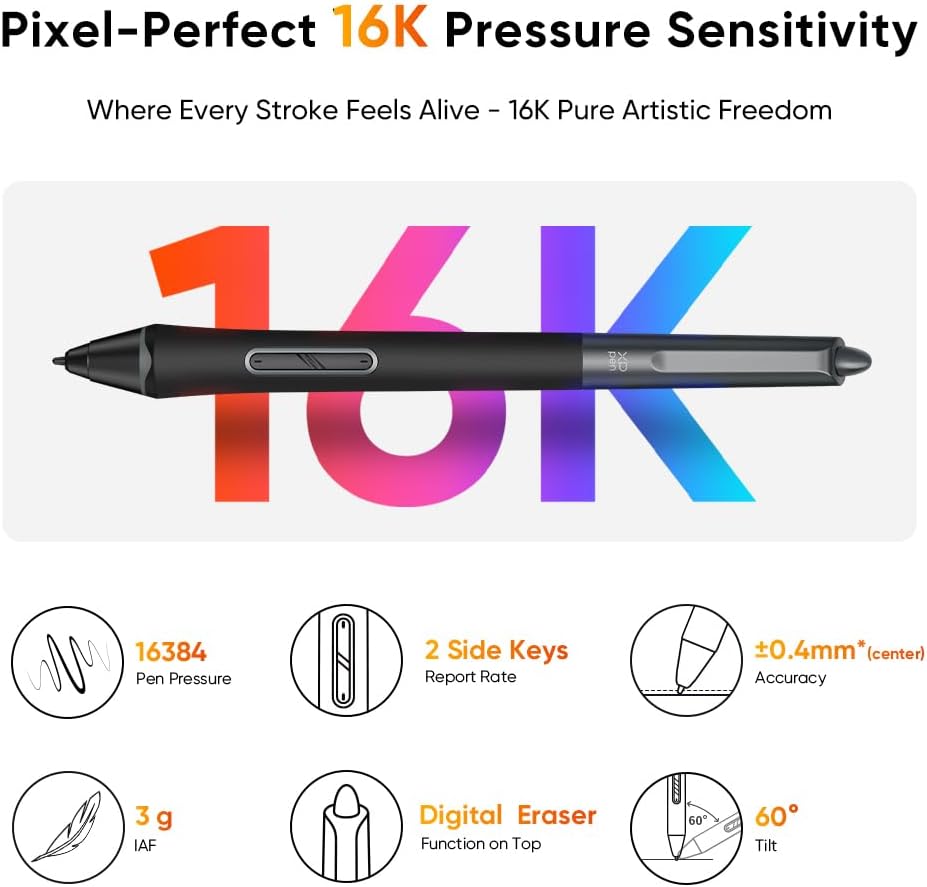
The fully laminated 13.3-inch screen brings the pen tip closer to the image beneath it, helping make on-screen drawing feel more direct. The Artist 13.3 Pro V2 pairs that display with a battery-free stylus rated for 16K pressure levels, plus a foldable stand and physical controls for common adjustments. It’s designed to work with a computer or compatible mobile device, not as a standalone tablet. Without having tried it, the clearest reason to consider it is the combination of a screen-based drawing surface and setup controls in one device.
Getting the most from it
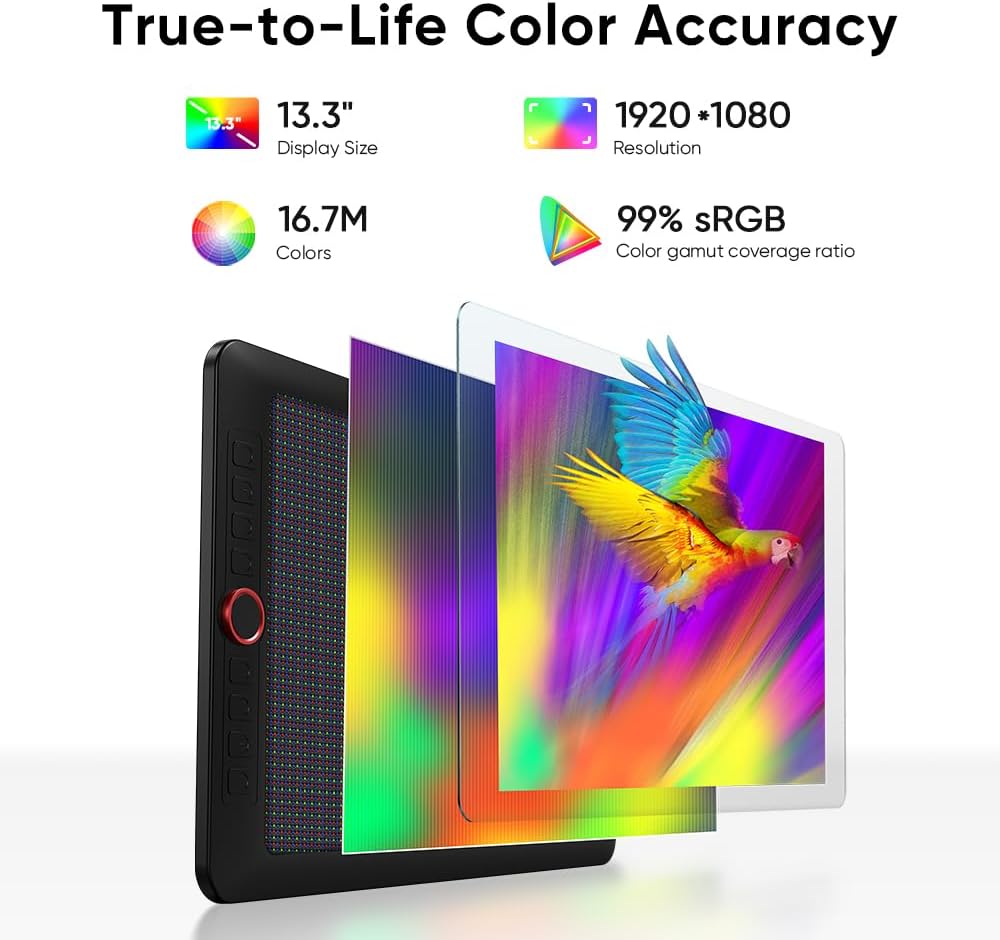
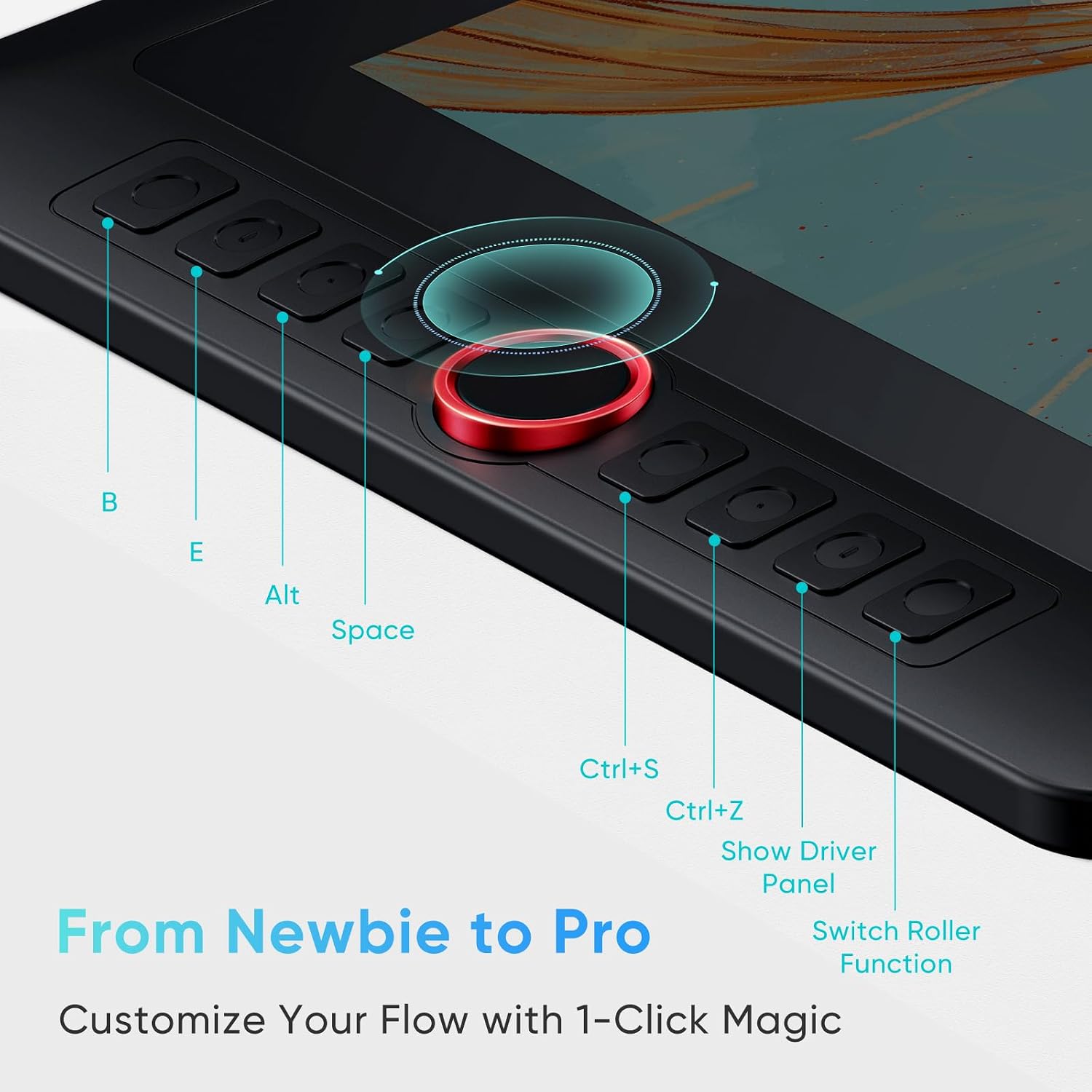
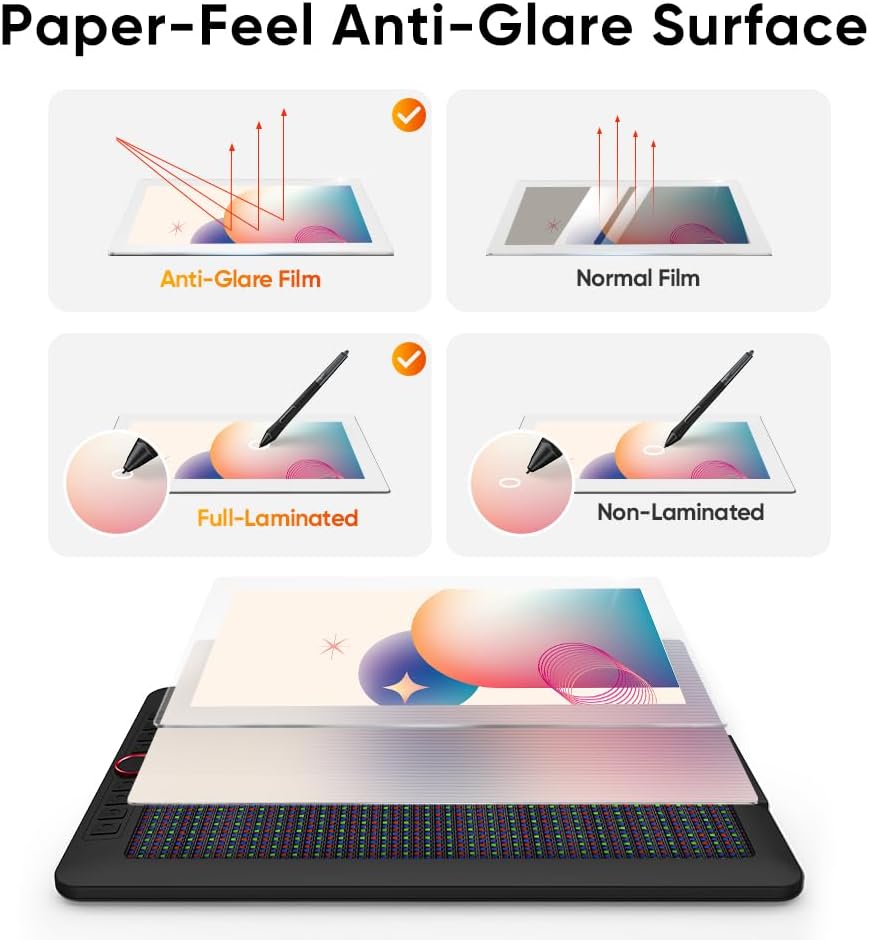
The display has a 1920 x 1080 resolution, an anti-glare film, and a fully laminated construction. The listed color coverage is 99% sRGB, 89% Adobe RGB, and 95% P3, which gives color-conscious illustrators useful figures to weigh against their own workflow. A red dial and eight customizable shortcut keys can handle tasks such as changing brush size, zooming, and undoing actions in supported creative software. Photoshop, Clip Studio Paint, and Blender are named as examples.
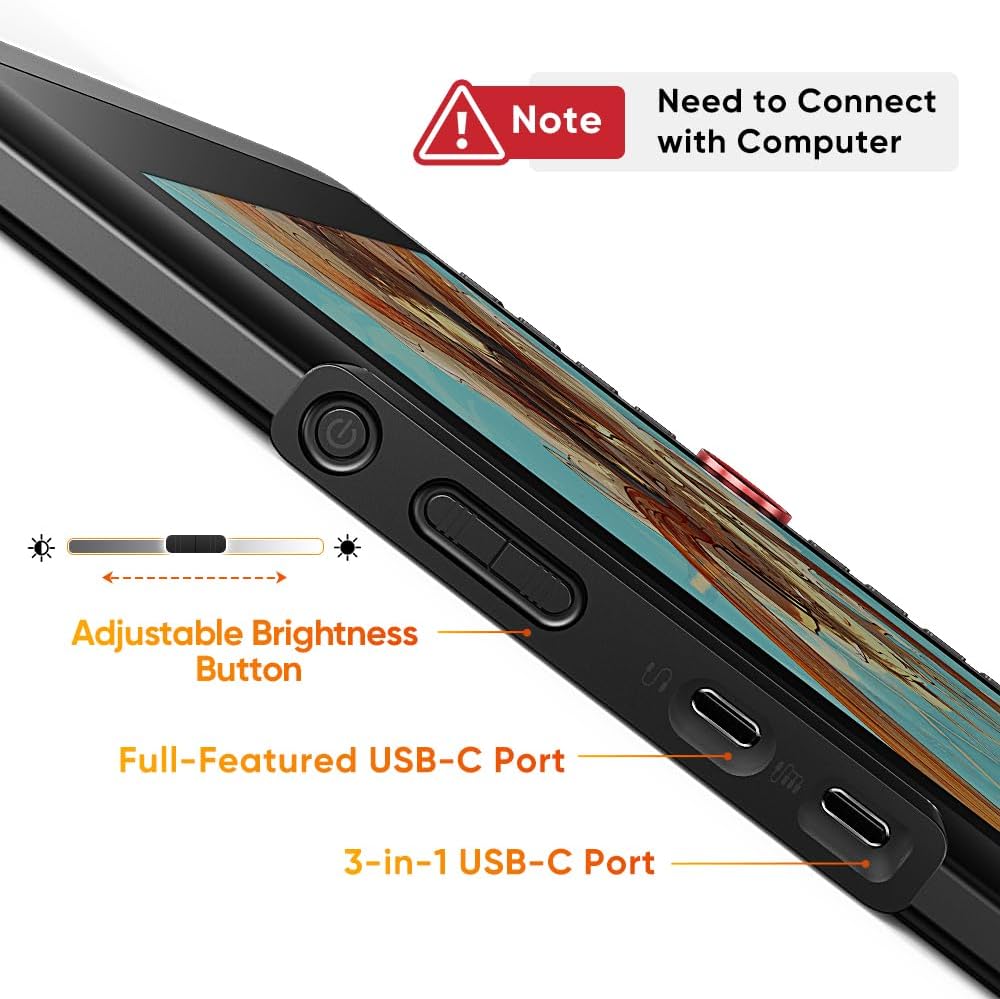
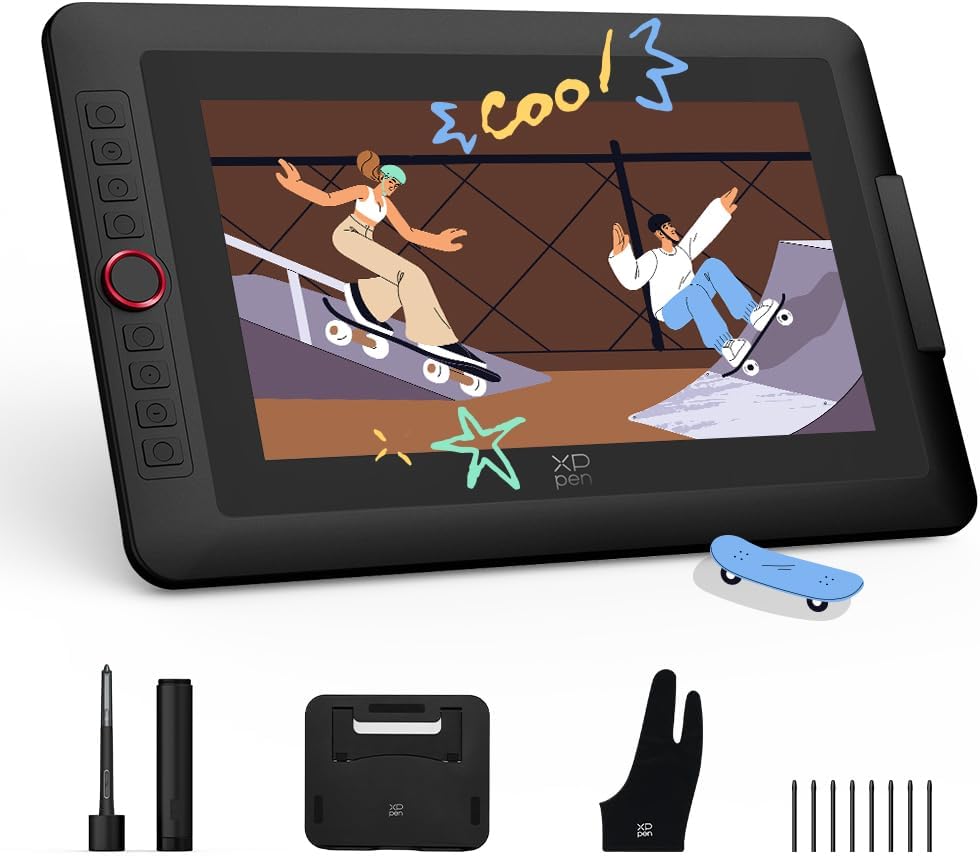
For a desk setup, place the tablet on its included foldable stand and use the dial for repeated adjustments instead of reaching for menus each time. The stylus has a built-in eraser and does not need a battery, the package also includes a pen holder, eight replacement nibs, and an artist glove. A full-featured USB-C cable is included, but that connection requires a compatible device with USB 3.1 DP 1.2. The alternate HDMI setup needs a 3-in-1 cable, which is sold separately.
Why it’s worth it
The practical distinction is drawing directly on a display rather than looking up at a separate monitor while using a screenless pen tablet. That direct view may suit line work, manga sketching, and design tasks where seeing the cursor under the pen matters. The tablet can also switch to Pen Tablet mode with its screen off, a useful option when you want to work on the black drawing surface instead or save your laptop’s battery.
If you prioritize direct on-screen drawing and hands-on controls, this setup offers more than a basic screenless pad. If you prefer a simpler, lighter setup with fewer display and connection requirements, a screenless tablet may be the better direction. Keep in mind that this model needs a connected computer or compatible device to function, it is not a self-contained drawing device.
The essentials
The Artist 13.3 Pro V2 combines a 13.3-inch, Full HD display with the X3 Pro stylus and 16,384 pressure levels. Its stated color coverage and laminated screen are relevant for artists who care about how strokes and colors appear while working, while the anti-glare film adds a textured surface. The included stand, shortcut keys, and dial are practical extras, but the display’s resolution and size are worth considering if your work calls for a larger canvas or more screen space.

It’s a great fit if you want to draw directly on a tablet display and already have compatible hardware. It may not suit you if you need a standalone tablet, rely on an HDMI connection but don’t want to buy a separate cable, or need a larger drawing area.
When it makes sense
Choose this format when your workflow benefits from a pen display—for example, tracing a rough sketch or refining a character’s lines while watching each stroke appear beneath the stylus. The included stand and controls can keep frequent adjustments close at hand, and the screen-off mode gives you another way to use the device. Before choosing it, match the connection to your computer or mobile device: the one-cable USB-C setup depends on the specified port support, while HDMI requires the separately sold cable. If you want a drawing surface that works independently of another device, this is the wrong category of product.