

Download app on Google Play


Imagen de WoneNice USB Laser Barcode Scanner 200 SPS 📷 en OfertitasTOP
New offer
Thumbnail principal de WoneNice USB Laser Barcode Scanner 200 SPS 📷
Thumbnail 1 de WoneNice USB Laser Barcode Scanner 200 SPS 📷
Thumbnail 2 de WoneNice USB Laser Barcode Scanner 200 SPS 📷
Thumbnail 3 de WoneNice USB Laser Barcode Scanner 200 SPS 📷
Thumbnail 4 de WoneNice USB Laser Barcode Scanner 200 SPS 📷
Thumbnail 5 de WoneNice USB Laser Barcode Scanner 200 SPS 📷
Thumbnail 6 de WoneNice USB Laser Barcode Scanner 200 SPS 📷

WoneNice USB Laser Barcode Scanner 200 SPS 📷

amazon US
Offer expired
Reviews
4,5
+3.132

Reviews

4,5
+3.132 reviews

Price

$22.99-0%
View in store
amazon US
Price evolution · Historical minimum: $20.69

Product description

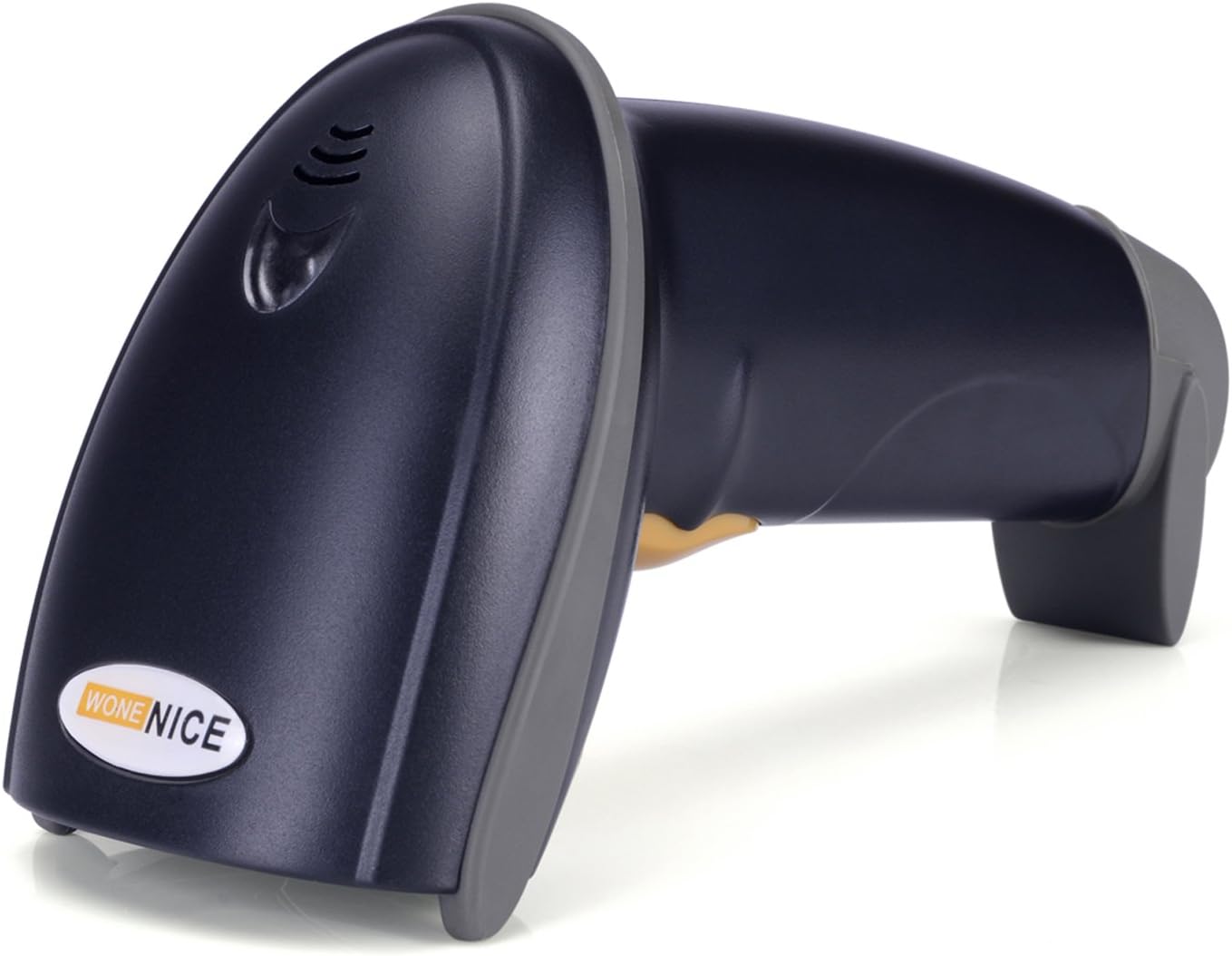
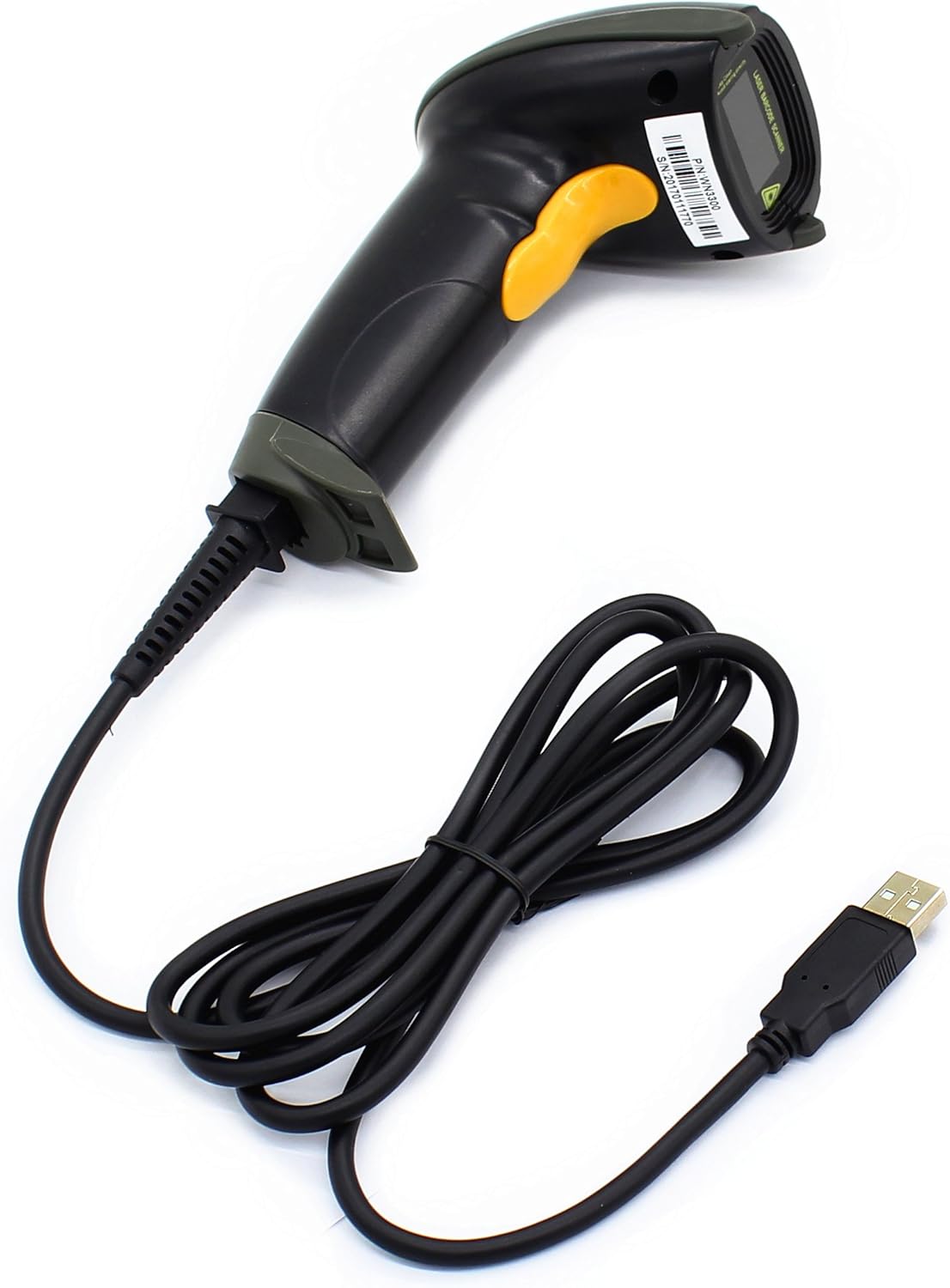
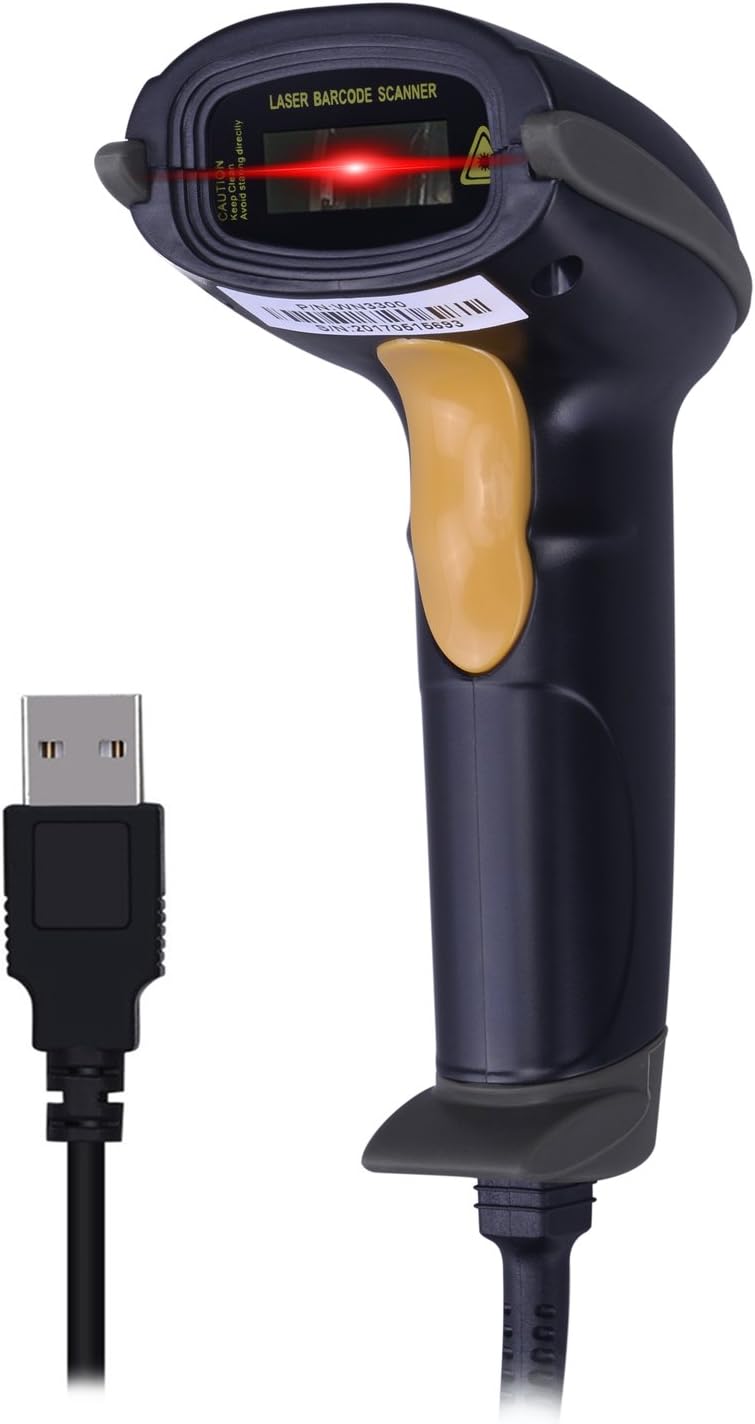
This wired laser handheld barcode scanner brings fast, reliable reads for retail, warehouse and office use. It connects via USB with plug and play setup, so you can start scanning immediately and reduce checkout or inventory time.

Key features
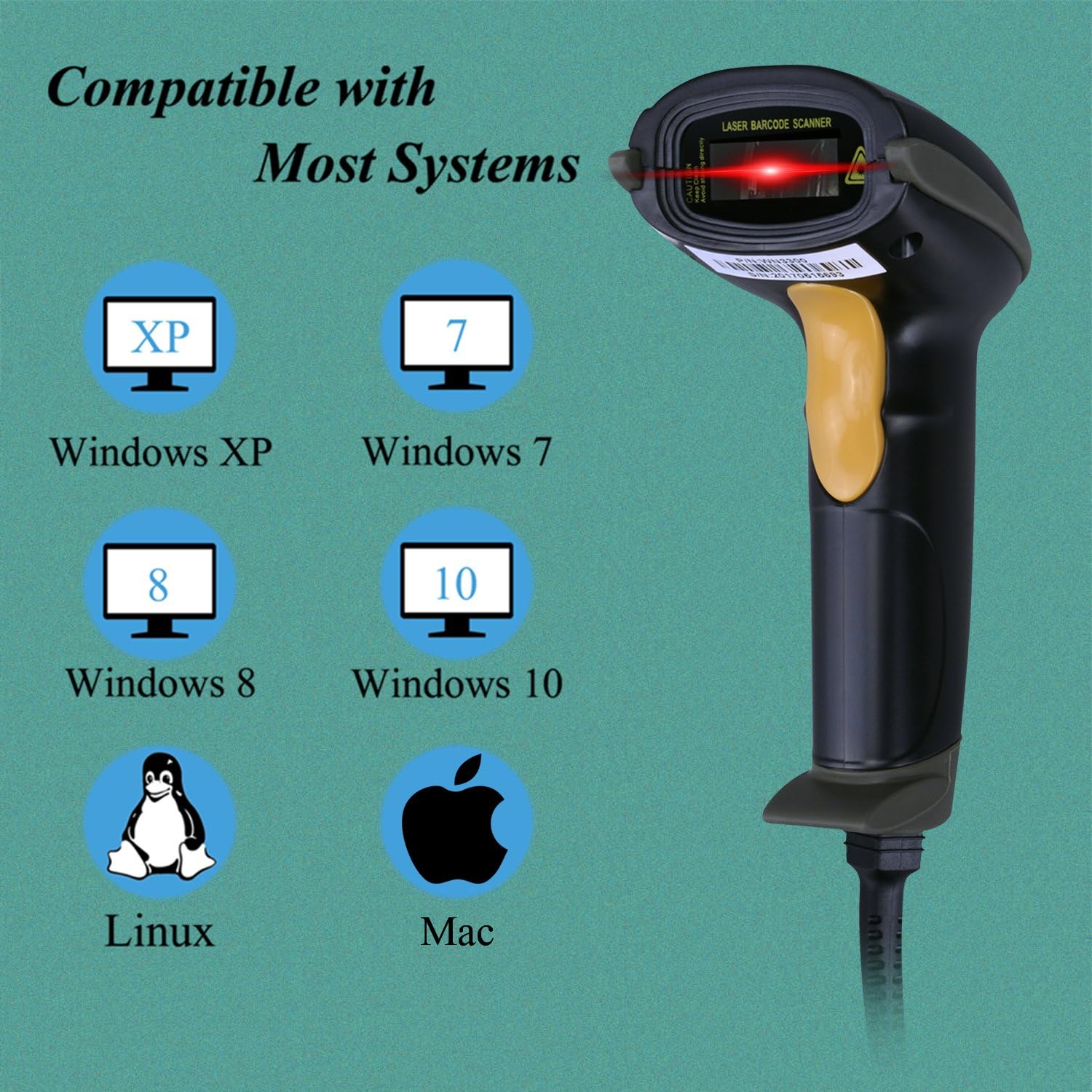
The scanner handles one-dimensional barcodes across common formats, delivering up to 200 scans per second according to the manufacturer. Its ergonomic pistol form fits a range of hands and the black finish keeps the unit looking professional on a counter or at a packing station. It supports Windows, Mac and Linux, and integrates with common apps like Word and Excel for straightforward data capture. 🖥️
Tech specs

  • Name: WoneNice USB Laser Barcode Scanner
  • Type: Wired laser handheld scanner
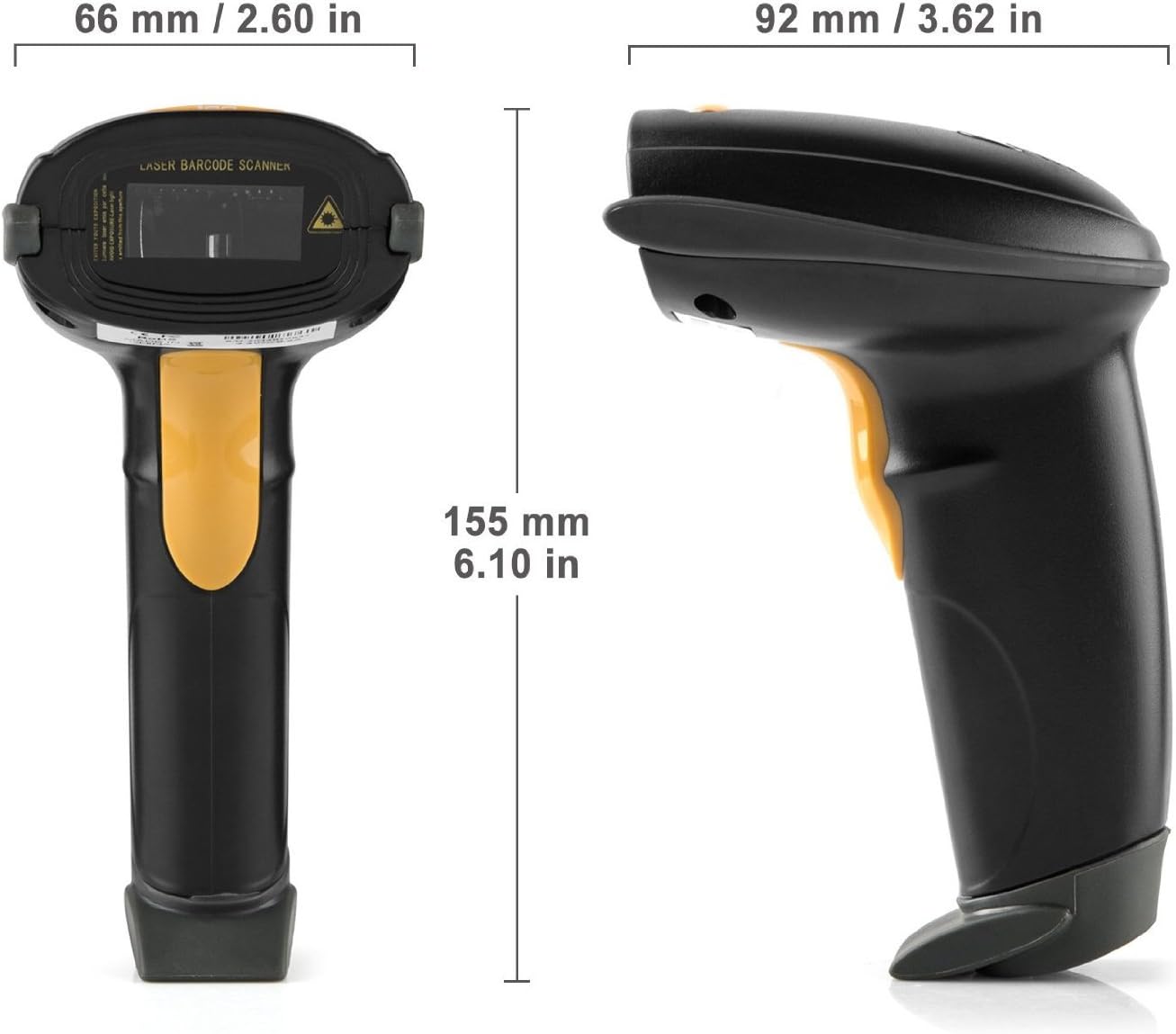
  • Size: 3.6 x 2.6 x 6.1 inches
  • Scanning speed: 200 scans per second
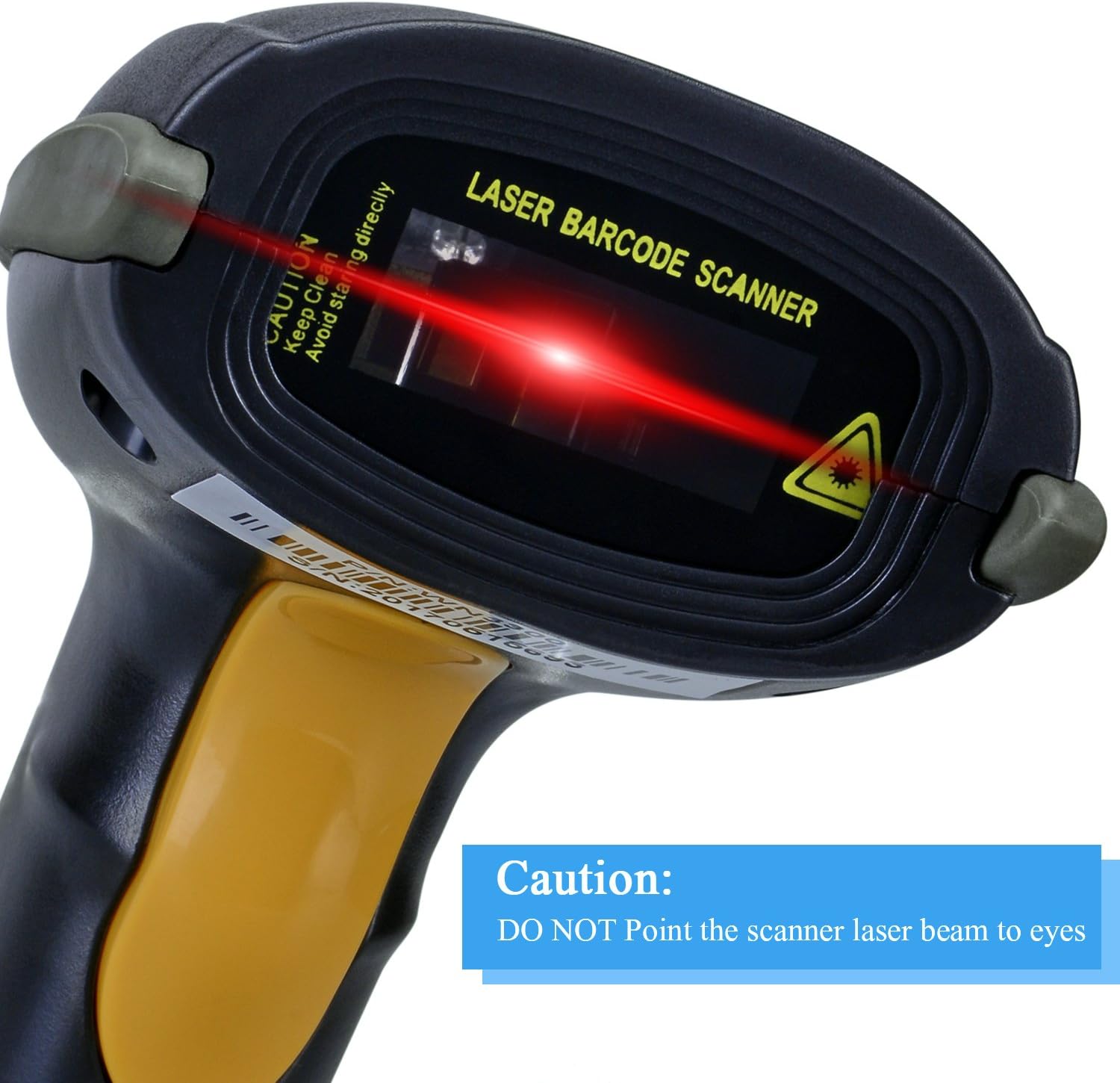
  • Operational light source: Visible Laser 650-670nm
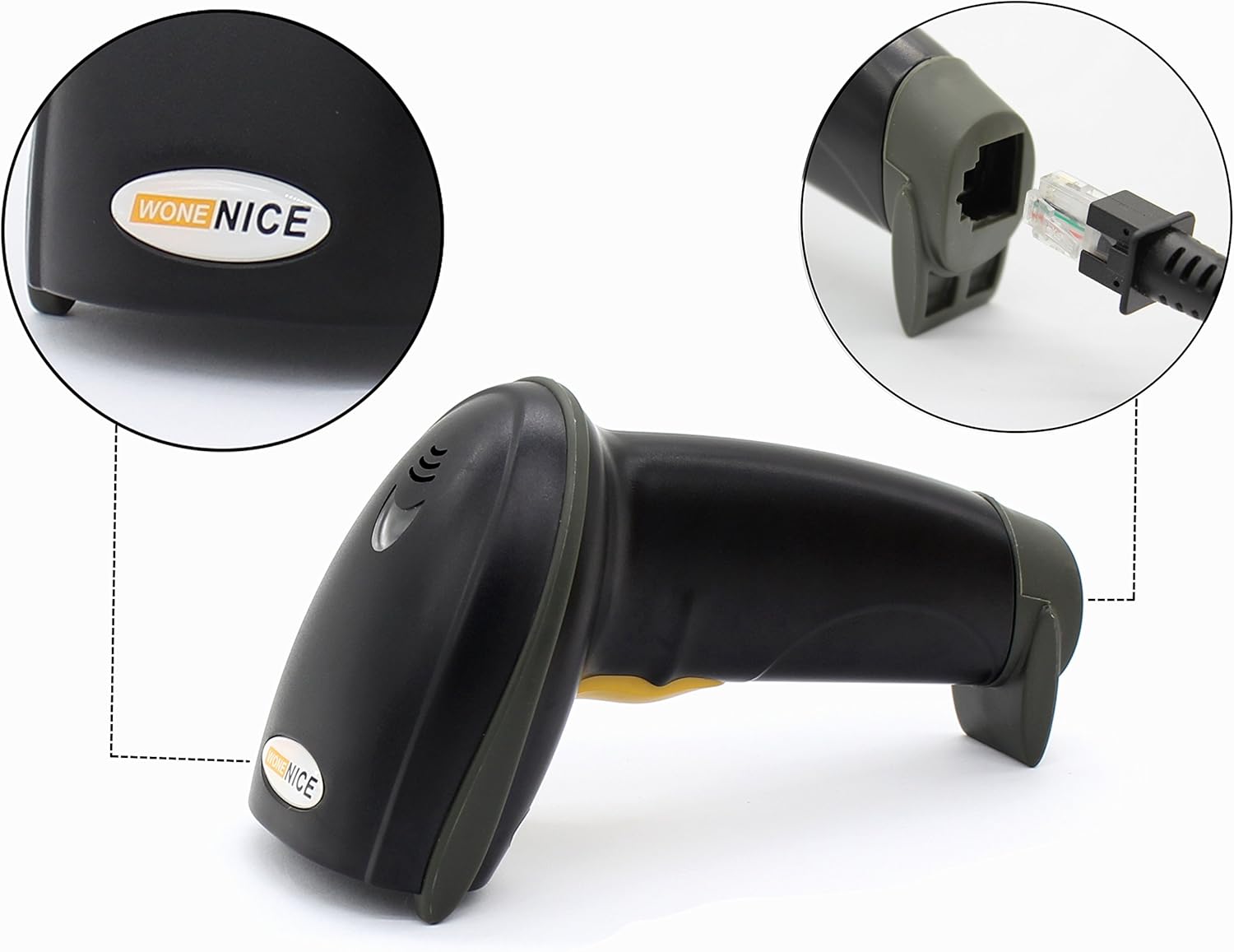
  • Cable: 2M straight cable
  • Shock resistance: 1.5m drop on concrete

Why it makes sense
If you need a basic, no-fuss scanner that covers standard retail and logistic codes, this model delivers consistent reads and a wide decode capability including UPC, EAN, Code128 and more. The unit offers 300 configurable options for prefix, suffix and termination strings, letting you adapt the output to your system without extra middleware. A user-toggle for the beep helps manage noise in busy environments.

Usage tips

Aim for a steady sweep across the barcode at a shallow angle to keep reads reliable, and avoid direct, bright sunlight on the scan window which can interfere with the laser. Keep the USB connection secure and test configuration options for prefix and suffix once during setup to match your inventory workflow. Note that compatibility is listed for common desktop operating systems according to the product information.

View in store

Price evolution

Historical minimum: $20.69

Description:

This wired laser handheld barcode scanner brings fast, reliable reads for retail, warehouse and office use. It connects via USB with plug and play setup, so you can start scanning immediately and reduce checkout or inventory time.

Key features

The scanner handles one-dimensional barcodes across common formats, delivering up to 200 scans per second according to the manufacturer. Its ergonomic pistol form fits a range of hands and the black finish keeps the unit looking professional on a counter or at a packing station. It supports Windows, Mac and Linux, and integrates with common apps like Word and Excel for straightforward data capture. 🖥️

Tech specs

  • Name: WoneNice USB Laser Barcode Scanner
  • Type: Wired laser handheld scanner
  • Size: 3.6 x 2.6 x 6.1 inches
  • Scanning speed: 200 scans per second
  • Operational light source: Visible Laser 650-670nm
  • Cable: 2M straight cable
  • Shock resistance: 1.5m drop on concrete

Why it makes sense
If you need a basic, no-fuss scanner that covers standard retail and logistic codes, this model delivers consistent reads and a wide decode capability including UPC, EAN, Code128 and more. The unit offers 300 configurable options for prefix, suffix and termination strings, letting you adapt the output to your system without extra middleware. A user-toggle for the beep helps manage noise in busy environments.

Usage tips

Aim for a steady sweep across the barcode at a shallow angle to keep reads reliable, and avoid direct, bright sunlight on the scan window which can interfere with the laser. Keep the USB connection secure and test configuration options for prefix and suffix once during setup to match your inventory workflow. Note that compatibility is listed for common desktop operating systems according to the product information.