

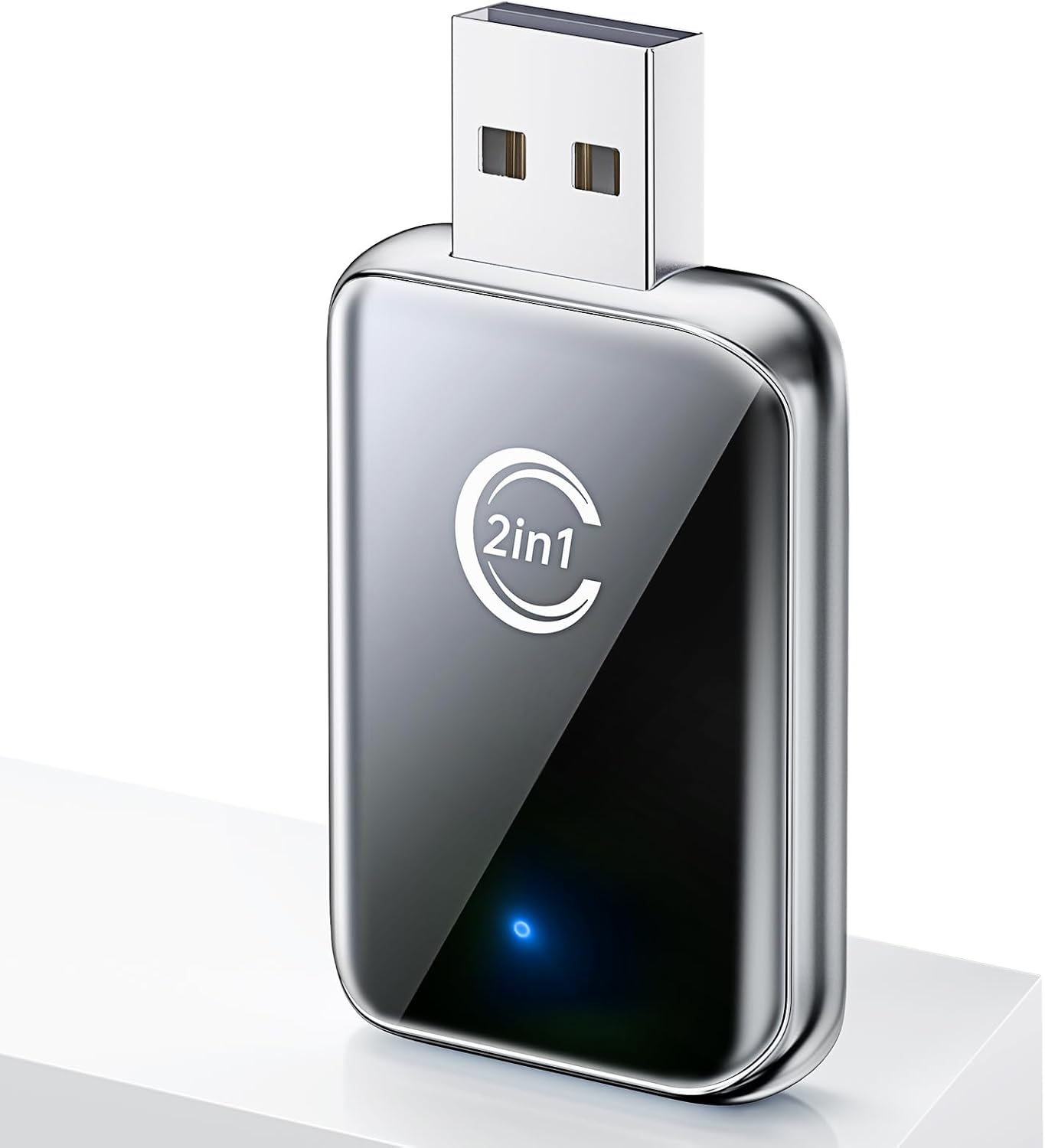
Wireless CarPlay Adapter for iPhone (and Android Auto) — Convert Wired CarPlay to Wireless, Plug and Play Mini Dongle (Silver)
Product description
If your car already supports wired CarPlay, a wireless adapter is one of those upgrades that sounds small—until you use it. Less fumbling with cables. Fewer ports taken up. And a cleaner dashboard moment every time you get in.
This wireless CarPlay adapter (and Android Auto) is designed to turn a wired setup into a wireless one after the initial setup. It’s a compact, plug-and-play mini dongle with a focus on simple reconnection and smoother day-to-day use.
What it does (and what you’ll notice)
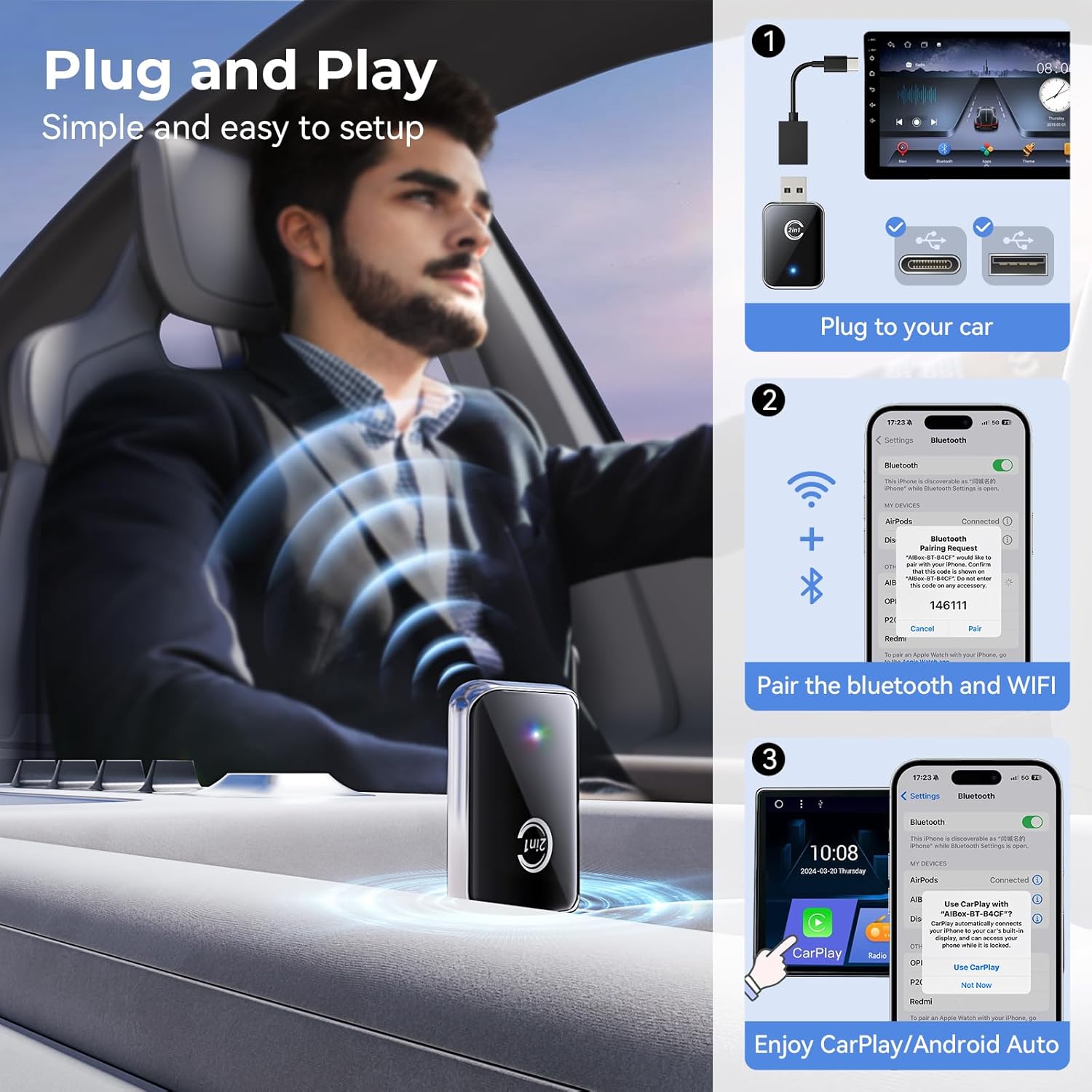
On paper, the job is straightforward: you plug the adapter into your car’s wired CarPlay/Android Auto connection, then pair it once. After that initial WiFi and Bluetooth pairing, it reconnects automatically each time. That matters in real life because the “first time” setup is the part you can live with—daily reconnection should just work.
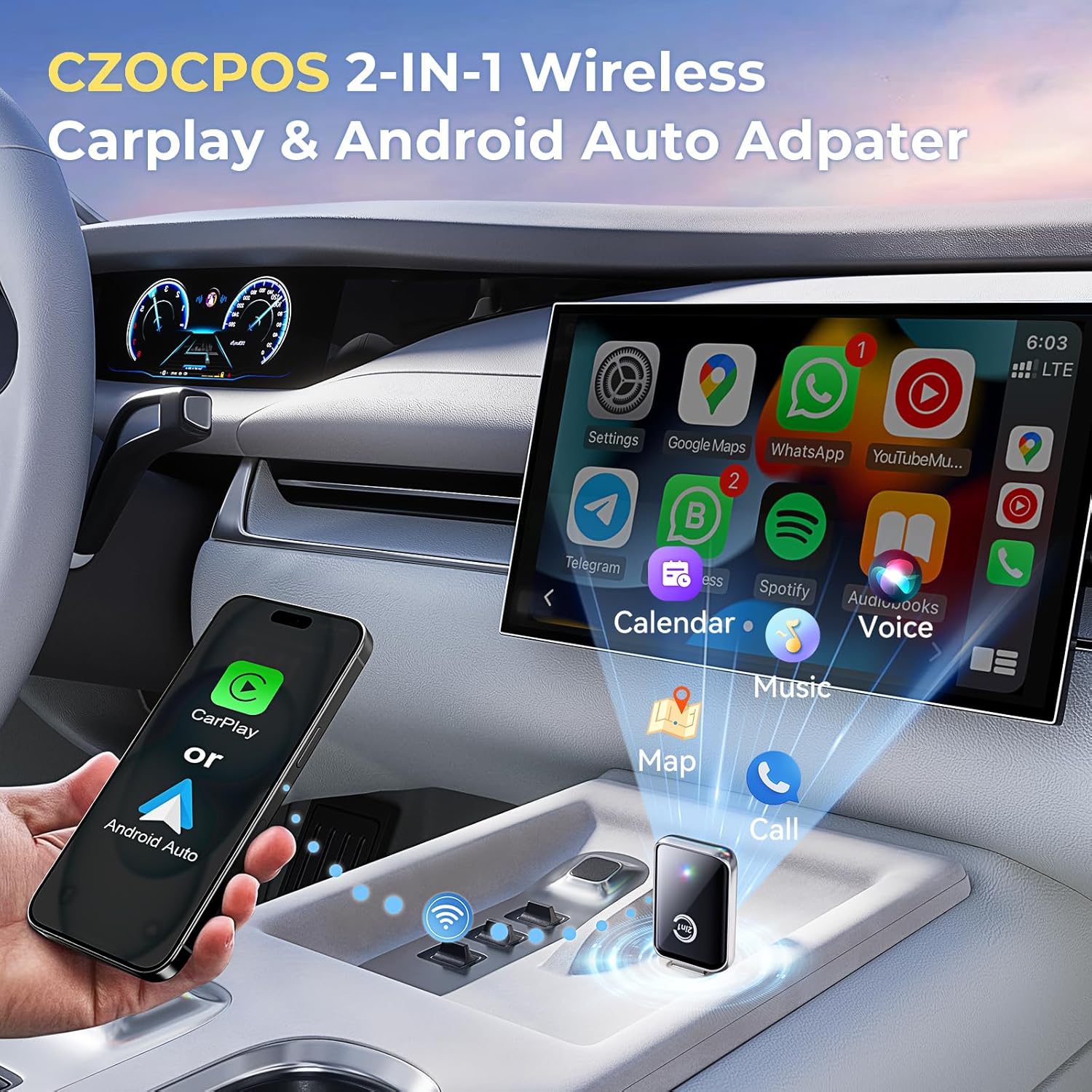
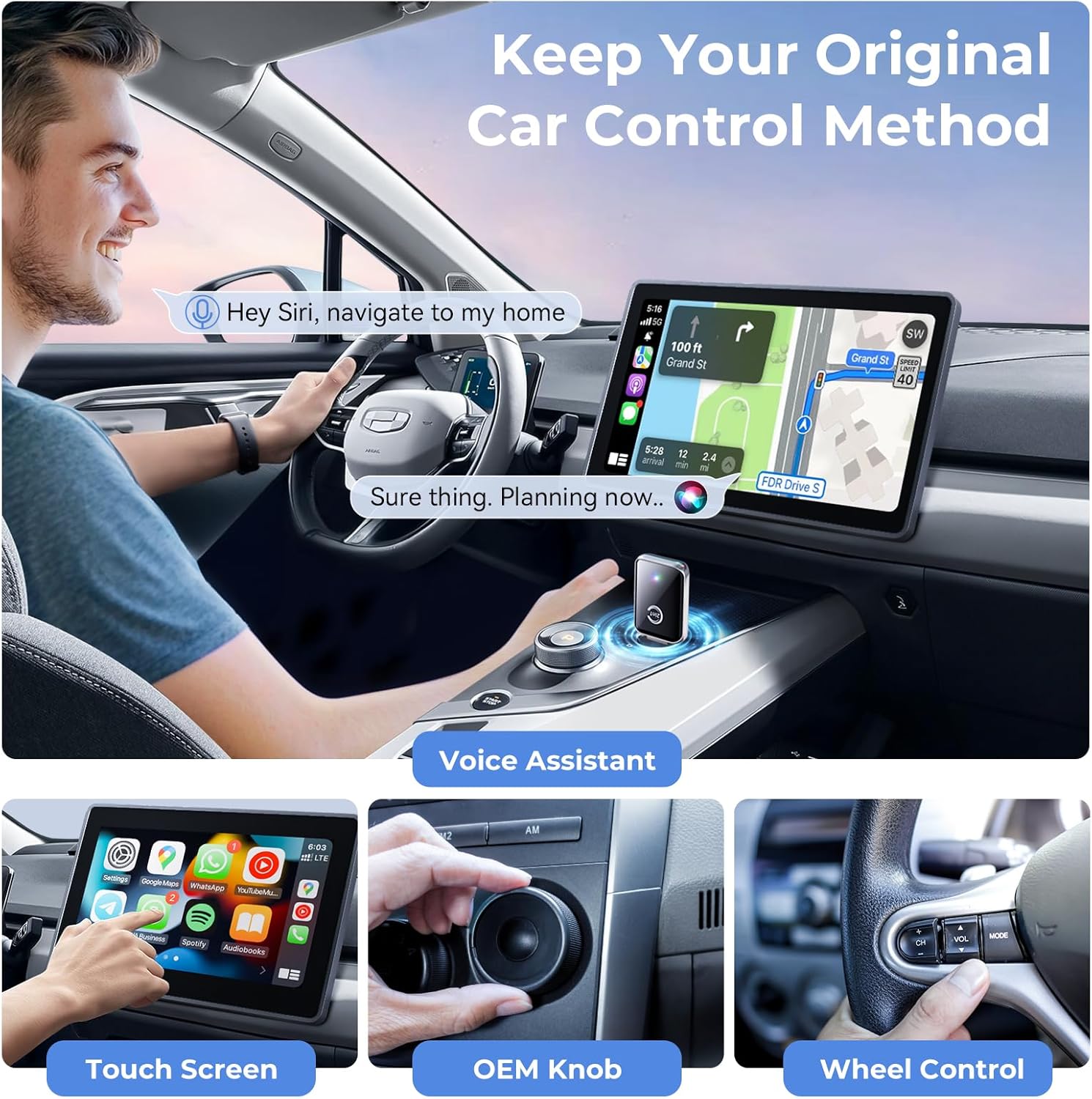
Once connected, you can access common features through your car’s display, including navigation, music, phone calls, and messaging apps. In practice, that translates to doing what you already do with CarPlay/Android Auto—only without needing to keep a cable attached every drive.
A quick micro-scenario: you finish running errands, hop in, start the car, and your iPhone/Android should wirelessly pick up the CarPlay/Android Auto experience on the screen. No cable hunt near the passenger seat.
Key features that drive the experience
This model is positioned as a lightweight, minimal-friction upgrade rather than a “gadget experiment.” The included approach is plug, pair, and play—then automatic reconnect.
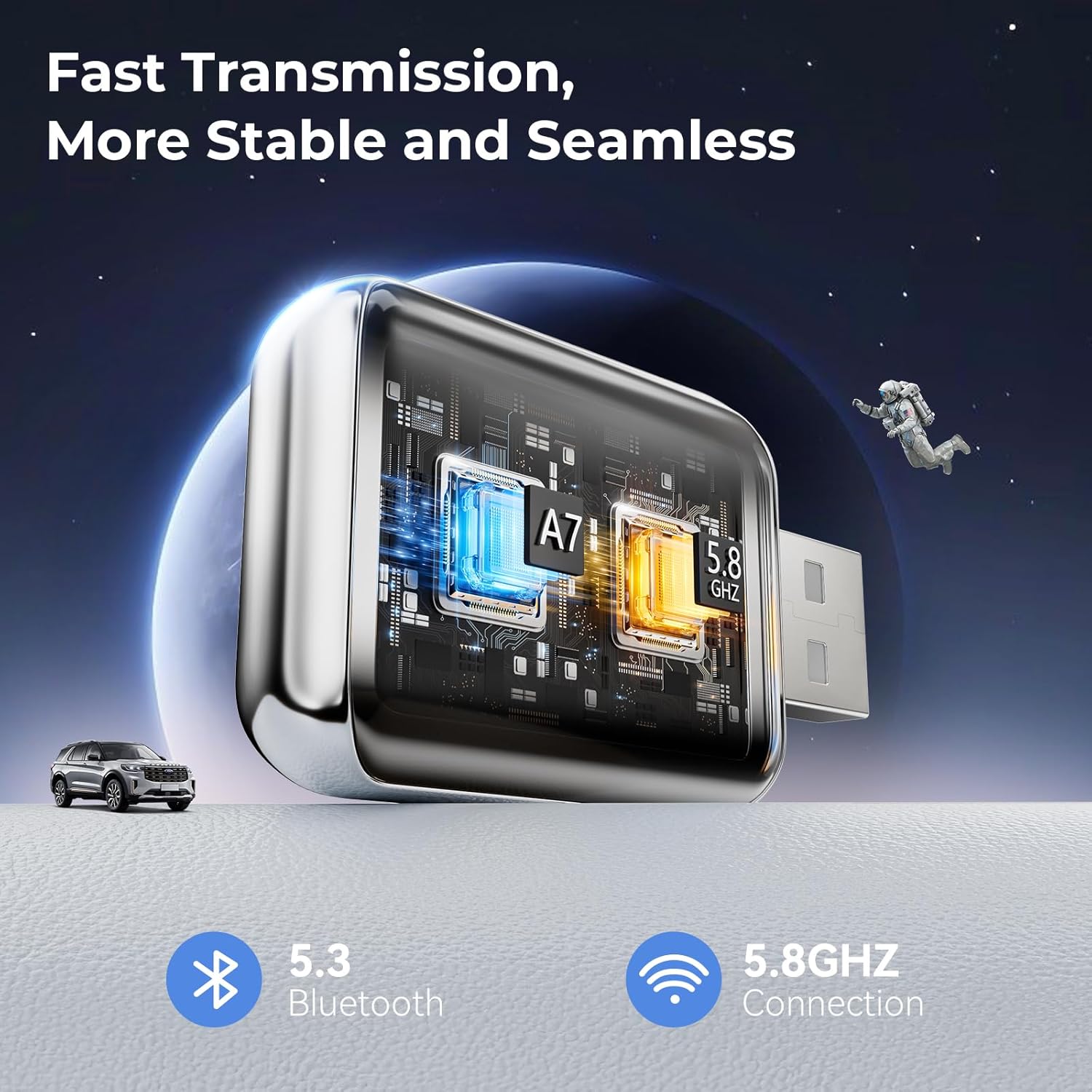
It also highlights smooth performance using a dual-core design, with the goal of minimizing interruptions and latency. That’s important because even when an adapter connects, the real question is whether audio and controls feel stable while you drive.
Audio and connection behavior (where expectations should be realistic)
The adapter is marketed as delivering high-quality audio with fewer interruptions and reduced latency. Still, wireless setups can depend on your environment (signal conditions and car hardware). So if you’re the type who’s extremely sensitive to any delay or glitch, keep in mind that “wireless” can never be identical to a wired connection.
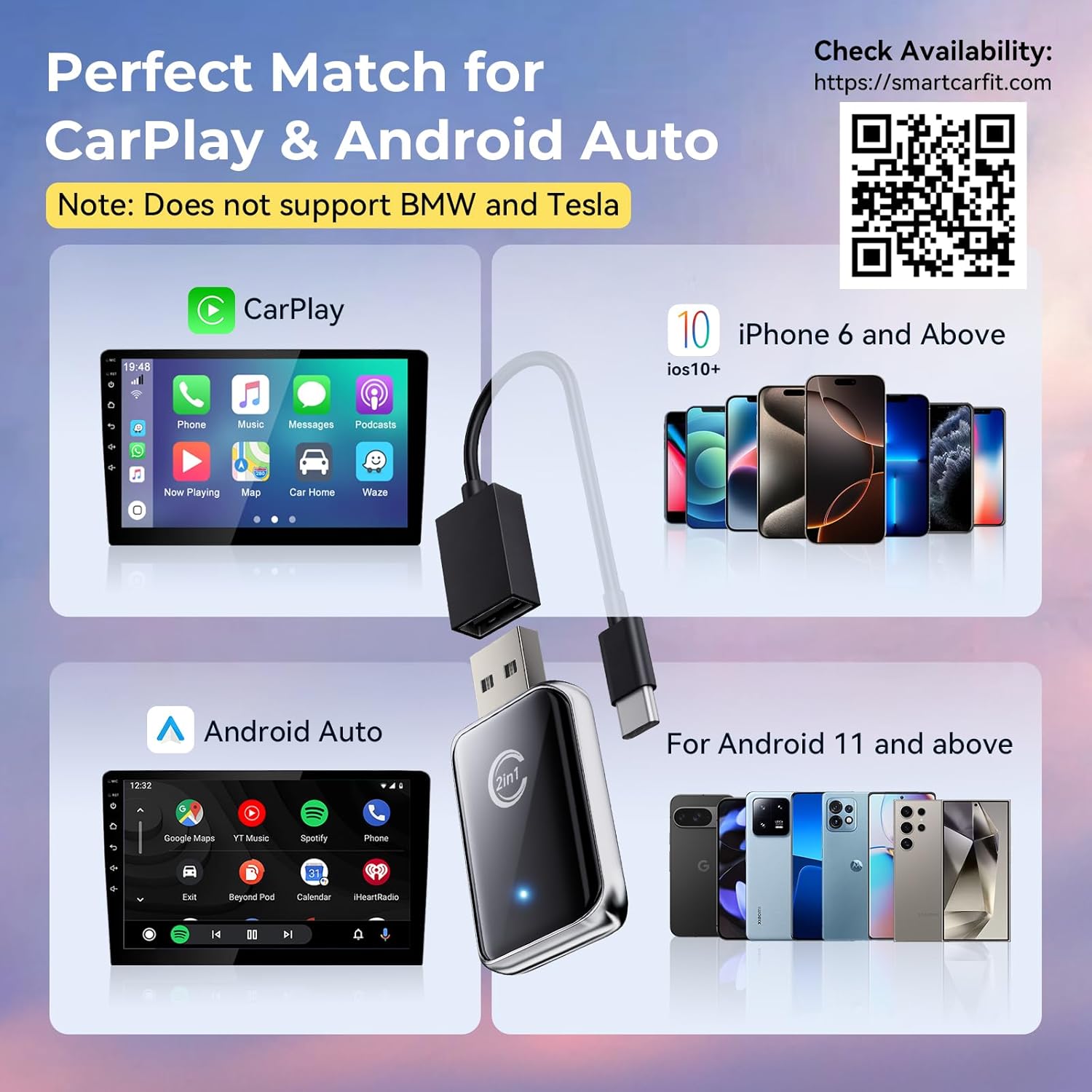
Also, the adapter is explicitly intended for vehicles equipped with built-in wired CarPlay or Android Auto. If your car doesn’t support the wired version first, the adapter won’t magically create compatibility.
Installation and daily use
The install process is described as only needing 3 steps: plug, pair, and play. The first pairing involves WiFi and Bluetooth, after that, the adapter is supposed to reconnect automatically every time.
That “auto reconnect” piece is the part that typically determines whether you actually use the product or revert to a cable. If it reconnects reliably, you get the convenience benefit immediately. If it’s inconsistent in your specific car setup, it can become more work than it’s worth.
Build, portability, and what comes with it
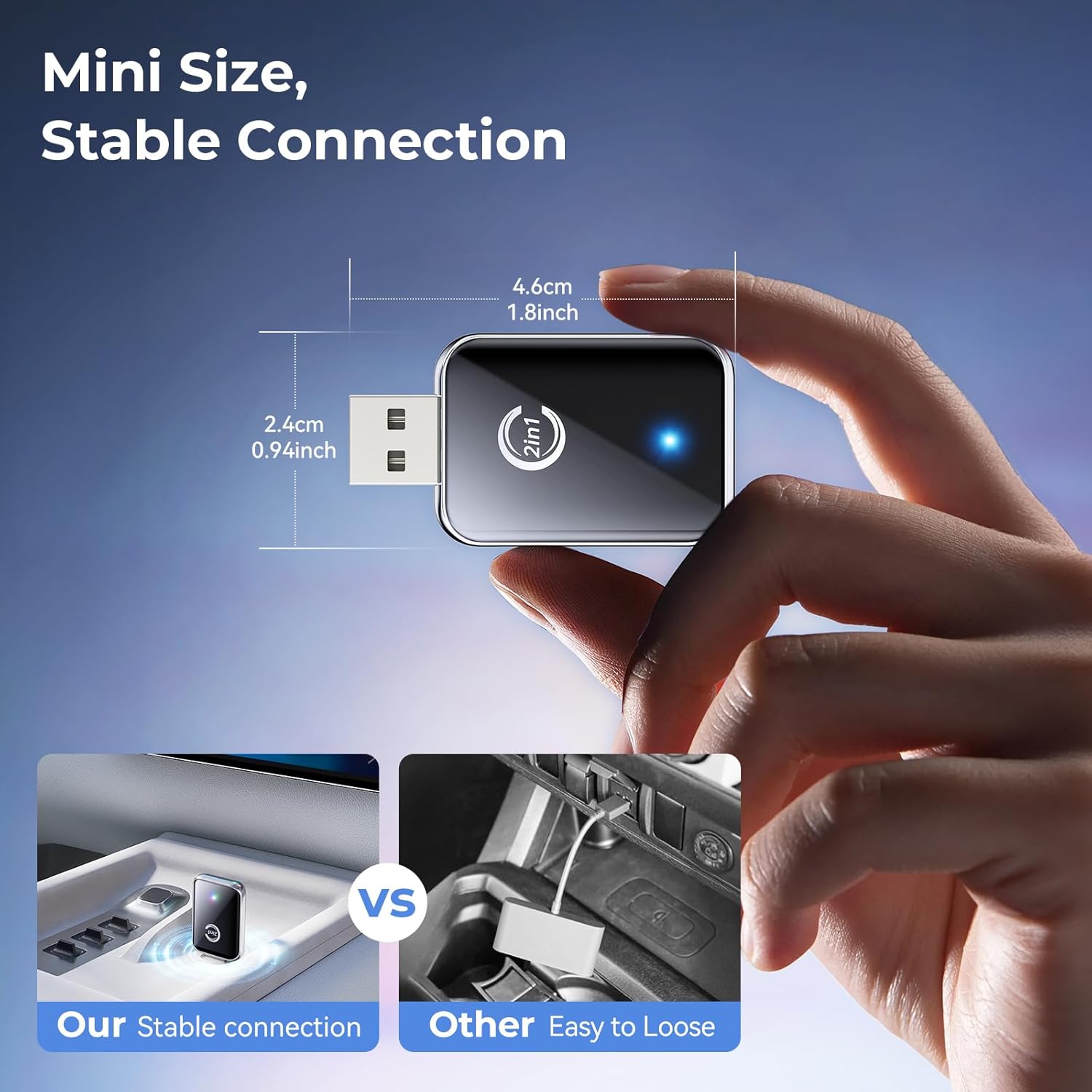
This adapter uses metal edges for improved heat dissipation, and it’s designed to be compact and lightweight so it doesn’t take over space in your car. It also includes USB-A and Type-C extension cables, which can help with different placement and cable-routing needs.
There’s also mention of rigorous testing for durability, plus lifetime technical support for this adapter. That’s a practical safety net if you run into setup questions.
Compatibility matters more than the marketing
Before you buy, you’ll want to confirm your vehicle is equipped with wired CarPlay or Android Auto, since that’s the baseline this wireless adapter is converting.
The description also references iOS 10 and Android 11 and above as part of the target support range. If your phone falls outside what’s stated, it’s smart to double-check before relying on it.
It’s not the best route if your car display experience depends on a setup that doesn’t use wired CarPlay/Android Auto in the first place.
Who it suits (and who should skip it)
It makes sense if you already have wired CarPlay/Android Auto in your car and you mainly want convenience: wireless access to navigation, music, calls, and messaging through the car display.
It may not suit you if you’re expecting a guaranteed seamless experience that matches wired reliability in every environment. Wireless adapters are often “great when they work,” but your car and signal conditions can influence stability. It’s also not a great fit if you’re unsure whether your car has wired CarPlay/Android Auto support—this one needs that foundation.
Final verdict
Worth considering if you want to reduce cable hassle and your car already supports wired CarPlay or Android Auto. The compact plug-and-play design, dual-core performance focus, and automatic reconnect after initial WiFi/Bluetooth pairing are all aligned with everyday convenience.
Skip it if your vehicle doesn’t have wired CarPlay/Android Auto support, or if you need the absolute most consistent, zero-latency experience that wired connections tend to deliver.
Mini FAQ
FAQ
Is this truly plug and play?
It’s described as plug, pair, and play. The first setup requires WiFi and Bluetooth pairing, then it’s supposed to reconnect automatically afterward.
What apps can I use through the car display?
The description says you can access navigation, music, phone calls, and messaging apps through the car’s display.
Does it work for every car?
No—according to the listing, you should make sure your vehicle is equipped with wired CarPlay or Android Auto before purchasing.
Does it include cables?
Yes. It includes USB-A and Type-C extension cables for more flexible usage.
Is audio quality part of the pitch?
Yes. The adapter claims high-quality audio with fewer interruptions and lower latency using a dual-core design.