

USB Video Capture Card 1-in-1 for VHS to USB
Product description
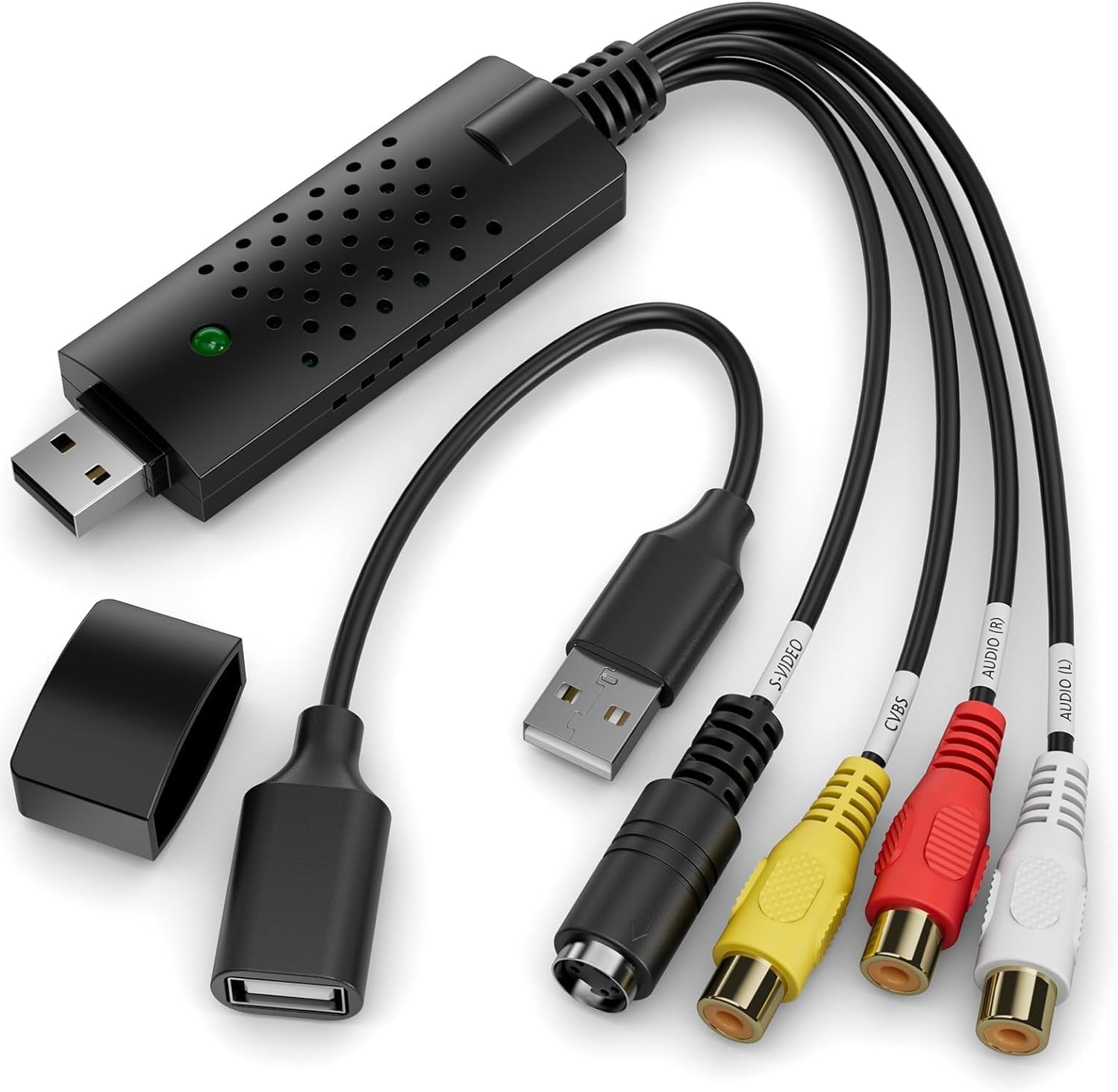
This USB video capture device from VIXLW converts analog RCA and S-Video signals into digital files, making it easier to archive VHS tapes, MiniDV recordings, VCR footage and camcorder clips on a PC or Mac. It connects over USB 2.0 for plug-and-play use and records both audio and video so you can preserve family memories or digitize older media for editing and sharing.
Key Points
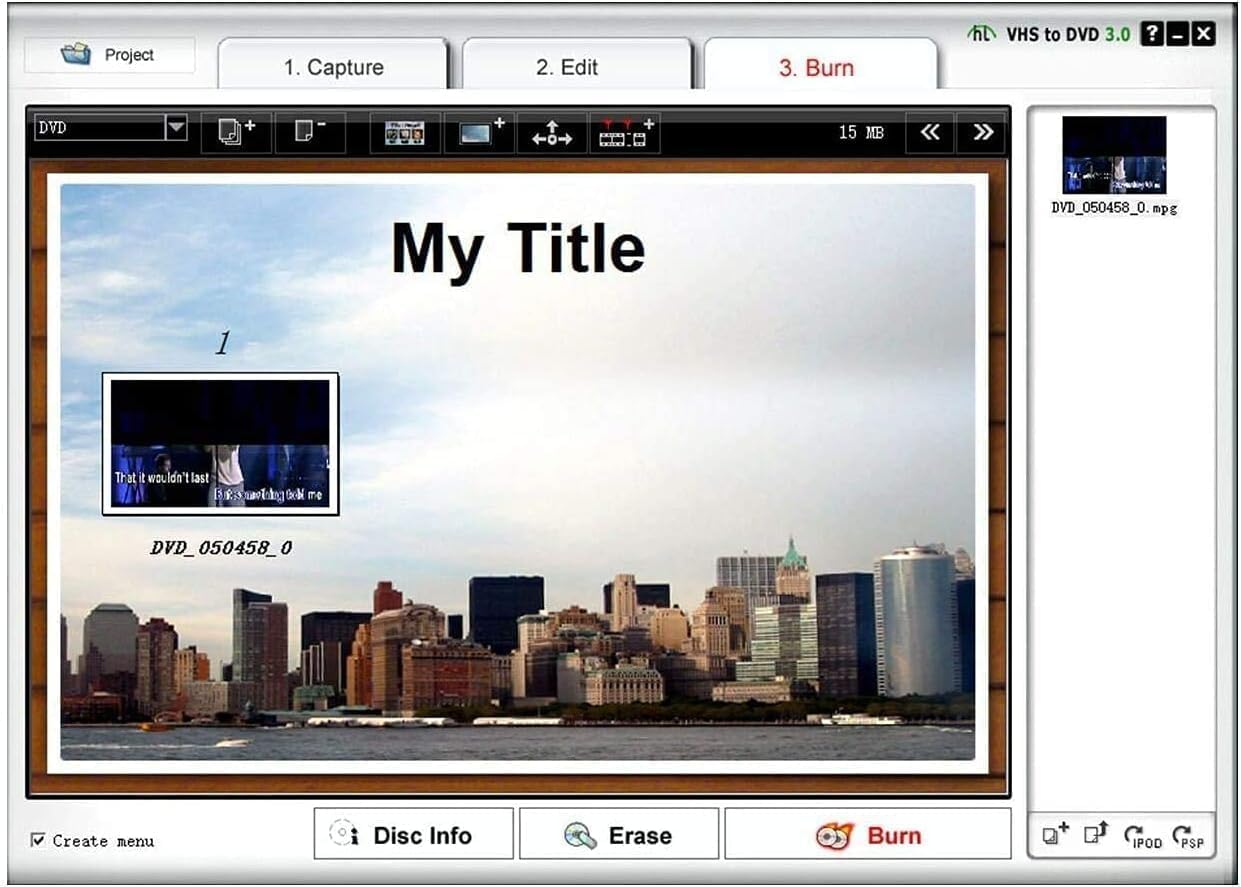
This capture adapter works with composite RCA and S-Video sources and supports NTSC and PAL video standards. It records audio without requiring a separate sound card, and it includes basic controls for brightness, contrast and saturation during capture. The workflow is straightforward: connect the analog player to the device, plug into a USB port, and start converting to digital files for DVDs, web upload or mobile devices. Note that the interface is USB 2.0, so transfer speeds follow that standard and rendering performance depends on your computer according to the manufacturer.
Technical Specifications
- Name: VIXLW USB Video Capture Card
- Interface: - USB 2.0.
- Inputs: - RCA composite video, RCA stereo audio, S-Video.
- Video standards supported: - NTSC, PAL.
- Formats supported: - DVD+/-R/RW, DVD+/-VR, DVD-Video compatibility for final authoring.
- Power: - USB-powered, no external adapter required.
Usage Recommendations
For best results use a stable computer with available USB 2.0 ports and a media player in good working order. Capture a short test clip first to adjust brightness, contrast and saturation so the full digitized run maintains consistent color and exposure. Record at a time when the source device is warmed up and the tape heads are clean to reduce noise and tracking issues. If your original recordings have tape hiss or lower audio levels, consider post-processing audio normalization and noise reduction in your editing software.
Advantages
The device simplifies the conversion process by combining audio and video capture into one USB-powered unit, which eliminates the need for an extra sound card. It supports common consumer video formats so you can create DVDs or upload content to sites like YouTube after basic editing. The plug-and-play approach reduces set up time and makes digitizing several tapes more practical, especially when you want to preserve fragile analog media.
Practical Tips
When capturing long tapes, split recordings into manageable segments to avoid file corruption and to make editing easier later. Keep original tapes stored upright in a cool, dry place while you work through digitization. Remember that final video quality is determined by the condition and resolution of the source material, so captured files may reflect any wear or degradation present on old media.