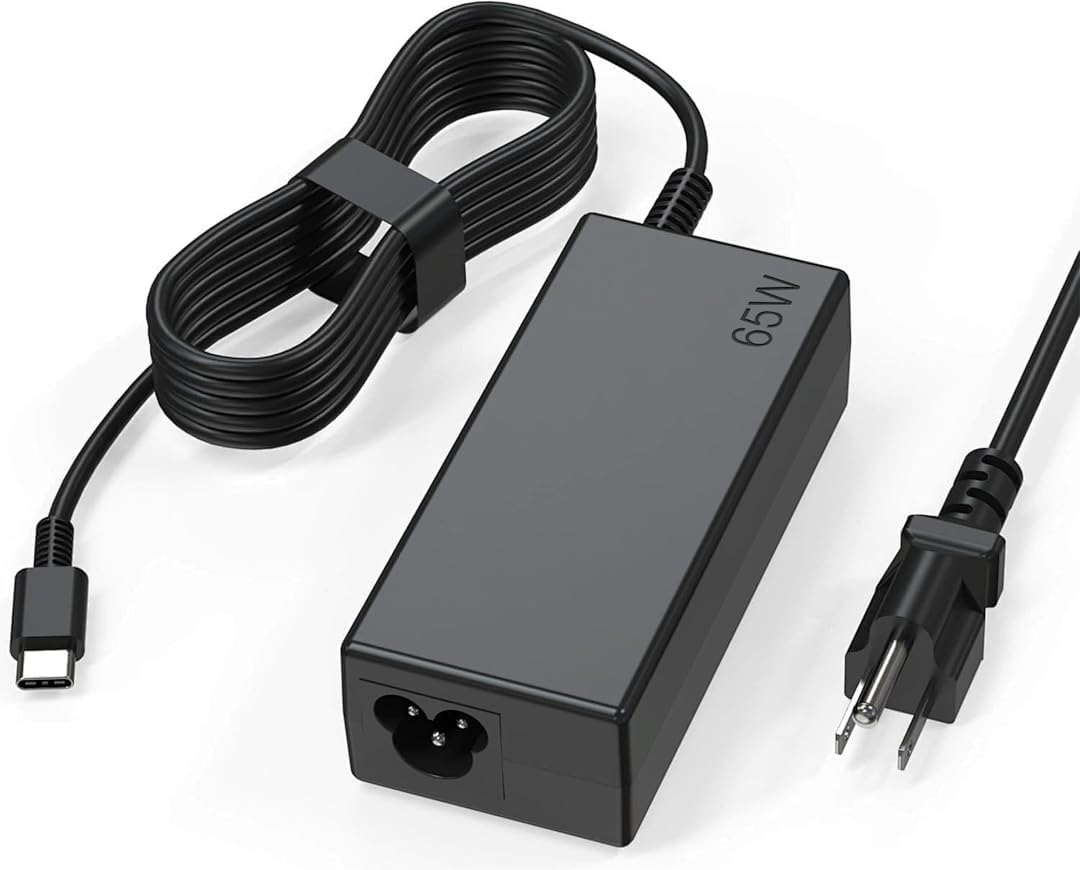
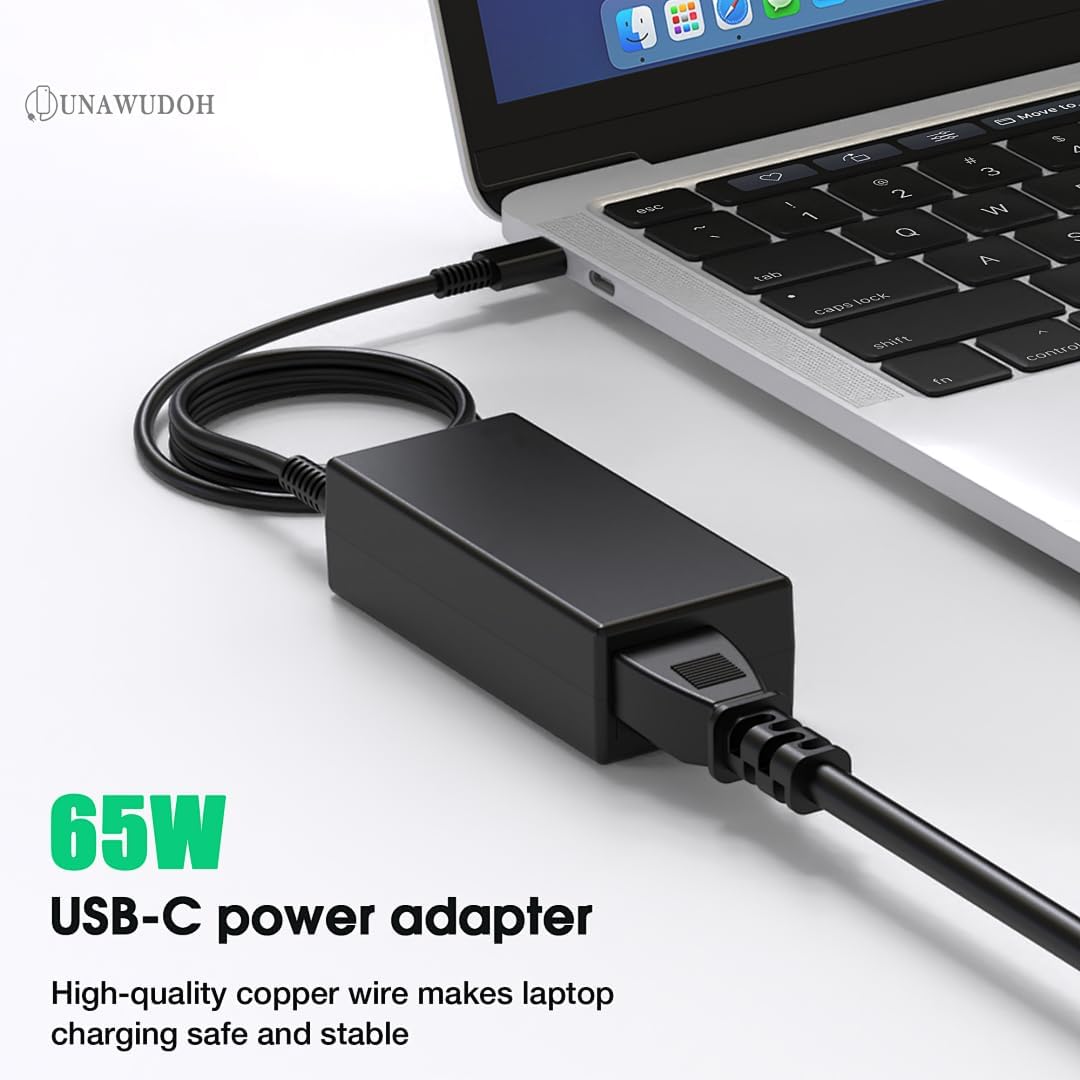
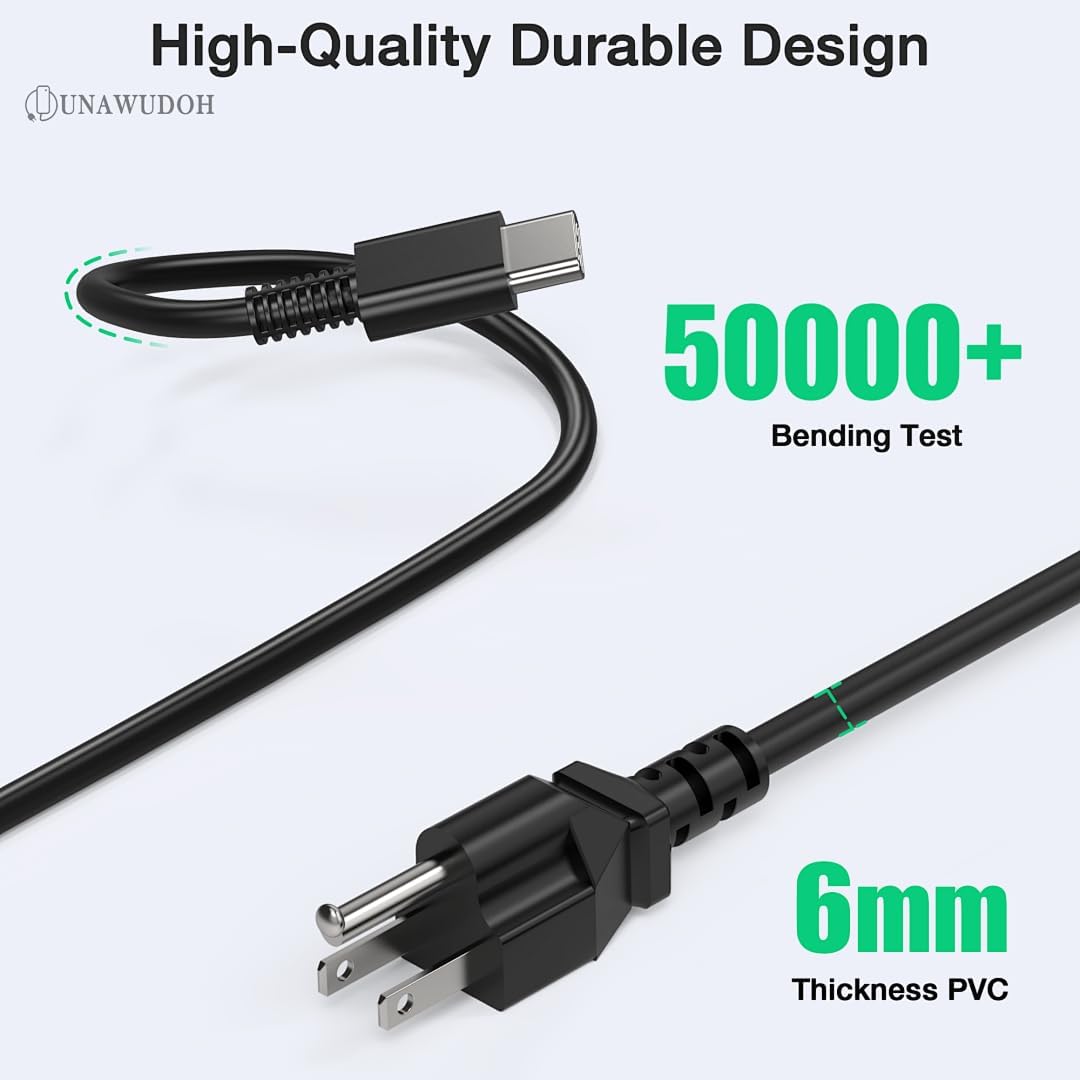
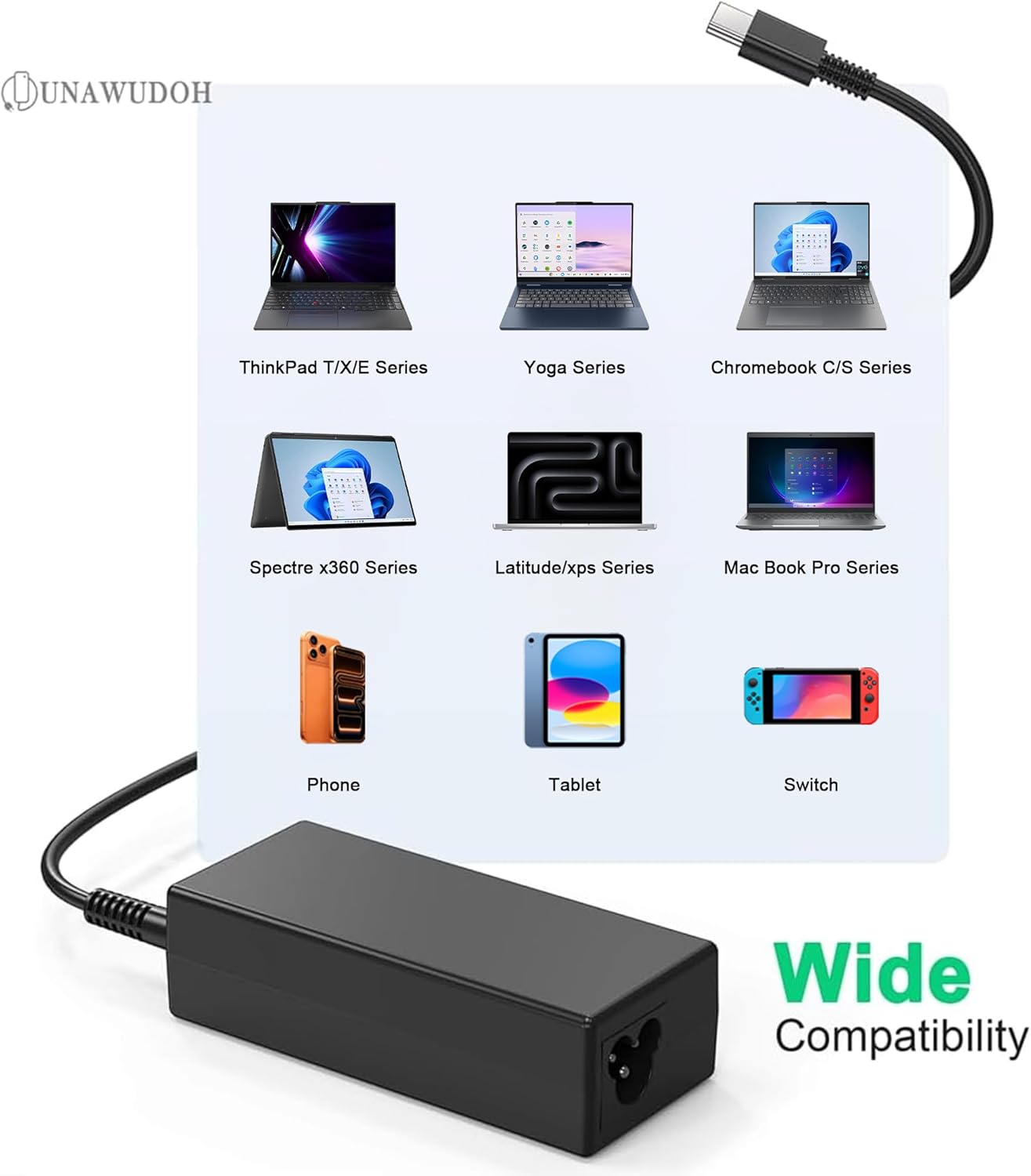
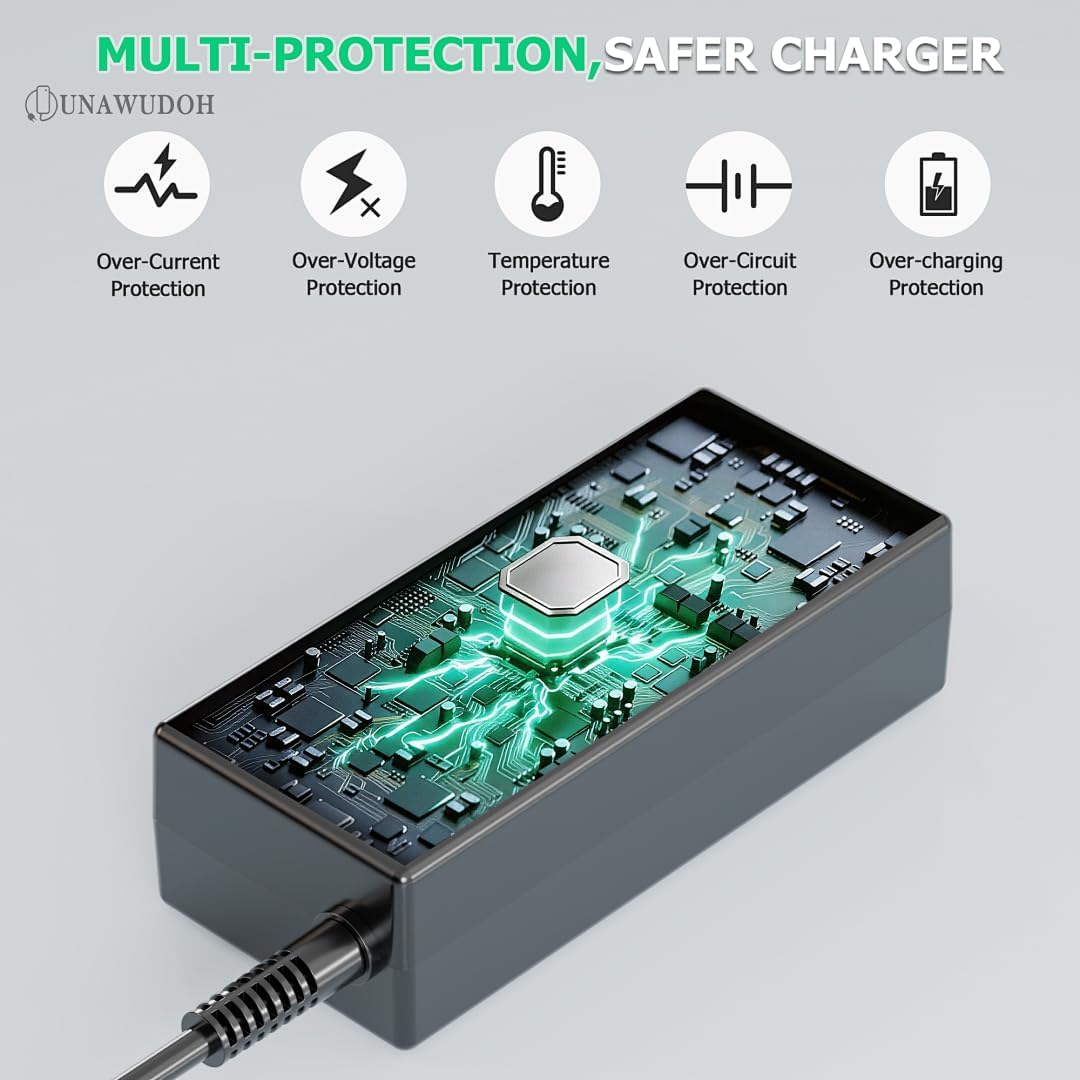
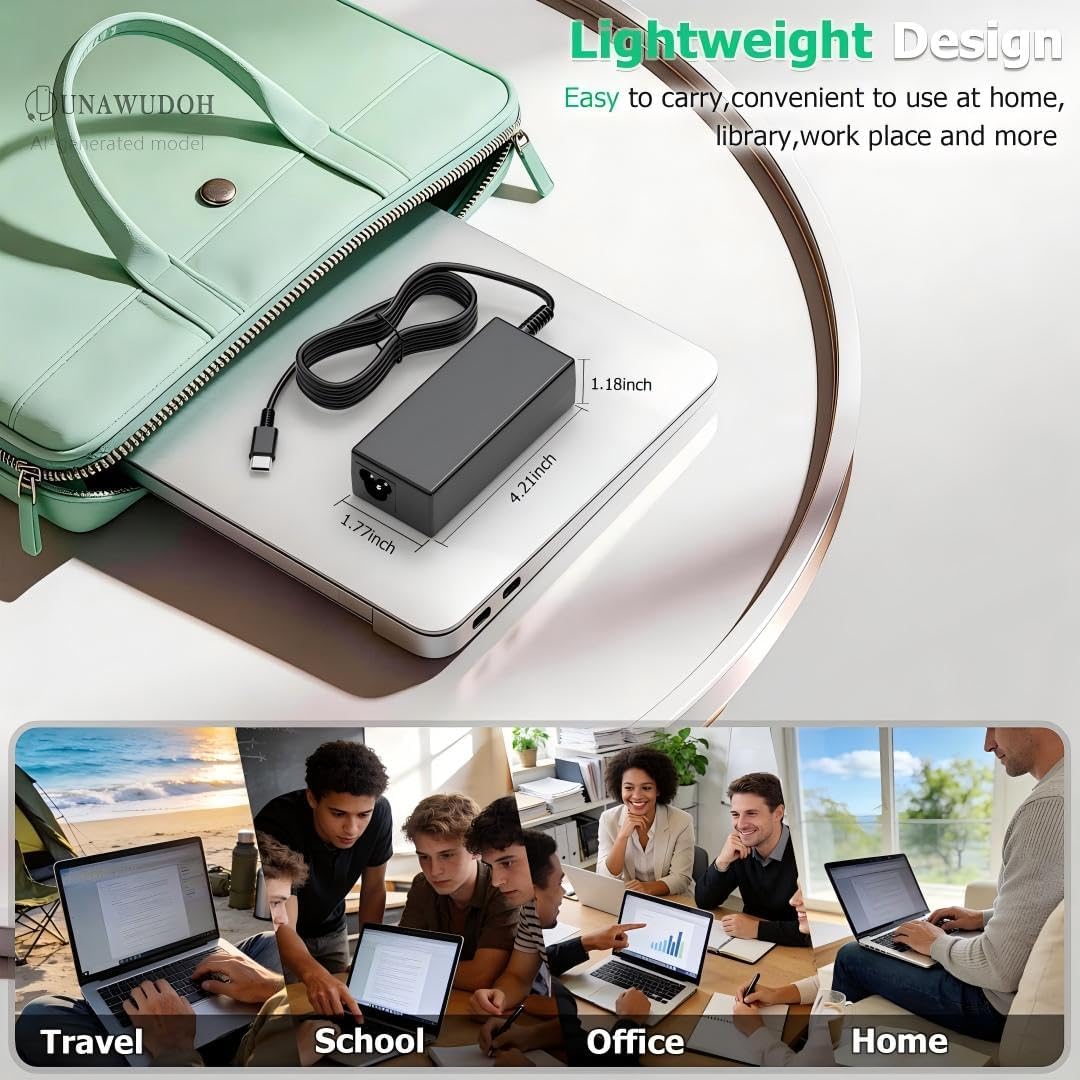
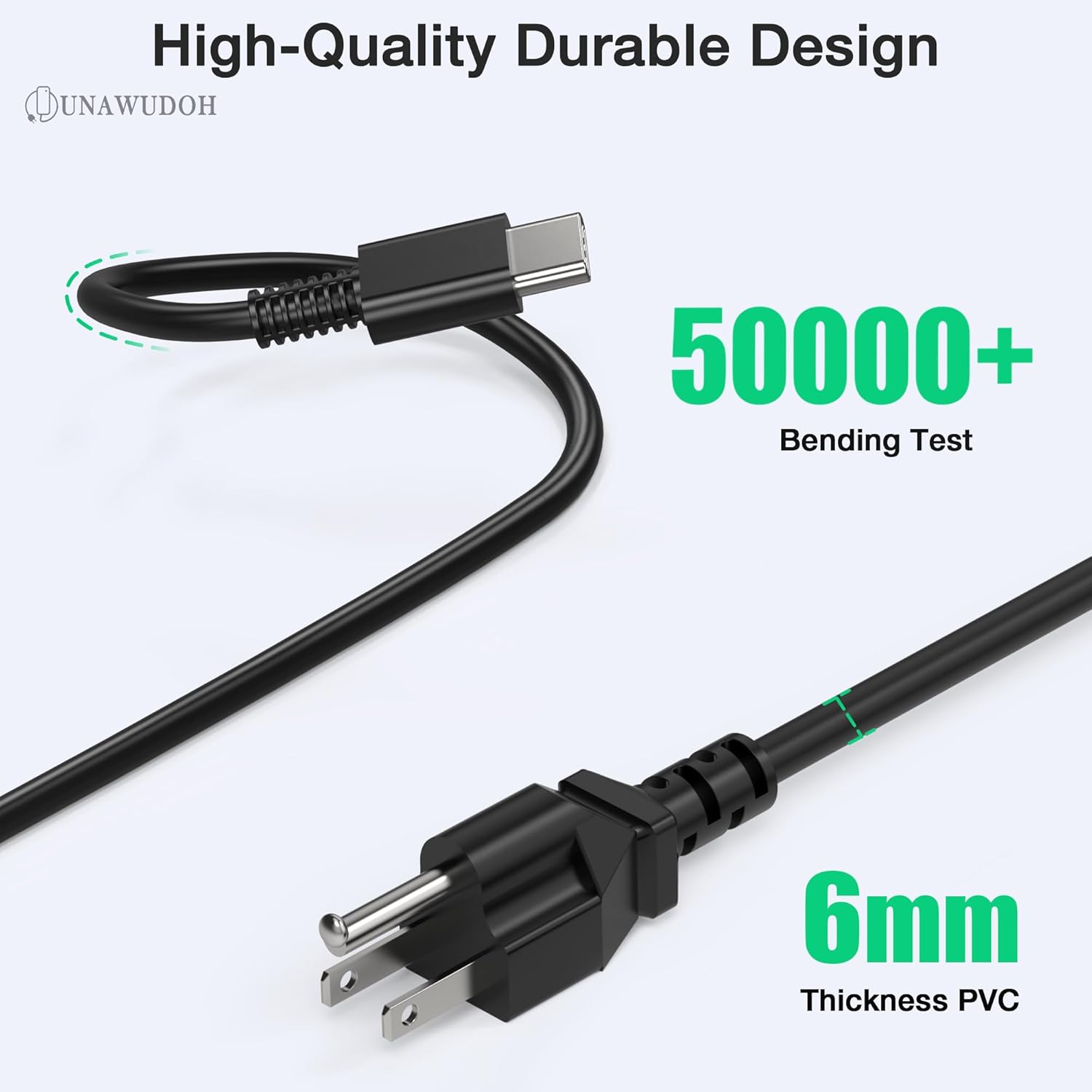
What this is and what it’s for\nThe UNAWUDOH 65W USB-C Laptop Charger is a compact, USB-C power adapter designed to recharge a wide range of Lenovo ThinkPad models and other USB-C laptops. On the paper specs, it supports typical USB-C Power Delivery profiles (5V/9V/15V/20V up to 3.25A) to deliver up to 65W, making it a practical replacement or travel companion for compatible devices. If you’re looking for a single charger you can rely on for several ThinkPad generations and some Chromebooks or 2-in-1s, this model aims to cover that need without carrying multiple bricks.\n\n## How it works and what to expect\nBuilt with Power Delivery 3.0, the charger actively negotiates the correct voltage and current with the connected device to optimize charging speed while protecting the battery. The design is intended to automatically adjust output to match what your device requires (65W or 45W, depending on device demand). It’s built with reinforced connector joints tested for 50,000+ bends to reduce fraying at the critical point where the USB-C plug meets the cable. In addition, a fire-retardant housing and an upgraded intelligent circuit chip monitor temperature and current, providing protection against short-circuits, over-voltage, over-current, and overheating. This combination of features is aimed at reliability for daily use, travel, or overnight charging sessions.\n\n## The best things you’ll notice in use\nOn the positive side, having a single charger that works with ThinkPad models like X1 Carbon, T-series, L-series, and E-series along with Yoga and some Chromebooks can simplify travel plans or desk setups. The automatic power negotiation helps if you’re plugging into a laptop that needs more juice during heavy workloads, while a lighter use case will draw less power when possible, which can help with heat and efficiency. The build quality, including the reinforced connector and protective electronics, is a real plus for anyone who’s tired of frayed cables or flaky adapters.\n\n## The limitations and who it’s not for\nHowever, this isn’t a universal charger for every USB-C laptop. If your device requires more than 65W to maintain full speed during intense tasks, you may notice slower charging or deeper battery drain while in use. It’s also not a docking station substitute, there’s no data transfer, multiple ports, or additional USB-C outputs. If you own a device outside the listed ThinkPad and Chromebook families, confirmation of compatibility is essential before relying on it as your main charger.\n\n## Who this is for\nIt makes sense for ThinkPad owners who want a reliable, relatively compact USB-C charger that handles a broad range of generations and for users who value a tested build with protective features. It’s particularly appealing for students, professionals who travel, or anyone who wants a drop-in replacement to trim accessory clutter.\n\n## When you should consider something else\nIf you routinely require charging at or above 65W for power-hungry tasks, or you need multiple ports, or you want a charger that supports more than one device simultaneously, you might prefer a higher-watt or multi-port solution. If you’re shopping on a stricter budget and already have a charger that covers your device’s needs, this model is a “check before you buy” option rather than an automatic must-have.\n\n## What to check before buying\nEnsure your specific ThinkPad model or Chromebook is on the compatibility list, or verify that your device supports USB-C PD with 65W output. Look for the exact part numbers listed in the compatibility section to confirm a match with your device’s charging expectations. Consider your typical usage: if you travel a lot, the reinforced cable and compact form factor are meaningful, if you mostly charge at a desk with a dedicated charger, the benefit is less pronounced.\n\n## Practical usage example\nYou’re on a red-eye flight with a ThinkPad X1 Carbon. You connect this 65W USB-C charger to your laptop and the charger negotiates an efficient 20V/3.25A profile. The laptop stays powered during the flight, and your battery still has juice left for a productive session upon arrival. The charger remains cool, thanks to the integrated temperature monitoring and safety protections.\n\n## Quick FAQ\n- Will this charger work with my ThinkPad X1 Carbon Gen 9?\n Yes, if the model supports USB-C PD and your power requirements align with 65W or 45W depending on device negotiation.\n- Does it come with a cable?\n The base description mentions a Power Delivery setup and a USB-C output, it does not specify including a separate USB-C cable, so confirm the package contents before purchase.\n- Can I use it to charge other USB-C laptops?\n It supports intelligent power delivery and is compatible with other USB-C devices that accept 65W/45W profiles, but check device compatibility to ensure optimal charging.\n\n## Final decision\nIs it worth it? If you need a dependable, universal-ish USB-C charger for ThinkPad lines and related devices, this model offers a solid balance of power, build quality, and safety features. It’s a reasonable choice for replacement or travel—particularly when a single adapter needs to cover multiple generations with a protective design. But if you regularly require higher wattage or multiple ports, you may want to explore higher-capacity or multi-port options.\n