

UGREEN 2.5-Inch Hard Drive Enclosure
Product description
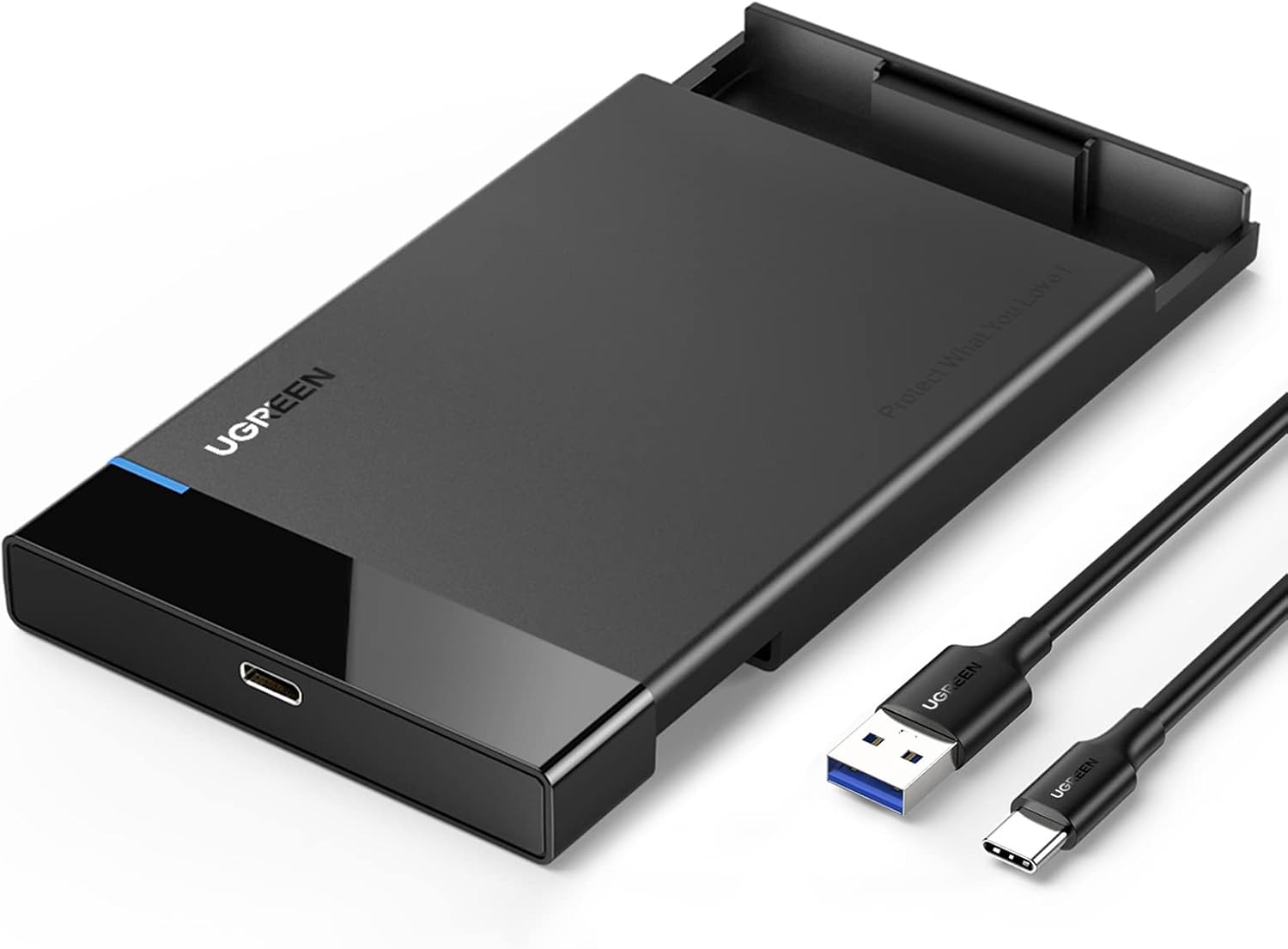
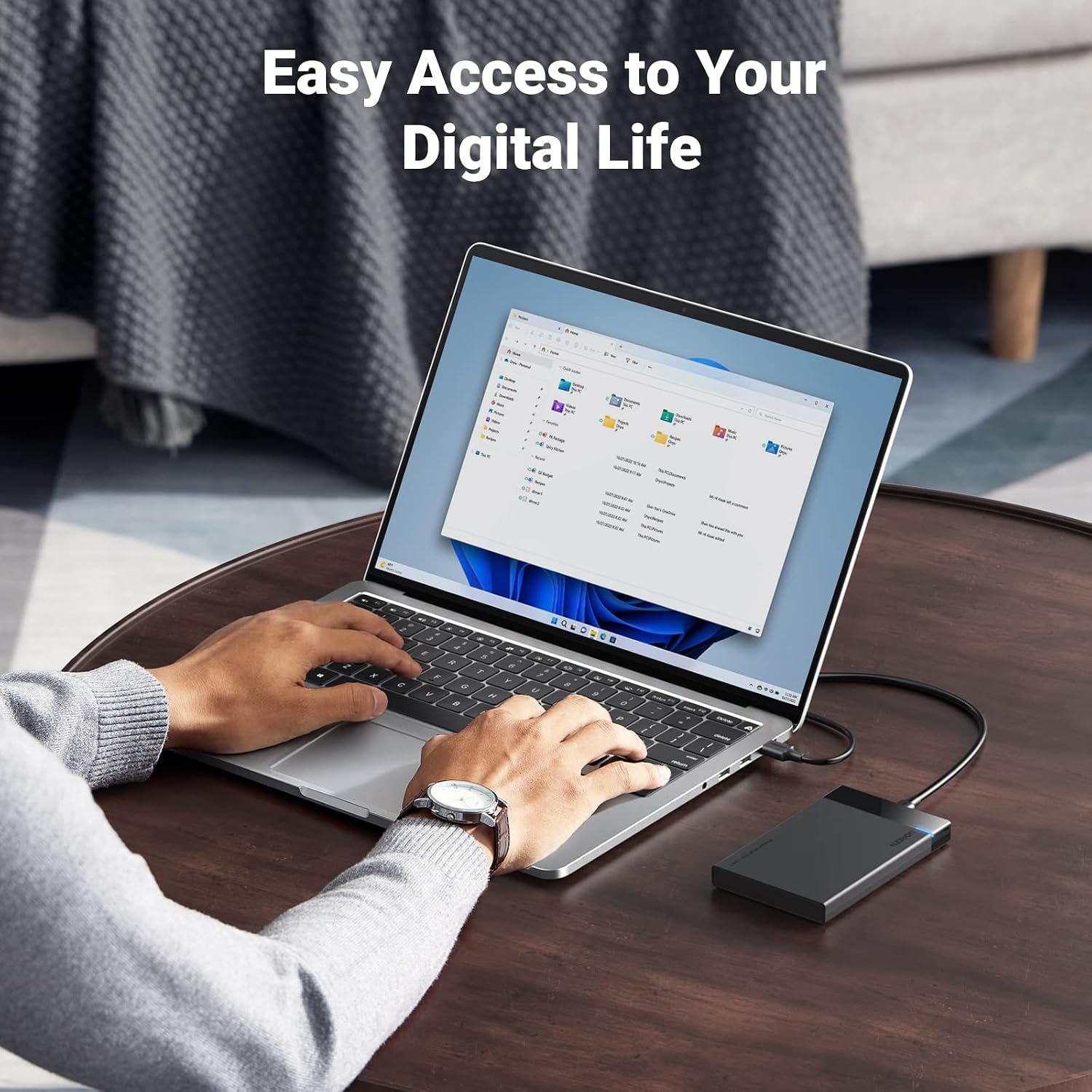
When you need to retrieve files from a 2.5-inch SATA drive or reuse one for external storage, this UGREEN enclosure offers a straightforward way to connect it to a computer. It supports both SSDs and HDDs, with a USB-C connection and a USB-A-to-USB-C cable included.
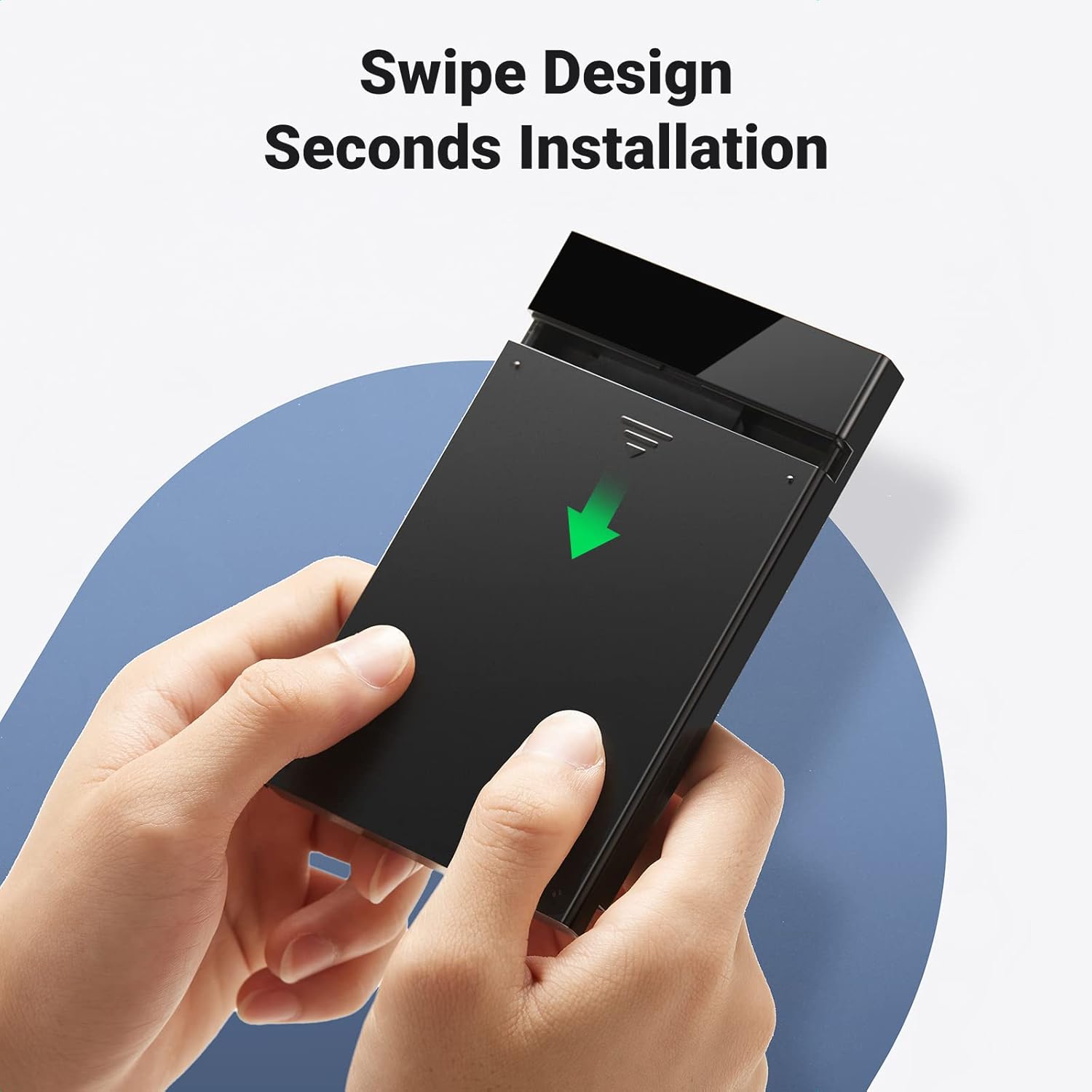
Installation is designed to be tool-free, and an LED indicates operating status. Without having tried it, the practical appeal is clear: it can turn a compatible spare drive into portable storage without adding a separate power adapter to the setup.
Technical details
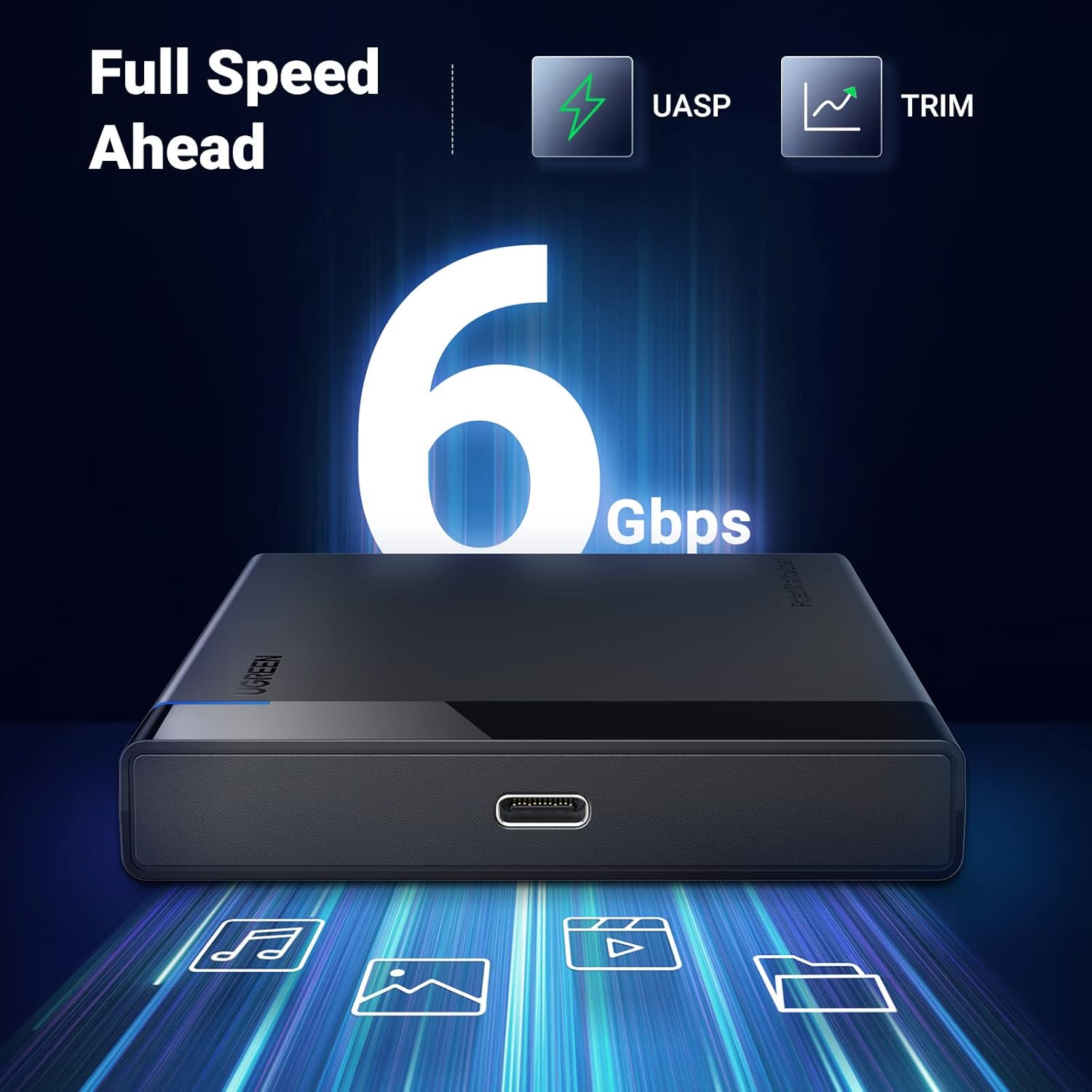
The enclosure uses a SATA III interface rated for transfer speeds up to 6Gbps and supports UASP. That figure is a maximum interface speed, not a promise that every drive or connected device will transfer files at that rate. The listing also describes backward compatibility with USB 2.0 and USB 1.1, where connection speeds depend on the port.
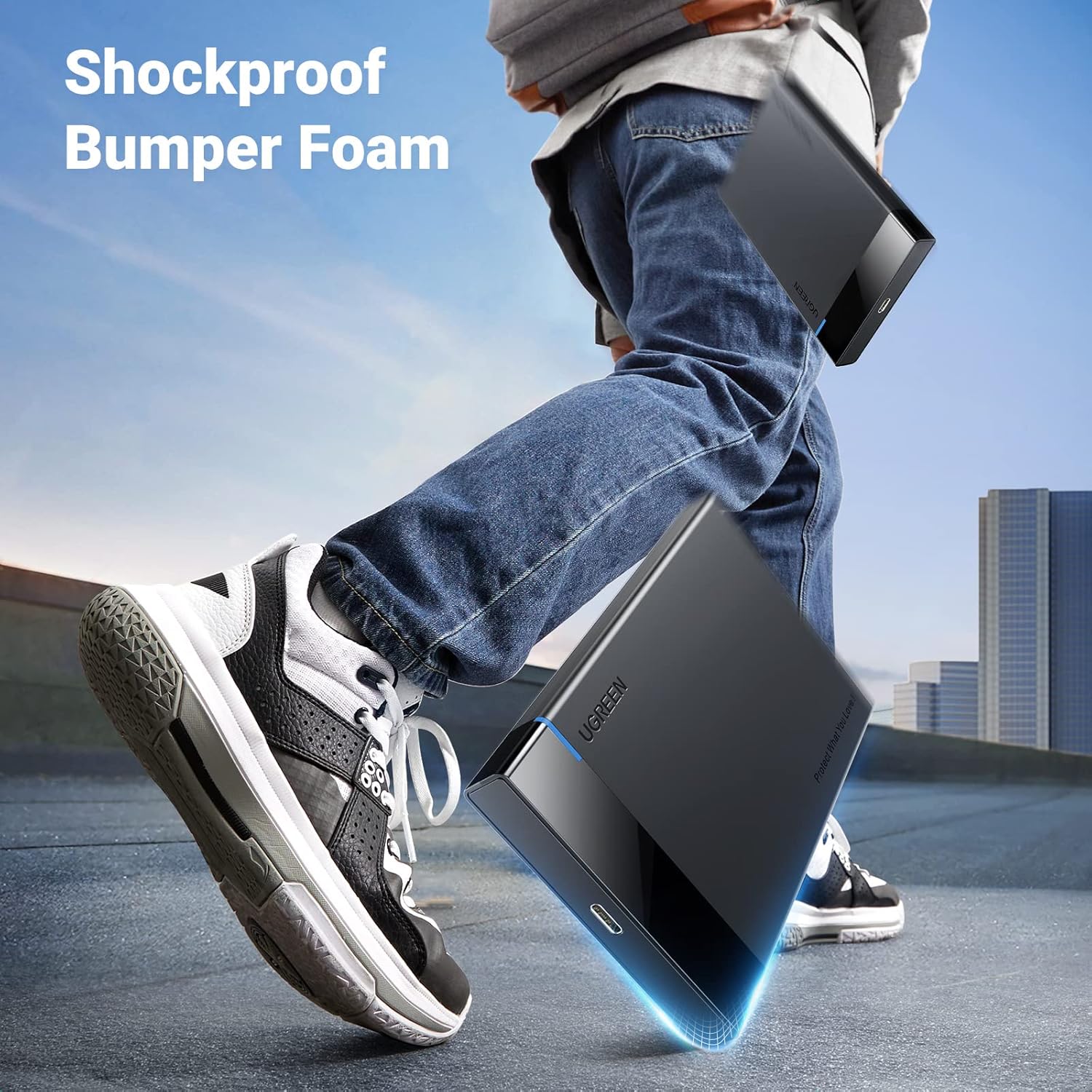
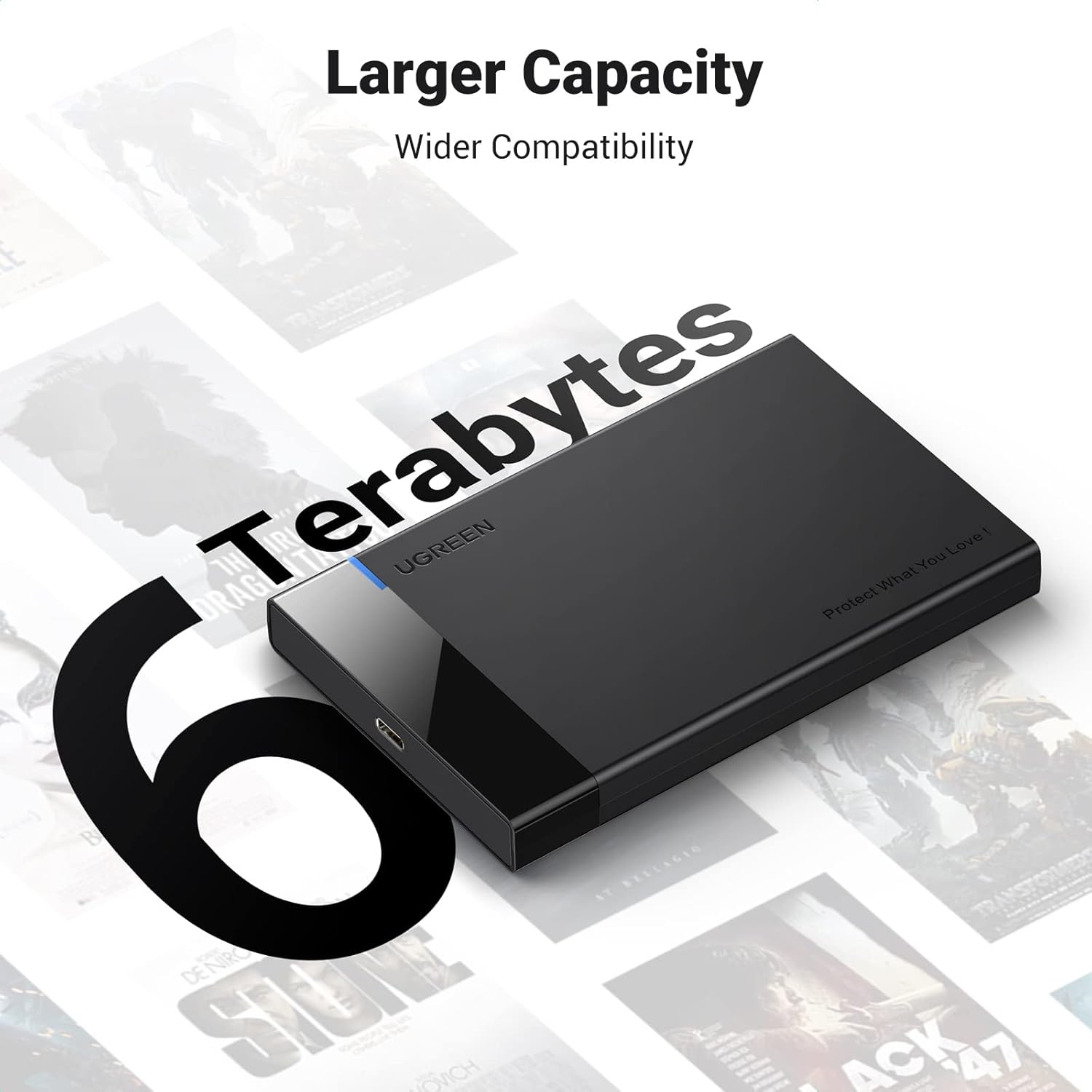
It fits 2.5-inch SATA HDDs and SSDs that are 7mm or 9.5mm thick, with support for drives up to 6TB. An EVA foam lining helps cushion the drive against movement and scratches, while the detachable cable is 20 inches long. The stated kit includes a USB-A-to-USB-C cable, a USB-C-to-USB-C cable is not included.
Compatibility & requirements
The listed operating systems are Windows, Linux, and MacOS 8.0 and above. UGREEN names drives from Western Digital, Seagate, Toshiba, Samsung, Kingston, Crucial, and Hitachi among compatible brands, but the key checks are the drive’s 2.5-inch size, SATA connection, and supported thickness—not just its brand.
The enclosure is described for use with PCs, laptops, game consoles, and routers. Support can vary by the connected device, so a console or router should not be assumed to recognize every drive. If your computer only has a USB-C port, the included USB-A-to-USB-C lead will not match it directly, you’ll need a suitable separate cable or adapter.
Usage tips
For a practical file transfer, seat a compatible SATA drive in the case, connect the cable to a computer, and use the LED as a basic indication that the enclosure is working. The plug-and-play design requires no tools or drivers according to the listing. Keep the drive’s thickness in mind before ordering, particularly when moving an older laptop drive into the enclosure.

It makes sense if you already have a compatible 2.5-inch drive and want a simple way to access or carry its files. Compared with buying a complete external drive, this approach lets you reuse storage you already own. The trade-off is that you must supply the drive, and the included cable is USB-A to USB-C rather than USB-C to USB-C.
Questions before you buy
Does it include a hard drive? No drive is listed as included, the enclosure is for a separately supplied SATA HDD or SSD.
Can I connect it to a USB-C-only computer with the included cable? The included cable is USB-A to USB-C, so you’ll need a separate compatible cable or adapter for a USB-C-only port.
Do I need tools or drivers to install a drive? The product description says setup is tool-free and plug-and-play, with no drivers needed.
Should you buy it?
Choose this enclosure if your priority is reusing a 2.5-inch SATA SSD or HDD and you’re comfortable checking its thickness and connection type first. It’s a practical fit for file access and portable storage, especially when the included USB-A connection suits your setup. Not the best choice if you need a complete external drive, a USB-C-to-USB-C cable in the box, or a case for a drive outside the stated size and thickness range.