


Trueque Wireless Mouse, 6-button
Product description
Where it shines
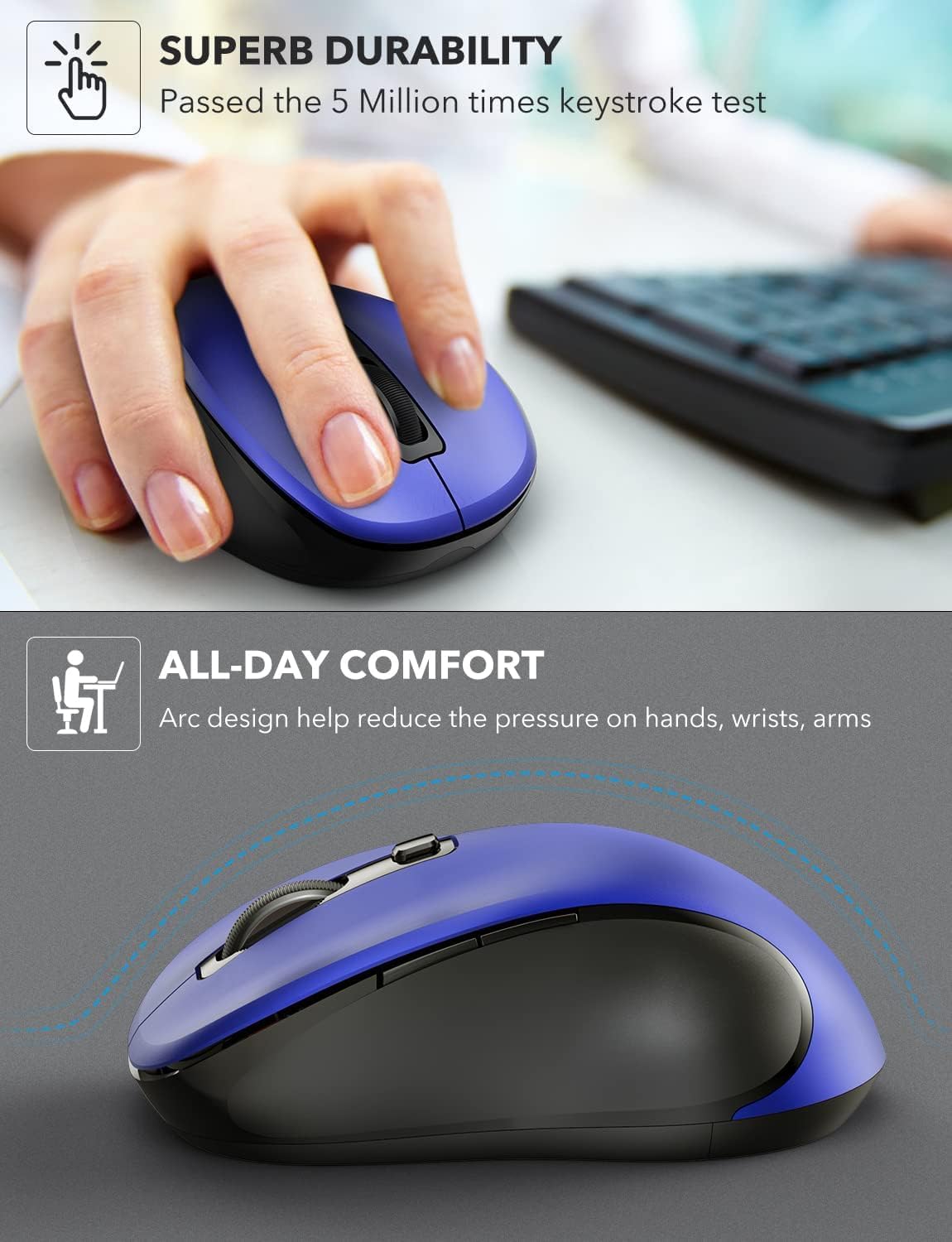
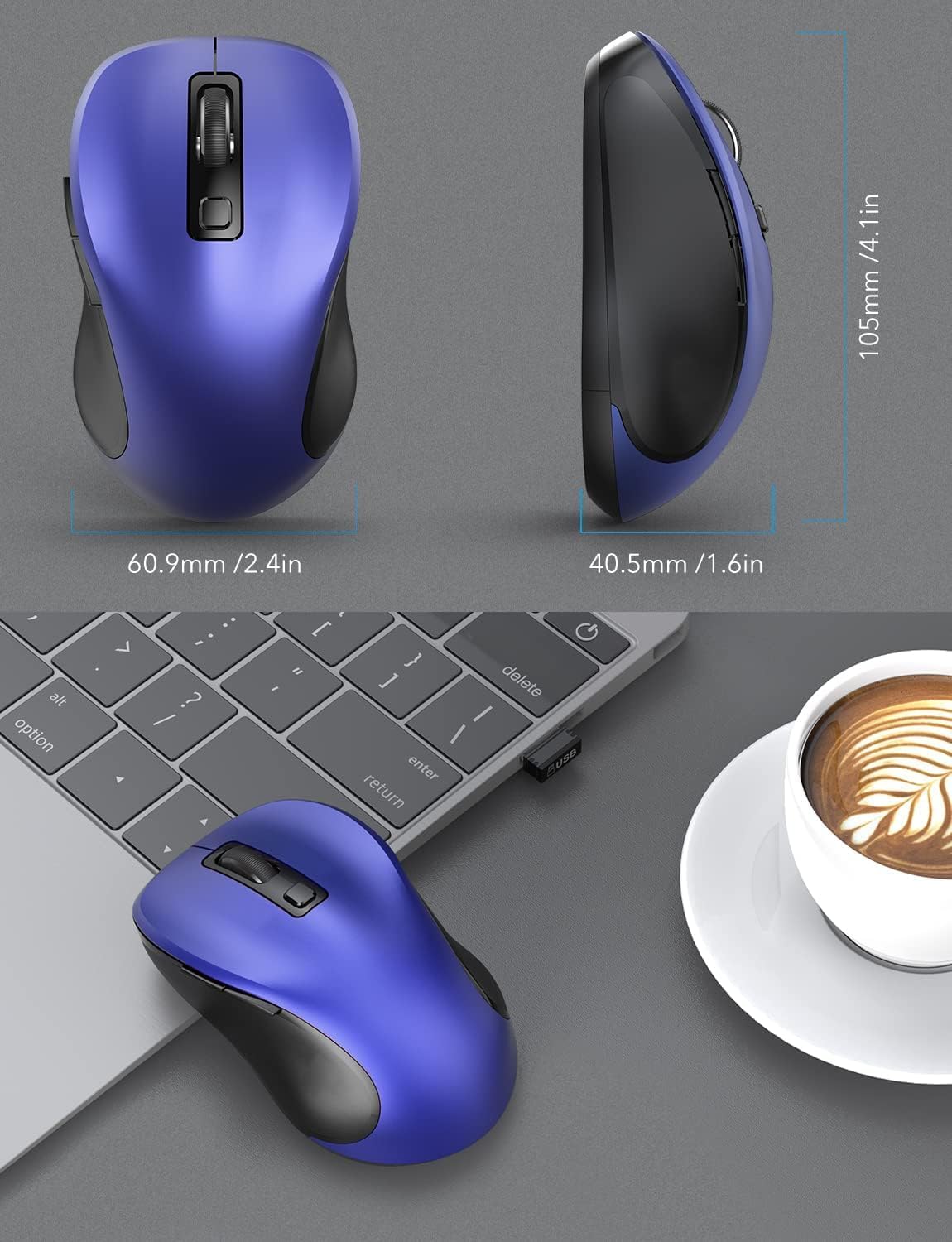
If your day involves a lot of browsing, writing, or switching between tabs, this mouse focuses on comfort and quick navigation rather than a long list of advanced controls. Its contoured shape is designed to follow the hand, while silent clicks may be welcome in a shared office, a library, or a quiet room at night. The deep blue finish also gives it a little more visual character than a basic black peripheral.
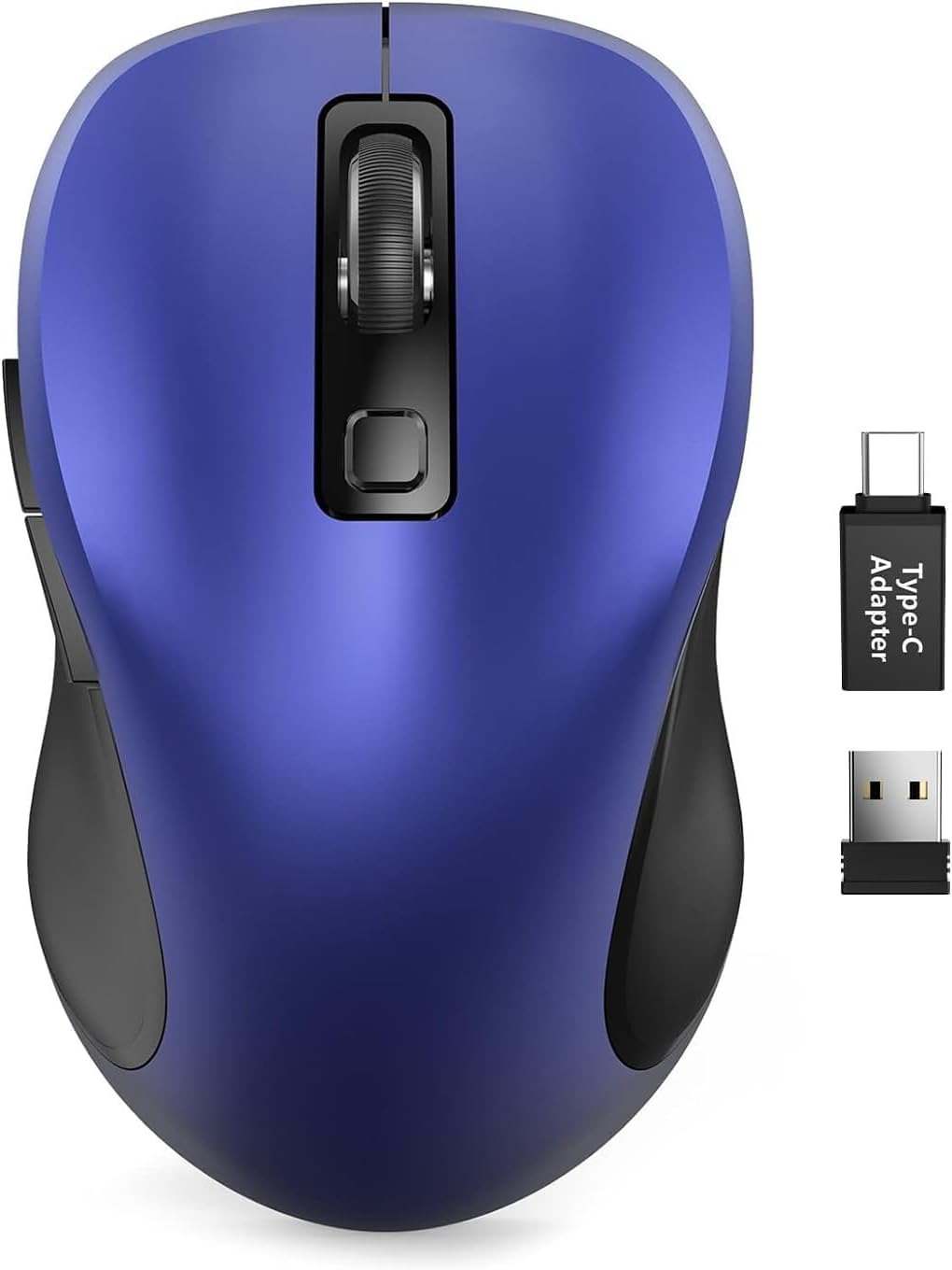
The practical contrast is simple: if you prioritize quiet clicks and handy back/forward buttons, the feature set is aimed at your routine, if you prefer a rechargeable mouse or a connection that does not rely on a USB receiver, look for those features stated explicitly.
Highlights
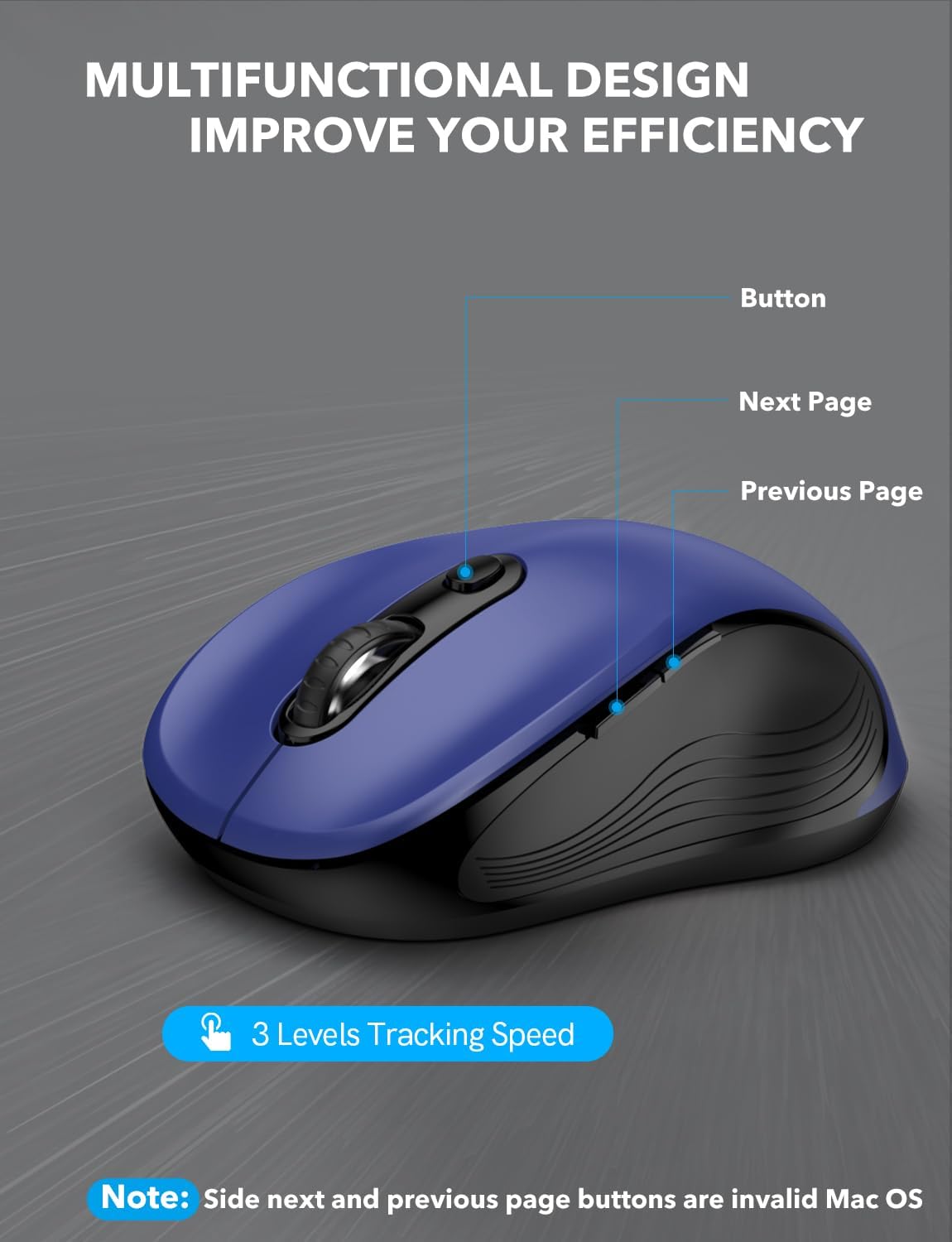
Six buttons include dedicated forward and back shortcuts, which can save repeated trips to browser controls during everyday browsing. The three listed DPI settings—800, 1200, and 1600—give you a choice between slower, more controlled pointer movement and faster movement across the screen. That is useful for general work and study, though it is a modest range rather than a promise of fine-tuned control for every task.
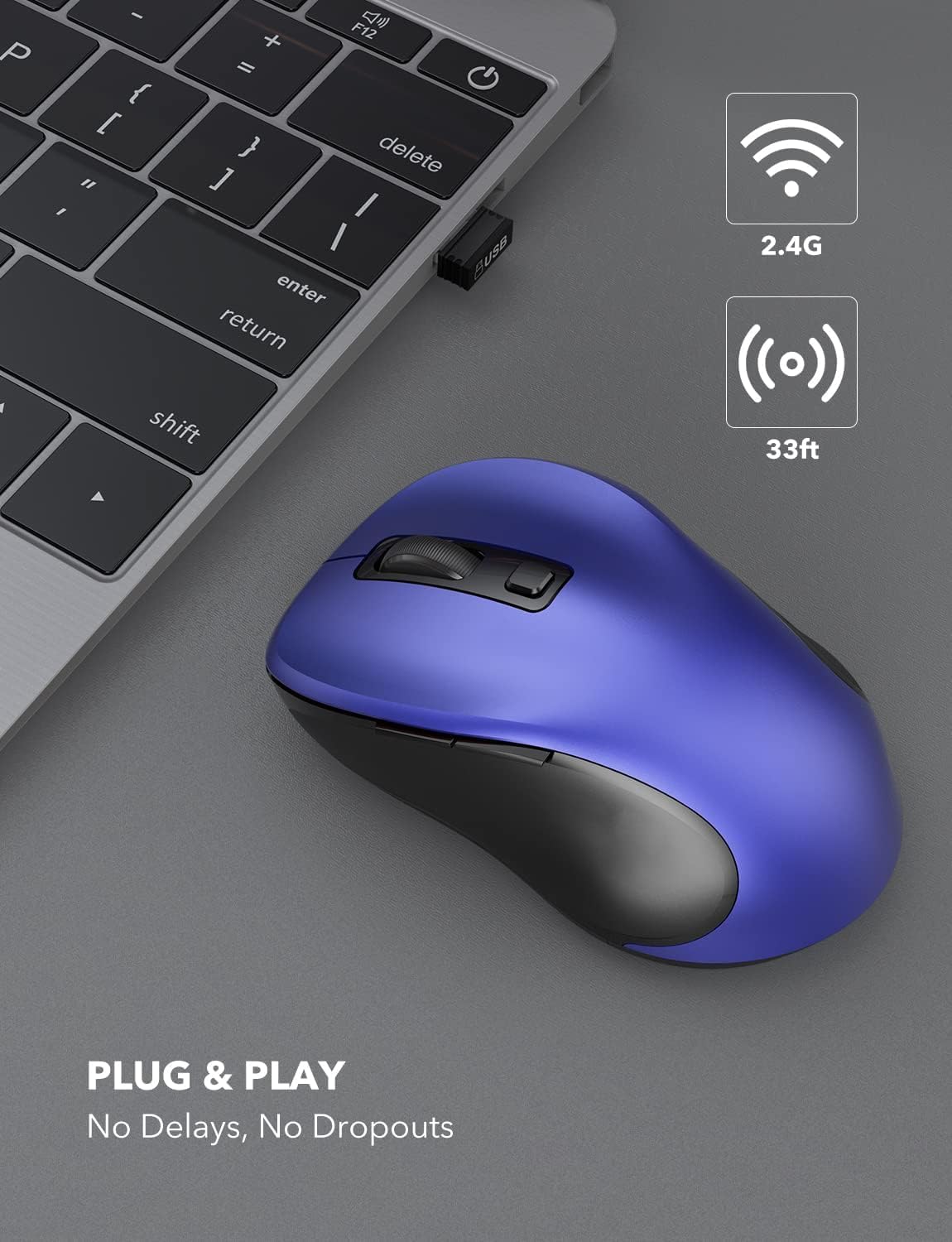
The mouse connects through a 2.4GHz USB receiver. A USB-C adapter is included alongside the standard receiver, and the listing names Windows, Mac, Chrome OS, and Linux compatibility. Setup is described as plug and play, with no driver installation required. For example, you could keep the receiver in the mouse, plug it into a laptop for a work session, and use the back button to move through web pages without reaching for the trackpad. Check which port you plan to use, this is a receiver-based setup, not a Bluetooth connection described in the listing.
Care & maintenance
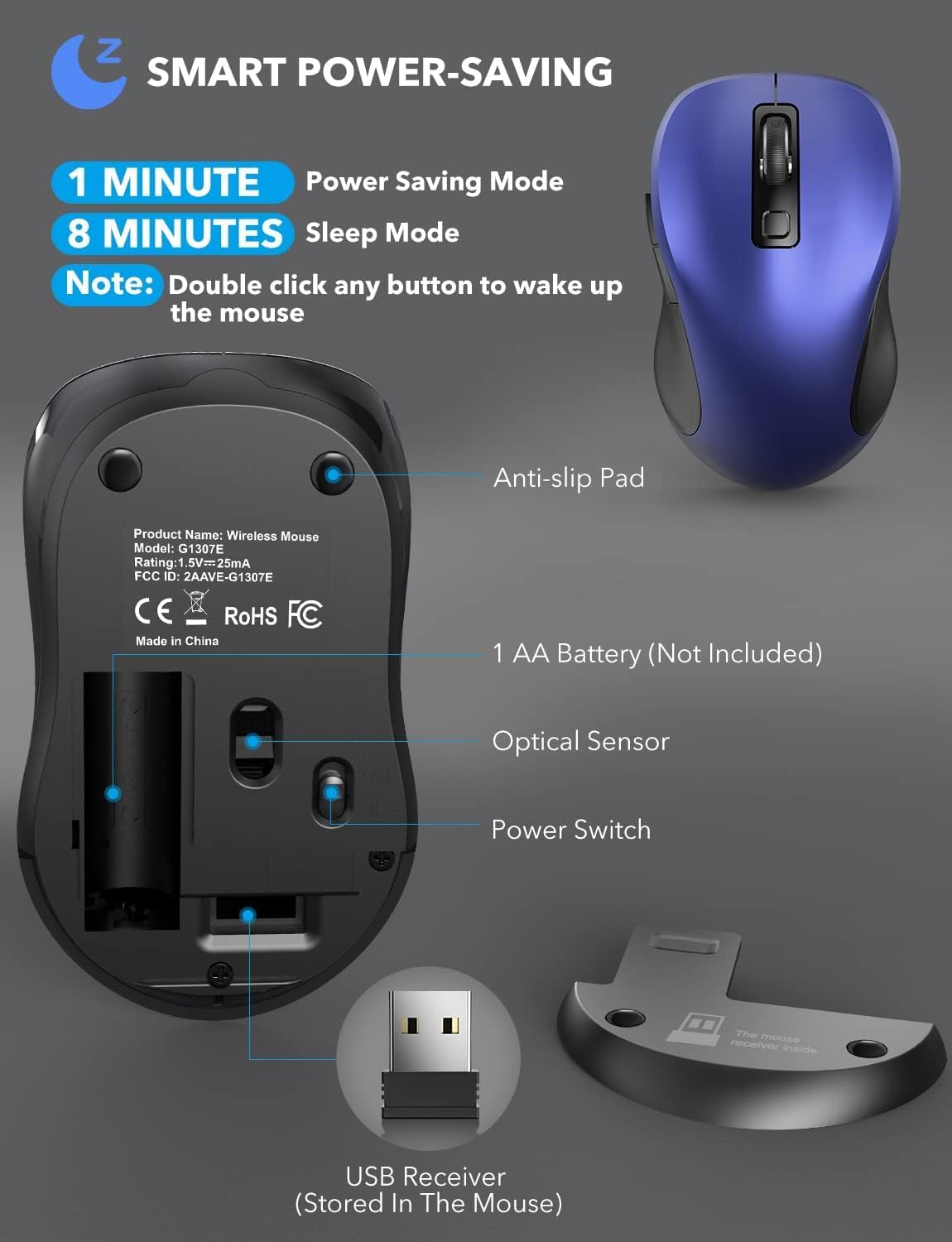
It uses one AA battery, which is not included, so have one available before you expect to use it. The listed battery life is up to 12 months, and the mouse enters auto-sleep after 15 minutes of inactivity to help conserve power. Actual battery life can vary with use, so treat that figure as a stated maximum rather than a guaranteed schedule.
For carrying, the USB receiver stores inside the mouse. The USB-C adapter is packed separately in the box, so keep track of it if that is the connector you need. A 24-month warranty is also listed.
Is it worth it?
It’s a great fit if you want an everyday wireless mouse for browsing, work, or study, and value a contoured grip, quieter clicks, and simple navigation shortcuts. The three DPI settings offer some adjustment without making setup complicated. It may not suit you if you need a rechargeable battery, Bluetooth, or a broader range of tracking adjustments, those features are not specified here.
For a quick desk setup or a laptop bag, the included receiver options and receiver storage make the arrangement straightforward, while the missing AA battery is a small but real first-use catch. Choose it when quiet everyday control is the priority and a USB receiver works for your device. If your setup depends on Bluetooth or you want to avoid replacing batteries, a mouse explicitly built around those needs is the more suitable route.