

TRENDnet TEG-102S Gigabit Ethernet Splitter with USB‑C 2 📡
Product description
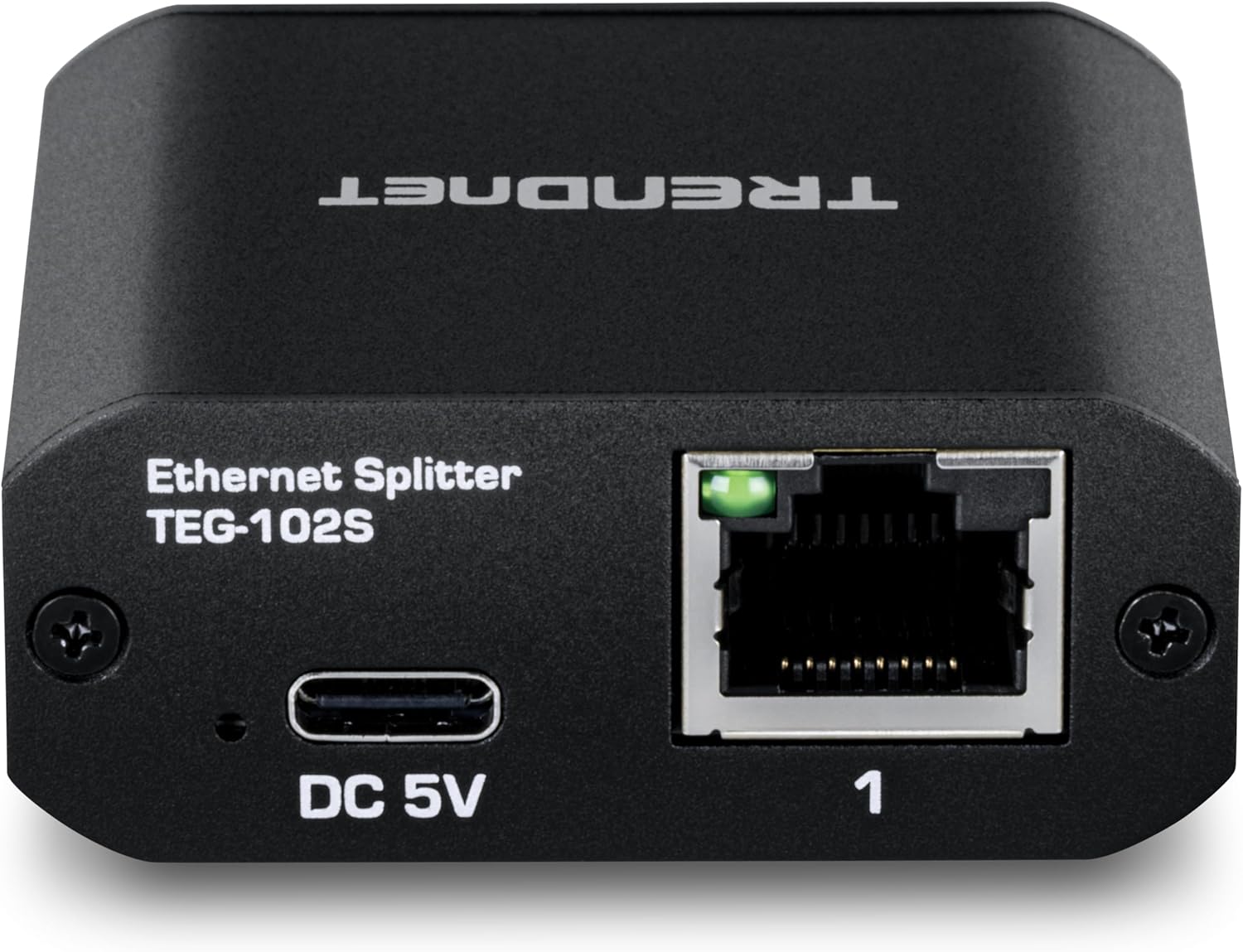
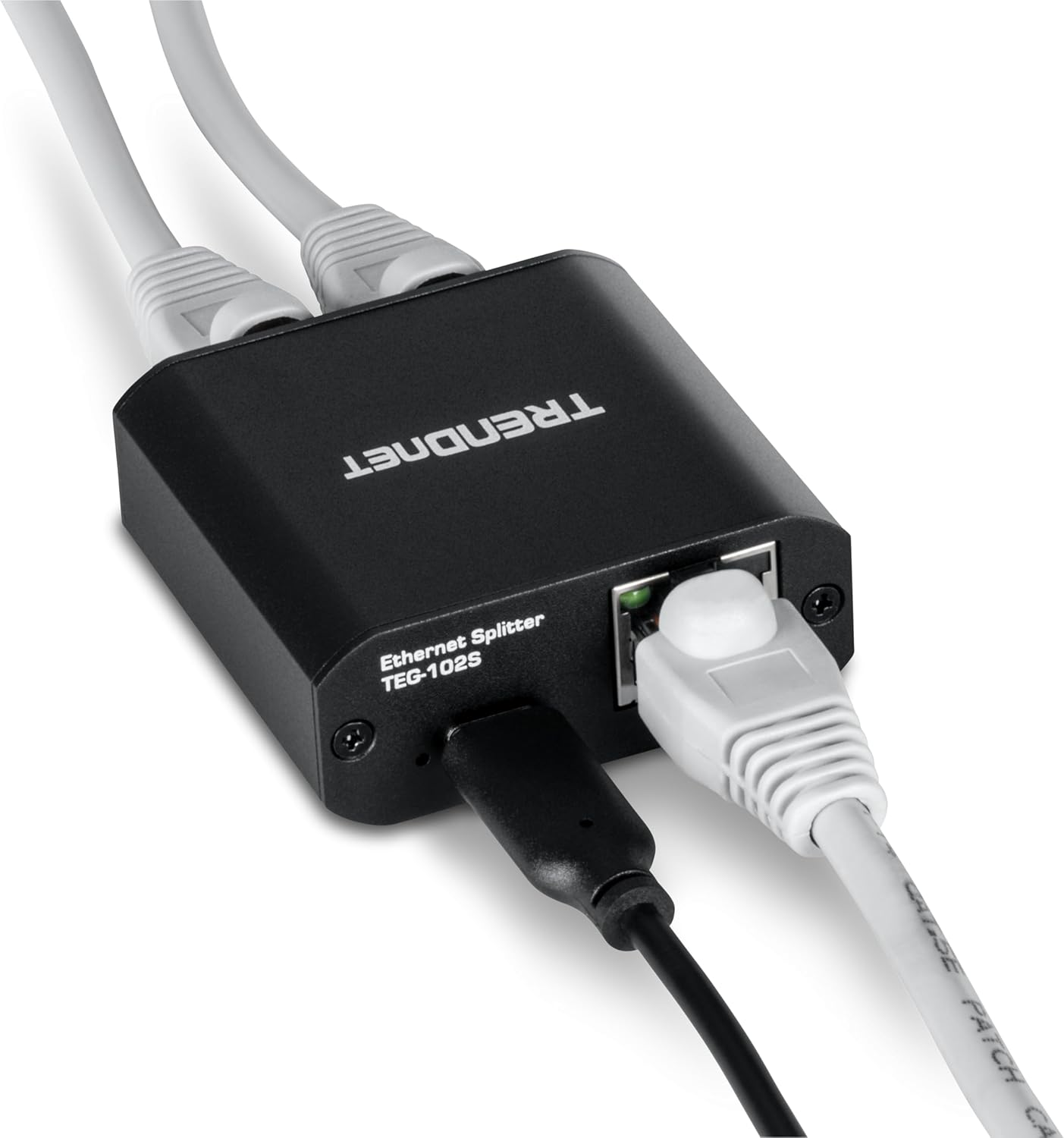
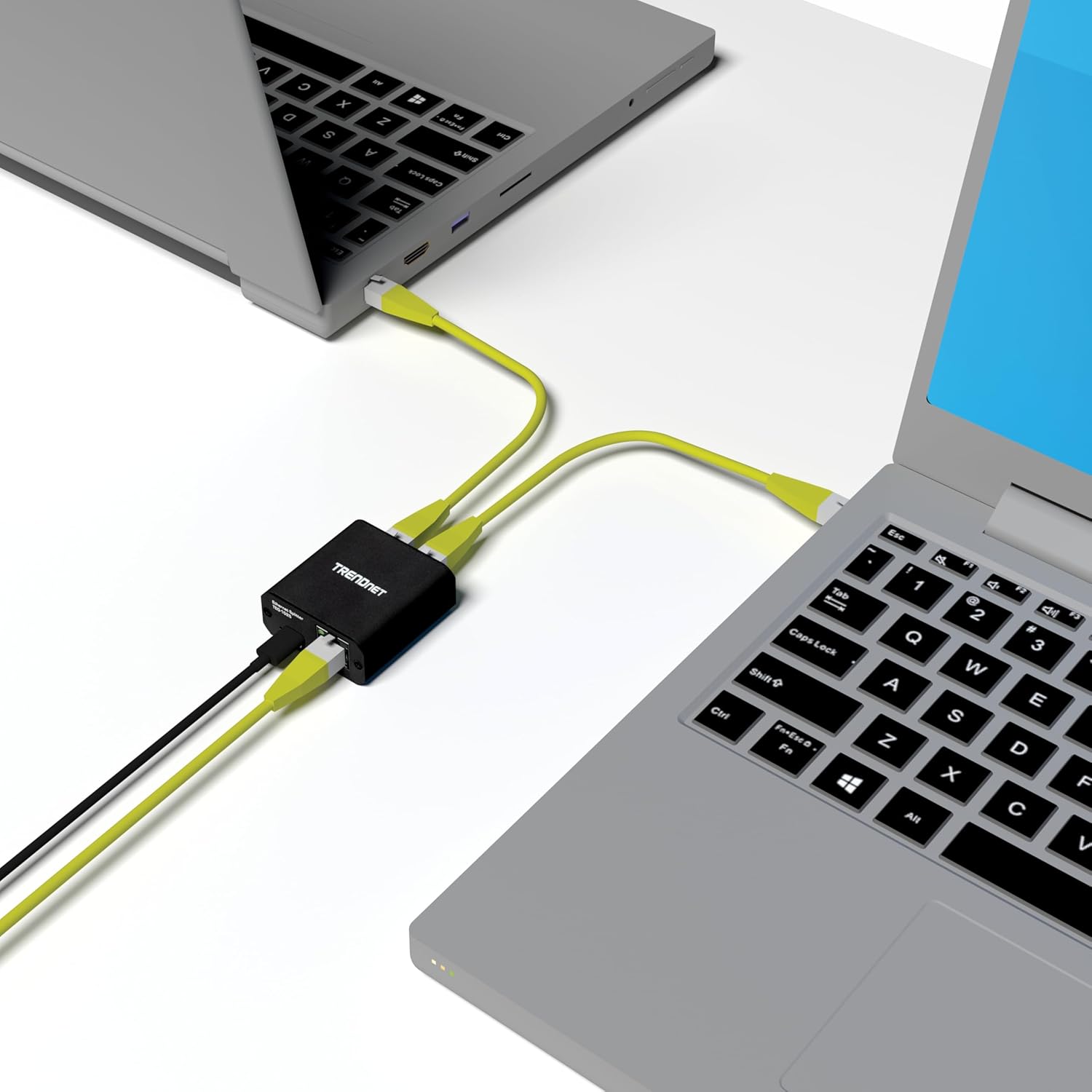
This compact network accessory splits one wired connection into two active ports, making it easy to expand access points without adding a switch. This Gigabit Ethernet splitter with USB Type C power is intended for simple network extension where space is limited and plug-and-play operation is preferred. It offers high-speed links for two devices while keeping a low profile on a desk or in a mobile setup.
Key Points
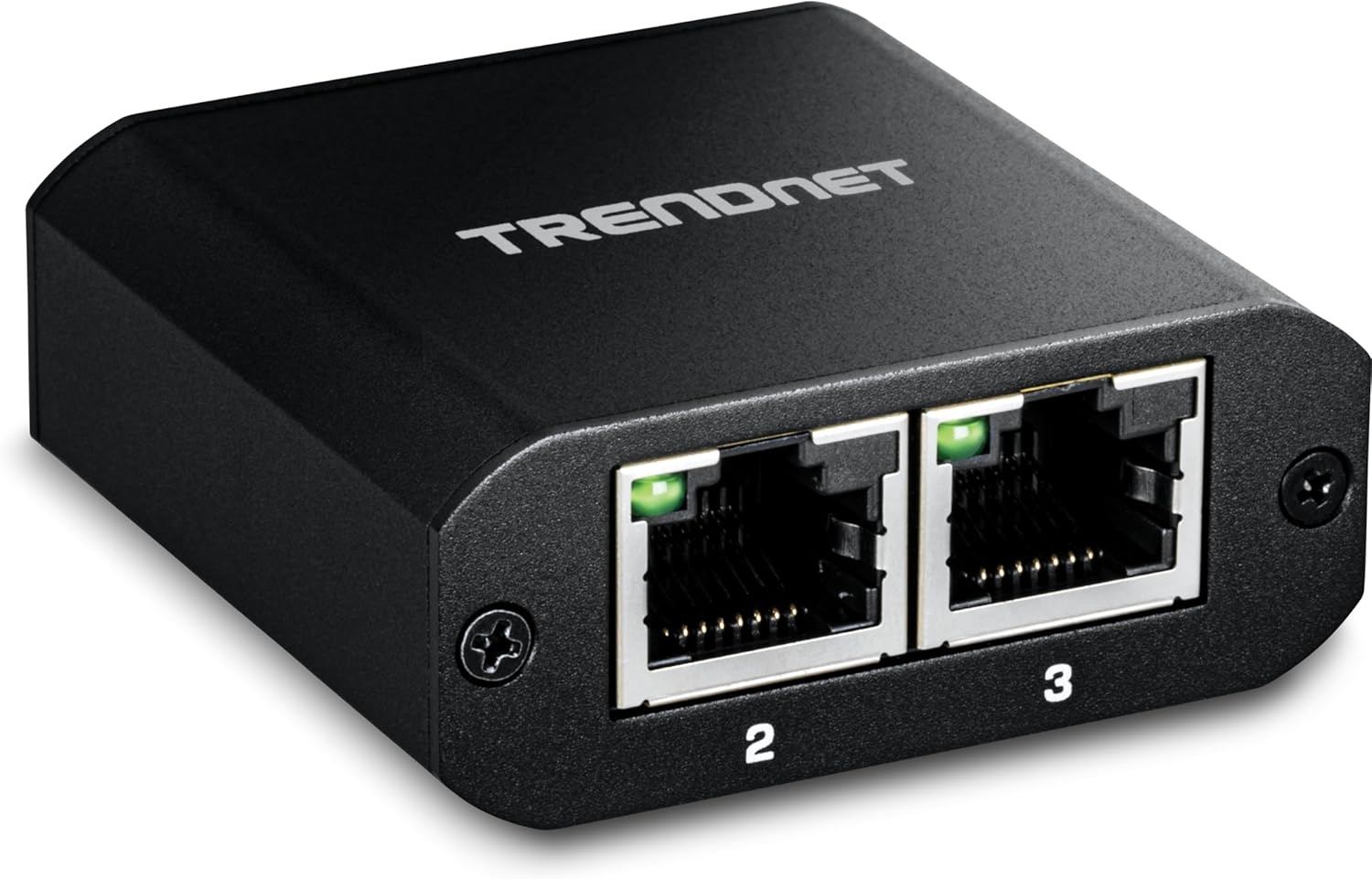
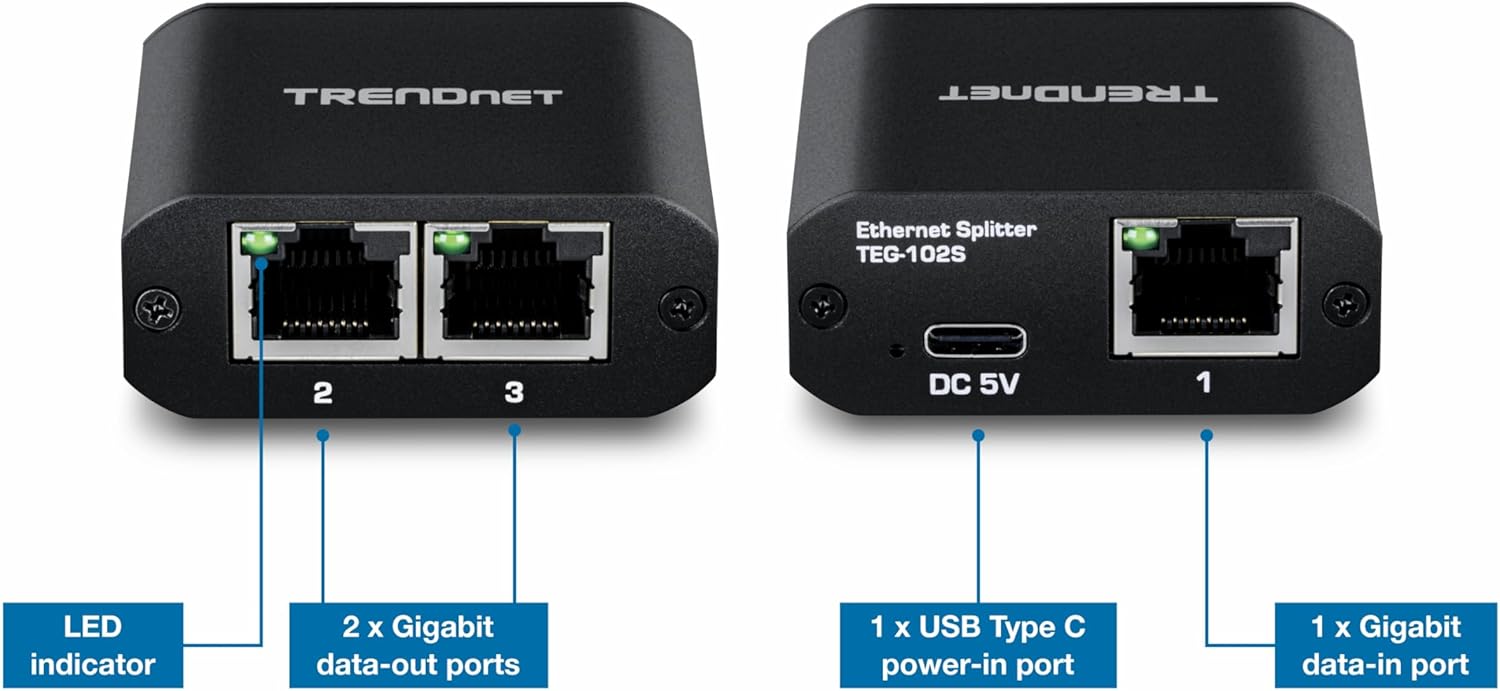
The TRENDnet two-port splitter delivers straightforward network sharing with no configuration required, which makes setup fast for temporary desks, conference areas, or small office corners. It runs passively when connected to USB Type C power and displays port activity through built-in LEDs, so you can quickly verify link status. The metal housing keeps the unit durable and compact, suitable for transport and quieter environments because it operates without a fan. 🖧
Technical Specifications
- Name: TRENDnet TEG-102S
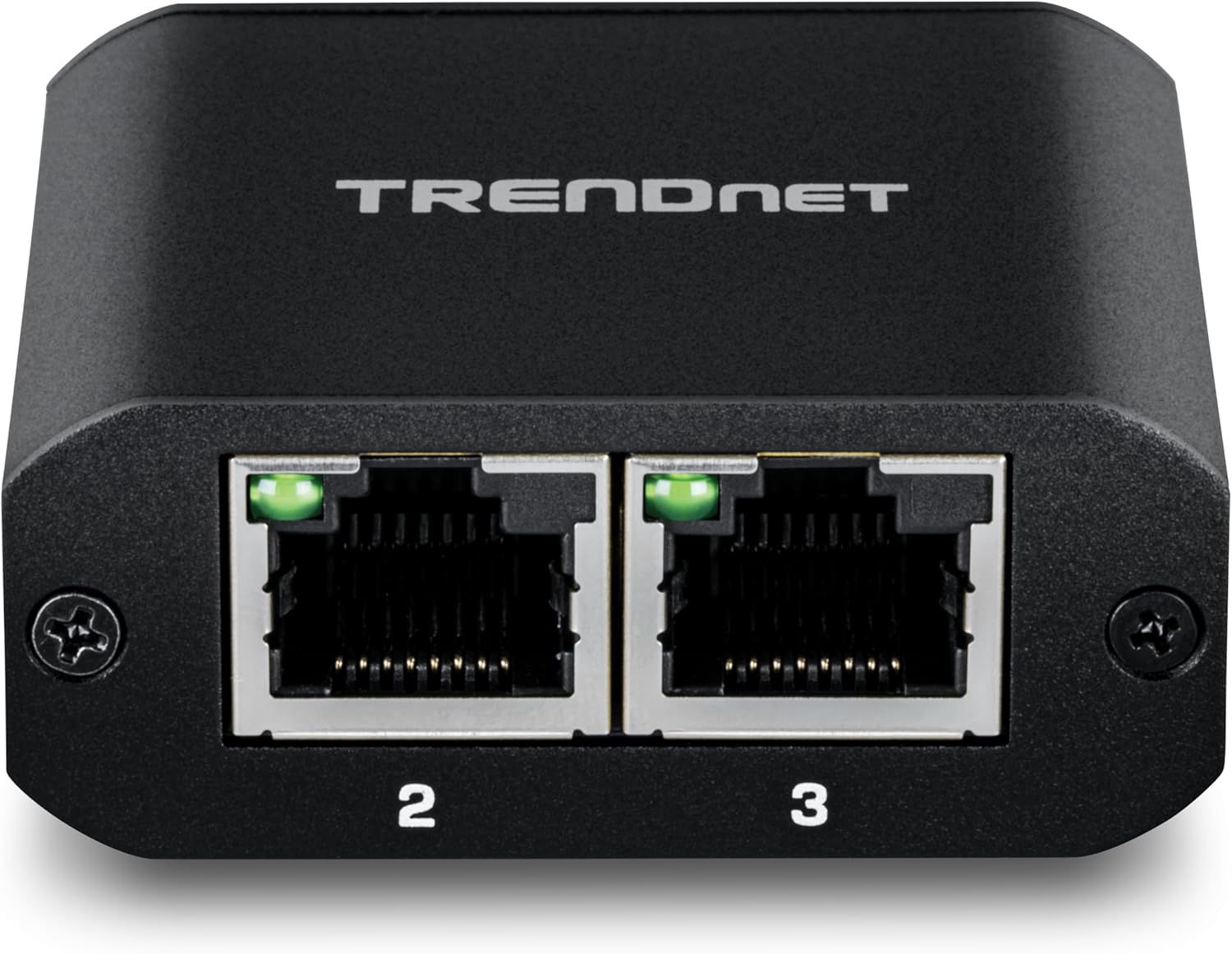
- Ports: - 2 x RJ-45 Gigabit Ethernet ports.
- Switching capacity: - 4 Gbps.
- Jumbo frames: - Up to 9 KB.
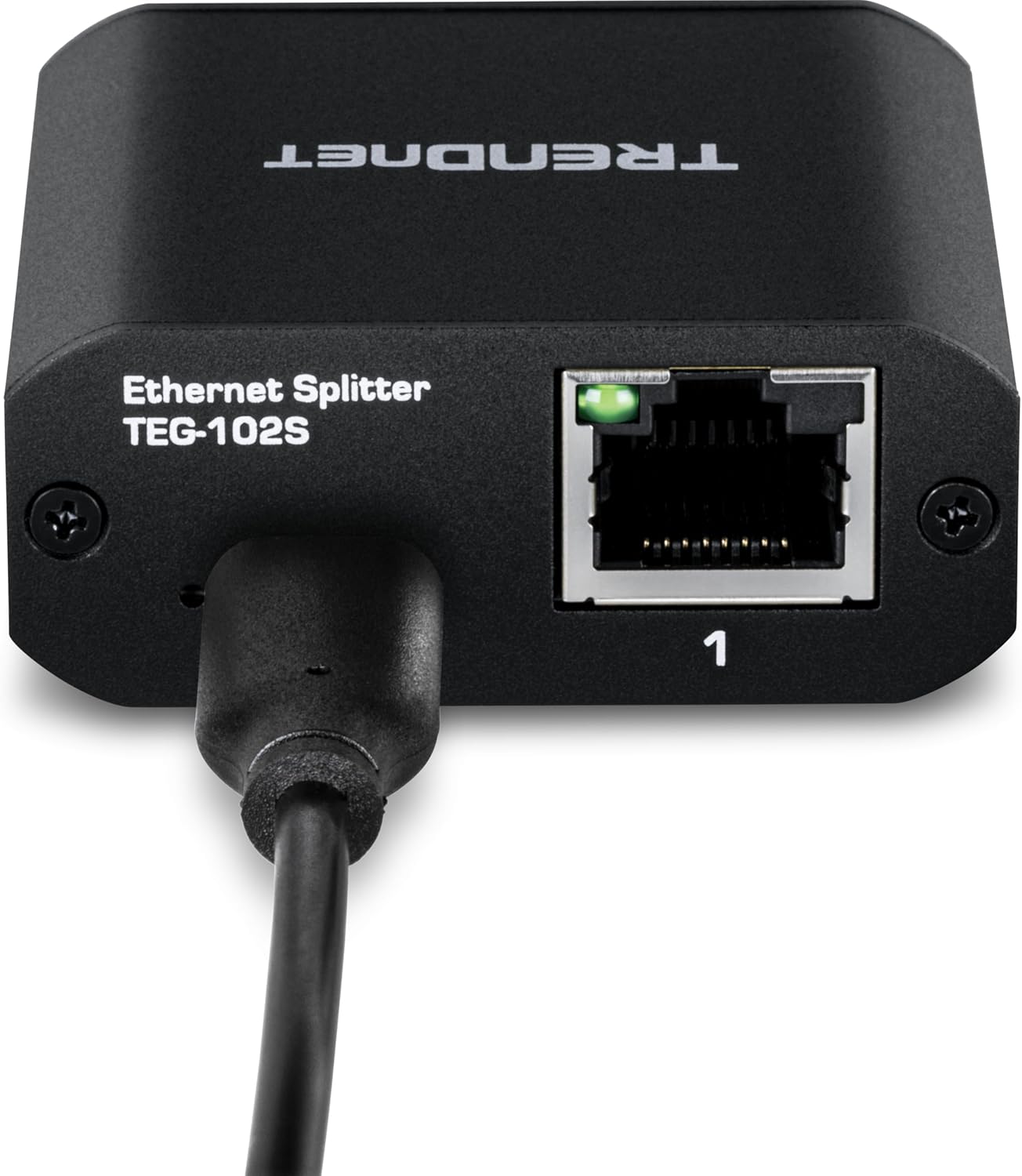
- Power: - USB Type C cable included for external power.
Benefits
This model includes NDAA and TAA compliance for U.S. and Canadian government projects, which simplifies procurement for environments that require those certifications. The two gigabit ports provide full-rate connections to connected devices according to the manufacturer, and the unit supports larger frames to reduce CPU overhead on some types of traffic. For a small investment, you gain additional wired ports without carrying a full switch, and the plug-and-play behavior avoids network configuration steps that can slow deployments. 🔌
Usage Recommendations
Position the splitter close to a primary network outlet and connect the included USB Type C power cable to a suitable adapter or powered port to ensure reliable operation. If you are handling heavy simultaneous transfers from both ports, be aware that the splitter’s shared link architecture means overall throughput is split across the two destinations. For environments with sustained high traffic loads, consider a dedicated unmanaged switch instead. The LEDs help diagnose link problems quickly, and the lack of a fan reduces noise where silence matters.