

Tower Power Strip with 20W Dedicated USB-C PD Port, 12 AC Outlets and 5 USB Ports (3 USB-C) — Desk Charging Station
Product description
The essentials
If you’re dealing with an outlet shortage and a pile of chargers, a tower-style power strip can be a genuinely practical fix. This Tower Power Strip is built around the idea of charging lots of devices in one spot: 12 wide AC outlets plus 5 USB ports, including a dedicated 20W USB-C PD fast-charging port. It’s designed to keep your desk, nightstand, or charging area more organized without needing a bunch of extra adapters.
One thing to keep in mind, though: it’s meant to simplify setup and reduce cable clutter—it's not a magic unlimited-power solution. With any multi-device charging setup, how fast and how effectively devices charge can depend on what you plug in at the same time.
What it does well (and what you’ll notice)
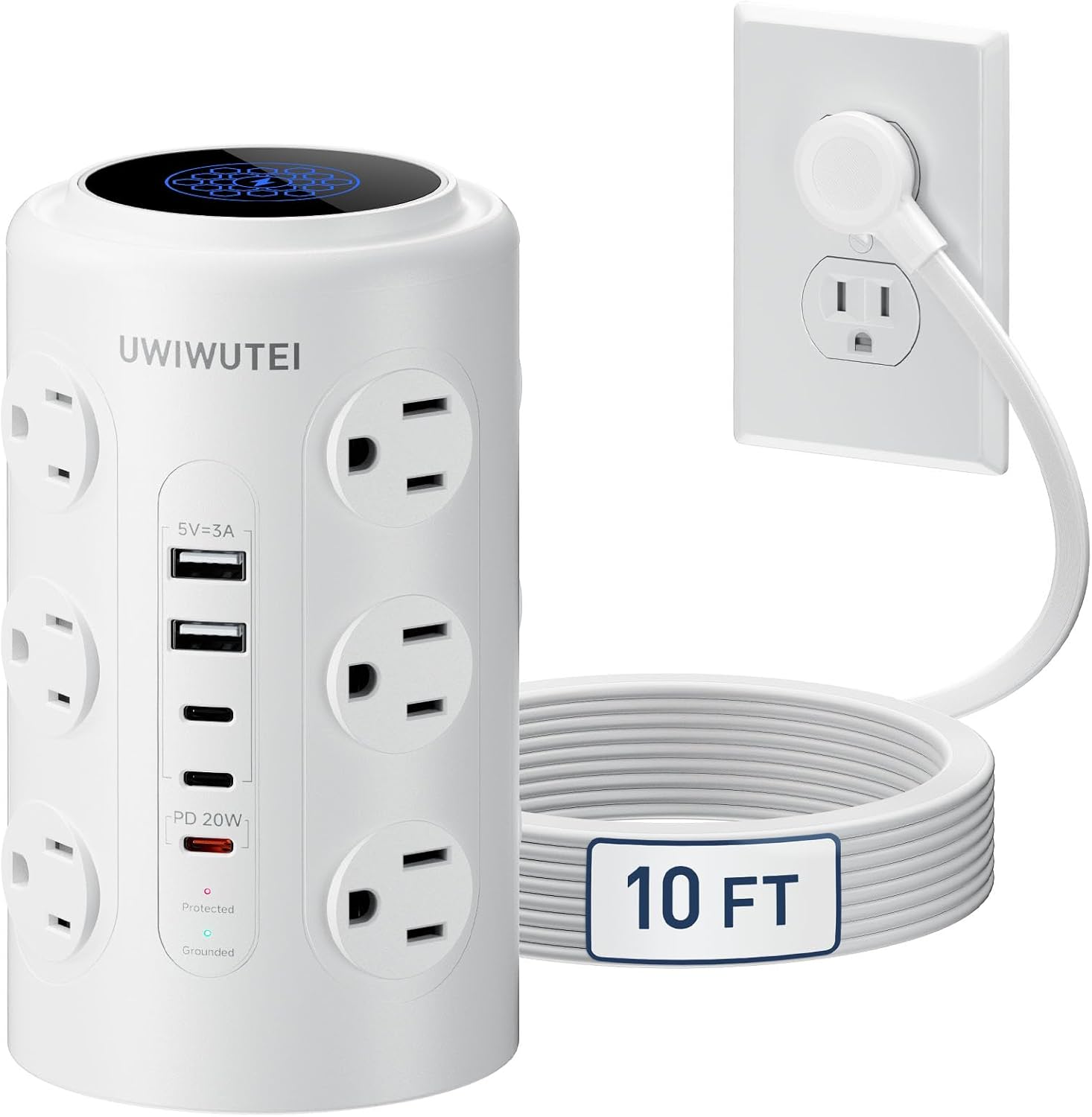
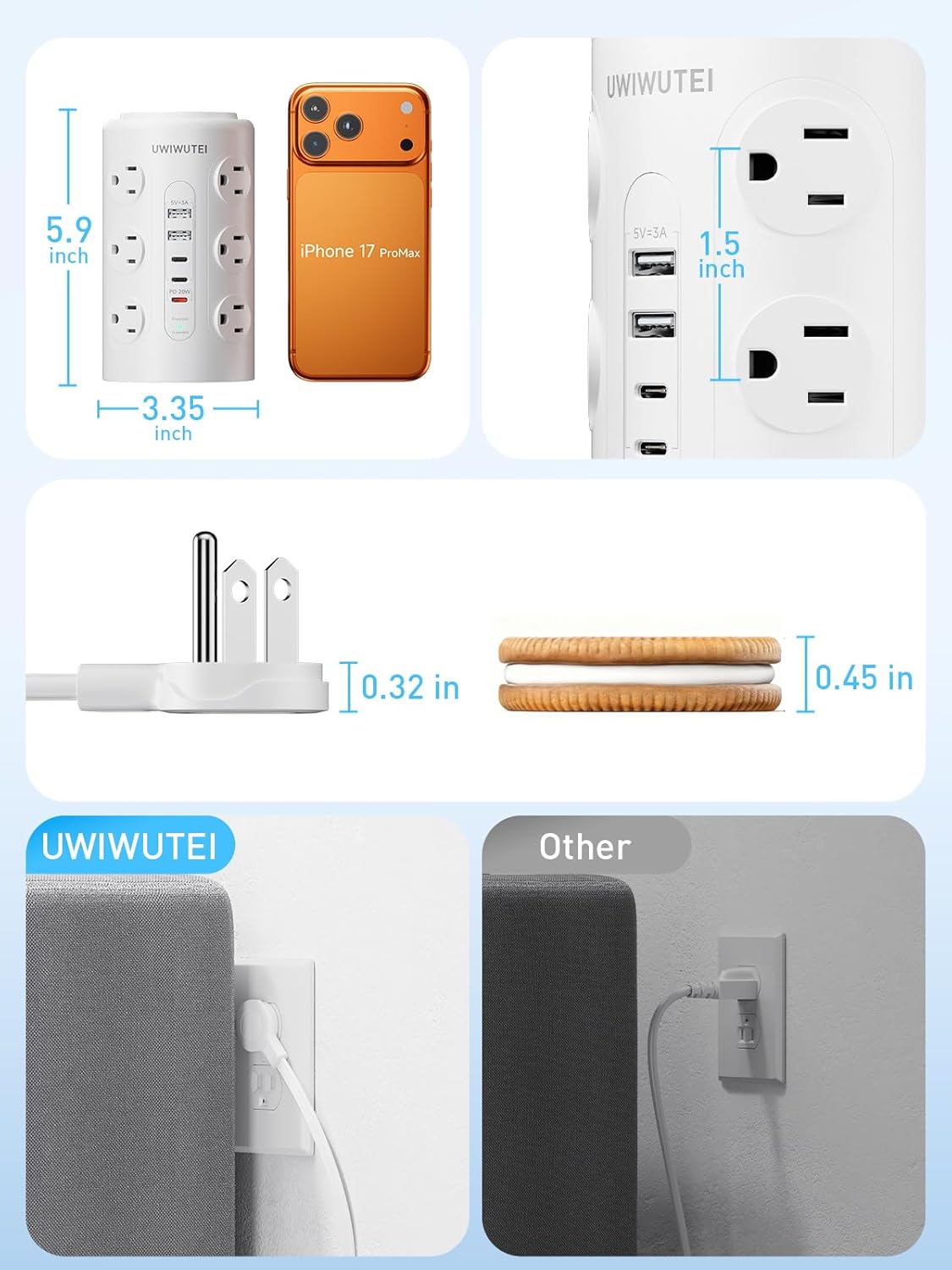
The standout is the combination of a lot of outlets with multiple USB charging ports in a vertical “tower” layout. The weighted, non-slip base helps it stay put, and the wide-spaced outlets (1.5-inch) are made to better handle bulky adapters without blocking neighboring outlets. In day-to-day use, that matters more than people think—especially if you’ve got chargers with thick power bricks.
The flat 45° plug is another practical touch. It’s intended to fit behind furniture or against a wall with less fuss. And the 10-foot extension cord gives you placement flexibility, so you’re not forced to keep everything right next to a wall outlet.
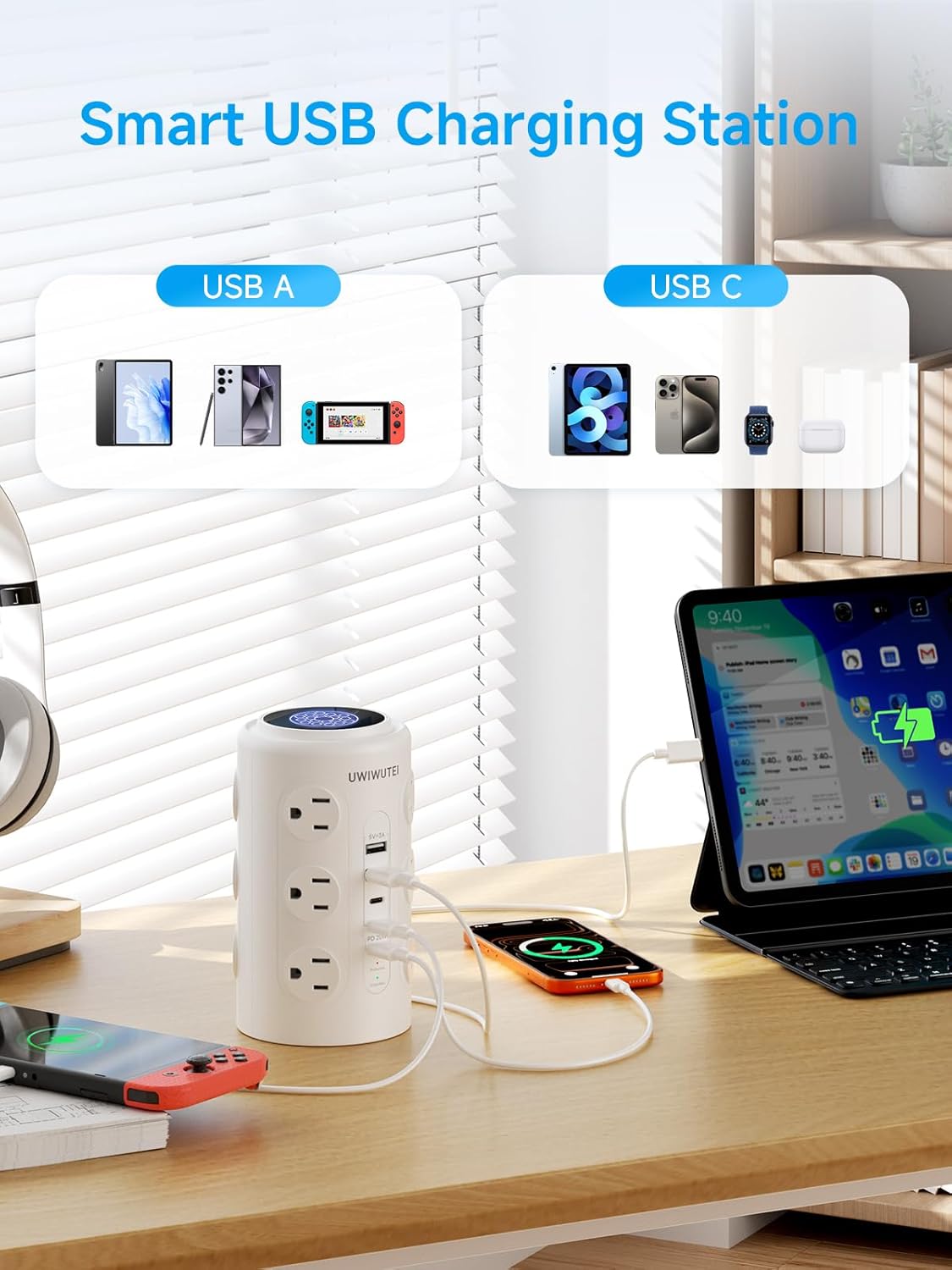
For USB charging, the tower includes: - A dedicated 20W USB-C PD fast-charging port - Additional USB ports (including USB-A and USB-C) for smaller accessories
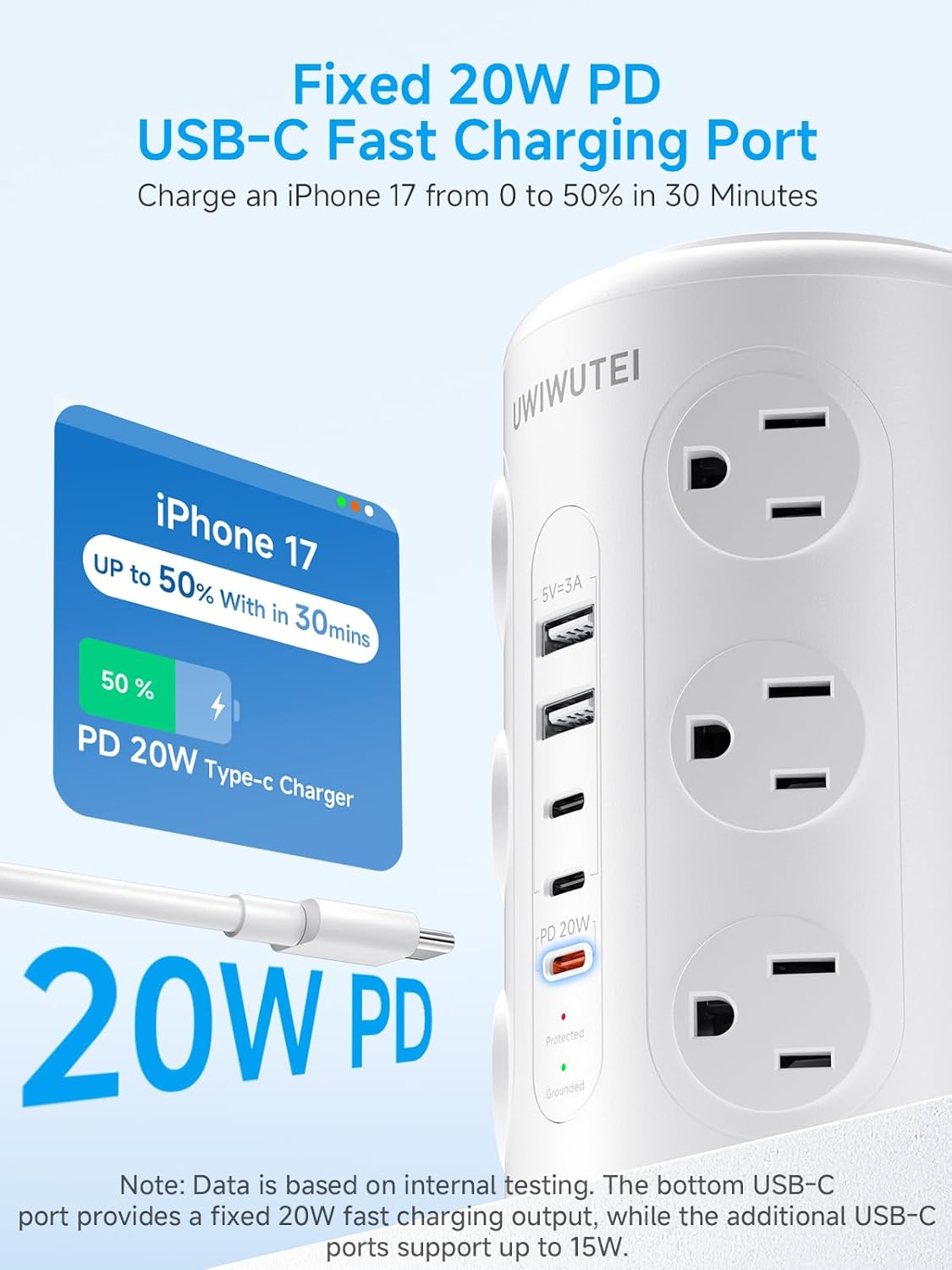
On paper, this setup is meant for phones, tablets, earbuds, smartwatches, power banks, and everyday electronics—exactly the kind of mixed-device charging scenario that usually turns into a messy “one charger at a time” problem.
Charging convenience: the “tower” approach
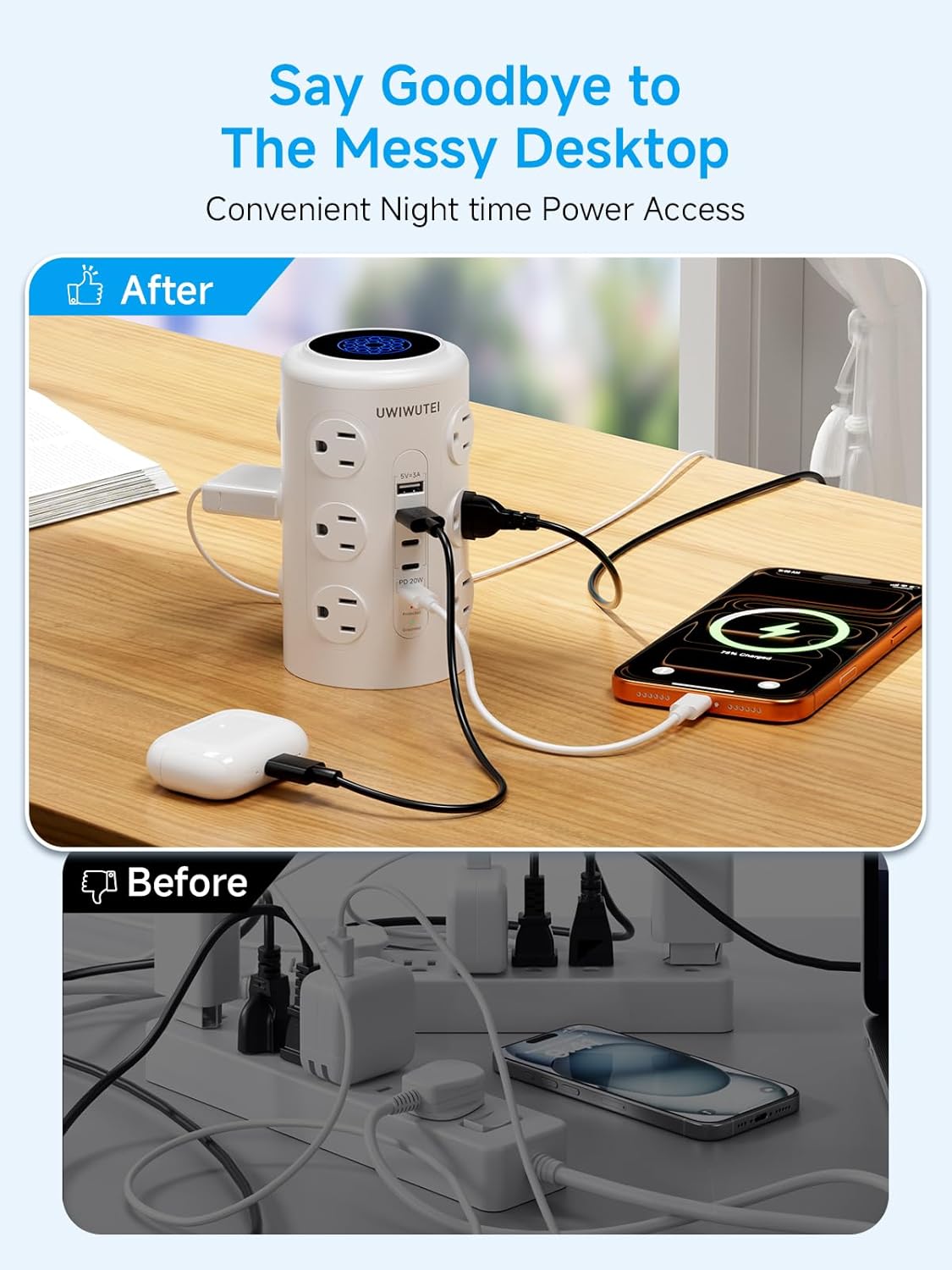
This is essentially a desk charging station for multiple devices: instead of spreading chargers across the house, you create one central charging area. If you’re working from home, it can make a huge difference when you’re trying to keep your laptop, a lamp, and personal devices all powered without running multiple power strips.
A quick example: imagine a home office setup where you have a printer or small device on AC power, then your phone and earbuds on USB. With this style of layout, you can keep cables largely routed in one direction while using the tower’s spaced outlets to avoid plug collisions.
Safety and surge protection—what to expect

This model includes surge protection rated at 1800 joules, plus overload protection and a flame-retardant housing. That’s the kind of safety-oriented feature people look for when they’re charging expensive electronics (phones, tablets, smart devices) in the same place every day.
That said, no surge protection claim removes the need for common sense. If you regularly deal with unstable power conditions, you’ll still want to think about broader whole-home or workstation protection depending on your situation.
Who it fits best (and who should be cautious)
It makes sense if you want a single charging hub with many AC outlets and multiple USB ports—especially if your devices use different chargers (a mix of USB-C, USB-A, and AC-powered equipment).
It might not be the best match if you only need one or two chargers and a couple of outlets, because a multi-outlet tower can be more than you need and takes up a more “central station” footprint. Also, if your goal is maximum charging speed for every device simultaneously, you’ll want to temper expectations—multi-port power distribution depends on how devices draw power at the same time.
Tech specs
- USB-C PD fast-charging port: 20W dedicated port
- Surge protection: 1800J
- AC outlets: 12 wide outlets
- USB ports: 5 total (including 3 USB-C)
- Extension cord length: 10-foot
- Outlet spacing: 1.5-inch wide-spaced outlets
Is it worth it?
Buy it if you want a tidy, all-in-one desk charging station that can handle a lot of devices at once—phones, earbuds, smartwatches, power banks, and common home/office electronics—without constantly swapping chargers or fighting for wall outlets. The weighted base, wide-spaced outlets for bulky adapters, and flat plug design are all “real world” touches that tend to matter when you’re plugging things in daily.
Skip it if your setup is small and you only need a couple of ports, or if you’re expecting every connected device to hit peak charging performance simultaneously. Also, before you commit, sanity-check your plug sizes and what you plan to run on AC power so the layout matches how you live.
Mini FAQ
How many devices can I charge at once?
The product is positioned for up to 17 devices at once, combining 12 AC outlets and 5 USB ports.
Does it include a fast-charging USB-C port?
Yes. It has one dedicated 20W USB-C PD fast-charging port.
Will bulky power adapters block other outlets?
The outlets are described as 1.5-inch wide-spaced, which is intended to help bulky adapters fit without blocking neighboring outlets.
Is it safe for everyday electronics?
It includes surge protection (1800 joules), overload protection, and flame-retardant housing, which is a reassuring baseline for typical daily use.