

TMKB Falcon M1 Wireless Gaming Mouse: Lightweight Tri-Mode Powerhouse
Product description
What it is
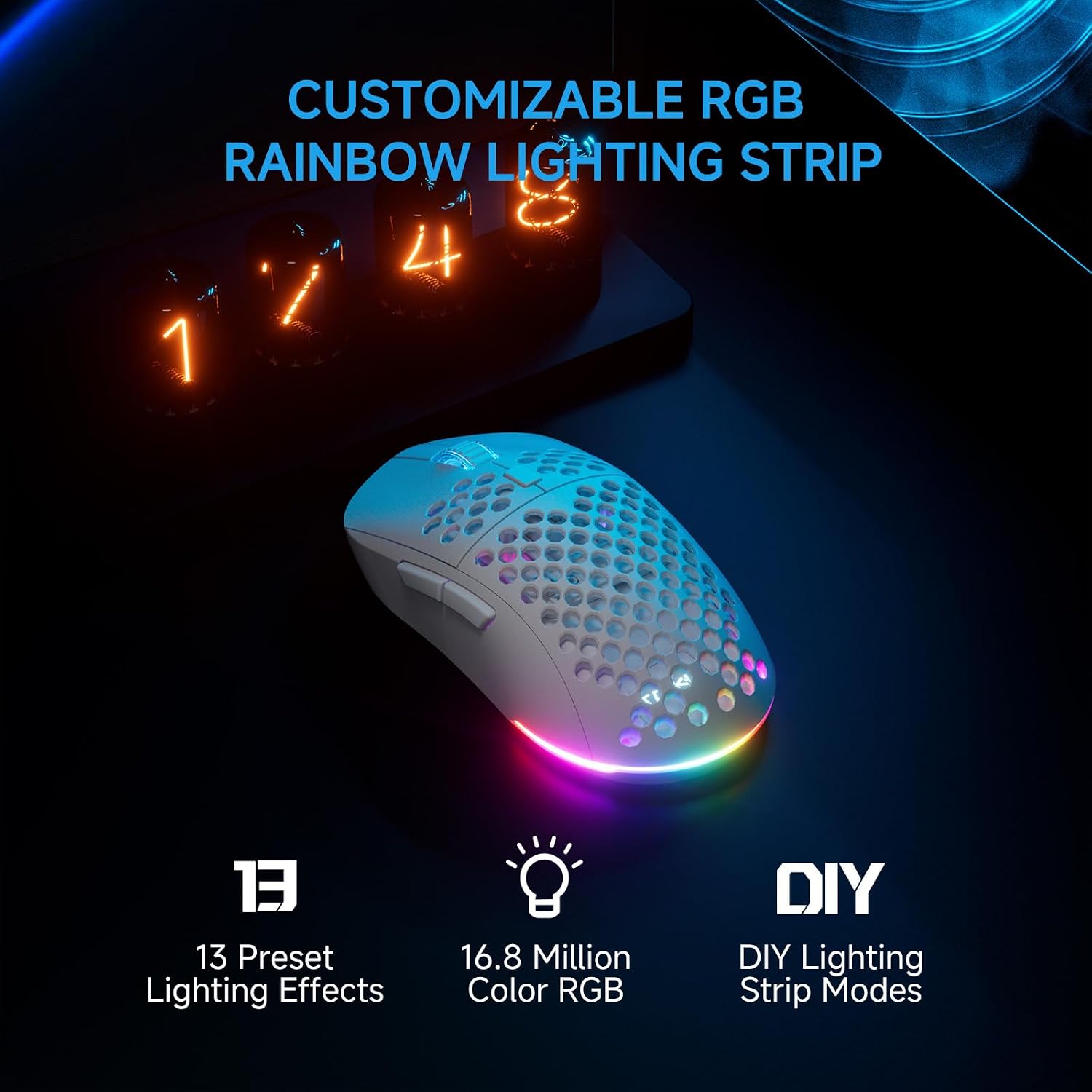
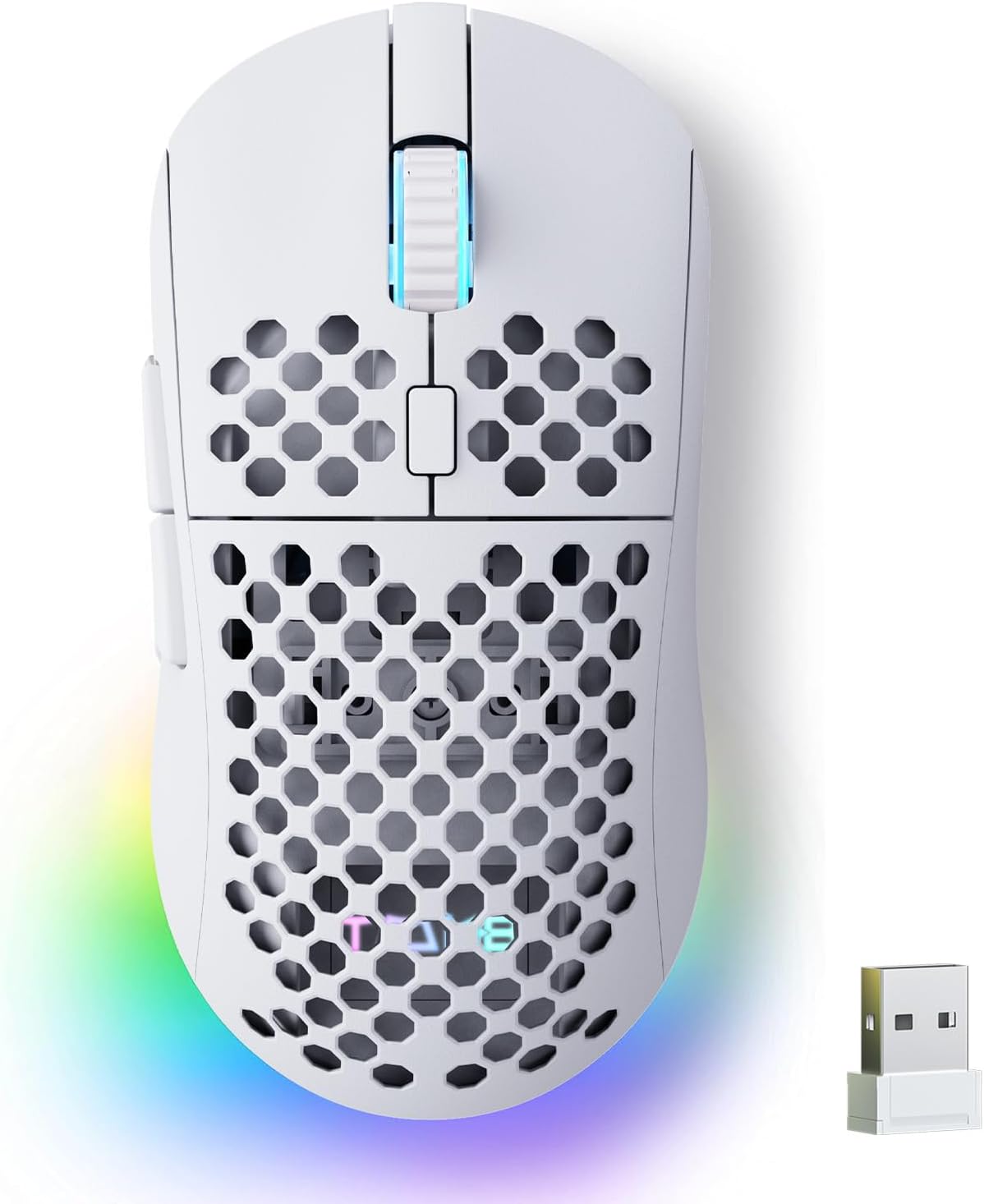
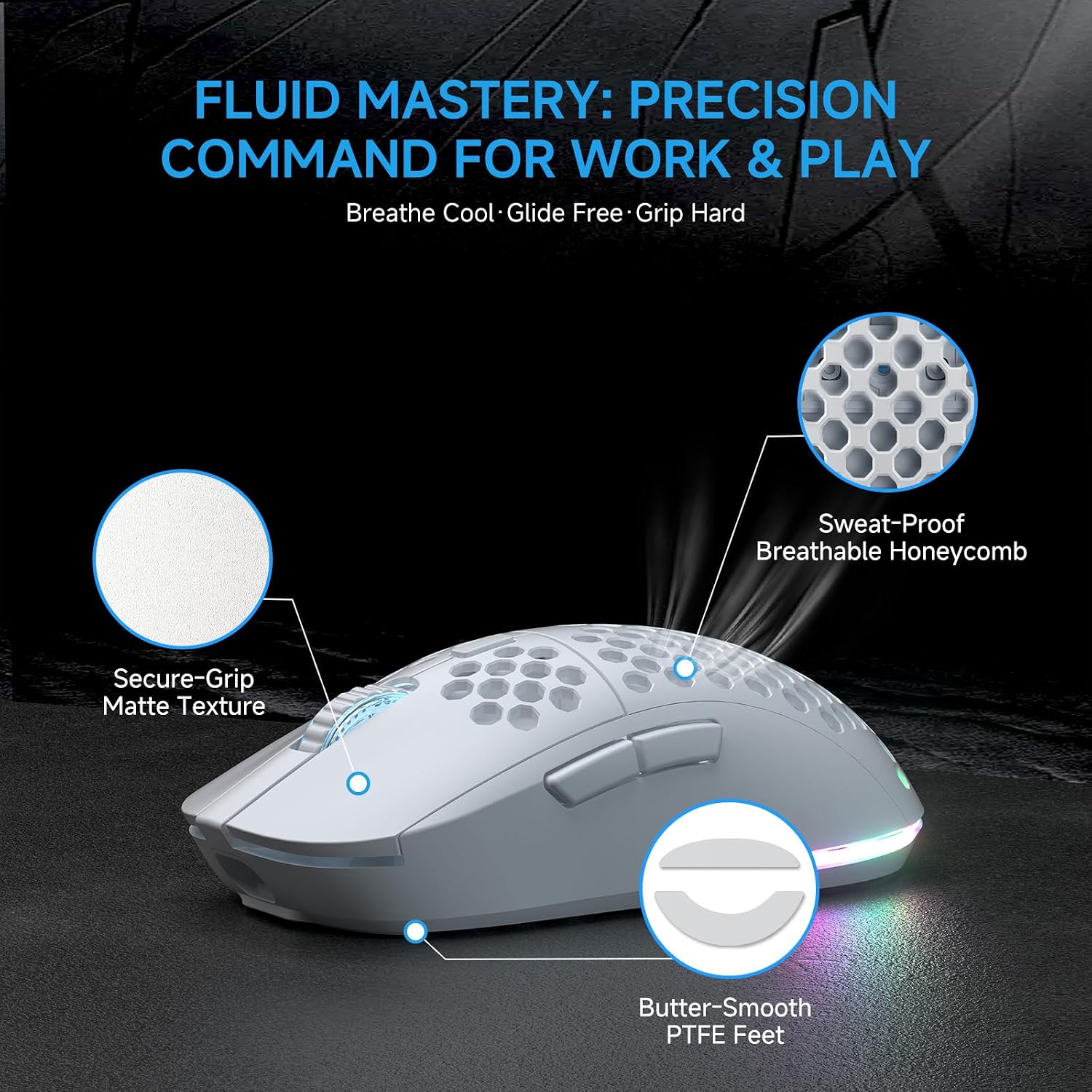
The TMKB Falcon M1 is a wireless gaming mouse designed for fast-paced players who want flexibility. With tri-mode connectivity (2.4G, BT5.2, and USB-C wired), a high-precision optical sensor up to 24,000 DPI, and a lightweight 90g body, it aims to deliver responsive tracking across PC, Mac, and laptops. The matte white finish and honeycomb shell not only reduce weight but also help with grip during long sessions.
Who it’s for
If you value long battery life and the ability to switch between devices without plugging in a dongle, the Falcon M1 is a solid option. It’s likely to appeal to gamers who prefer a lighter mouse for extended gaming marathons, as well as users who want a zero-install browsing experience to customize basic settings directly in the browser. It’s not aimed at the highest-end esports niche if you demand maximum macro depth or ultra-premium materials, but it covers a broad spectrum of reliable gaming needs.
What stands out in use

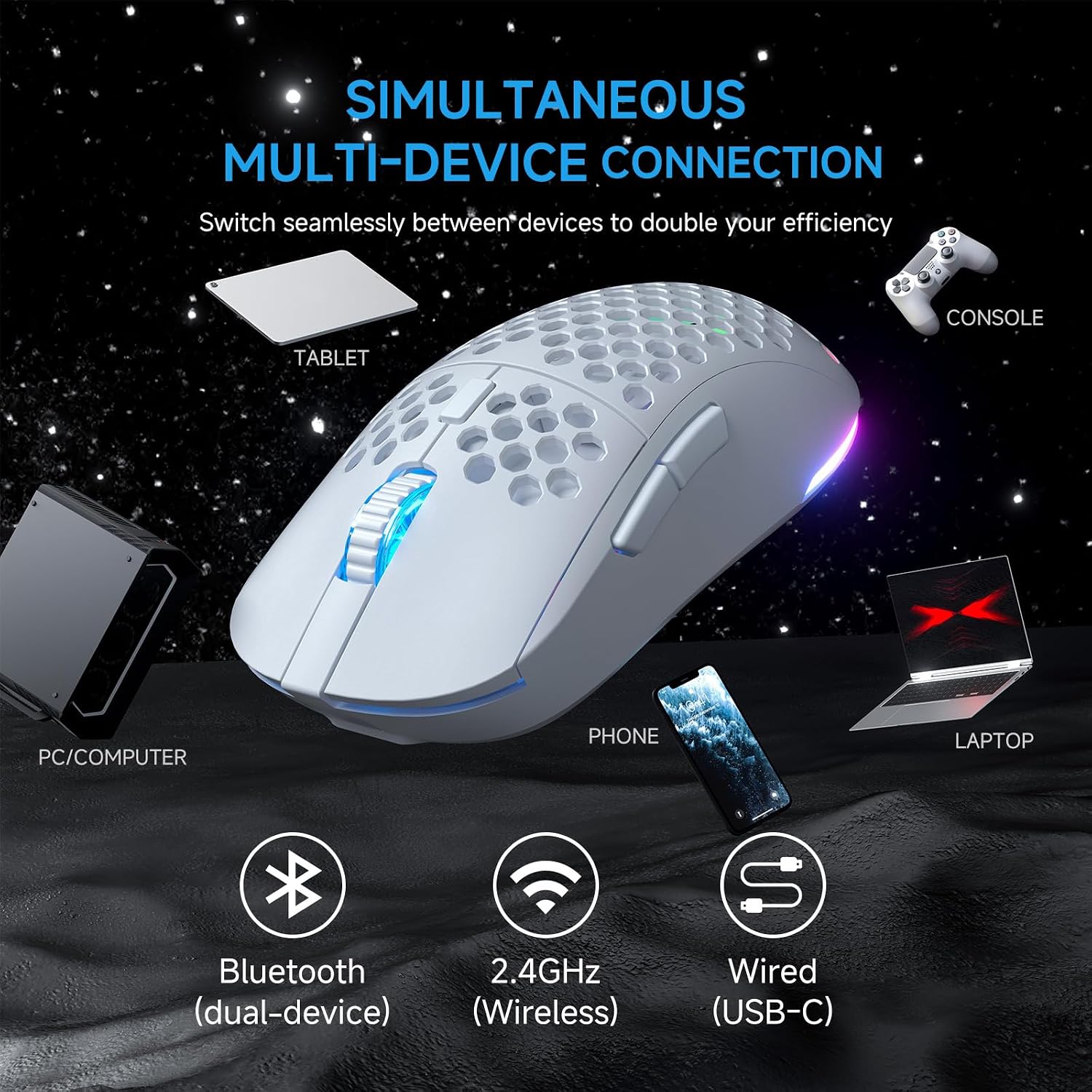
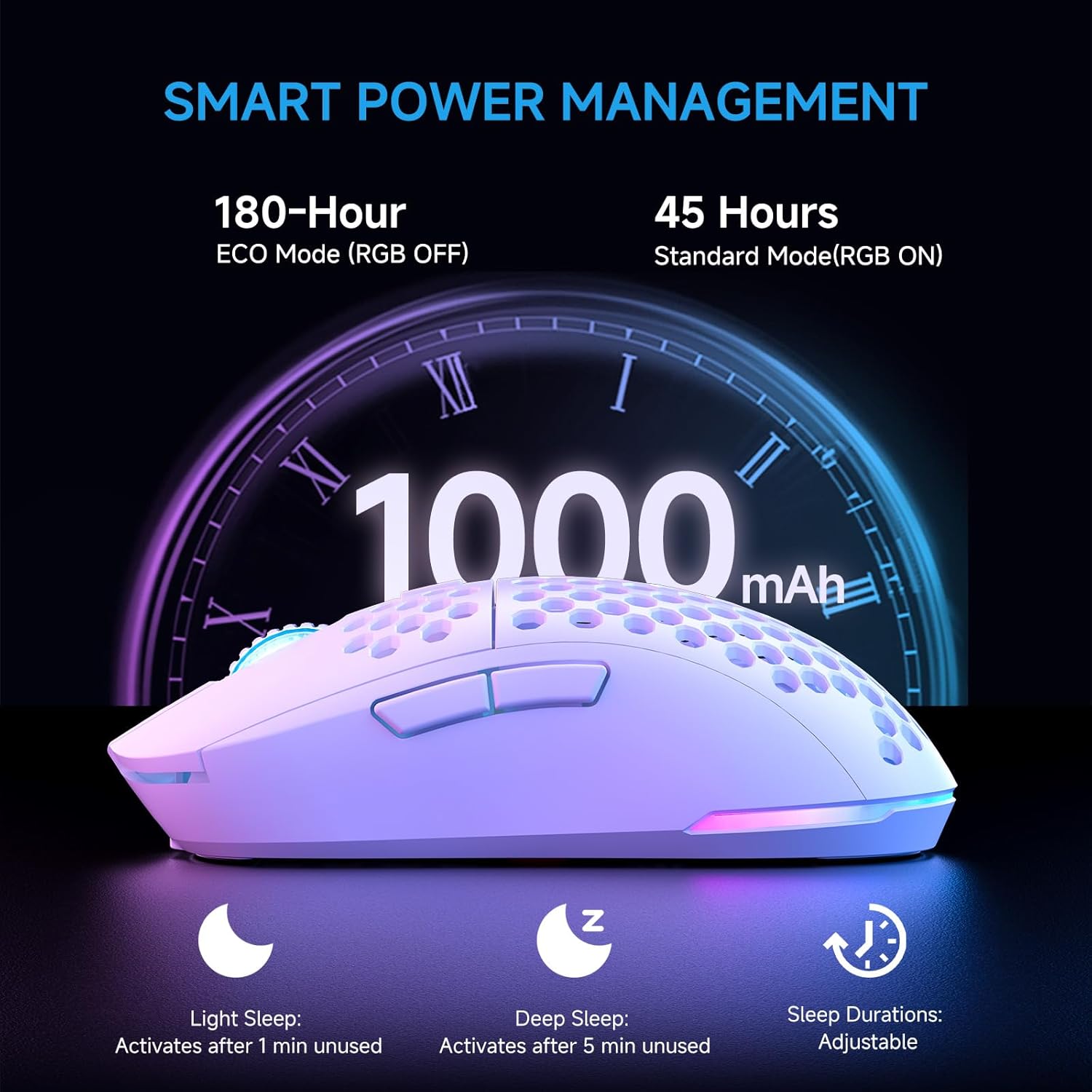
On paper, the Falcon M1 offers several practical benefits. The 24,000 DPI range allows fine-tuning for different games or workloads, and the dual feedback (wheel LED plus RGB strip) makes it easy to see which DPI preset is active. The 180-hour runtime in ECO mode and roughly 48 hours in RGB mode are strong numbers for a wireless mouse with RGB lighting. Charging via USB-C in about one hour minimizes downtime. The tri-mode connection is convenient: you can store four device profiles and switch quickly with a bottom button. The 50M-click micro switches and PTFE skates suggest a smooth glide and crisp feedback, while the honeycomb shell and matte texture aim to reduce sweat-related grip issues during long play sessions.
Pros and what’s convincing
- Tri-mode connectivity with quick profile switching and driver-free customization in the browser reduces setup friction.
- Very light at roughly 90g, which helps with agility and reduced fatigue during long sessions.
- Large DPI range with multiple presets offers flexibility for different games and tasks.
- Long battery life in ECO mode and rapid USB-C recharge save downtime between sessions.
- Battery efficiency features like auto-sleep help preserve power when you’re away.
Potential drawbacks and what it might miss
- The benefit of high DPI is context-dependent, you may not notice a difference if your playstyle maps to lower DPI settings.
- While there’s driverless customization for basic settings, power users who want extensive macro programming or per-game profiles may prefer a model with deeper software support.
- The description doesn’t specify whether the RGB customization is synchronized with games or can be fully mapped to each DPI step beyond color-coding.
- The device relies on wireless receivers or Bluetooth for some modes, if you’re in a very dense wireless environment, interference could affect latency, though 2.4G is designed for low latency.
How to decide before you buy
If you prioritize convenience and a no-fuss setup with solid battery life, the Falcon M1 ticks several boxes: a lightweight design for comfort, multiple connectivity options, and easy-on-the-fly adjustments without heavy software. It’s a sensible pick if you balance comfort, responsiveness, and battery life in a mid-range package.
If you’re a purist who wants maximum macro customization and the most aggressive weight-to-stability ratio, you may find better options with more premium materials or software depth. Also, if your grip style or hand size differs significantly from the average, you might want to test the 90g frame to ensure it feels balanced for you.
What to check before purchasing
- Confirm your primary computing setup supports USB-C wired mode and Bluetooth 5.2, especially if you plan to use the laptop in different environments.
- Consider whether your typical gaming DPI needs align with the high end of 24,000 DPI or if mid-range presets suffice.
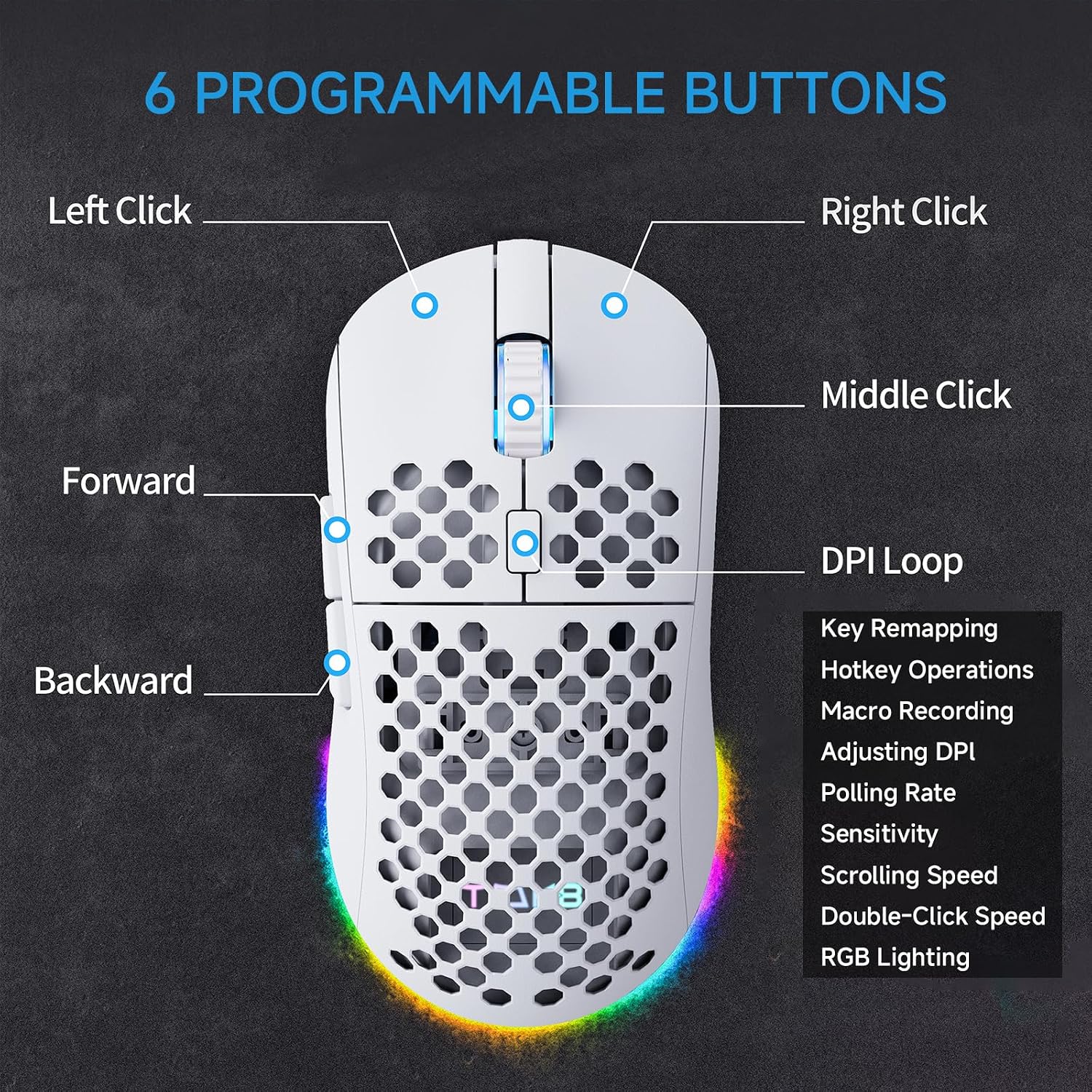
- If you rely heavily on macros, verify the six programmable buttons meet your workflow and that the browser-based customization covers your use cases.
- Look at battery priorities: if you frequently play for long sessions, ECO vs RGB modes can materially impact runtime.
Practical use example
Imagine a fast-paced shooter where you shift from mid-range sensitivity in one map to ultra-precise aiming in another. You can switch between devices mid-session without re-pairing, thanks to the tri-mode connectivity. The lightweight body helps you maneuver quickly during intense gunfights, and the readable DPI indicators reduce guesswork when you adjust on the fly.
How it compares to its approach in the market
This model fits a segment that favors a balance of light weight, decent battery life, and straightforward customization without heavy software installs. If you’re deciding between a basic wired option and a high-end wireless model, the Falcon M1 leans toward a practical middle ground: reliable wireless performance and multi-device flexibility without pushing into premium pricing or complex macros.
Final verdict
Is it worth it? The TMKB Falcon M1 is a compelling choice for gamers who want a lightweight, versatile mouse that covers PC, Mac, and laptop use with reliable battery life and easy setup. It may not be the best pick for players seeking extreme macro customization or the heaviest performance edge, but for many, it offers a solid, no-nonsense experience that checks important boxes without complicating the workflow.
FAQ
- Does it require software to function? No, there’s no mandatory software, you can customize DPI, polling rate, RGB, and button mapping directly in the browser.
- Can I pair with multiple devices at once? Yes, it supports tri-mode connectivity and stores up to four device profiles.
- How long does the battery last in normal use? Up to 180 hours in ECO Mode, about 48 hours with RGB lighting, with USB-C recharge in ~1 hour.