

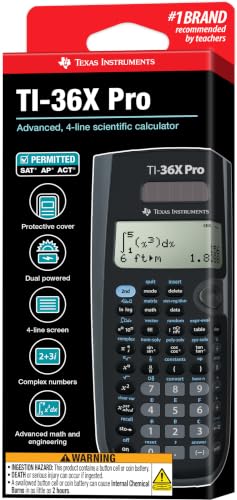
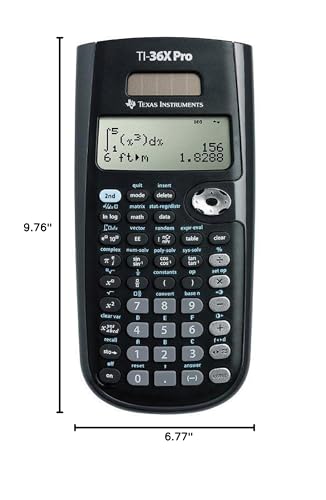
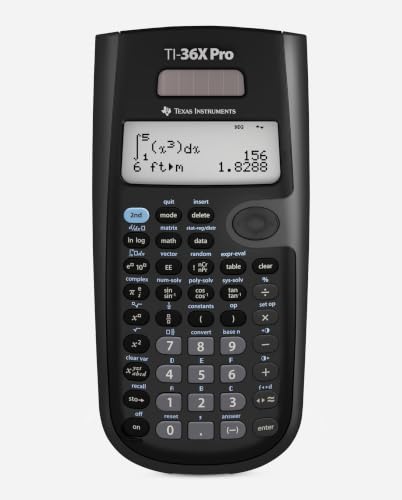
Texas Instruments TI-36X Pro Engineering/Scientific Calculator (9.7 Inch)
Reviews
Price
Product description
What it is
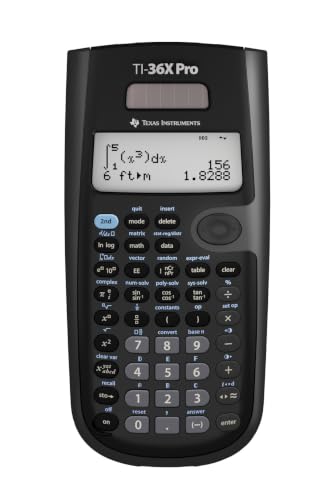
The TI-36X Pro is a non-graphing scientific and engineering calculator designed for curricula where graphing technology isn’t allowed. It aims to cover a broad range of math and science topics without requiring a graphing model, making it a practical tool for classrooms that restrict graphing features.
Who it’s for
If you’re in high school or college and tackling Algebra, Geometry, Trigonometry, Statistics, Calculus, or even biology, this calculator is positioned as a versatile option. It’s particularly useful when you need a solid scientific tool for exams or coursework that don’t permit graphing, yet still want the ability to handle advanced math expressions.
Key features that matter in practice
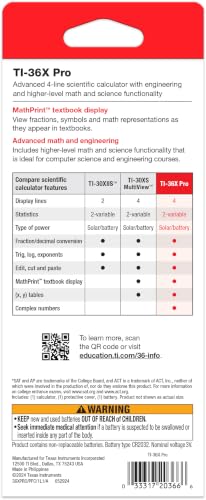
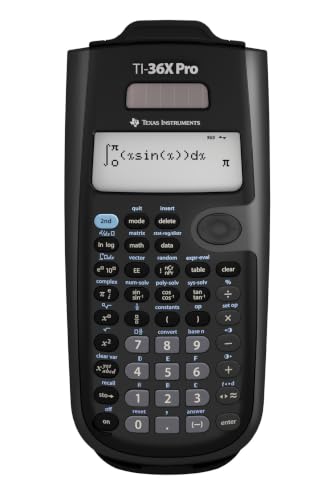
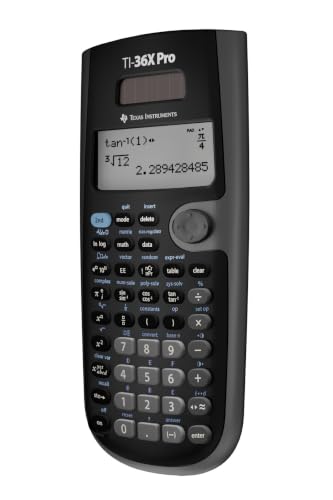
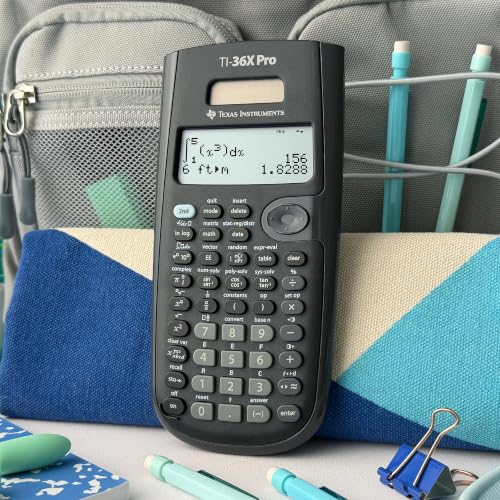
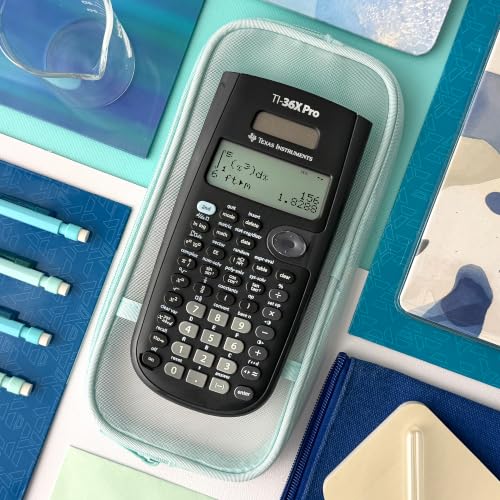
This model emphasizes a few thoughtful features: a MultiView display that shows multiple calculations at once, so you can compare results side by side, and MathPrint, which renders math expressions, symbols, and stacked fractions as they appear in textbooks. It also supports converting fractions, decimals, and terms like Pi into alternate representations, which can simplify reviewing work. The device lets you toggle between degrees and radians and choose between floating or fixed number formats.
What stands out in use
On paper, the combination of MultiView and MathPrint can make it easier to follow multi-step problems or check work without flipping pages. If your coursework relies on clean representations of fractions or symbols, the MathPrint view can feel more intuitive than plain numeric outputs. It’s not a graphing calculator, so you won’t have graphing capabilities, but for non-graph tasks it keeps calculations organized in a compact screen.
Pros and cons (in daily use terms)
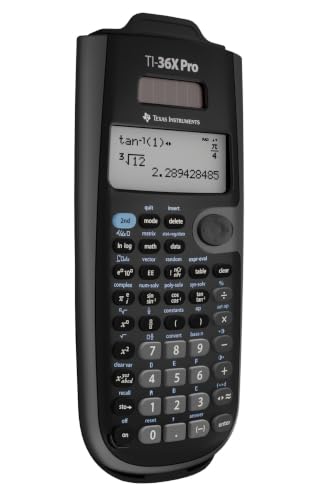
- Pros: clear display of simultaneous calculations, natural math notation rendering, flexible formats and a straightforward mode switch between degrees/radians and format styles.
- Cons: it’s not a graphing calculator, so if you expect plot capabilities or higher-end engineering tools, this unit won’t satisfy that need.
What to consider before buying
If your courses require or strongly benefit from graphing, this model won’t replace a graphing calculator. Consider how often you need to view multiple steps at once, if that’s a frequent task, the MultiView feature could be a real time-saver. Also, assess whether your curriculum prioritizes textbook-like display of equations, in that case MathPrint helps readability. If you rely heavily on symbolic algebra or advanced engineering computations, you might outgrow a basic scientific approach.
How it compares to other approaches
For exams or courses that ban graphing, a non-graphing option like this keeps you compliant while still offering essential scientific capabilities. If you anticipate needing graphing or more specialized engineering calculations, you’d typically look at a graphing calculator or software. In contexts where portability and straightforward operation matter more than deep symbolic manipulation, this TI-36X Pro can strike a sensible balance.
Practical usage example
Imagine you’re solving a statistics problem with multiple interim results. You can compute each step on separate lines and view them together on the MultiView display, making it easier to verify consistency between fractions, decimals, and Pi representations as you proceed to the final answer.
FAQ (based on available data)
- Is it suitable for Calculus? Yes, it covers topics typical of Calculus and related math courses, within the limits of a non-graphing calculator.
- Does it show math expressions like in textbooks? Yes, MathPrint renders expressions to resemble textbook notation.
- Can I switch between degrees and radians easily? Yes, the device supports degrees/radians switching.
Final verdict
Is it worth it? Worth considering if you need a reliable non-graphing calculator that handles a broad range of math and science topics with readable notation and a multi-step view. It’s a solid choice for students in regimes where graphing tools aren’t allowed, but not ideal if you require graphing or advanced symbolic features.