


TARKARI Wireless Induction Speaker
Product description
Quick overview
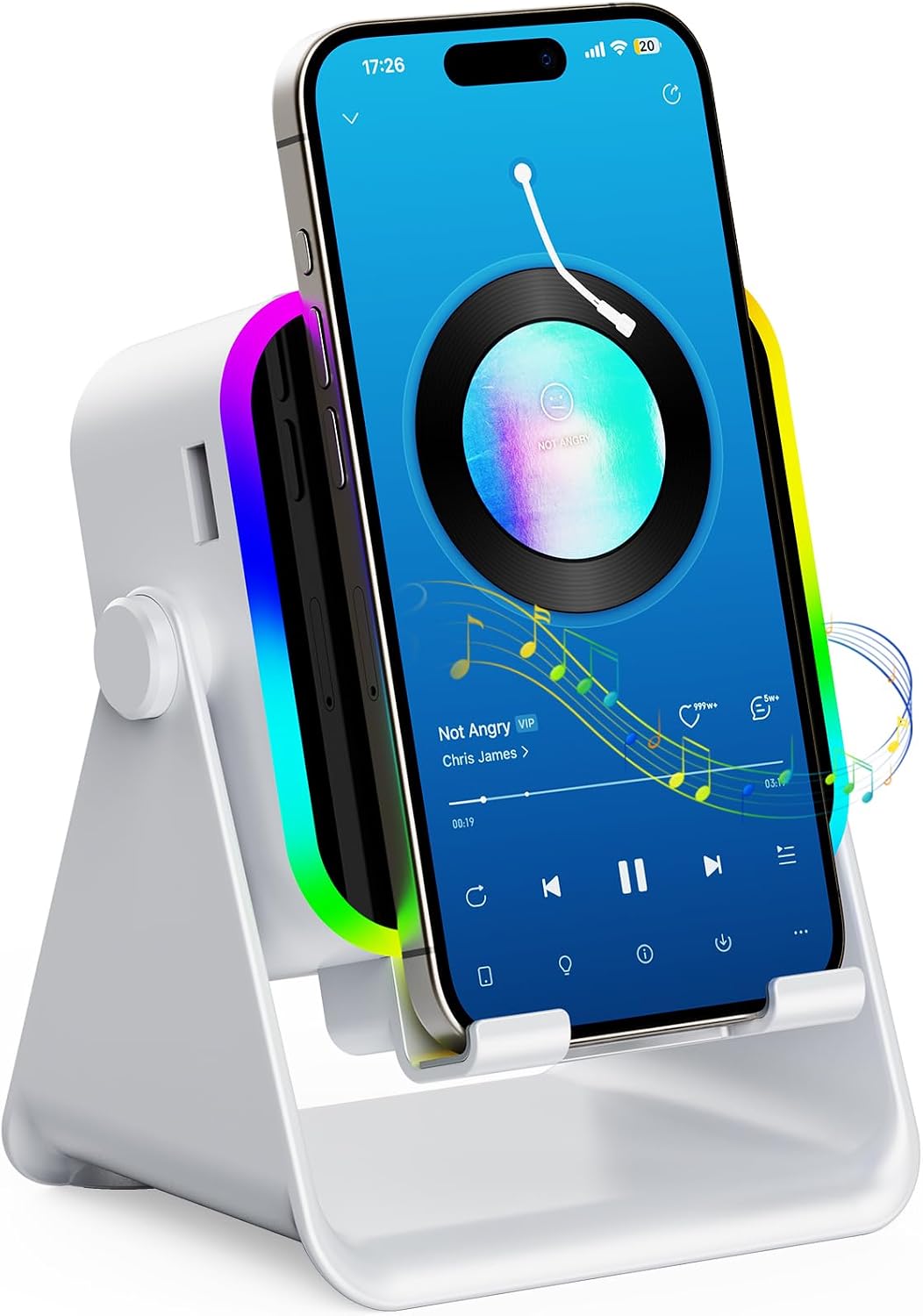
For a kitchen counter, desk, or bedside table where you want your phone propped up while audio plays, the TARKARI combines a speaker with an adjustable stand and LED ambient lighting. It offers two ways to play sound: induction mode, which starts when a phone is positioned on the stand, and Bluetooth 5.3 for a standard wireless connection. There’s also wired emergency charging, though the listing doesn’t give charging specifications. The main buying question is whether you’ll use the induction feature, if not, this is essentially a Bluetooth speaker with a built-in phone stand and extra lighting.
How to use it
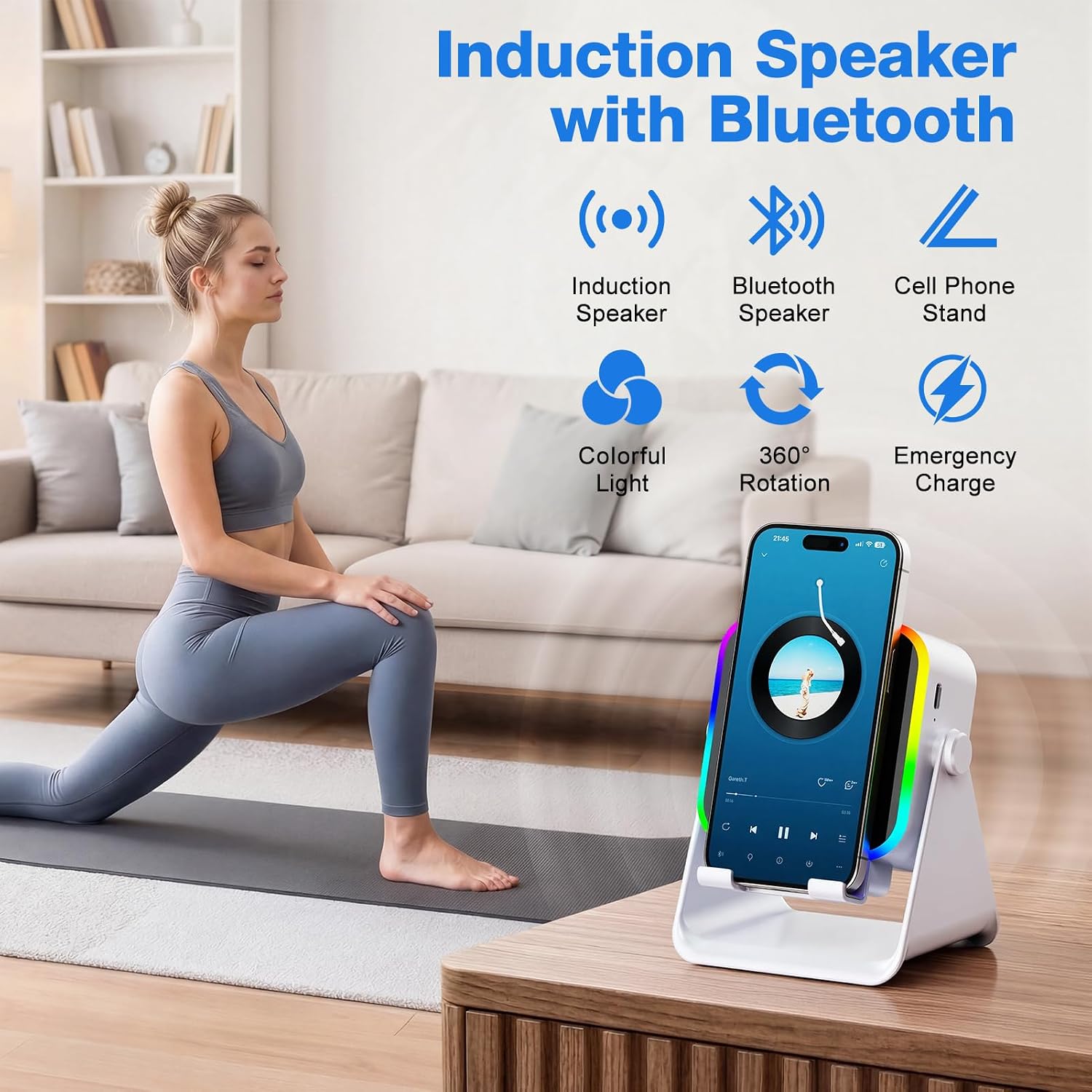
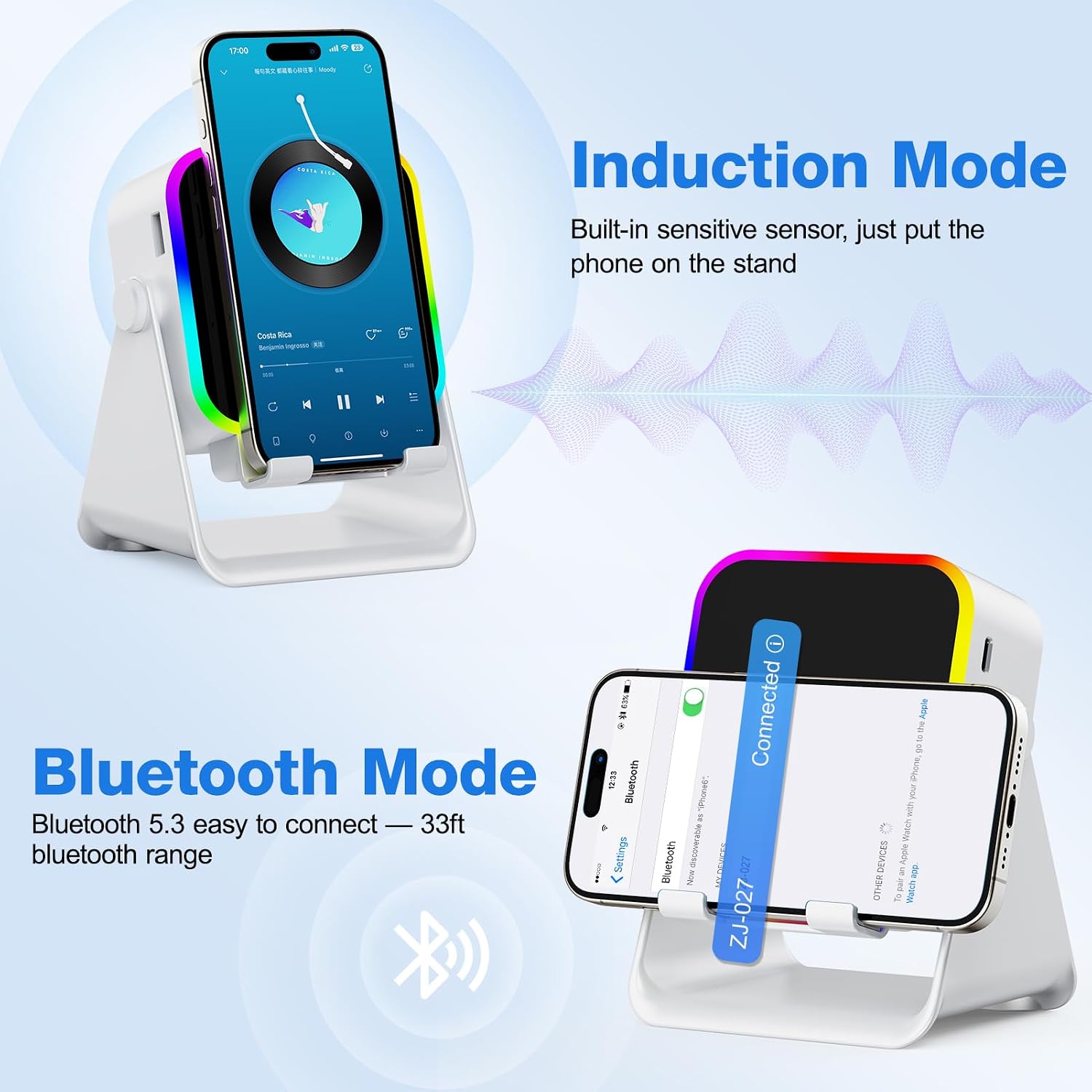
Turn the speaker on and select induction mode, then place a compatible phone upright in the center of the stand. The maker recommends setting the phone volume to at least 50% and removing its case for a better induction experience. Keep in mind that induction mode is not intended for iPads or tablets, and this feature does not wirelessly charge your phone. For tablets, e-readers, or a phone that doesn’t respond to induction, switch to Bluetooth instead. The stated Bluetooth range is up to 33 feet.
Practical tips
The stand rotates 360 degrees, so you can adjust the viewing angle for a video, a call, or music playing while you cook. Silicone on the back and bottom is intended to help keep the device from slipping and protect it from scratches. Bluetooth mode supports 4- to 13-inch devices, including phones and tablets, that broad fit does not apply to induction mode.
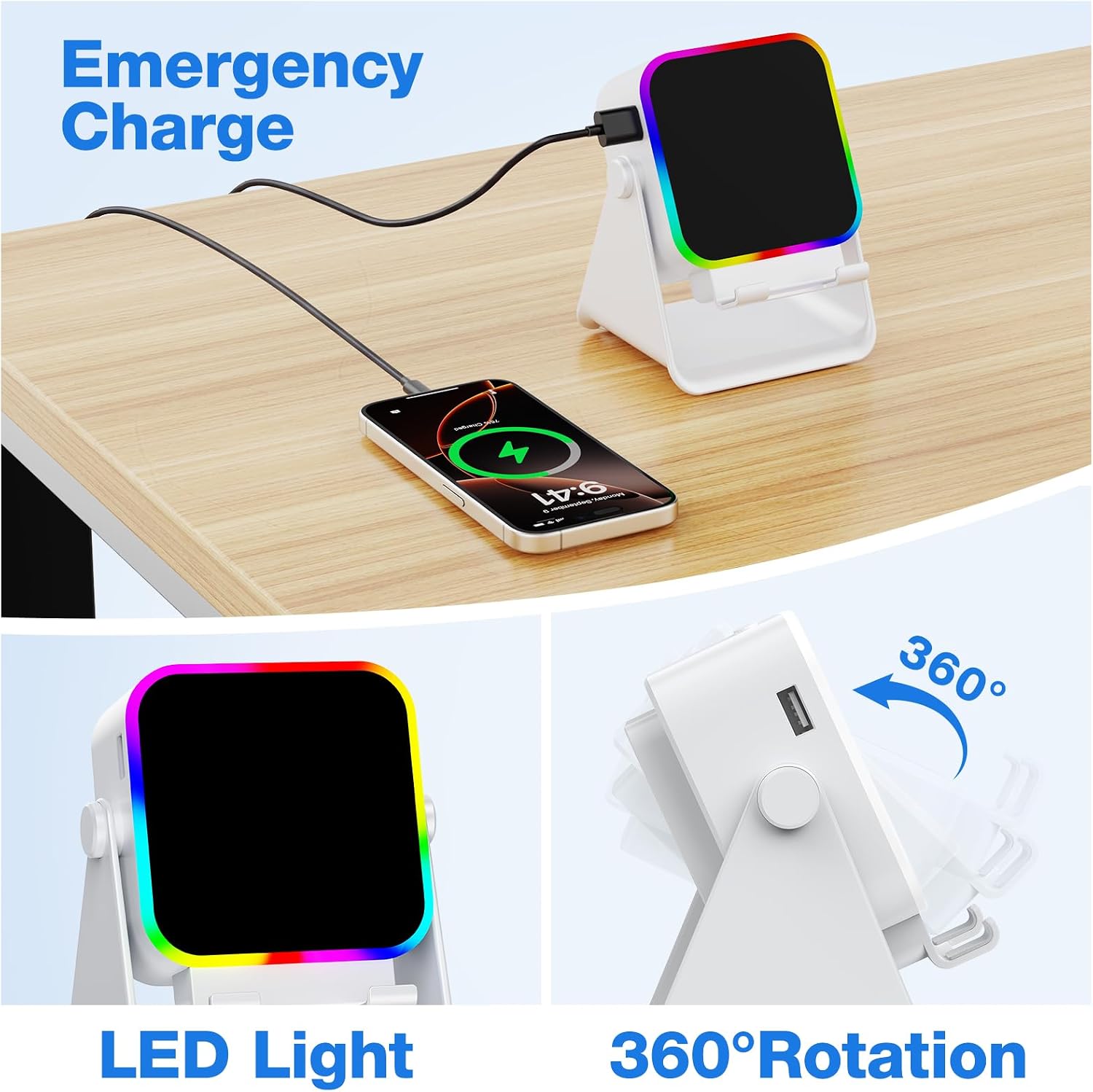
The LED color can be changed with the M button, while the power button switches between induction and Bluetooth modes. In practice, that means you can prop up a phone for a video call, angle it toward you, and keep the audio on the stand rather than holding the device. The emergency charging feature may be useful when a phone needs a little power during a call or while traveling, but no charging speed or capacity is provided, so don’t treat it as a full power bank replacement. A simpler Bluetooth speaker may make more sense if you don’t need a stand or lighting, this model’s appeal is combining those functions in one desk-friendly gadget.
A solid pick if you want a phone stand and speaker together, with Bluetooth as a fallback when induction isn’t suitable. It might not be a great match if you need induction playback from a tablet or expect wireless phone charging.
Practical doubts
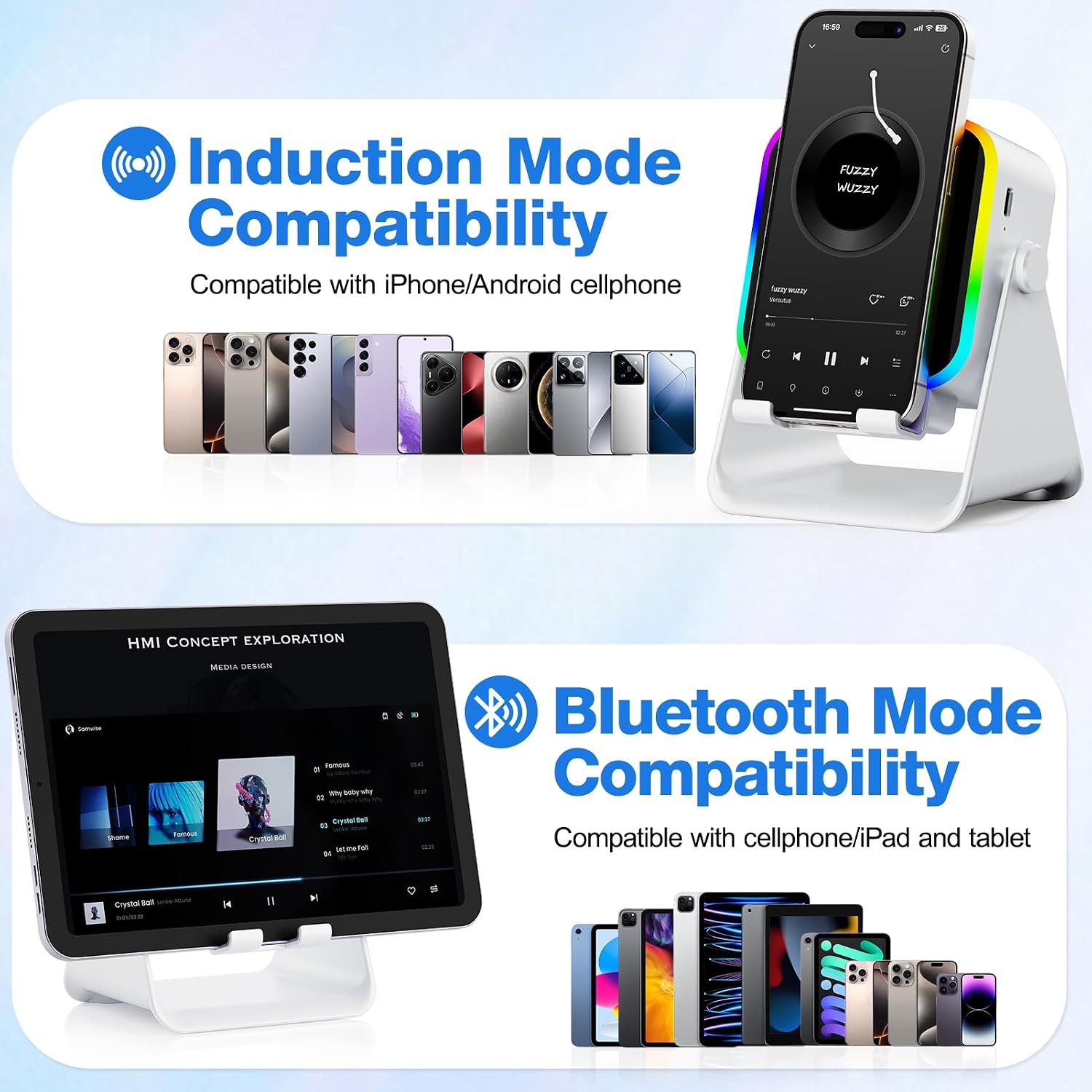
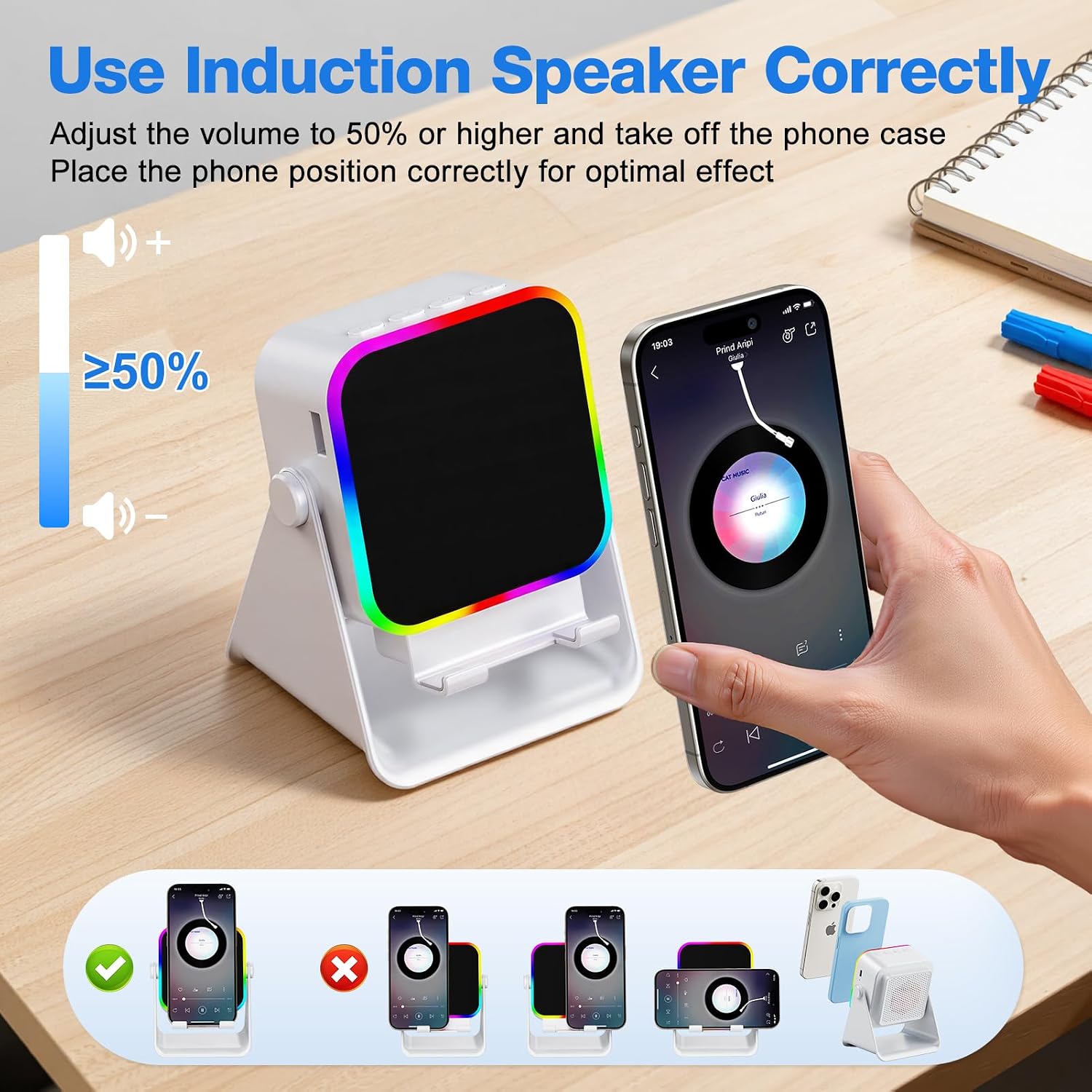
Will it work with an iPad? Bluetooth mode is described as compatible with tablets, but induction mode is not for iPads or tablets.
Does placing a phone on the stand charge it wirelessly? No. The listing specifically says the induction feature is not wireless charging, emergency charging is wired.
Can I use it without induction? Yes. Select Bluetooth mode to connect a compatible phone, tablet, or e-reader with Bluetooth.
Is it worth it?
This speaker makes most sense when you’ll actually use the stand, adjustable angle, and ambient light alongside audio. Its two playback modes give you options, but induction has clear boundaries: it’s for phones, works best with the device positioned correctly, and isn’t a charging method. Choose it for a compact multi-function setup on a desk or bedside table, look elsewhere if your priority is tablet-based induction or detailed charging performance, since those aren’t supported or specified here.