

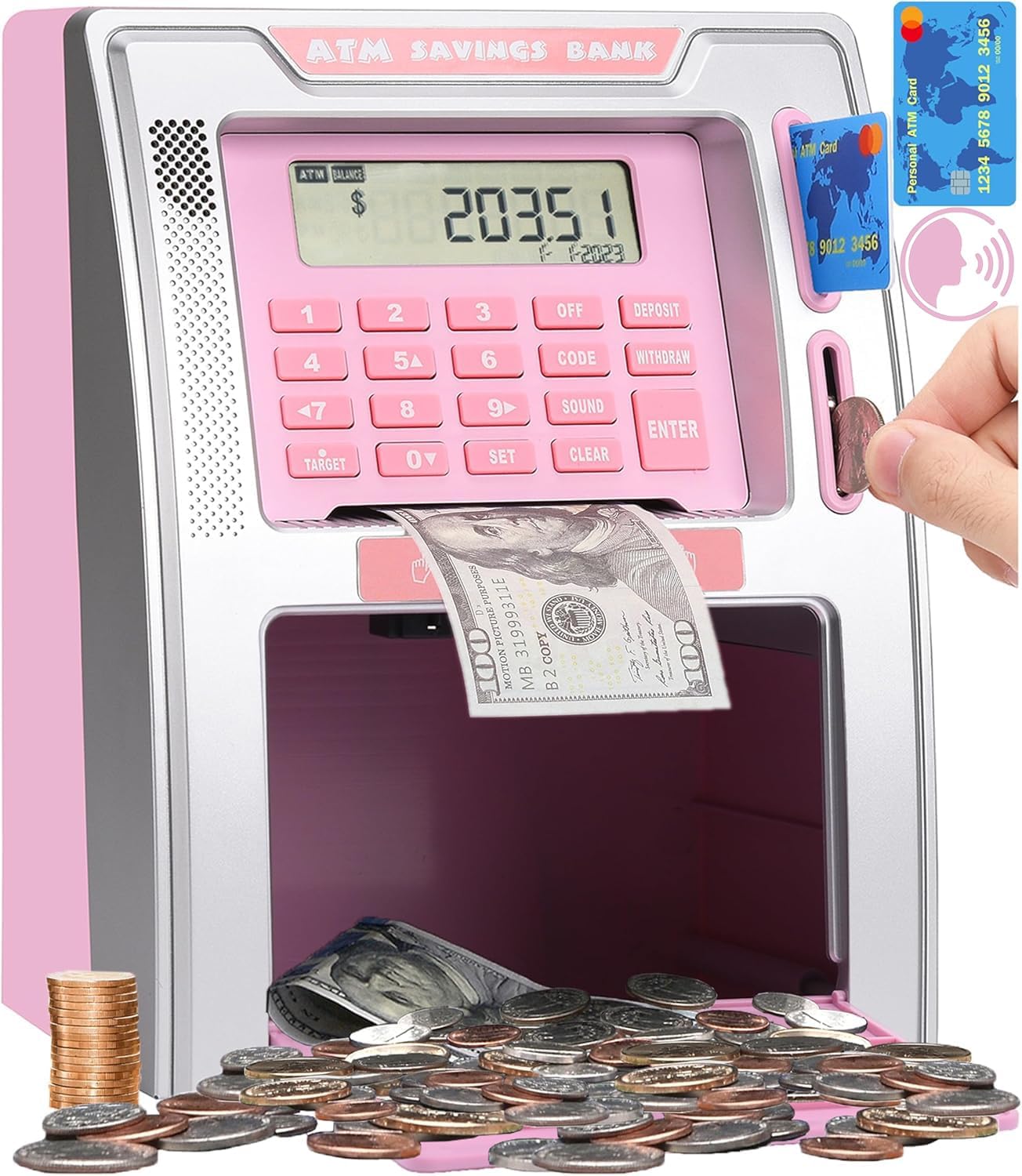
Talking ATM Piggy Bank for Kids with Dual Debit Cards and Coin Recognition
Product description
A child can deposit coins, check a running balance, and use a card and PIN to withdraw cash with this talking ATM piggy bank. It turns saving into a hands-on banking routine using real money. One practical distinction: paper bills are fed into the machine, but their value must be added to the balance manually.
What to know
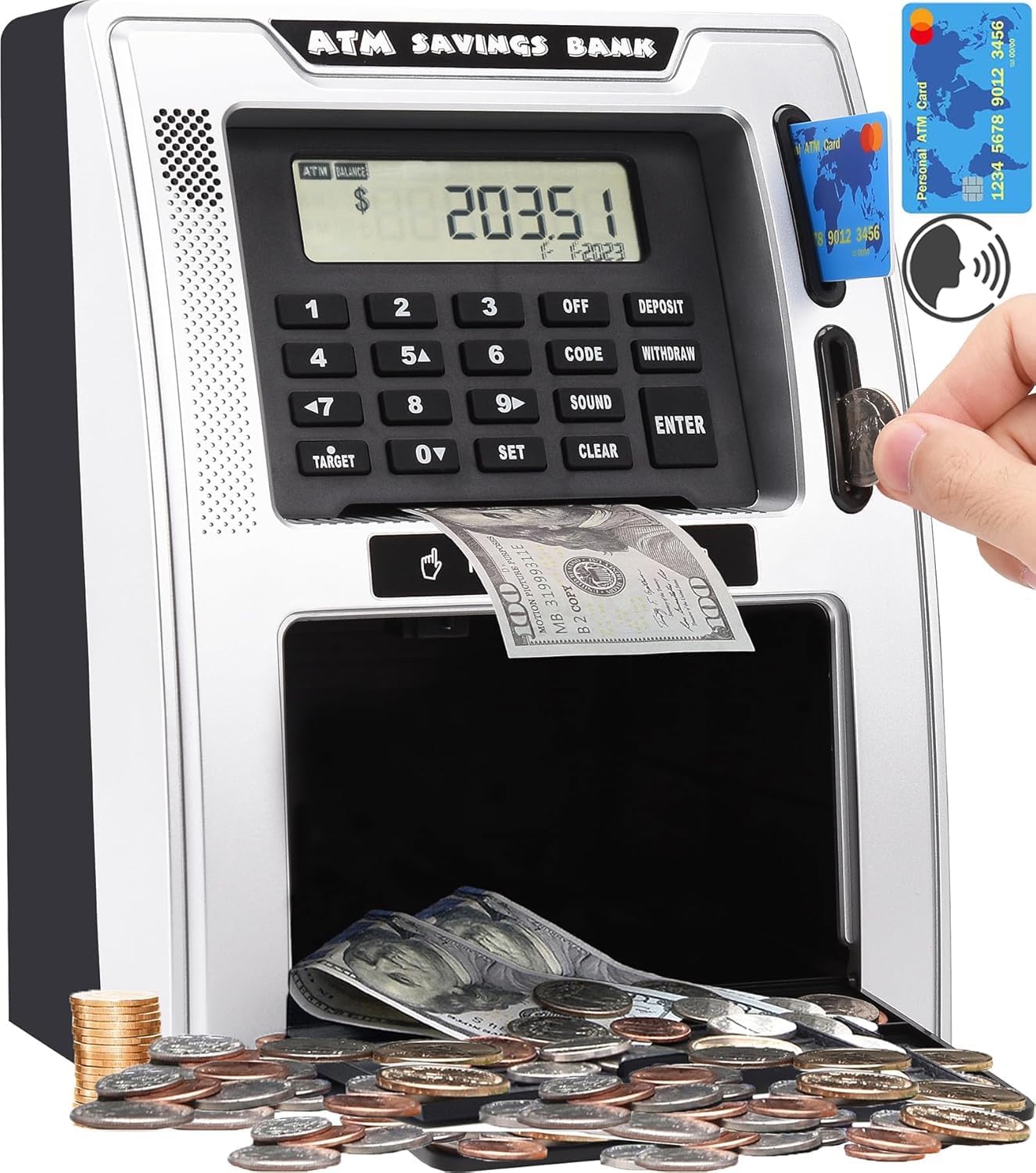
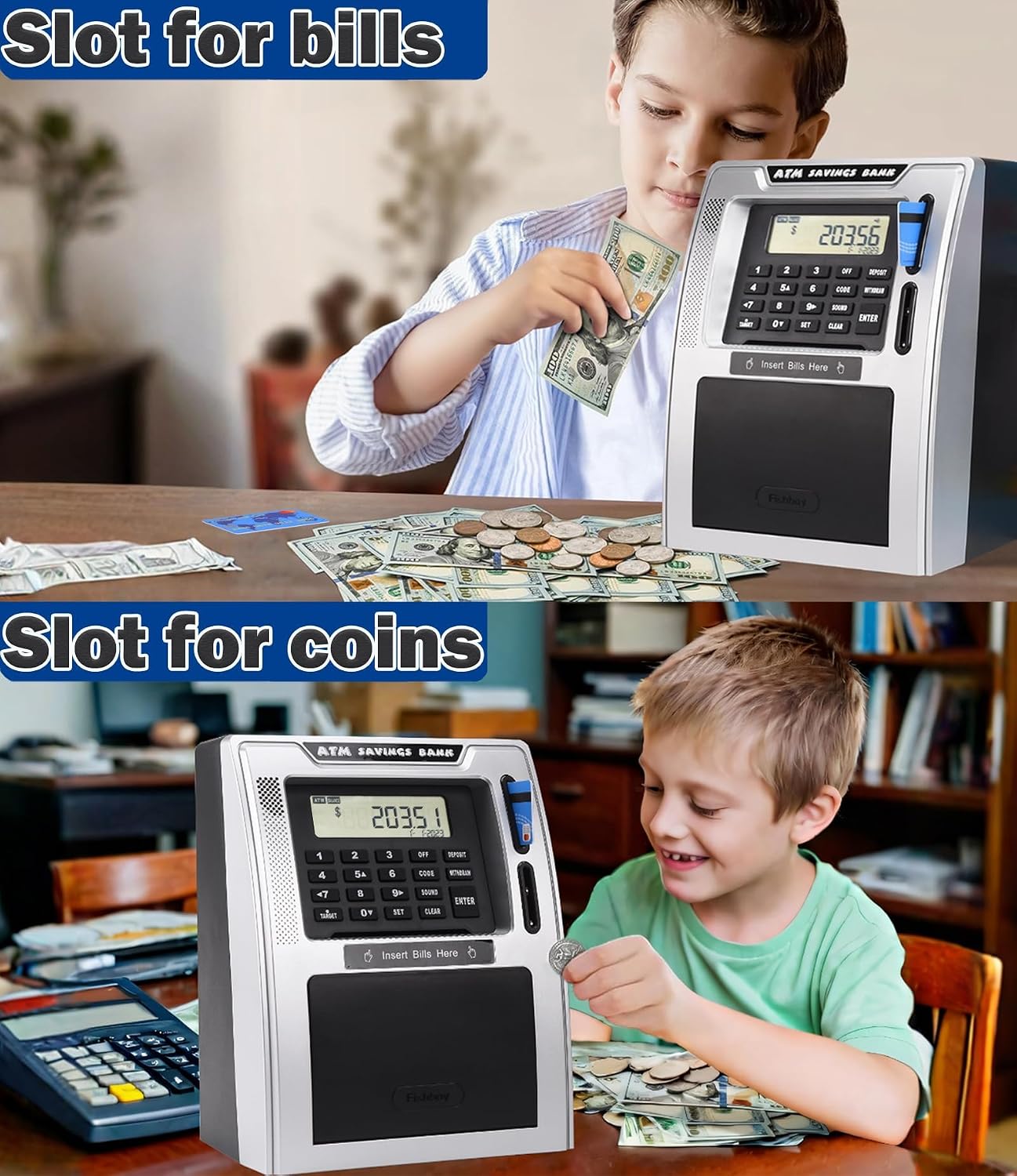
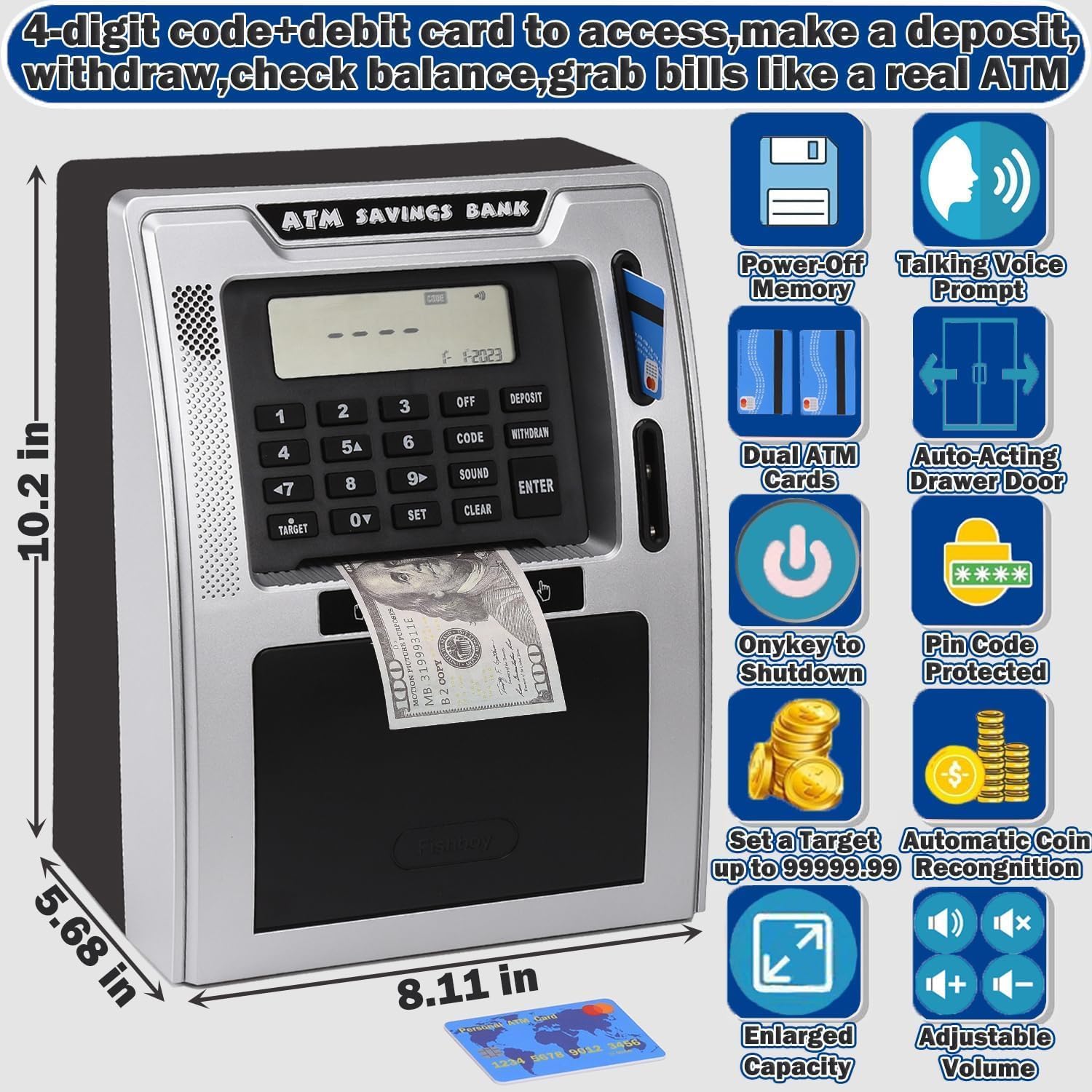
The machine recognizes deposited coins and adds them to the displayed balance. For paper money, the child rolls bills into the feeder and then enters the amount manually, so the balance is not updated automatically for every kind of deposit. A balance button shows the current total, and a target-setting feature lets kids choose a savings goal up to 99999.99.
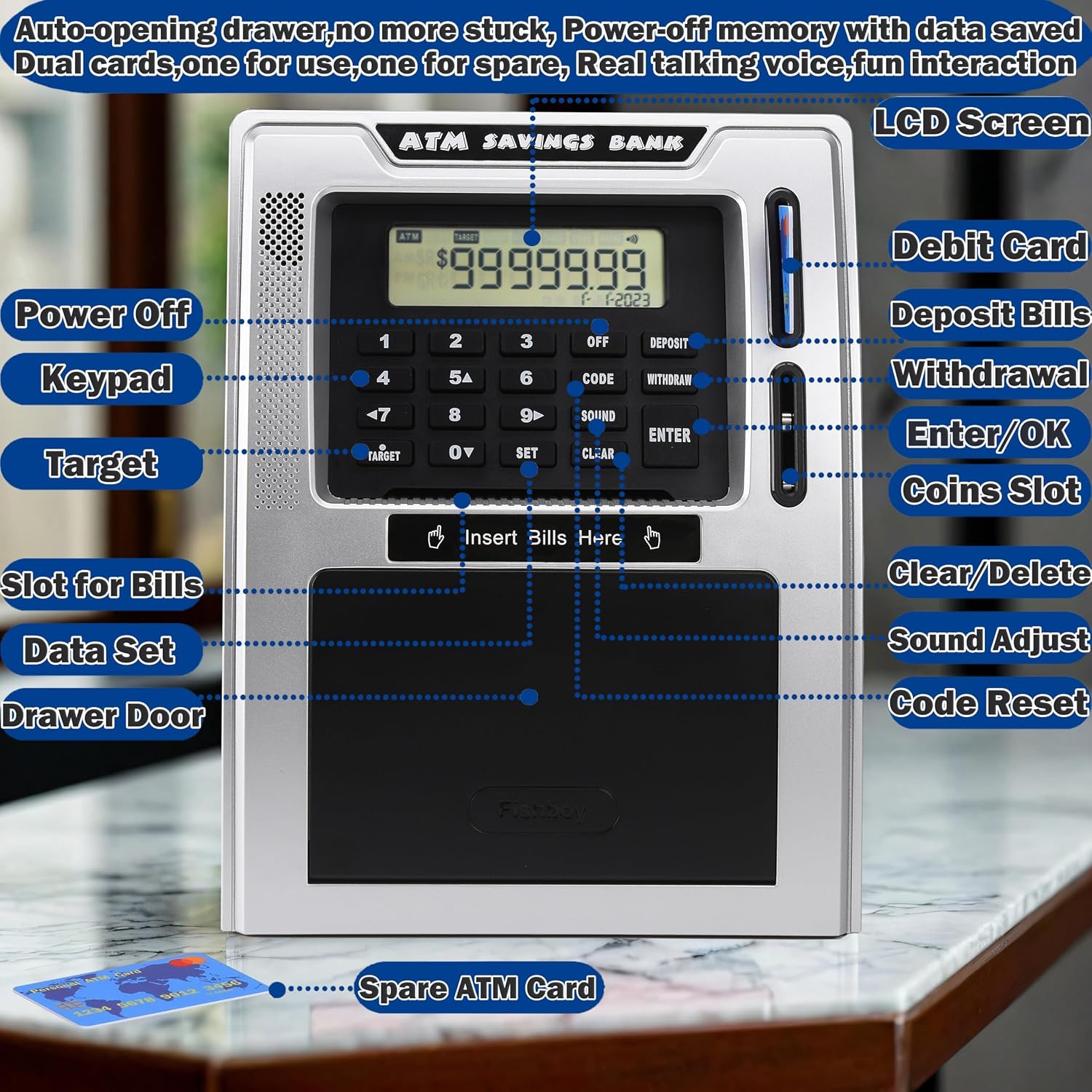
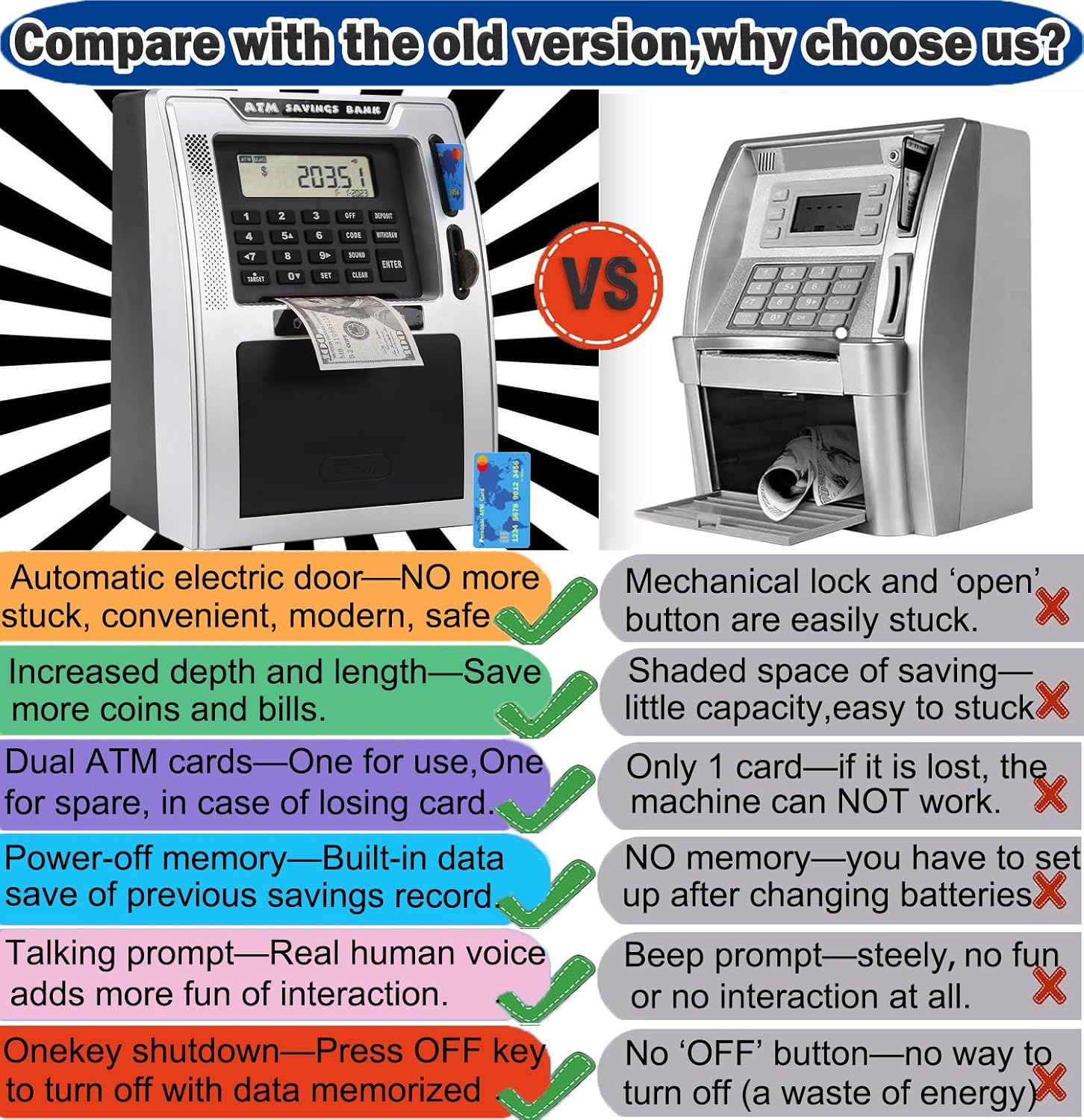
Access uses an ATM card and a four-digit PIN. The default code is 0000, and the product description says the PIN can be reset if forgotten. Two cards are included, with one intended as a spare. When a withdrawal is approved, the cash drawer opens automatically. The machine measures 8.1 x 5.7 x 10.2 inches, a useful detail if you are deciding where it will sit or how much space it may take up.
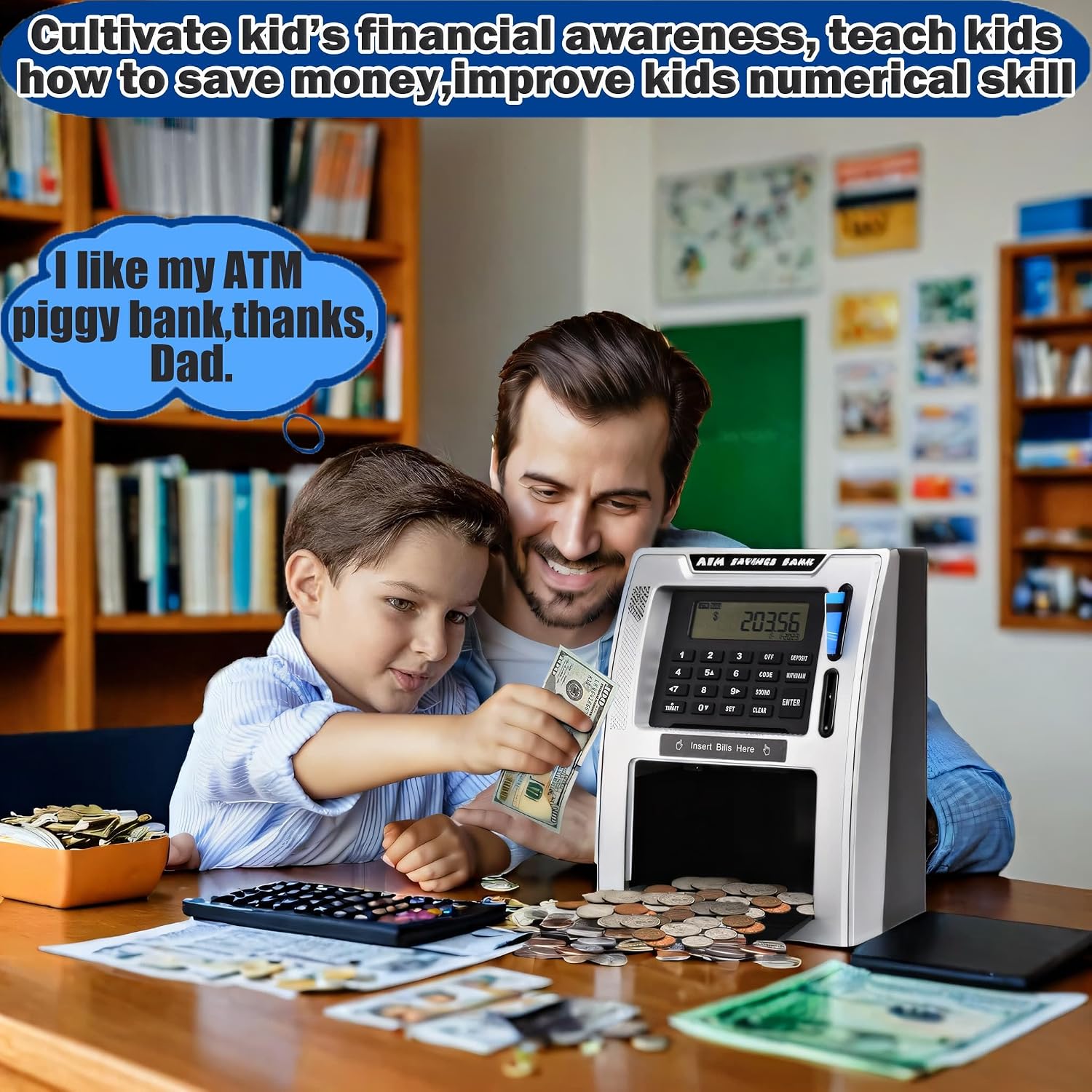
Buyer feedback is mixed. Some customers like the appearance and say the ATM makes saving and learning about money more engaging. Others report difficulty with setup or operation, and some mention the coin reader or device stopping working. Those reports make reliability worth weighing alongside the interactive features.
Usage tips
For a simple routine, a child can set a savings target, deposit coins, and check the balance before deciding whether to withdraw. The card-and-PIN steps give deposits and withdrawals a more structured feel than a basic coin bank. A parent may want to help with the initial setup, especially when setting or resetting the PIN, then let the child handle familiar steps independently.
Because bills need to be entered into the balance by hand, it helps to make that part of the deposit routine too: feed the bill, then update the amount. This keeps the displayed total aligned with the cash stored inside. The two cards also provide a backup if the everyday card is misplaced, rather than requiring the child to rely on a single access card.
Practical tips
Place the ATM somewhere the child can reach comfortably and where the drawer can open without obstruction. Keep the spare card in a separate, known spot. If the PIN is forgotten, the product information describes using the reset button to return it to the default code, 0000, a new PIN can then be set.
Worth considering if the goal is to make saving and tracking cash more interactive than using a standard piggy bank. Not the best choice if you want bills counted and added to the displayed balance automatically, since that step is manual. Customer reports also suggest that setup and coin-counter performance are not consistent for everyone, so the electronic features may matter more to some families than to others.
Practical questions
Does it count paper bills automatically? No. Bills are fed into the machine, but their value must be added to the balance manually.
How does a child access the money? Insert one of the debit cards, enter the four-digit PIN, and request a withdrawal. The drawer opens after the code is verified.
Can kids set a savings goal? Yes. The target feature supports a goal up to 99999.99, and the balance can be checked on the machine.
Buying verdict
This ATM bank is most compelling when the point is to make cash saving feel like a small, repeatable activity: deposit coins, track progress, and practice using a PIN. Its coin recognition, target setting, voice prompts, and two cards offer more interaction than a plain container. The tradeoff is that bill amounts require manual balance entry, and buyer feedback raises questions about setup and durability of the electronic functions. Choose it for the banking-style routine, not just for storing cash.