

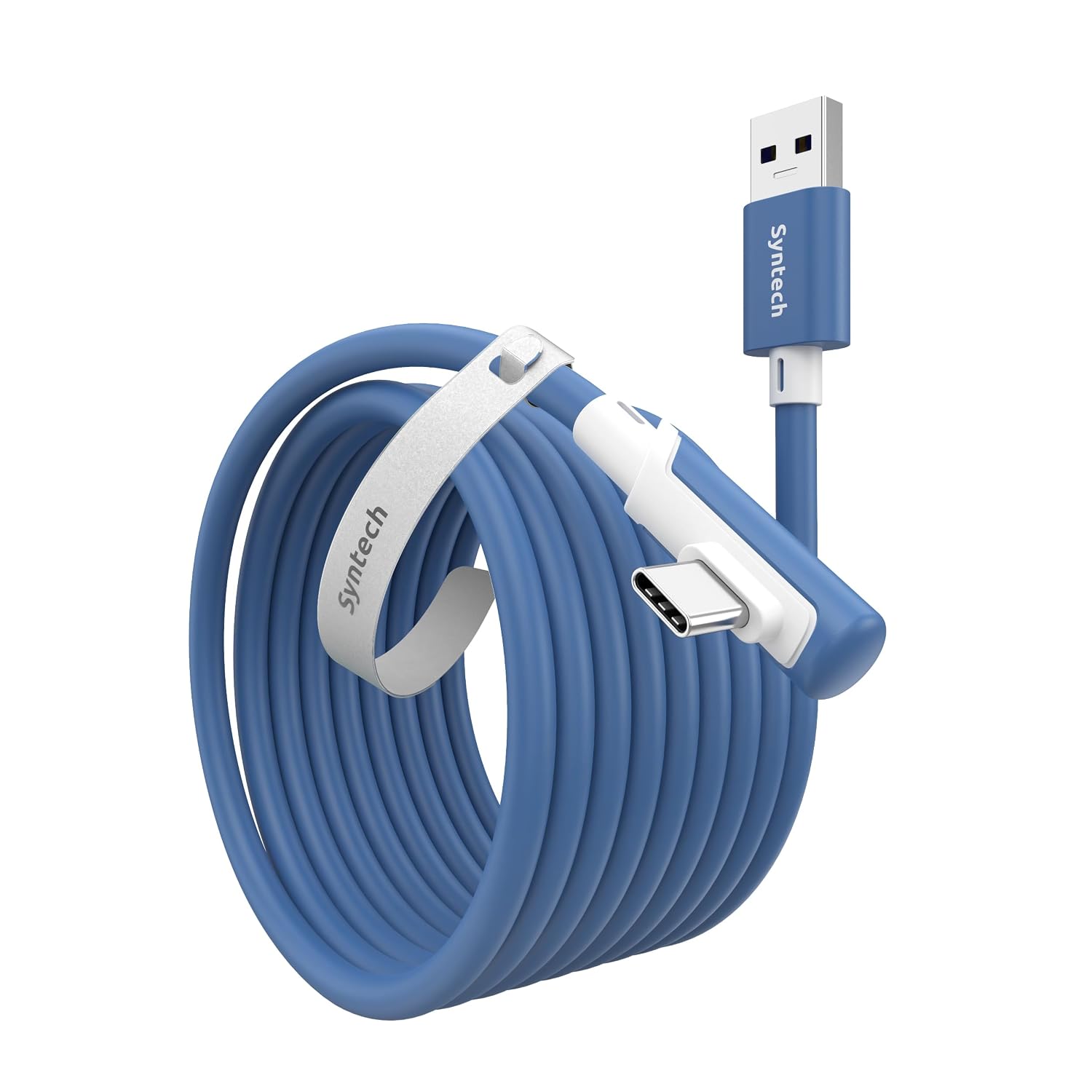
Syntech Link Cable 16 FT: USB 3.0 A to USB-C for Meta Quest 3/Quest 2 family and Pico 4
Product description
What it is and what it’s for
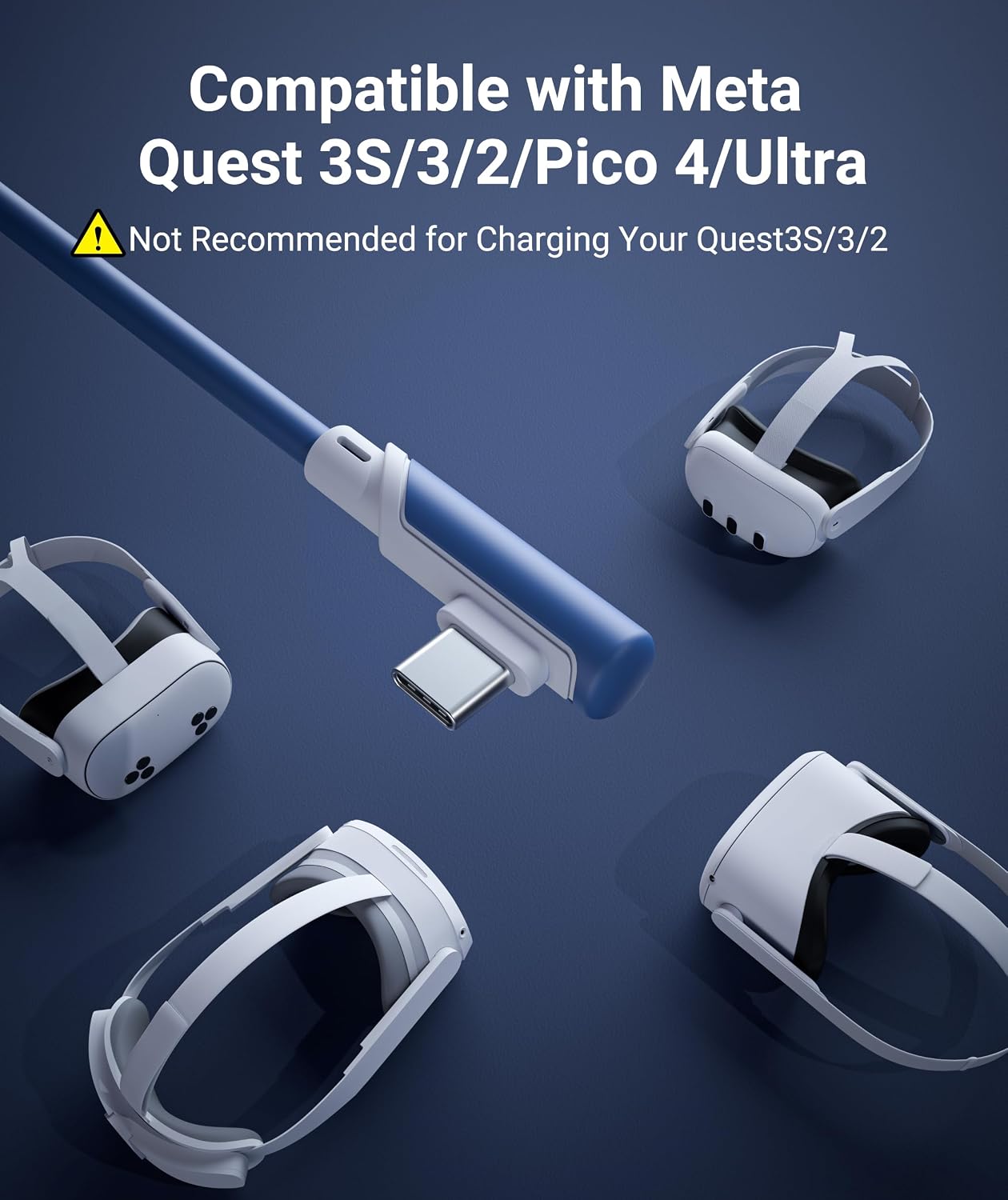
The Syntech Link Cable is a wired data cable designed to connect compatible Meta Quest and Pico headsets to a gaming PC, unlocking SteamVR and PC VR content. It’s built for a stable, wired experience during seated, standing, or room-scale play. Important note: this cable is not intended for charging the headset.
How it helps your VR setup
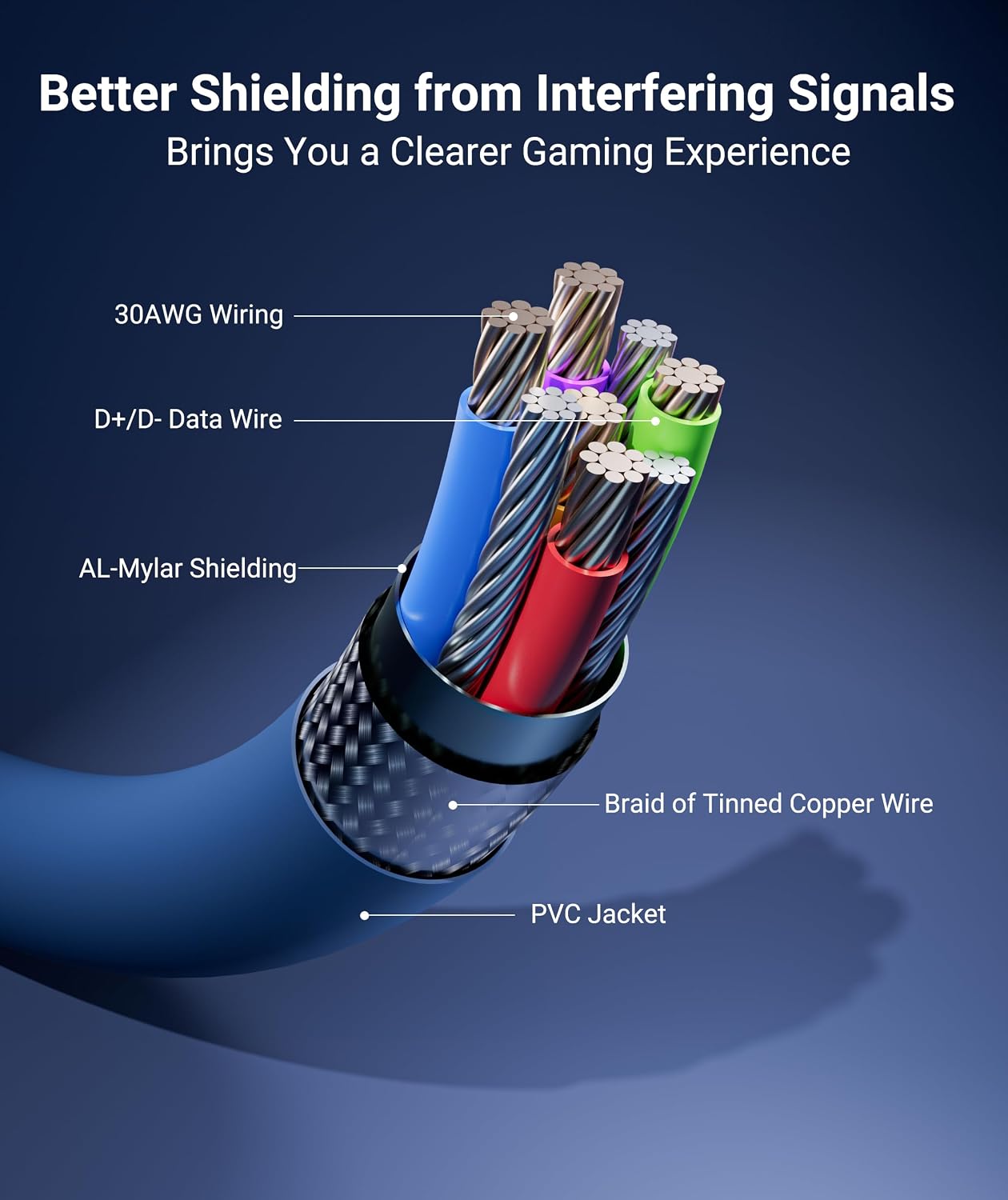
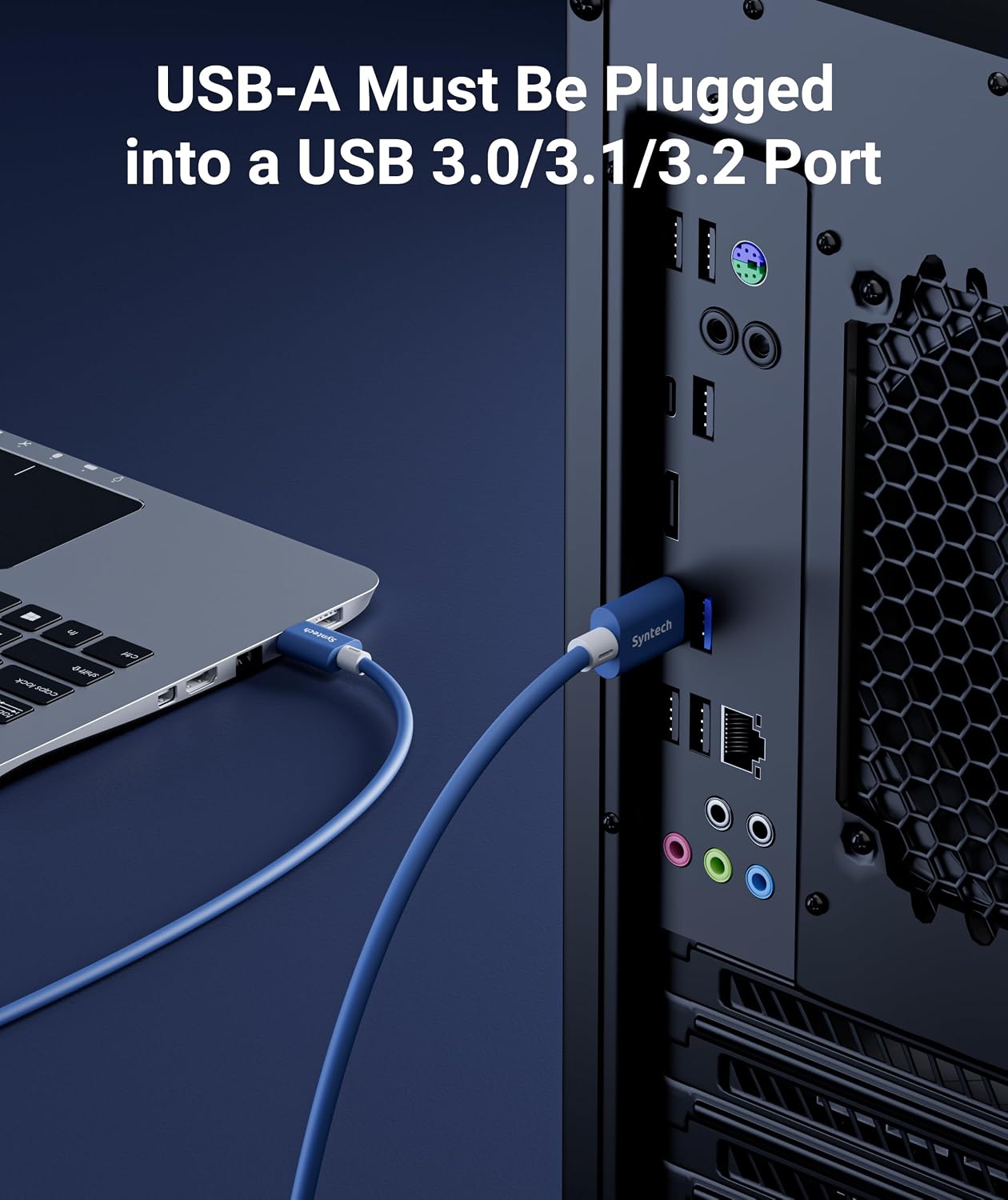
On paper, the cable uses USB 3.0 standards with a USB-A to USB-C connection, providing high-speed data transfer to reduce latency and help maintain a smooth link between headset and PC. For best results, plug into a USB 3.0/3.1/3.2 port and keep both headset and Link software updated. The goal is to minimize wireless interference and stutter during long sessions, especially when you're exploring PC VR libraries.
Design and reliability you’ll notice
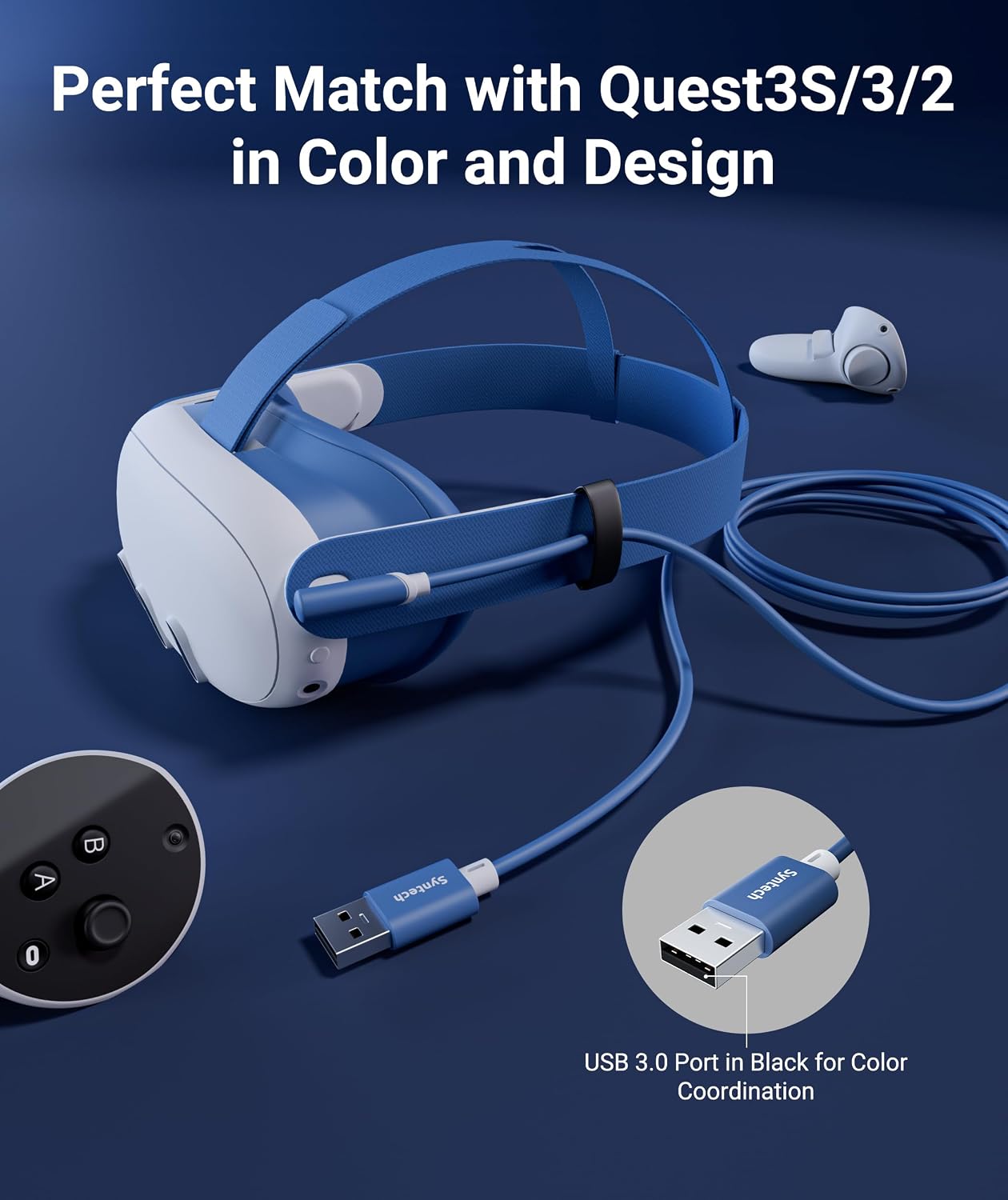
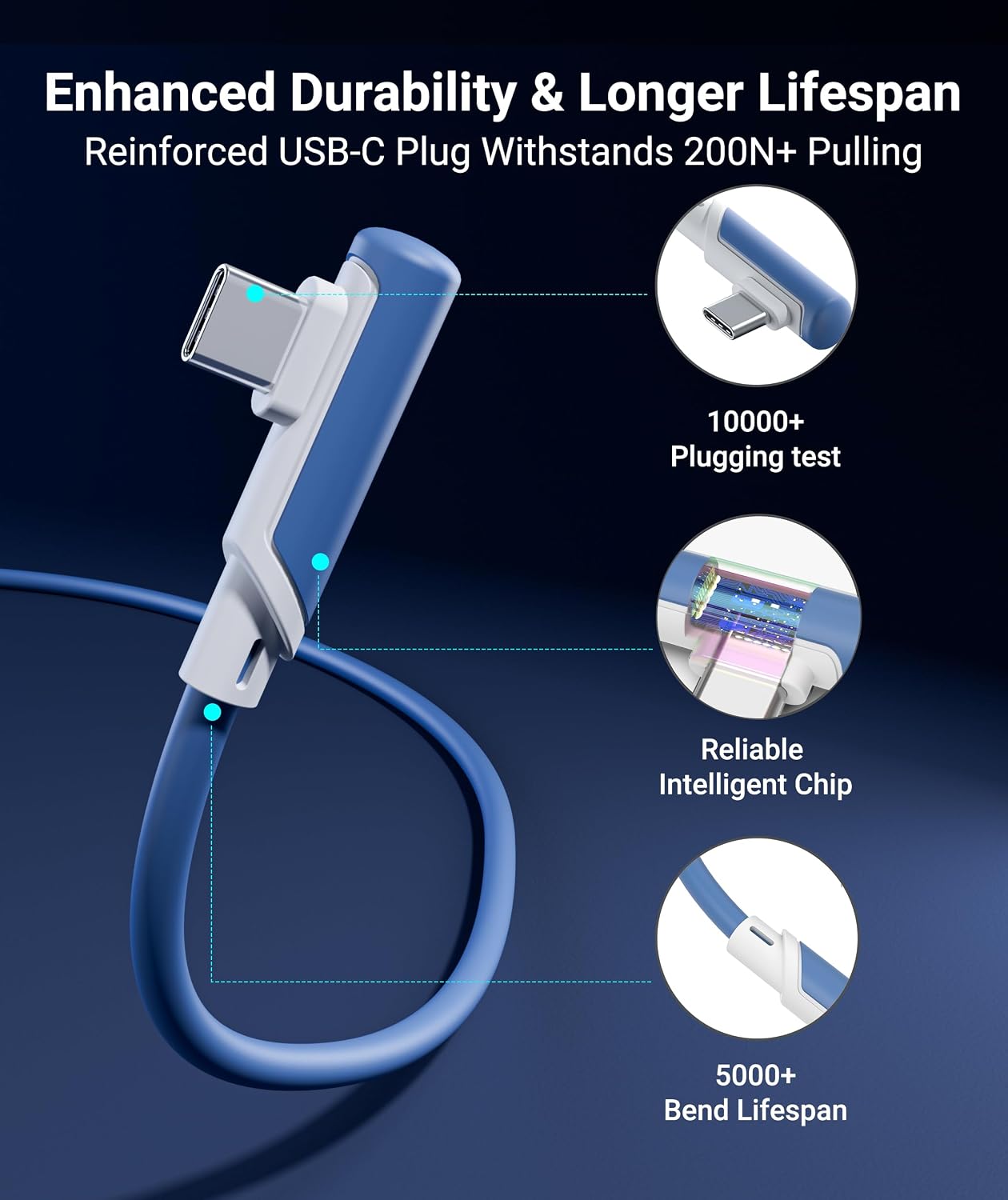
The cable uses a flexible, abrasion-resistant build with reinforced stress points to stand up to repeated movements. The L-shaped USB-C connector is designed to reduce port strain at the headset, and a Velcro strap helps keep the cable secured to your setup. It’s marketed as tangle-free to support dynamic play without snagging mid-mission.
What’s good about it
- Clear focus on PC VR gameplay with wired stability, which can improve latency and reliability compared to wireless streaming.
- USB 3.0 performance promises higher real-world data speeds (up to 5Gbps) versus older wireless setups.
- Thoughtful physical design (L-shaped connector, Velcro strap, durable exterior).
- 18-month warranty and dedicated support from Syntech add a layer of post-purchase confidence.
What might give you pause
- It’s explicitly not a charging cable, so you’ll still need a separate power solution for charging cycles.
- Real-world speeds depend on the PC/port you use and the headset software version, you may not always hit the full theoretical bandwidth in every setup.
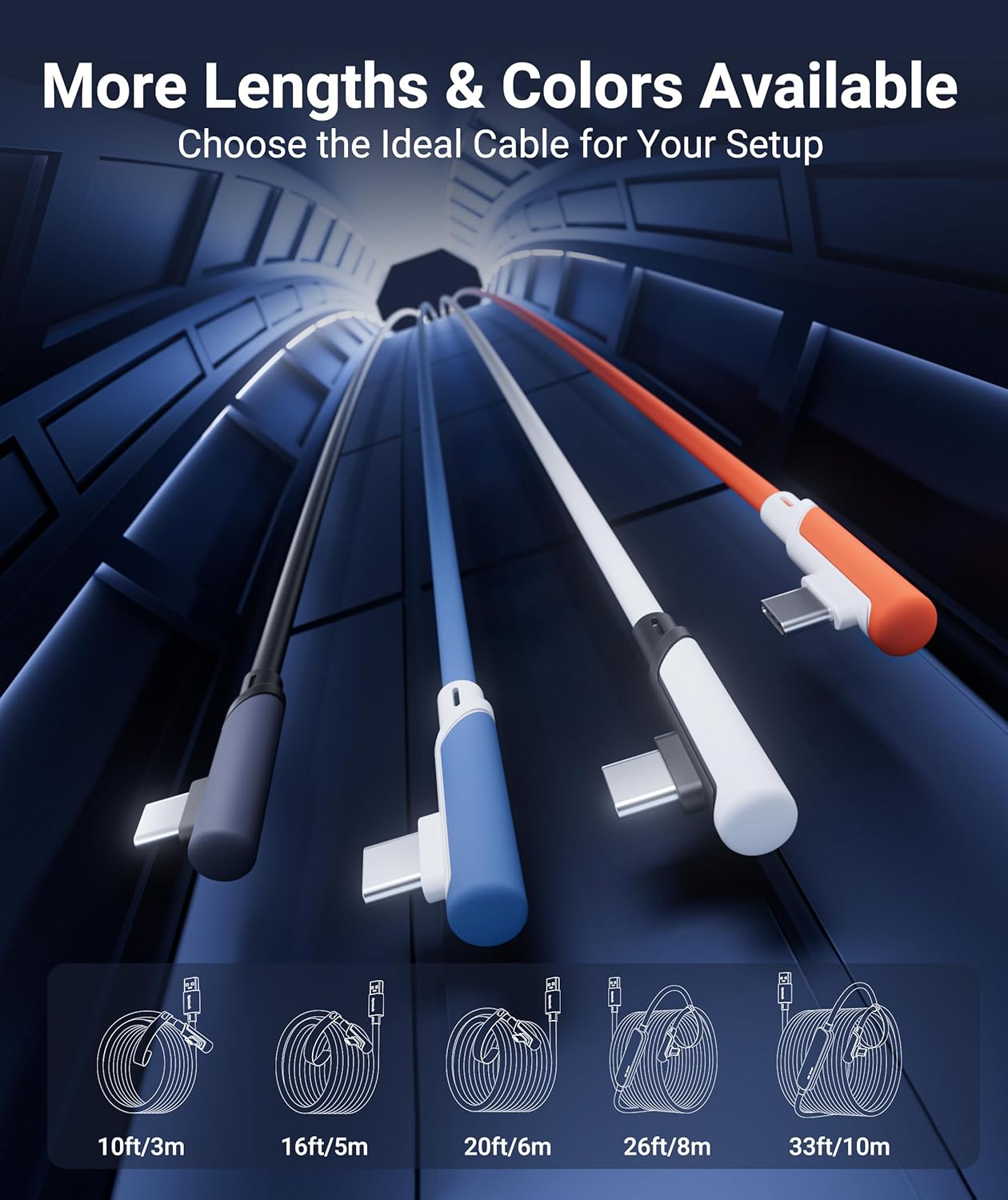
- It’s a long cable, which is great for room-scale play, but consider whether you’ll want to route and manage a 16 ft cord in your space.
Who it’s for
If you own a Meta Quest 3S/Quest 3/Quest 2/Quest Pro or Pico 4 and you want a reliable wired link to a PC for SteamVR or PC VR content, this cable targets you. It’s especially appealing if you value steadiness for seated to full-room tracking and you’re okay with a data-focused cable rather than a charging option.
Who it isn’t ideal for
If your primary need is occasional PC VR, but you don’t want to run cables across your play area, or you need a charging-capable solution, this cable may not be the best fit.
When it makes sense to buy
You’ll benefit from this cable when you’re building or upgrading a PC VR setup and want a wired connection to minimize latency, improve reliability, and support full PC VR content libraries.
What to check before buying
- Confirm your PC has USB 3.0/3.1/3.2 ports to maximize performance.
- Ensure you’re aware that this cable is for data transfer, not charging.
- Consider your play space: a 16 ft length is great for room-scale but requires cable management.
Practical usage scenario
Imagine you’re stepping into a SteamVR title that’s demanding on bandwidth and latency. With the Syntech Link Cable, you can sit back on a couch or stand in your play area while keeping a stable connection to your PC, reducing latency spikes that you might otherwise notice with wireless play. The L-shaped plug helps keep the headset comfortable when you’re moving around.
FAQ (brief and practical)
- Is it compatible with all Meta Quest models? Yes, it lists compatibility with Meta Quest 3S, Quest 3, Quest 2, Quest Pro, and Pico 4.
- Can I use it to charge the headset? No, this cable is designed for data transfer only.
- Do I need to update software? It’s recommended to keep headset and Link software updated for best results.
Final verdict
Final verdict
It’s worth considering if you prioritize a stable wired PC VR connection and you’re comfortable with a dedicated data cable rather than a charging-only accessory. It shines for long sessions and more demanding PC VR titles, but it may not be the right pick if you need charging capabilities, a shorter setup, or a wireless-first approach.
What you’ll get (in the box)
- Syntech Link Cable 16 ft, USB-A to USB-C
- User guide
- 18-month warranty information and dedicated support
Quick use case highlights
If you’re gaming on PC VR with Quest headsets, you can expect reduced latency and a steadier signal for immersive experiences that rely on precise movement tracking and high data throughput.