

StarTech.com USB Panel Mount Cable 1 ft
Product description
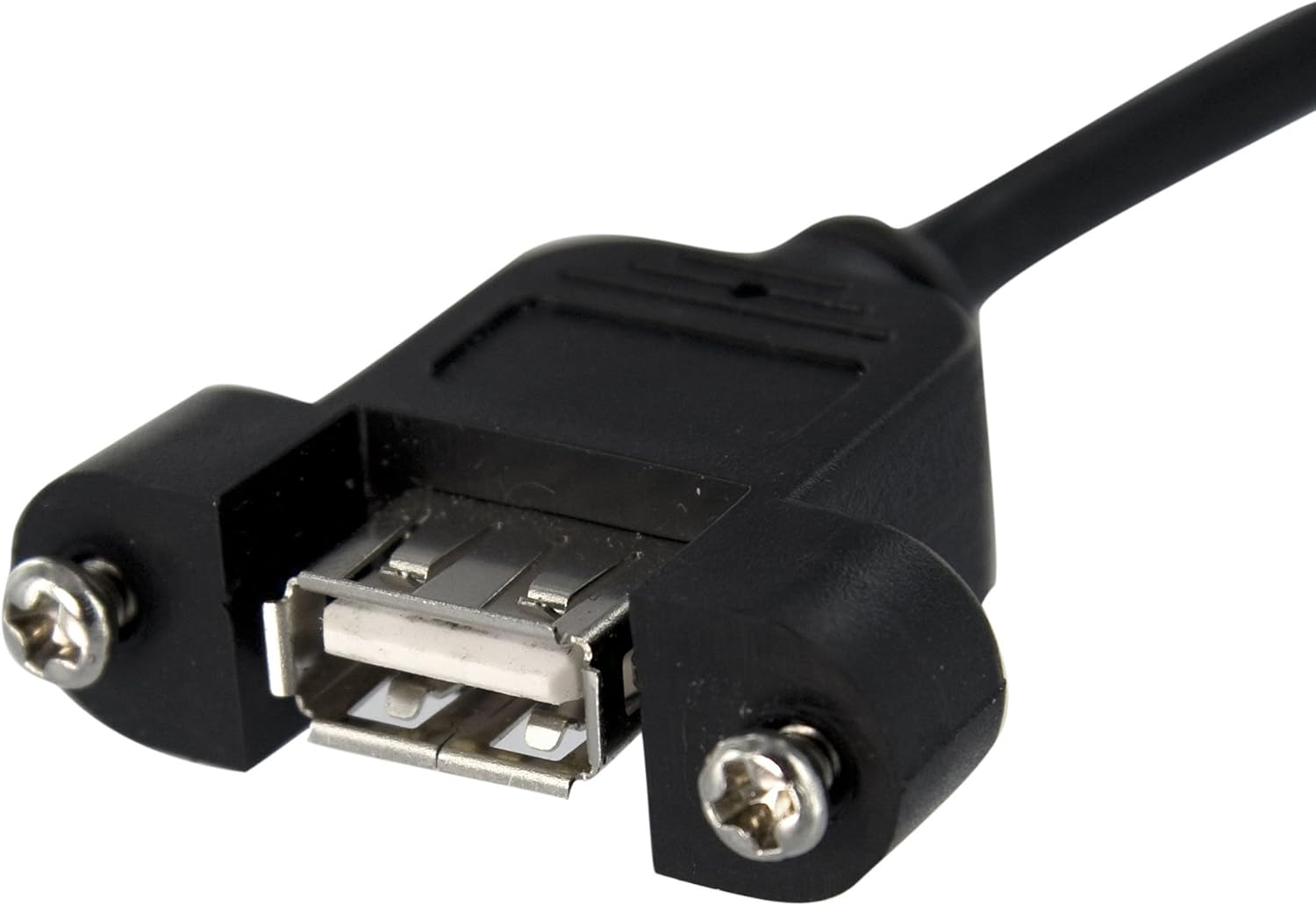
This compact panel mount USB cable lets you add a rear USB-A female port to a PC by connecting directly to a motherboard header. It frees up front-panel routing, supports bootable thumb drives and authentication fobs, and extends an internal USB header connection by one foot for flexible system configuration. If you need a tidy external access point without opening the case repeatedly, this cable solves that need with a simple installation.
Highlights
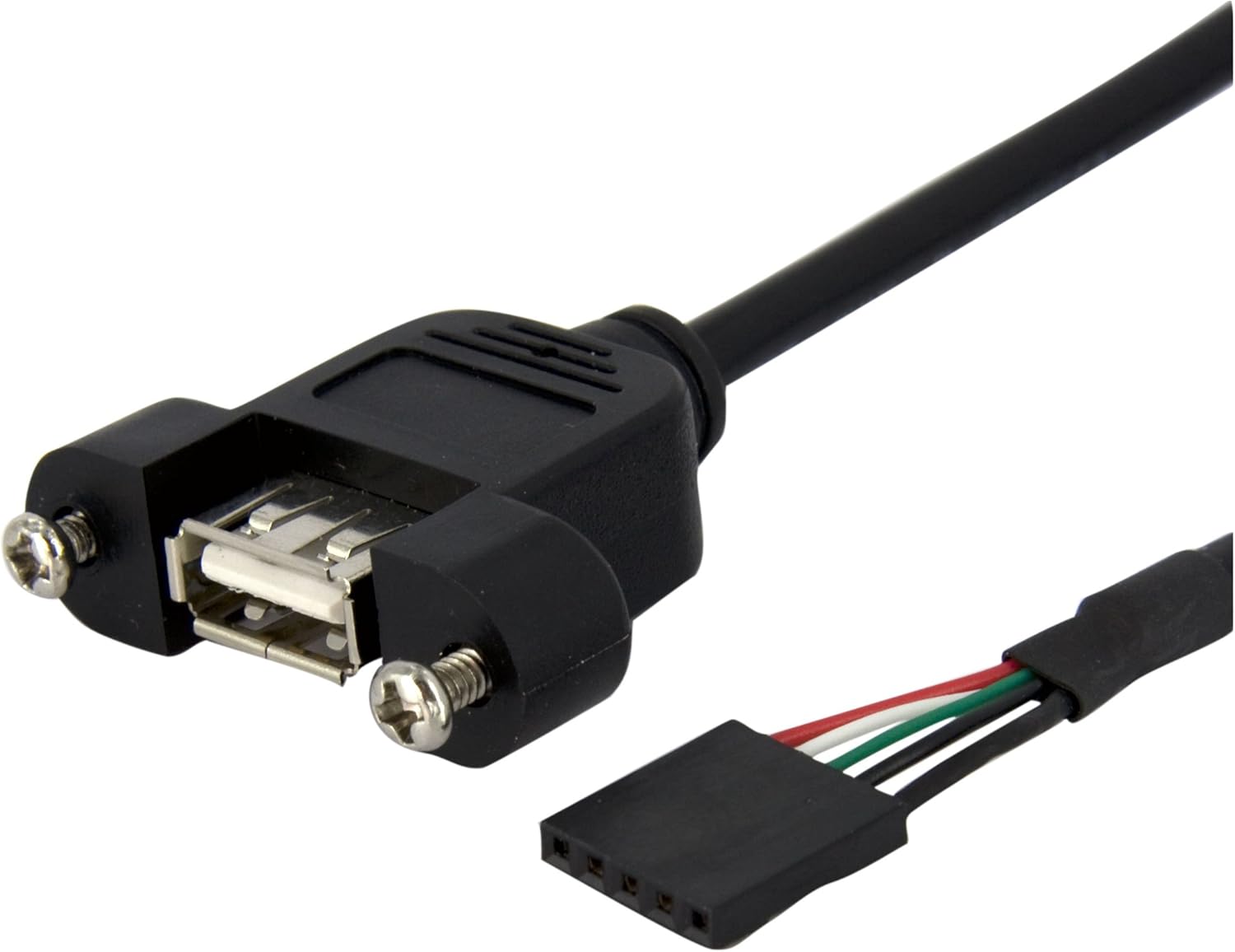
The cable provides a clean, accessible USB-A female port that mounts to your chassis. It maintains an internal USB 2.0 connection while giving external device access for tasks like flashing firmware, using security tokens, or plugging in recovery media. Installation is straightforward for anyone comfortable working inside a desktop case. Note that the cable follows USB 2.0 signaling according to the product line so speeds match that standard.
Product specs
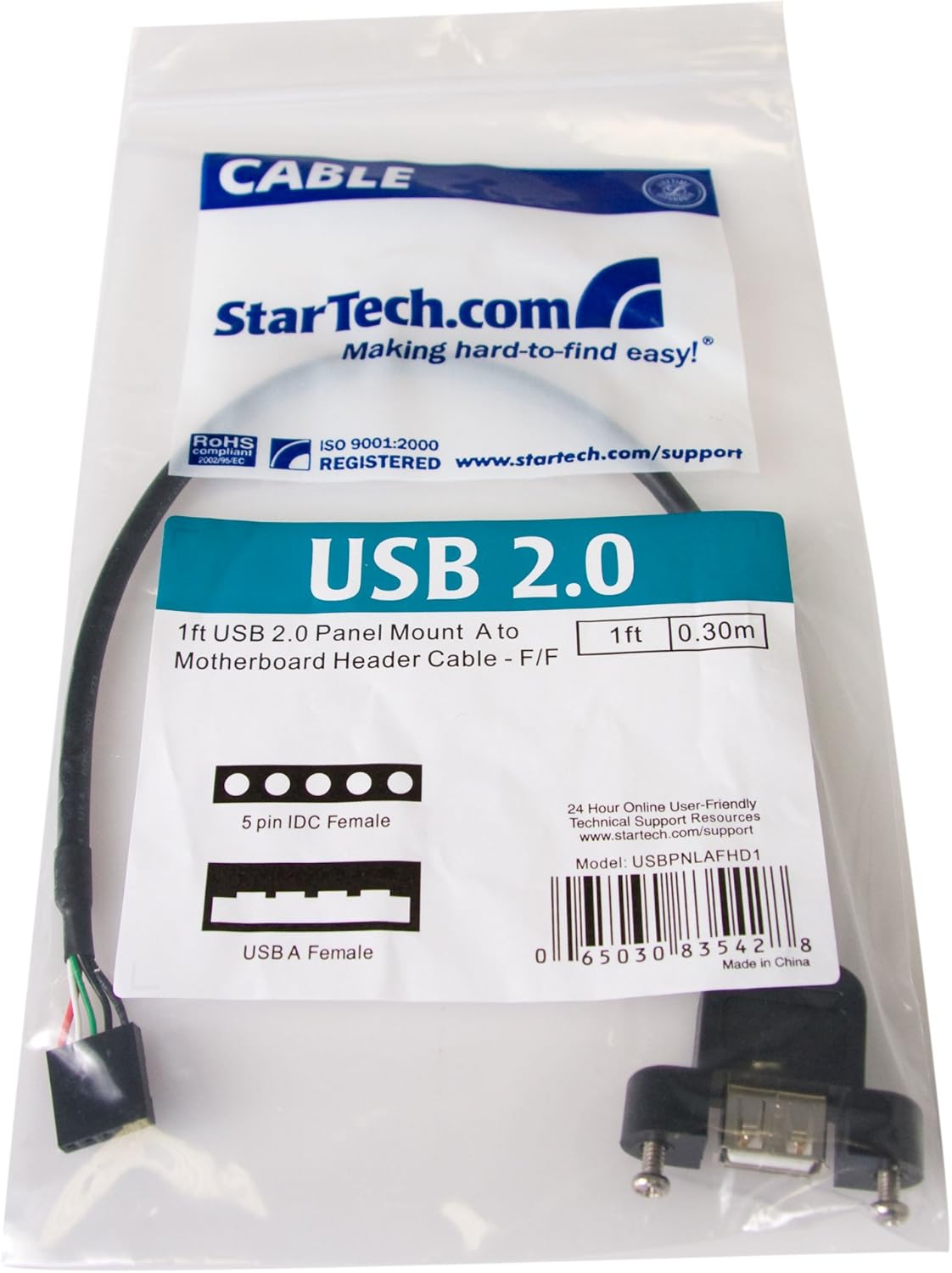
- Name: StarTech.com 1 ft Panel Mount USB Cable
- Type: USB A to motherboard header adapter
- Format: Panel mount internal cable
- Size: 1 ft
- Color: Not specified
Usage tips
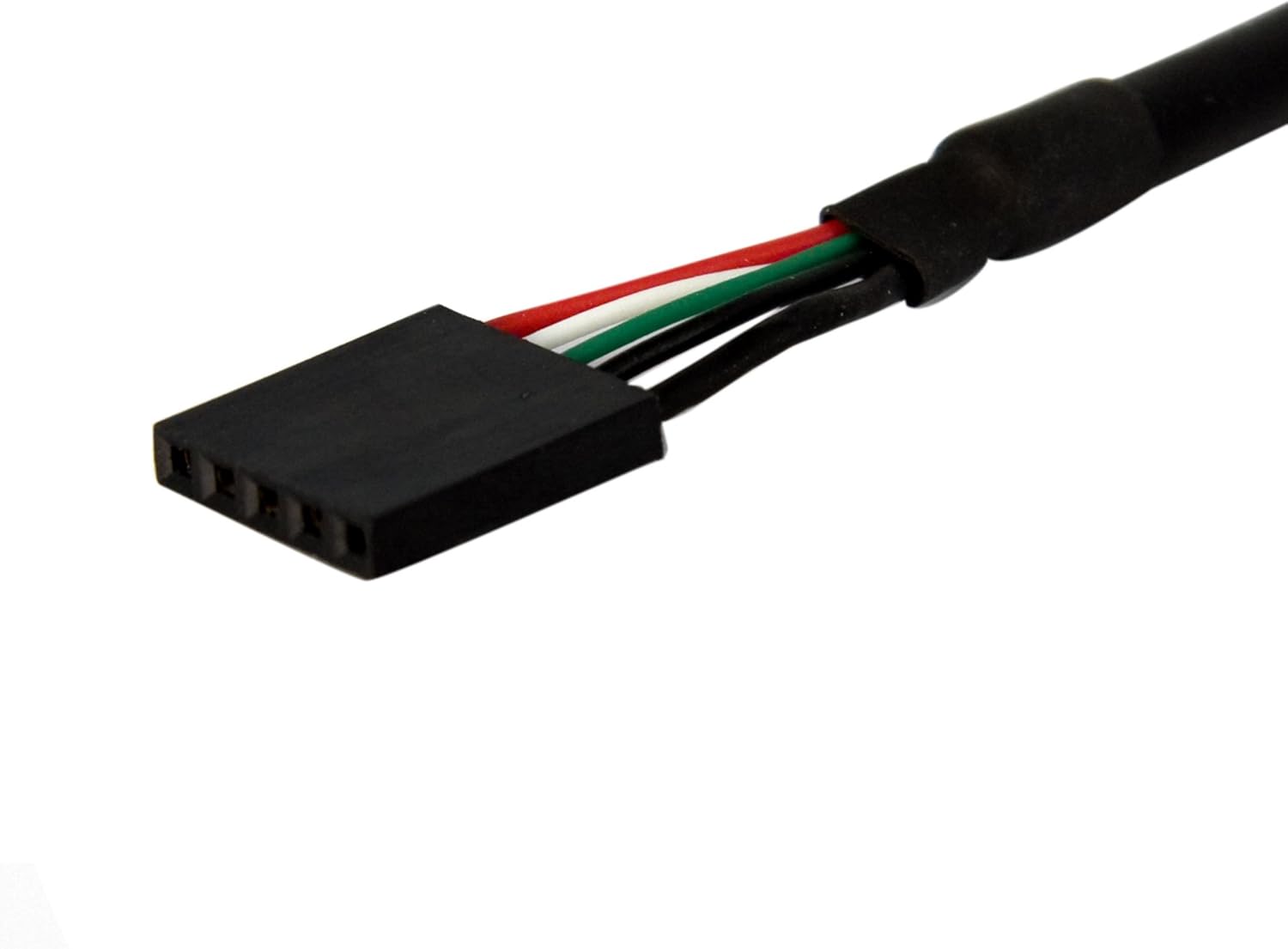
Keep the mounted port near the rear I/O area to avoid cable strain and to maintain a clean external look. If you rely on high transfer rates, remember this adapter uses USB 2.0 signaling, so it is best for peripherals that do not require USB 3.0 bandwidth. You’ll appreciate the convenience when you need occasional external access without modifying the motherboard or using an internal-only device.
Care & maintenance
Avoid tugging on the mounted connector and secure internal routing to prevent stress on the header. Clean the external port gently with compressed air if dust accumulates. Ten in mind that frequent hot-plugging of heavy devices may wear the connector over long periods.