

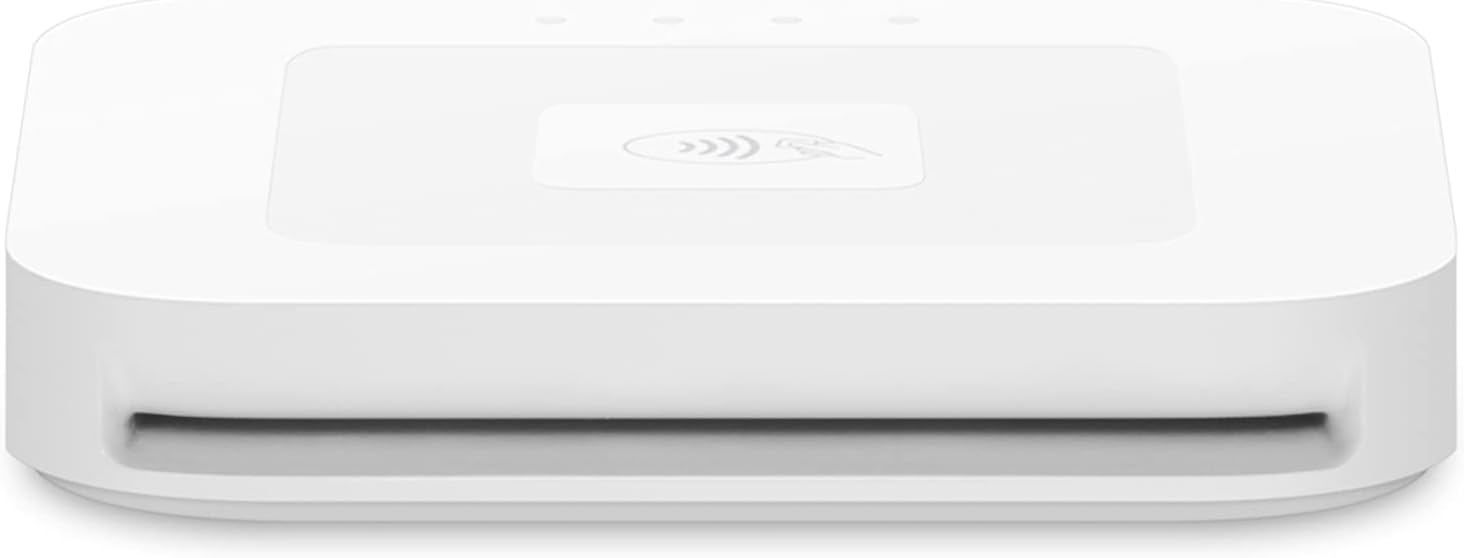
Square Reader for contactless and chip (2nd Generation) POS card reader for Apple Pay, Google Pay
Product description
If you take payments on the go, the Square Reader for contactless and chip (2nd Generation) is built for quick, secure card acceptance without making things complicated. On paper, it’s aimed at businesses that want to start fast, accept modern payments, and keep control over connectivity and backup options when the network isn’t cooperating.
But it’s not perfect for every setup—especially if you’re looking for something more “enterprise” or you prefer a larger all-in-one terminal. For most small operations, though, this reader’s combination of contactless, chip, Apple Pay, and Google Pay can make day-to-day checkout feel a lot smoother.
Key takeaways
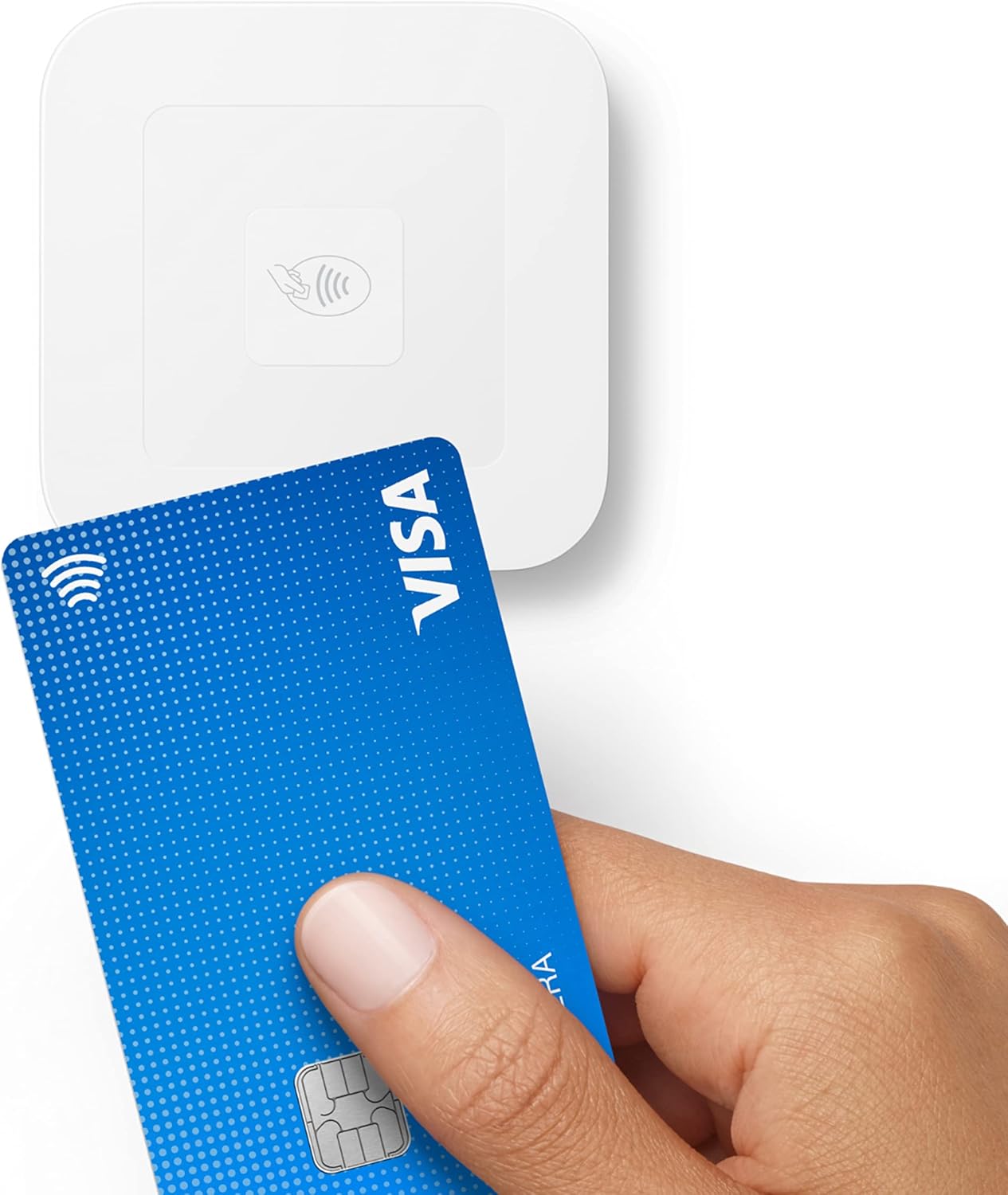
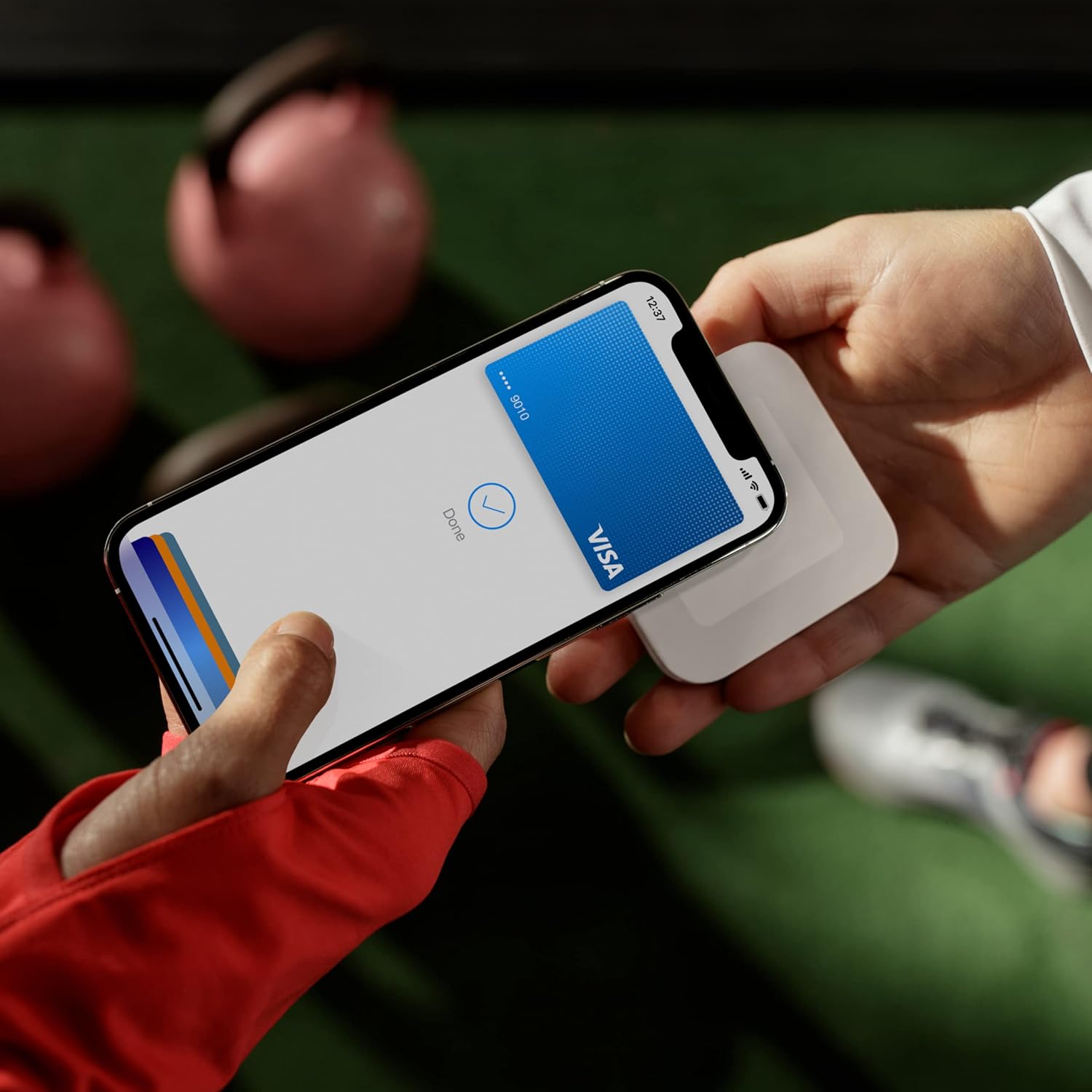
This Square reader is designed to accept contactless payments and chip cards, including Apple Pay and Google Pay. It also focuses on practical realities like improved connectivity, extended battery life, and enhanced security. One of the more purchase-relevant points is the offline payment capability: if you lose connection, you can still keep taking payments for up to 24 hours.
It’s also positioned as simple to pair and stay paired with your device—so you’re not constantly reconfiguring it in the middle of a shift. And you’re not signing up for long-term commitments or contracts, with no monthly fees called out in the provided details.
There’s also a security and operations angle included at no extra cost: data security, 24/7 fraud prevention, and payment-dispute management. If you care about reducing friction when something goes wrong with a transaction, that part matters.
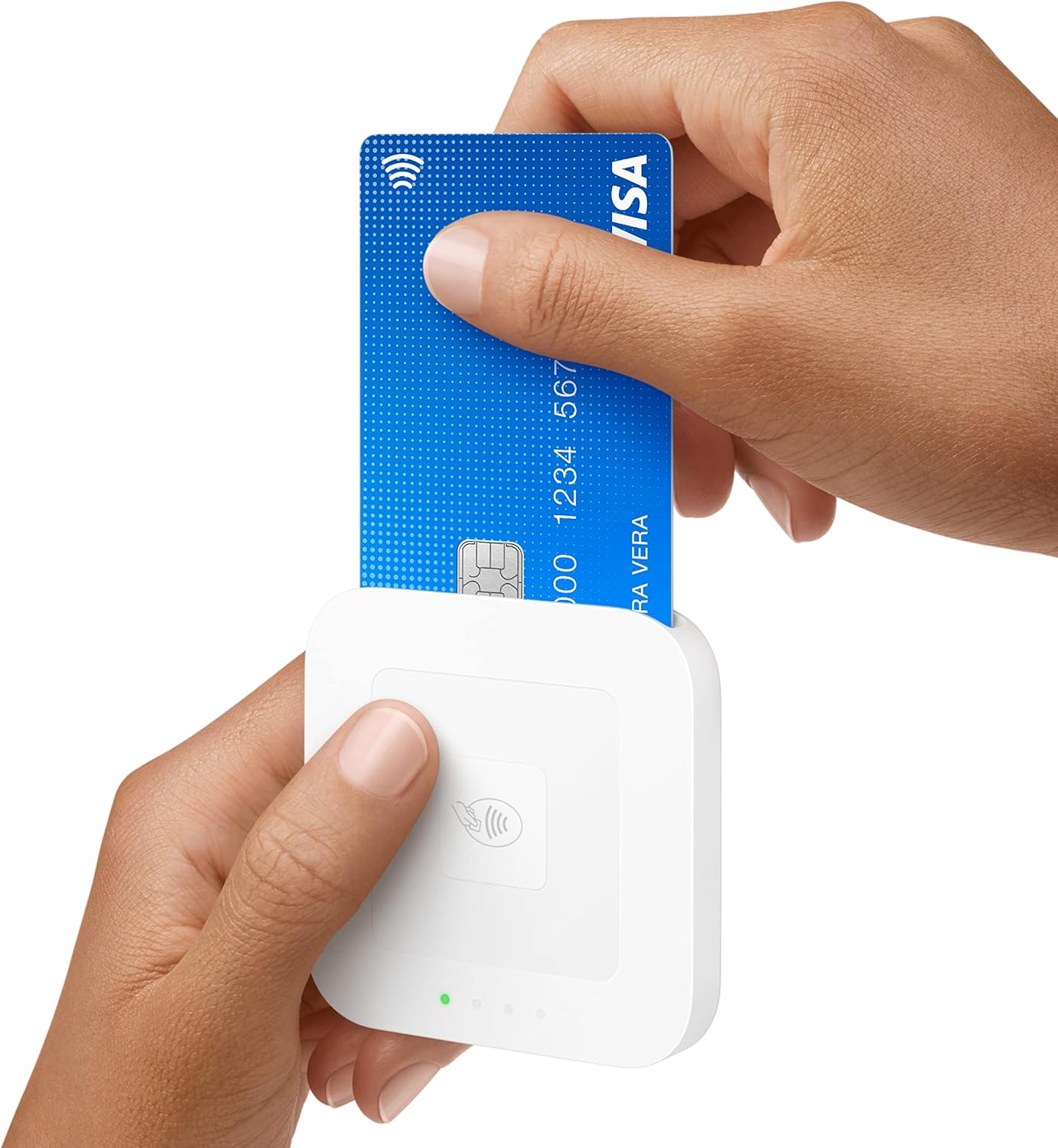
Where you might need to temper expectations: the offline capability is limited to a timeframe (“up to 24 hours”), and the reader is only as useful as your workflow with Square’s setup. If you’re already invested in a different payments system, you may find yourself evaluating whether switching approaches is worth it.
What you’ll notice day to day
The point of a card reader like this is how little mental effort it takes during busy moments. In real-world use, that usually means fewer drop-offs at checkout, quicker payment acceptance (especially with tap-to-pay), and a connection that holds up better than older, finicky setups.
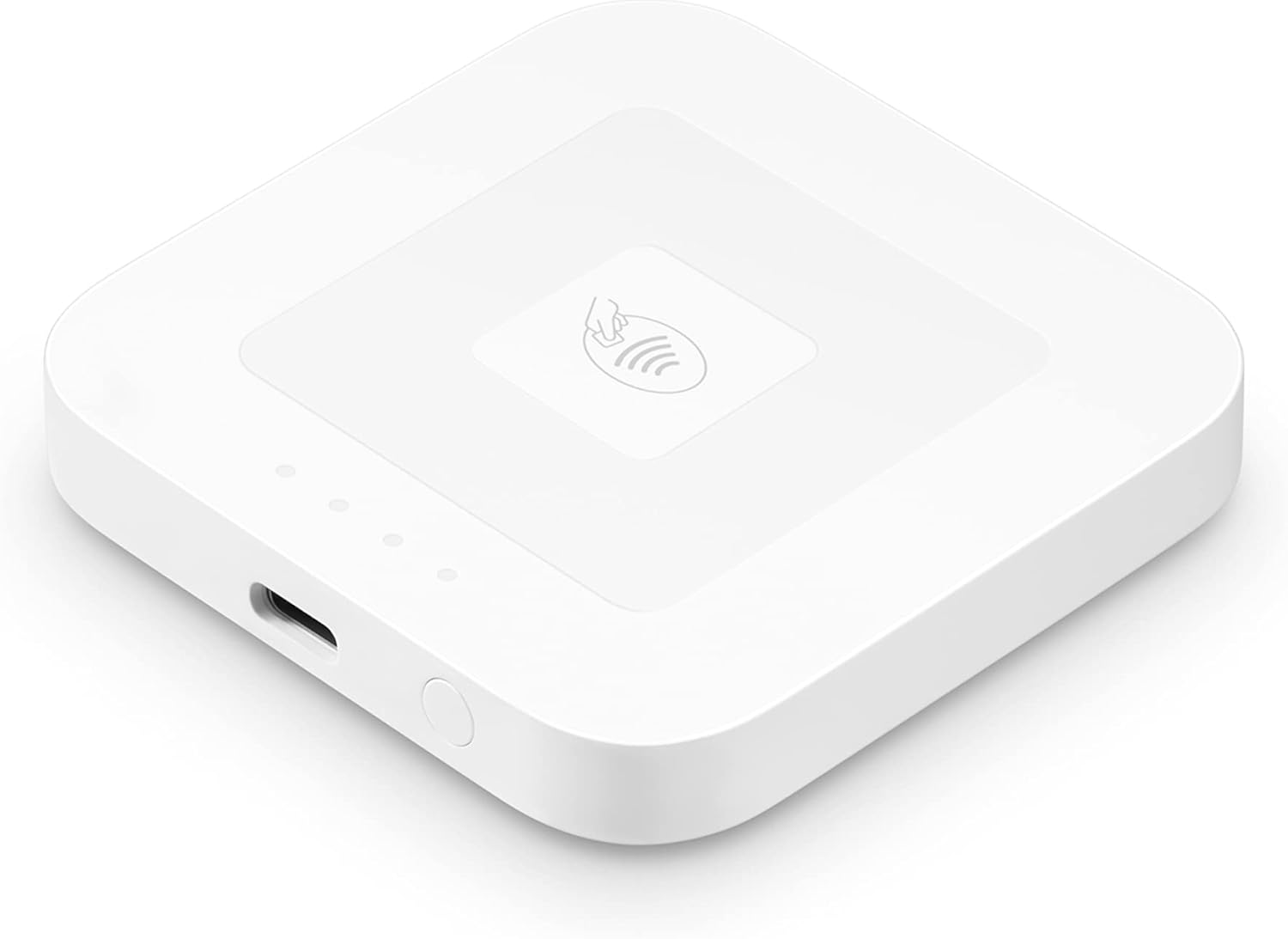
A simple example: imagine you’re running a pop-up booth or taking payments at a small event. When customers are ready, you can accept contactless payments right at the table, then move to chip cards when needed. If the Wi-Fi or cellular connection becomes spotty, the reader’s offline payments option can help you avoid shutting down sales immediately. That “keep going” feature is the kind of thing that’s hard to appreciate—until you need it.
The other day-to-day benefit is the pairing behavior. The description notes it stays paired to your device, which sounds minor, but for mobile sellers it can prevent annoying delays between customers.
Technical details
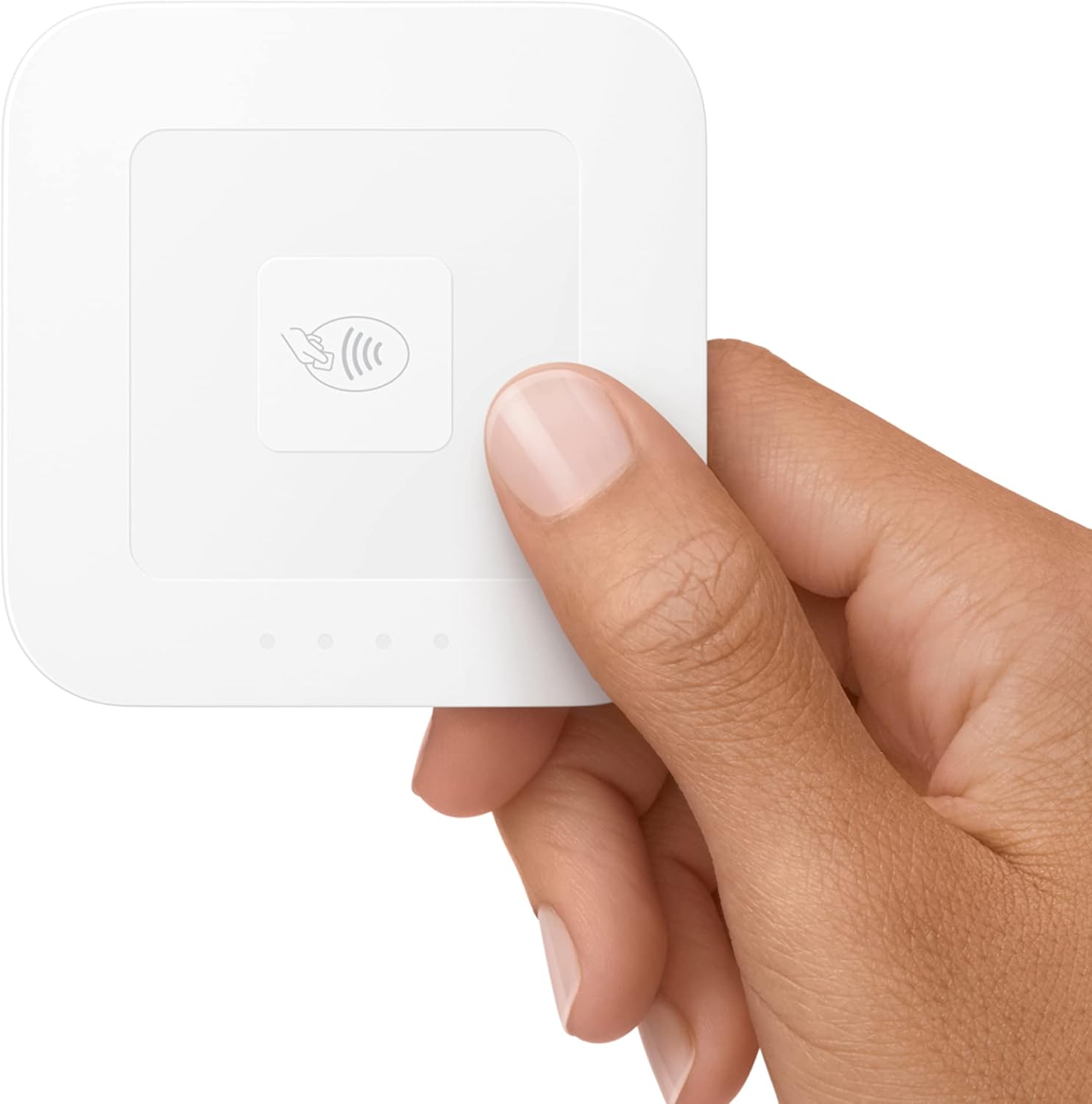
- Type: Card reader (contactless and chip)
- Payments supported (as stated): contactless payments, chip cards, Apple Pay, Google Pay
- Offline payments: can keep taking payments for up to 24 hours
- Connectivity: improved connectivity, stays paired to your device
- Battery: extended battery life (details not specified)
- Security: enhanced security, data security, 24/7 fraud prevention, and payment-dispute management (included)
Best use cases
This reader makes the most sense if your business model benefits from mobility and fast checkout: service providers, pop-ups, small retail vendors, and anyone taking payments away from a fixed counter.
It’s also a solid fit if you want to start with a setup that’s described as easy-to-use and customizable POS. If you’re comparing purchase decisions, this is more aligned with “get started quickly and keep it simple” than with heavy-duty terminals meant for very high-volume, fixed installations.
It may not be the best match if you’re trying to replace every part of an existing payments stack (hardware + software) with minimal change. Since the details provided focus on using it with Square’s POS flow, your current setup will influence whether this feels seamless or like an extra project.
Care & maintenance
No specific care instructions are included in the details provided, but you should still treat it like a regular piece of portable payment hardware: keep it clean, avoid exposing it to unnecessary moisture or dust, and store it where it won’t get physically banged up in transit. The main practical limitation to keep in mind is battery-related usage—if you rely on offline payments, you’ll want to stay mindful of how your day’s workflow drains power.
When it makes sense?
Buy the Square Reader for contactless and chip (2nd Generation) if you want a portable card reader that can accept contactless payments, chip cards, Apple Pay, and Google Pay, with improved connectivity and a “don’t stop selling” offline option for up to 24 hours.
Skip it (or at least pause) if you need something beyond a mobile-style reader, you’re expecting offline to work indefinitely, or you’re not planning to use it within the Square POS/payment flow described. Also consider whether your priorities are more about a fixed checkout station or about reducing checkout friction during on-the-go sales.
A quick reality check before you buy: confirm you’re comfortable with the pairing/usage workflow and that your business can benefit from tap-to-pay and offline backup during connection dips.
Final verdict
If you’re looking for a mobile-friendly way to accept contactless and chip payments—while keeping backup options for short connection failures—this Square Reader looks like a practical pick. It stays focused on the things that matter when you’re selling outside a traditional counter: easier acceptance, better connectivity behavior, and security support included.
It may feel like overkill or a mismatch if your setup doesn’t align with Square’s POS experience or if you require a different type of terminal altogether. For small, mobile, and pop-up businesses, though, the combination of supported payment methods and offline capability is exactly the kind of feature set that can reduce lost sales.