

SmartQ C368 USB 3.0 Card Reader for SD, CF, MS
Product description
This compact USB 3.0 card reader from SmartQ lets you quickly transfer photos and files between cameras, phones and computers with support for SD, Micro SD, MS and CF formats. It connects via USB 3.0 for faster transfers, is plug-and-play on Windows and macOS, and suits photographers or content creators who need a simple multi-format reader for everyday use.
Key Points
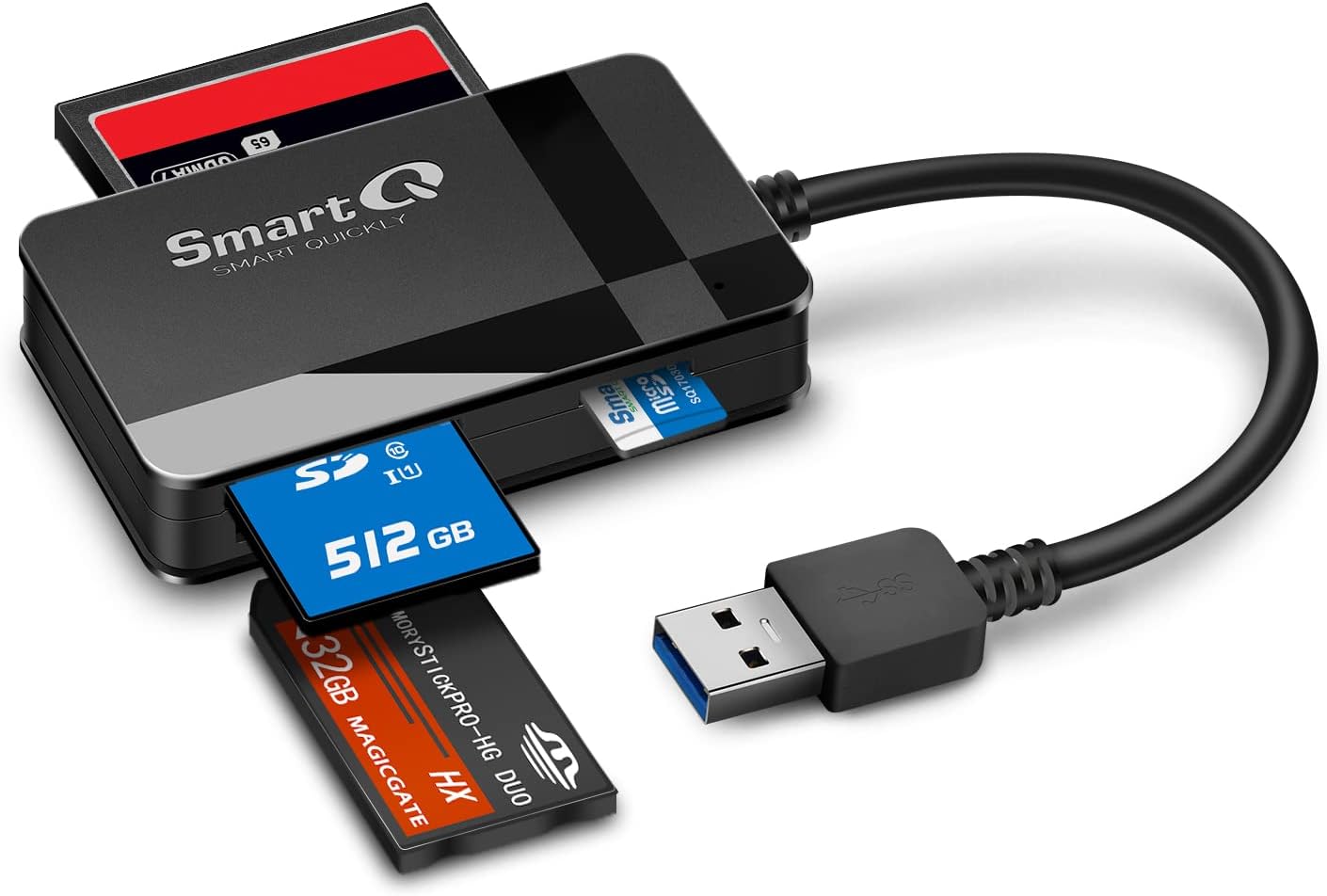
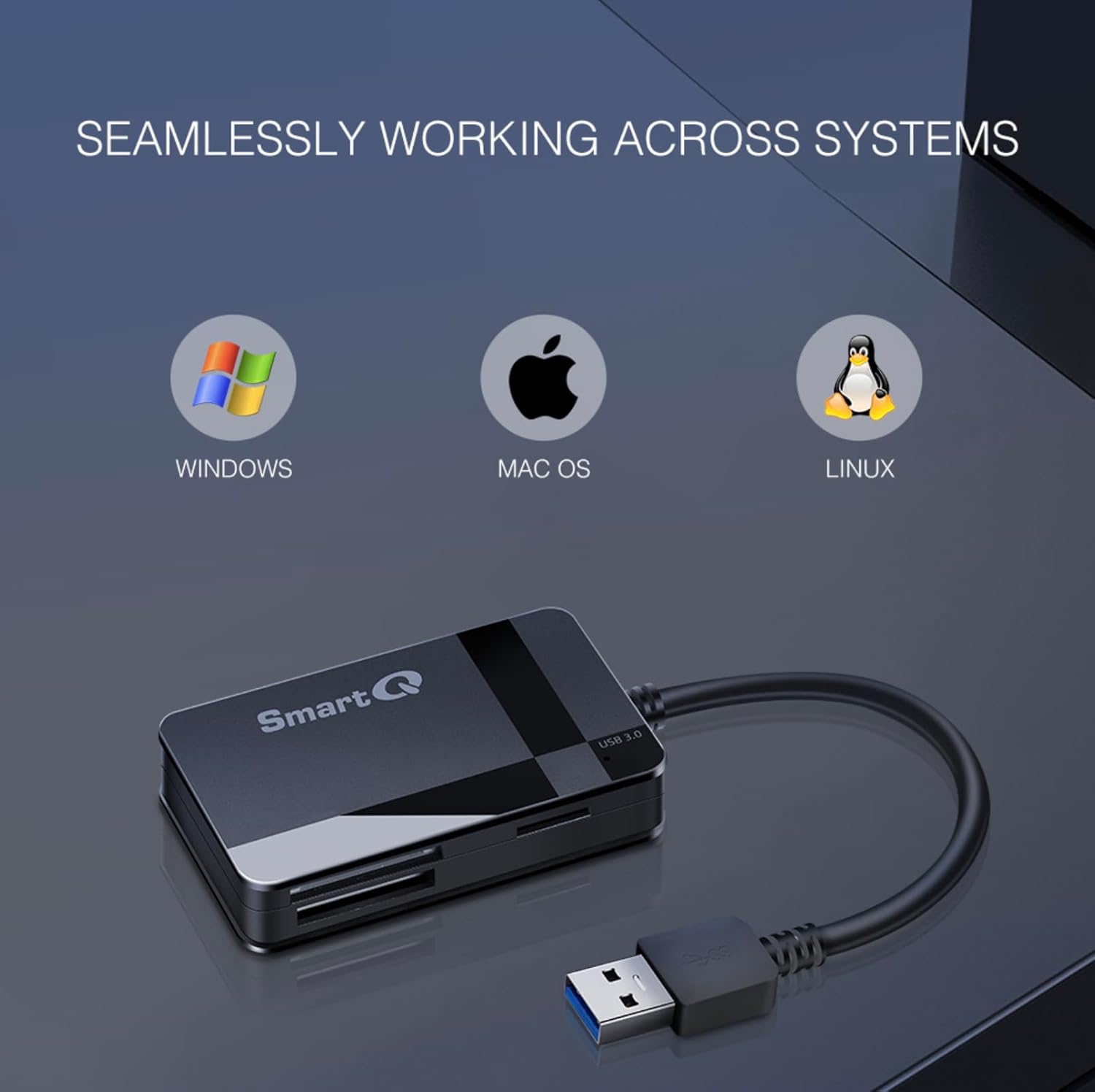
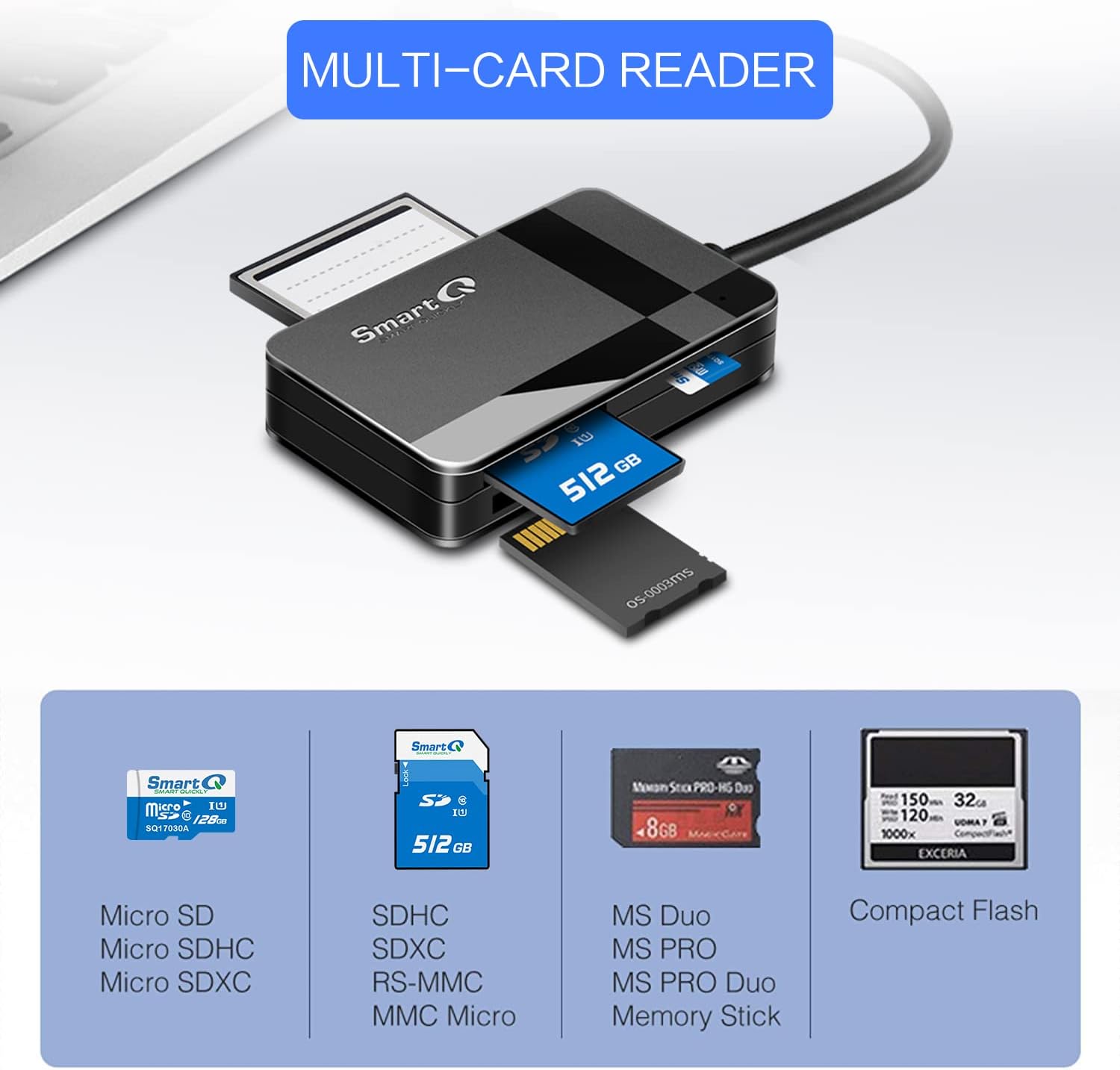
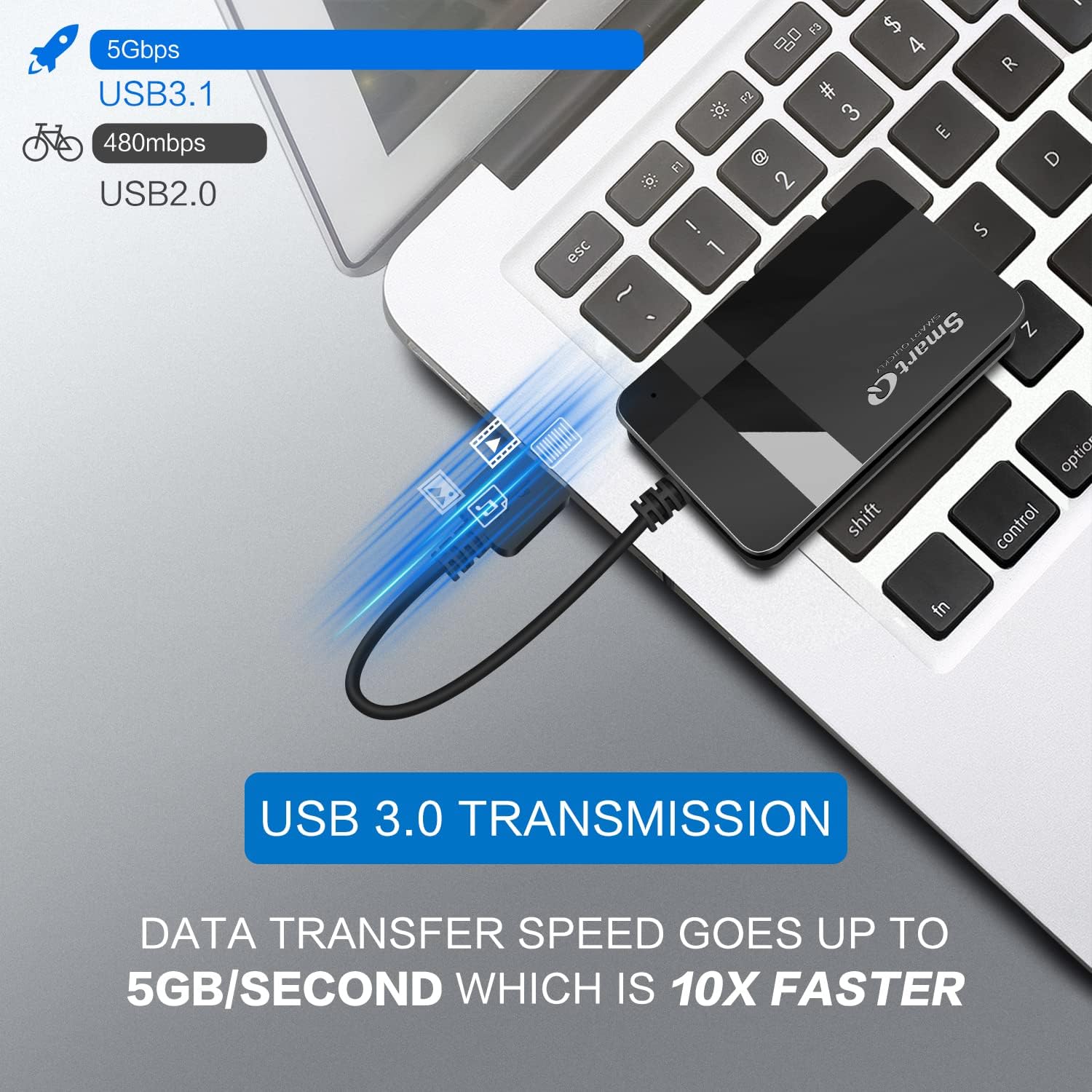
The SmartQ C368 offers a four-in-one slot design that reads SD, Micro SD, Memory Stick (MS) and CompactFlash (CF) cards independently, so you can work with several media types without swapping adapters. According to the manufacturer, it supports USB 3.0 transfer speeds up to 5 Gbps which helps reduce waiting time when moving large photo or video files. The reader includes a blue LED status indicator that lights when the device is powered, making it easy to verify operation at a glance. It is advertised as plug-and-play and compatible with Windows, macOS and Linux without requiring additional drivers.
Technical Specifications
- Name: SmartQ C368 USB 3.0 Card Reader
- Interface: - USB 3.0, up to 5 Gbps (according to the manufacturer)
- Card support: - SD, Micro SD, MS (Memory Stick), CF (CompactFlash)
- Compatibility: - Windows, macOS, Linux (driverless plug-and-play)
- Indicators: - Blue LED power/status light
- Package contents: - Card reader, cable organizer, user manual
Advantages
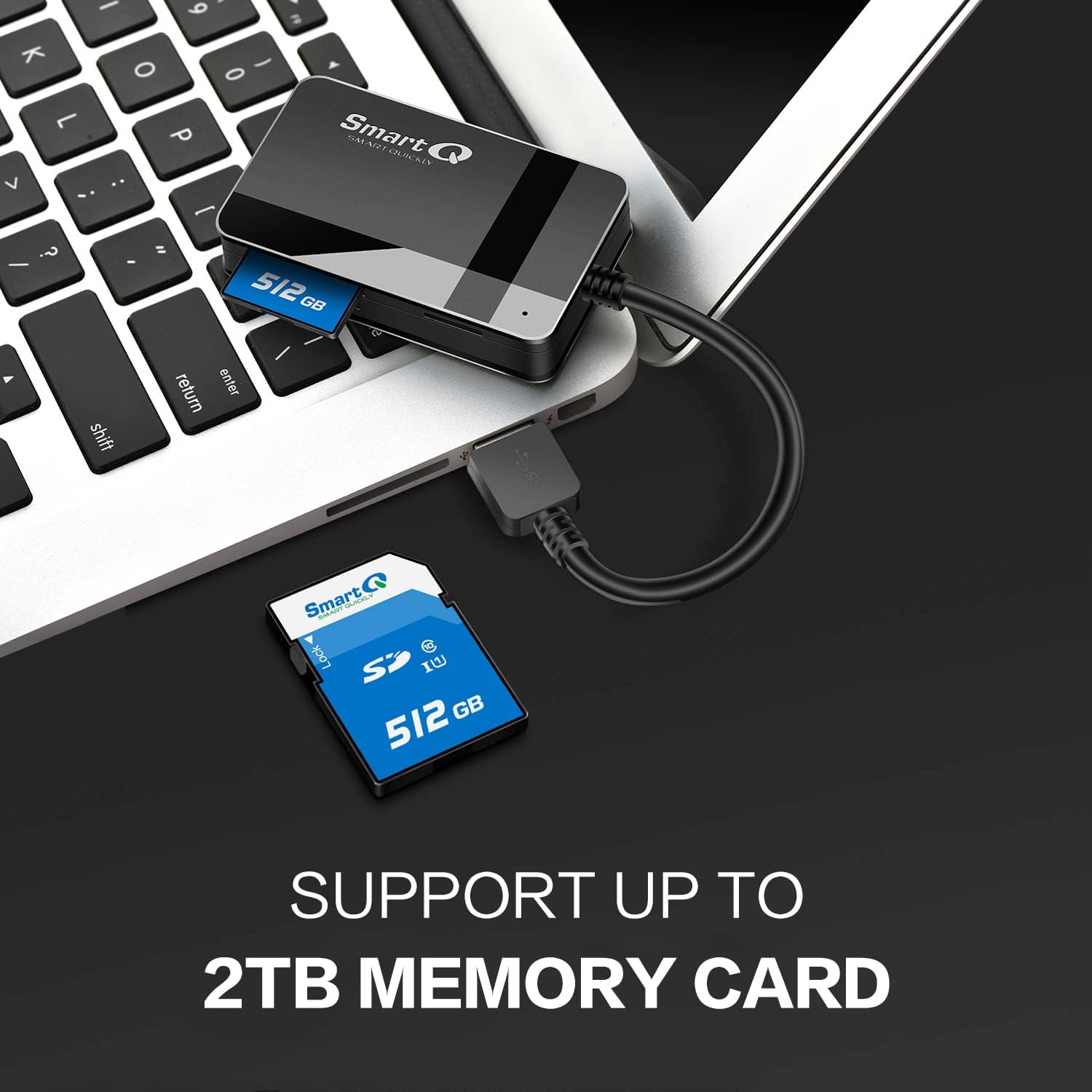
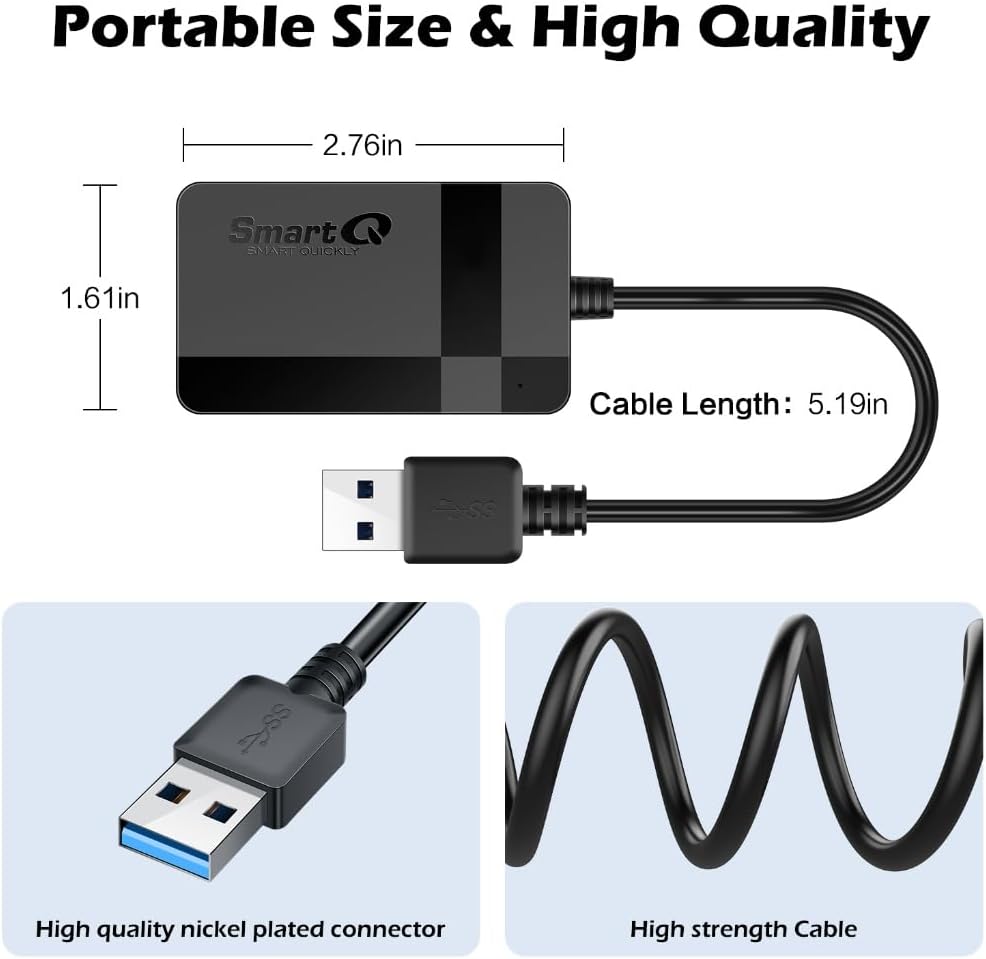
This reader is small and portable, so it slips into a camera bag or laptop case without adding bulk. It simplifies workflow by accommodating four common card formats in one unit, which is useful when working across multiple devices or with different camera systems. The driverless operation reduces setup time and avoids compatibility hassles for basic file transfers.
Usage Recommendations
For best results use a USB 3.0 port on your computer to approach the higher transfer rates reported by the manufacturer. Insert only one card per slot as intended, and wait for the LED to confirm the device is powered before accessing files. Keep the included cable organizer to prevent tangling when transporting the reader. Consider that actual transfer speeds will depend on the card type and its own performance, so very old or low-speed cards may not reach the maximum USB throughput.