

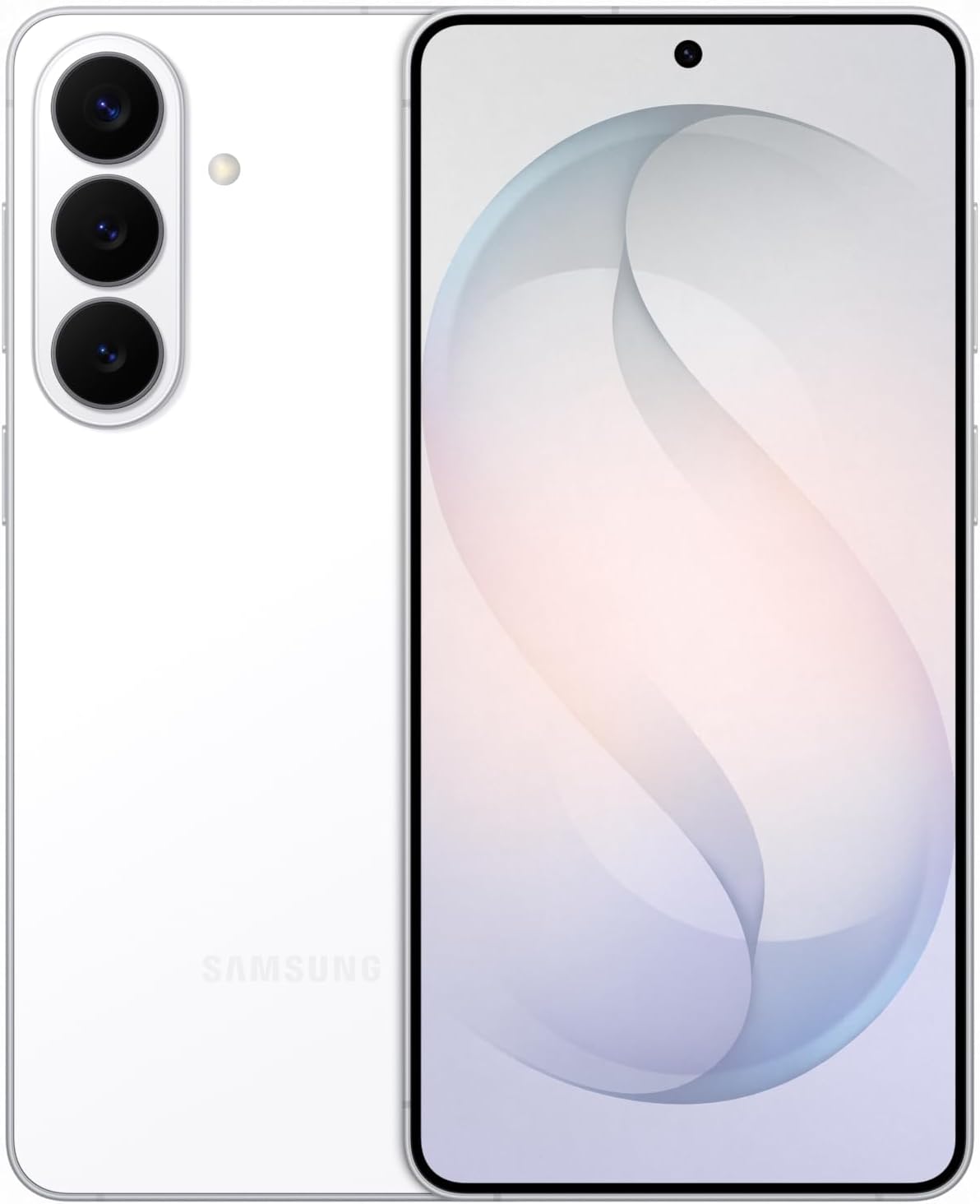
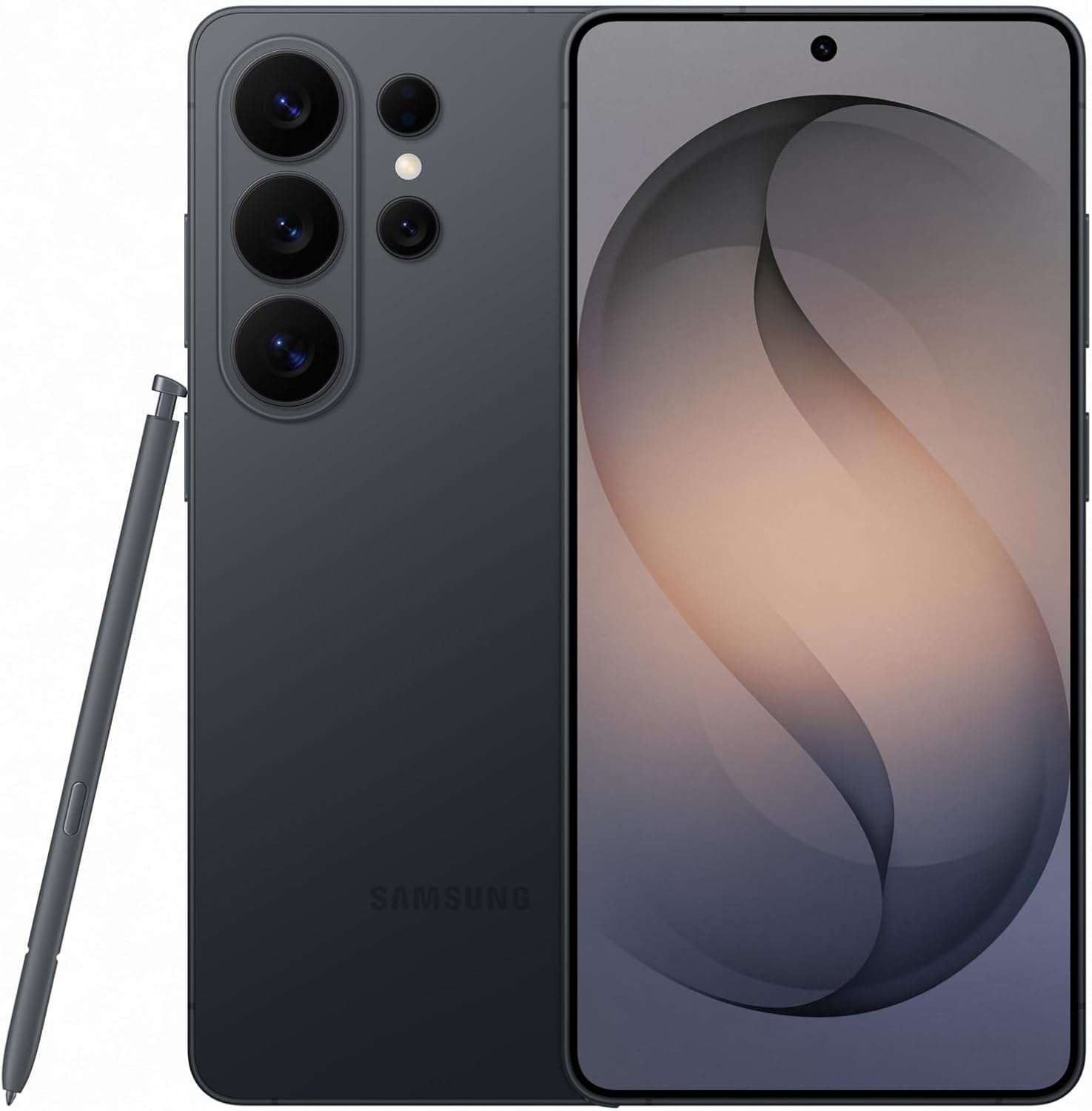
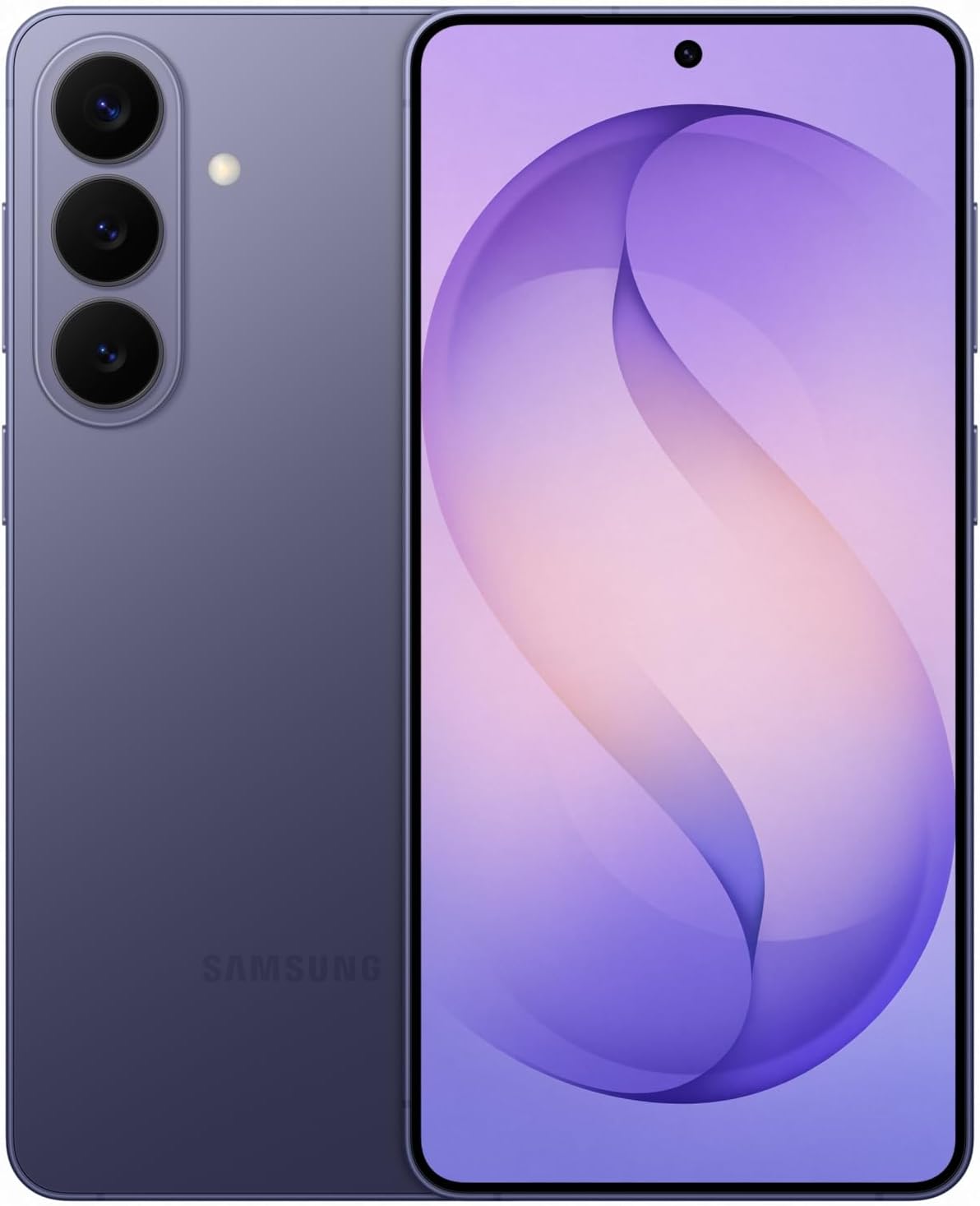
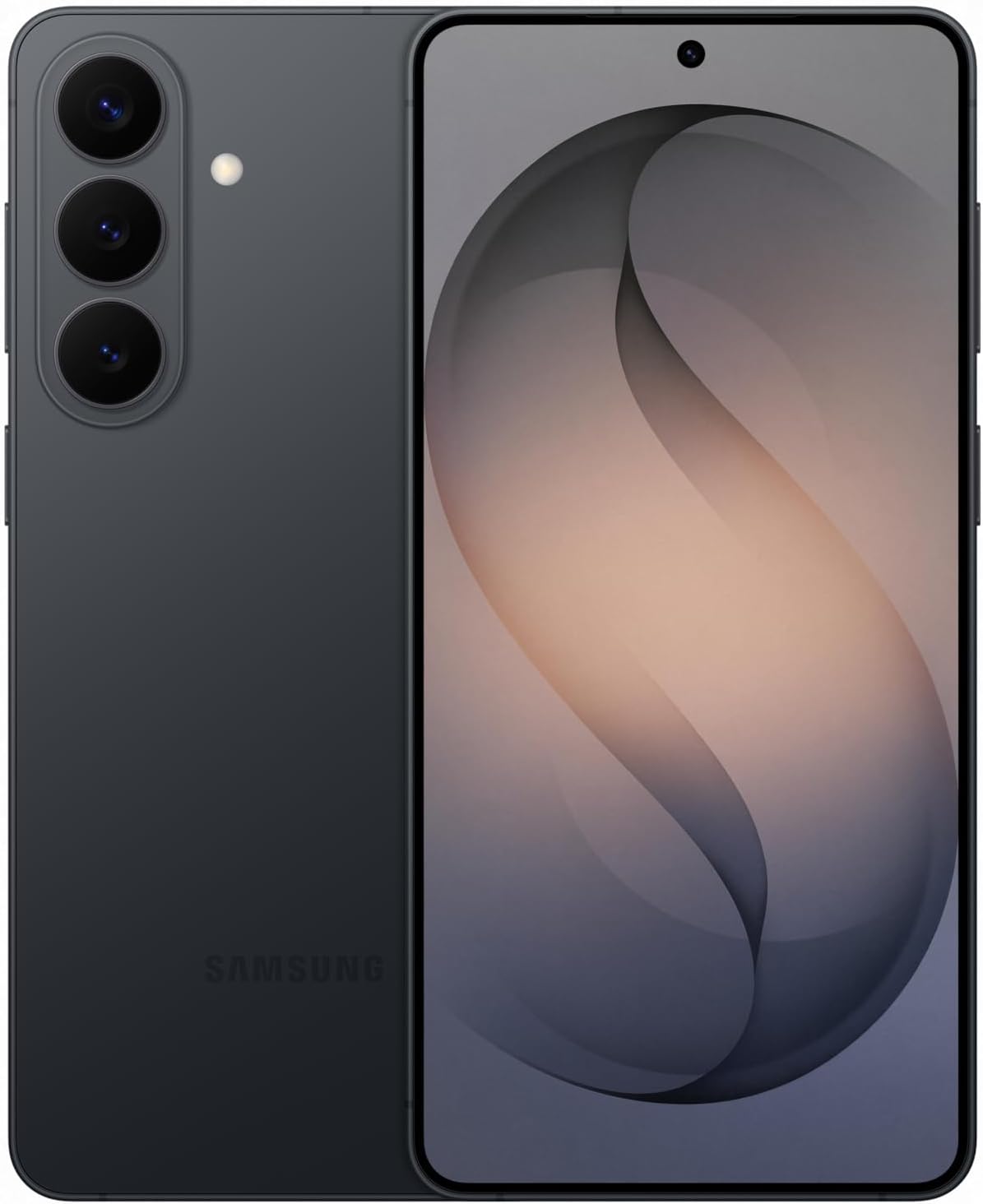
Samsung Galaxy S26+ (Unlocked) Android Smartphone, 256GB, Galaxy AI, Black
Product description
Key takeaways
The Samsung Galaxy S26+ is an unlocked Android phone built around quick, AI-assisted everyday creativity. If you like the idea of editing photos on the spot—adding objects, restoring details, or applying new styles—it’s designed to make those changes fast rather than fiddly. It also leans into a more immersive viewing experience with an ultra-vivid display and claims of sharper image detail.
Where it feels most “buy-me” is the combination of Galaxy AI tools for photo help and on-the-go assistance for staying organized. But it’s not perfect on paper: the core experience depends on how much you actually use AI features day to day. If you mostly want a straightforward phone for calls, basic messaging, and a little social media, the premium effort here may not land.
What matters most for day-to-day use
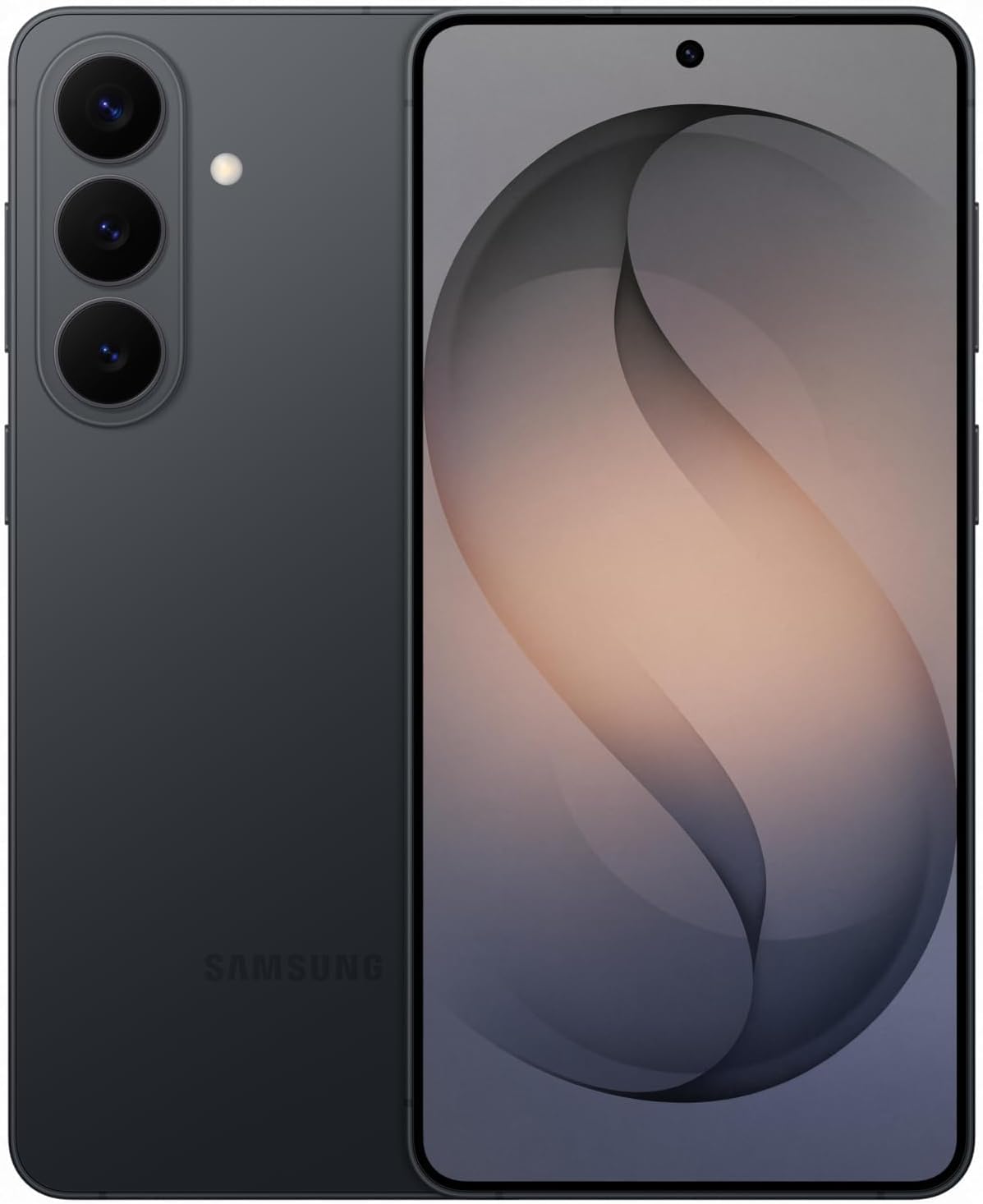
On a practical level, Photo Assist with Galaxy AI is the standout for people who take lots of photos and want results quickly. The approach is intentionally simple: you enhance shots “in seconds,” using typed or tapped prompts to make edits. That matters because most phone editing can be either too slow or too limited when you’re trying to fix something on the fly. With this setup, you’re not starting from scratch every time—you're nudging the image toward what you want.
For group moments, the phone also targets usability with easier group selfies, tied to a wider front camera that captures more of the scene. It’s one of those features that you notice during real events: you lift your phone, frame everyone, and worry less about whether someone got cropped out.
Then there’s “Now Nudge” with Galaxy AI, which is meant to help you respond faster and stay organized with smart suggestions that appear when you need them. If you tend to juggle messages, reminders, and “I’ll deal with it later,” this type of timing-based assistance can feel genuinely useful. If you’re more of a strict calendar-only person, you may find it less essential.
Key specifications
- Name: Samsung Galaxy S26+
- Type: Unlocked Android Smartphone
- Storage: 256GB
- Color: Black
- Software features: Galaxy AI
- Photo tools: Photo Assist with Galaxy AI (enhance, make edits, apply new styles)
- Viewing: Ultra-vivid display for richer color and sharper detail
- Camera support: Wider front camera for easier group selfies
- Organization assistance: Now Nudge with Galaxy AI
- Audio: Hi-Res Audio when paired with Galaxy Buds4 Pro
- Warranty: US 1 Year Warranty
- Release context: 2026
Where it shines (and where it might not)
If you’re excited about “edit fast” creativity, the Galaxy S26+ has a clear pitch. The photo workflow is built around quick enhancements—adding objects, restoring details, and applying new styles—so you can turn an ordinary shot into something more personal without pulling up a complex editor. It also includes creative tools for customizing moments such as special contact photos or custom wallpaper, which is the kind of polish that’s easy to use when you want your phone to feel a bit more like yours.
It also makes sense if you care about how content looks and sounds. The phone is positioned around immersive viewing with ultra-vivid display behavior that automatically makes images sharper. And for audio, the Hi-Res Audio support is called out specifically when you pair with Galaxy Buds4 Pro—so if you already use those earbuds, you’re getting a more connected experience.
However, you may want to think twice if you don’t plan to use AI features often. Phones in this category can feel like overkill when the main use is strictly practical: calls, texting, and basic apps. Also, because the entry doesn’t list specific camera megapixels or battery capacity details, you’ll be relying on the described “durable battery” claim rather than hard numbers.
Who it’s for
A solid pick if you want one phone that covers both media and productivity touches: you take plenty of photos, you like making quick edits, and you want assistance that helps you respond and stay organized without constantly switching apps.
It may not suit you if your priorities are purely minimal cost/value or very specific technical specs you need to verify (since this entry focuses more on AI features, viewing experience, and workflow benefits than deep hardware numbers).
Practical tips for getting the most out of it
Try Photo Assist during an everyday moment, not after-the-fact. For example: take a group photo, open the edit flow, then type or tap what you want to change—like restoring details or applying a different style—before you even leave the event. That’s where the “seconds” approach is most convincing.
For organization, treat Now Nudge like a lightweight assistant rather than a full replacement for your routine. When it suggests something, act quickly while the context is fresh, instead of ignoring it until later.
And if you enjoy audio detail, pair it with Galaxy Buds4 Pro as intended to unlock the Hi-Res Audio experience mentioned in the product info.
Should you buy it?
Buy the Samsung Galaxy S26+ if you’re looking for an unlocked Android smartphone that’s actively geared toward AI-assisted photo enhancement, quick creative edits, and an immersive viewing experience—especially if you’d actually use tools like Photo Assist and Now Nudge.
Skip it if you want a purely basic phone experience, don’t care much about AI editing or smart suggestions, or you’re shopping primarily for specific hardware specs that aren’t detailed here. In other words, it’s more of a “use the features” phone than a “set it and forget it” model.
Mini FAQ
How does Photo Assist with Galaxy AI work?
The phone is described as enhancing photos in seconds using Galaxy AI, letting you add objects, restore details, or apply new styles by typing or tapping.
Is this phone unlocked?
Yes, it’s listed as an unlocked Android smartphone.
What’s the benefit of the ultra-vivid display?
The entry says it automatically makes images sharper for a more immersive viewing experience, with richer color and sharper detail.
Does Hi-Res Audio work with any headphones?
The info specifically mentions Hi-Res Audio when you pair the smartphone with Galaxy Buds4 Pro, so you should expect that tied to that pairing.
Does it include AI for organization?
Yes, it includes Now Nudge with Galaxy AI, described as helping you respond faster and stay organized with smart suggestions that appear when needed.