

Ruko Programmable Robot 6088
Product description
Quick overview
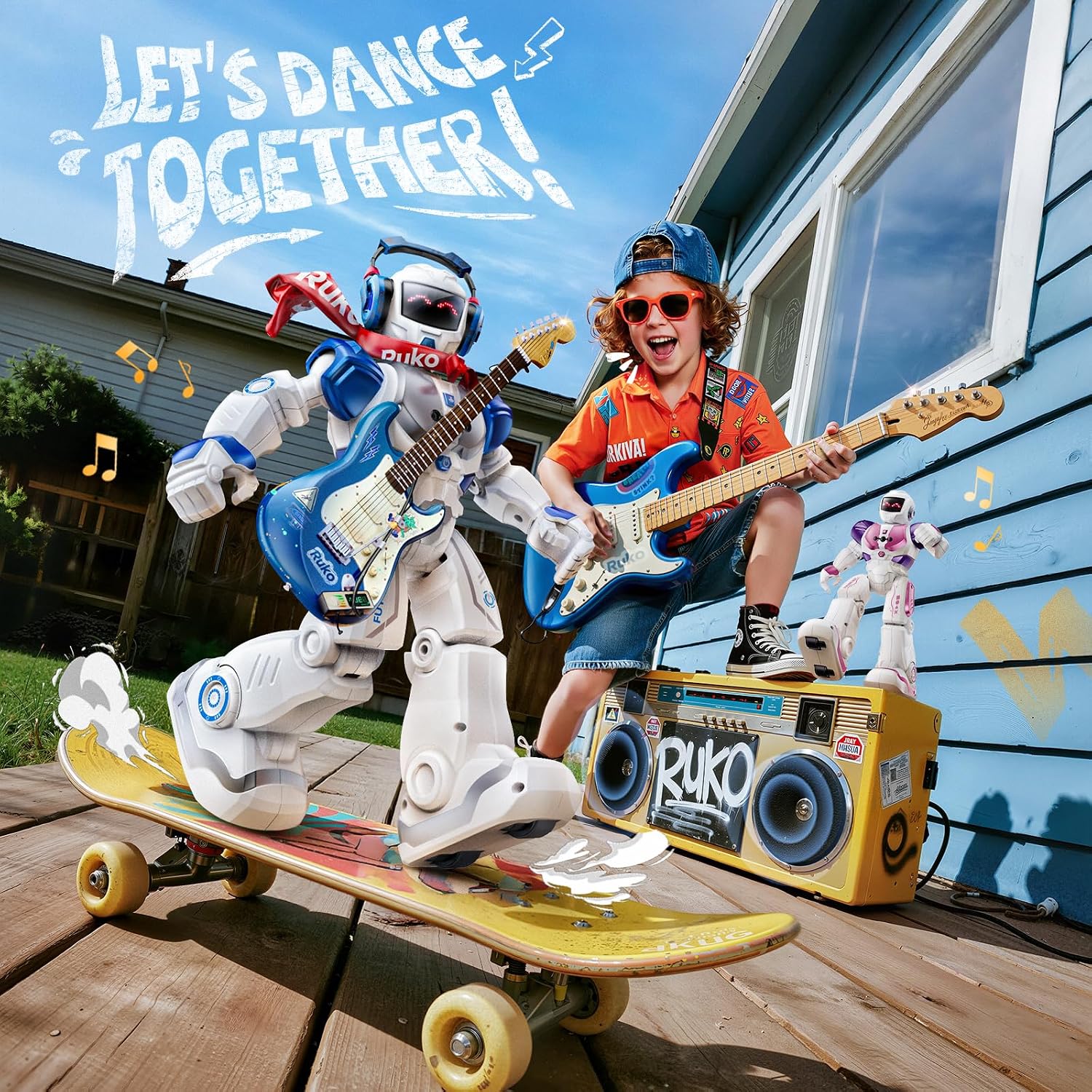
If you’re choosing between a toy that mostly sits on a shelf and one that invites a child to try things out, this Ruko robot is built around movement and interaction. Kids can steer it with hand gestures or a remote, set up movement combinations, and start a music-and-dance demo with one button. It’s designed for ages 3–6 and can walk and slide as well as sing and dance.
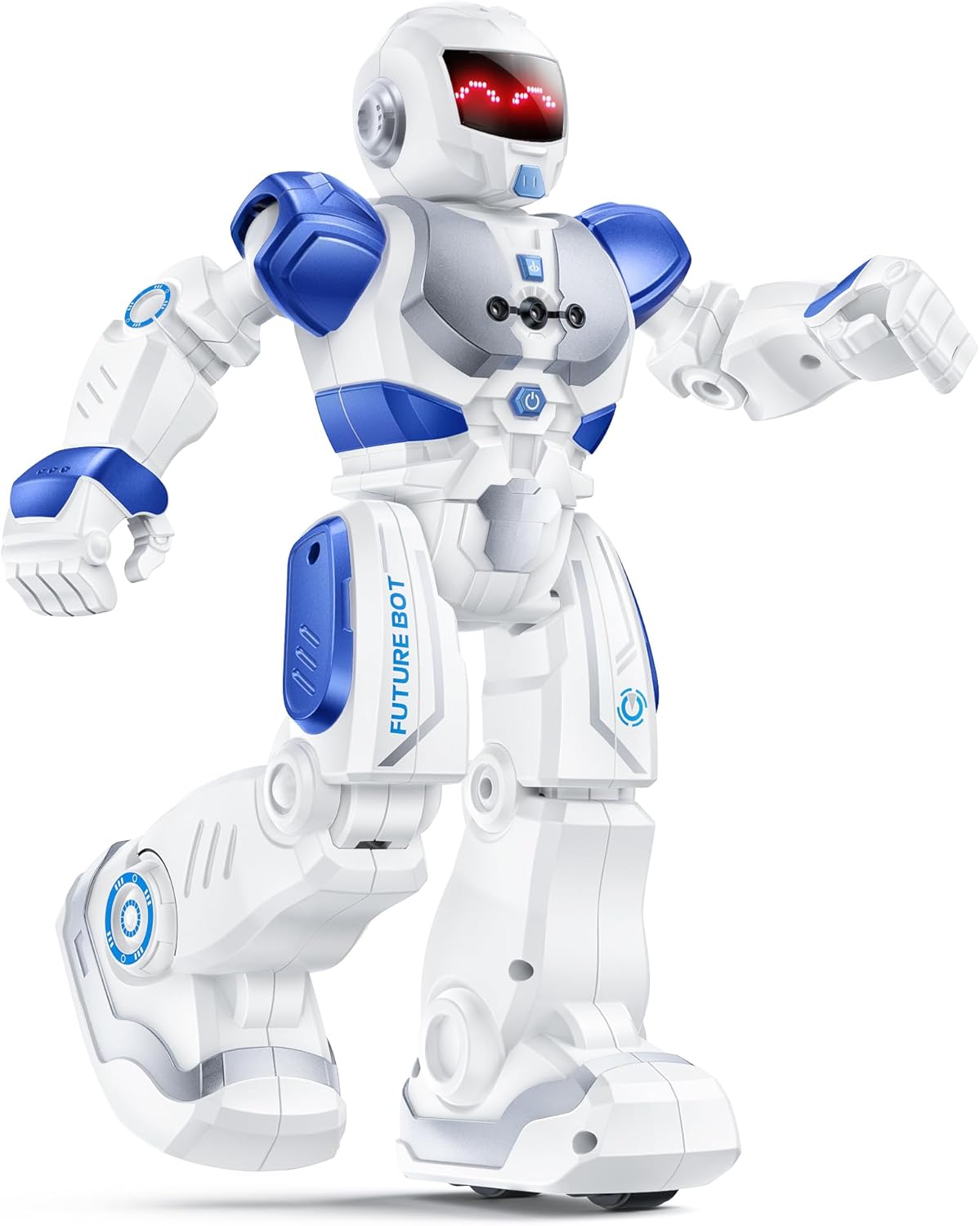
The appeal is variety in one toy, rather than a single action to repeat. A child might guide it across the living room, then switch to a dance demo while a grown-up adjusts the volume from the remote.
How it fits
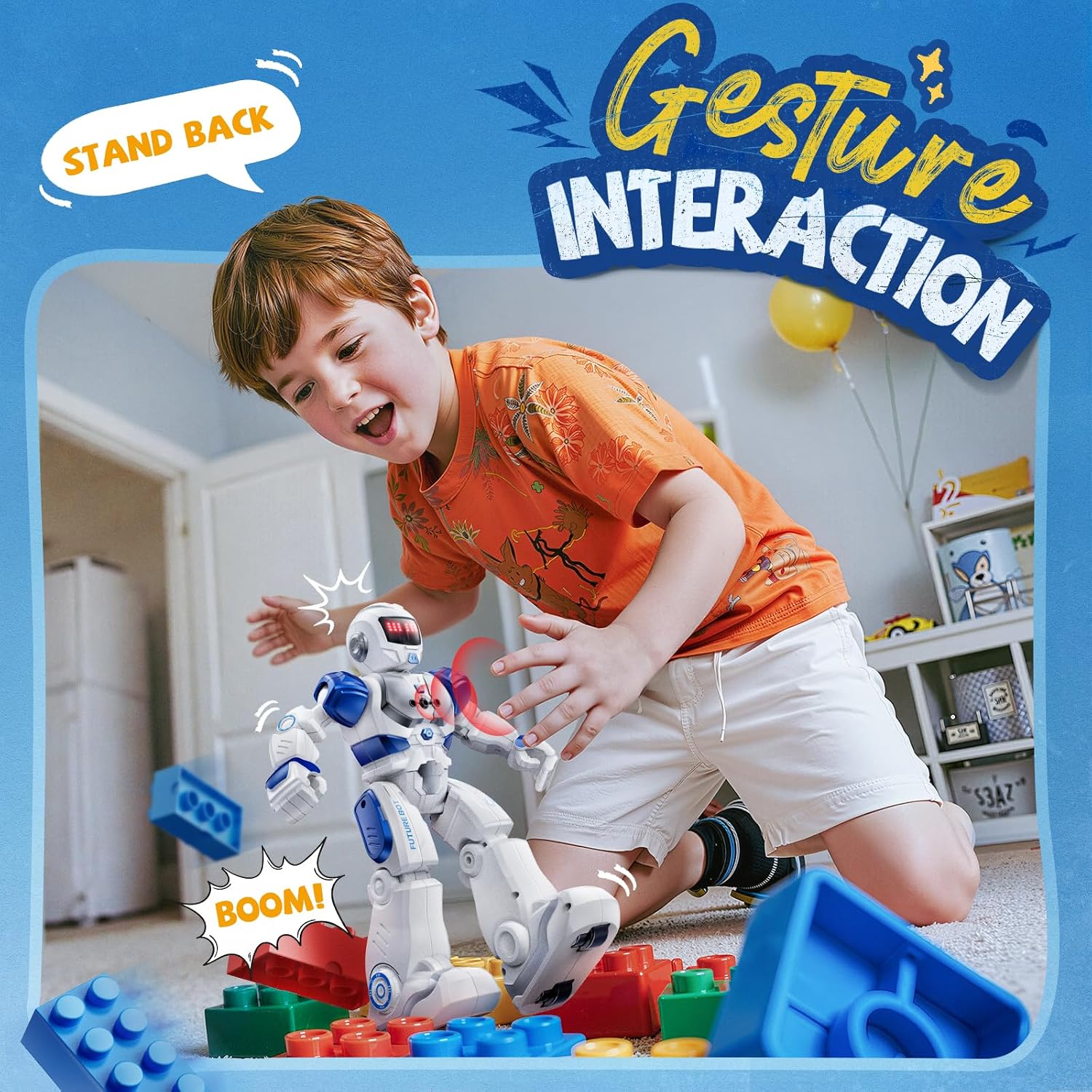
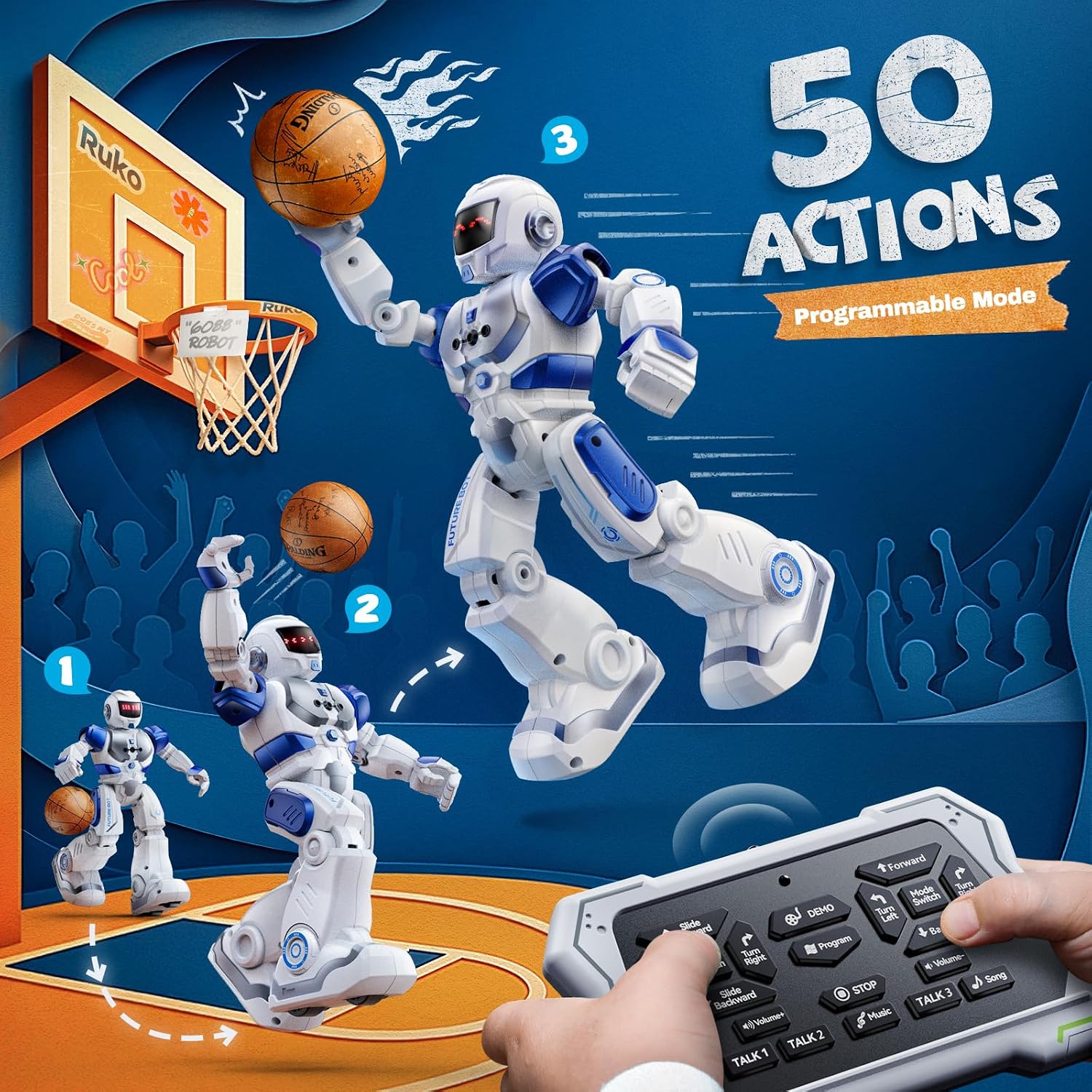
The age range makes this a better match for younger children who enjoy simple, visible cause and effect than for kids looking for a complex robotics project. The remote offers button-based controls, while gesture control adds another way to direct the robot forward, backward, left, or right. For play that involves more than steering, programming supports up to 50 movement combinations, giving kids a chance to arrange actions instead of only choosing a preset routine.
It suits you if the goal is an interactive toy that mixes movement, music, and basic programming. A simpler plush toy or figure may make more sense for a child who prefers quiet, imaginative play without electronic features. You may want to skip it if the main goal is a deeper robotics experience, the listed controls and movement programming are presented as kid-friendly play features, not advanced building or coding tools.
Tips for day-to-day use
Try starting with the one-button demo so a child can see what the robot does before learning the remote or gesture controls. Then let them direct it across an open patch of floor and experiment with movement combinations. Keeping the play area clear gives it room to walk and slide, and the remote’s volume control is useful when music is part of the session but shouldn’t fill the whole room.
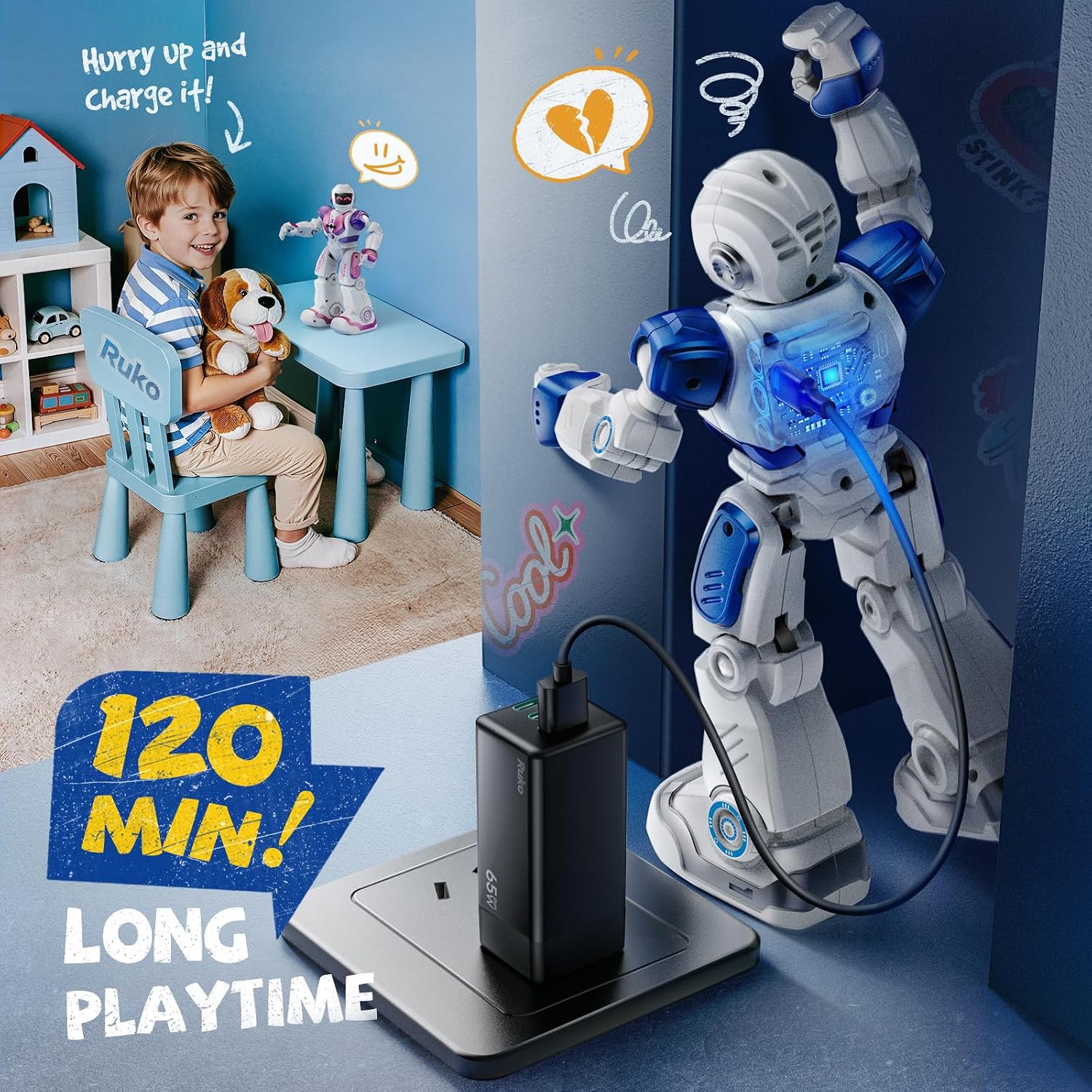
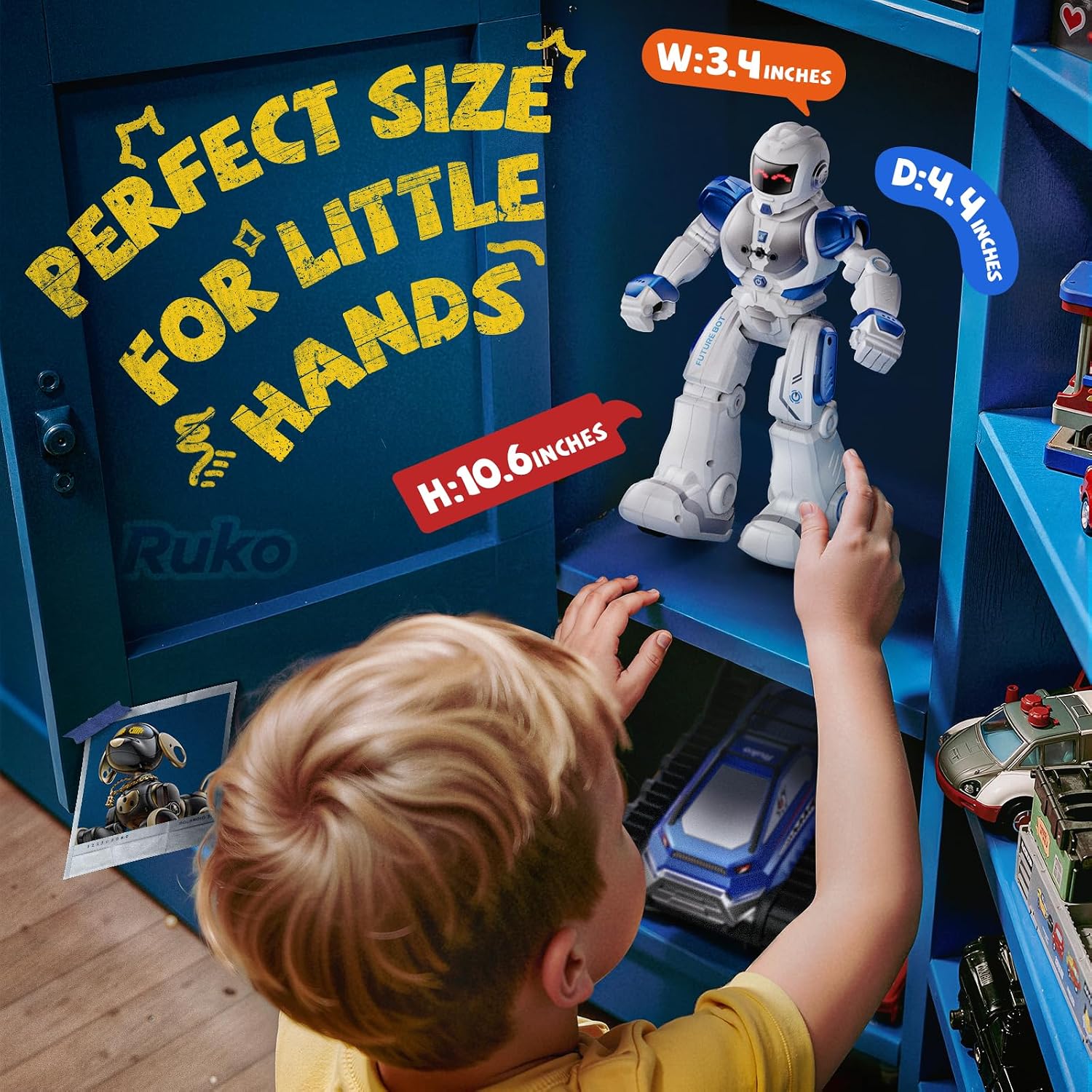
The robot is made from ABS with flexible joints. On the spec sheet, a two-hour USB charge provides up to 120 minutes of playtime. Keep in mind that it needs charging between longer stretches of use, so it’s not an always-ready toy if the battery runs down mid-play. The listed charging options include a power bank, adapter, or computer, the product details don’t specify whether a charging adapter is included.

Practical doubts
Can kids program their own movements? The robot supports programming up to 50 movement combinations. The product details don’t explain the exact steps, so expect to explore the controls together at first.
Can it move without the remote? Yes. Hand gestures can direct it forward, backward, left, or right, the remote provides button controls for movement and other play functions.
Does it need to stay plugged in? No. It has built-in rechargeable batteries and charges via USB. The listed playtime is up to 120 minutes after a two-hour charge.
Should you buy it?
This is worth considering when you want a moving, music-playing toy that gives a child several ways to interact, including gesture control and simple movement programming. It offers more active play than a basic figure, but it doesn’t replace a more involved robotics kit for a child ready to build or work with advanced coding. Choose it for dance demos, guided movement, and experimenting with short action sequences, pass if quiet play or a deeper technical challenge matters more.