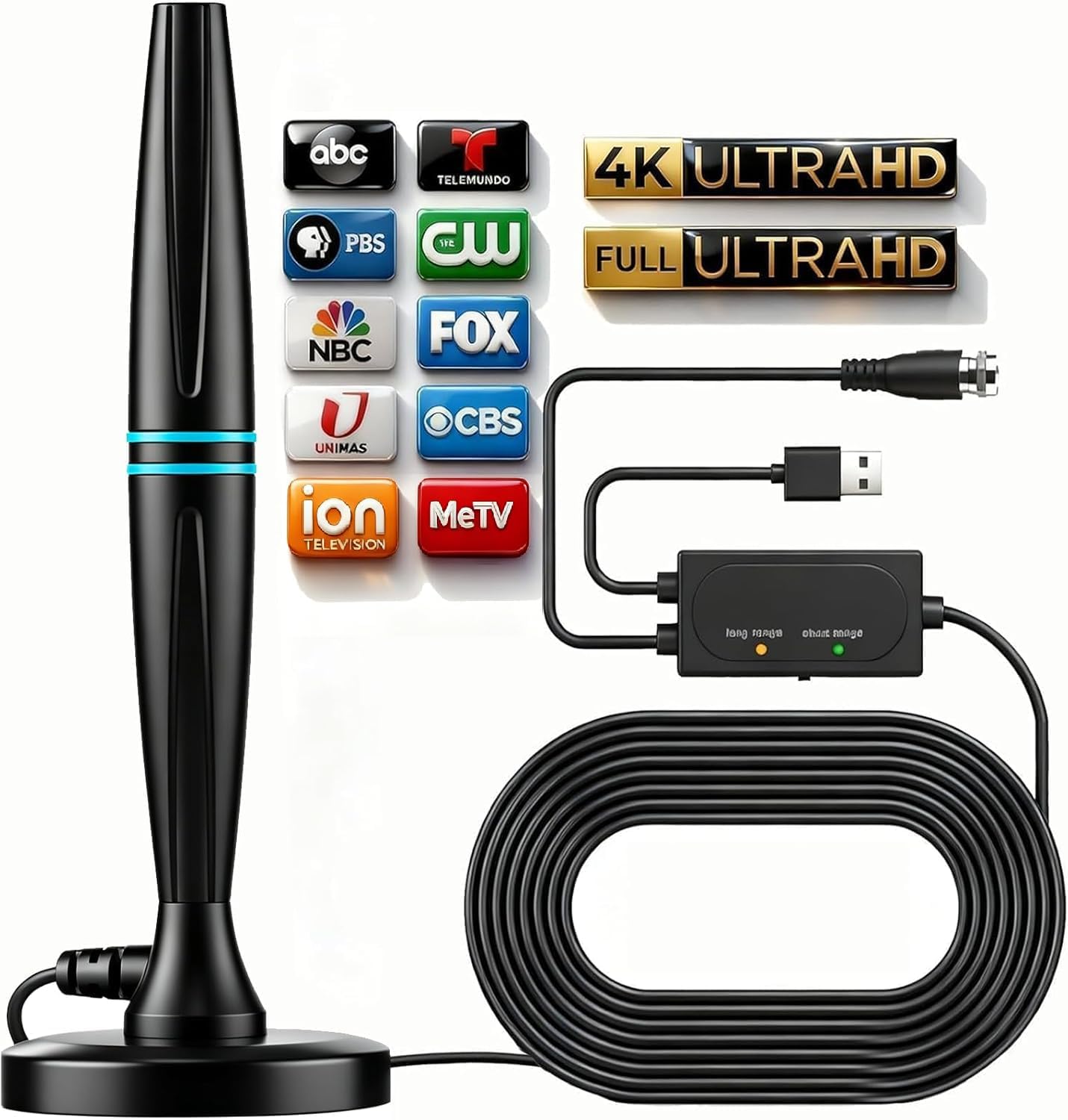
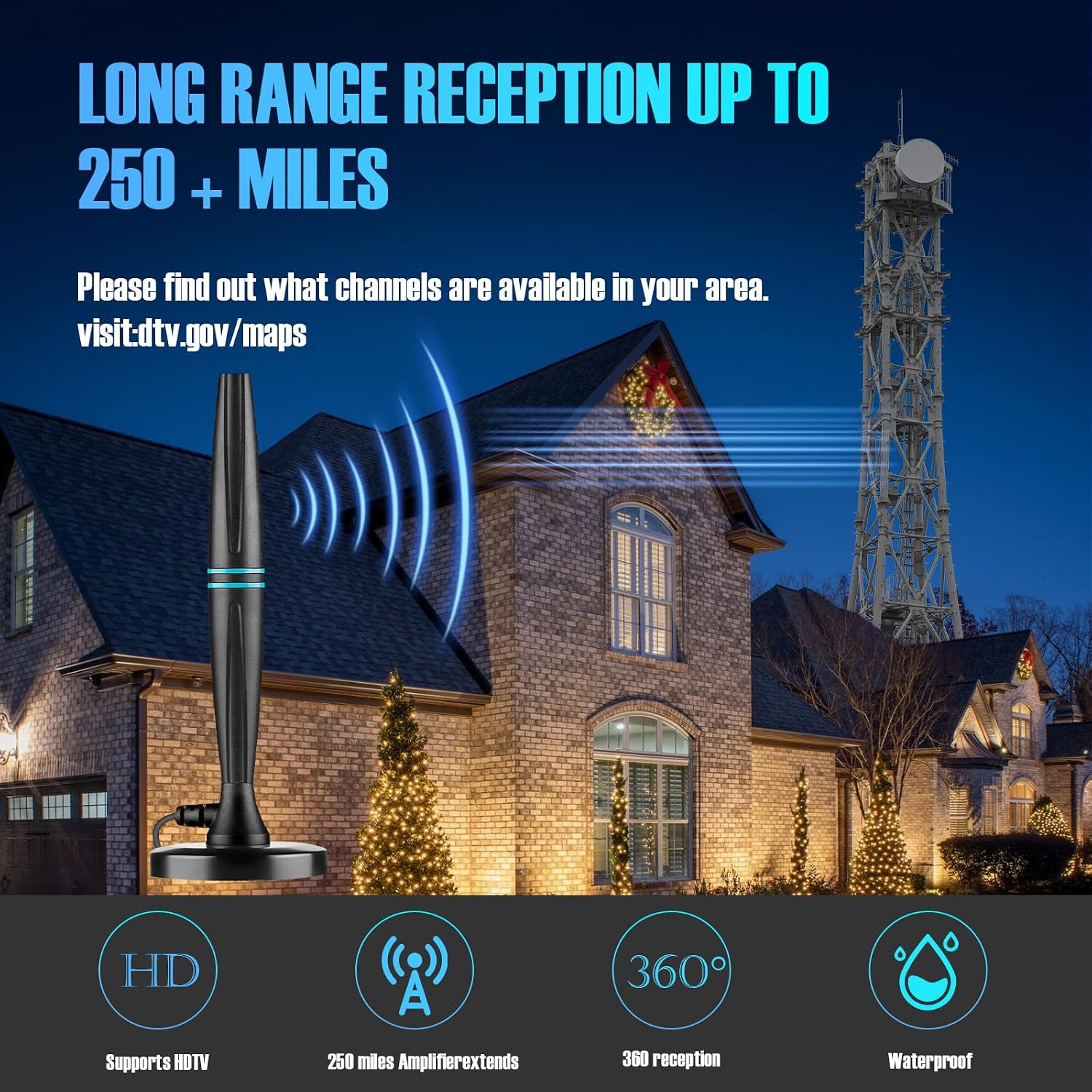
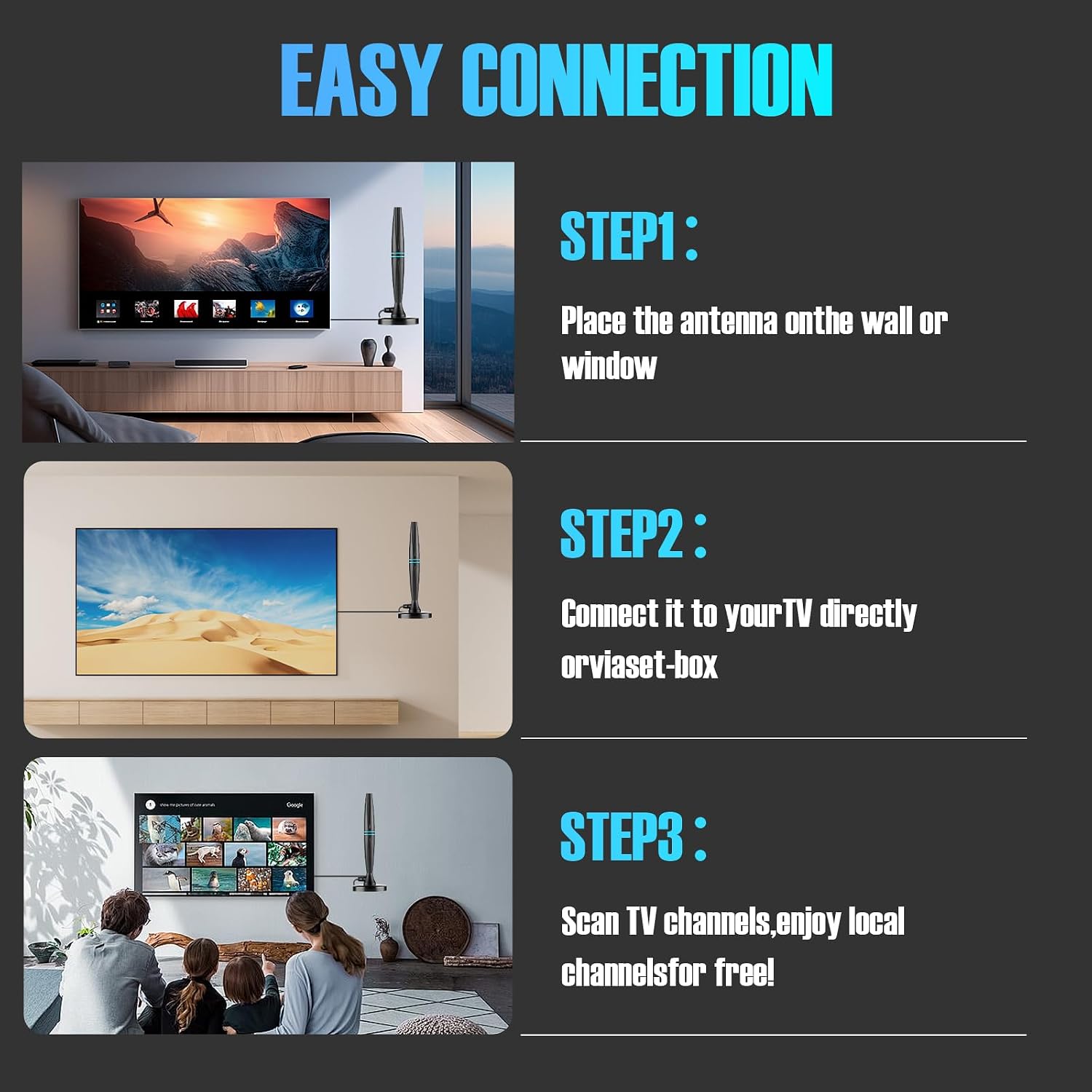
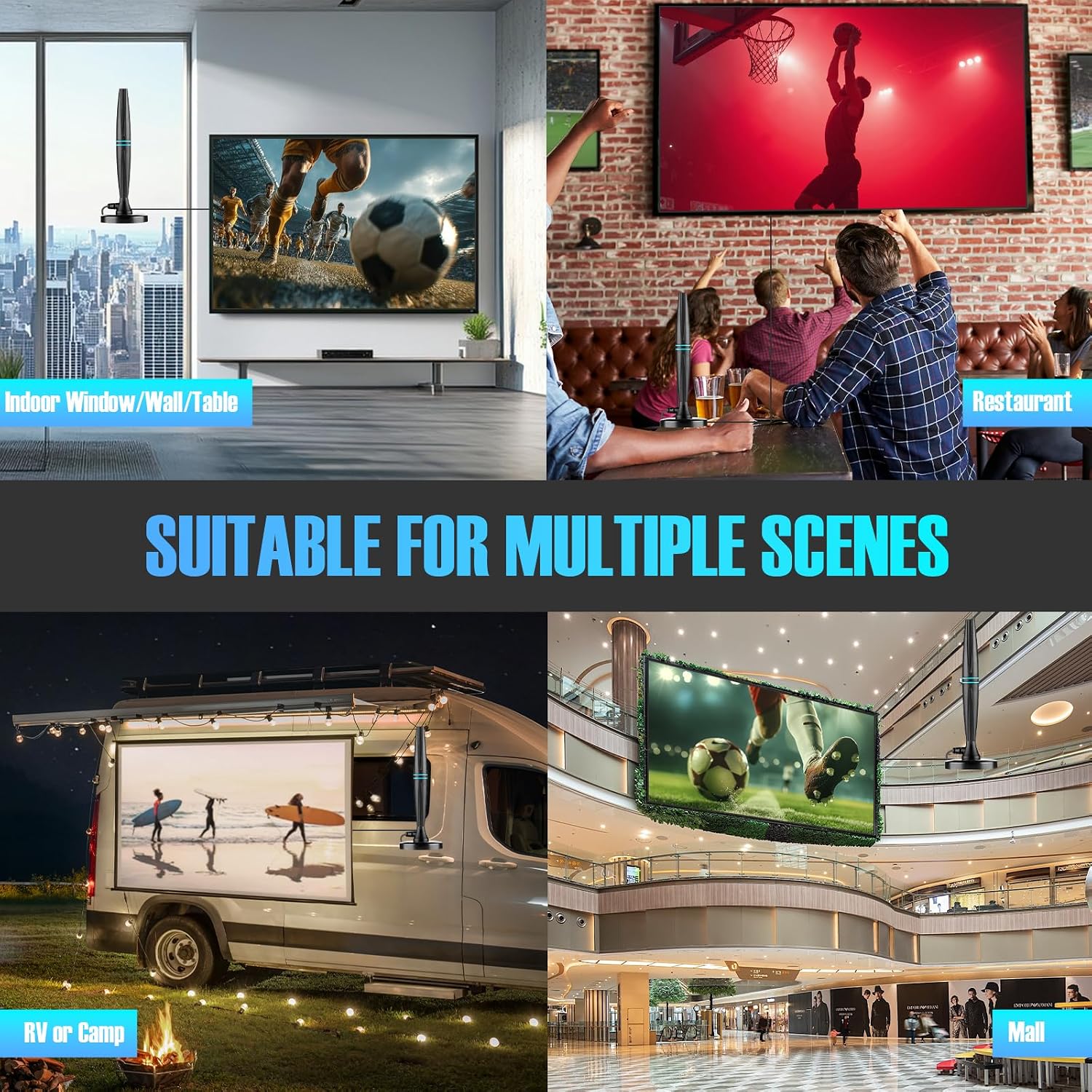
What this is and what it solves\nThis Rhavtek TV antenna is designed for indoor use with smart TVs, aimed at pulling in free local channels in HD. If you’re tired of monthly cable or rising streaming costs, this antenna offers an over-the-air path to hundreds of channels like ABC, CBS, NBC, and FOX without a subscription. It emphasizes convenient setup and signal quality to help you watch news, sports, and your favorite shows without the usual monthly fees.\n\n## How it works and what to expect\nThe antenna includes a built-in signal amplifier and a smart IC chip that helps filter out unwanted cellular and FM signals, with support for 4K, UHD, and 1080p broadcasts when available. It’s marketed to reach towers up to 250 miles away, though actual results depend on your home environment. There’s a manual long-range vs short-range mode, which means you can tailor reception to your location—long-range up to 250 miles or shorter-range for closer towers. Real-world performance will hinge on building materials, window placement, and interference from other electronics.\n\n## What stands out in everyday use\nOn a practical level, this antenna is simple to install: connect to the ANT IN port on your TV, place it near a window or on a wall, then run a channel scan to pull in available local stations. The design is lightweight and compact, which helps with discreet placement. A notable nuance: if you don’t see many channels after first setup, reposition and re-scan. In some homes, channels may come in only after experimenting with orientation and location.\n\n## The best fit: who should consider this\nIt’s a sensible option for households wanting to reduce or eliminate broadcast costs while maintaining access to free local programming in high definition. It’s particularly appealing if you have a smart TV and live in a region with strong terrestrial signals. However, if you’re far from towers or in a dense urban area with significant signal noise, the gains may vary and you might need to try multiple placements.\n\n## Limitations and what to watch for\n- Performance depends on distance to towers and building layout, you may need to experiment with position and orientation.\n- Short-range mode is recommended if you’re within 35 miles of broadcast towers, using long-range mode outside this range can affect signal quality.\n- No refunds or guarantees are listed here, your experience may differ from the idealized range.\n- This is intended for over-the-air reception, not a cable or satellite substitute for premium channels.\n\n## What to check before buying\n- Confirm your TV has an ATSC tuner or an enabled digital TV tuner that can receive over-the-air signals.\n- Consider your typical viewing room layout: proximity to windows and potential metal obstructions can impact reception.\n- Be prepared to reposition and rescan channels after initial setup to optimize results.\n\n## Comparison against the general approach\nIf you usually rely on a paid service for local channels, this antenna offers a cost-effective alternative for free broadcasts. It’s less about squeezing out every possible channel and more about delivering reliable HD local programming in a simple setup. For those who want more predictable premium content, an external streaming setup or a paid service might still be preferable, but only if the value aligns with your viewing habits and budget.\n\n## Practical example of use\nImagine you’re watching the evening news or a weekend football game and don’t want to search through apps for a reliable feed. With this antenna, you place it near a window, connect to the TV, and run a channel scan. If the signal is strong, you’ll see a lineup of local channels appear in the guide, with high-definition picture where available. If reception is spotty, a quick adjustment to angle or distance from walls can make a noticeable difference.\n\n## Final buying decision\n### Is it worth it?\nWorth considering if your goal is to access free local HD channels without ongoing costs and you’re able to optimize placement in your home.\n### Who should buy it\nSmart TV owners who want a simple, cost-effective way to receive local broadcasts and are willing to experiment with antenna positioning.\n### Who should avoid it\nIf you’re several miles from broadcast towers, in a building with heavy signal interference, or desire a broad catalog of premium channels, this may not replace a paid service.\n### What matters for decision\nIf your priority is lowering monthly bills while retaining access to local TV in HD, and you’re comfortable with some setup activity, this antenna can be a practical fit.\n\n## FAQ (brief)\n- Q: How far can it really reach from towers? A: Up to 250 miles in long-range mode, but results vary by location.\n- Q: Do I need special tools to install? A: No, basic connection to ANT IN and placement near a window is enough.\n- Q: Will it pick up 4K signals? A: It supports 4K, UHD, and 1080p broadcasts when available in your area.\n- Q: What if I don’t get many channels at first? A: Reposition and re-scan, use the right mode for your distance to towers.\n