Redragon K713 75% Wireless Mechanical Keyboard

Reviews
Price
Price evolution
Product description
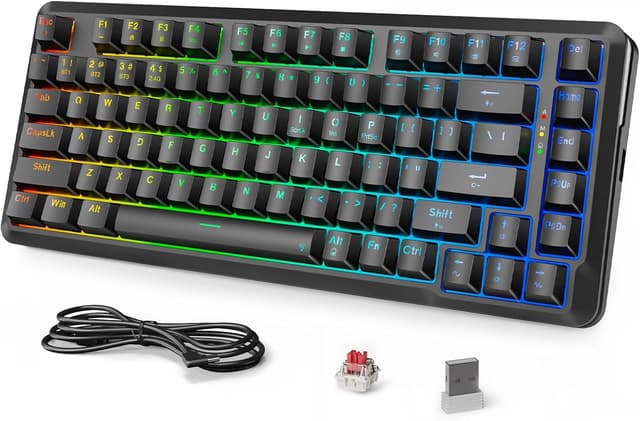
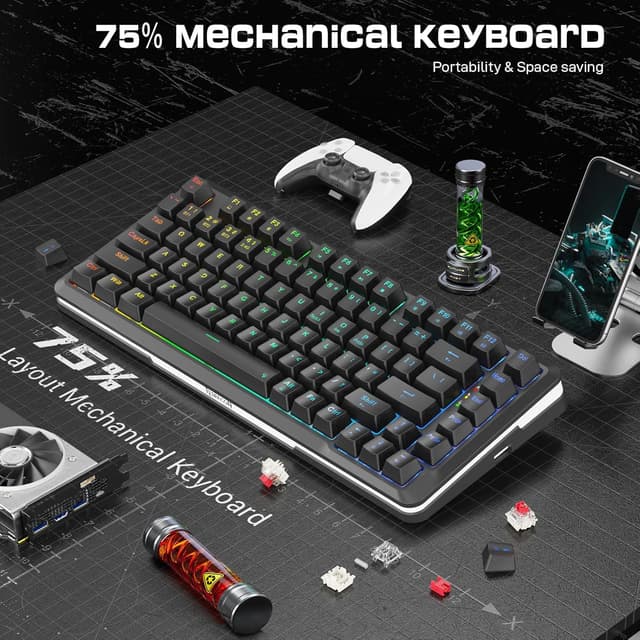
This compact wireless mechanical keyboard combines a 75% layout with hot-swappable keys to balance desk space and functionality for gaming and productivity. The Redragon K713 offers multiple connection modes and pre-lubed linear red switches for smooth keypresses, making it suitable for long typing sessions and fast-paced games.
Key Points
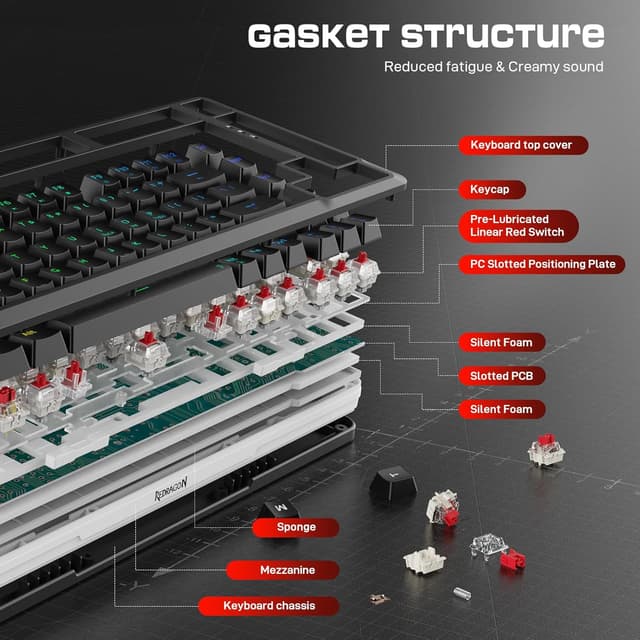
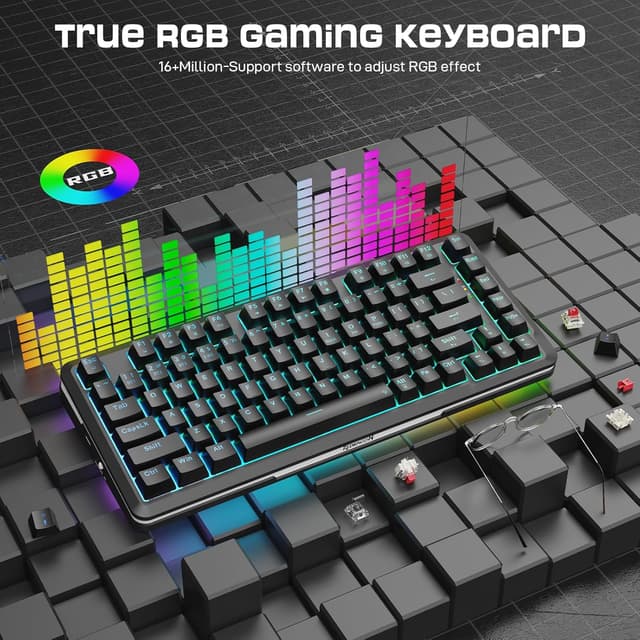
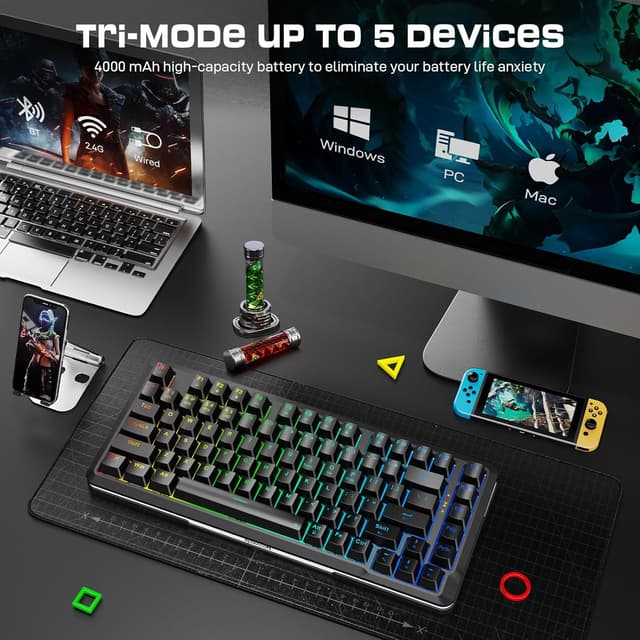
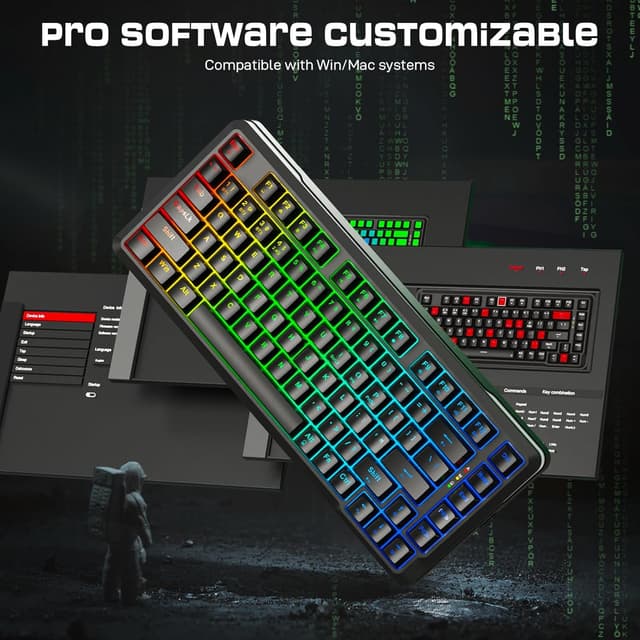
The keyboard supports three connection modes: 2.4 GHz wireless, Bluetooth, and wired USB, so you can switch between a gaming PC, laptop, and mobile device easily. Its 75% layout preserves essential navigation keys while saving space on the desk. The gasket-mounted design helps reduce typing noise and improves typing comfort. RGB backlighting adds customizable visual flair, and the pre-lubed linear red switches deliver a quieter, linear feel that many users prefer for gaming. Consider that the compact layout may require a short adjustment period if you usually use a full-size keyboard. 🎮
Technical Specifications
- Name: Redragon K713
- Layout: 75% with 82 keys
- Switch type: Pre-lubed linear red switches
- Mounting: Gasket-mounted design
- Connectivity: 2.4G wireless, Bluetooth, USB wired
- Color: Black
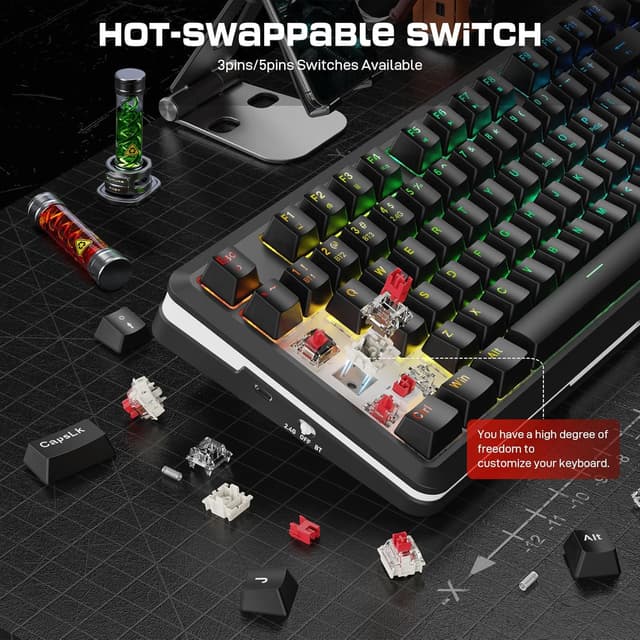
- Hot-swappable: Yes
Benefits
This model reduces desk clutter while keeping essential keys accessible, which helps maintain focus during gaming or work sessions. The hot-swappable sockets allow you to change switches without soldering, making it easier to customize tactile feel or replace worn switches. The gasket mounting offers a softer, more cushioned keypress and can reduce vibration transmitted through the case, which many find improves typing pleasure. RGB lighting allows you to match the keyboard to your setup or create different profiles for game modes. ✨
Usage Recommendations
For gaming, use the 2.4G wireless mode to minimize input latency according to the manufacturer. When multitasking across devices, pair Bluetooth with a laptop or tablet and switch to USB when you need a stable wired connection. If you plan to experiment with different switches, start with a few compatible linear or tactile options to find the preferred response before committing to a full set. Consider using a desk mat to further soften keystrokes and stabilize the board on slick surfaces. 🔧