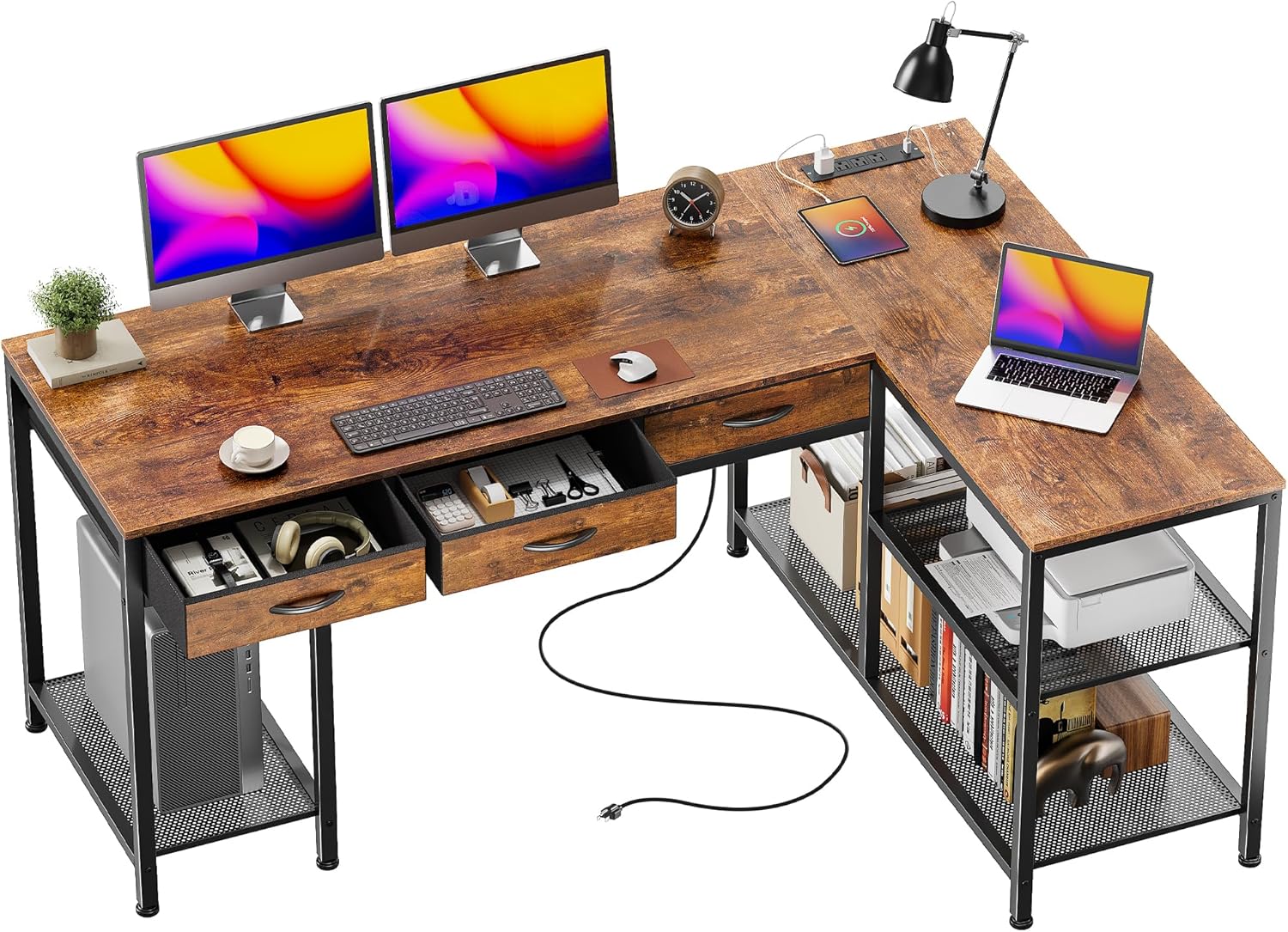
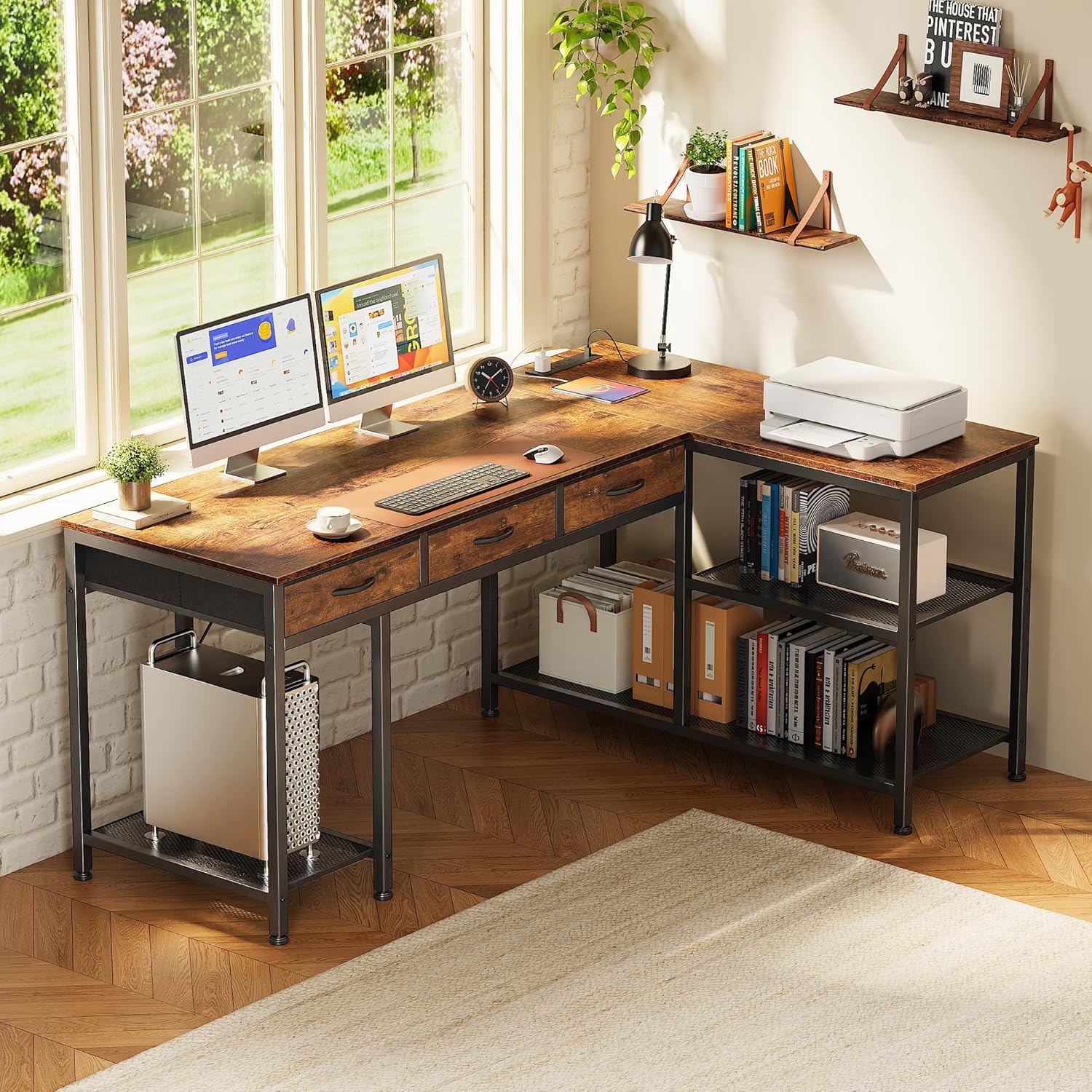
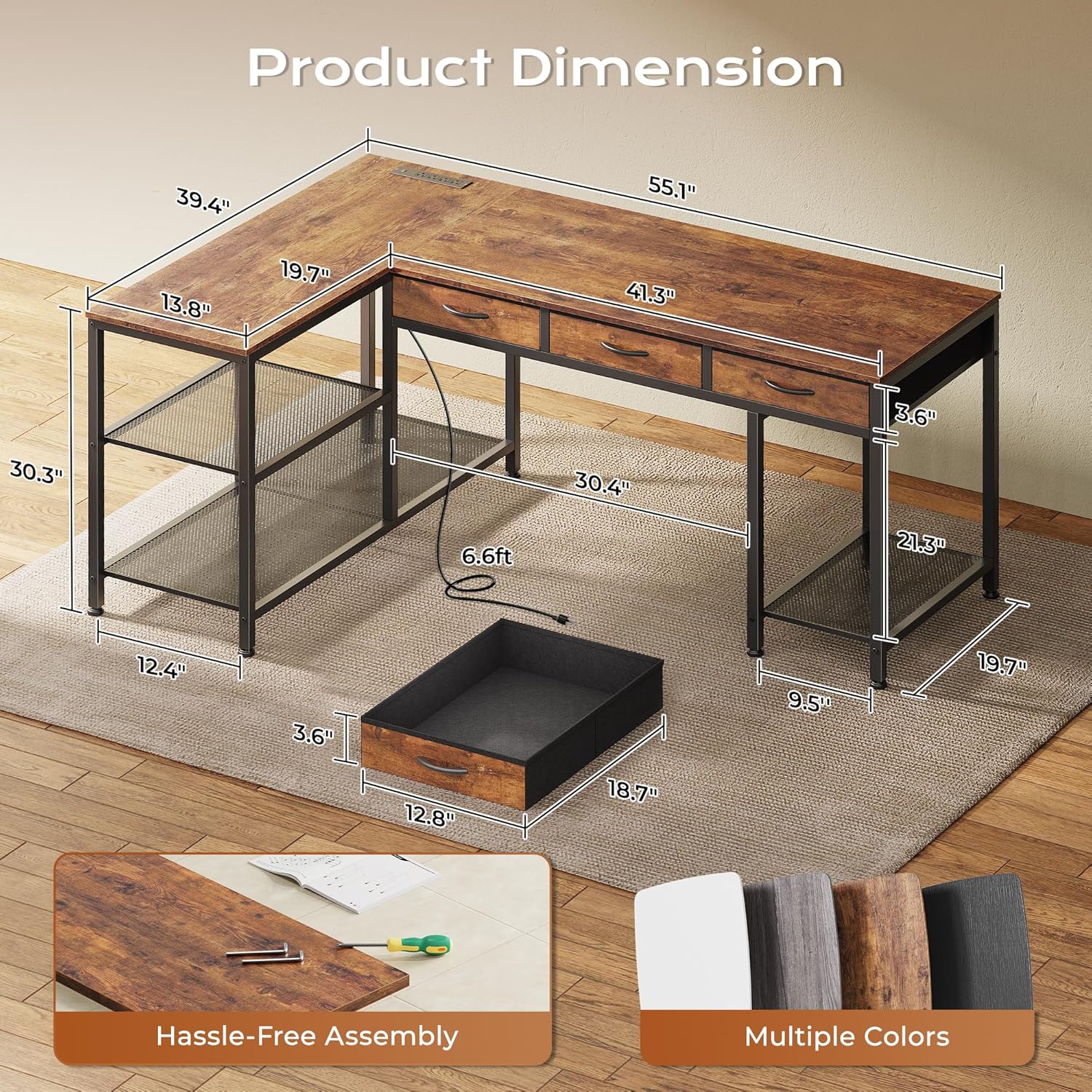
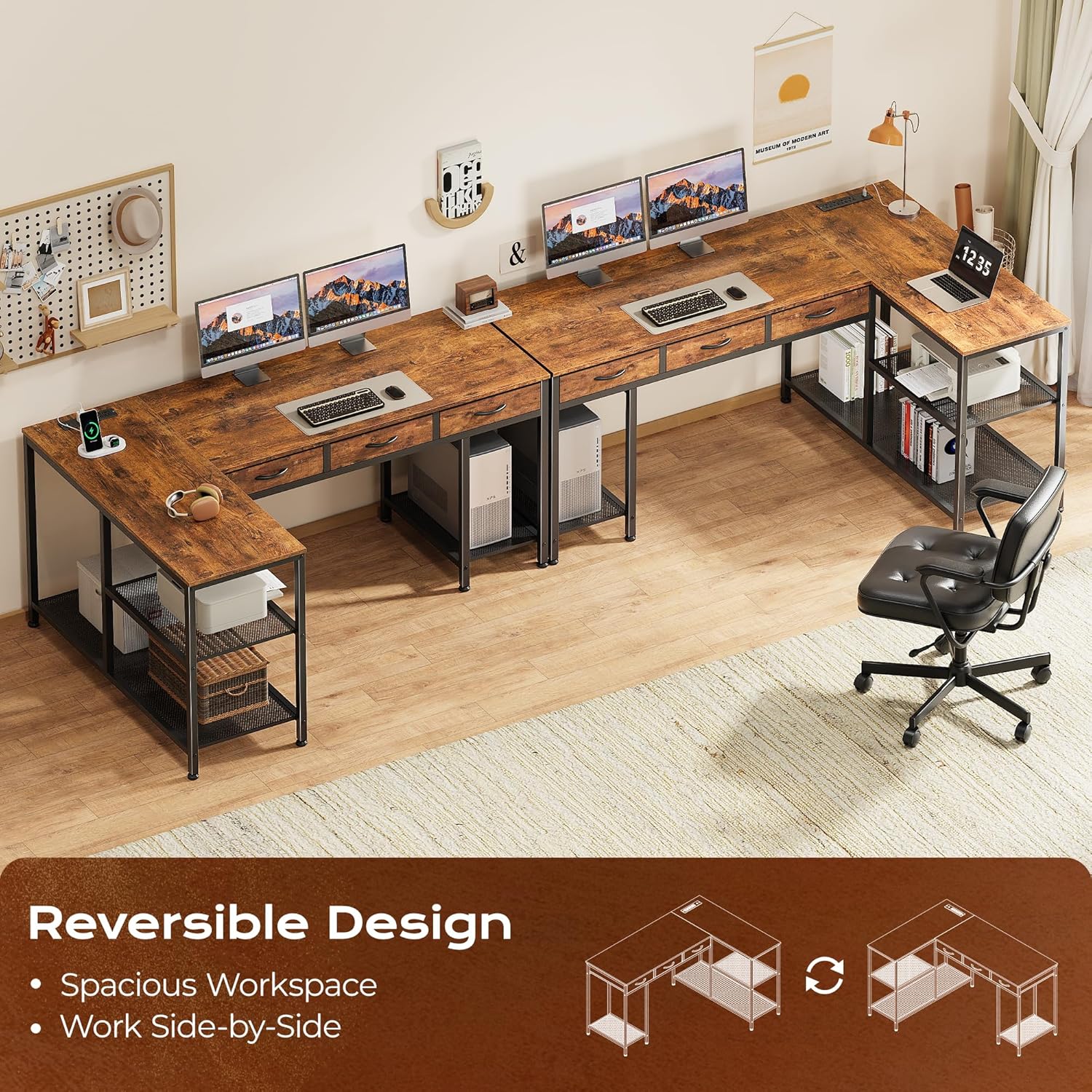
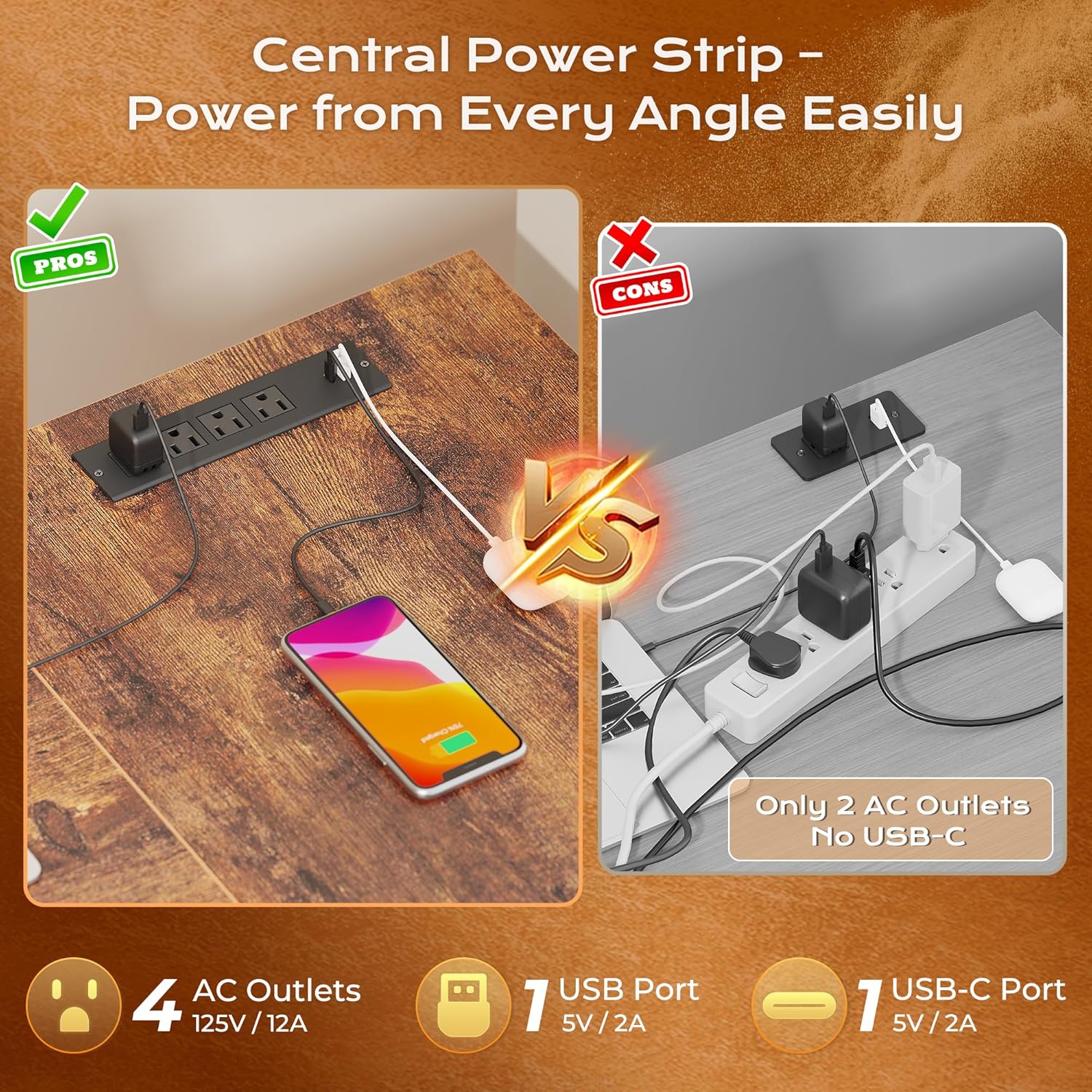
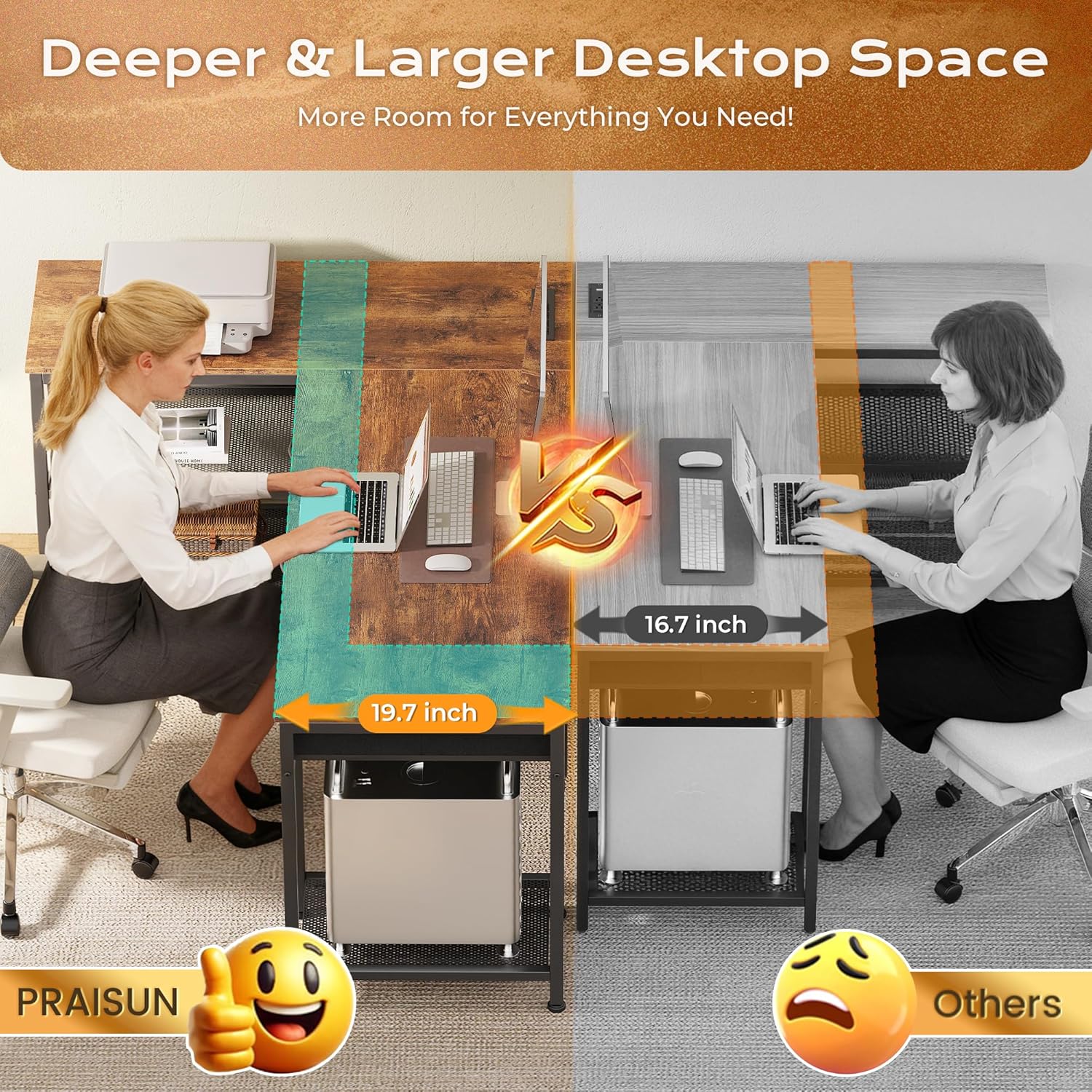
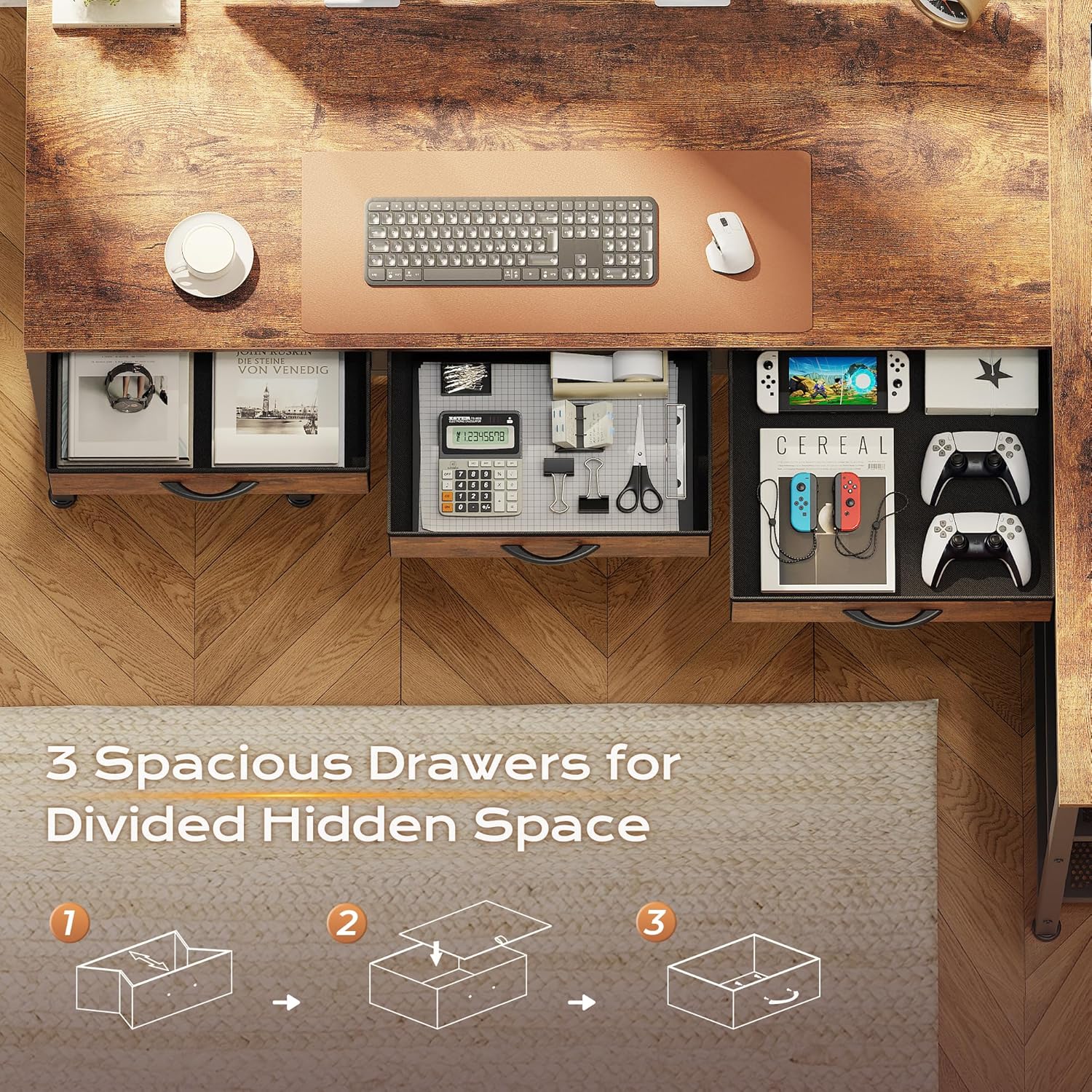
What this desk is and the need it meets\nThe PRAISUN 55 Inch L-Shaped Desk is a large, corner-oriented workstation designed to maximize space for work, study, or gaming. With a built-in charging station featuring 4 AC outlets, 1 USB port, and 1 Type-C port, it aims to keep your devices powered without clutter. The fully reversible layout lets you orient the desk to fit your room, while the extra-deep 19.7" desktop provides room for dual monitors, a drawing tablet, speakers, or gaming gear.\n\n## What stands out in use\nThe setup combines practical storage with expandability: three fabric drawers tuck notebooks, controllers, and pens out of sight, and a three-tier metal mesh shelf underneath offers sturdy space for a CPU tower, printer, files, or extra gear. The sturdy metal frame and high-quality particleboard are designed for durability and a reasonable amount of daily abuse.\n\n## Pros and what may give you pause\nOn the plus side, you gain a centralized power hub that can reduce cable clutter and keep important devices within reach. The reversible design is handy if you’re moving rooms or reconfiguring your setup. However, there are trade-offs: you’re committing to a large, all-in-one solution that may be heavier to move and assemble, and the look relies on particleboard and metal rather than premium solid wood.\n\n## Who it’s for\nThis desk targets home offices, bedrooms, or gaming rooms where you want a spacious, organized surface with integrated power. If you’re juggling multiple screens, peripherals, and storage in a corner workspace, it can help keep the desk clear and focused.\n\n## Who it isn’t ideal for\nIf you need a more premium or compact solution, or you prefer a lighter setup you can easily relocate, this model may feel bulky or overbuilt. It’s also important to note that assembly is required, and you’ll want space to maneuver the L-shape during setup.\n\n## When it makes sense to buy\nChoose this desk if you value built-in outlets, dedicated storage, and a large, flexible workspace that fits a corner setup. It’s especially appealing when you want to minimize cable clutter and have a single surface that supports both study and gaming.\n\n## What to check before you buy\nConfirm the orientation that best fits your room (left- or right-hand setup), ensure you have a plan for routing power cables safely to the outlets, and verify the weight capacity you expect for monitors or CPU gear. Consider the space needed for the L-shape and the overall footprint.\n\n## Practical usage example\nImagine a dual-monitor workstation with a gaming console nearby—the extra-deep surface lets you place the monitors side by side without crowding, while the mesh shelf keeps a printer and books accessible but off the main desk. The fabric drawers offer a quiet place for controllers and notebooks.\n\n## FAQ (quick answers)\n- Does it support a full-size CPU on the mesh shelf? Yes, the three-tier mesh shelf is designed to hold a CPU tower and other gear.\n- Can I switch the desk from left to right orientation after assembly? Yes, the design is fully reversible to fit your space.\n- Are the drawers removable for customization? The description mentions fabric drawers, it’s best to verify if they’re detachable for more flexible use.\n\n## Final verdict\nIs it worth it? It’s a solid pick if you prioritize integrated power, ample surface area, and organized storage in a corner setup. If you value portability or premium materials, you may want to weigh alternatives, but for a practical, space-efficient work/entertainment hub, this desk offers noticeable convenience.\n