

Power Strip Tower with Surge Protector 1800J (15-in-1) with PD20W USB-C, 12 AC Outlets, 10ft Extension Cord, White
Product description
If your home office or dorm room is starting to feel like a wiring puzzle, this power strip tower is built to simplify it. Instead of spreading chargers and adapters across multiple outlets, it stacks them into one vertical tower with 12 AC outlets plus three smart USB ports (including two USB-C). On paper, it’s the kind of “charging station” setup that helps reduce clutter fast—though it’s still worth checking your device chargers and cable needs before you commit.
The essentials (what it is and what it’s for)
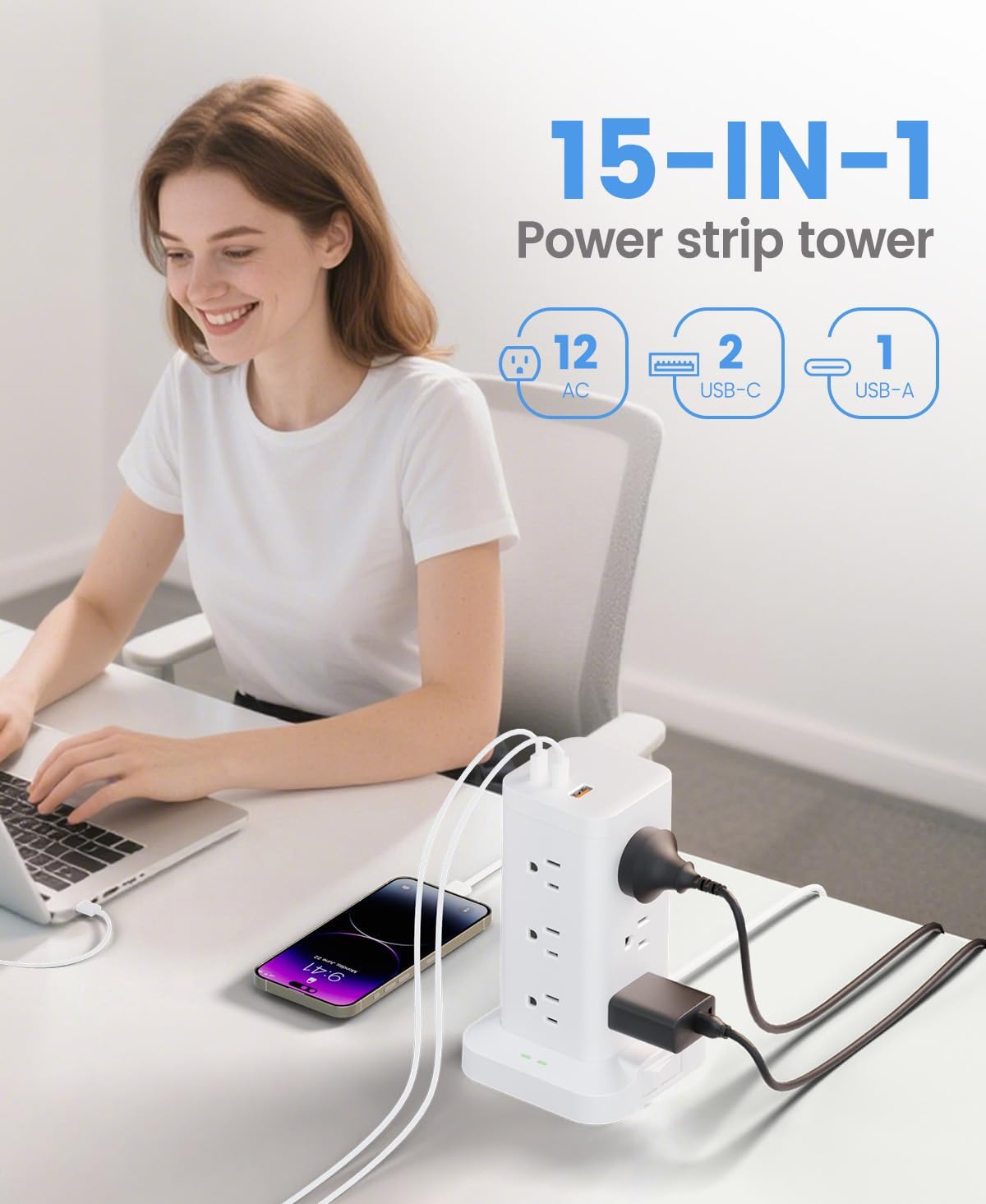
This is a surge-protector power strip tower designed for shared, plug-heavy spaces like an office, school, or dorm room. The focus is clear: you get plenty of AC outlets and dedicated USB charging in one location. With 12 AC outlets, it’s aiming to handle power for things like desk gear, small appliances, and everyday electronics without fighting for wall space.
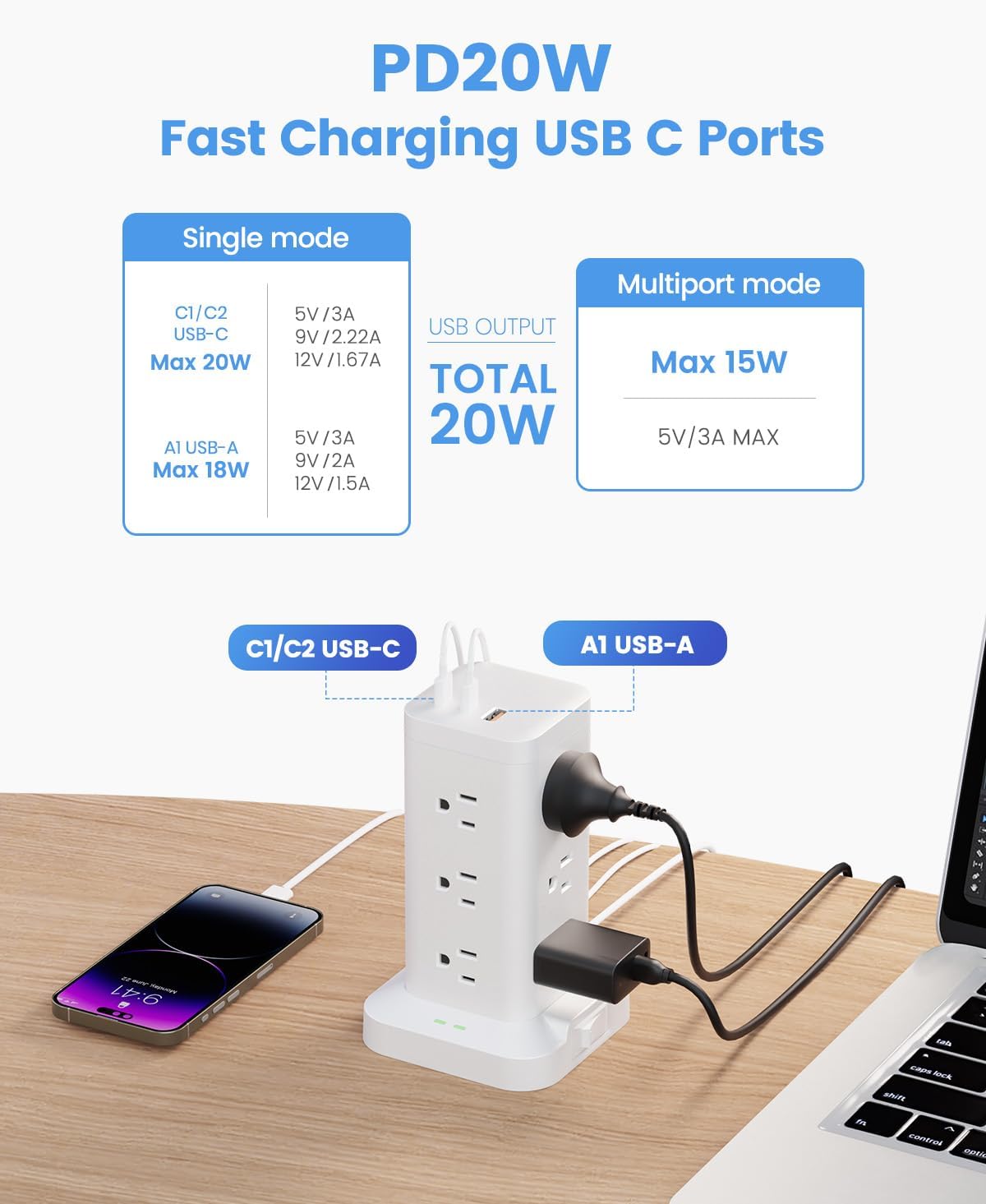
The tower also includes USB charging—3 ports total (2 USB-C and 1 USB-A), positioned to work as a compact charging hub for phones, tablets, and other USB-powered devices. If you often have multiple devices to charge at once, that combination (AC + USB in one place) is the core reason people would consider a product like this.
What stands out in everyday use
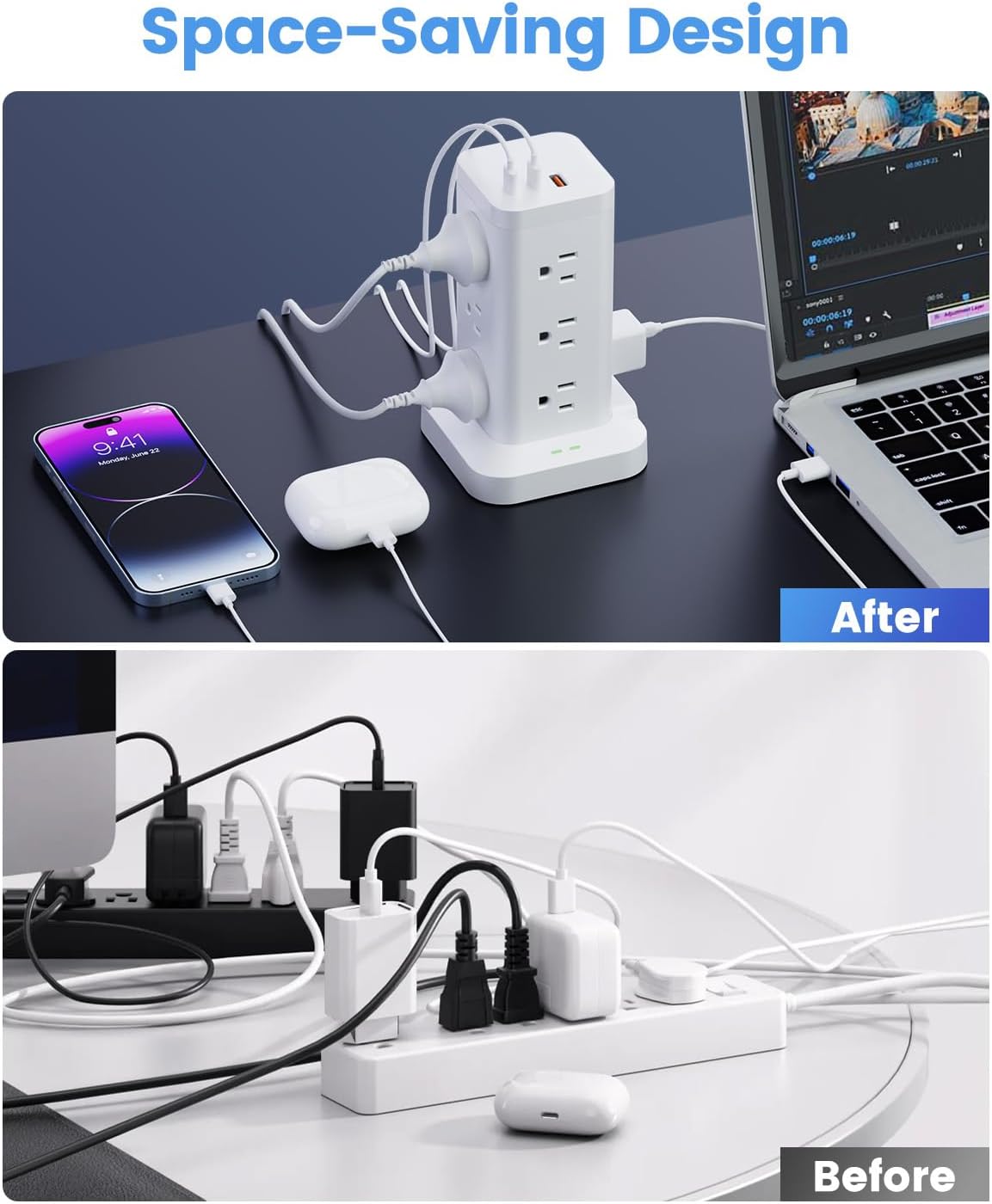
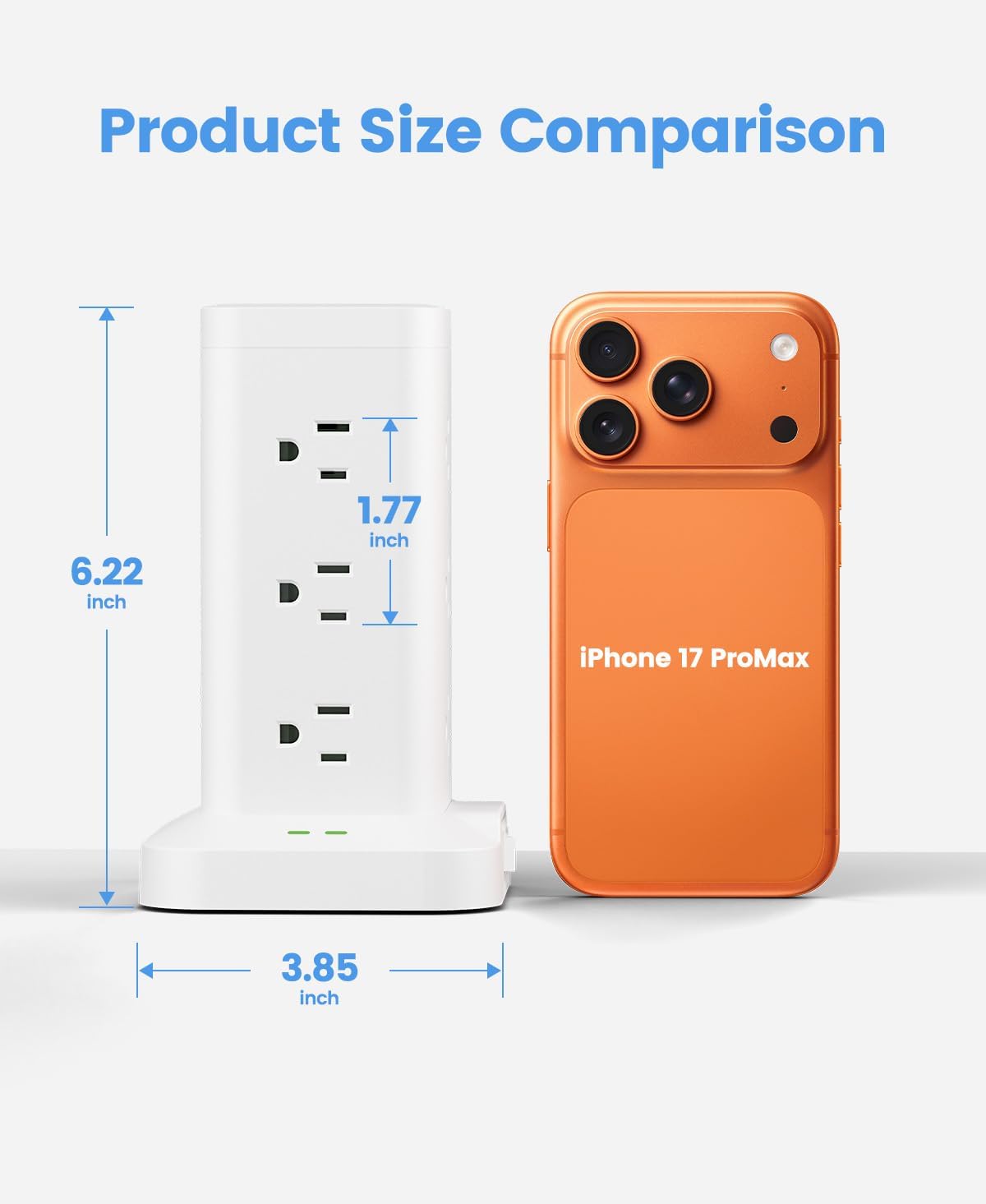
The “tower” layout is meant to reduce the usual mess of stacked adapters. With 12 AC outlets spread vertically, you can plug in multiple chargers without needing to constantly rotate bulky power bricks.
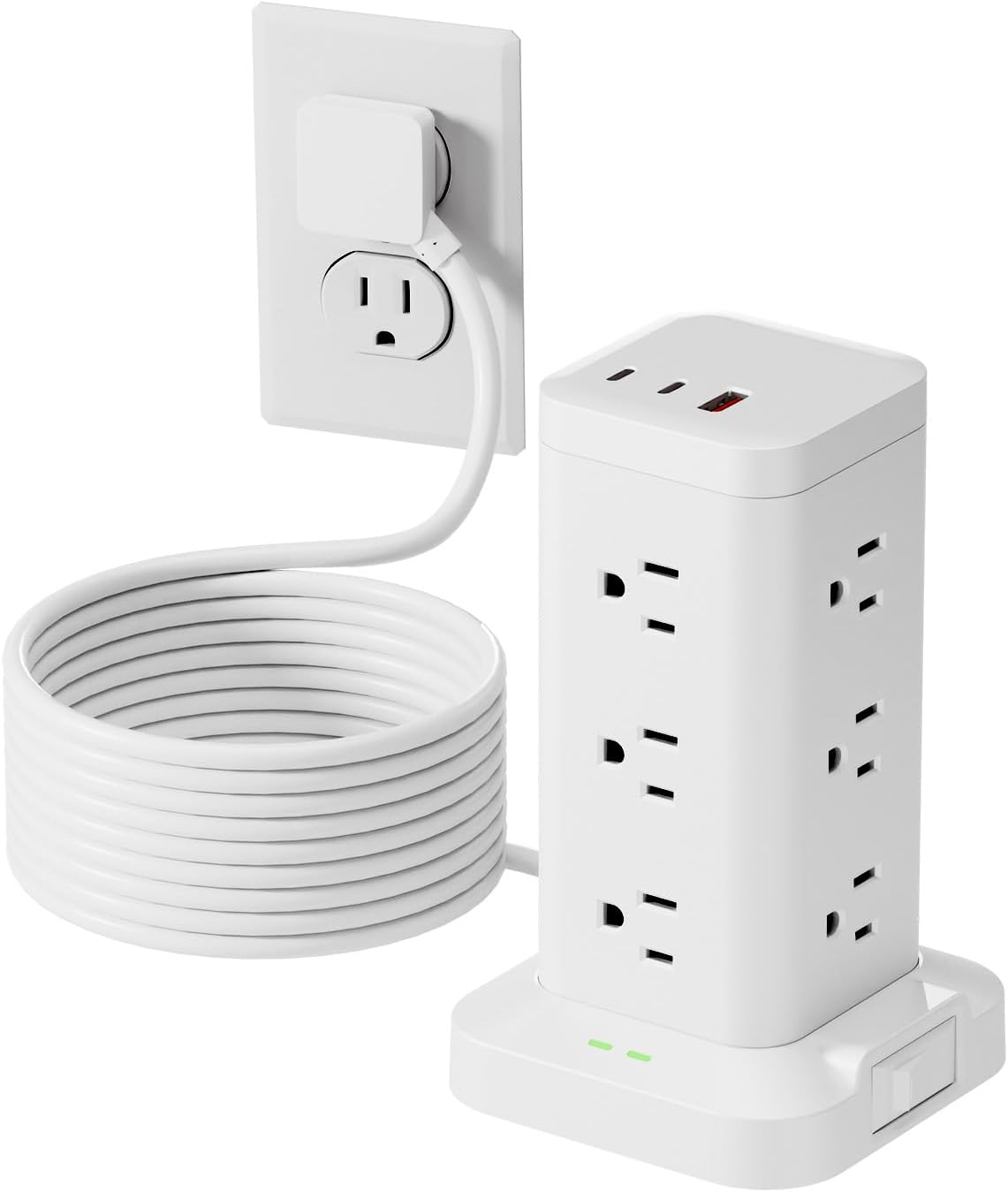
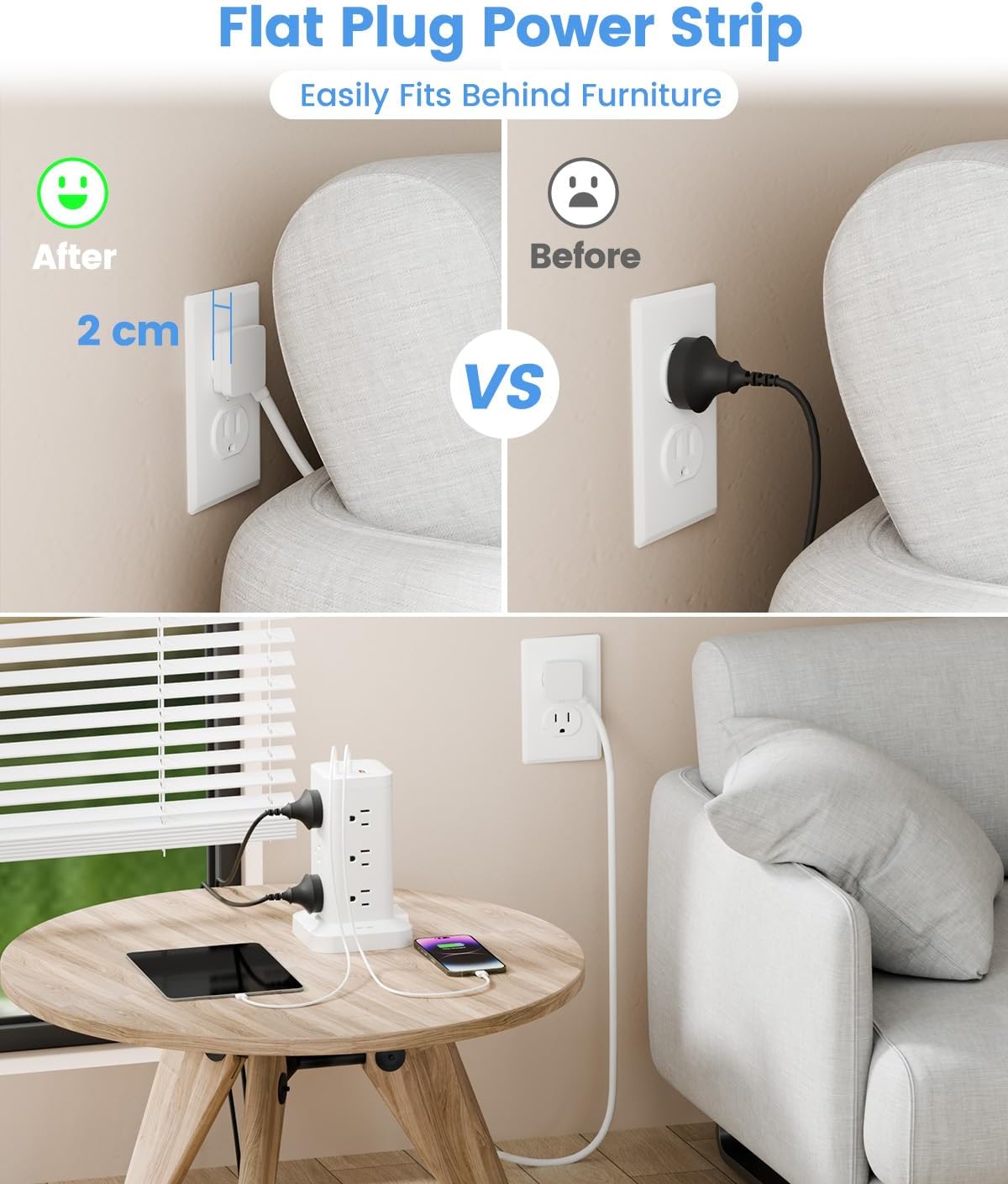
The extension cord is also part of the design intent. It includes a 10ft extension cord plus a flat plug with a 45°angled design. The idea here is practical: it can fit better in tighter spots and sit more flush against the wall, making it easier to tuck behind furniture like a sofa, bed, or nightstand.
Here’s a realistic example of how it could play out: you set the tower behind your desk. Then you plug in a monitor power adapter, a laptop charger, and a desk lamp to the AC outlets. For the phone and earbuds, you use the USB-C ports so you don’t waste an AC slot on their charger bricks. When you walk in the next morning, everything’s in one place instead of scattered chargers.
USB charging details to look at closely
This model lists three USB ports with a total max of 3.4A. It also states:
- Each USB-A port is rated up to 3.1A max output
- The USB-C port is rated up to 3.4A max output
- USB-C charging is described as PD 20W, claiming it can charge “up to 30% faster than normal USB-C outlets”
A key nuance: faster charging is only helpful if your device supports PD charging over USB-C. If it doesn’t, you may get standard charging behavior instead of the “faster” scenario implied by PD 20W.
Surge protection and safety features (the part people buy for)
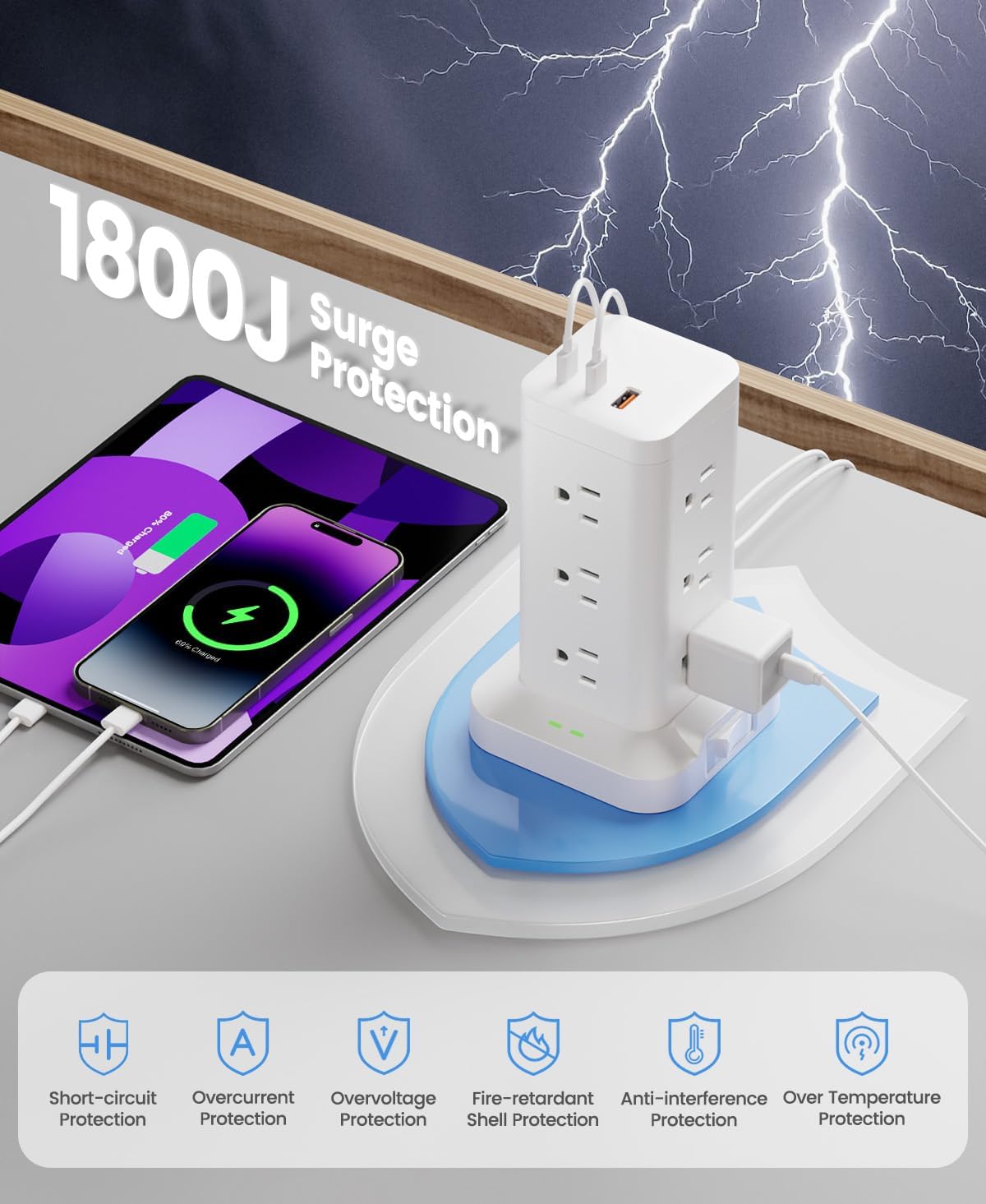
The “1800J” surge protection rating is the headline here, and it’s paired with multiple protection types mentioned in the description: overload protection, short-circuit protection, and over-current protection. In real-world terms, that’s meant to protect your electronics when power events happen and to reduce risk in everyday use.
The build materials and heat resistance are also highlighted: the tower is described as fireproof and high-temperature resistant, using premium-grade material intended to increase the lifespan of the sockets. It’s also described as providing short-circuit protection.
That said, surge protection is never a guarantee of perfect protection in every extreme situation. It’s more accurate to think of this as designed to help safeguard connected devices compared with using a basic strip with no stated surge rating.
The trade-offs you should expect
This tower format is helpful for plug density, but it can be a bit “one layout fits most” rather than customizable. For instance:
- If your devices use very large adapters, you may still need to pay attention to spacing and cable clearance.
- If your priority is ultra-fast USB charging across multiple USB-C devices at once, the shared USB limits matter—because all USB ports together operate under a total max output.
Also, because it’s a tower designed for a lot of ports, it may not be the best match if you only need a couple of outlets and don’t want a bigger footprint on your desk or floor.
Tech specs
- Name: Power Strip Tower with Surge Protector 1800J (15-in-1)
- Type: Surge protector power strip tower with AC outlets and USB charging
- Capacity: Up to 12 AC outlets and 3 smart USB ports (2 USB-C)
- Surge rating: 1800J
- USB charging: Total max 5V/3.4A (3 USB ports), USB-C supports PD 20W (up to 3.4A max output)
- USB-A output: Up to 3.1A max output (per USB-A port)
- Extension cord: 10ft
- Plug design: 45° angled flat plug
- Color: White
Should you buy it?
Worth considering if you want a space-saving power and charging setup for a home office, dorm room, or any spot where you repeatedly run out of outlets. The combination of 12 AC outlets plus 2 USB-C and 1 USB-A makes it especially appealing if you charge multiple devices daily and prefer keeping AC chargers off the wall.
Better avoided if you only need a small number of outlets, don’t want a larger tower-style footprint, or you’re expecting guaranteed “fast charging” for every USB device. If your USB-C devices don’t support PD, the PD 20W claim may not translate into noticeably faster charging for you.
Mini FAQ
FAQ
Does it replace both AC chargers and USB chargers?
It’s designed to do both in one place: you can use the 12 AC outlets for standard chargers and the 3 USB ports for USB-powered devices, which can help reduce adapter clutter.
What devices benefit from the PD 20W USB-C port?
Devices that support USB-C Power Delivery are the ones most likely to benefit. If a device doesn’t support PD, it may charge more like a standard USB-C connection.
How does the 10ft extension cord help?
The 10ft cord gives you reach to place the tower where it’s convenient. The 45° angled flat plug is also meant to help it fit better in tight spaces and stay more flush against the wall.
Is the surge protection meant for everyday safety?
The listing emphasizes surge protection (1800J) plus overload, short-circuit, and over-current protection, which is intended to help protect electronics during power issues.
Will it work for any setup with lots of plugs?
It’s intended for plug-heavy rooms like offices and dorms, but you still need to consider adapter size, cable routing, and how many devices you’re charging at the same time under the USB power limits.