

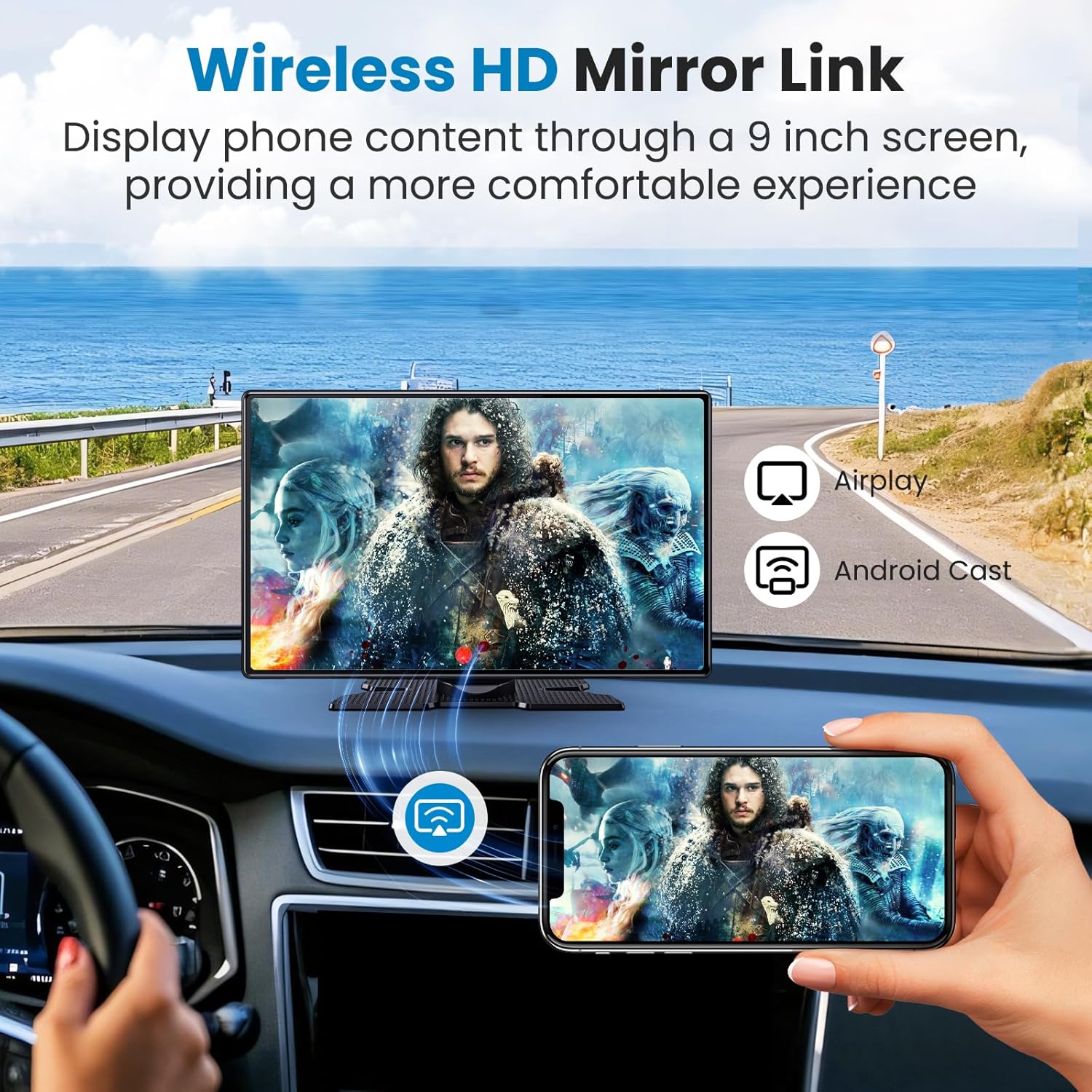
Portable CarPlay Screen 11.3-inch Wireless
Reviews
Product description
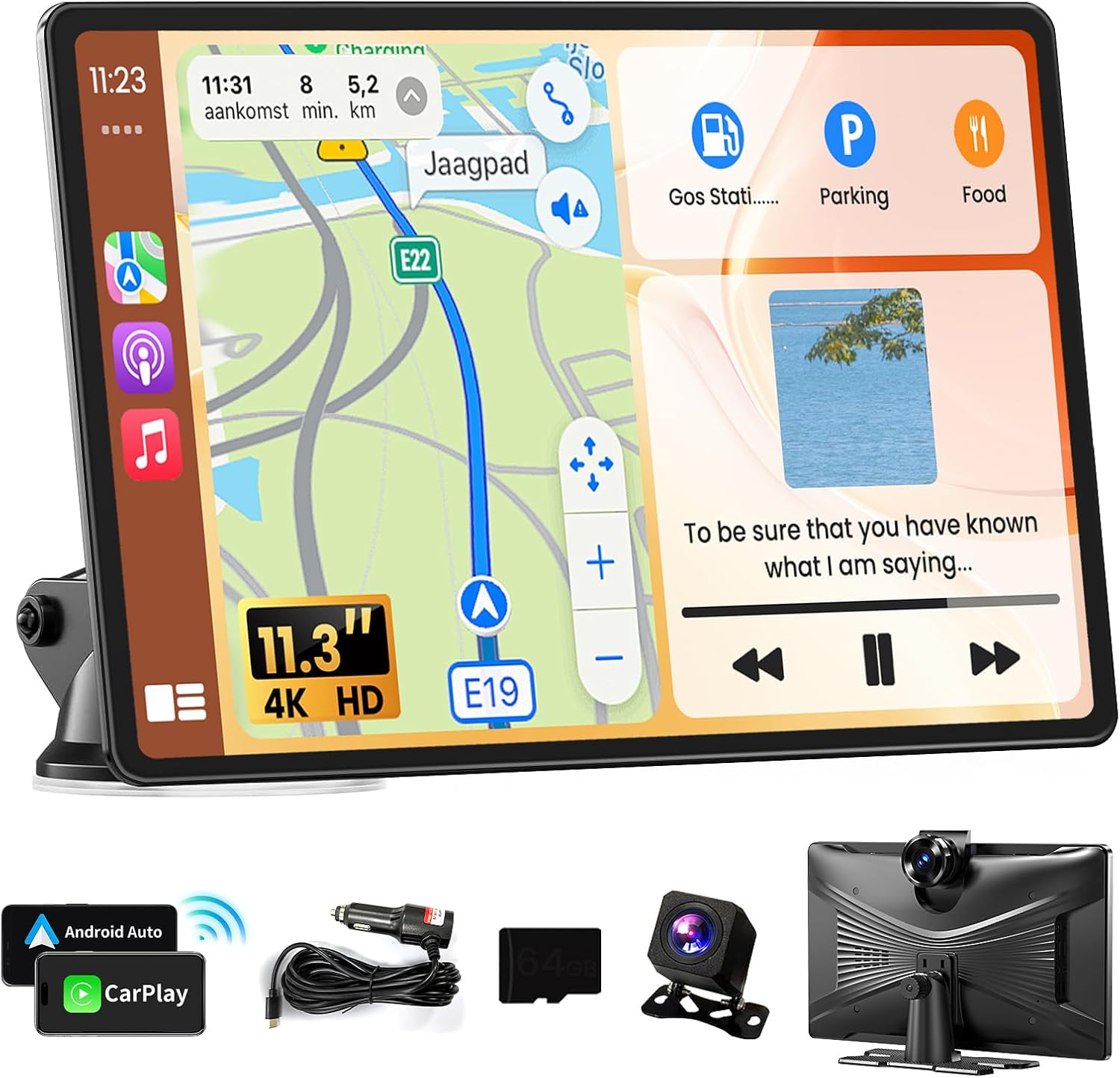
If you want a cleaner, smarter dashboard experience, this portable CarPlay screen is built to bring phone features into your drive. It pairs wireless CarPlay and Android Auto support with a large 11.3 inch IPS touch display, plus a 4K dash cam for added coverage on the road. The result is a single, easy to manage screen experience that helps with navigation, music, messaging, and safer hands free control. 🚗
Key features
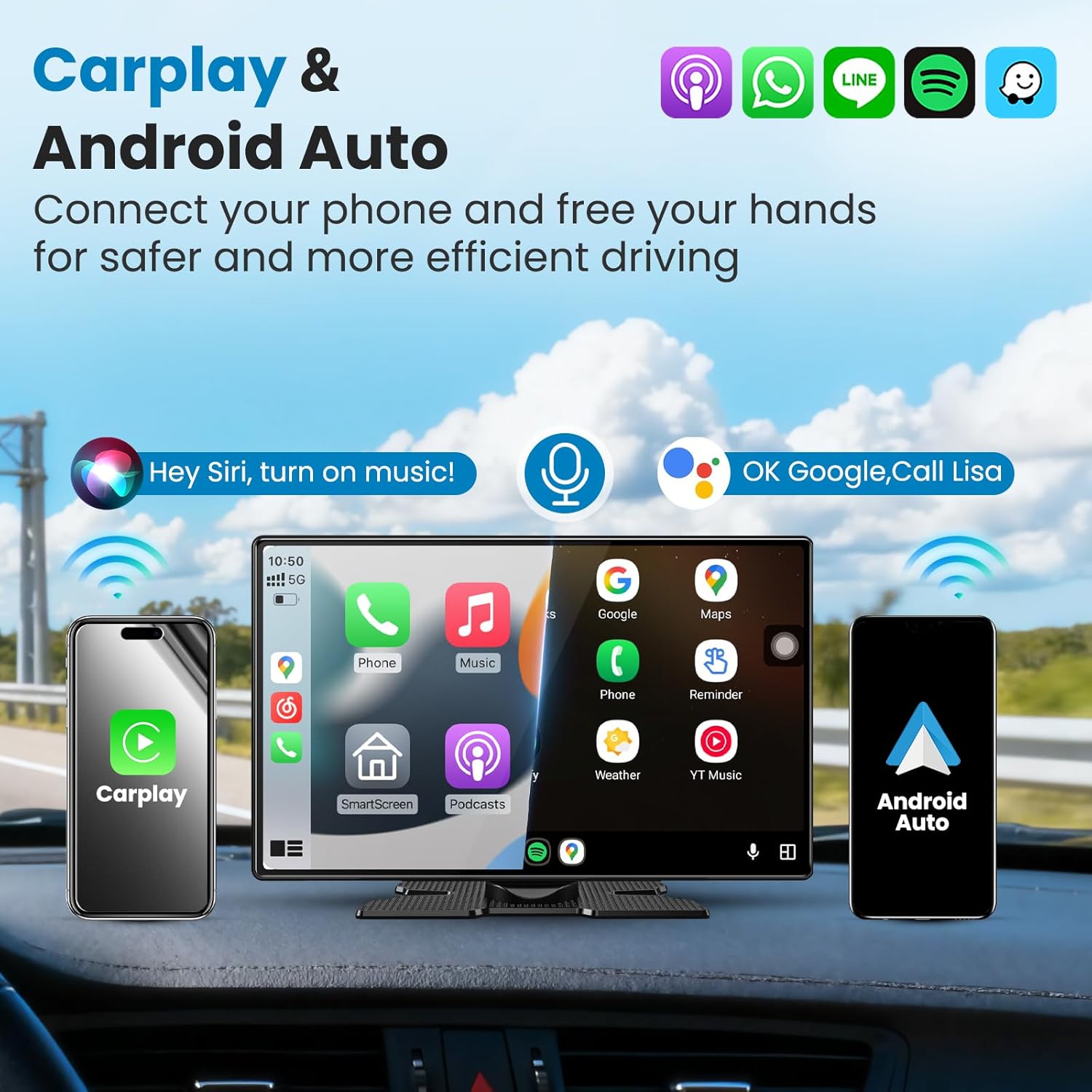
This portable wireless car tablet lets you mirror key smartphone functions directly on the dashboard experience. According to the provided details, you connect to the screen through Bluetooth and then access everyday phone tasks like music, navigation, and messaging on the CarPlay and Android Auto interface. Voice control is also supported so you can issue commands without touching the screen, which can make driving feel more comfortable and secure. 🙂
The 11.3 inch anti glare touch screen is designed to be easier to see while driving. The screen is described as an IPS display with full view angle and higher sensitivity, aiming for clearer and more colorful visuals than traditional displays. With an in car DVR included, the unit is also positioned as a way to capture the driving picture and keep your routine drives organized. That combination matters when you want both entertainment and practical road coverage in one setup. ✨
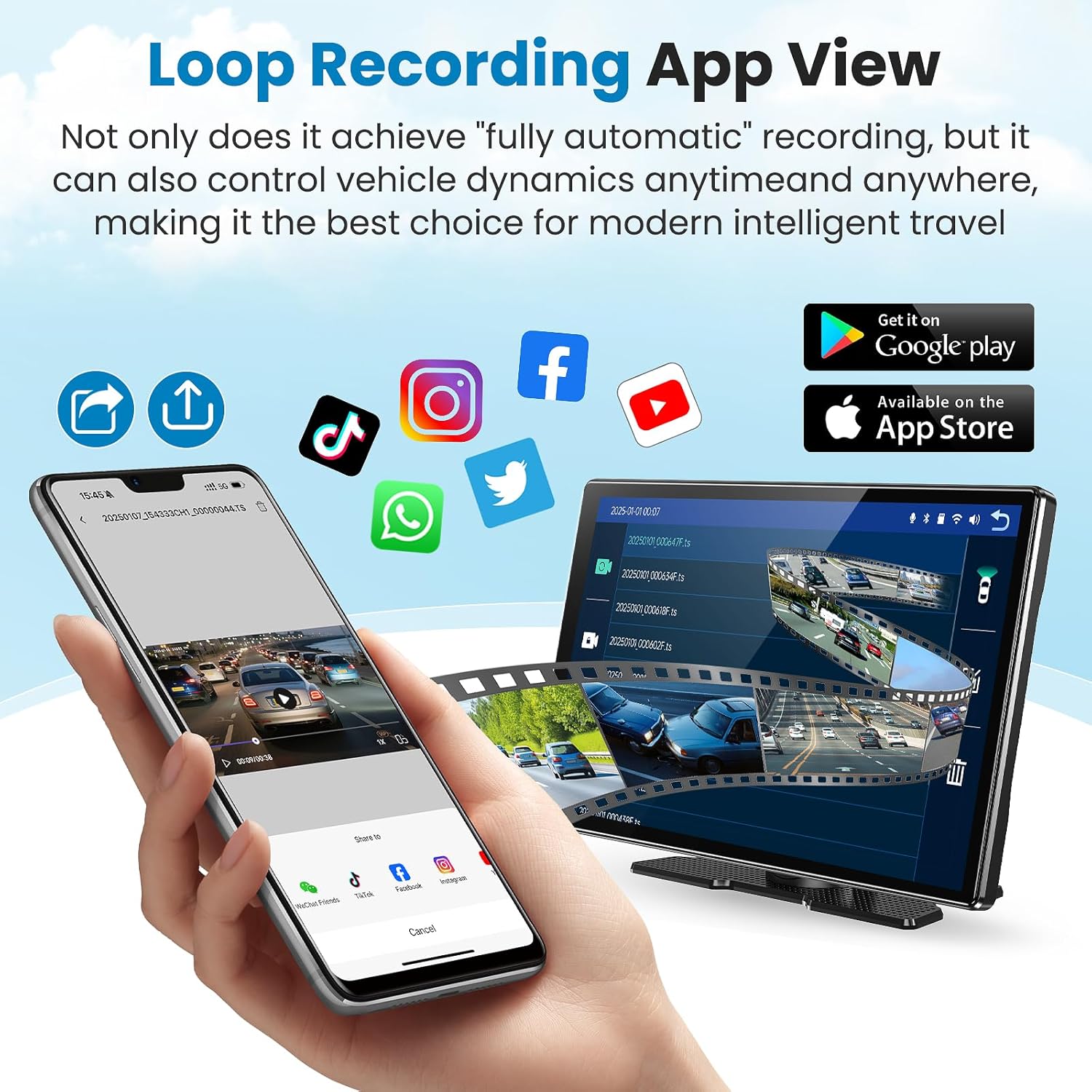
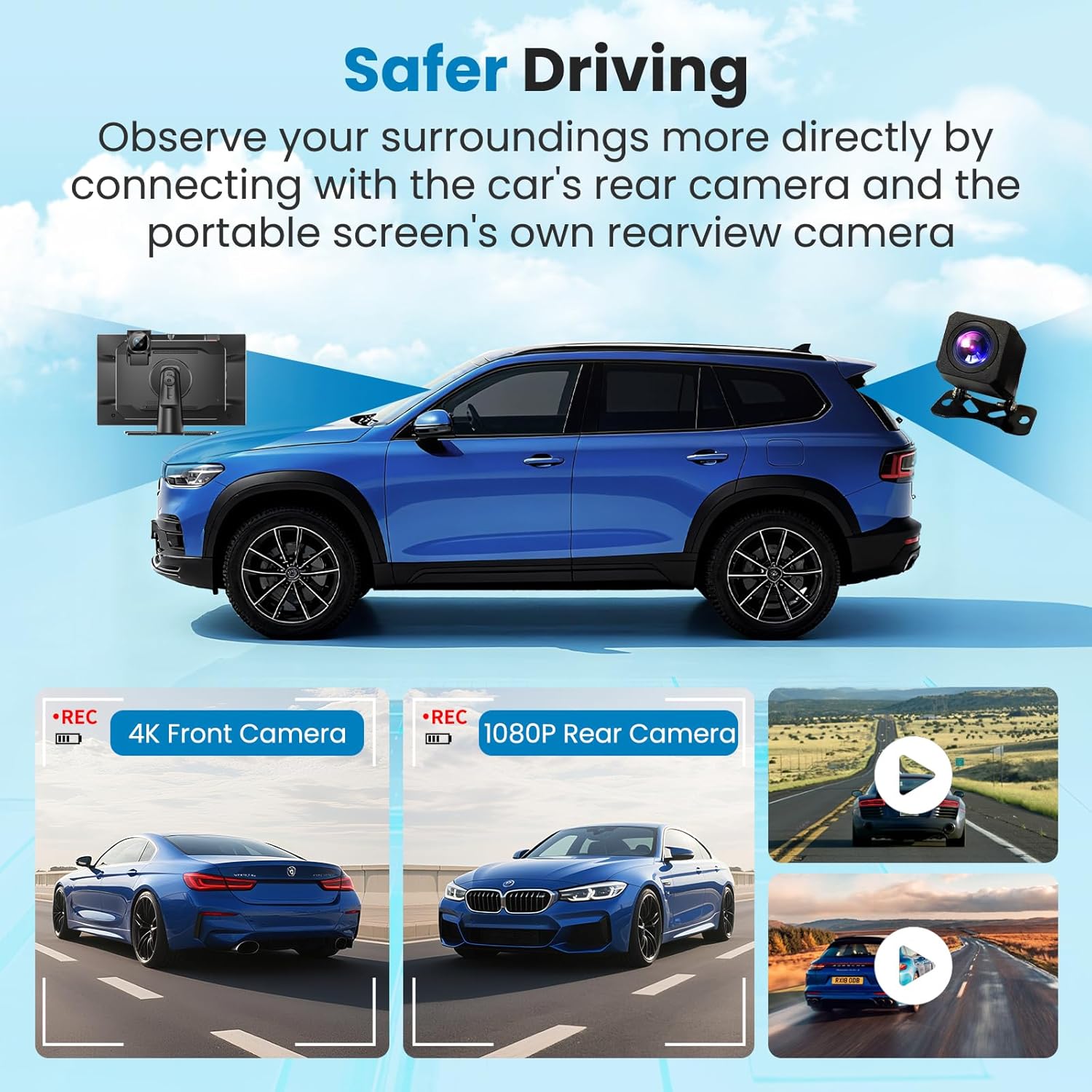
App View support adds another convenience layer. The device supports Wi Fi connection with smartphones and uses a dedicated app, compatible with iOS and Android, to manage the dash cam over wireless control. If your day includes commuting or longer trips, being able to handle dash cam viewing through an app can reduce friction compared with more complicated setups. It also helps you keep your attention on the road while still accessing dash cam content when you need it.
Tech specs
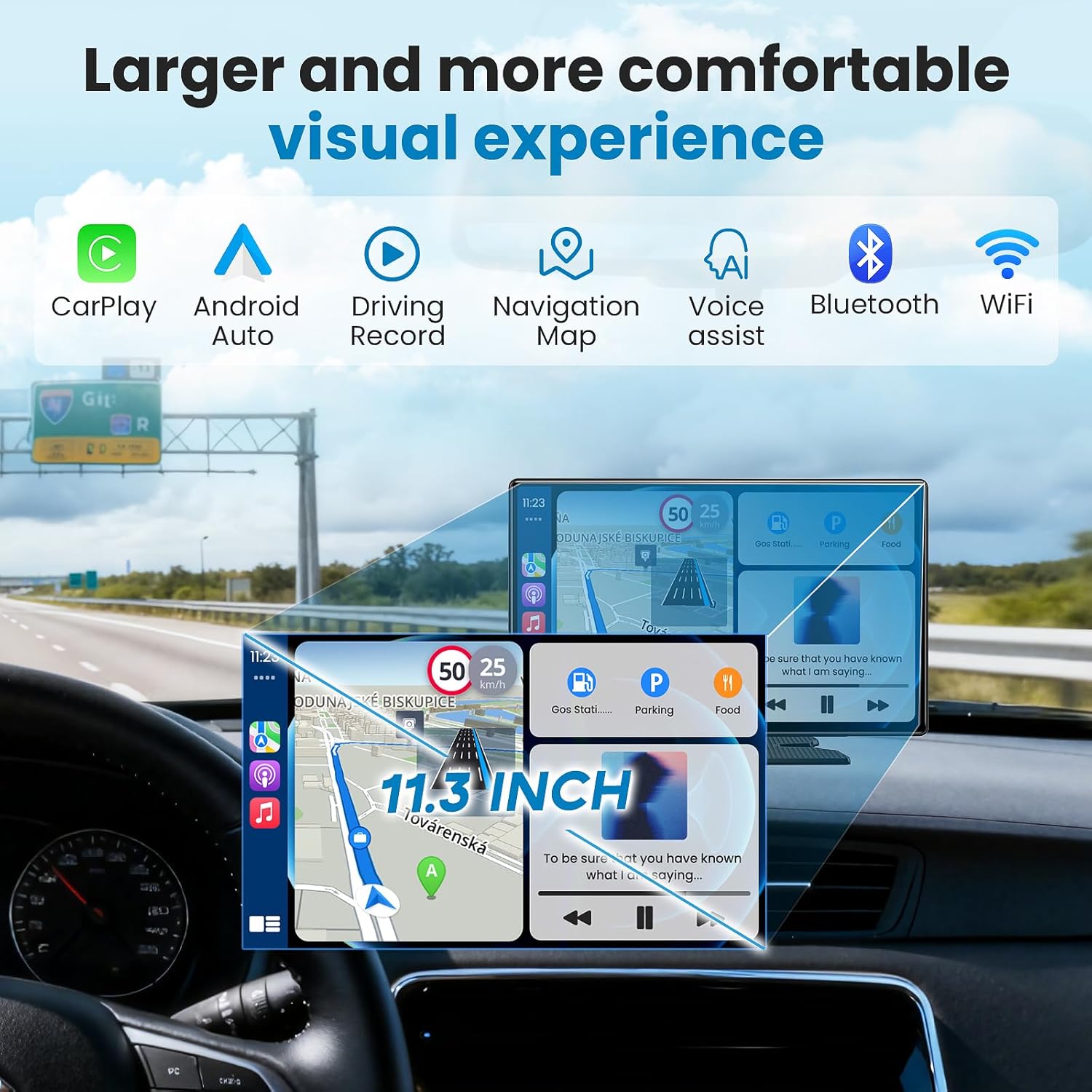
- Screen size: 11.3 inch
- Dash cam resolution: 4K
- Recording mode: loop recording
- Reverse camera support: built-in rearview camera system
- Audio output methods: Bluetooth, FM, AUX, AUX
- Mirror link support: Android and iOS mirror connection
What you’ll notice day to day
One of the biggest day to day wins is the hands free interaction style. Voice control is included so you can issue commands without touching the screen, helping reduce distractions during driving. You can also manage wireless phone features through the supported wireless connection approach described for CarPlay and Android Auto. When you are navigating traffic or adjusting settings quickly, that combination can feel smoother than repeatedly reaching for your phone.
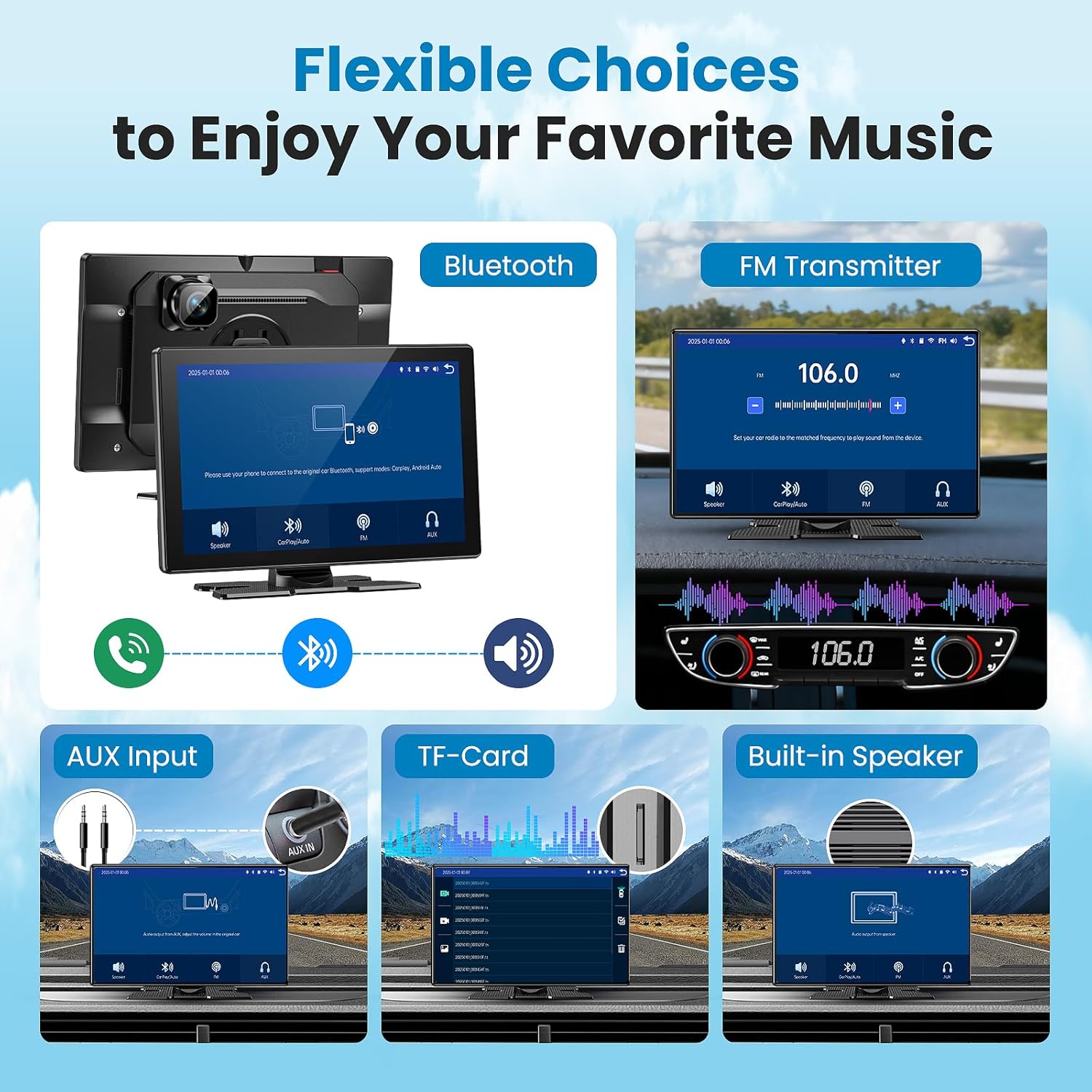
You can also lean on the audio options depending on what fits your car setup. The screen supports Bluetooth, FM, and AUX audio output methods, with playback through the original car stereo, and it can also use built in speakers. This gives you flexibility when your environment changes, like traveling through tunnels or staying in a busy traffic jam. The goal is stable transmission and clearer audio in noisy surroundings so your drive stays more enjoyable. 🎧
For video coverage, the dash cam supports loop recording and uses a TF card workflow described in the details. After inserting the TF card, the system enters recording mode and saves the video, which can help you maintain continuous capture without needing to constantly intervene. The unit is also described as using a reverse camera system when connected to the car’s built-in rearview camera, so backing up can be easier to monitor. You can also use mirror link to display phone applications that CarPlay or Android Auto may not support on the car screen, which can widen what you can view during a trip.
It’s not a set it and forget it device in every situation, so it helps to understand your phone compatibility and connection flow. The app view experience depends on Wi Fi and the dedicated app for iOS and Android, so you will want to plan for that connection when you use the dash cam controls. Keep in mind that the mirror link capability is the feature that extends what you can display when CarPlay or Android Auto does not cover an app.
Worth noting
Worth considering if you want a wireless CarPlay and Android Auto dashboard screen with a large 11.3 inch IPS display and built in 4K dash cam coverage. It makes sense if you value voice control for safer interaction, plus loop recording and a reverse camera workflow for everyday parking and driving. You may want to skip it if you prefer a fully integrated factory infotainment screen with no portable setup steps. It may not be a great match if your primary priority is using the screen without relying on phone connections like Bluetooth, Wi Fi, and mirror link. Finally, if you want a straightforward way to manage dash cam viewing through an app, this setup aligns with that use case based on the app view support described.