

Pelsee S12 Pro Mirror Dash Cam with STARVIS 2 Sensor (4K Front + 1080P Rear) and 5.8GHz Wi‑Fi
Product description
The essentials
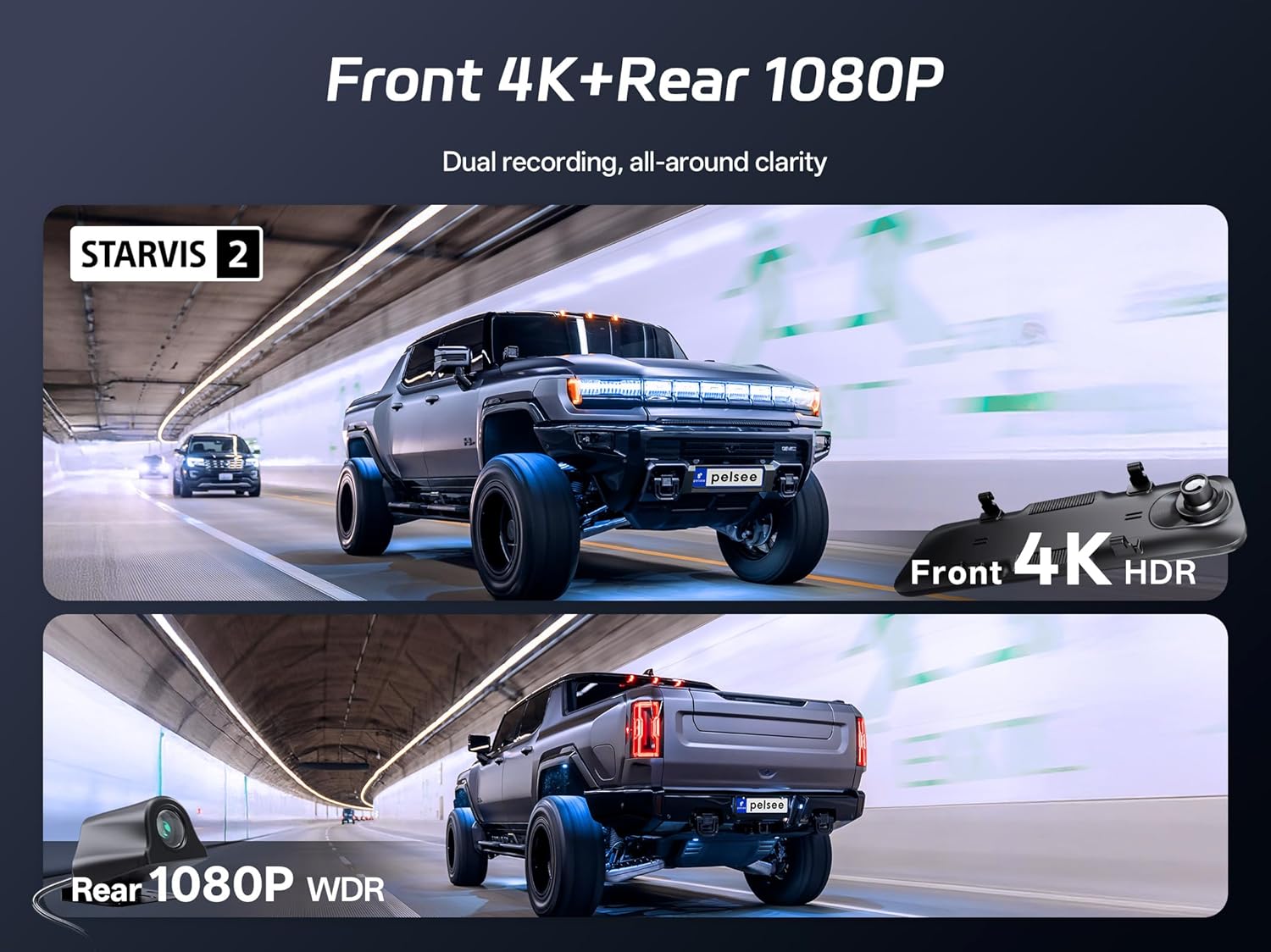
If you’re looking for a mirror-style dash cam setup, the Pelsee S12 Pro is built around one clear idea: keep both road video and rear parking clarity easy to access. It pairs a 4K front camera with a 1080P rear backup view, and uses a STARVIS 2 sensor for better low-light handling than many basic sensors—especially when headlights are bright and the rest of the scene gets dark.
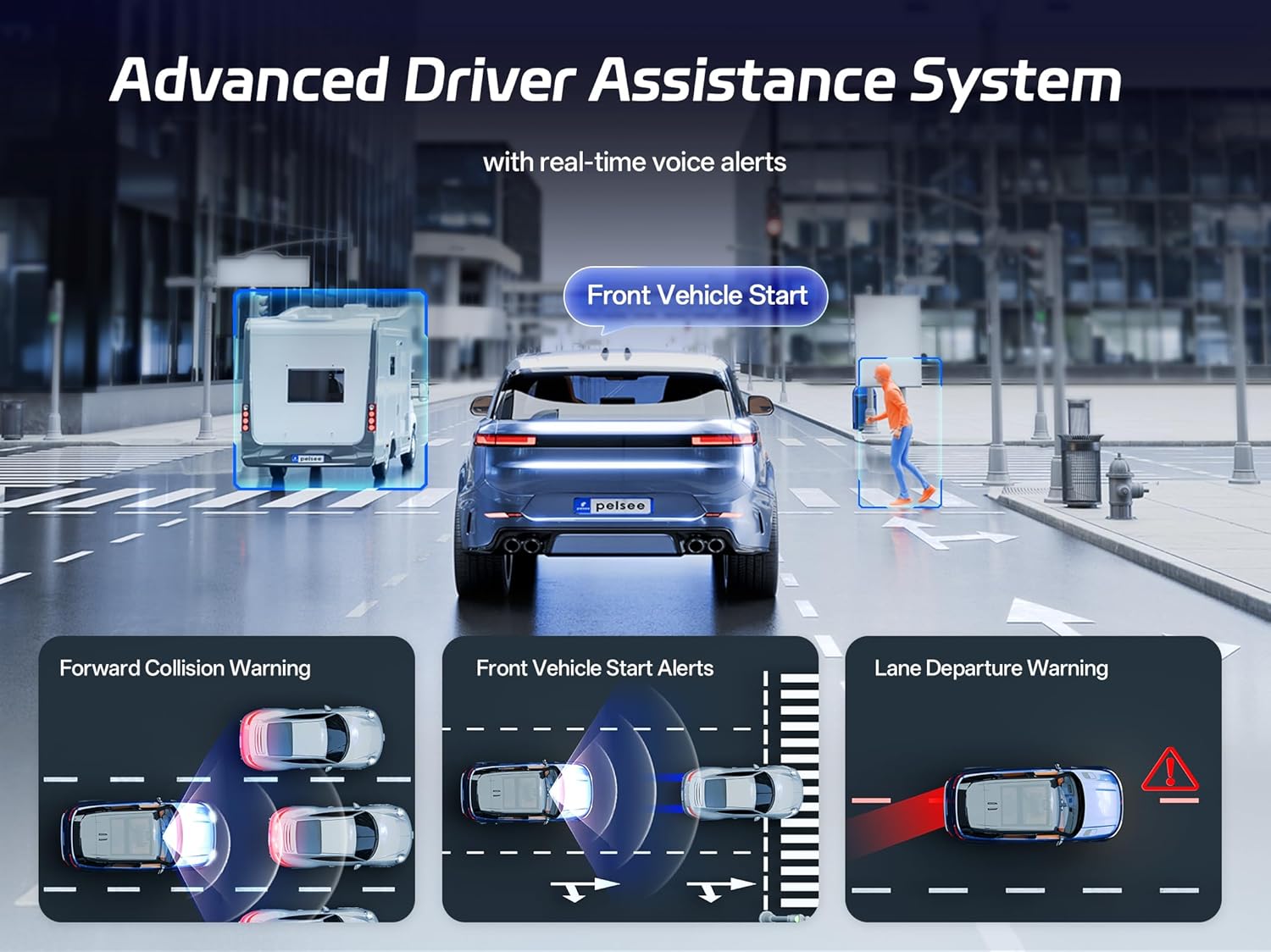
In practice, that matters most when you’re trying to read details you can’t afford to miss: license plates, road signs, and what’s happening right behind you while you’re backing up. It also leans into driver assist with ADAS-style alerts and voice control, so you’re not stuck fumbling with menus when the road gets busy.
Key points
The S12 Pro mirror dash cam is designed to cover both driving and reversing with dual recording and a rear view that switches in real time when you go into reverse. The front side is positioned as a 4K@25fps camera, while the rear is 1080P@25fps, so you’re not trading away overall usefulness to get “just one good angle.”
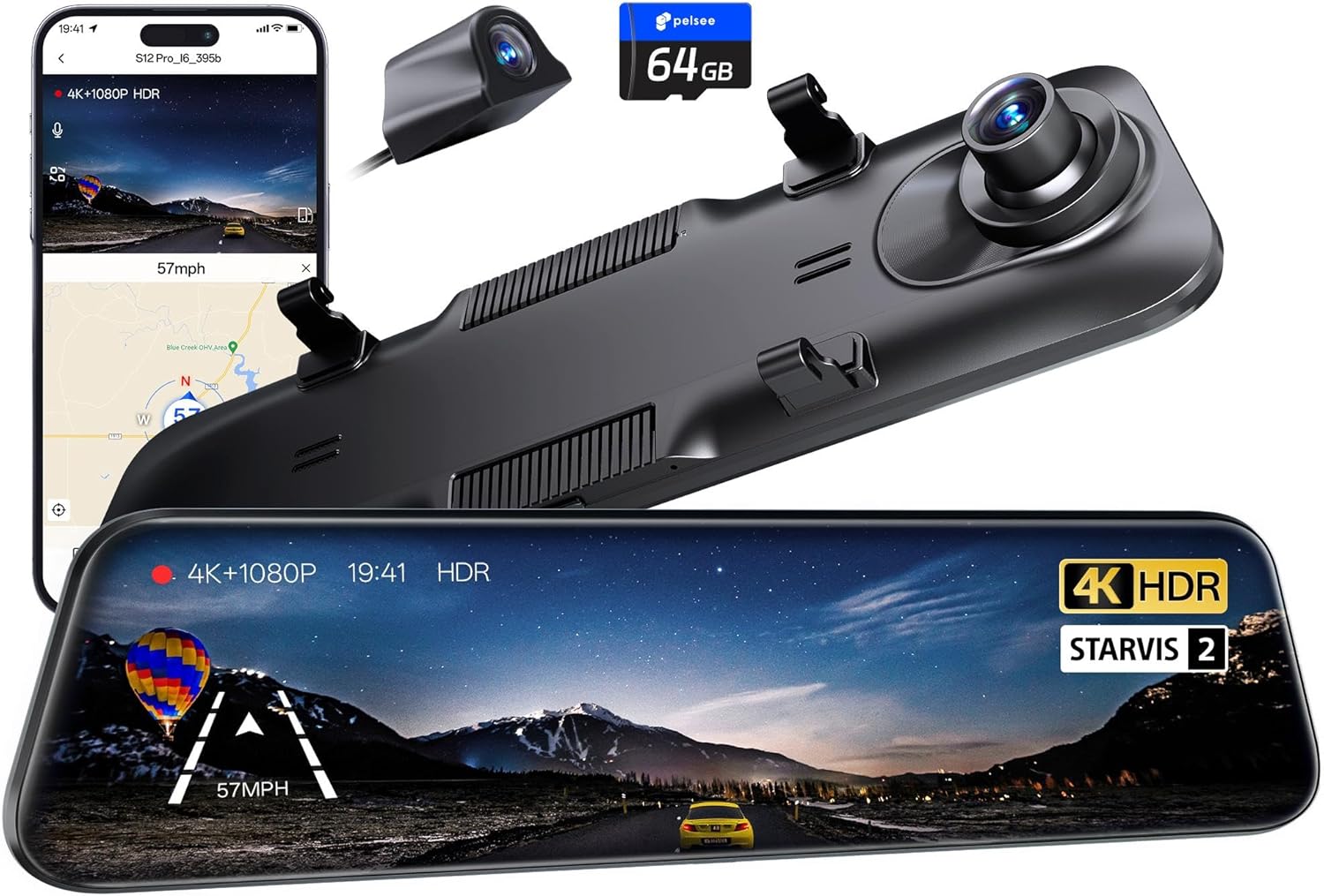
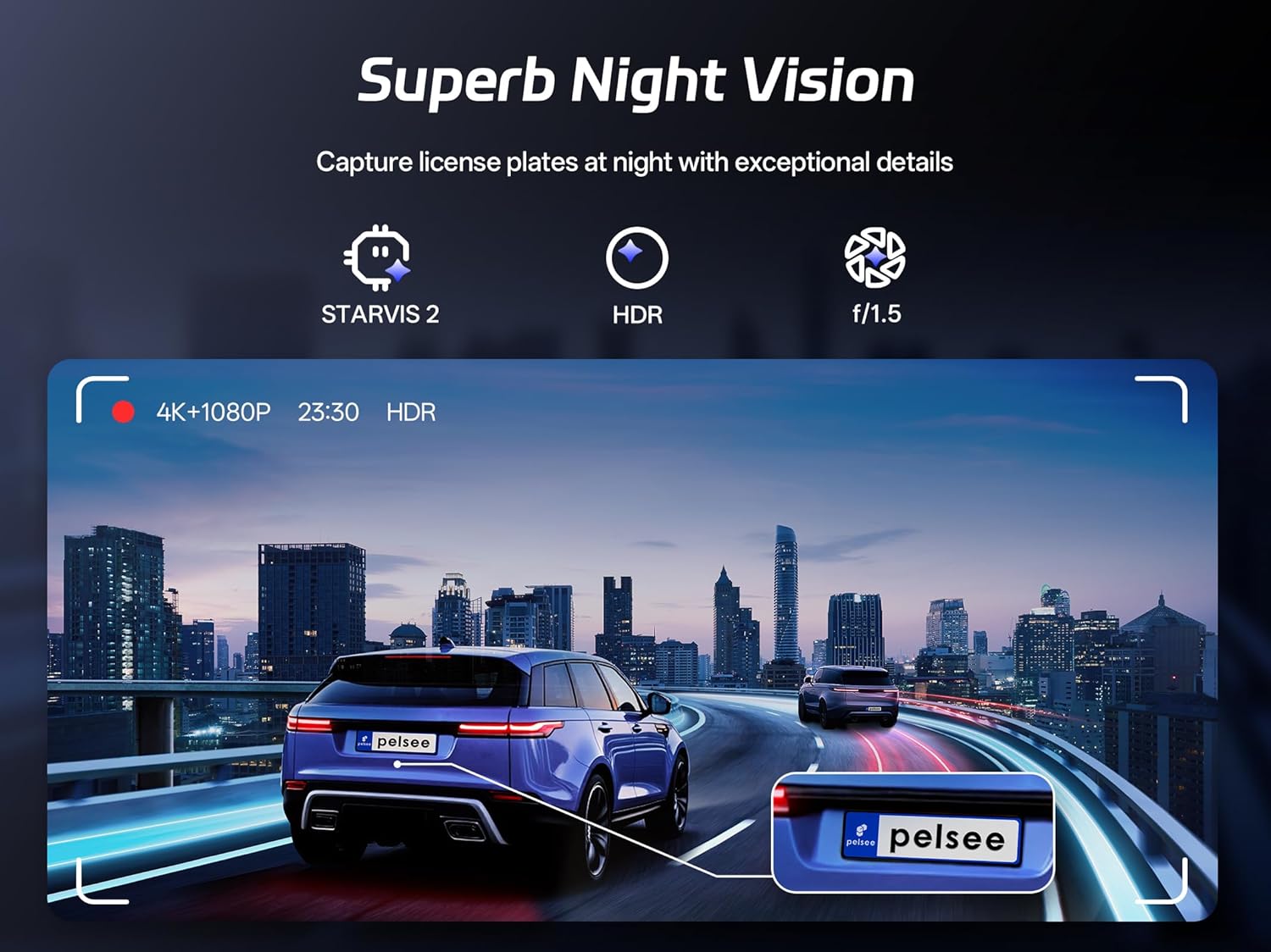
It also includes 5.8GHz Wi‑Fi (Wi‑Fi 6) for faster transfer when you want to pull footage using the Pelsee app. And for night recording, the brand highlights AI-powered full-color night vision for both the front and rear, which is a big deal if you dislike dash cam video turning monochrome right when lighting drops.
One more thing: it includes ADAS & BSD alerts with voice prompts for several scenarios such as lane departure, forward collision, pedestrian detection, and front vehicle start. Whether those alerts become genuinely “helpful” or occasionally distracting depends a lot on your tolerance for in-car notifications.
What you’ll notice day to day
Low light performance (where it counts)
The STARVIS 2 sensor is meant to balance harsh headlights and dark shadows, so the camera doesn’t just brighten everything evenly. There’s also mention of front HDR rear WDR technology, aimed at improving the look of high-contrast scenes.
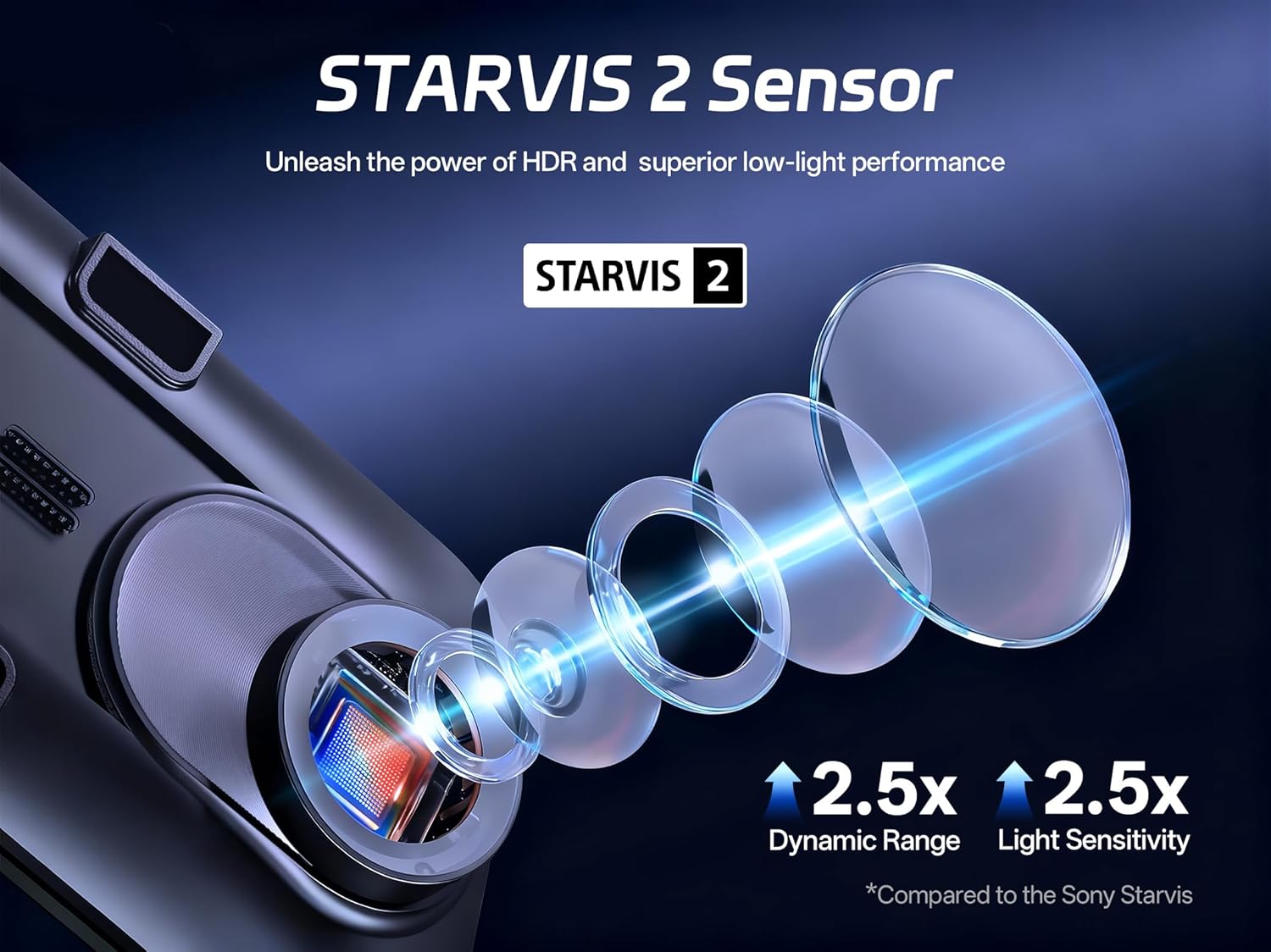
You’ll feel the benefit in everyday moments like late-night highway driving: you’re more likely to retain readable shapes and details instead of washed-out glare or muddy dark areas.
Parking and reversing workflow
When you shift into reverse, it switches to a real-time 1080P rear view with dynamic parking guidelines. The lens is listed as 160° wide-angle, and there are audible obstacle alerts as well. That’s a practical combo for tight driveways and busier lots.
A small caution: the product description notes that parking mode requires a hardwire kit (listed as ASIN: B0C7QY4KB9). So if you want parking surveillance without limitations, you’ll need to plan installation accordingly.
Hands-free control
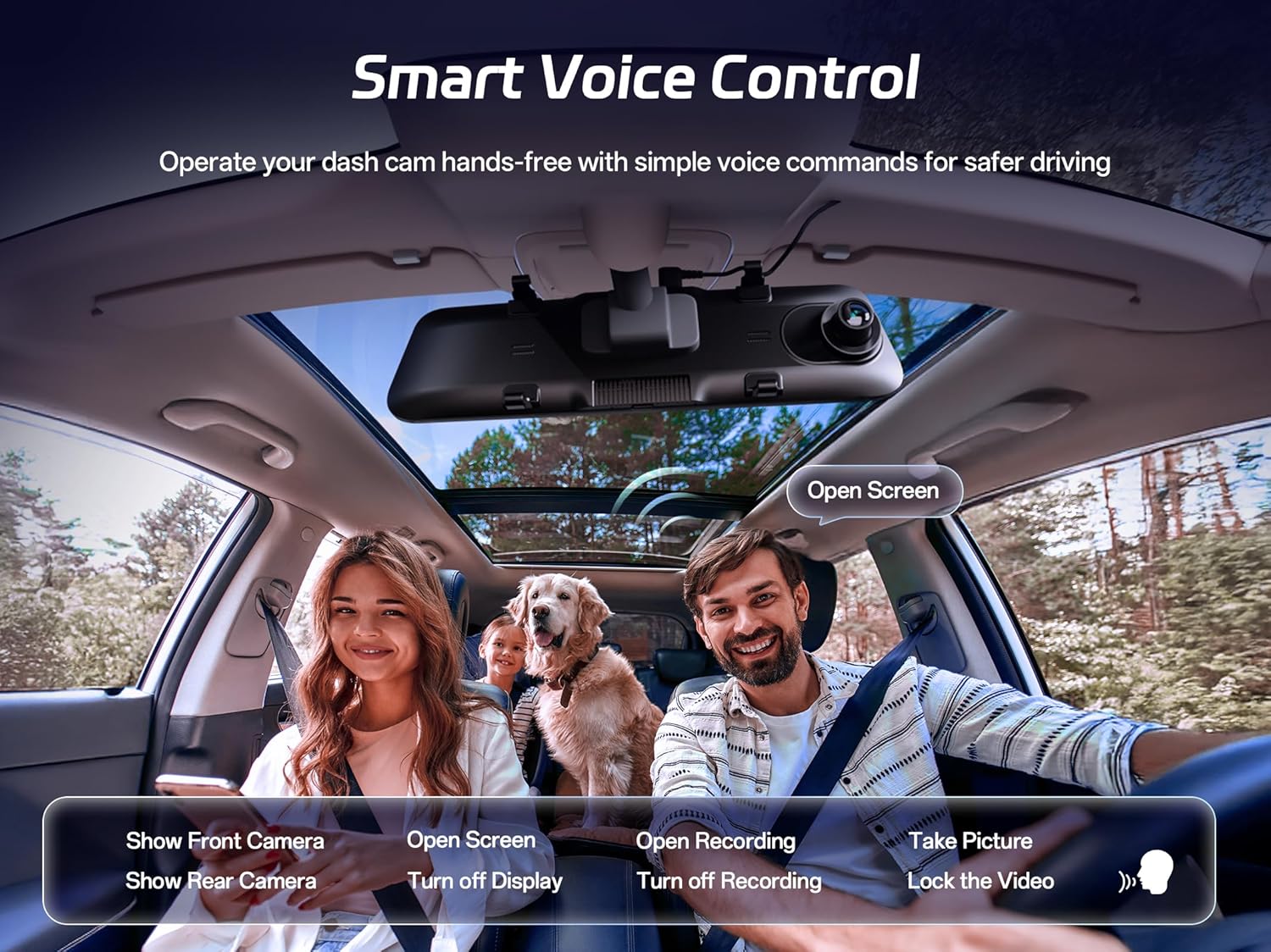
Voice control is there for quick actions like “Take Picture” and “Lock the Video,” with voice confirmation. It’s the kind of feature you only appreciate when you’re dealing with traffic, wet roads, or when your hands are busy.
Tech specs
- Name: Pelsee S12 Pro Mirror Dash Cam
- Type: Mirror dash cam with rear view mirror camera
- Format: Dual recording (front + rear)
- Display: Rear view mirror camera setup (mirror-style)
- Resolution: 4K front at 25fps
- Resolution: 1080P rear at 25fps
- Sensor: STARVIS 2
- Wi‑Fi: 5.8GHz Wi‑Fi 6
- Memory: 64G memory card
- Night vision: AI-powered full-color night vision
Where it shines (and where it may fall short)
This is a solid “all-in-one” mirror dash cam concept if you want both forward coverage and a clear rear view for reversing, without having to manage separate cameras and apps. The STARVIS 2 + full-color night vision angle is especially attractive if you frequently drive after dark.
That said, it’s not perfect for every buyer. Because ADAS alerts are voice-based and triggered by driving scenarios, you may not love it if you prefer a completely silent cabin experience. Also, the parking mode setup depends on the hardwire kit, so buyers who want a simple plug-and-go parking surveillance experience should double-check what they’re actually able to install.
Who it’s for (and who should skip it)
It makes sense if you want a mirror dash cam that focuses on day-to-night visibility, dual recording for both driving and reversing, and quick access through the app. It’s also a good fit if you care about having actionable assistance cues—like lane departure and forward collision alerts—rather than relying only on passive footage.
You may want to skip it if you only need a basic front dash cam, if voice alerts would annoy you, or if you don’t want to deal with hardwiring requirements for parking mode.
Getting the most from it
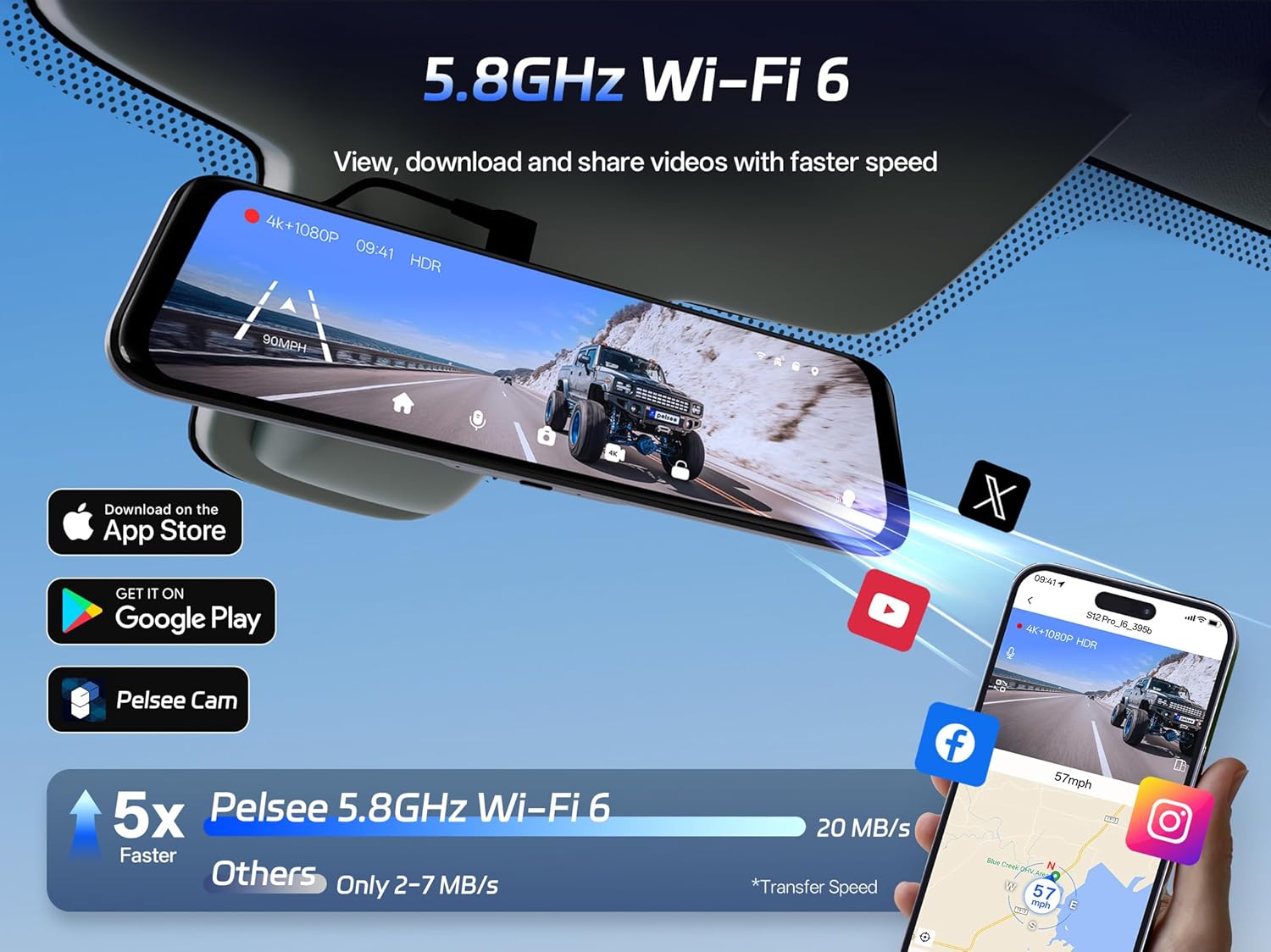
Before buying, it helps to think about installation and daily habits. If parking surveillance matters, confirm you’re comfortable with the hardwire kit requirement. If you plan to save and share footage frequently, consider whether the 5.8GHz Wi‑Fi workflow matches how you usually review clips—fast transfer is only useful if you’ll actually use the app.
Also, remember that “full-color night vision” is great on paper, but real results depend on conditions like street lighting and how reflective the environment is. The camera’s stated goal is clearer nighttime detail rather than just making footage brighter.
Quick FAQ
Does the rear camera switch automatically when I reverse?
Yes—according to the description, shifting into reverse triggers a real-time rear view with dynamic parking guidelines.
What video quality do I get for front vs. rear?
The front is described as 4K@25fps, and the rear backup view as 1080P@25fps.
Is parking mode included by default?
Parking mode is noted as requiring the hardwire kit (ASIN: B0C7QY4KB9), so it may not work the way you expect without that add-on.
Can I control it without touching the device?
The product description says you can use smart voice control commands such as “Take Picture” and “Lock the Video,” with voice confirmation.
How do I access footage on my phone?
It includes 5.8GHz Wi‑Fi 6, and you can use the Pelsee app to view live feeds and download videos.
When it makes sense
Buy the Pelsee S12 Pro Mirror Dash Cam if you want a mirror-style setup with dual recording (4K front + 1080P rear), stronger low-light emphasis via STARVIS 2, and a rear view that’s meant to be practical for reversing with guidelines and obstacle alerts. The Wi‑Fi 6 app access and voice controls are also good matches if you prefer convenience during day-to-day driving.
Skip it if you’re looking for a purely front-facing dash cam, you don’t want to manage any hardwiring for parking mode, or you know you’ll be bothered by voice ADAS notifications. For many drivers, it lands closer to a “feature-rich midrange mirror dash cam” than a barebones recorder—just make sure the parking mode requirements and notification style fit your expectations before you commit.