


OTYHVV KH122M Wireless Work Headset with AI Noise-Canceling Mic and USB Dongle
Product description
Why it makes sense
Some work calls require a headset that keeps you aware of the room as well as the conversation. Others call for a microphone designed to reduce background noise picked up during calls. The OTYHVV KH122M combines a single-ear design with an AI noise-canceling microphone on a 270° rotatable boom. Need to connect to a computer without Bluetooth? The included USB dongle provides another way to get started.
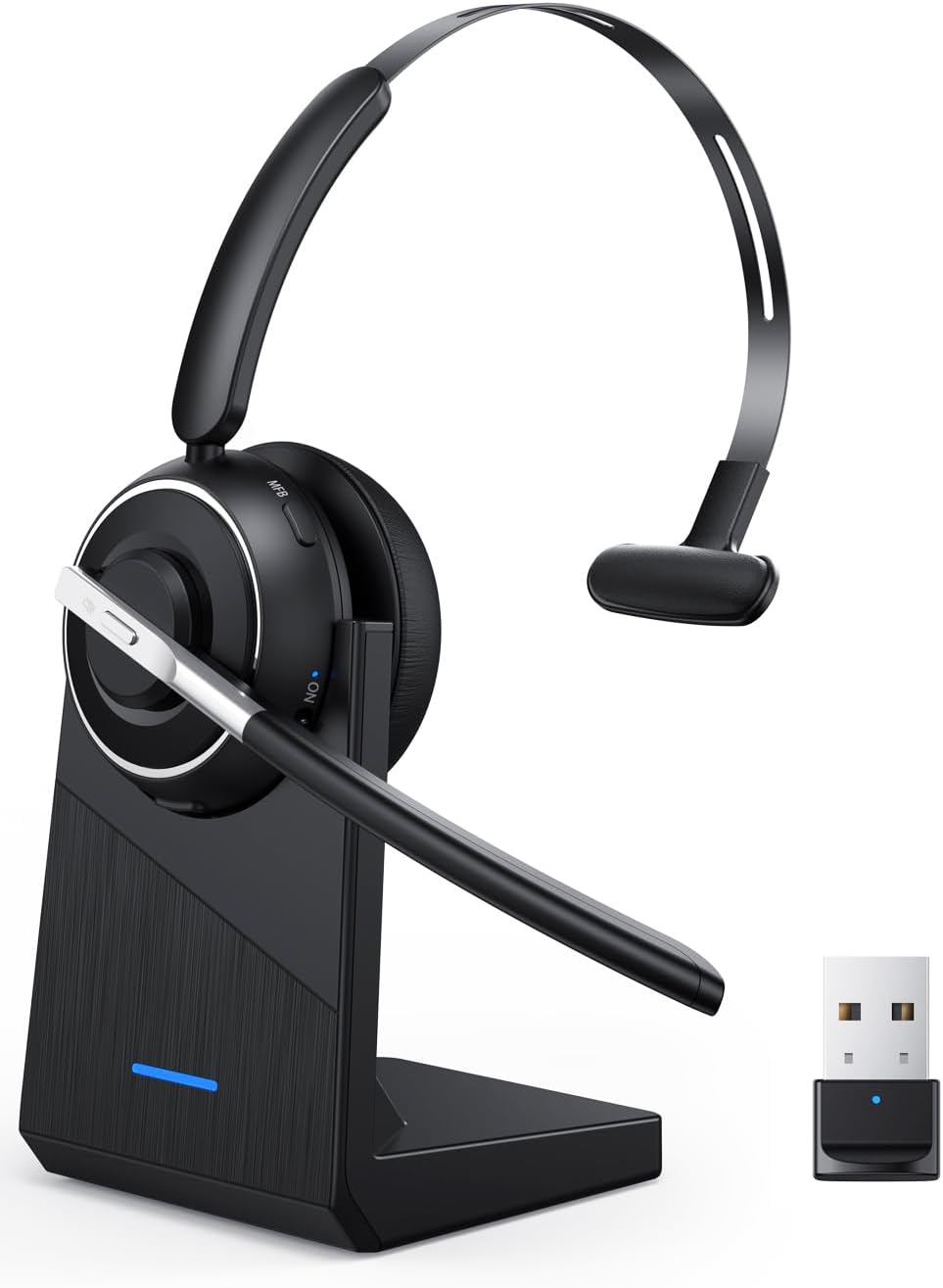
For remote meetings, customer service calls, or shared workspaces, the adjustable boom helps position the microphone where it’s useful, while the single-ear fit lets you hear your surroundings. Connect to a computer with the dongle or use Bluetooth 5.2 with a compatible device. A physical on/off switch makes power control straightforward, and the headset reconnects to its last device after initial pairing. Buyers often highlight clear call audio, easy Bluetooth connection, and the convenience of the charging base.
Key takeaways
The KH122M is built around practical call controls: a dedicated mute button on the microphone boom and voice prompts that announce when mute is on or off. With the USB dongle connected to a computer, the headset’s mute control also works on the computer, on a phone, it supports muting during calls. The dongle is stored in the charging base, helping keep this small work accessory together between meetings.
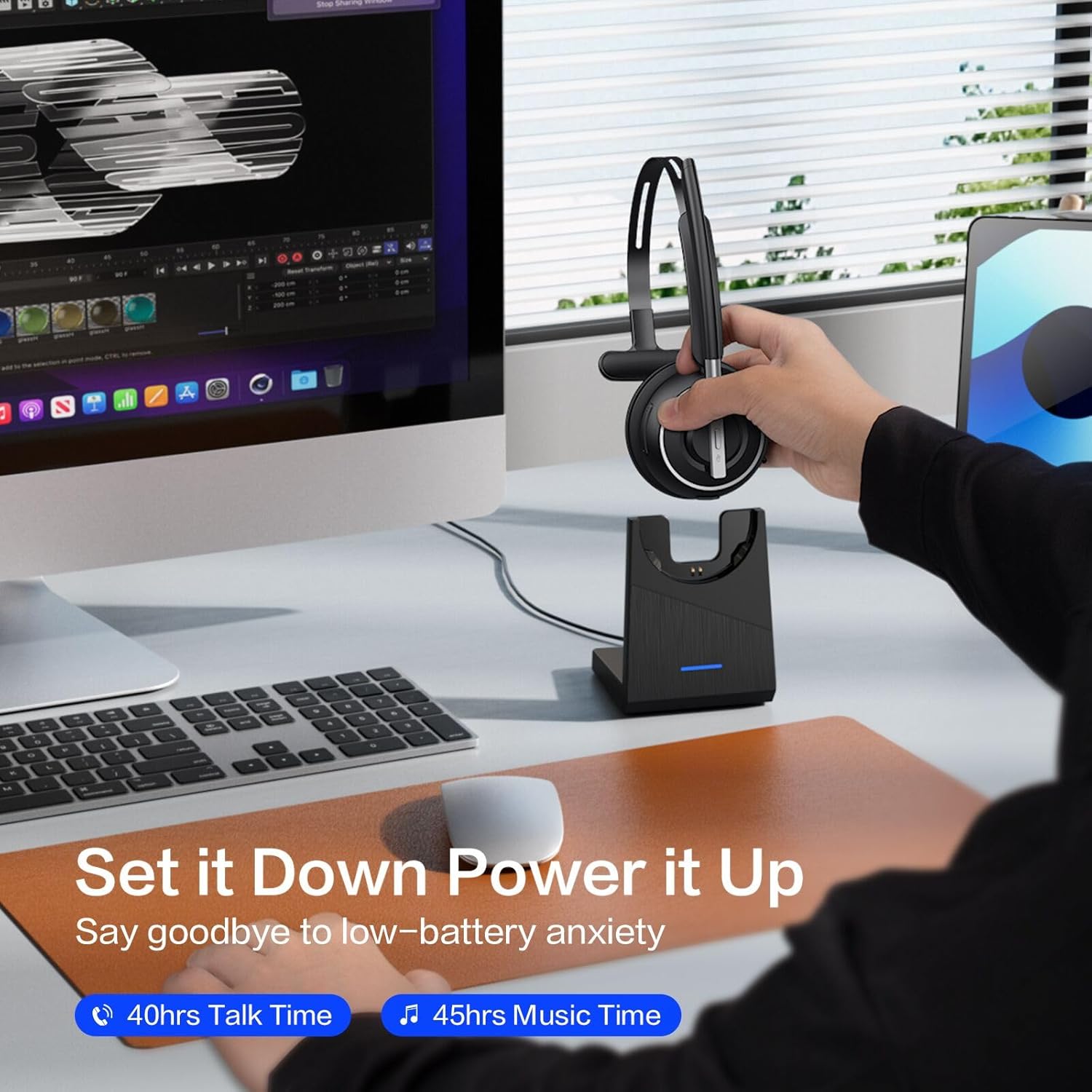
For longer stretches of calls, the manufacturer lists up to 40 hours of talk time and a two-hour charging time. Recharge through USB-C or place the headset on its charging dock. The headset, USB-A dongle, USB-C charging cable, charging station, and user manual are listed as included. Its 102 g weight, memory-foam earpad, and adjustable headband make it a compact option for a desk setup or a mobile work kit.

How to use it
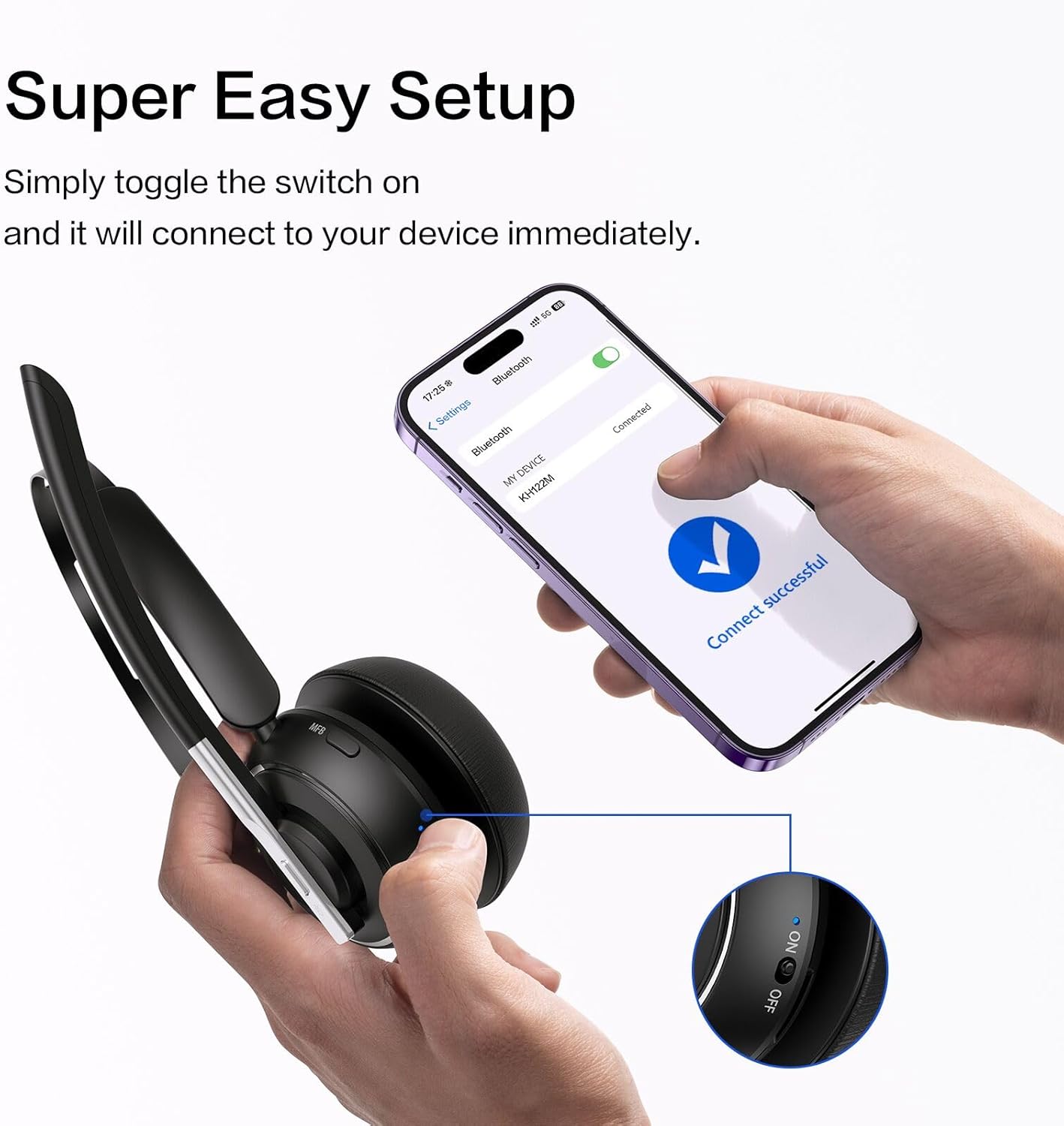
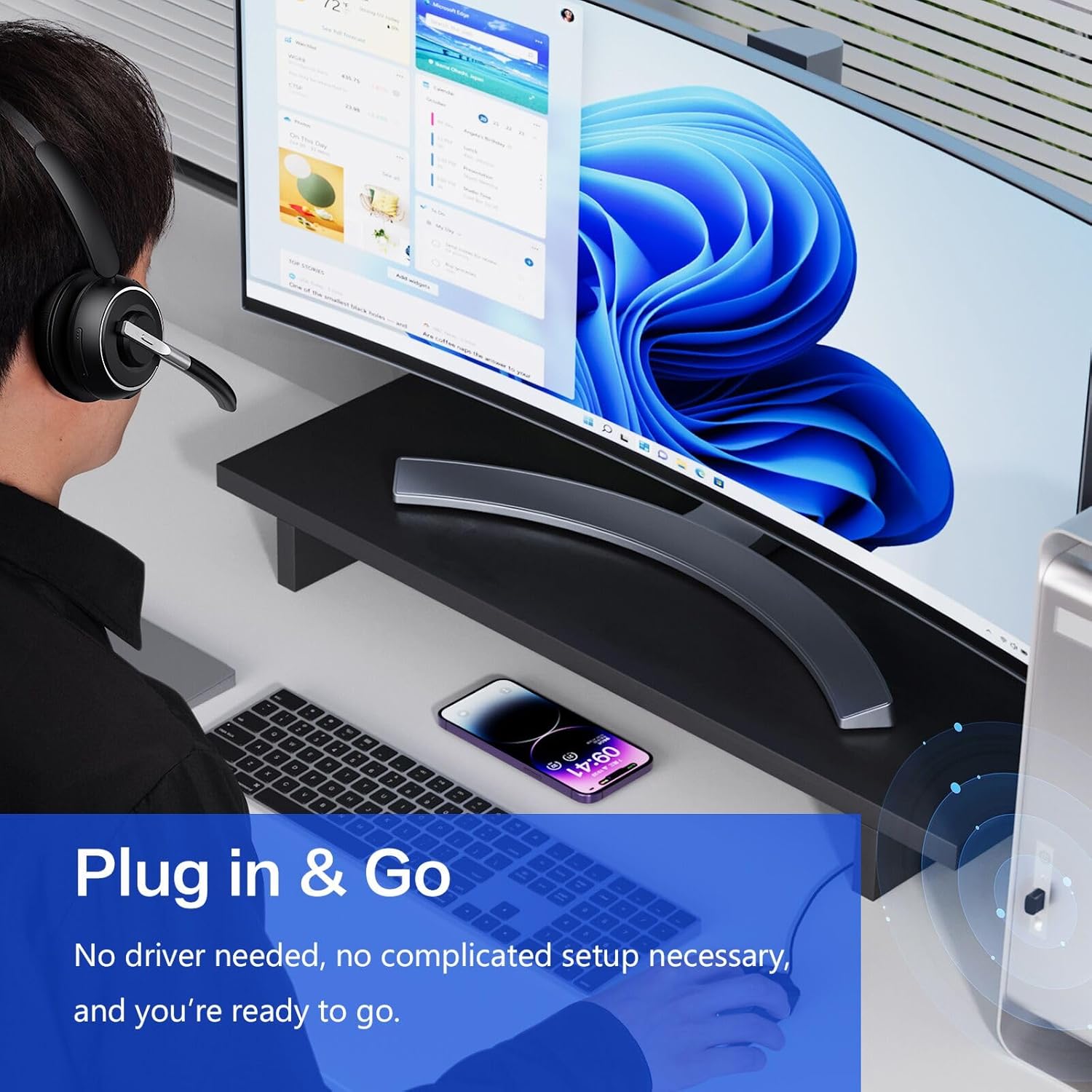
For computer calls, plug the USB dongle into the computer and switch the headset on, this connection does not require Bluetooth or driver installation. For a Bluetooth connection, pair the headset with a compatible phone or other device. After the first pairing, the on/off switch can reconnect it to the last device. Use the boom-mounted button to mute when needed, and rely on the voice prompt to indicate mute status. To charge, connect the USB-C cable or set the headset on the charging base, which also provides a place to store the dongle.
The USB dongle is intended for computers and laptops, not office desk phones. A desk phone needs Bluetooth headset compatibility to connect directly. For calls on a computer or desk phone, answering and ending the call is handled through the computer interface or phone, the headset’s call button answers and ends mobile phone calls.

Questions before you buy
Can I use the KH122M with a computer that has no Bluetooth? Yes. Connect the included USB-A dongle to the computer for plug-and-play wireless use without Bluetooth or driver installation.
Does the mute button work during computer calls? Yes, when the headset is connected to the computer through the USB dongle. The headset also provides mute control for mobile phone calls, with voice prompts indicating mute status.
How long does charging take? The listed charging time is two hours. Charge using the USB-C cable or place the headset on its charging station.
Buying verdict
The KH122M suits people who spend much of the day on calls and want a single-ear headset with a noise-reducing microphone, accessible mute control, and both dongle and Bluetooth connection options. Its dock keeps charging and dongle storage together, making it a practical fit for a home-office desk, call-center station, or mobile work setup.