

Oral-B iO Series 9 Toothbrush
Reviews
Price
Product description
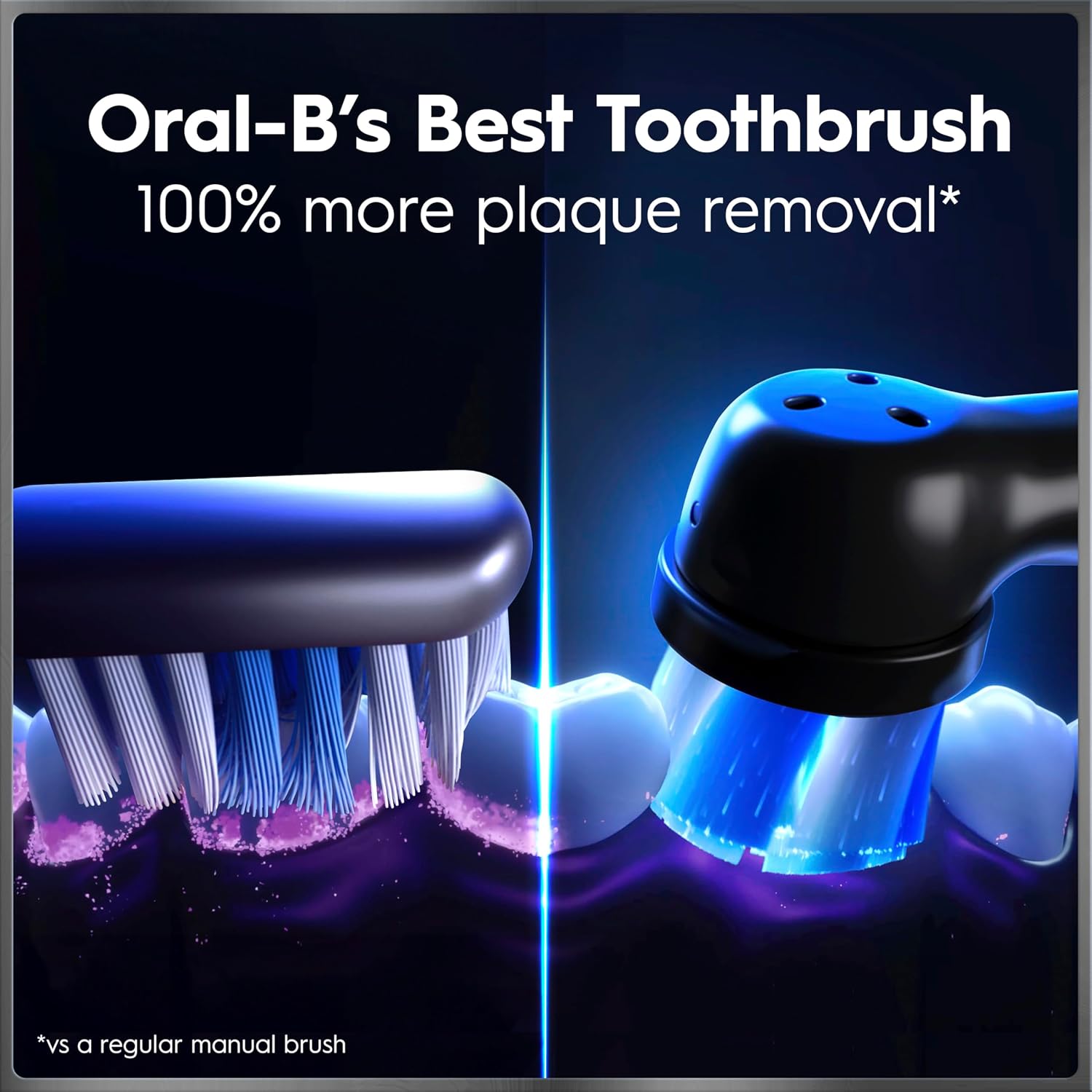
This Oral-B iO Series 9 toothbrush offers a smart, personalized brushing experience with real-time feedback and adaptive technology designed for daily oral care. It includes a rechargeable brush head with micro-vibrating bristles that deliver a professional feel during use, helping to remove plaque more effectively than manual brushing alone.
Key Points
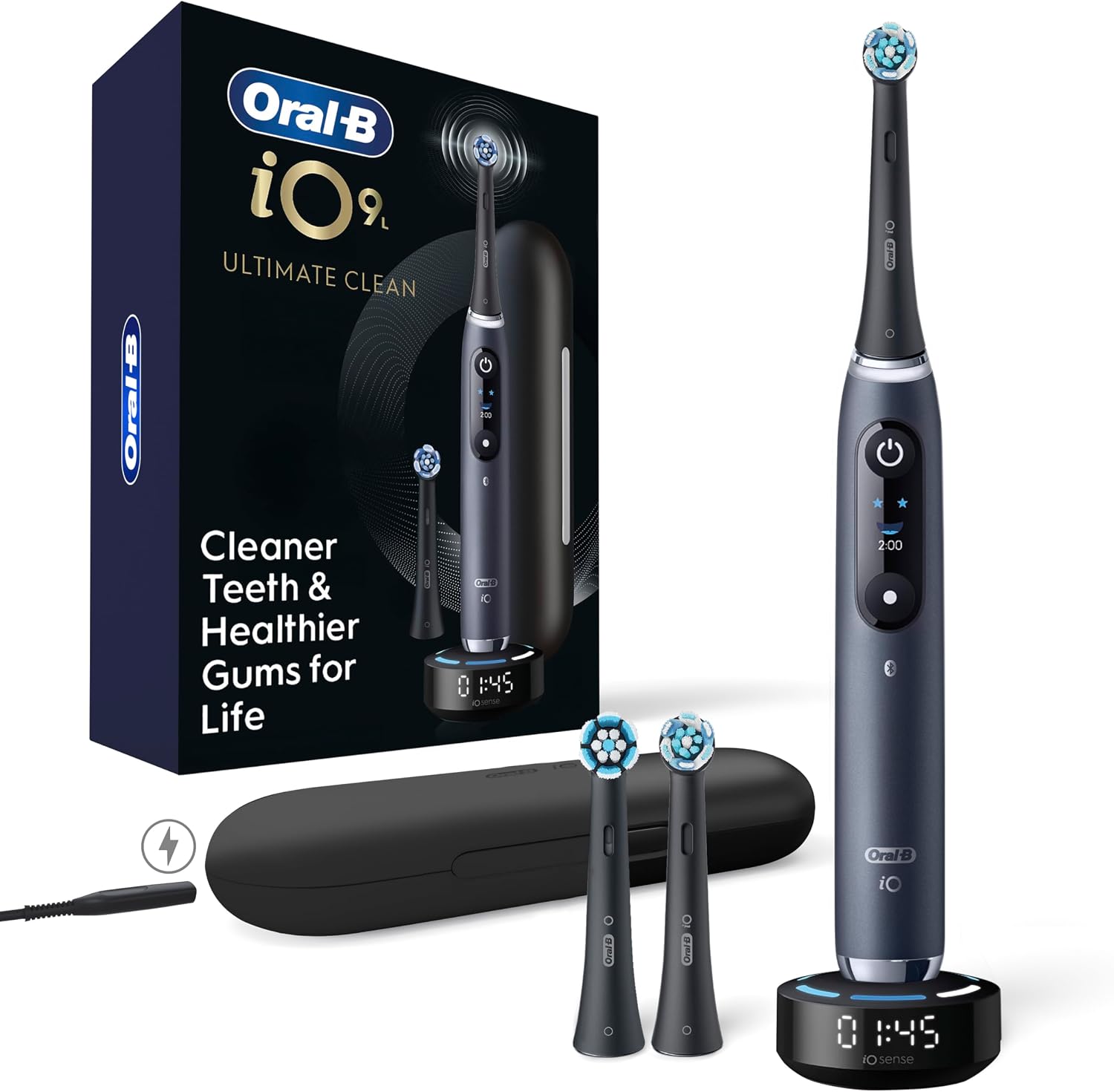
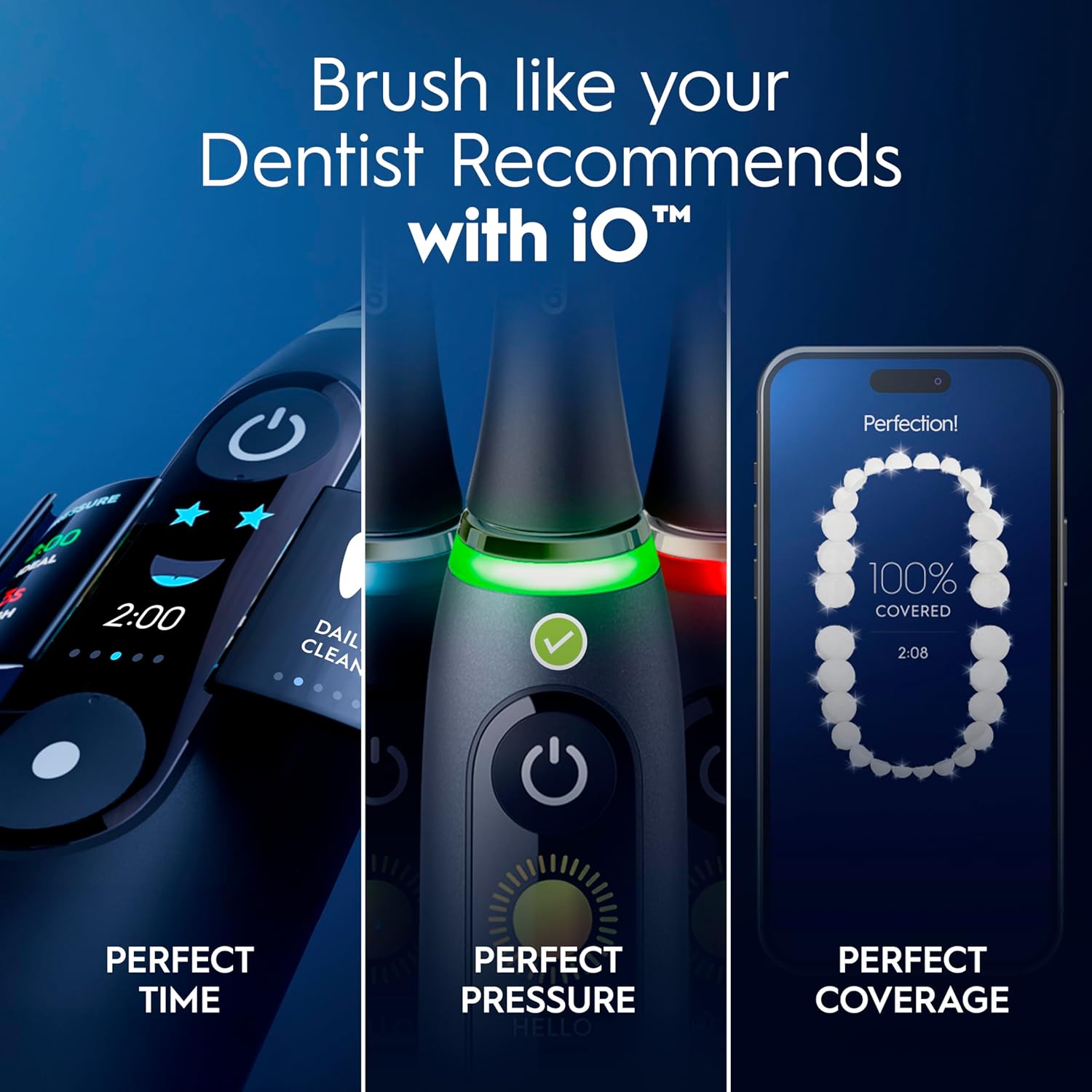
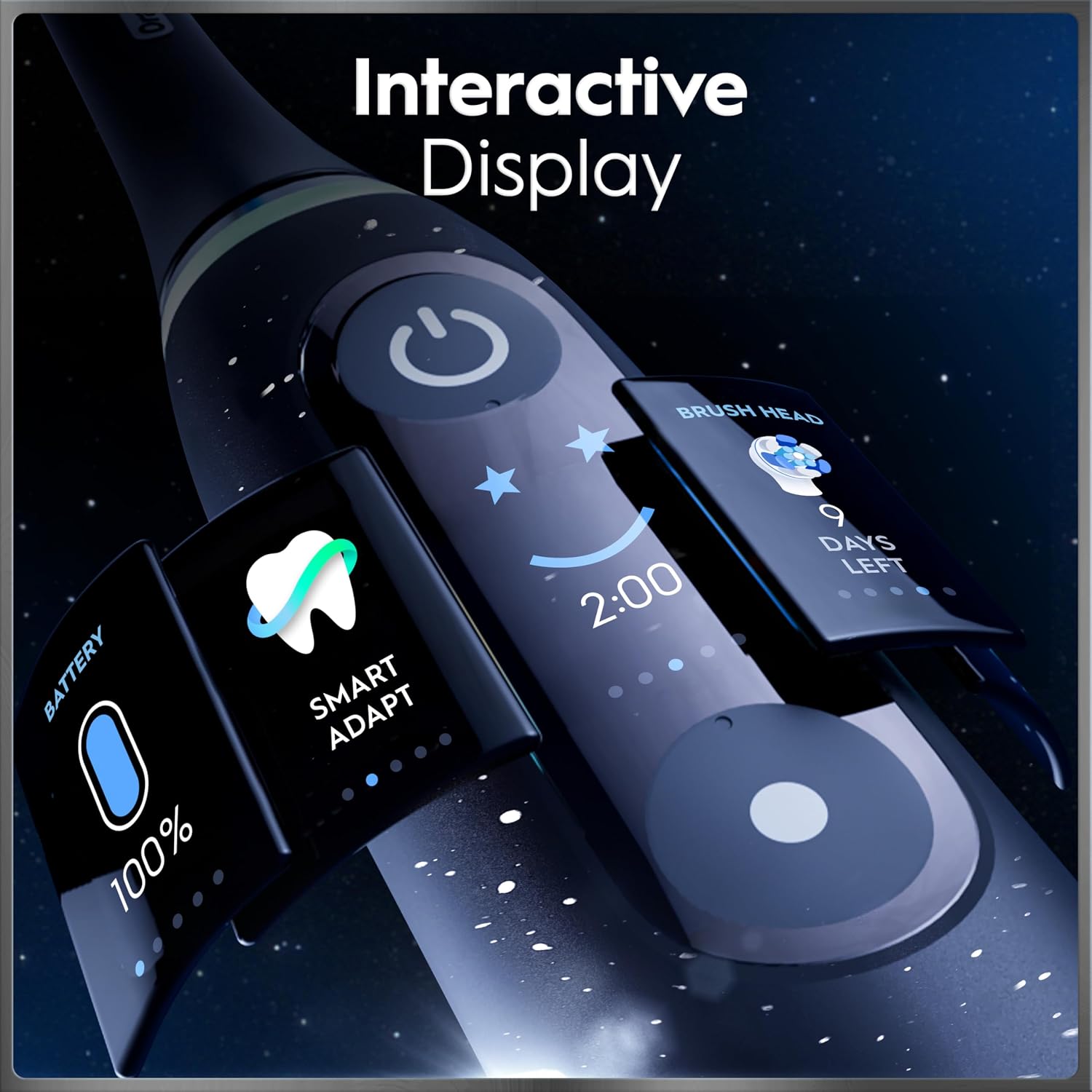
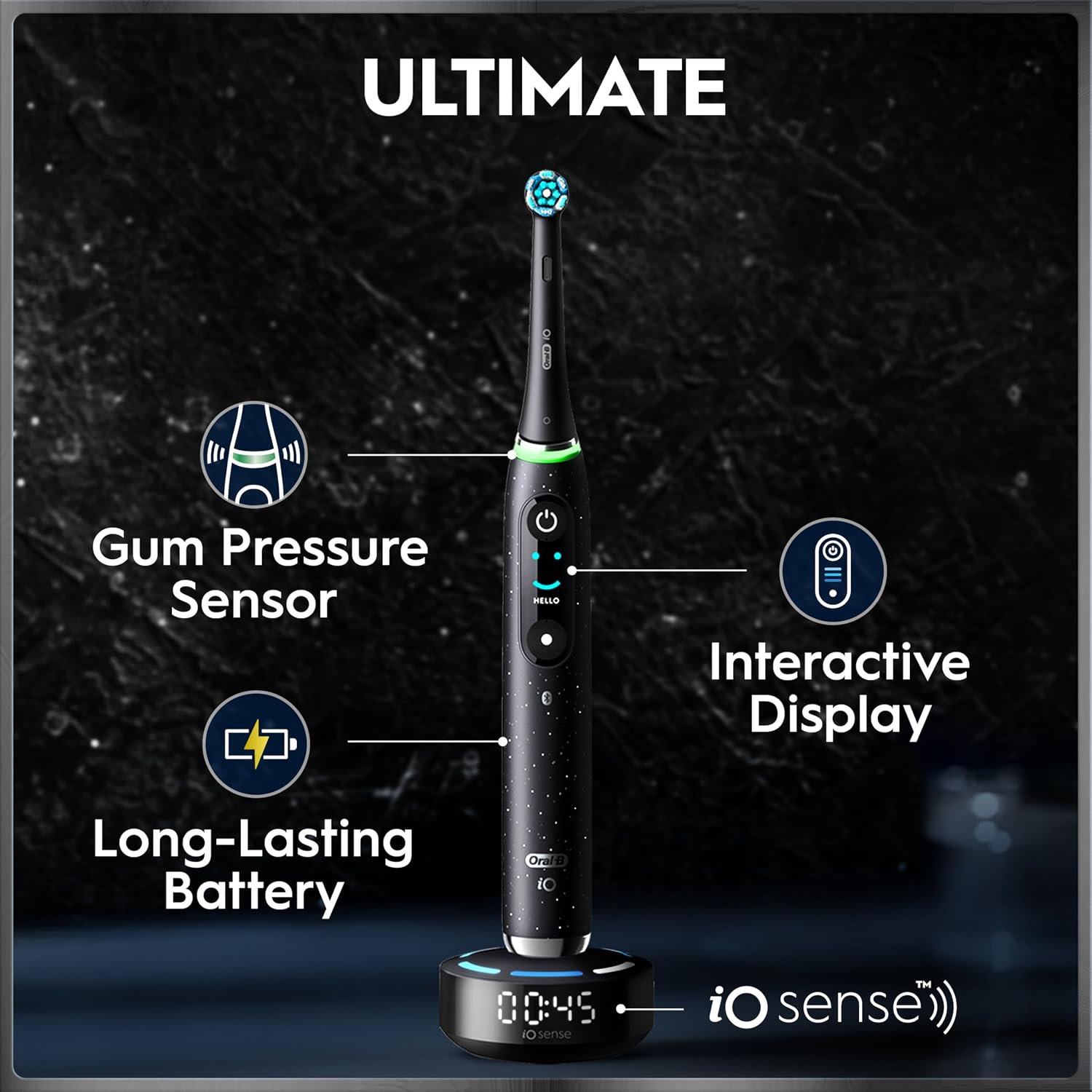
The Oral-B iO Series 9 features a built-in pressure sensor that lights up when brushing too hard, encouraging gentle technique. It displays a color screen that shows progress and performance through interactive updates, allowing users to track their brushing habits over time. The brush comes with a travel case, two replacement heads for deep cleaning, and one soft head for sensitive gums. With seven customizable modes—Smart Adapt, Daily Clean, Sensitive, Whitening, Gum Care, Intense, and Tongue Cleaning—it adapts to different needs throughout the day.
Technical Specifications
Brand + model: Oral-B iO Series 9
Battery life: Up to 30 days on a single charge
Brush head types: 3 included (2 for deep cleaning, 1 for sensitive gums)
Charging method: Magnetic charging via the iO Sense intelligent charger
Sensor technology: Pressure sensor with real-time feedback
Screen type: Color interactive display with visual updates
Brush head replacement: 2 replacement heads included
Benefits
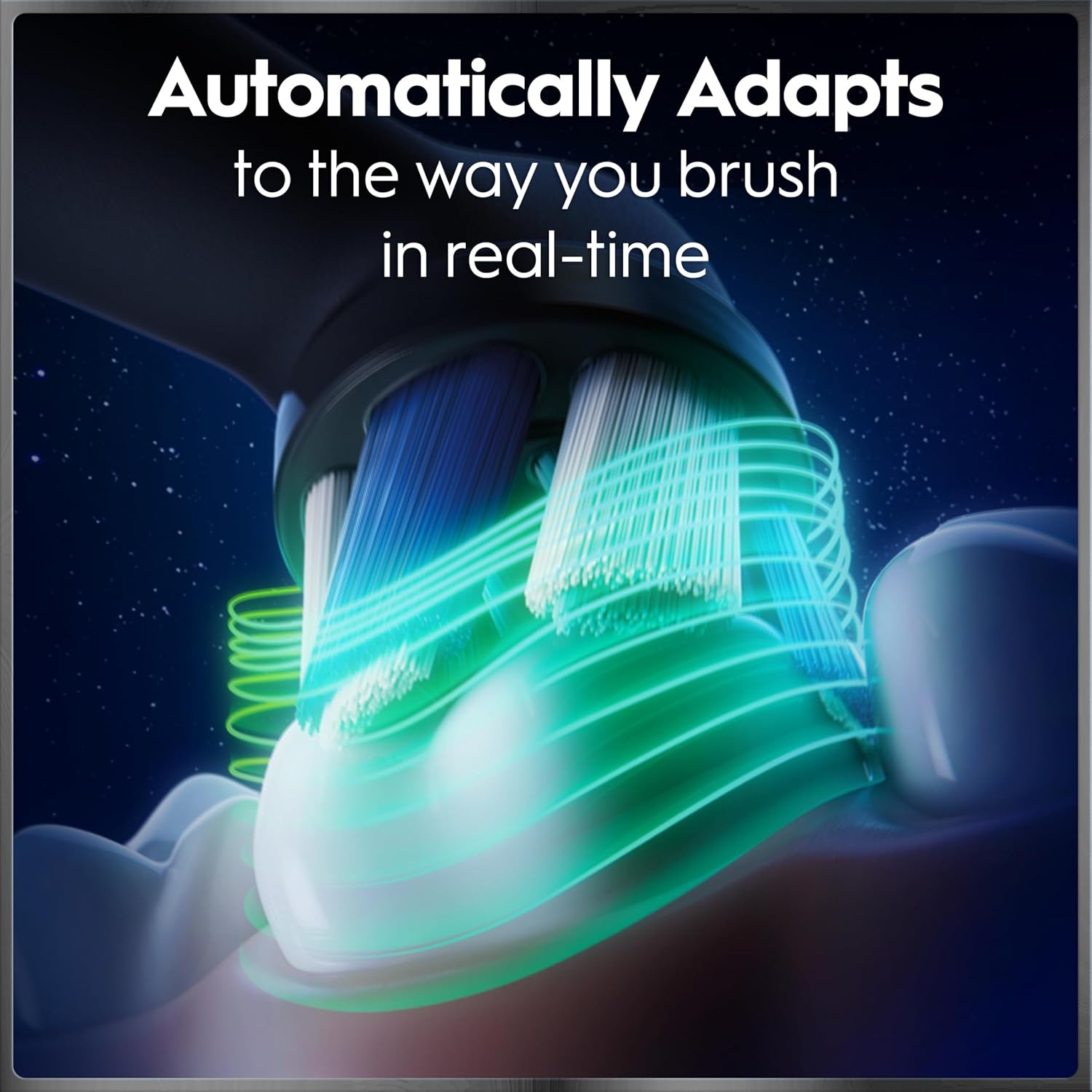
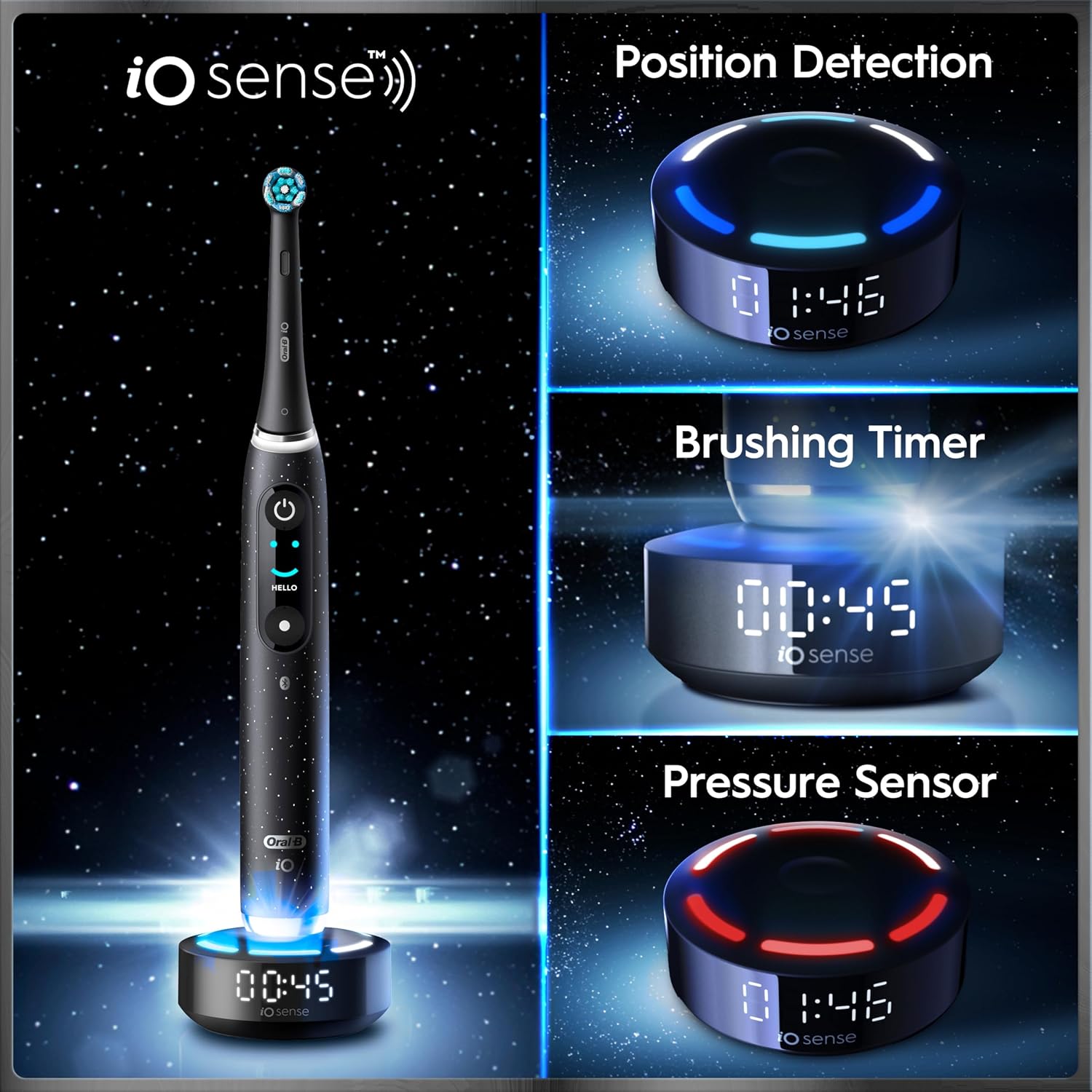
This toothbrush helps users build better brushing habits through guided training and immediate feedback. The intelligent modes adjust to your routine, making it easier to maintain consistent oral hygiene. The micro-vibrating bristles improve cleaning performance in hard-to-reach areas. The pressure sensor reduces risk of gum damage by alerting you when force is too high.
Usage Recommendations
For best results, use the brush twice daily—morning and night—after brushing, rinse the head under warm water and store it in the provided case. Replace the brush head every three months or when bristles show signs of wear. Charge the toothbrush fully before first use and use the iO Sense charger only for optimal performance. The screen updates during use, so it's best to keep the brush within a clear line of sight when operating.
A small limitation is that the brush does not support app connectivity, so all features operate independently. The color screen may not be visible in very low-light environments.