

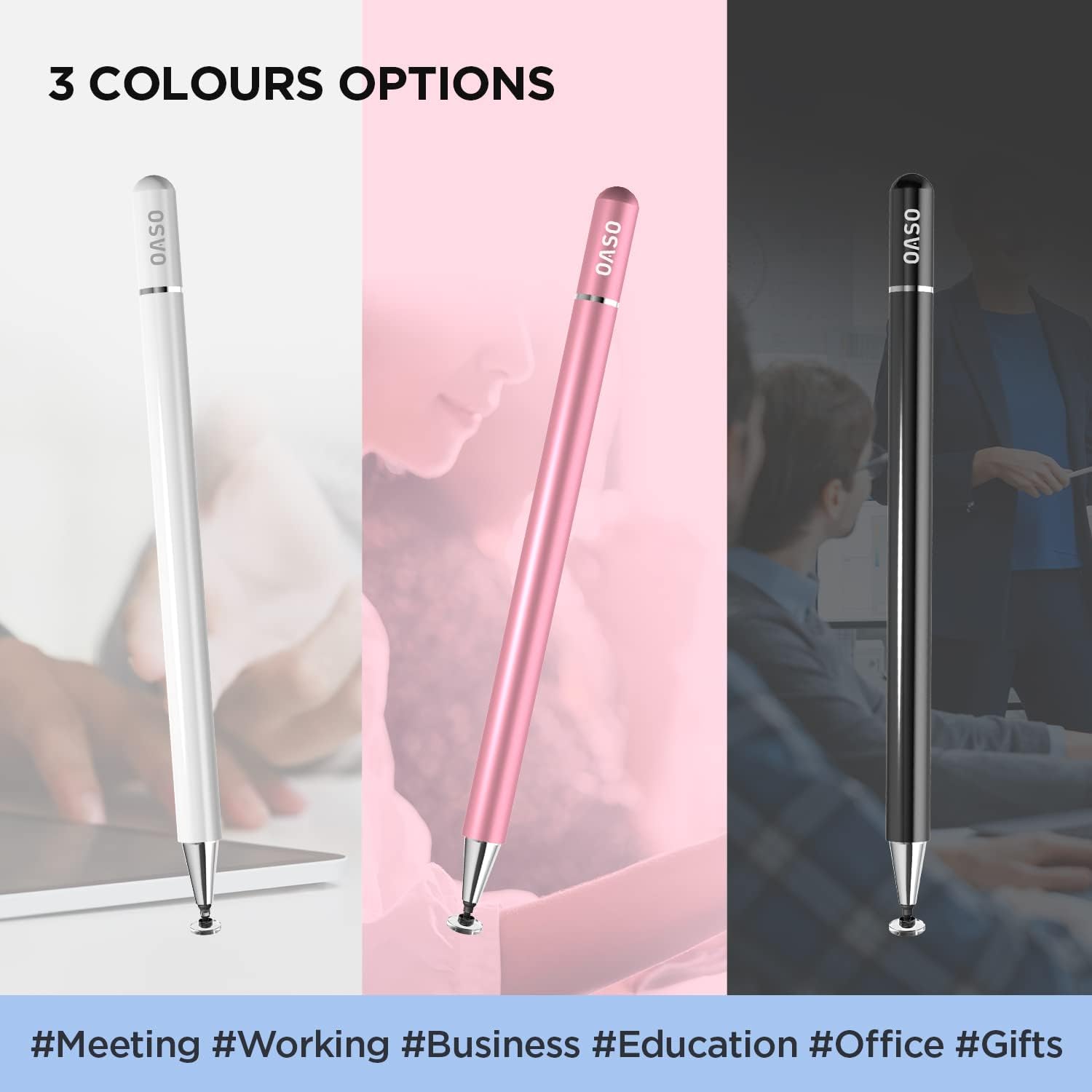
OASO Stylus Pen for Touch Screens
Product description
This slim stylus offers a natural pen-like feel for capacitive touch screens, combining a precise disc tip with a magnetic protective cap to make drawing, note-taking and navigation smoother and more controlled. It is battery-free and ready to use, making it convenient for quick sketches, annotations and everyday touchscreen tasks.
Key Points
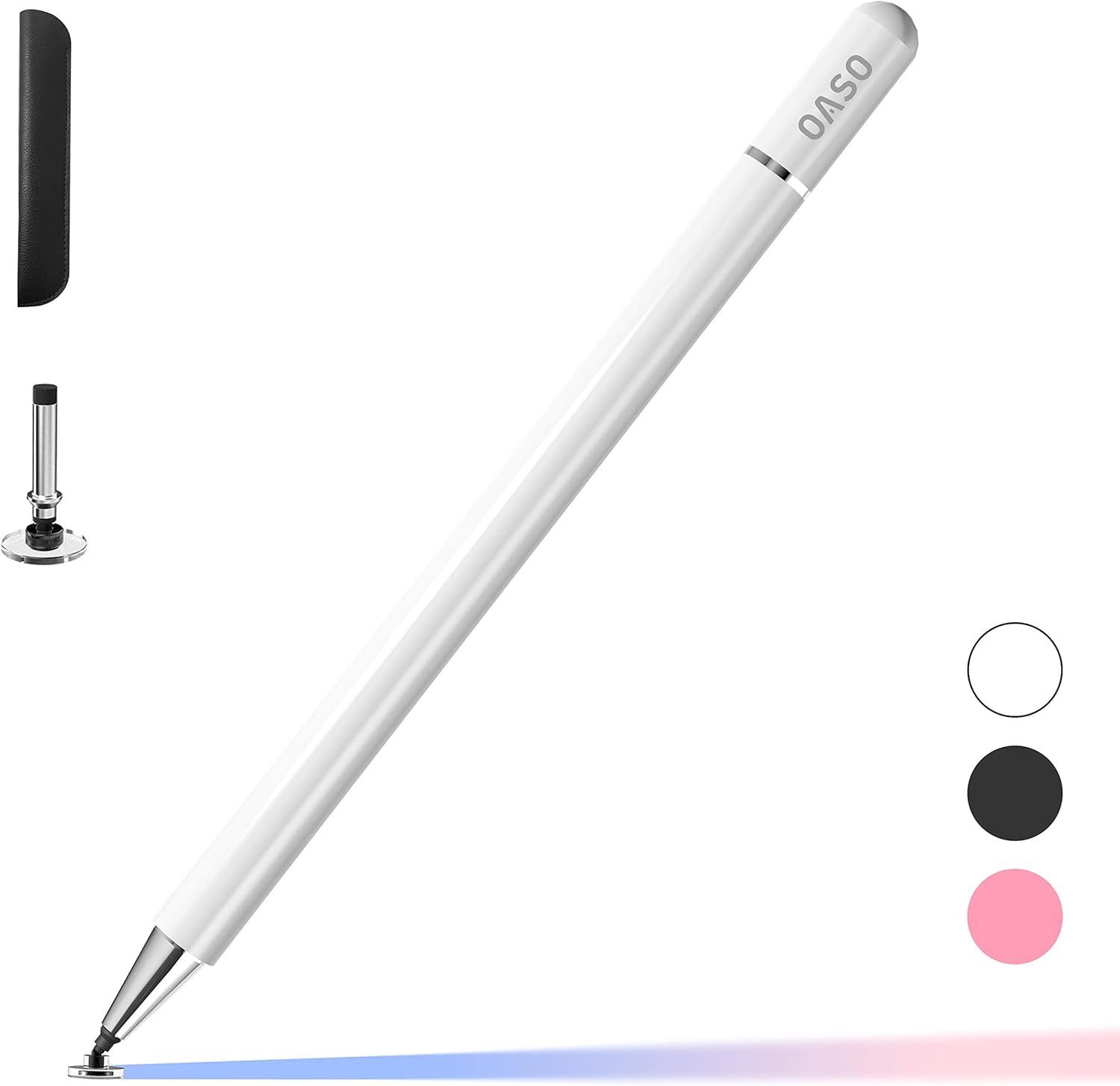
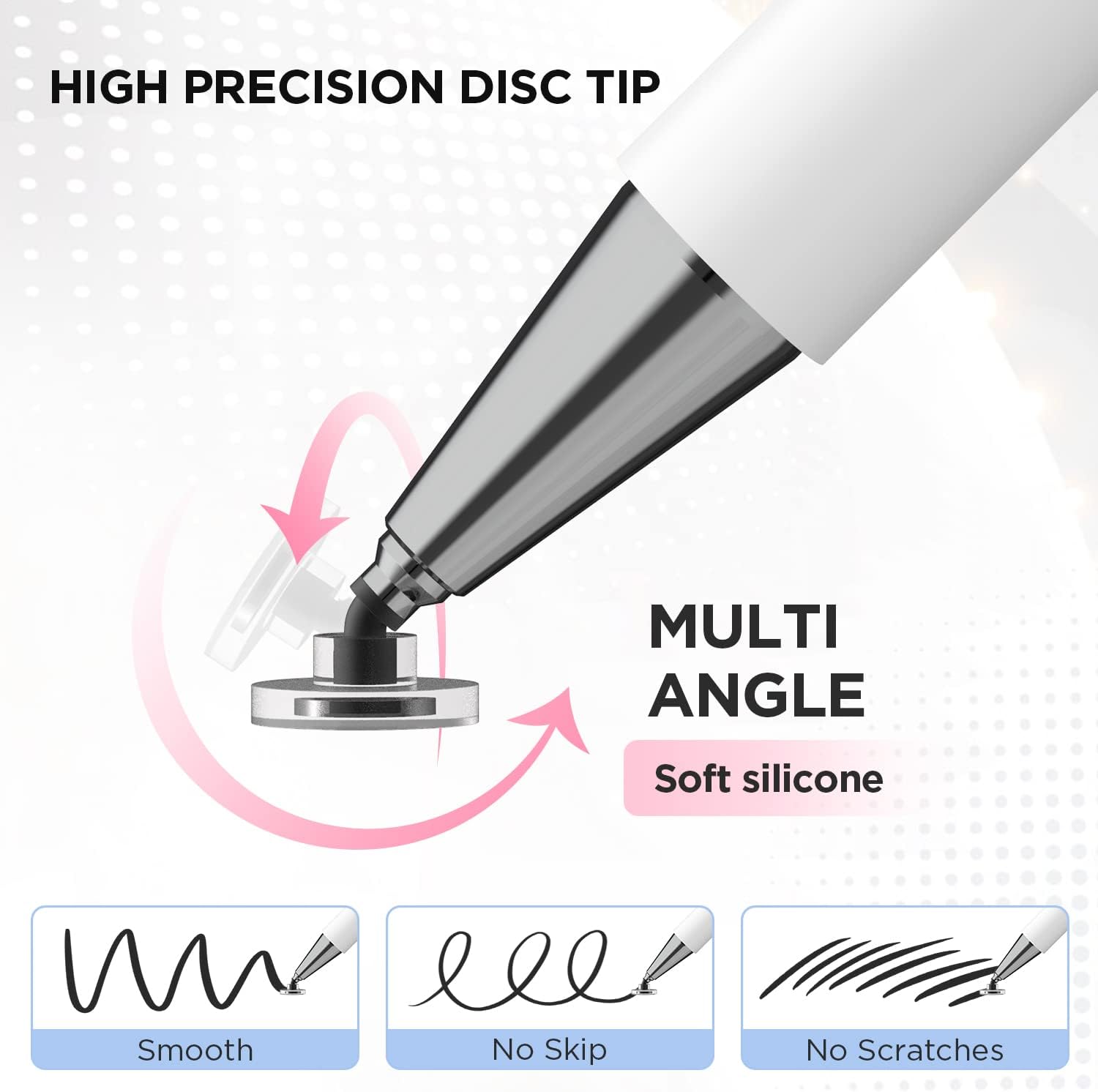
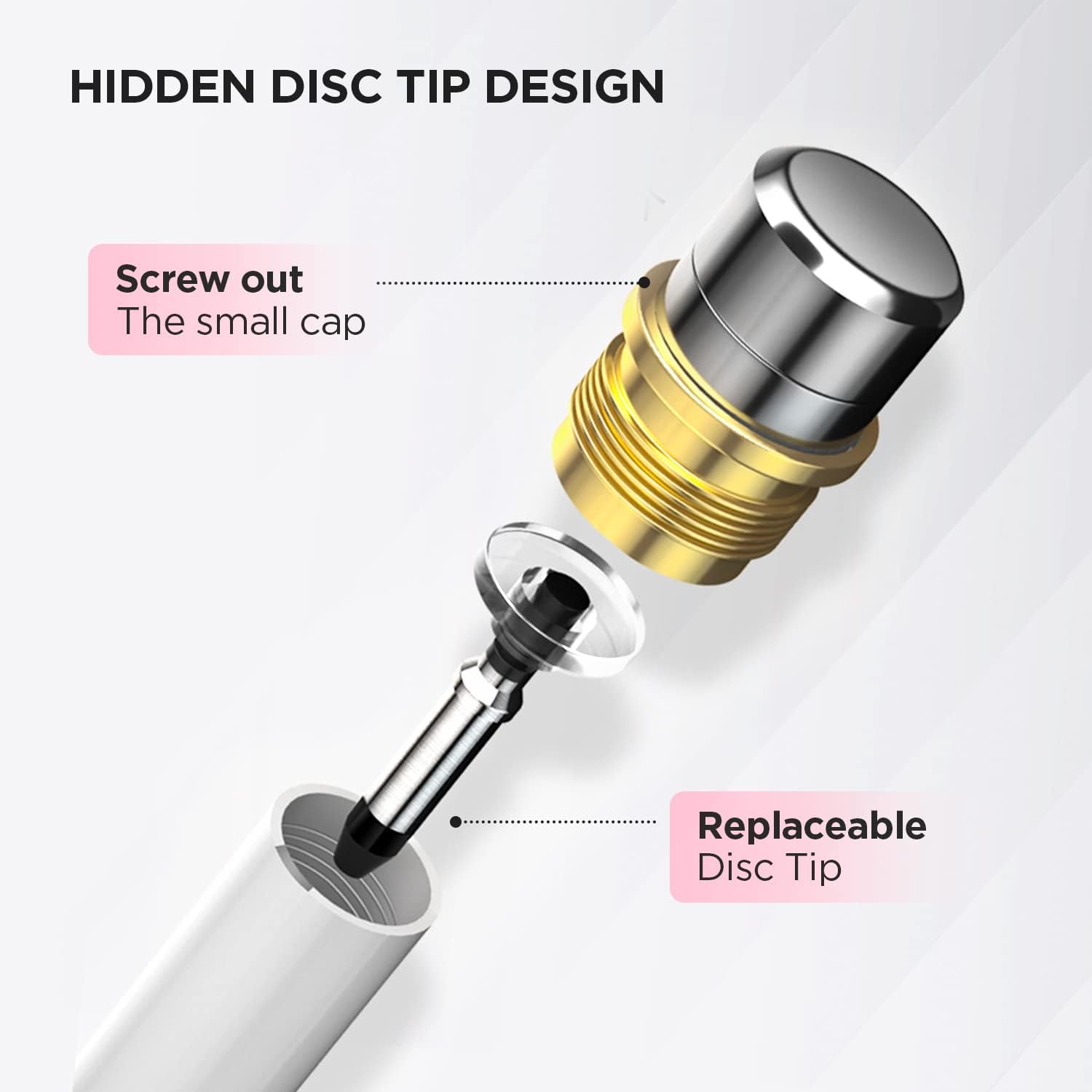
The stylus uses a transparent disc tip that mimics a fingertip while allowing finer control for handwriting and detailed drawing. The pen does not require batteries or pairing, so it works instantly on any device that responds to touch. A magnetic cap protects the disc tip when not in use, and an extra replacement disc is stored inside the barrel for on-the-go swaps. A small leather carrying case is included for transport and protection. ⚫️
Technical Specifications
- Name: OASO Stylus Pen for Touch Screens
- Tip type: - Disc tip for finer precision
- Power: - Battery-free, no pairing required
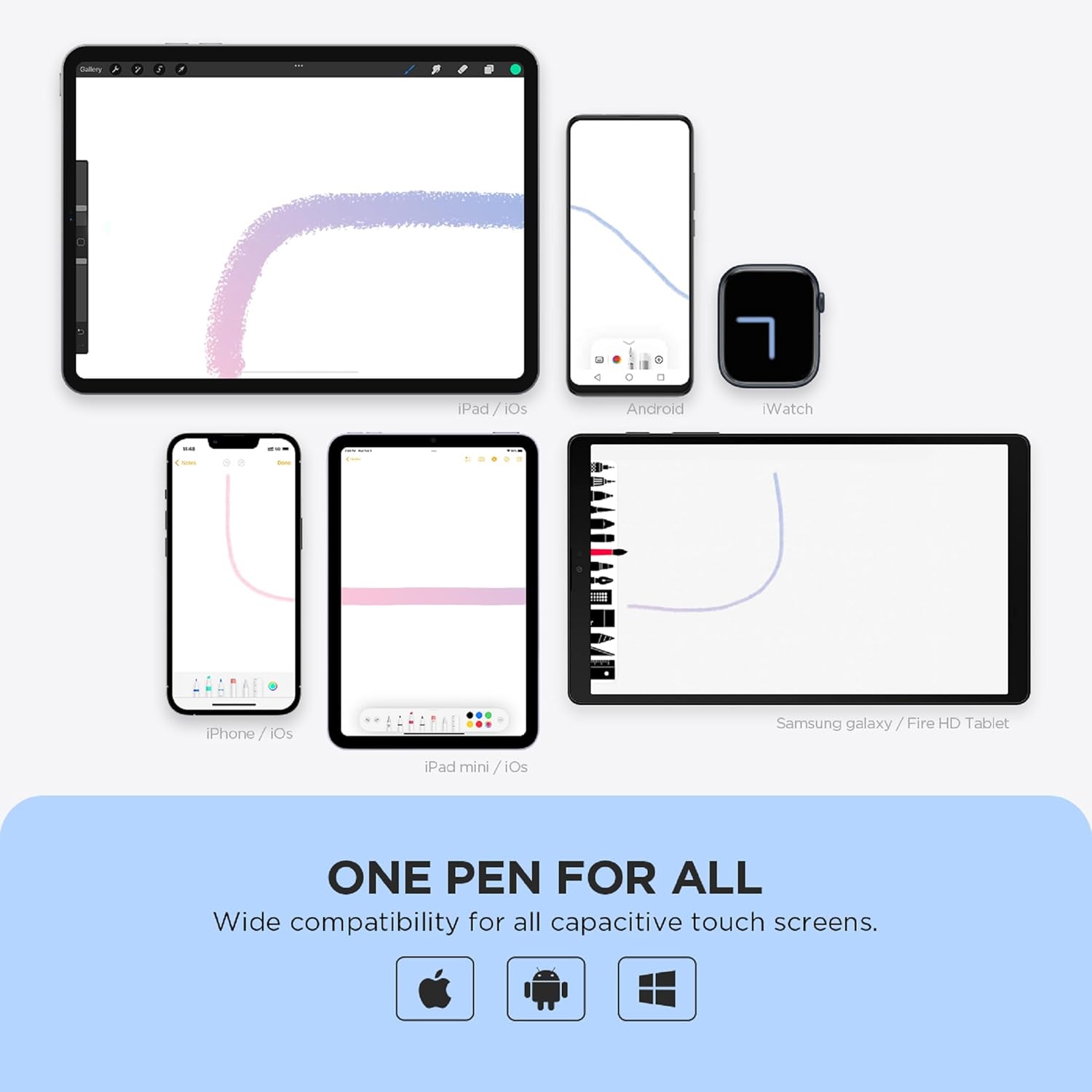
- Compatibility: - Works with capacitive touch devices including iPad Pro, iPad 6/7/8/9, iPhone, Samsung Galaxy Tab A7/S7, Fire HD tablets and other touch devices
- Accessories: - Magnetic cap, spare disc tip inside pen, leather carrying case
Usage Recommendations
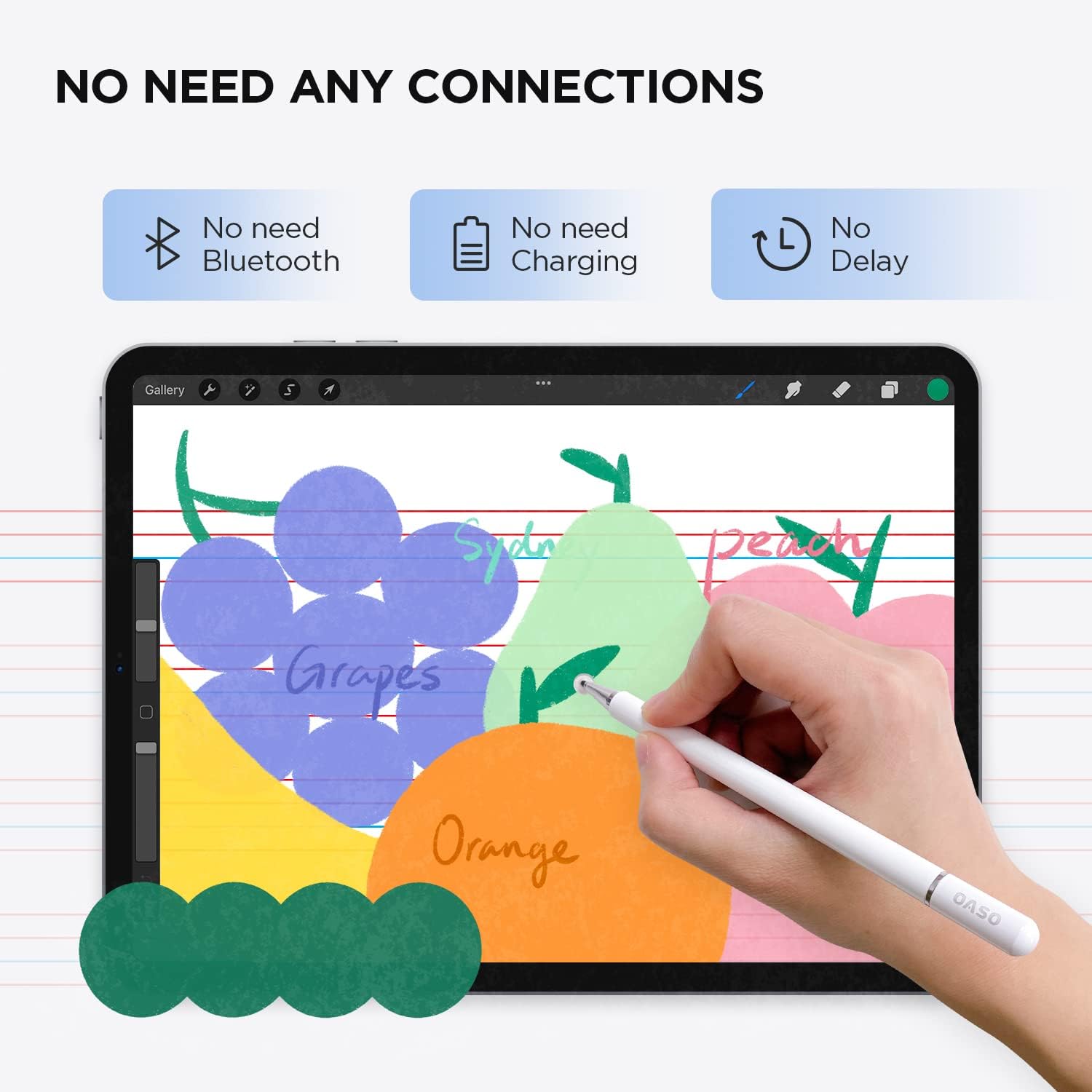
Use the stylus for note-taking apps, drawing programs and precise selection tasks where fingertips feel too blunt. For better stroke control place the disc flat against the screen and write with a light, steady pressure. The pen is convenient for classroom notes, quick edits on photos and marking up documents on tablets during meetings. 🎨
Practical Tips
Keep the magnetic cap closed when storing the stylus to avoid dust or damage to the disc tip. If the included spare disc is needed, unscrew the pen end and replace carefully to maintain responsiveness. Consider cleaning the disc gently if it collects oil or debris, according to your device manufacturer’s screen care instructions. 🔧