

NZXT Kraken Plus 280 CPU liquid cooler
Product description
If you run demanding CPU workloads, the right cooling setup can make a noticeable difference in stability and everyday performance. The NZXT Kraken Plus 280 AIO liquid cooler pairs a 280mm radiator with a bright square LCD so you can keep temperatures in check while also customizing what you see. With support for modern AMD and Intel sockets, it’s built to fit common high-end builds and help you reduce noise during lighter moments ✅.
Key features
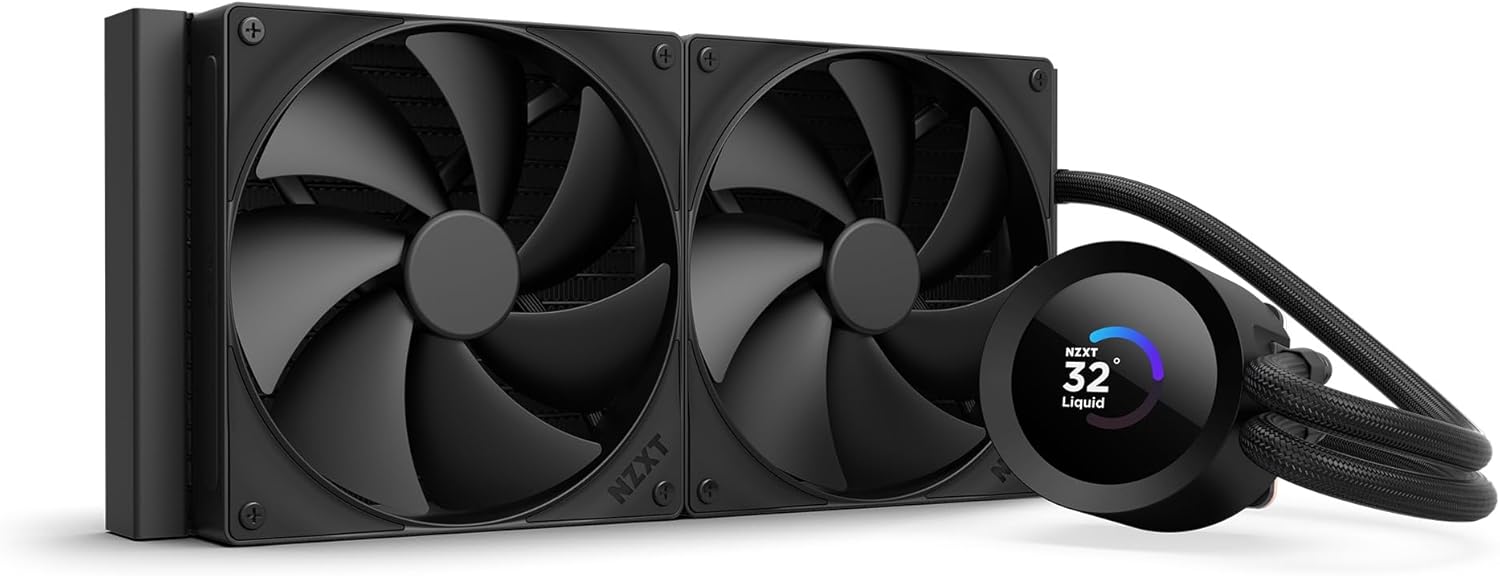
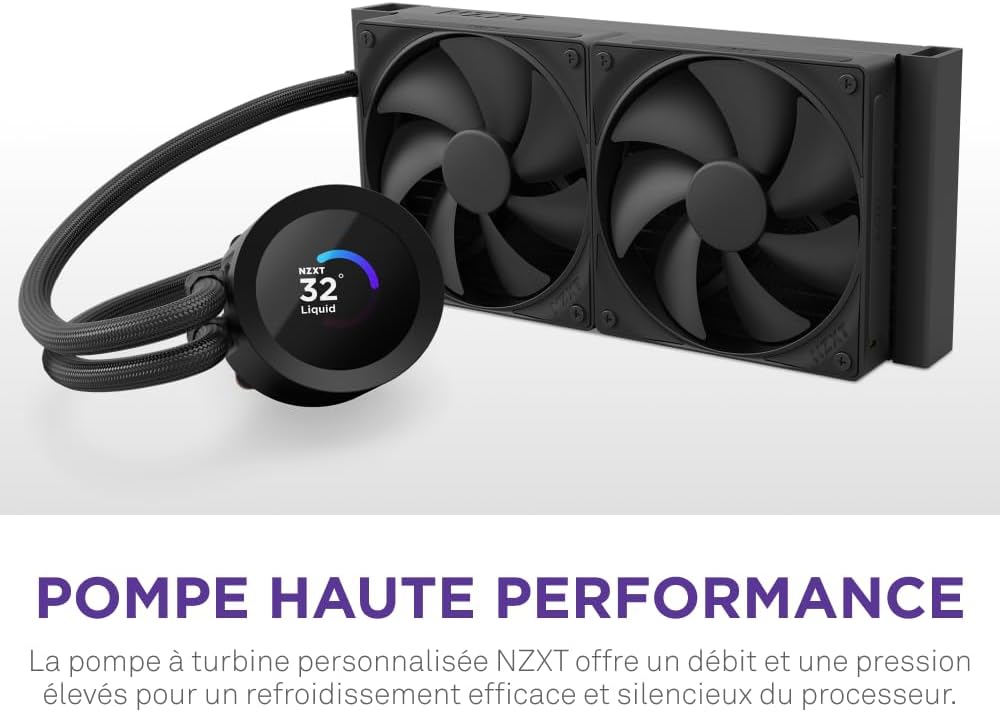
This AIO CPU liquid cooler is designed around efficient heat removal. According to NZXT, the Turbine pump is engineered for high flow and head pressure, helping deliver effective cooling even when your CPU is under heavy workloads. That matters when you want your system to stay responsive during long gaming sessions, content creation, or other sustained tasks.
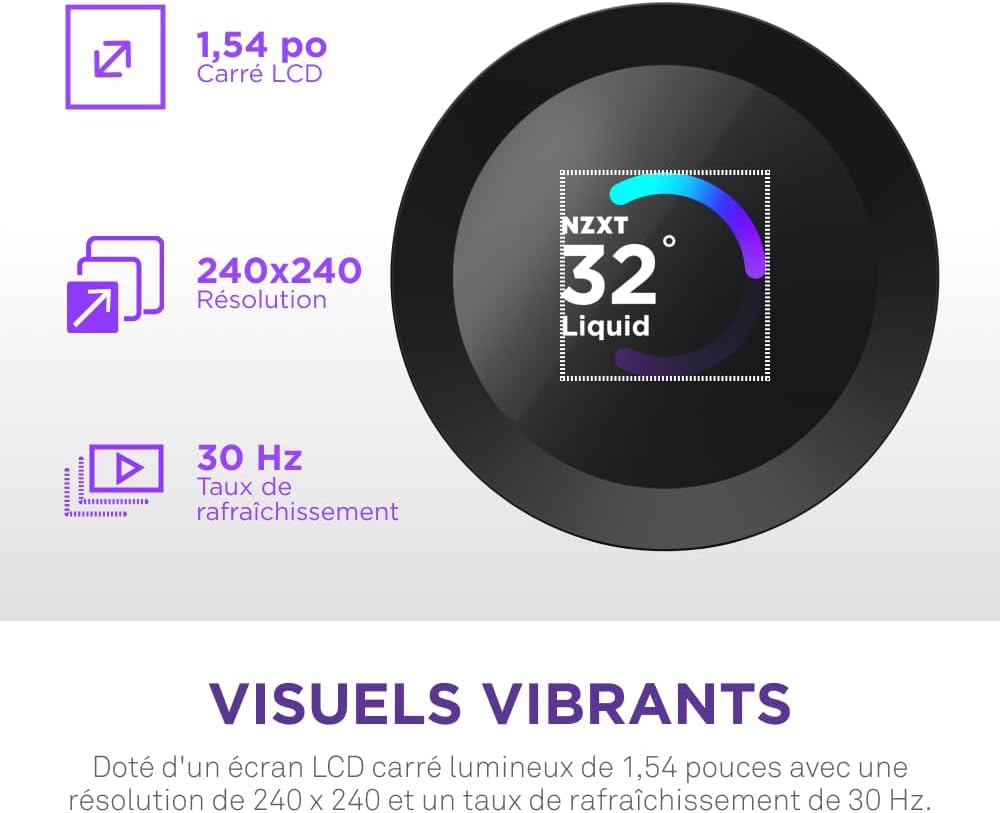
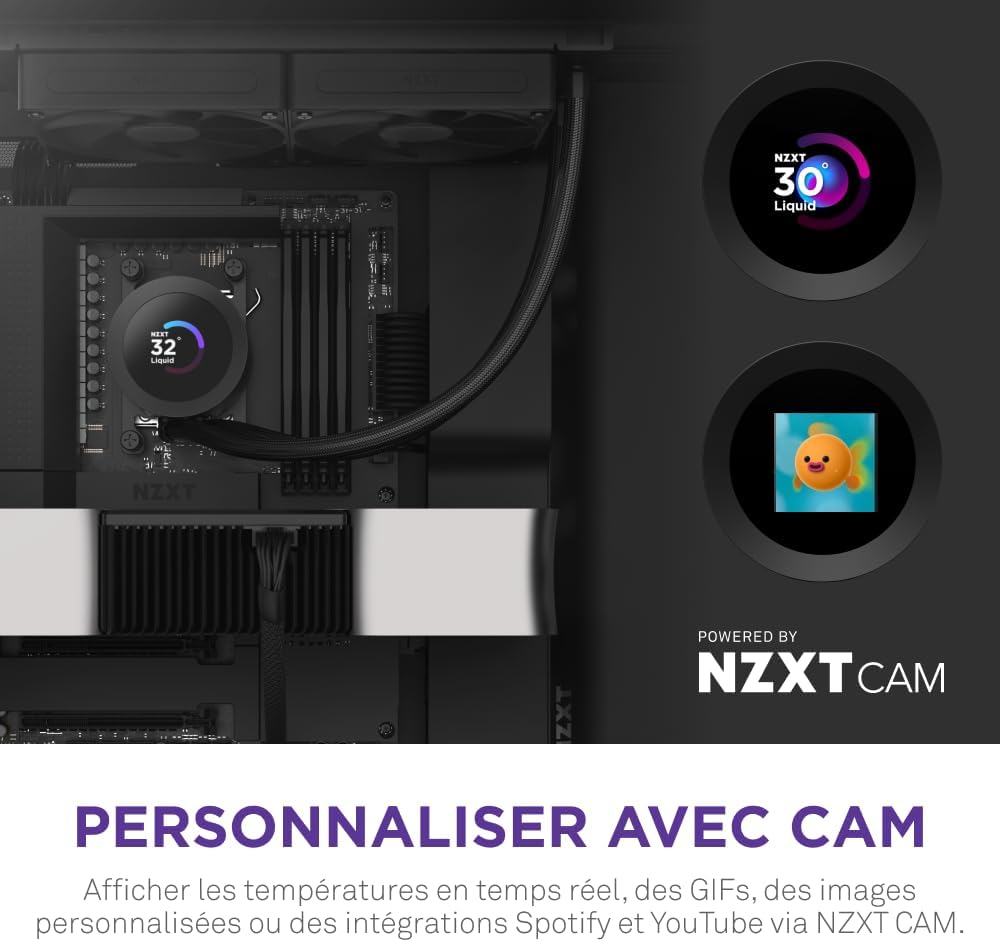
A standout experience is the customizable LCD screen. You can display real-time system temps, animated GIFs, custom images, or integrate web content such as Spotify and YouTube through NZXT CAM. The screen is described as a bright 1.54 inch square LCD, and because it’s fully customizable through NZXT CAM software, you can tailor it to match your build and preferences.
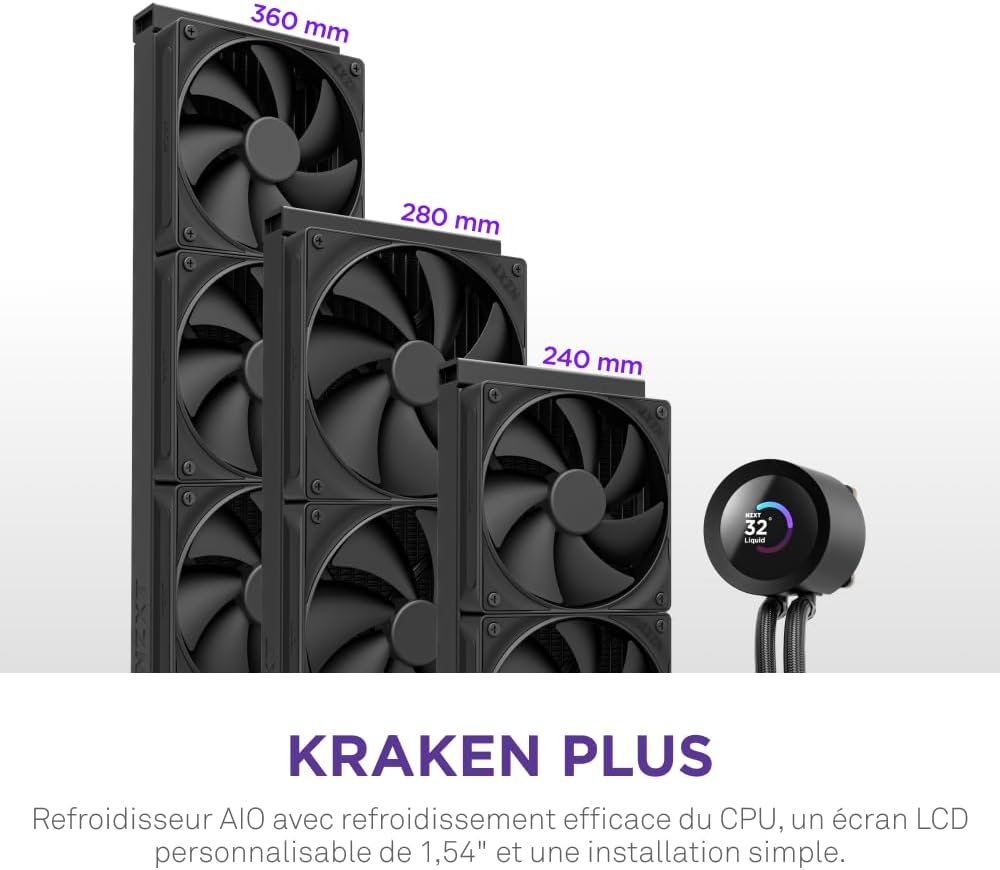
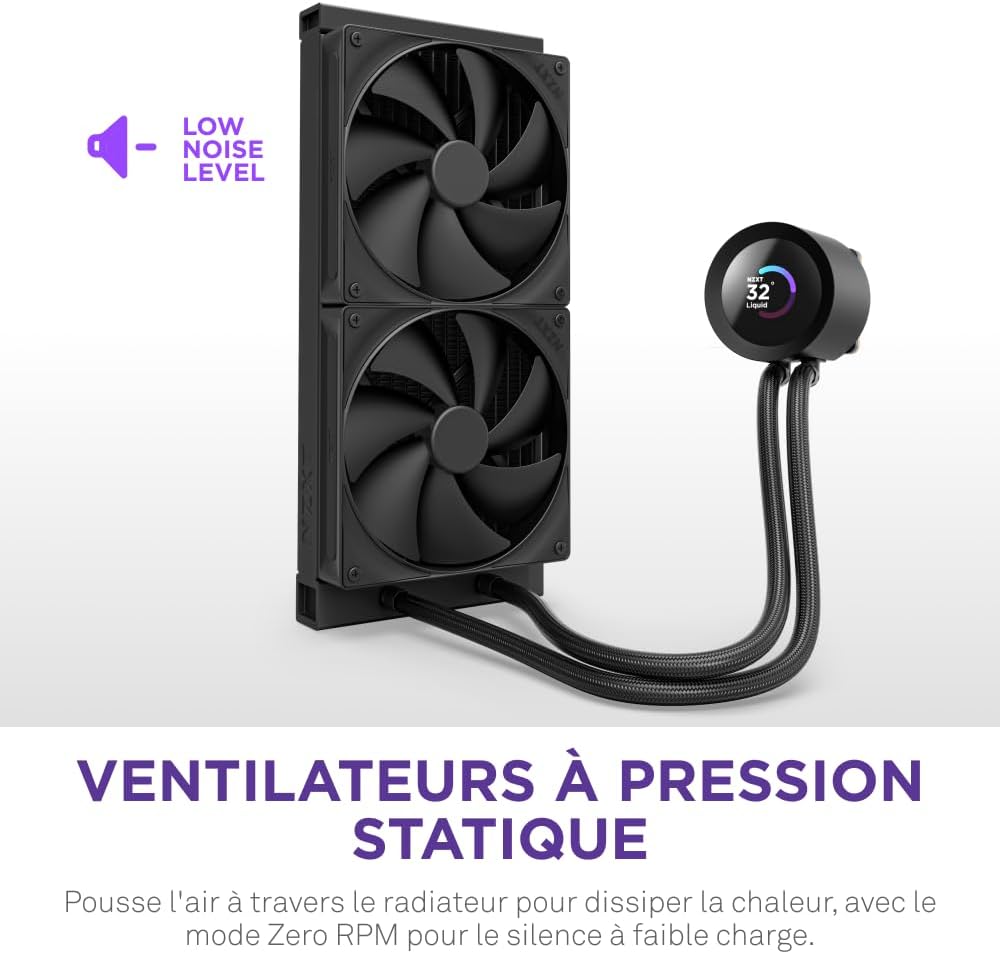
Cooling performance also comes from the airflow strategy. The Kraken Plus 280 includes high-static pressure fans that help push air through the radiator for heat dissipation. For quieter operation, NZXT includes Zero RPM Mode, which stops the fans completely at low loads so the system stays calm when full cooling output is not required.
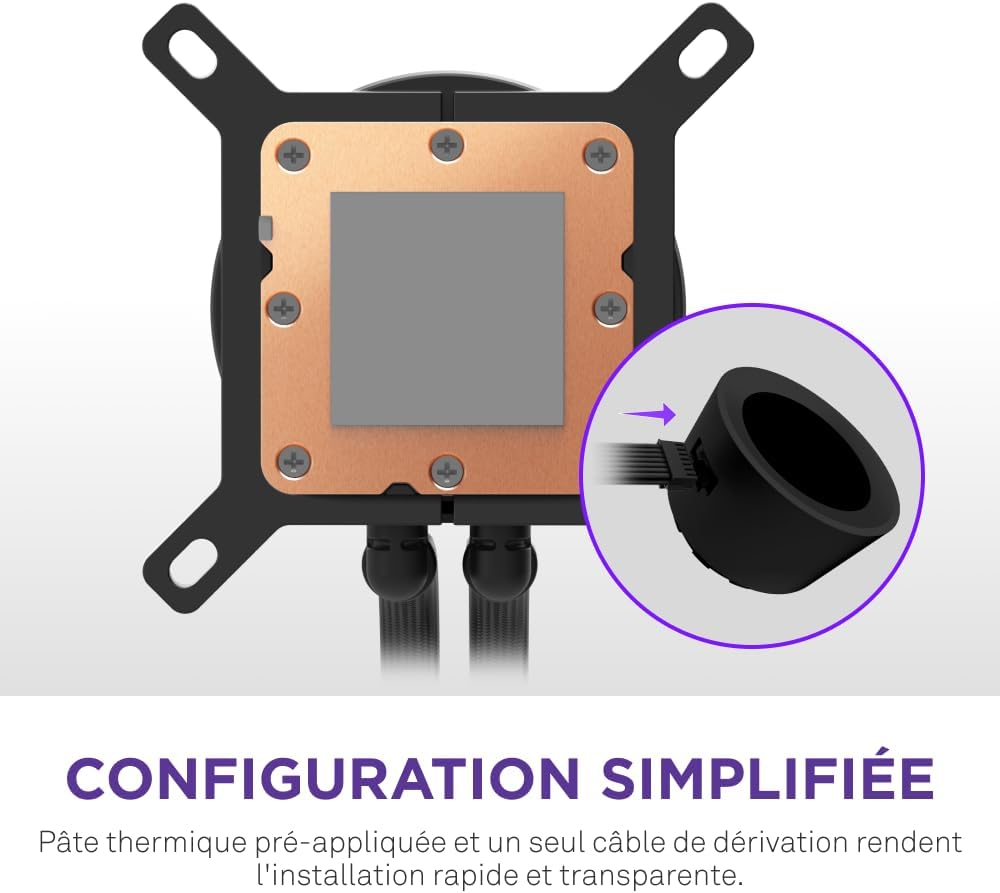
Installation is kept straightforward. The package includes pre-applied thermal paste and a single breakout cable from the pump cap, which helps speed up setup and reduce cable clutter inside your PC case. It’s also built for convenience with tool-free mounting brackets, making it easier to get from unboxing to a working cooler.
It also emphasizes broad compatibility. The included brackets support the latest AMD and Intel CPU sockets, including AM5 and LGA 1851, plus additional supported Intel generations such as 1700 and 1200, and AMD support for AM4.
Worth noting that compatibility depends on having the correct mounting brackets for your exact motherboard socket. Before you buy, verify your CPU socket type so the included hardware matches your build.
Tech specs
- Type: AIO CPU liquid cooler
- Radiator size: 280mm
- Fan configuration: 2 x F140P fans
- LCD display: customizable 1.54 inch square LCD
- Pump design: NZXT Turbine pump for high flow and head pressure
- Noise mode: Zero RPM Mode stops fans at low loads
- CPU socket compatibility: AMD AM5 and AM4, Intel LGA 1851, LGA 1700, and 1200 and 115X
What stands out
You’re getting a cooling solution that focuses on both performance and personalization. The combination of the Turbine pump design and the radiator airflow strategy is meant to keep temperatures controlled during heavy workloads, while Zero RPM Mode helps reduce noise when your CPU is not under major stress 🔧.
The LCD adds a practical quality-of-life feature for many builders. Real-time system temps help you keep an eye on how your PC is behaving, and the ability to show custom images, animated GIFs, or web integrations makes it easy to make the build feel uniquely yours. Since the screen is fully customizable through NZXT CAM software, you can update what you display over time as your preferences change.
How to use it
Start by powering down your PC and preparing your case so you can route cables cleanly. Because this cooler includes a single breakout cable from the pump cap and pre-applied thermal paste, setup typically involves mounting the bracket for your socket, attaching the cooler, and connecting the required headers. Take a moment to plan fan orientation around the radiator area so airflow supports efficient heat transfer.
If you want the quietest day-to-day behavior, make sure your fan and pump settings are configured in NZXT CAM. Zero RPM Mode is intended to stop the fans completely at low loads, which can reduce background noise during web browsing, light gaming, or idle time. Then use NZXT CAM to set your LCD layout and choose whether you want temps, animations, or integrations running on the screen.
If you prioritize calm operation and clear monitoring, it makes sense if you want both cooling control and a customizable display. It’s also a solid pick if your build uses an AMD AM5 or AM4 socket, or an Intel LGA 1851, LGA 1700, 1200, or 115X socket.