

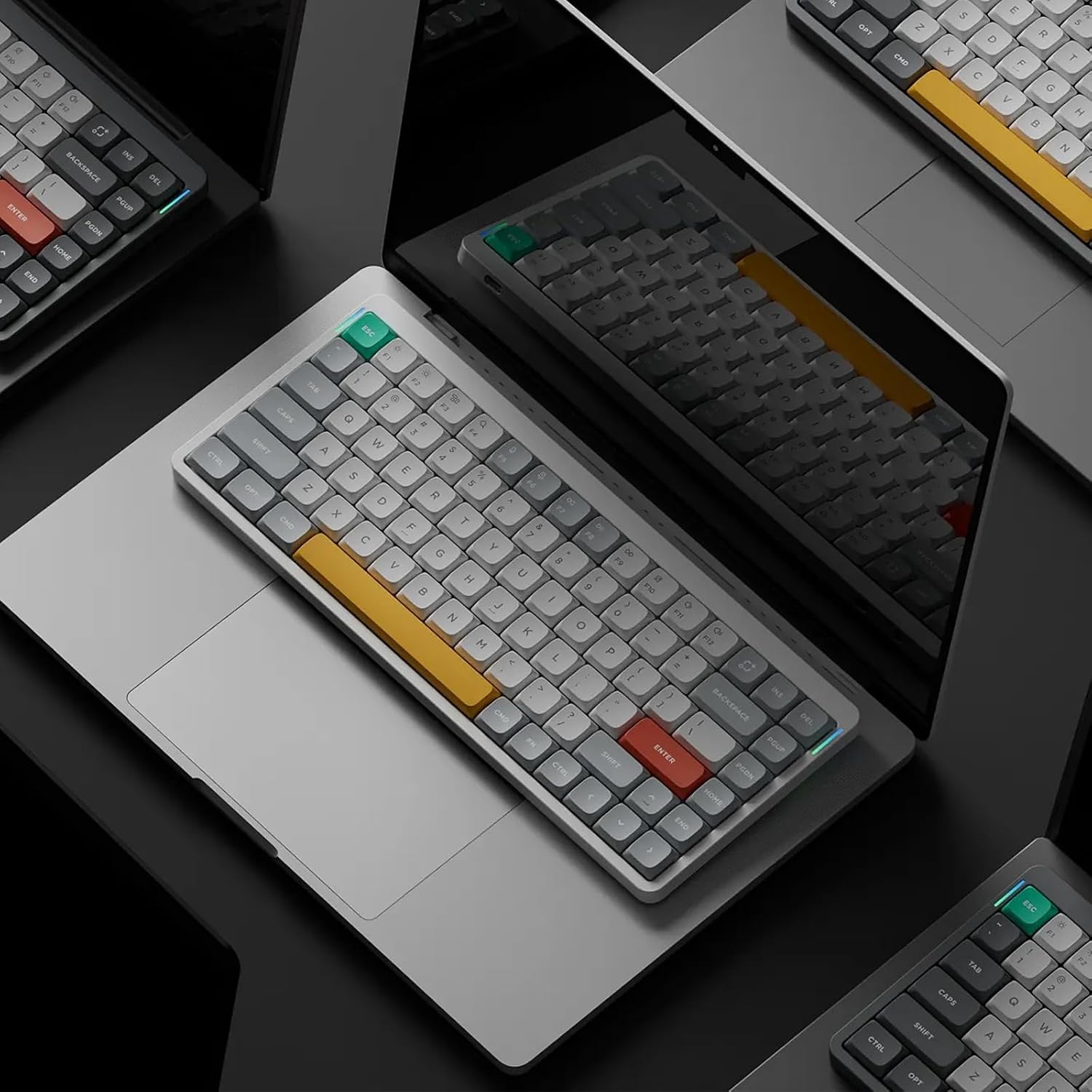
nuphy Air75 V2 Portable 75% Mechanical Keyboard
Reviews
Product description
Overview
The nuphy Air75 V2 is a compact wireless mechanical keyboard designed for multi-device setups and on-the-go productivity. With a 75% layout housed in a sturdy aluminum frame and a translucent bottom shell, it blends a clean aesthetic with visible internal structure. Two height stands are included to raise the typing angle for comfort during long sessions.
What it is and what it solves
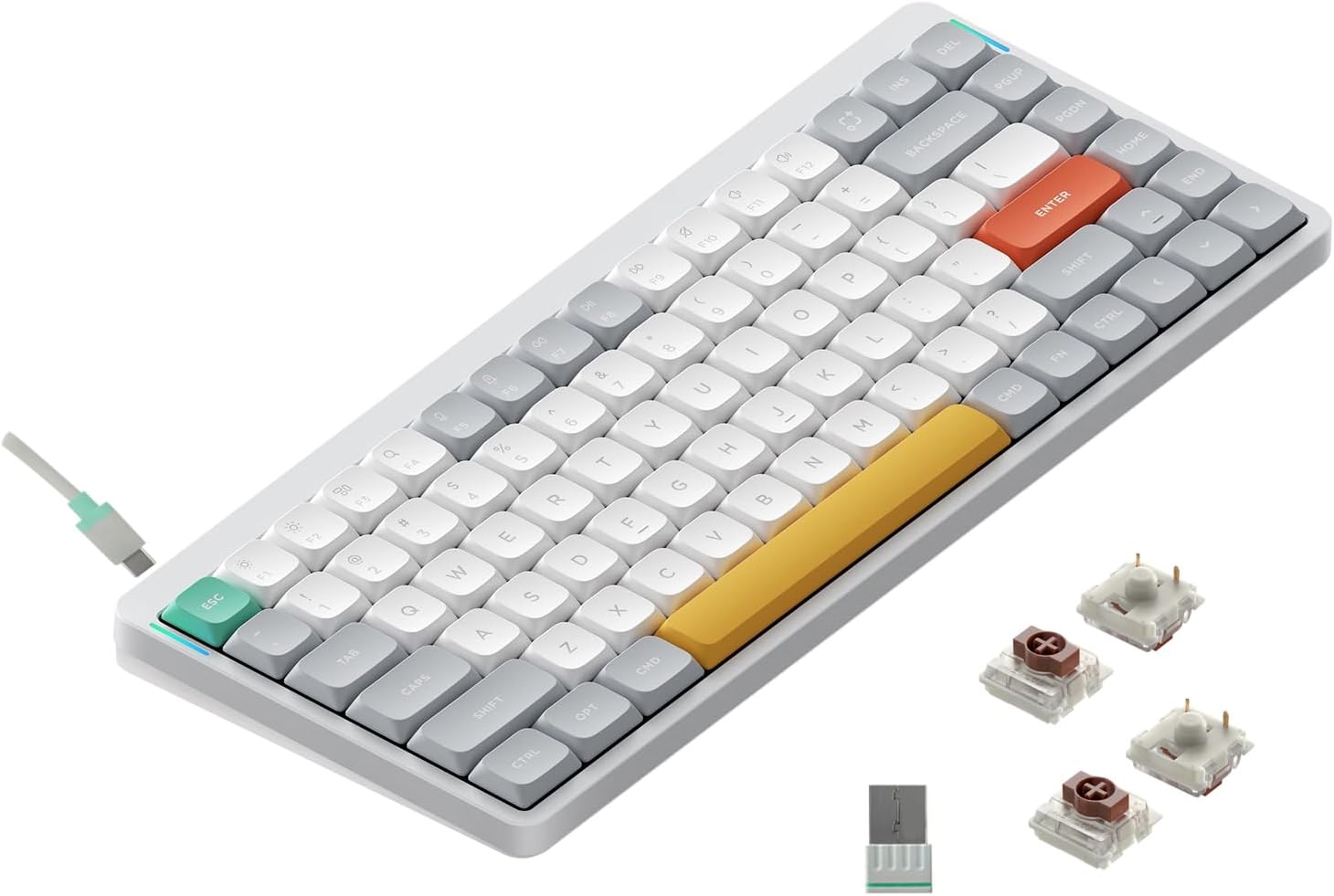
This keyboard targets users who want a smaller footprint without sacrificing connectivity or customization. It supports Bluetooth 5.1, 2.4G wireless, and USB-C wired modes, enabling quick switching across up to four devices. That makes it a strong candidate for mixed environments—home, work, and travel—where one keyboard can serve a Windows, Mac, Linux, Android, or iOS setup.
Design and build quality
On the surface, Air75 V2 leans into a premium feel with an aluminum frame and a translucent bottom that showcases the internal layout. The addition of two height stands improves ergonomics, particularly if you type for extended periods. The keycaps are PBT, which typically offers a comfortable texture and better longevity, though the legends on the keycaps aren’t backlit.
Lighting and visuals
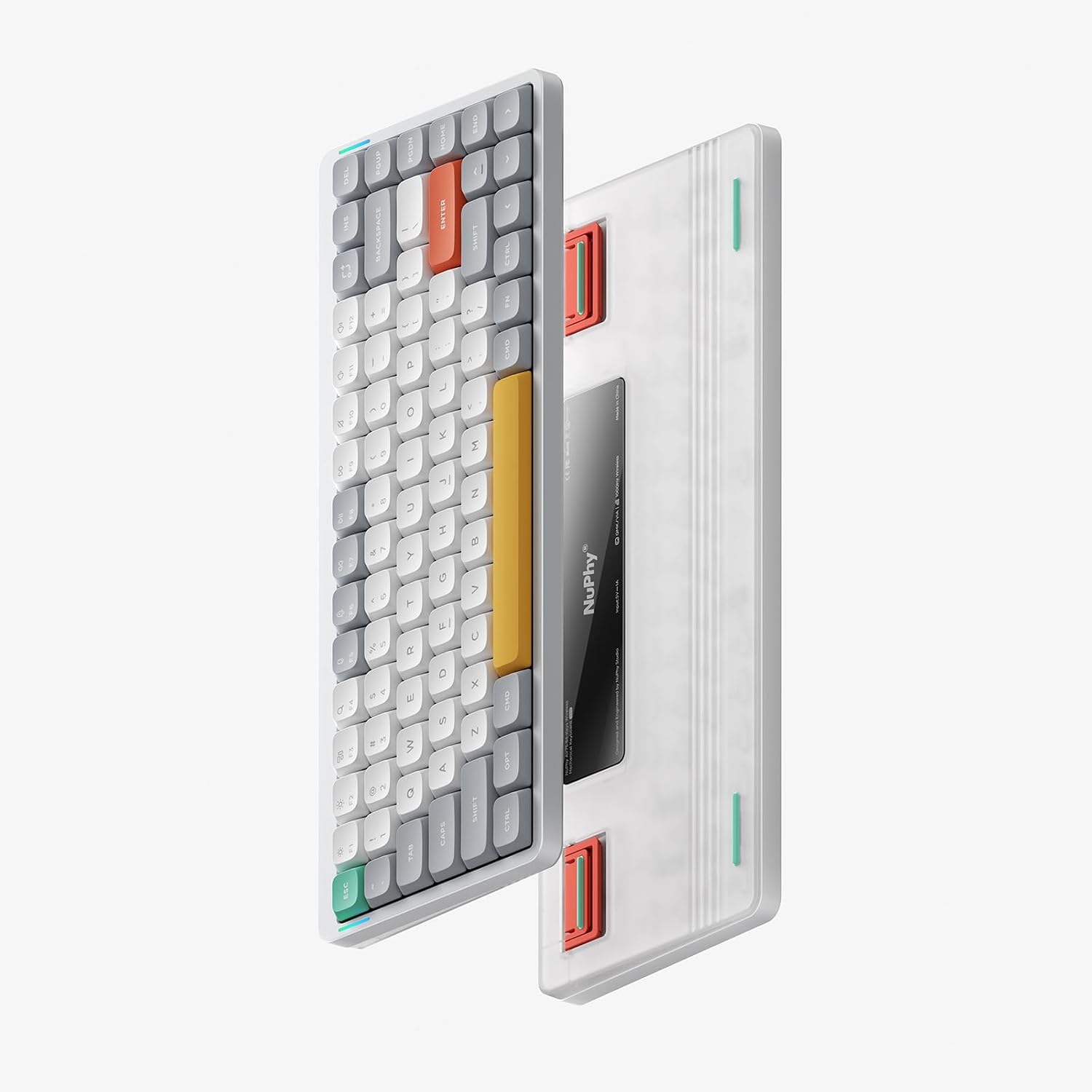
RGB lighting is a standout, with over 21 effects and two side RGB light bars that convey status at a glance (caps lock, connection mode, battery level, and system mode). While the main keycaps aren’t backlit, you get a lively lighting experience that’s easy to customize through the firmware. If you prefer a distraction-free desk, there’s a practical trade-off between vivid backlighting and readability of legends in dim conditions.
Connectivity and software
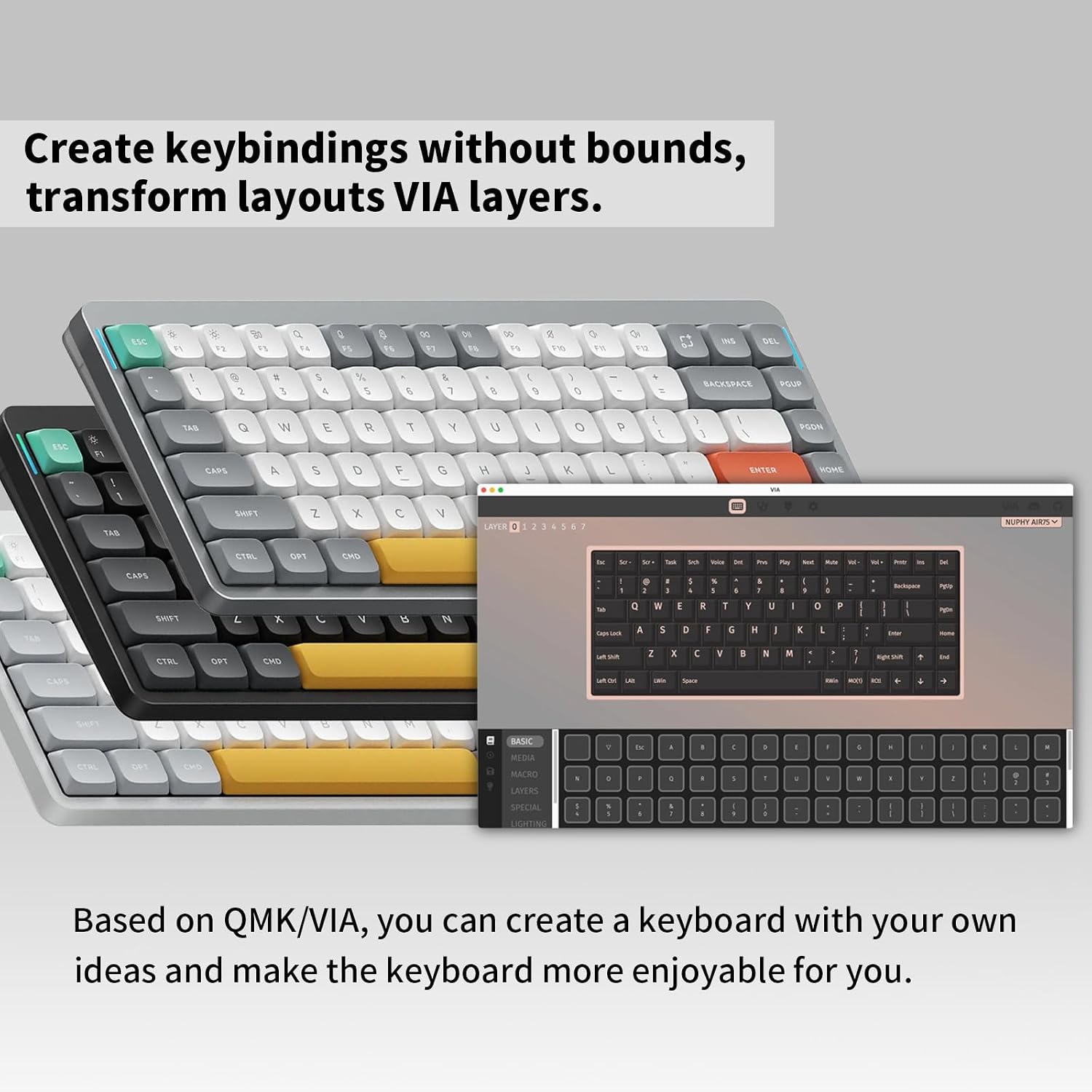
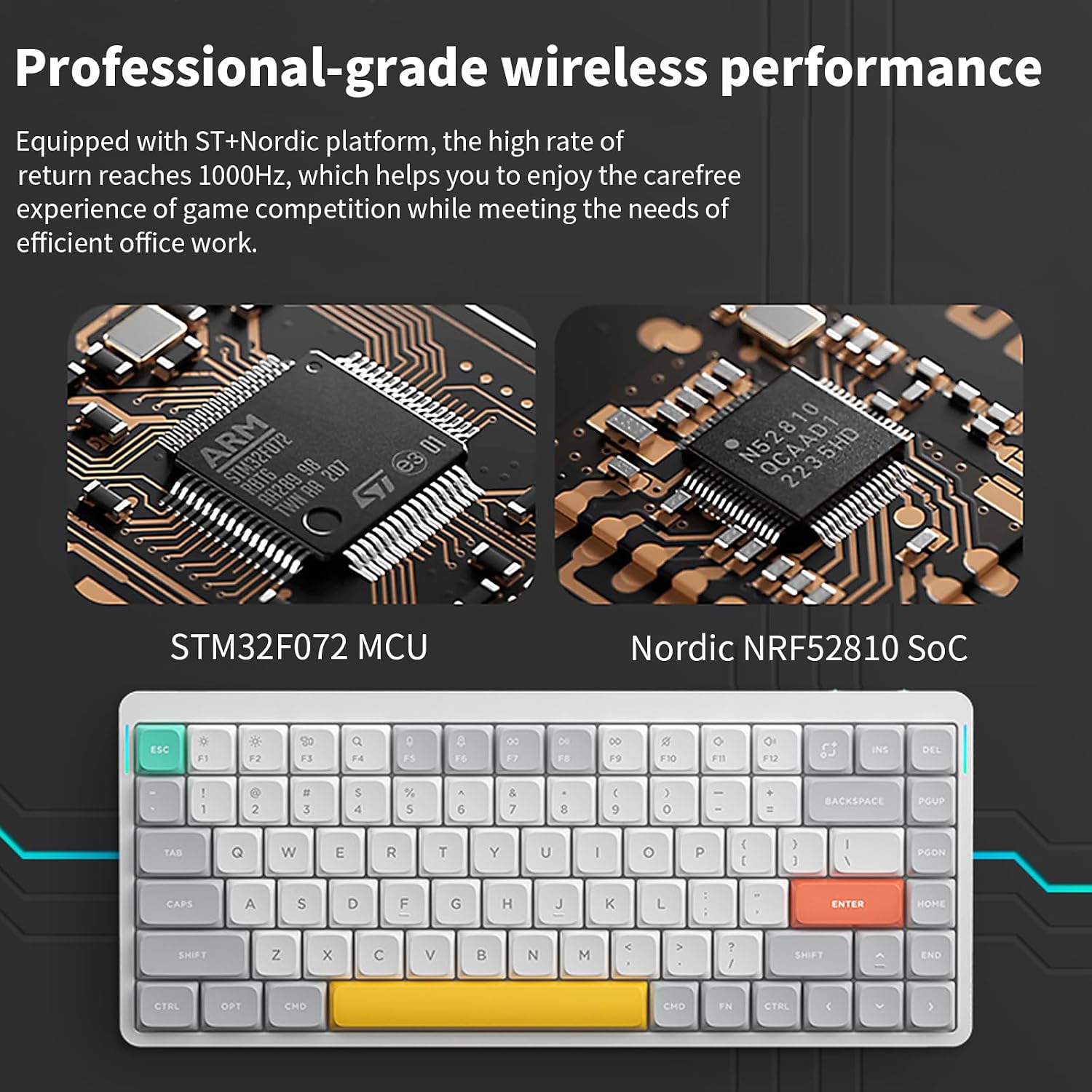
A key strength is versatility: Bluetooth 5.1, 2.4G wireless, and USB-C wired connectivity allow seamless switching between up to four devices. It’s compatible with Windows, Mac OS, Linux, Android, and iOS, which is convenient for people who hop between devices or ecosystems. The keyboard supports QMK/VIA, enabling extensive remapping and lighting customization under open-source firmware. This makes it appealing for users who enjoy tweaking layouts and macros, though it also means setup can be a touch more involved for newcomers.
Battery life and usage scenarios
The 4000mAh battery provides substantial endurance. With backlights on, it’s tested to run about 35–57 hours, which is enough for a week of heavy typing or gaming sessions between charges. If you turn off lighting, the battery life can stretch to around 220 hours, which is excellent for low-maintenance use. In practice, your actual runtime will depend on how often you use backlighting and the wireless mode you choose.
What to watch out for
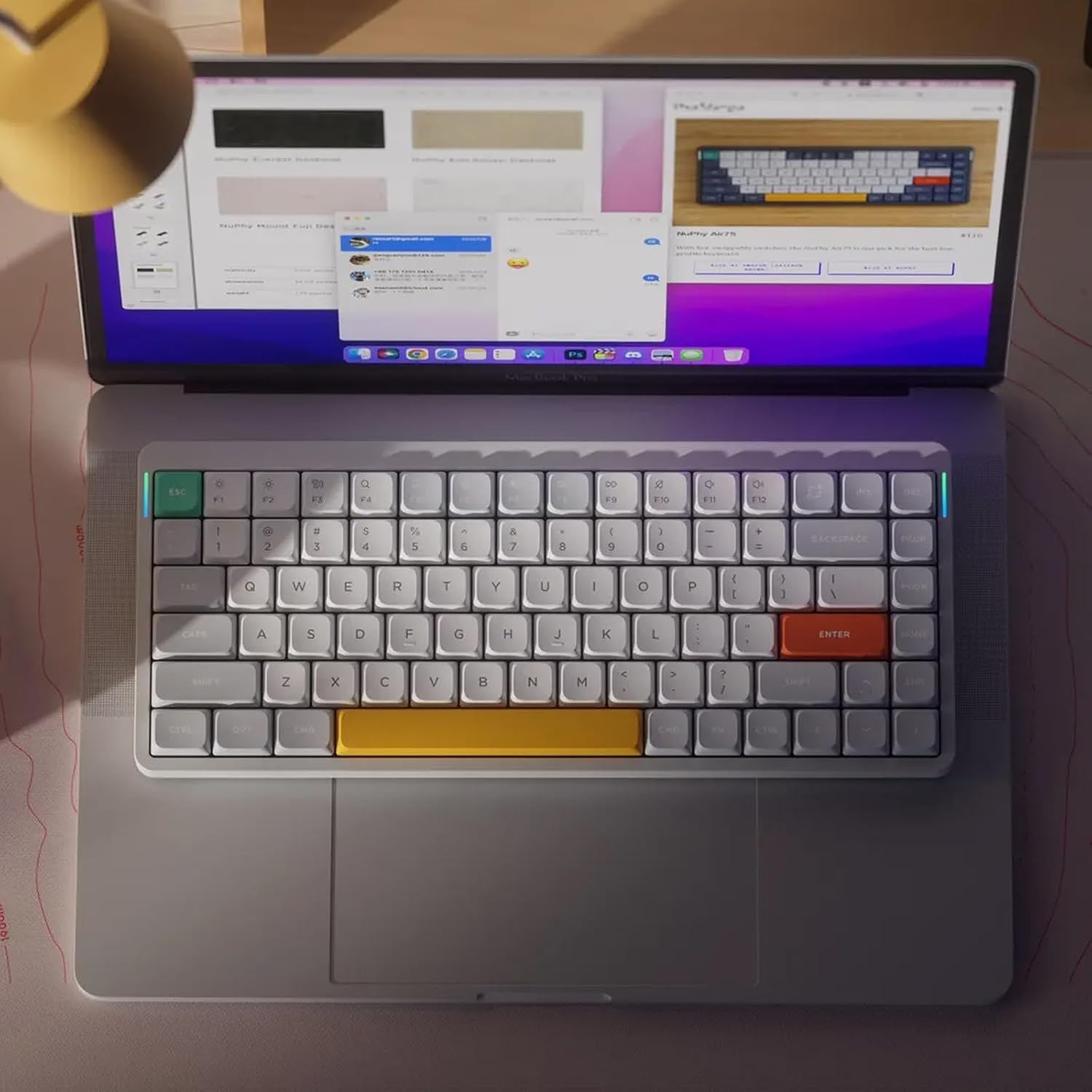
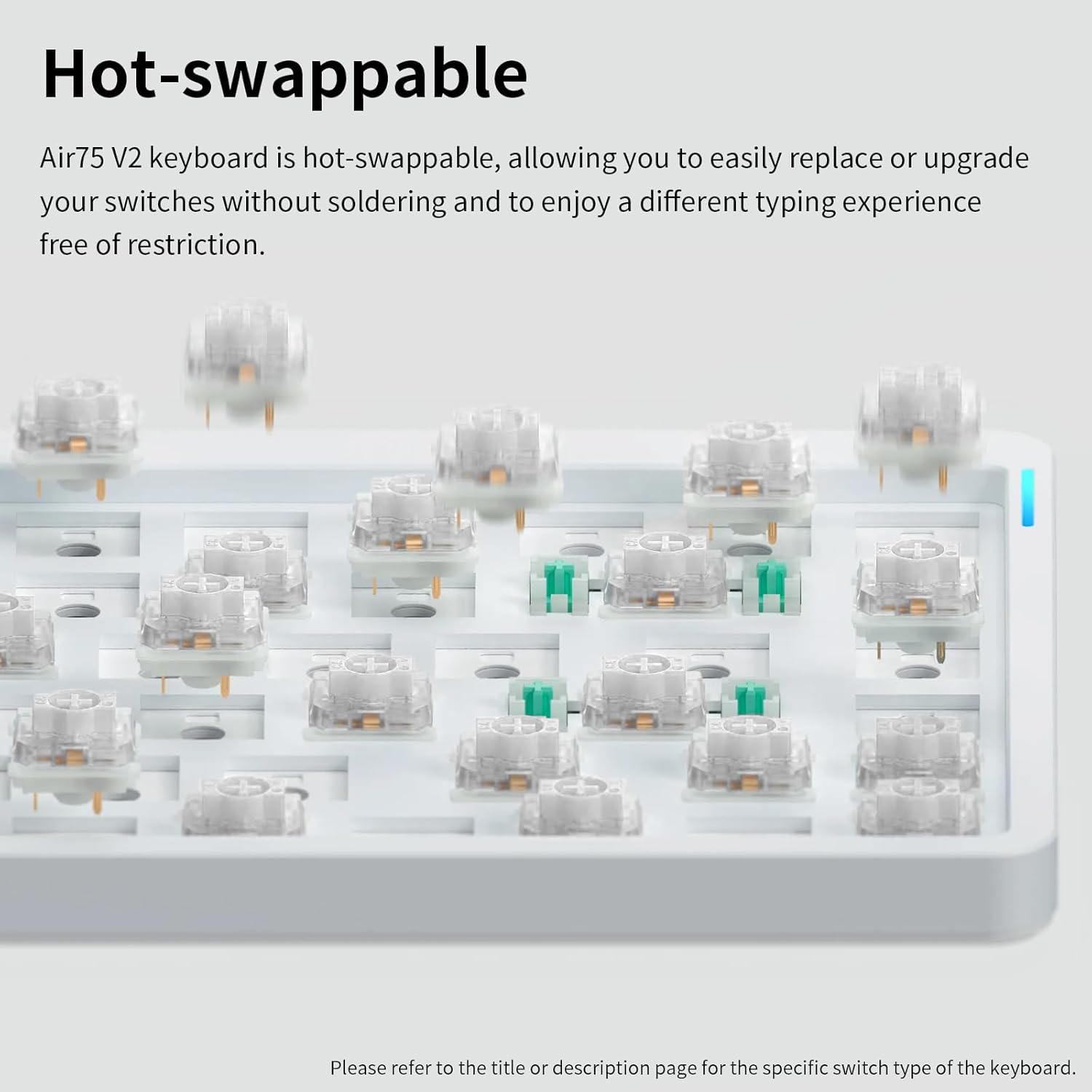
If you rely on full keyboard backlighting for visibility in low light, the non-backlit keycaps may be a drawback. While the RGB bars and under-surface indicators help, you won’t get glow-through legends. Also, as with many compact keyboards, some users may miss dedicated function keys or a full-sized layout—depending on your workflow, that could affect efficiency. If you prioritize a perfect out-of-the-box key feel, note that the Brown switches are a specific taste, you may want to try similar switches in person to confirm they match your typing style.
Who it’s for
This keyboard suits multitaskers and touch typists who crave a portable, multi-platform wireless solution with strong customization options. It’s a good fit for keyboard enthusiasts who appreciate open-source tooling and want to experiment with remapping and lighting through VIA/QMK. It’s also appealing if you regularly switch between devices or ecosystems and want a single, capable input device.
Who it isn’t for
If you need full backlit legends for quick recognition in dark environments, or if you prefer a traditional 100% keyboard with a full set of function keys, this may not be the ideal match. It’s also worth noting that the keyboard relies on software for advanced customization, if you’re looking for a plug-and-play experience with zero setup, this may feel a bit more involved.
When it makes sense to buy
Consider Air75 V2 if you value multi-device versatility, a compact footprint, and open-source customization. It’s especially compelling for users who conduct mixed work across Windows, macOS, and Linux, or who want a portable option for gaming on the go without sacrificing performance.
Before you buy
Think about whether you need backlit key legends, how often you’ll switch between devices, and how important the battery life is for your routine. Verify that you’re comfortable with a 75% layout and that you’re prepared to explore VIA/QMK for your ideal setup.
Practical usage example
Imagine editing documents on a laptop while streaming music on a tablet, then quickly switching to a desktop gaming rig without reaching for a different keyboard. With Air75 V2, you can pair all devices and flip between them with a touch or a shortcut, keeping your desk clean and your workflow uninterrupted.
Quick comparison (contextual)
In the spectrum of compact wireless boards, this model sits between entry-level portable options and higher-end kits that emphasize richer backlighting or different switch families. If you value customization and device versatility over full RGB legends on every key, Air75 V2 delivers a practical balance of ergonomics, connectivity, and mod-friendly firmware.
FAQ (practical answers)
- Can I use Air75 V2 without software? Yes, you can use the basic wired or wireless modes, but advanced remapping and lighting effects are accessed via VIA/QMK.
- Is the LED backlight fixed to the frame? No, the keycaps themselves aren’t backlit, but you’ll see lighting effects and indicators on the side bars and through the keyboard as configured.
- How many devices can I connect simultaneously? Up to four devices across Bluetooth, 2.4G, and wired modes, with easy switching between them.