NelkoGlobal Bluetooth Label Printer 4x6 🖨️

Reviews
Product description
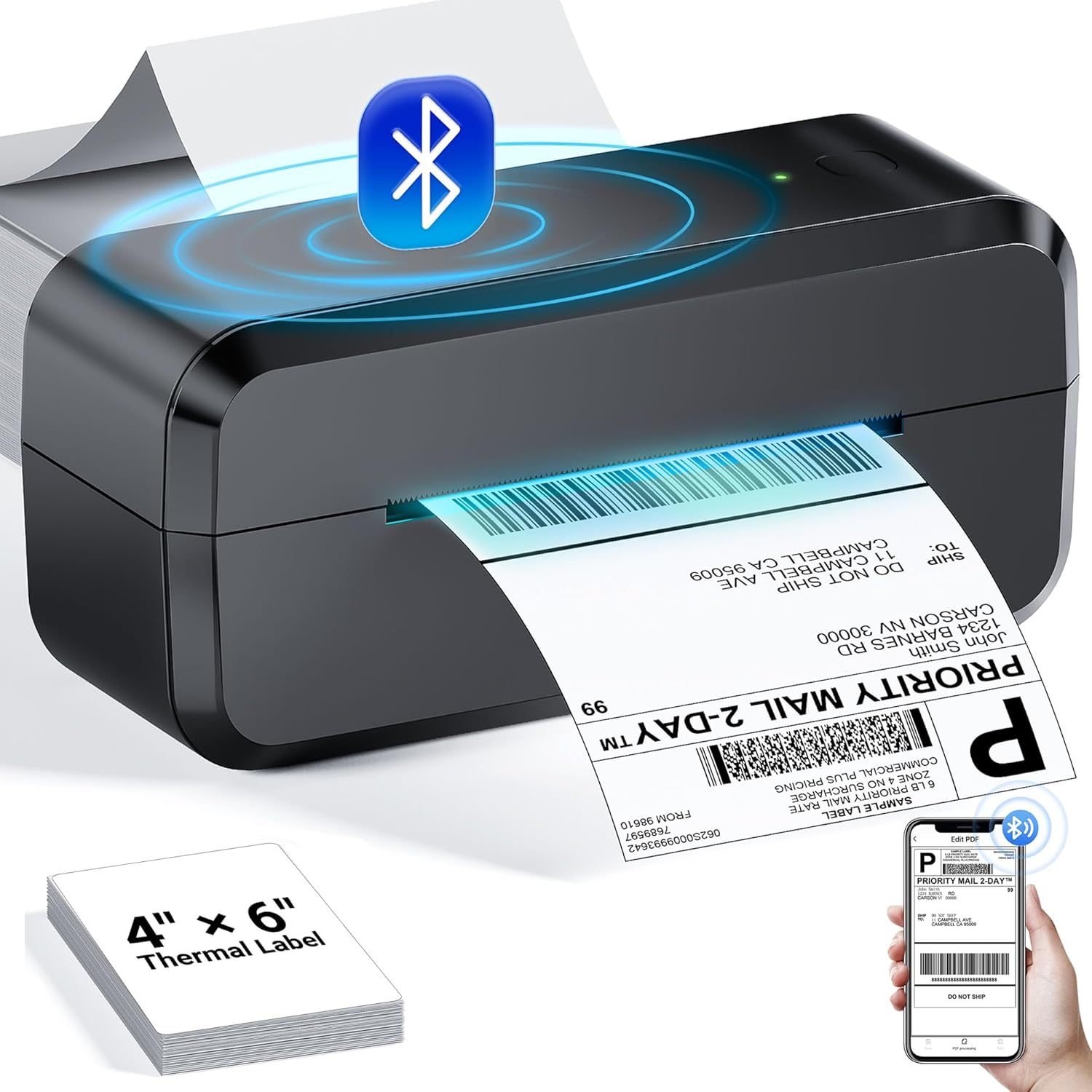
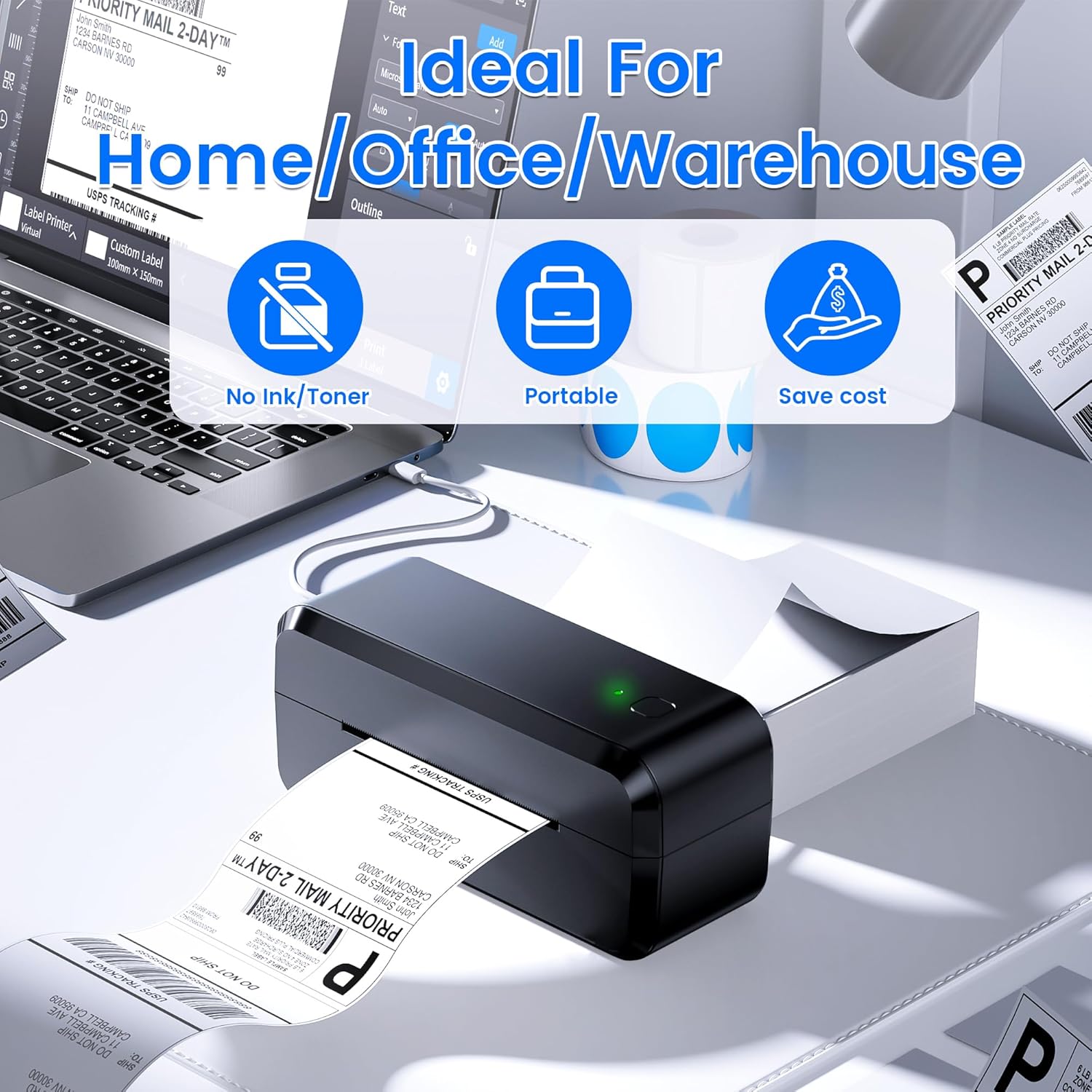
This compact thermal printer brings fast label output for sellers and small businesses, solving messy ink and slow workflows. If you need a wireless 4x6 label printer that moves with you, this model offers mobile compatibility and a straightforward setup for printing shipping labels on the go.
What matters most
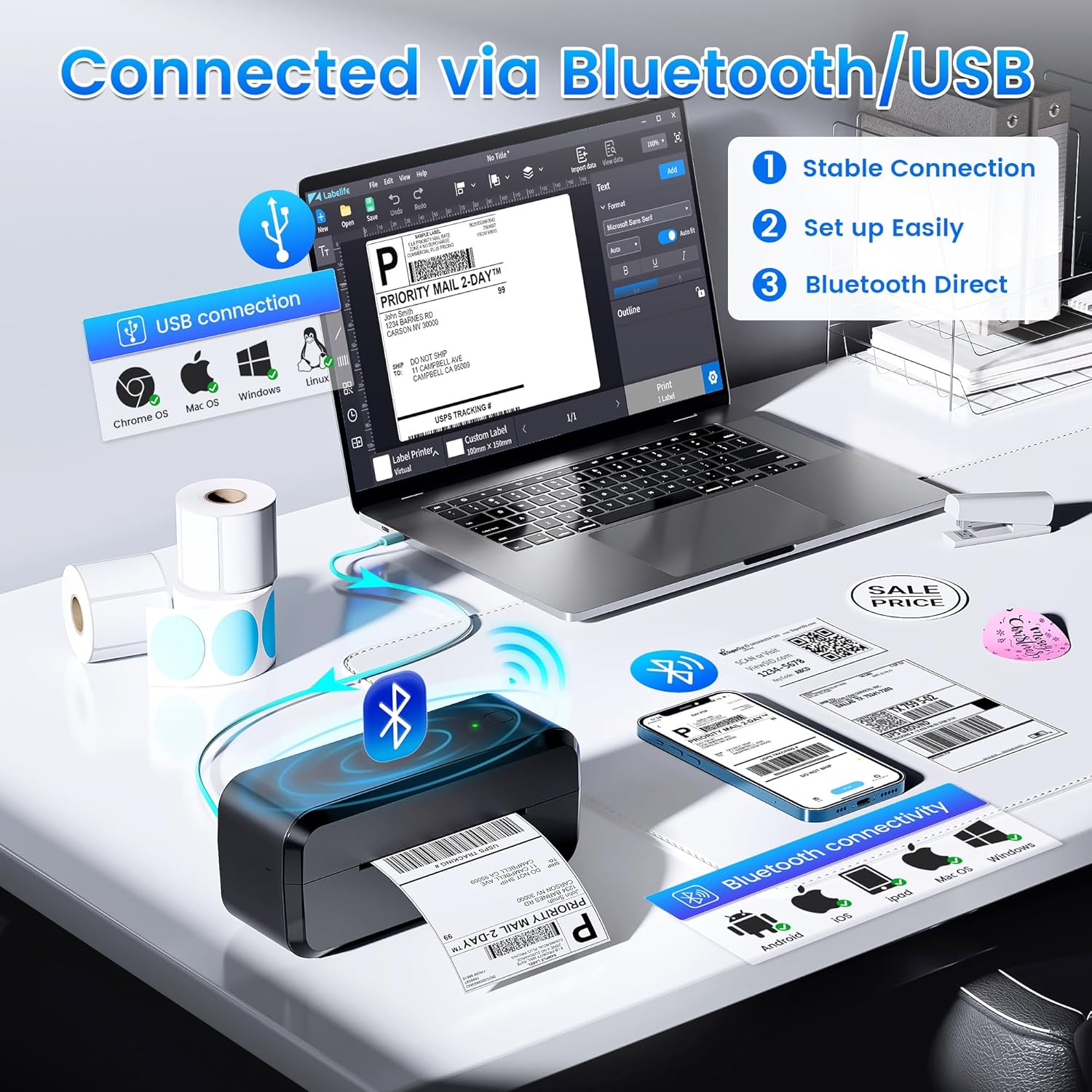
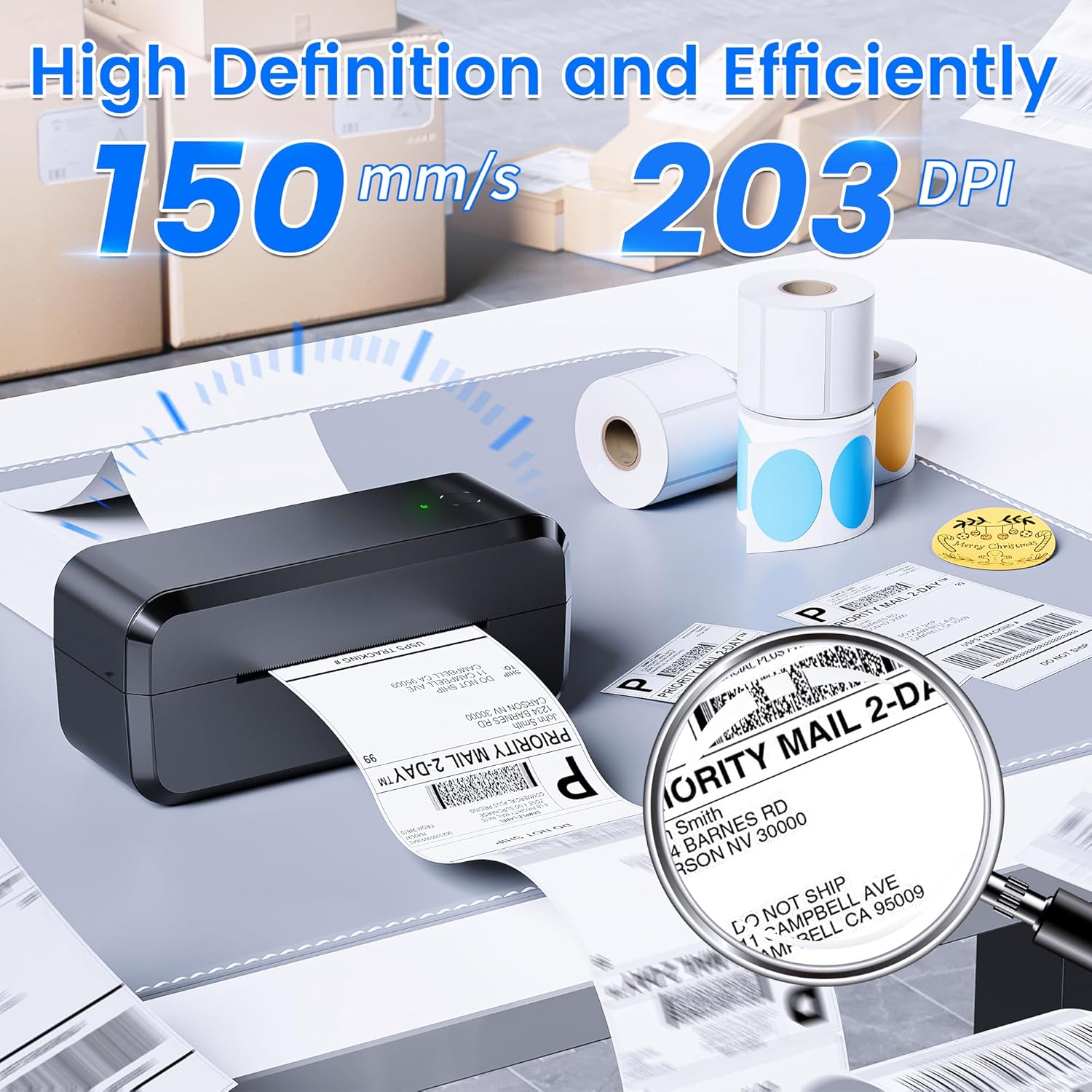
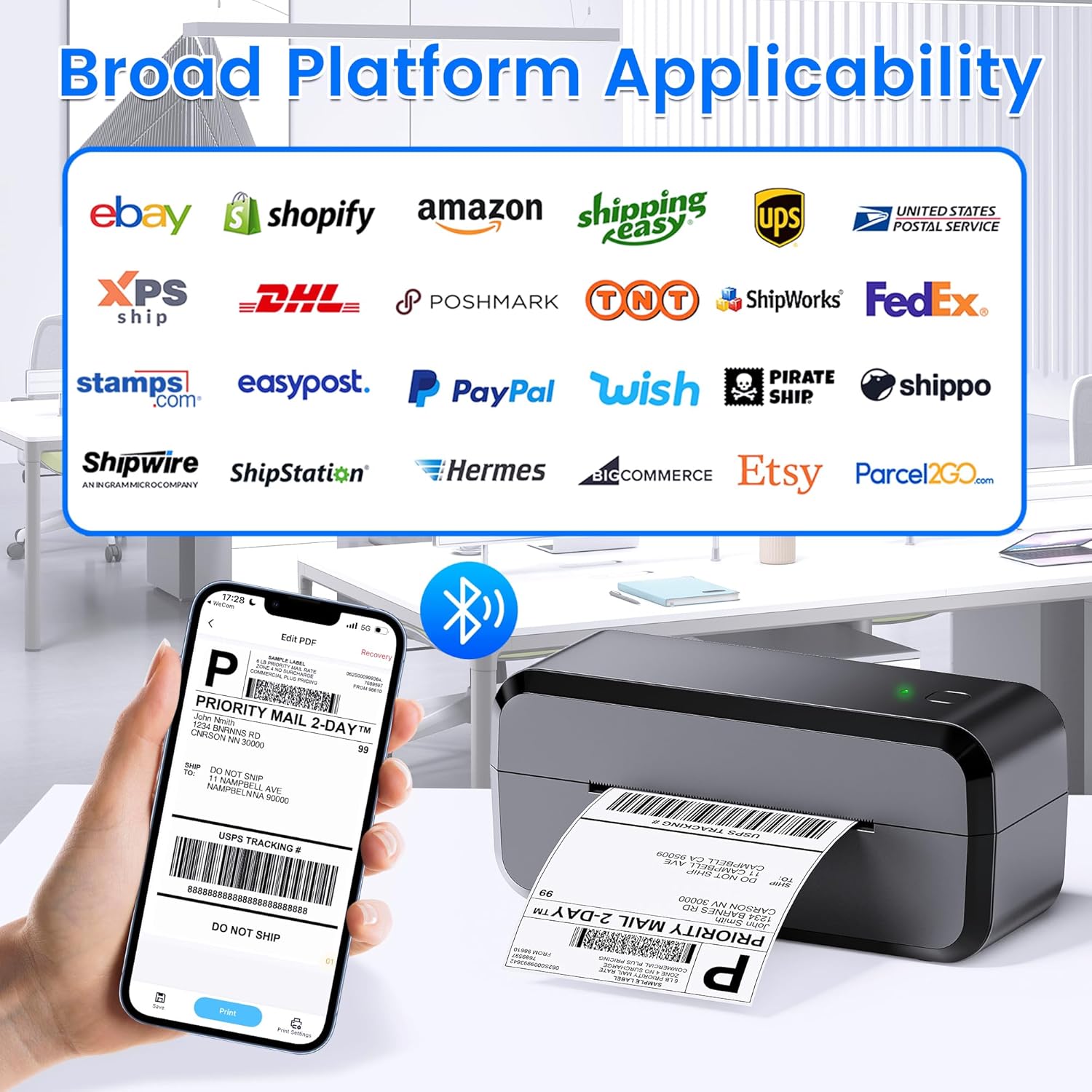
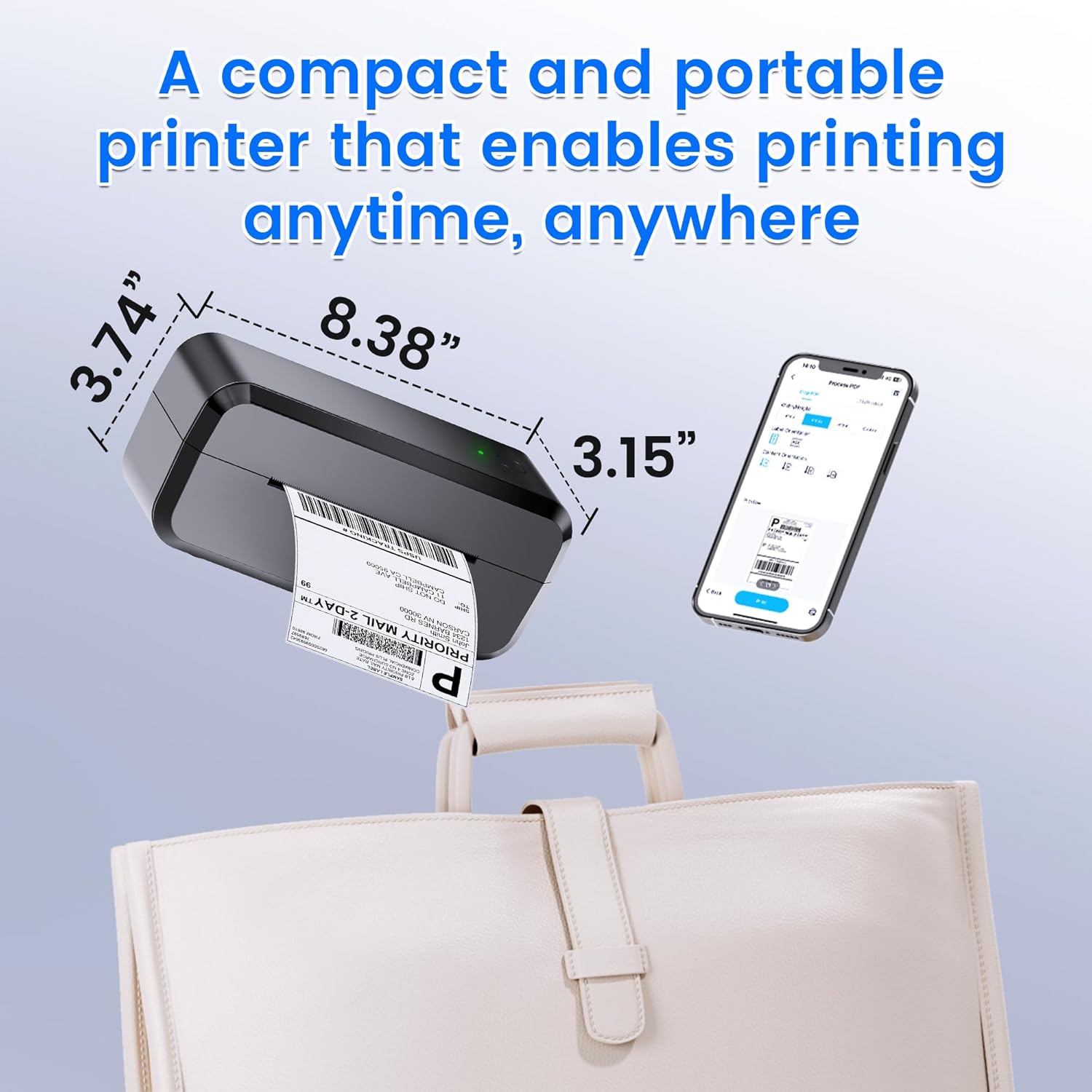
Lightweight and portable, the unit slips into a backpack and prints without ink or toner, making packing stations neater and less fussy. It pairs via Bluetooth or connects by USB, so you can print from Android, iOS, Windows or Mac. The design focuses on simple, reliable operation, and the manufacturer includes text guides to help with setup. If you prioritize compactness and quick thermal output, this printer can speed up fulfillment tasks, and if you prefer a wired connection you can plug in directly for stable transfers. Expect clear barcode scans thanks to 203 DPI and fast throughput near 150 mm/s for rapid label generation 🏷️.
Tech specs
- Name: NelkoGlobal Bluetooth Thermal Shipping Label Printer
- Type: Thermal label printer
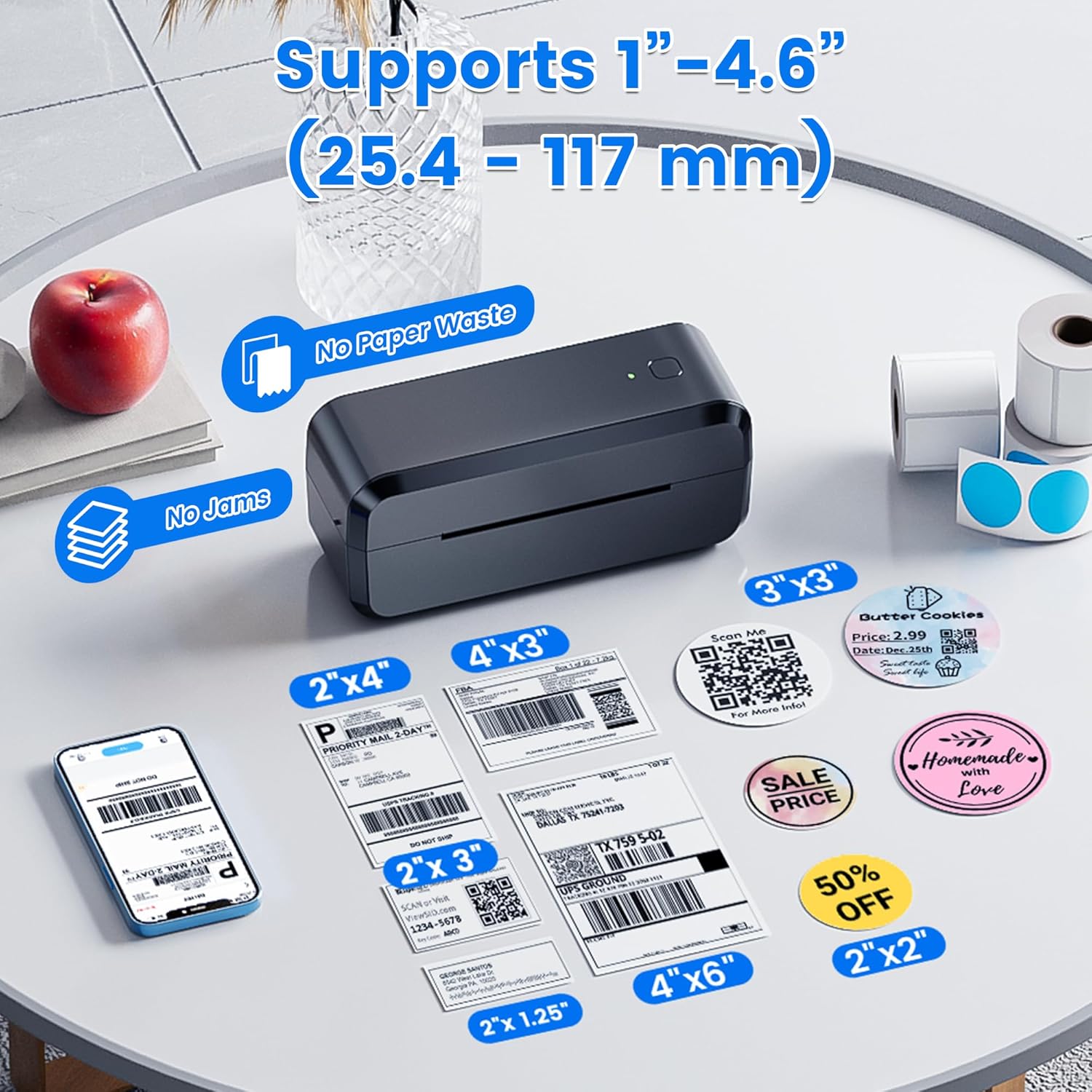
- Size: Supports labels from 1.0 to 4.6 inches, prints 4 x 6 labels
- Weight: 1.5 lbs
- Compatibility: Android, iOS, Mac, Windows 10 or newer
- What’s included: Printing guides and support documentation
Who it’s for
It suits you if you handle frequent shipments and value a compact printer that reduces ink waste and keeps packing areas tidy. It fits mobile sellers who need occasional on-site printing and teams that want a lightweight device for pop-up operations. It may not be a great match if you require color labels or non-thermal media, or if you need enterprise level print volumes beyond small business throughput.
Getting the most from it
Use the recommended app for direct Bluetooth printing and keep thermal paper stocked in the correct width range for reliable results. Remember that only thermal paper prints are supported, and label counts are allocated randomly according to the manufacturer, so plan supplies accordingly. The customer support team offers setup help and troubleshooting guidance.
Price evolution
Description:
This compact thermal printer brings fast label output for sellers and small businesses, solving messy ink and slow workflows. If you need a wireless 4x6 label printer that moves with you, this model offers mobile compatibility and a straightforward setup for printing shipping labels on the go.
What matters most
Lightweight and portable, the unit slips into a backpack and prints without ink or toner, making packing stations neater and less fussy. It pairs via Bluetooth or connects by USB, so you can print from Android, iOS, Windows or Mac. The design focuses on simple, reliable operation, and the manufacturer includes text guides to help with setup. If you prioritize compactness and quick thermal output, this printer can speed up fulfillment tasks, and if you prefer a wired connection you can plug in directly for stable transfers. Expect clear barcode scans thanks to 203 DPI and fast throughput near 150 mm/s for rapid label generation 🏷️.
Tech specs
- Name: NelkoGlobal Bluetooth Thermal Shipping Label Printer
- Type: Thermal label printer
- Size: Supports labels from 1.0 to 4.6 inches, prints 4 x 6 labels
- Weight: 1.5 lbs
- Compatibility: Android, iOS, Mac, Windows 10 or newer
- What’s included: Printing guides and support documentation
Who it’s for
It suits you if you handle frequent shipments and value a compact printer that reduces ink waste and keeps packing areas tidy. It fits mobile sellers who need occasional on-site printing and teams that want a lightweight device for pop-up operations. It may not be a great match if you require color labels or non-thermal media, or if you need enterprise level print volumes beyond small business throughput.
Getting the most from it
Use the recommended app for direct Bluetooth printing and keep thermal paper stocked in the correct width range for reliable results. Remember that only thermal paper prints are supported, and label counts are allocated randomly according to the manufacturer, so plan supplies accordingly. The customer support team offers setup help and troubleshooting guidance.