



MOKiN Docking Station 160W USB‑C Hub
Product description
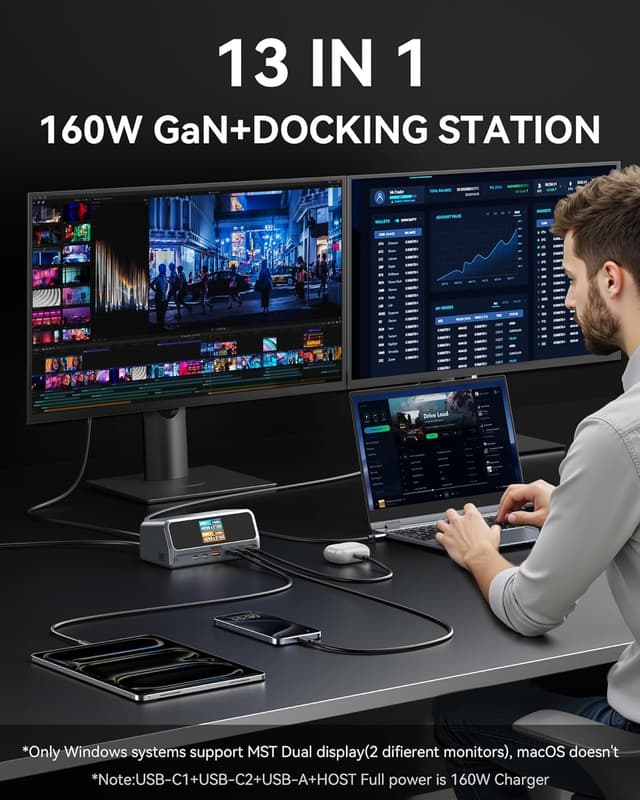
The MOKiN 13‑in‑1 docking station brings power and ports to a cramped desk, combining charging, fast data and dual display support in a single upright hub. It targets professionals who need multiple peripherals and displays while keeping cables tidy and workflow steady.
Key features
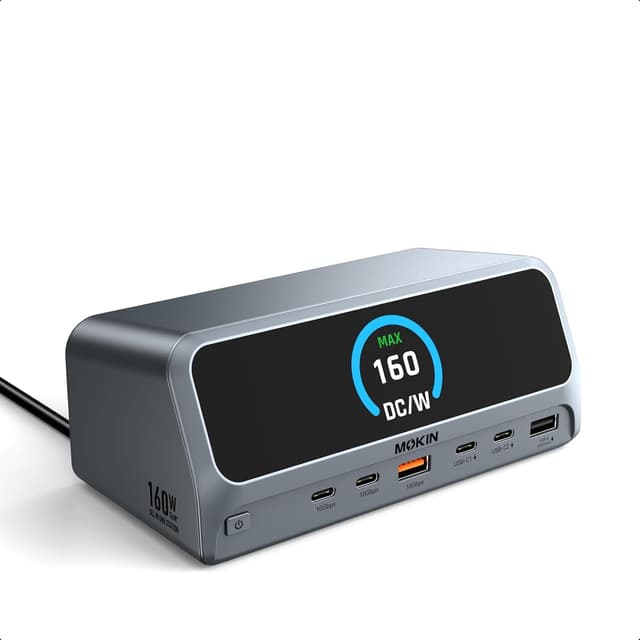
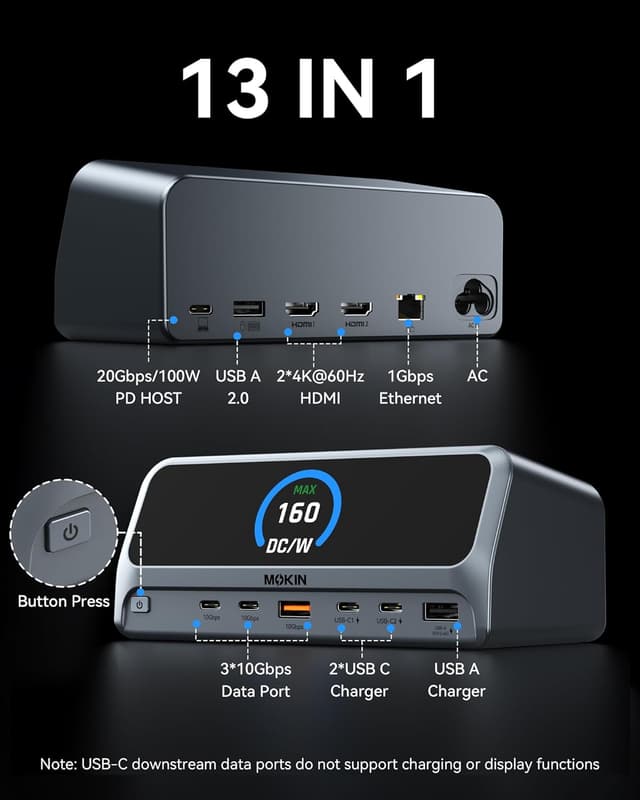
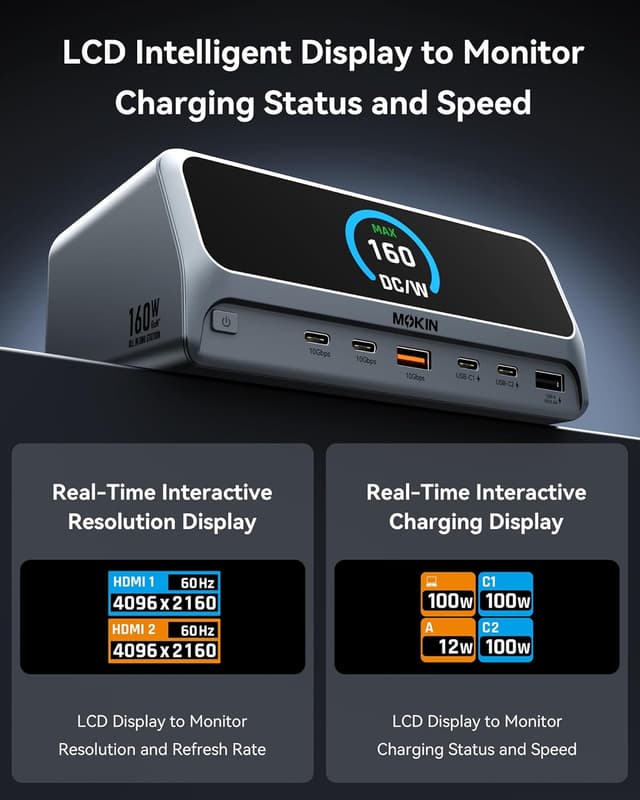
This vertical USB‑C docking station delivers up to 160W total output and supports three USB‑C ports plus a USB‑A PD port for charging multiple devices at once. It offers dual external monitor support for Windows via HDMI and DisplayPort in up to 4K, and a built‑in 2.26" LCD shows connection status at a glance. The design saves desktop space and the magnetic base keeps the dock stable.
Technical details
- Name: MOKiN Docking Station
- Type: 13 in 1 USB C hub
- Ports: 2 HDMI, 2 USB‑C 10Gbps, 1 USB‑A 10Gbps, 1 USB‑A 2.0, Gigabit Ethernet
- Power: 160W Max Output
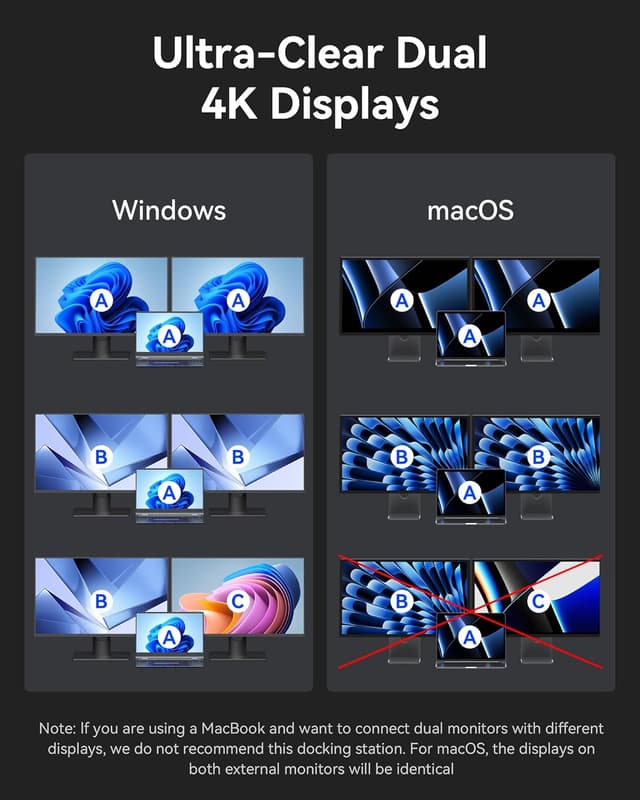
- Display: Dual 4K support for Windows
- Cable: 150cm integrated cable
Benefits
The dock cuts setup time by centralizing peripherals into one connection, so you can resume work faster. High speed USB 3.2 Gen 2 ports enable 10Gbps transfers, which helps move large files quickly according to the manufacturer. The upright aluminum enclosure reduces footprint and improves airflow around a laptop.
Getting the most from it
It’s a great fit if you need a compact desktop hub that charges laptops and powers multiple displays while supporting high speed file transfers. You’ll appreciate it if your workflow mixes video, large files and a wired network connection, though note macOS does not support dual independent displays and Linux is not compatible according to the manufacturer. Use the screen‑lock button when sharing a workstation to protect port status and connected devices.
Compatibility & requirements
Compatible with USB‑C, USB4 and Thunderbolt connected laptops that support DP Alt Mode and Power Delivery, and works with Windows 10 and 11 and ChromeOS. For macOS only mirror or single extended display modes are supported, and Linux is not supported.