


MFi Flash Drive 256GB
Product description
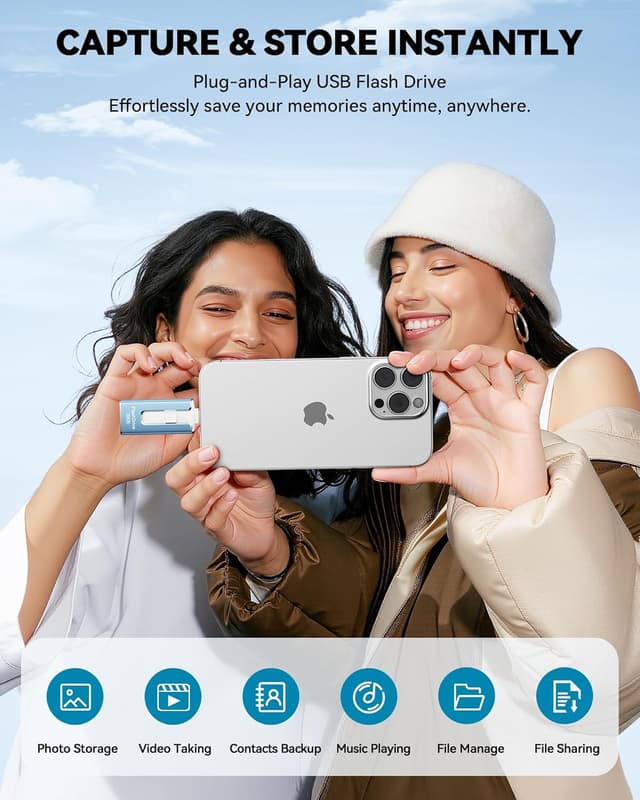
This compact MFi certified flash drive for iPhone and iPad expands device storage and simplifies backups with one click. It works as a plug and play external memory solution for photos and videos, and helps free up space so your device runs smoother. If you need extra room for media or quick transfers between phones and computers, this drive addresses that need without fuss.
Key features
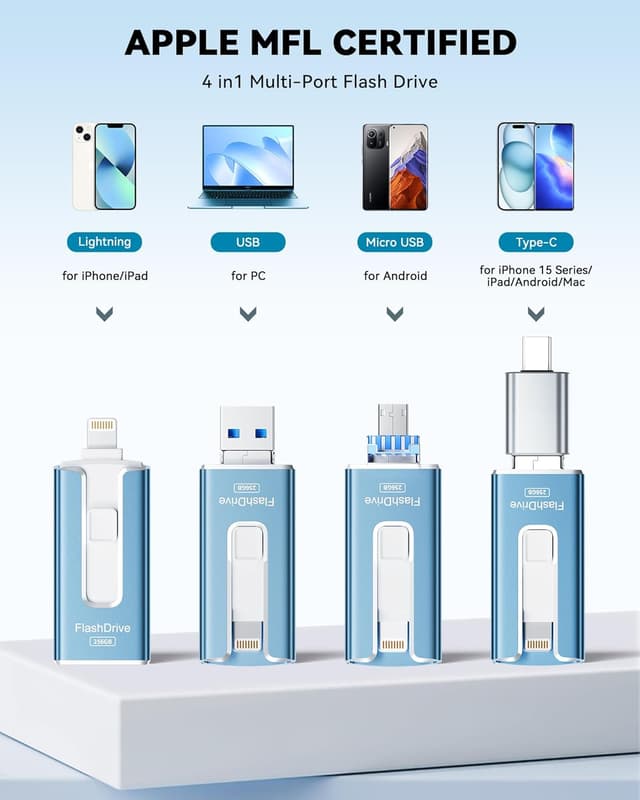
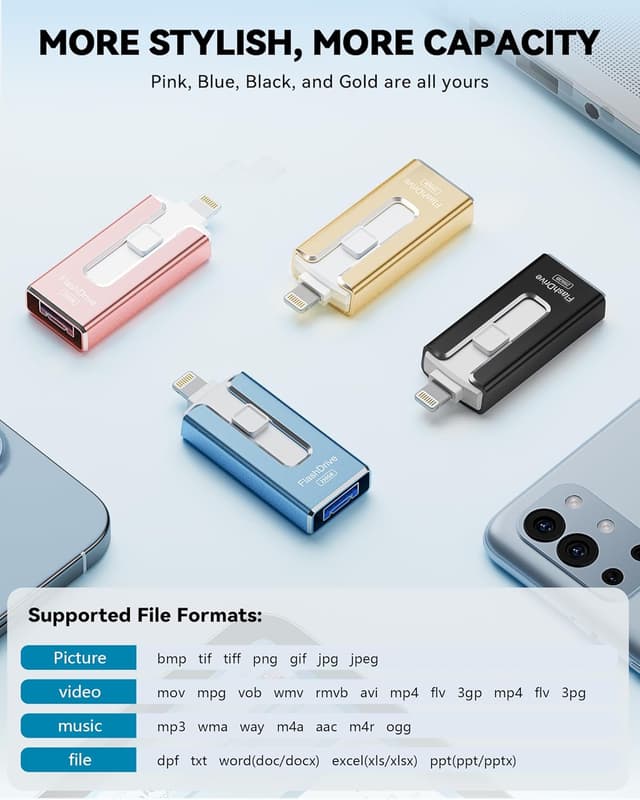
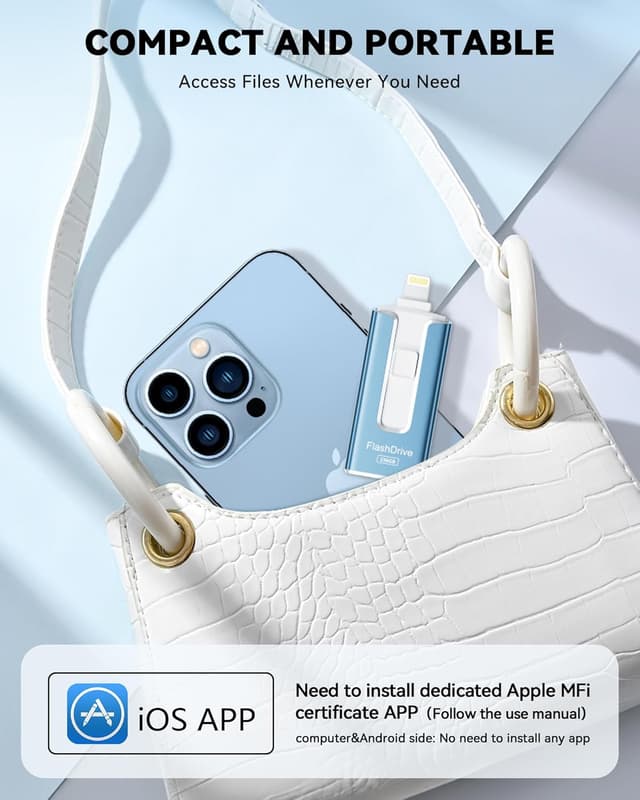
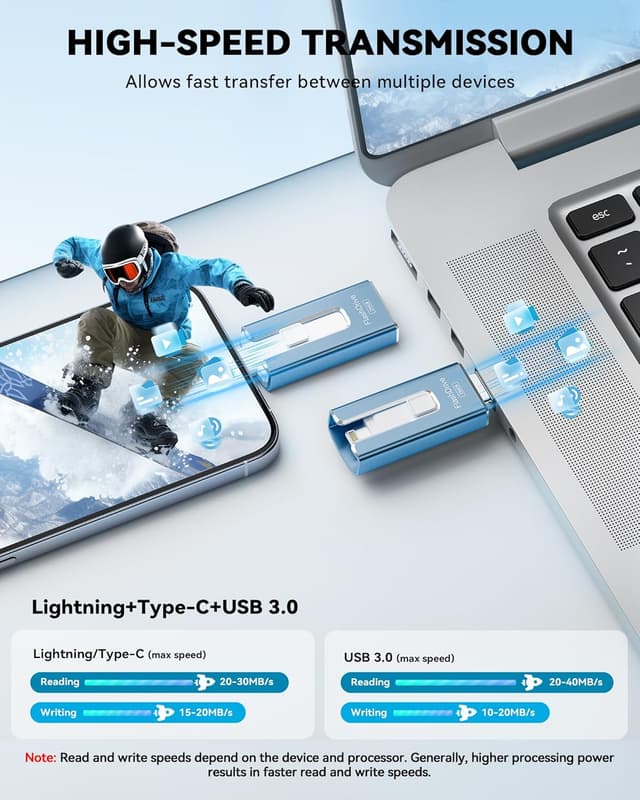
The drive brings 256GB of additional space for photos, videos and documents, letting you save large libraries off your device while keeping originals accessible. It supports multiple connector types including Lightning and USB, and ships with an independent adapter for Type-C or Micro USB so you can move files between iPhone, Android and PC. Read speeds reach up to 40MB/s and write speeds up to 25MB/s according to the manufacturer, which shortens transfer time when moving photo galleries or video clips. The device is MFi certified for iOS compatibility and requires the companion app from the App Store to manage backups and optional password protection. A built-in encryption option protects sensitive files through the app so you can secure private folders when traveling or sharing the stick with others 😊.
Technical details
-
Name: MFi Certified Flash Drive for iPhone iPad 256GB
-
Capacity: 256GB
-
Compatibility: iOS 12.1 and above, Android with OTG, PC
-
Connectors: USB, Lightning, Micro USB and Type-C adapter
-
Transfer speeds: Read up to 40MB/s, Write up to 25MB/s
How to use it
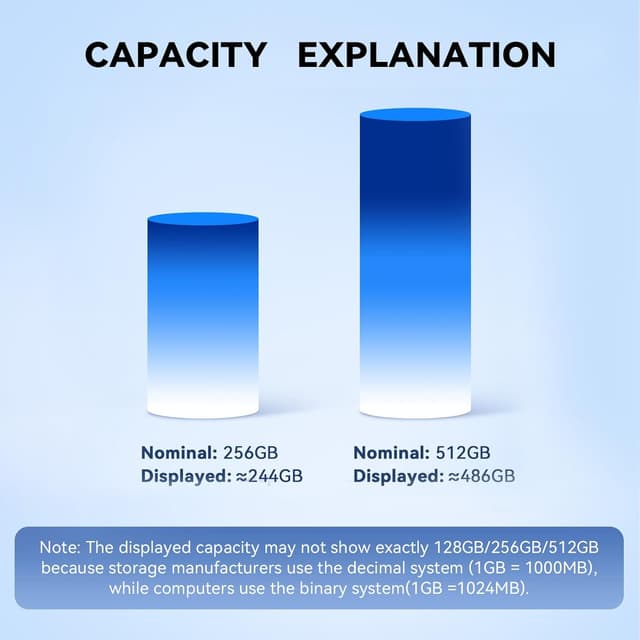
Install the required app from the App Store before connecting to an iPhone, then plug the drive into the Lightning port and follow the on-screen prompts to back up photos or move files. For Android devices enable OTG and attach the drive directly or use the appropriate adapter. Keep in mind that displayed capacity may vary by system due to different measurement methods, and actual transfer speeds depend on device hardware and processor. The compact design fits on a keyring and comes in several colors, making it easy to carry and spot in a bag for quick backups on the go 📸.