

Magic AI Box Wireless CarPlay Adapter (Wireless CarPlay/Android Auto + Android 10 OS) in Glossy Black
Product description
If your car’s infotainment already supports wired Apple CarPlay or Android Auto, this Magic AI Box is designed to “upgrade” it to wireless—plus add a built-in Android 10.0 system for app streaming and offline media options. On paper, it’s the kind of plug-and-play gadget that makes a noticeable difference day-to-day, especially if you hate dealing with cables.
That said, it’s not perfect for everyone. The best results depend heavily on whether your specific OEM (factory) setup is compatible and on how your car handles Wi‑Fi connectivity. If your goal is simple wireless CarPlay with zero extra features, you may still want to double-check whether the extra complexity (Android apps, storage, streaming) is worth it for you.
The essentials (What it does and why people buy it)
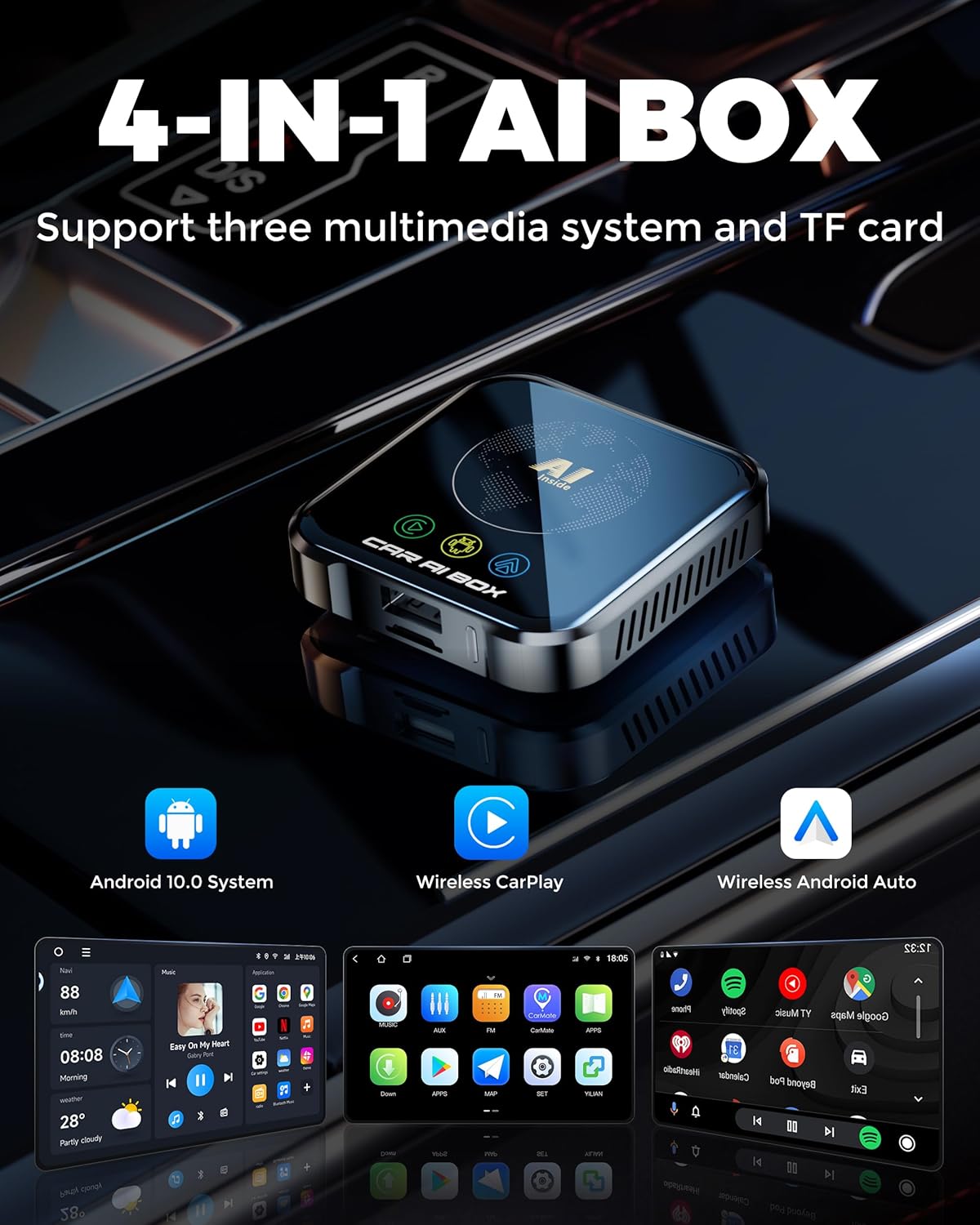
The Magic AI Box Wireless CarPlay Adapter is positioned as a 4-in-1 “magic box” for vehicles that already have factory-installed wired CarPlay or Android Auto. The idea is straightforward: you connect the AI Box to your car’s CarPlay/Android Auto USB port using the included cable, and then you can use:
- Wireless CarPlay (calls via CarPlay and a wireless experience)
- Wireless Android Auto (including Google Maps-style navigation)
- A full Android 10.0 OS on the device itself
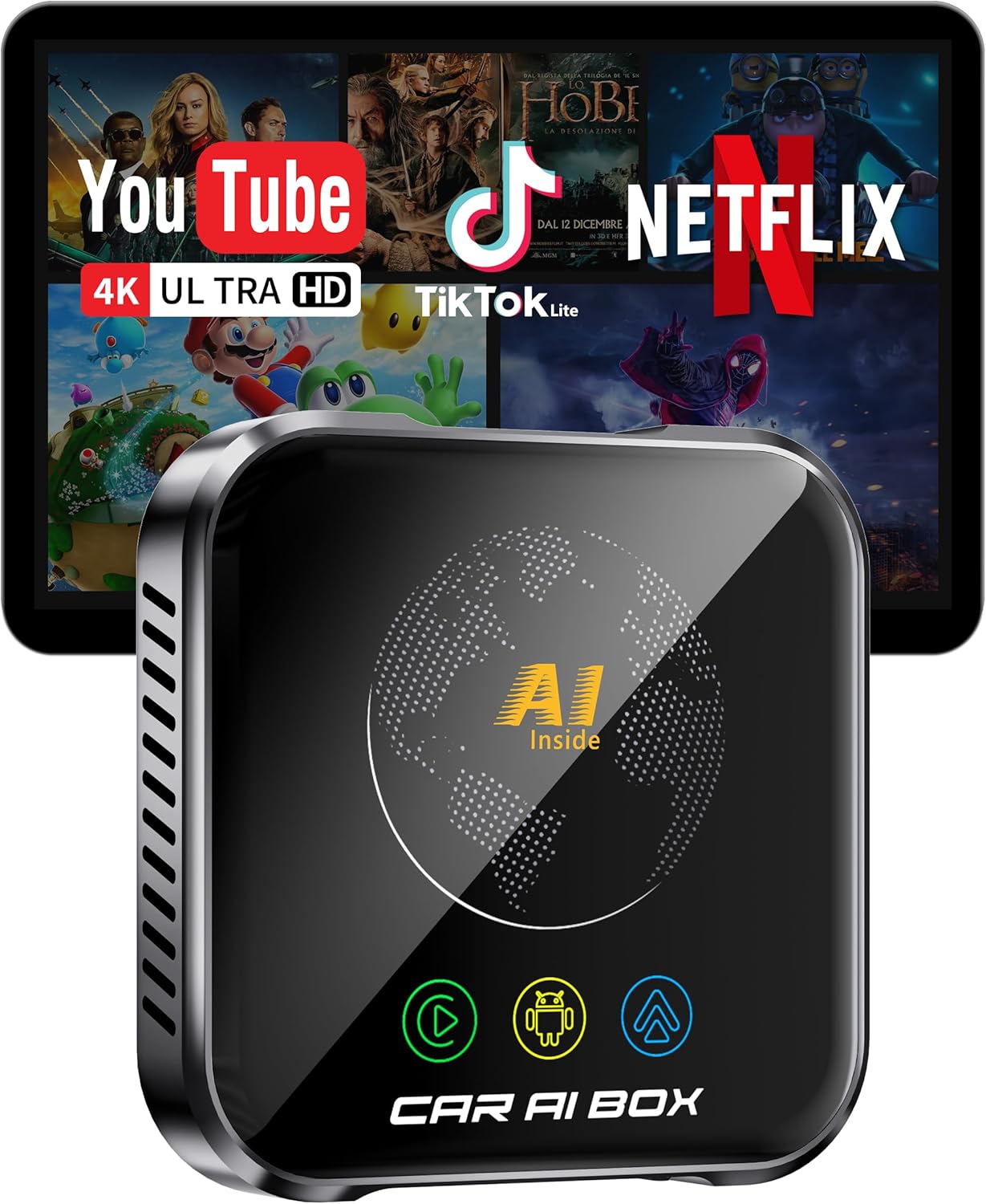
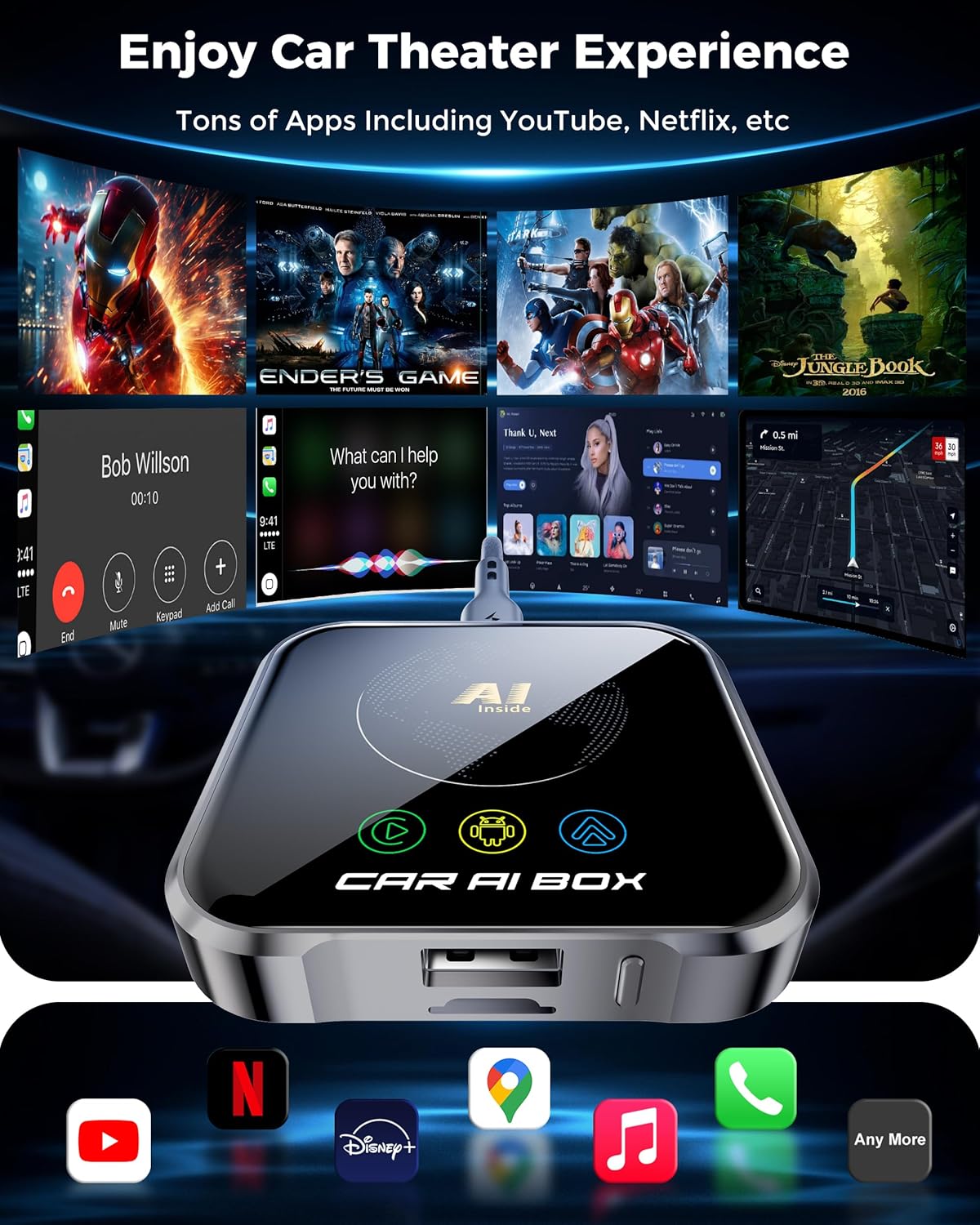
Once the Android side is in play, the box becomes more than a connectivity adapter. It supports streaming entertainment like Netflix and YouTube, and it also supports TF card streaming and offline media via USB/TF card. In real-world usage terms, that means you can go from “just driving audio” to “watch/listen on the go” depending on how your car screen handles the output.
What to know (compatibility, setup, and streaming reality)
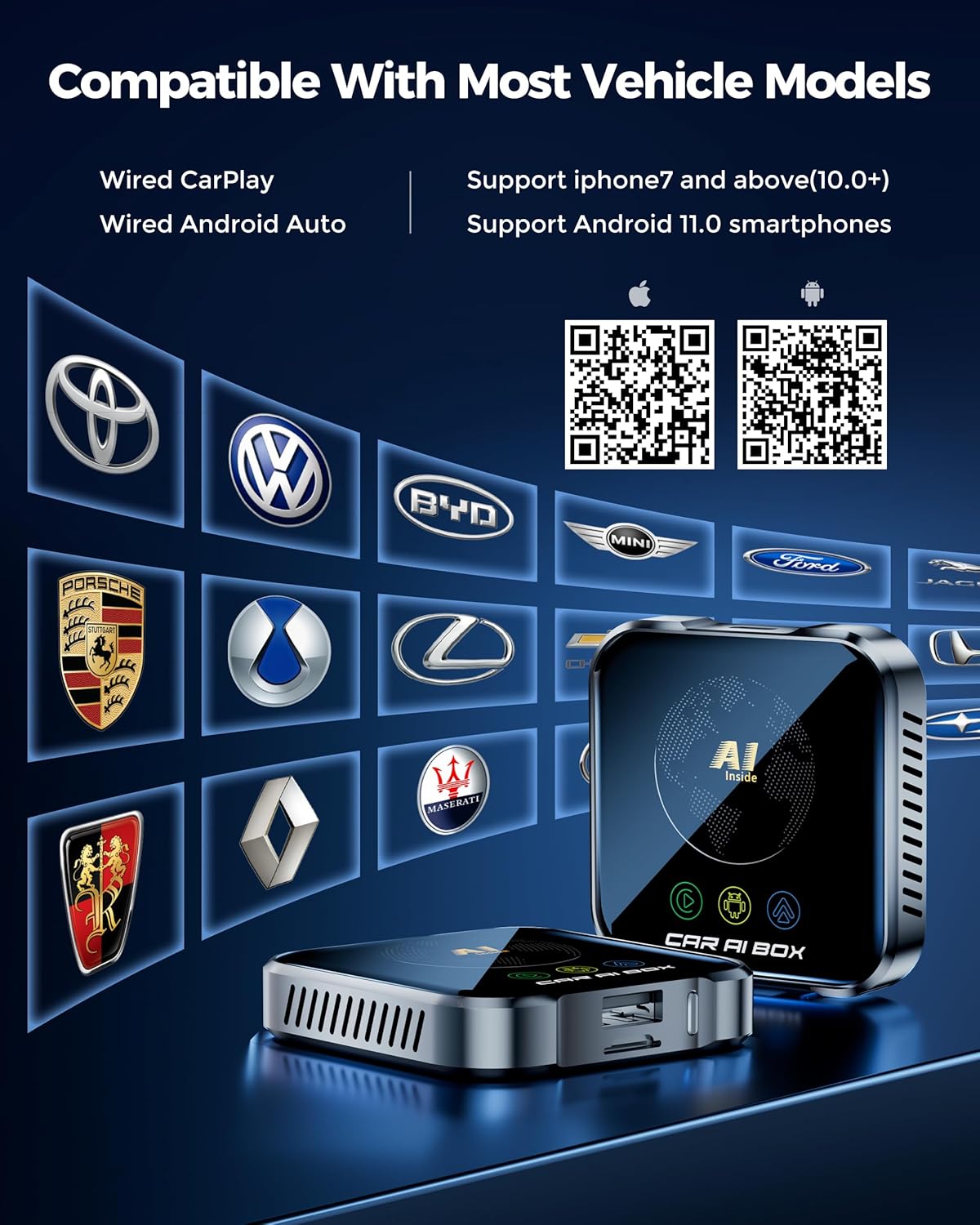
This adapter is specifically built for cars with factory-installed wired Apple CarPlay or Android Auto. It’s also described as compatible with iPhone 7+ (iOS 10+) and Android 11+ phones—however, the manufacturer’s own guidance is key: you should verify your vehicle’s built-in compatibility before buying.
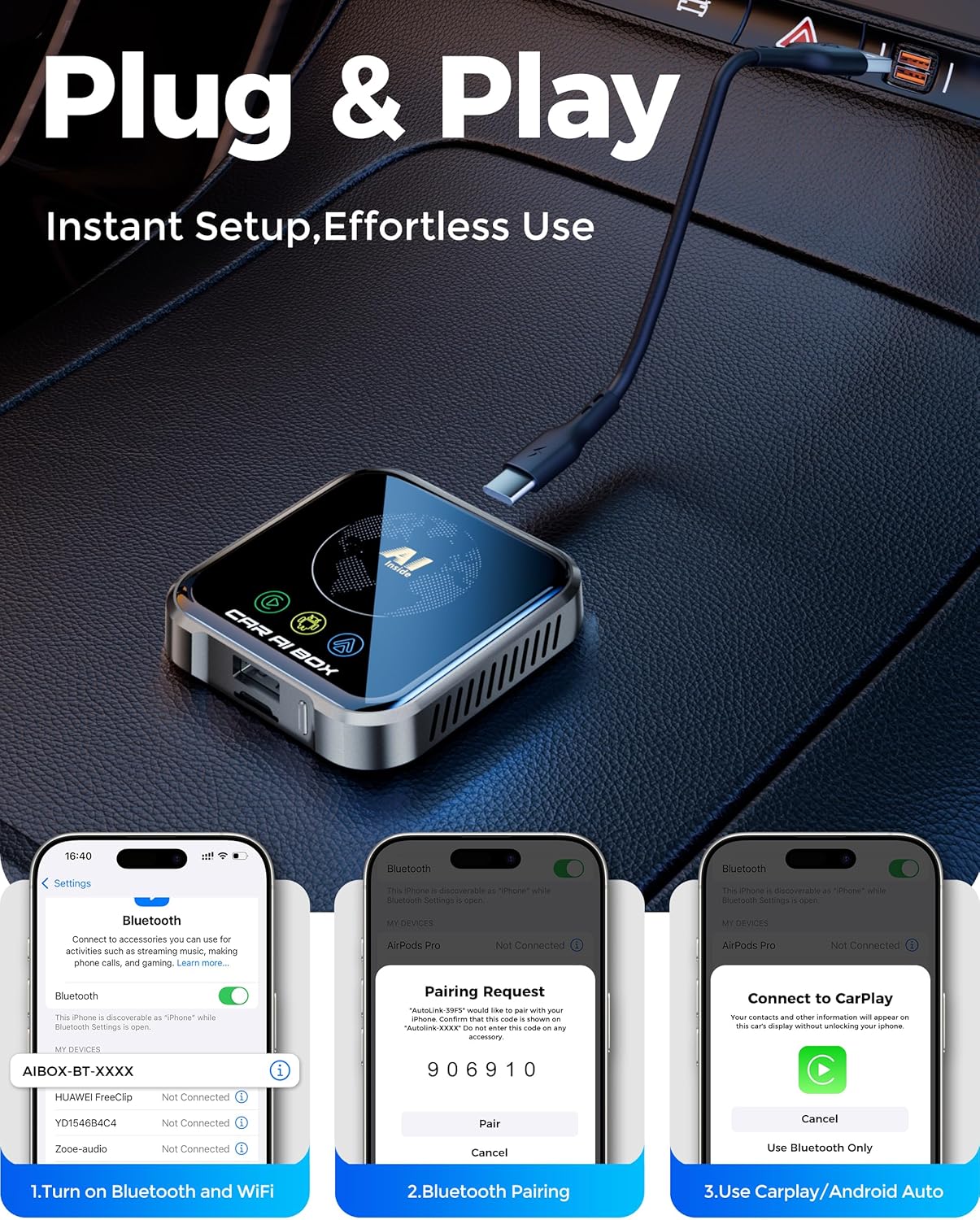
Setup is advertised as effortless plug-and-play. You connect the AI Box to the OEM CarPlay/Android Auto USB port, then use the included interface (including a floating button) to move between apps and return to your car’s original system.
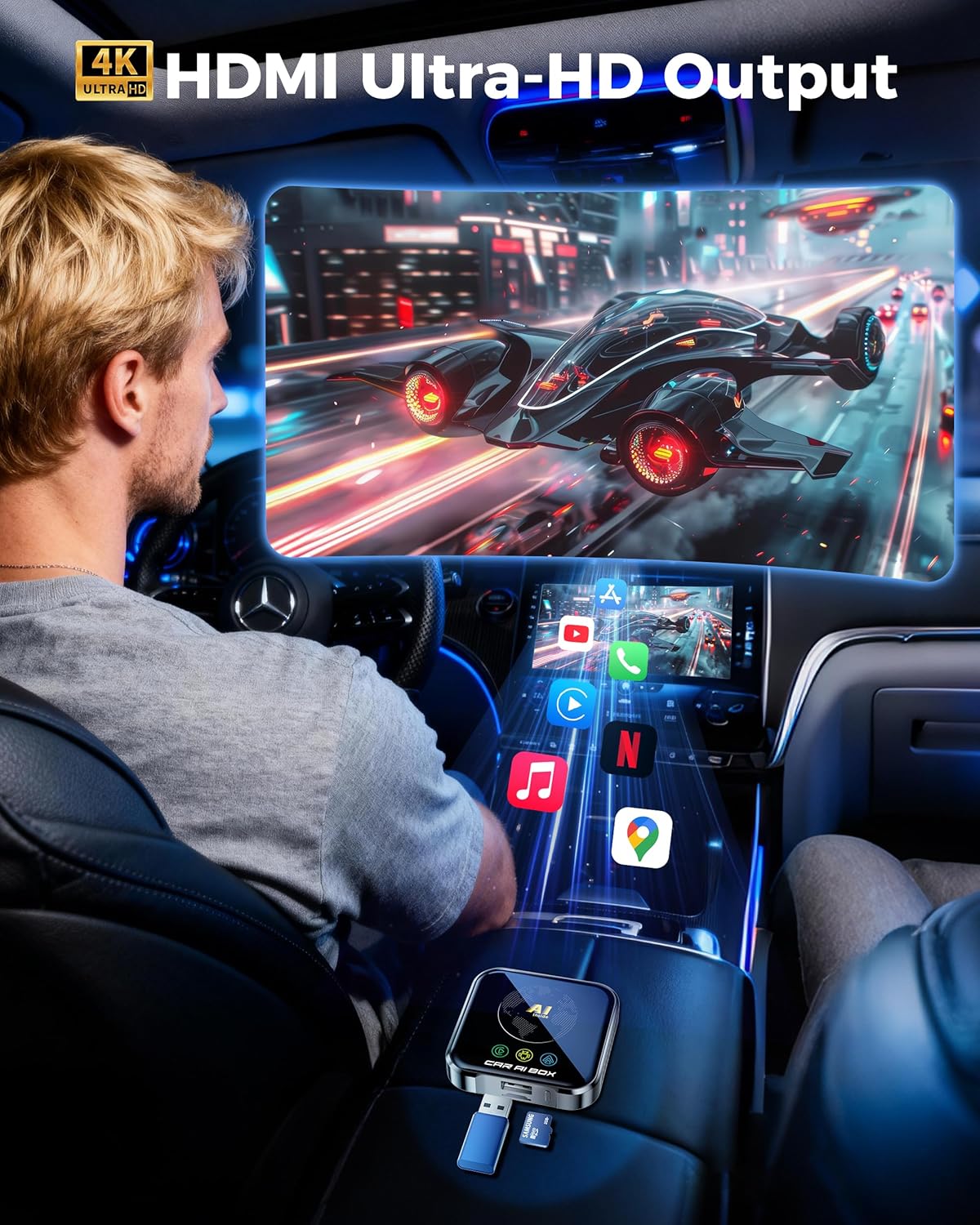
There’s also a technical angle that’s meant to matter in daily use: it claims lag-free 4K streaming, stable audio-video sync, and improved thermal design to help prevent overheating. It even specifies an operating temperature range of -20℃~60℃, which suggests it’s engineered to keep performance consistent across seasons.
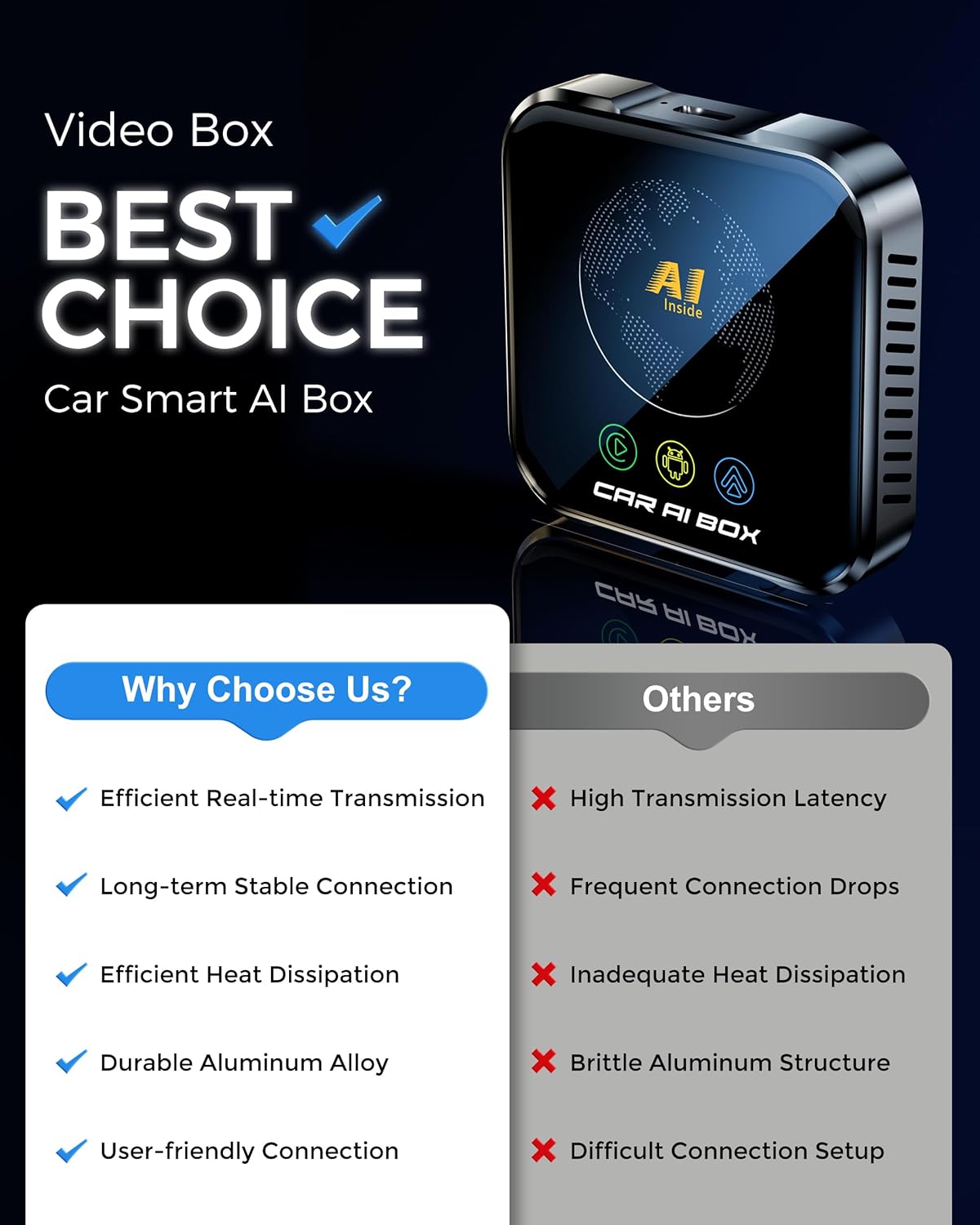
Still, here’s the limitation to keep in mind: wireless performance can depend on your car’s Wi‑Fi environment and signal strength. So while it aims for “no lag,” your results may vary if you regularly park in spots with heavy congestion.
Key features (Where it shines)
The strongest reasons to consider this Magic AI Box are the combined feature set and the “no screen modification” approach.
First, it supports multiple entertainment and navigation workflows from one device. You’re not locked into only wireless CarPlay or only Android Auto, you can switch experiences. For example, one practical day-to-day pattern is: use wireless CarPlay for calls and routine navigation, then switch to the Android side for streaming YouTube/Netflix when you’re parked (as supported by your system).
Second, the unit is described as being built for durability: it includes an upgraded thermal design and is claimed to handle extreme temperatures. If you’re in a region with hot summers or cold winters, this kind of design focus can matter more than people expect.
Third, it includes built-in audio equalizers for “professional in-car audio tuning.” If audio quality is important to you beyond just having CarPlay/Android Auto, this is a bigger differentiator than a basic wireless adapter.
Tech specs (the details that can guide your decision)
- Type: Wireless CarPlay adapter / in-car entertainment box
- Format: 4-in-1 (Wireless CarPlay, Wireless Android Auto, Android 10.0 OS, streaming/offline media support)
- Display: Works with your OEM CarPlay/Android Auto car screen (no screen modification described)
- Processor: High-performance processor (exact model not provided)
- Connectivity: WiFi 6 technology
- Storage: 32GB storage (for downloading apps)
- Video claim: Lag-Free 4K streaming
- Streaming support: Netflix, YouTube, and TF card streaming
- Operating temperature range: -20℃~60℃
- Phone compatibility: iPhone 7+ (iOS 10+) and Android 11+
Pros and limitations (Realistic expectations)
Pros
If you match the use case, this adapter has a lot going for it.
- It targets vehicles that already have wired OEM CarPlay/Android Auto, so you’re not starting from scratch.
- Wireless CarPlay and wireless Android Auto are the core promise, with an Android 10.0 system added on top.
- Entertainment support is part of the pitch: Netflix/YouTube plus TF card streaming and offline playback via USB/TF card.
- The thermal design and claimed lag-free 4K streaming aim to reduce the two most common frustrations with in-car streaming devices: heat and delay.
Limitations
A few things may hold it back depending on your expectations.
- You need a compatible vehicle setup. If your car’s OEM system doesn’t line up with the described wired CarPlay/Android Auto support, this can become a headache fast.
- The streaming experience—especially “lag-free”—may still depend on your environment and Wi‑Fi conditions.
- It’s described as an Android-capable hub with downloading and storage. If you only want wireless CarPlay and nothing else, you might find the Android side more than you need.
Getting the most from it (usage tips)
For the best results, treat compatibility and setup as the main “work” rather than the device itself.
Start by confirming your car has factory wired CarPlay or Android Auto and that your phone meets the stated minimums (iPhone 7+ / iOS 10+ or Android 11+). After you connect the box to the OEM USB port, pay attention to how the interface switches between the Android hub and your original car system. The included floating button is meant to make that switching easier, so use it rather than trying to force everything through the same mode.
A simple micro-scenario: on a short drive, use wireless Android Auto/CarPlay for navigation and calls. When you stop (and your car screen supports viewing), switch to the Android side to stream YouTube or Netflix. If you plan offline trips, load media onto a USB/TF card ahead of time to reduce reliance on live streaming.
Should you buy it? (Final verdict)
Buy the Magic AI Box Wireless CarPlay Adapter if you have a compatible OEM wired CarPlay or Android Auto setup and you want a wireless upgrade plus a built-in Android 10.0 hub for app streaming and offline media. It’s especially compelling if you care about smoother 4K streaming performance, audio-video sync, and you’re in a climate that can stress electronics.
Skip it or at least think twice if you’re unsure about your vehicle’s factory compatibility, you expect perfect wireless performance regardless of Wi‑Fi conditions, or you only need basic wireless CarPlay/Android Auto with no extra entertainment/offline features. This product can be a strong “one-device entertainment/navigation hub” approach, but it’s not ideal when your requirements are minimal or your car setup isn’t a clear match.
Mini FAQ
Will it work with my car’s factory wired CarPlay/Android Auto?
It’s designed for vehicles with factory-installed wired Apple CarPlay or Android Auto. The key step is verifying your vehicle’s built-in compatibility before purchase.
Does it support Netflix and YouTube?
Yes. It’s described as supporting Netflix and YouTube streaming.
Can I use offline media?
The description indicates offline media playback via USB/TF card, plus TF card streaming support.
What phones does it support?
It’s described as working with iPhone 7+ (iOS 10+) and Android 11+ phones. If your phone is older, you should not assume compatibility.
Is setup really plug-and-play?
Setup is described as effortless plug-and-play: connect the AI Box to your car’s CarPlay/Android Auto USB port with the included cable.