

Lufeiya Gaming Desk 40 Inch
Product description
When a gaming or home office setup needs a place for a monitor, charging gear, and a little atmosphere, a basic tabletop can leave accessories scattered and outlets harder to reach. The Lufeiya Gaming Desk brings a built-in power strip, RGB lighting, a monitor stand, and two removable headphone hooks into one 40-inch desk setup. Its carbon-fiber surface is described as scratch-resistant, anti-collision, and waterproof, adding some everyday protection. The trade-off is that a 40-inch desk may feel limiting if your setup needs a broad work surface.
Key points
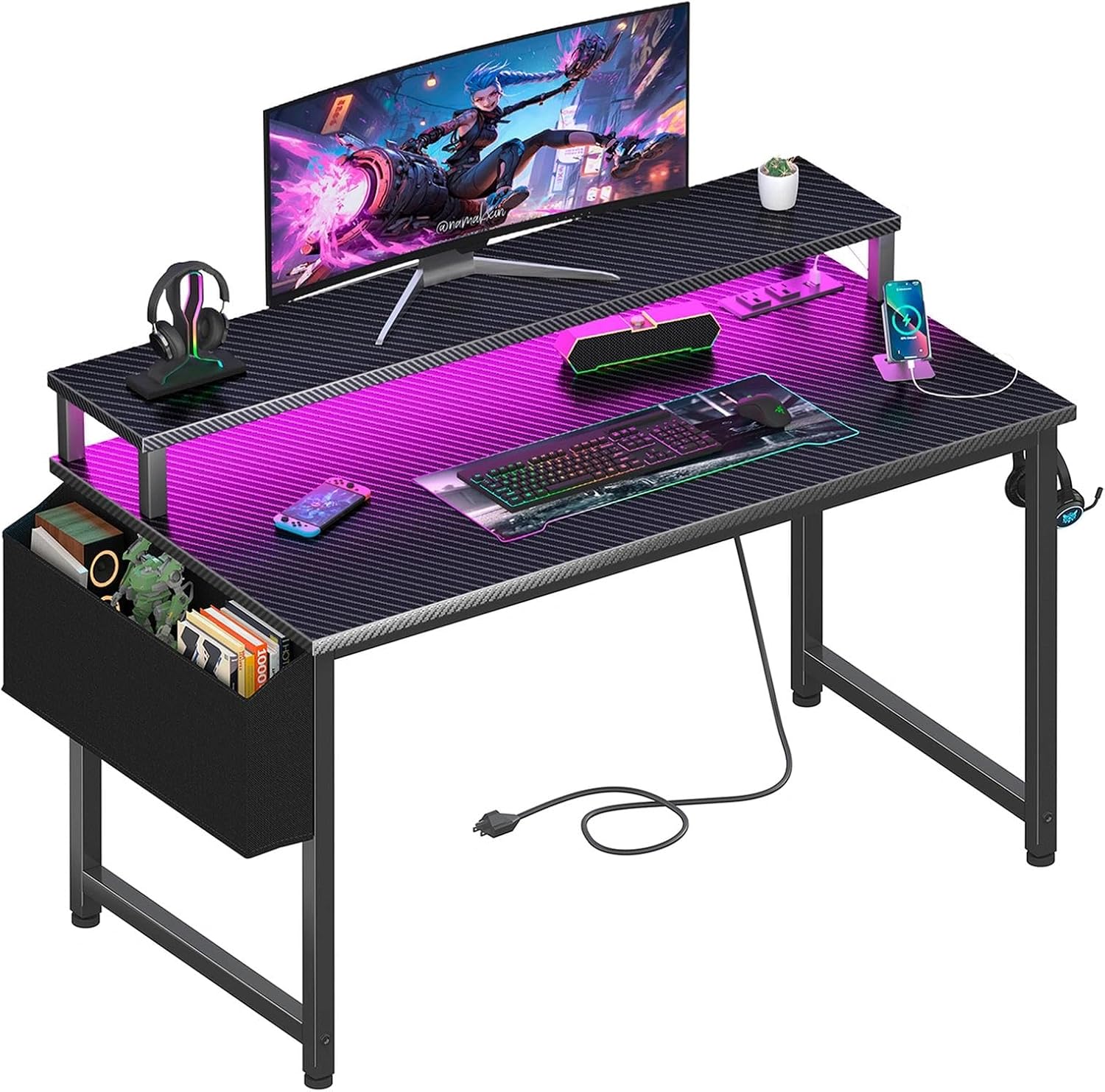
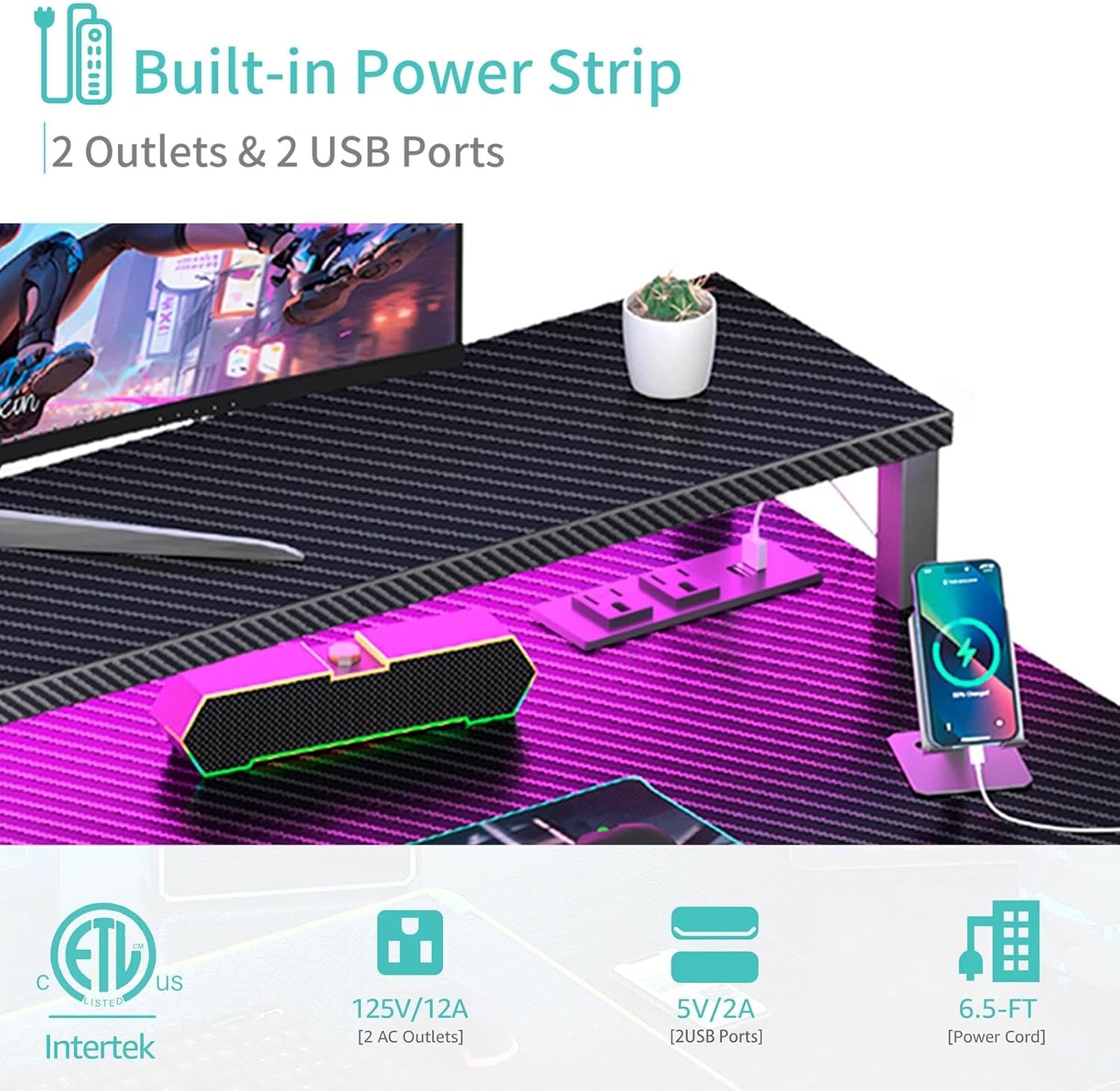
The built-in power strip has two outlets and two USB charging ports for devices such as a computer, monitor, gaming gear, tablet, or cell phone. That can make it easier to keep several everyday connections close to the desk instead of relying on a plain surface with no integrated charging. The listed port count is modest, though, so it may not cover a larger setup with many devices needing power at once.
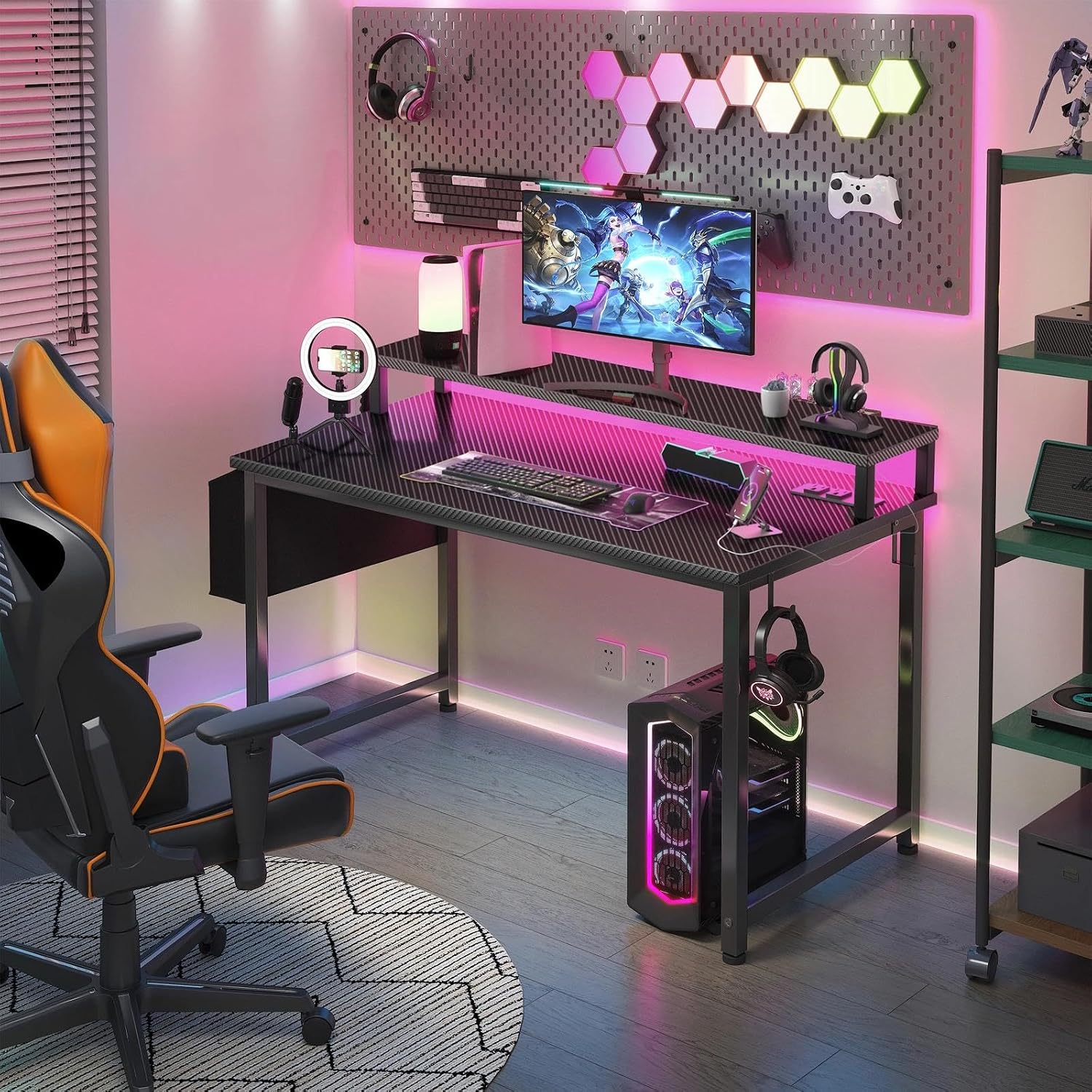
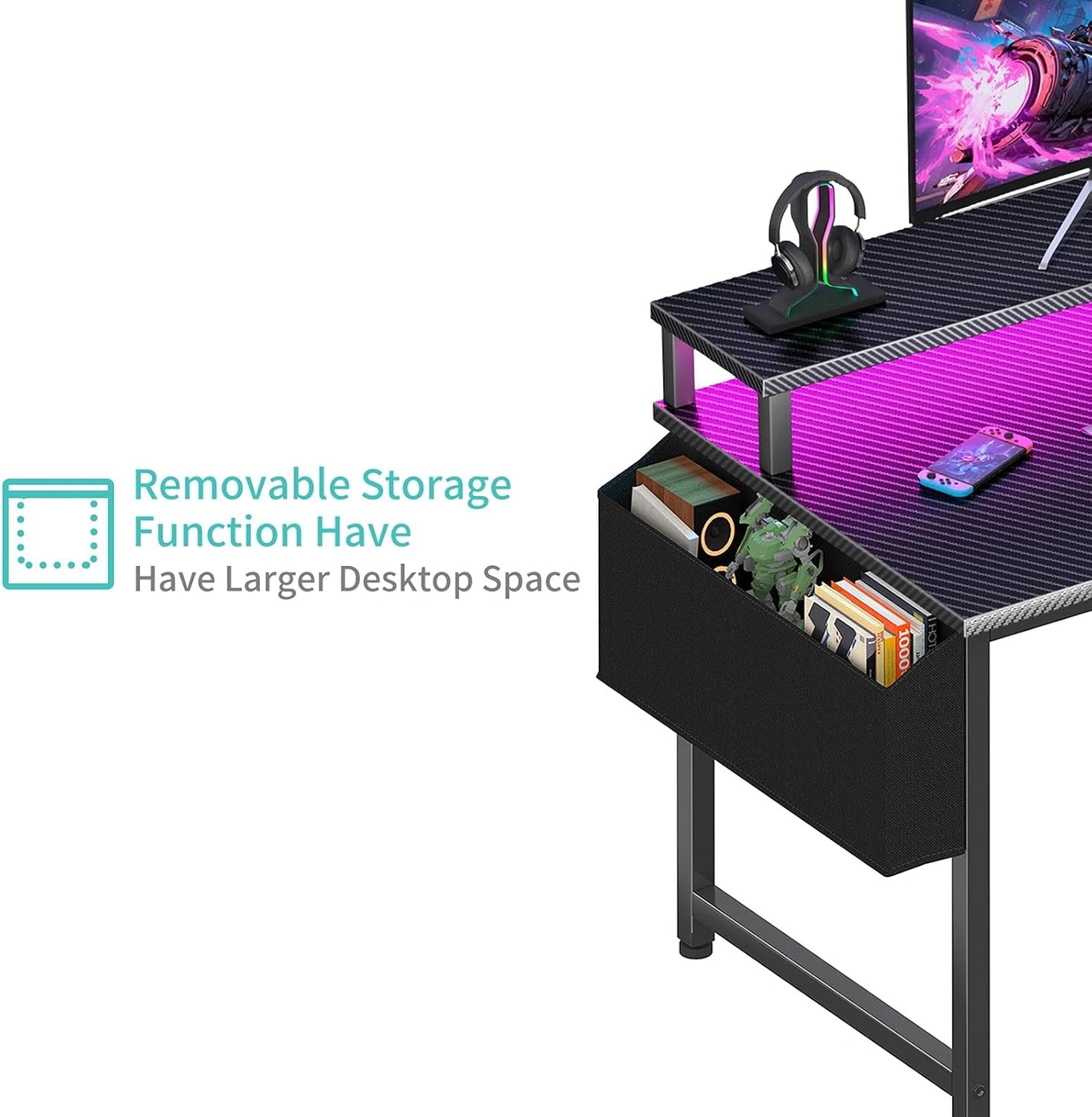
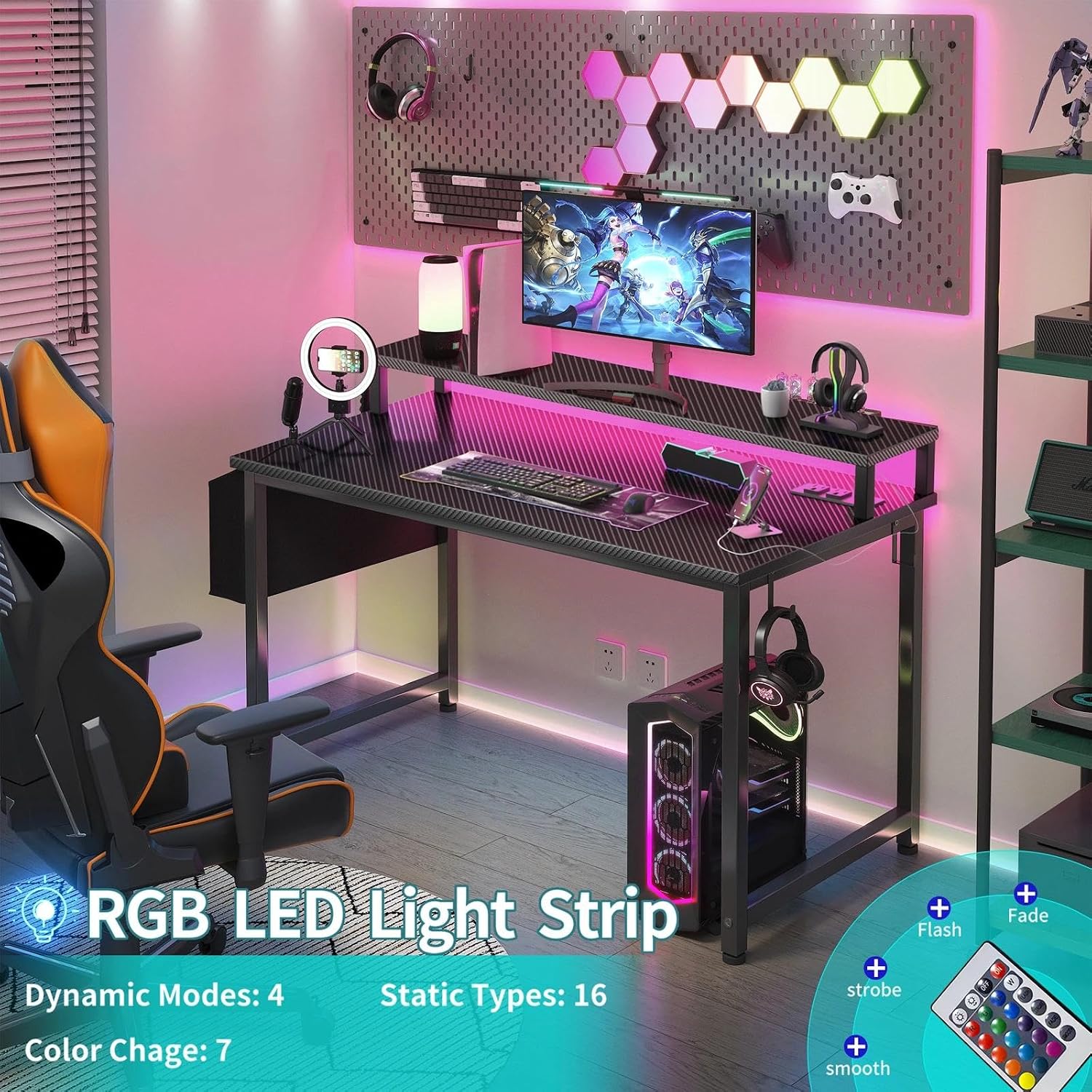
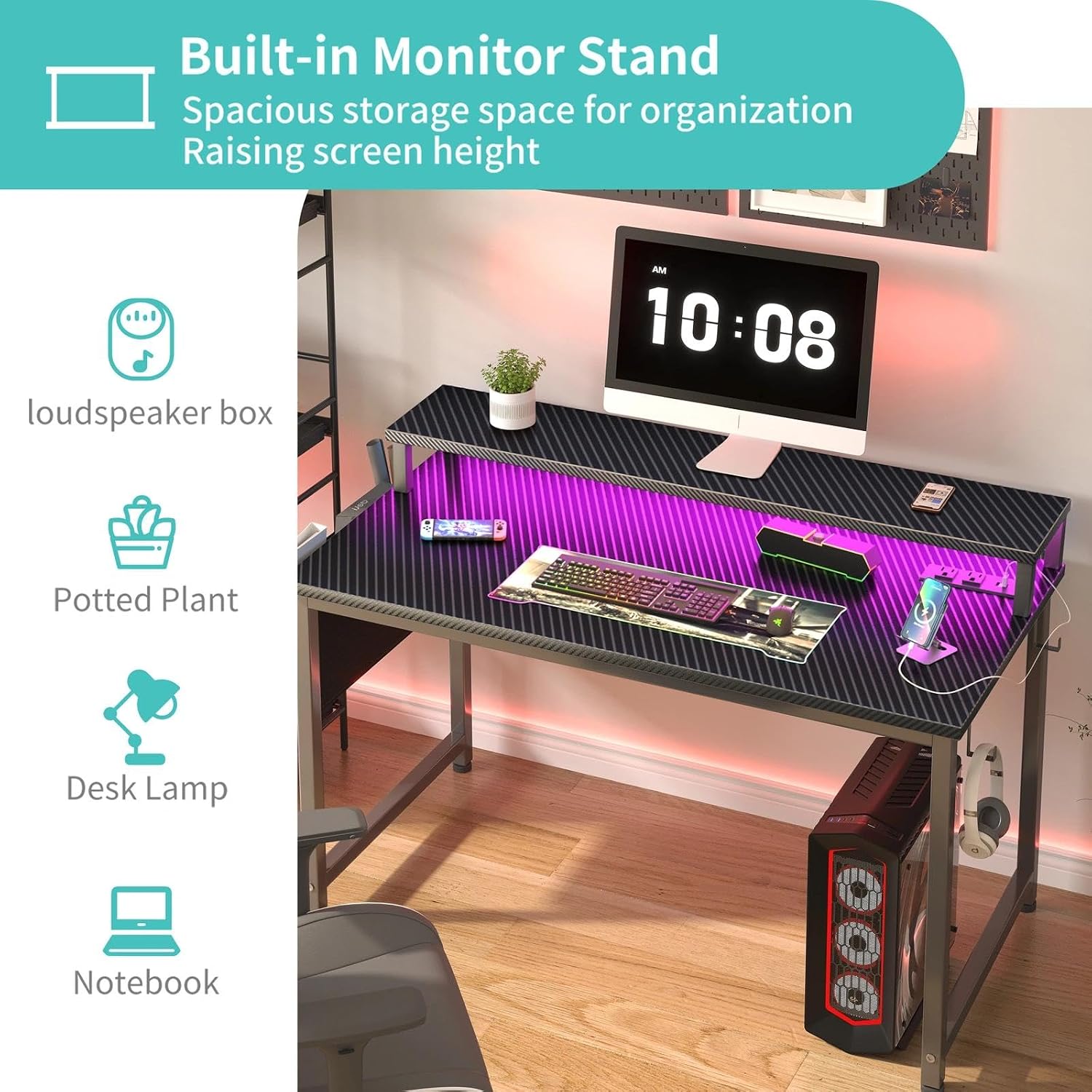
Lighting is built into the desk as an RGB strip, with seven adjustable colors, four dynamic modes, and 16 static options. That gives you several ways to change the look between a focused work session and a gaming setup without adding a separate light strip. A monitor stand is included and is described as suitable for two monitors or laptops, raising a screen can also help bring it closer to eye level. A storage bag and two removable headphone hooks provide places for smaller accessories.
How to use it
Use the surface for your computer and everyday desk gear, then place a monitor or laptop on the stand to free up some of the main work area. The built-in outlets and USB ports are intended for connecting devices such as a monitor, gaming accessories, and a cell phone. Keep in mind that the desk is listed as 40 inches, so a keyboard, mouse, display, and extra accessories may leave less open space than they would on a larger desk. The hooks are removable, which lets you leave them off if you prefer a simpler side profile.
Practical tips
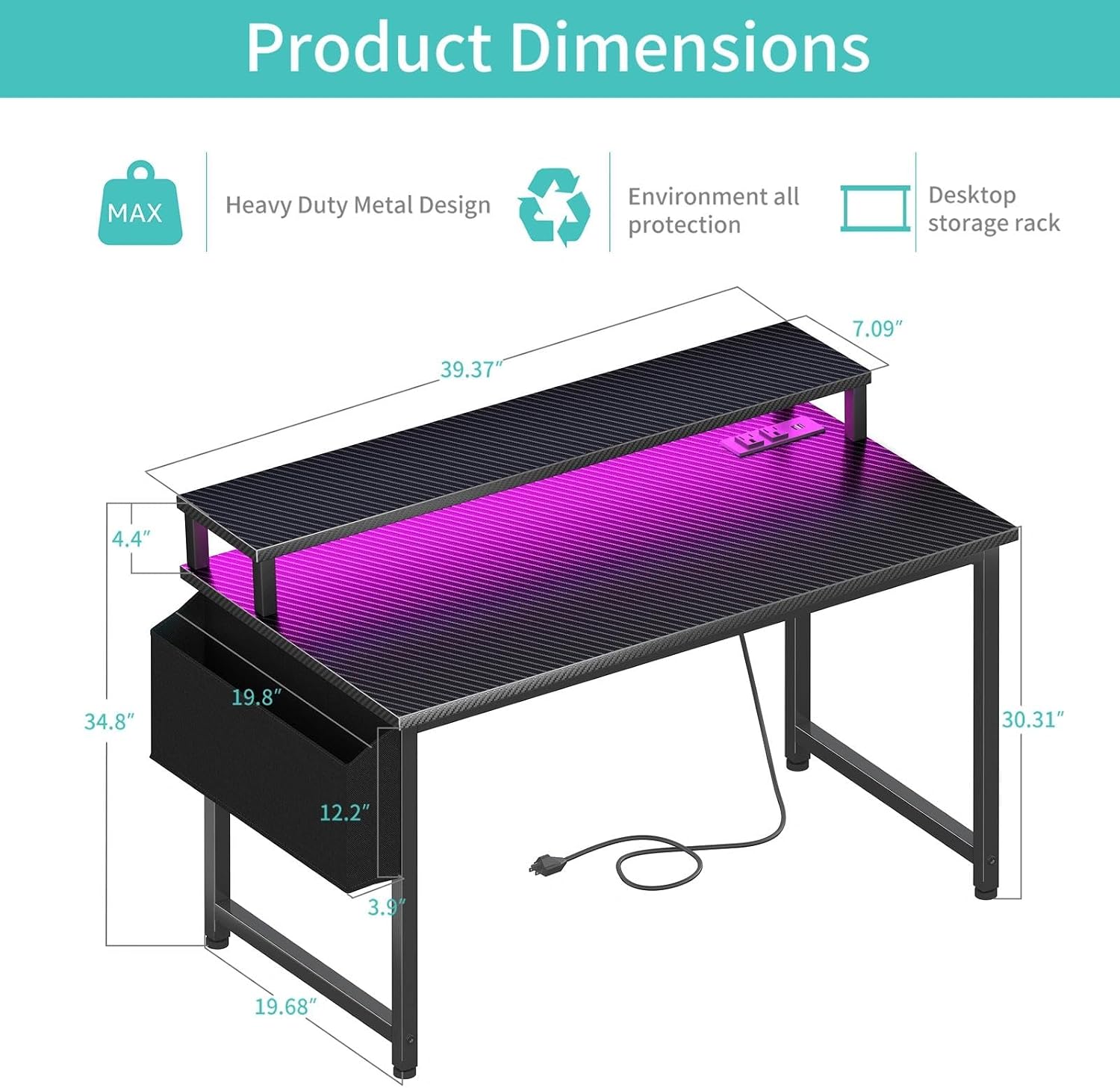
Before assembling, decide where the desk will sit and how you want to arrange your screen, keyboard, and frequently used accessories. A quick layout check helps you judge whether the stand and remaining surface will suit your setup, especially if you use more than one screen. The included storage bag can keep small items together, while a headphone hook can keep a headset off the work surface between sessions.
The product description says a manual and tool are provided and that no additional tools are required. Follow the instructions during assembly rather than improvising with the frame or stand. For lighting, choose a static color for a consistent look or a dynamic mode if you want the desk to change its visual effect, the number of available settings is useful, but there is no further detail here about how they are controlled.
Questions before you buy
How many built-in charging connections are there? The power strip has two standard outlets and two USB charging ports.
Can the monitor stand hold two displays? The listing says it can accommodate two monitors or laptops, but it does not provide a stand size or weight limit.
Do you need to bring assembly tools? The description says a tool and instructions are included, with no other tools required.
Is it worth it?
It makes sense if you want a gaming desk that combines lighting, a monitor stand, and a small built-in charging station rather than choosing a simpler desk and adding those features separately. The removable hooks and storage bag also suit a setup where keeping headphones and small accessories off the main surface matters. You may want to skip it if you need substantial room for a wide monitor arrangement, lots of peripherals, or extended work materials: the 40-inch format and limited built-in port count are the main constraints to weigh against the convenience.