

Lufeiya Gaming Desk, 40-Inch
Product description
Quick overview
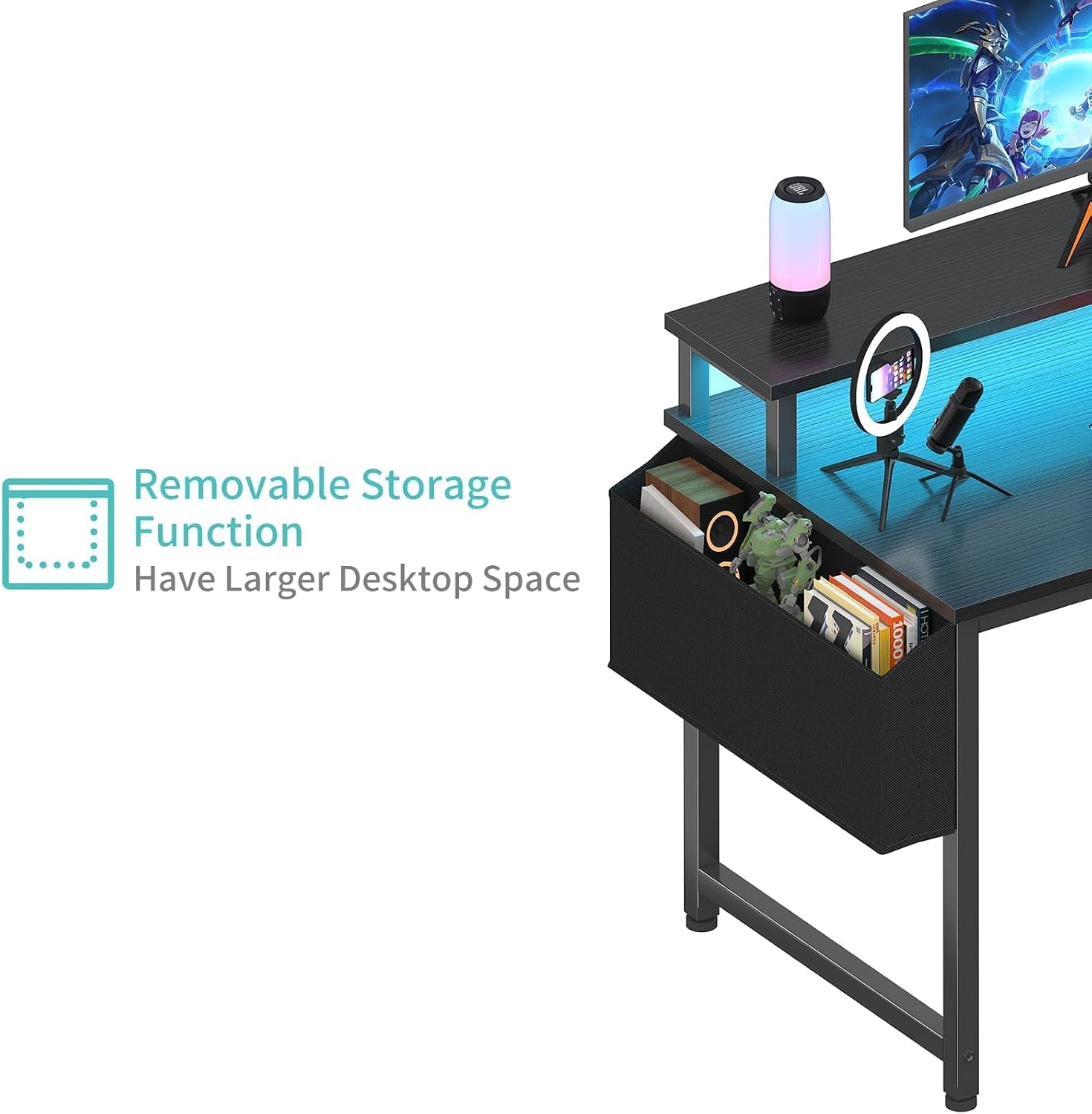
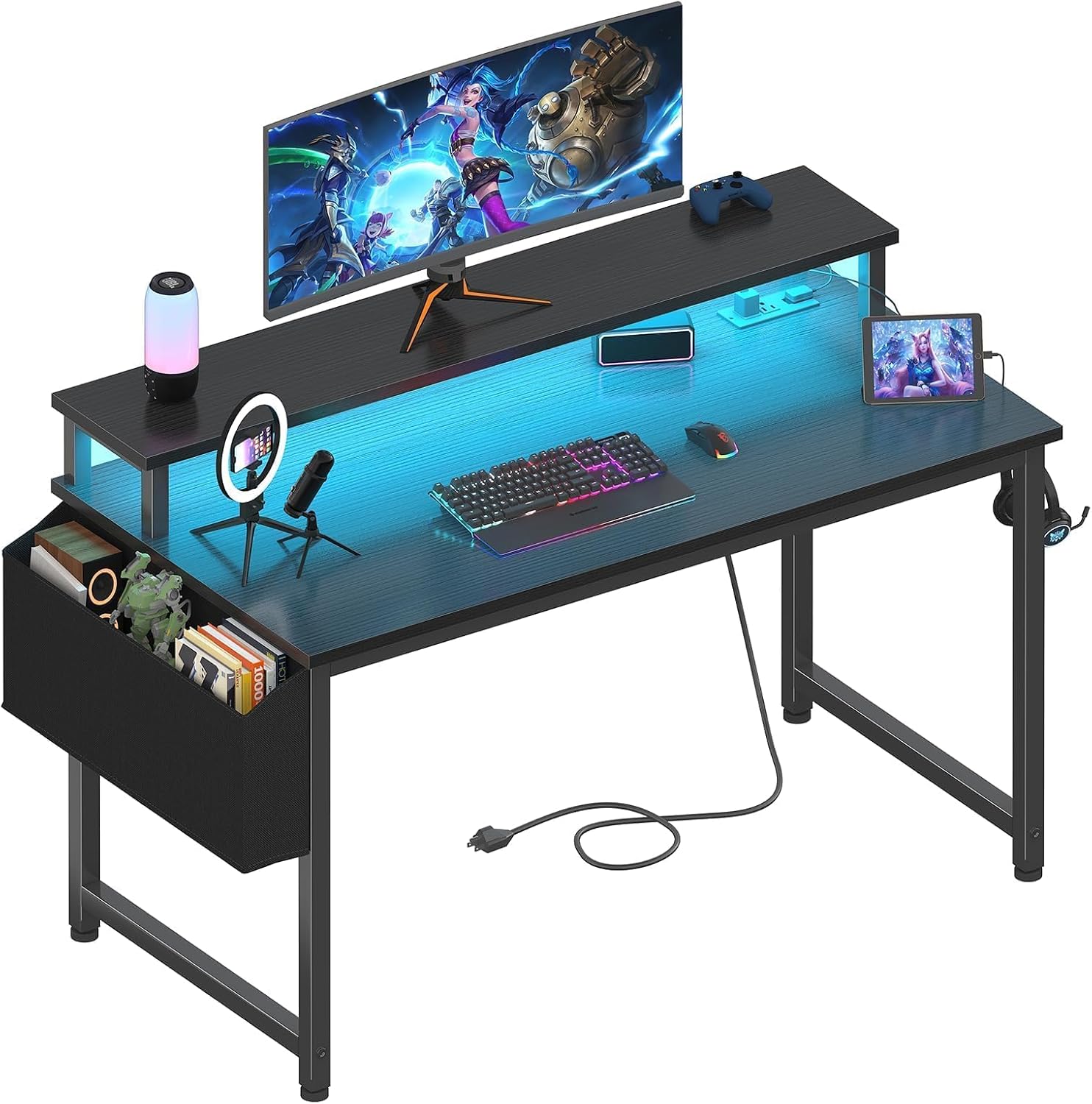
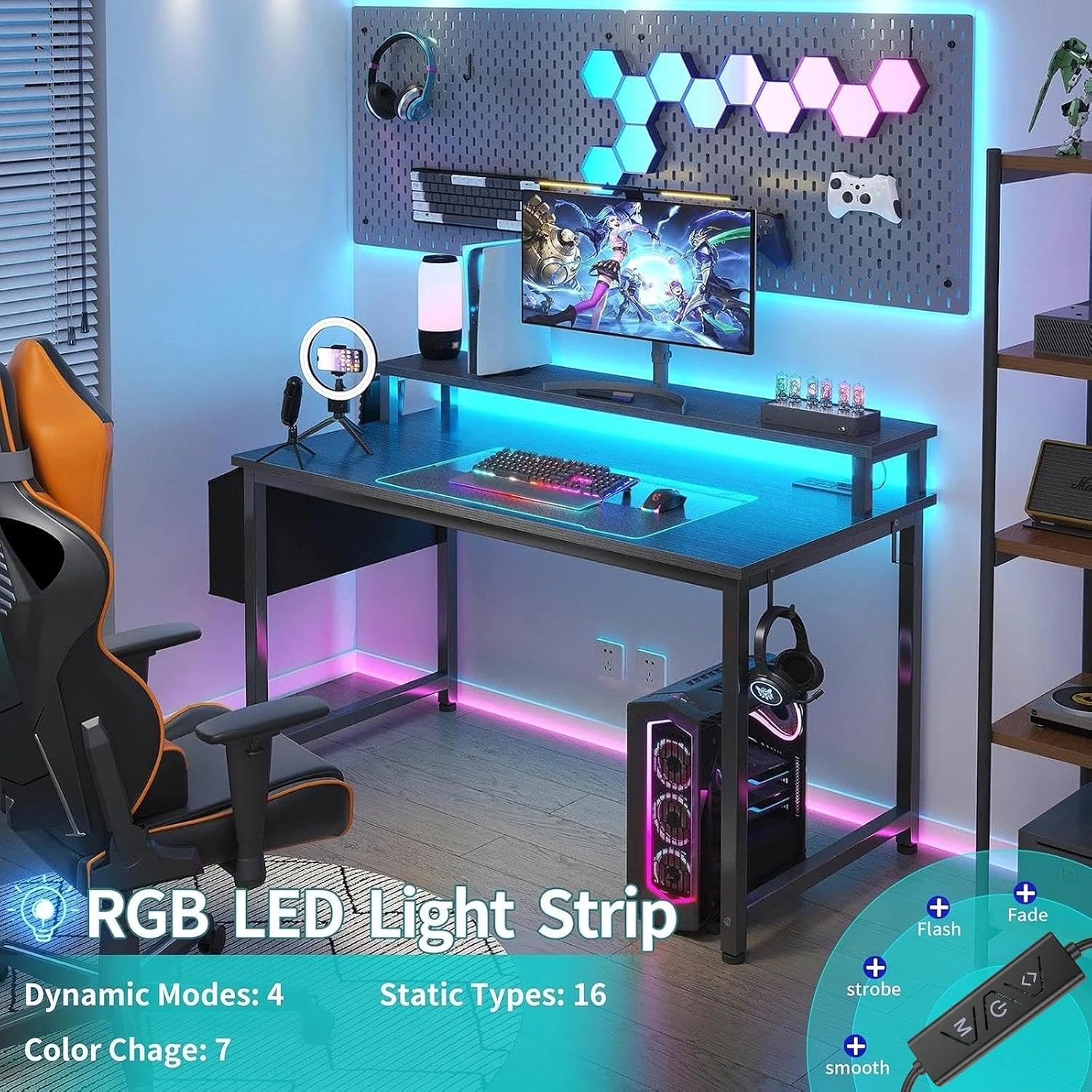
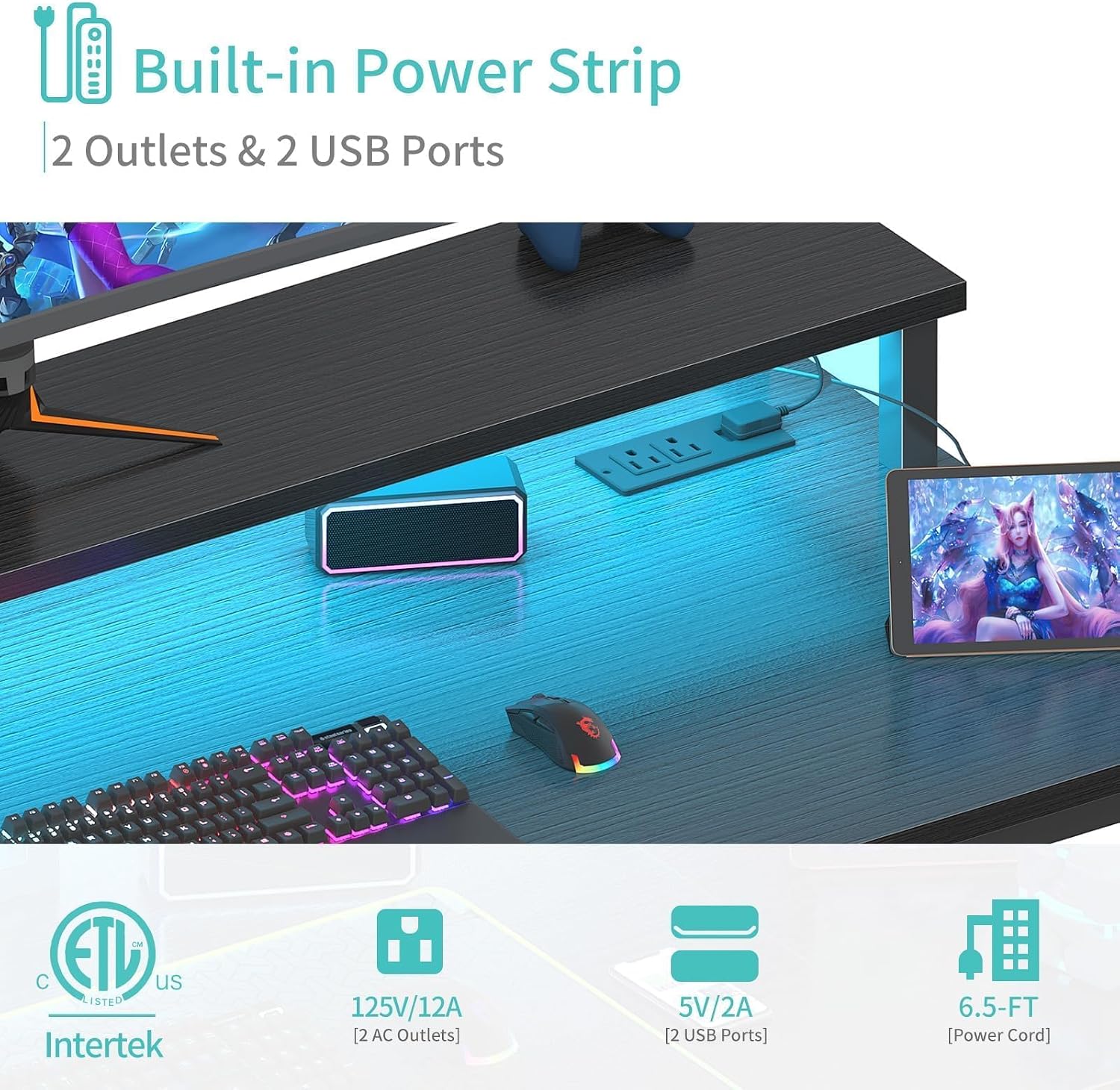
Some desks keep things simple, this one adds lighting, device charging, and a raised monitor stand to a compact gaming and study setup. The Lufeiya 40-inch desk has a built-in power strip with two outlets and two USB charging ports, plus RGB LED strips with adjustable colors and lighting modes. A storage bag and two removable headphone hooks give everyday gear a place to go instead of crowding the work surface.
From the way it is set up, it’s aimed at a room where one desk needs to handle homework, computer use, and gaming without separate accessories for power and atmosphere.
How to use it
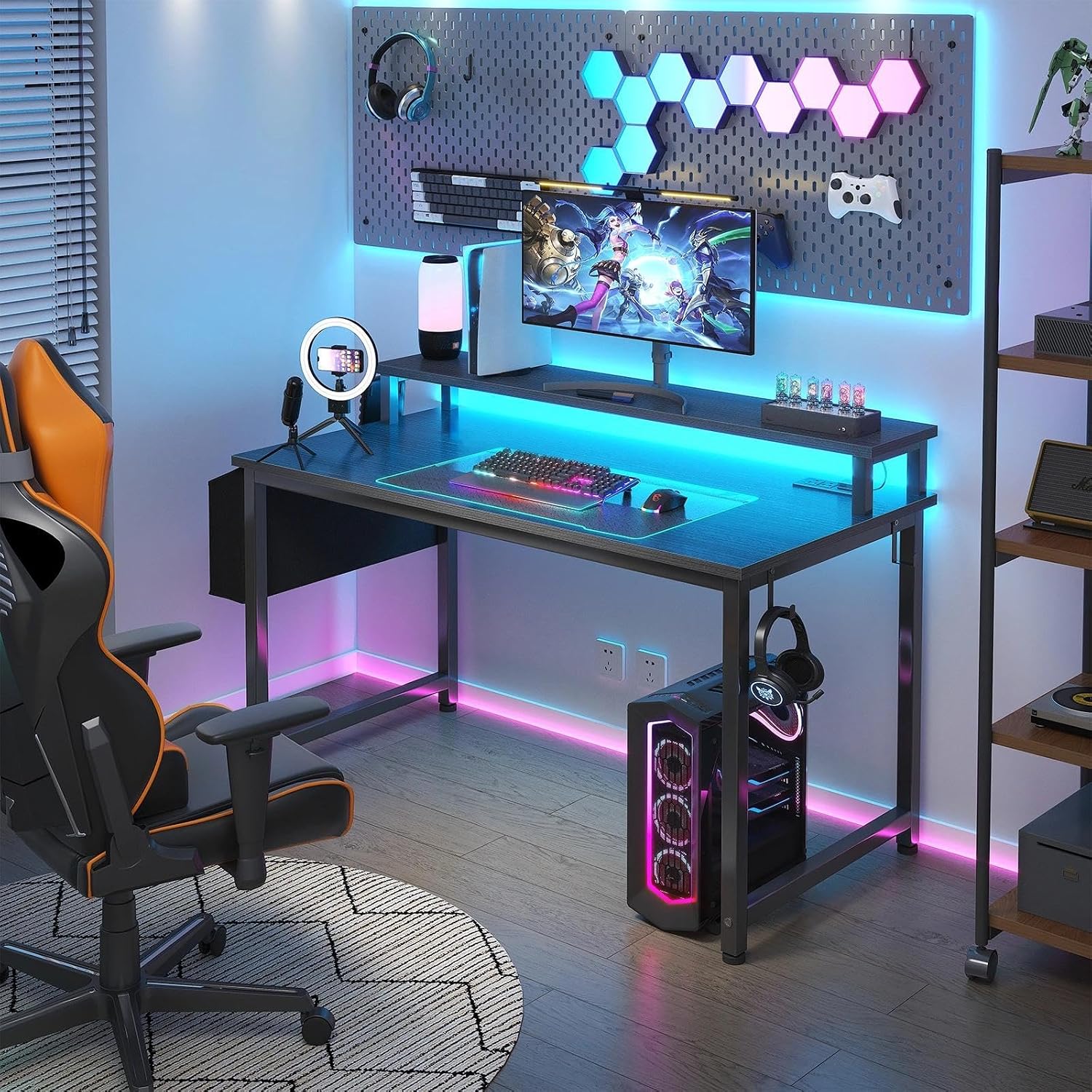
Use the outlets for desk electronics such as a computer or monitor, and the USB ports for compatible devices like a phone or tablet. The built-in LED strips offer seven adjustable colors, four dynamic modes, and 16 static types, so you can choose a steadier look for studying or a more animated setting for gaming. The listing does not specify brightness levels or how the lights are controlled, so those details may matter if you need precise lighting adjustments.
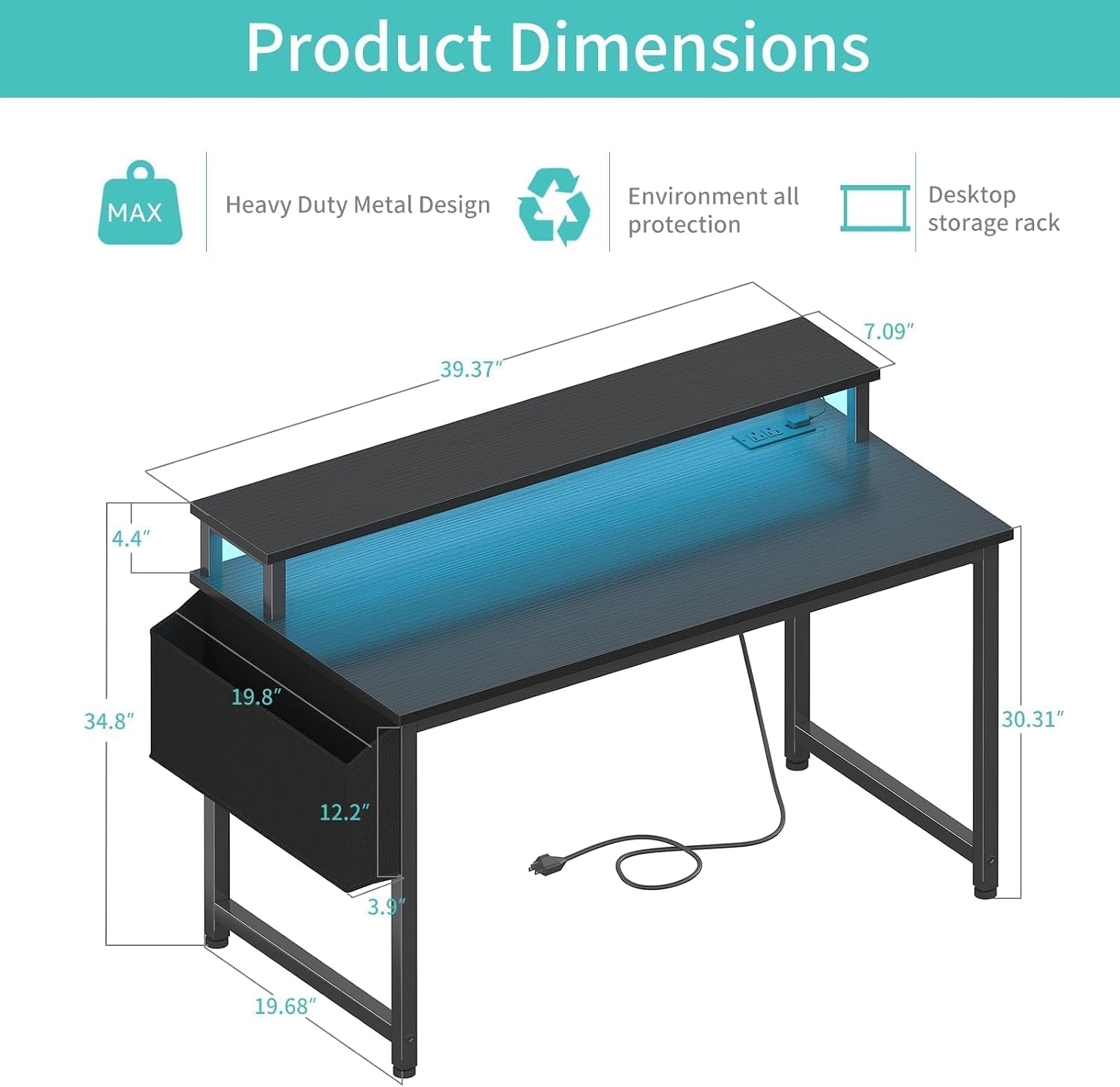
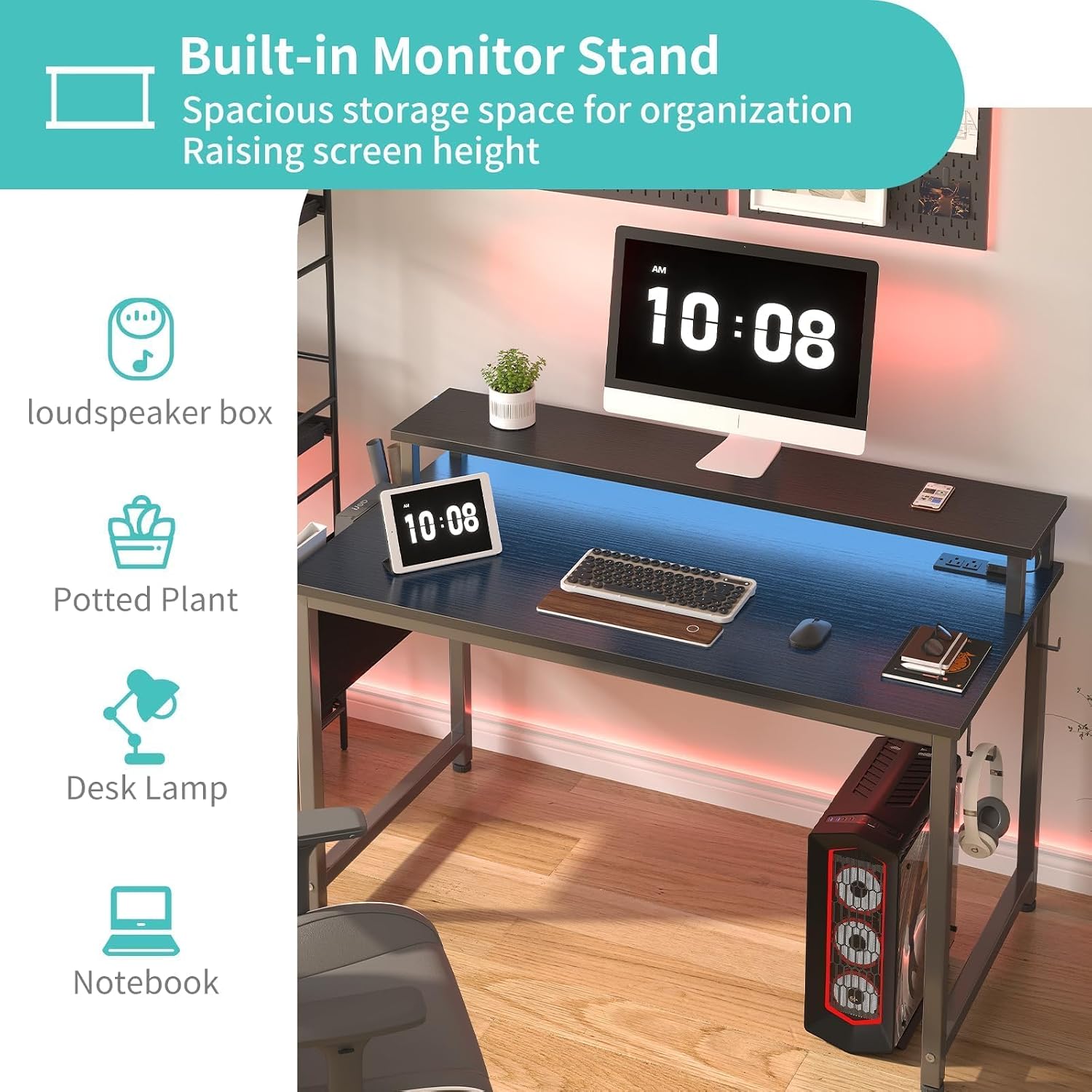
The raised stand is intended to hold monitors or laptops and bring a screen closer to eye level. Keep in mind that the listing gives no dimensions for the stand or the desktop depth, so the 40-inch width alone won’t tell you whether your particular screen setup will fit comfortably. Check your equipment’s footprint against the available space before choosing it.
Practical tips
Before assembly, decide where the desk will sit and how you want to route power to your computer and other gear. The built-in outlets can reduce the need to reach for a separate strip, but there are only two USB charging ports, a setup with several USB-powered devices may still need another charging solution. The listing says a manual and tool are included and that no additional tools are required.
For a study setup, the monitor stand can keep a screen raised while notebooks or other items stay on the desk. For gaming, the removable headphone hooks and storage bag can help keep headphones and smaller accessories off the main surface. The top is described as thick particle board with a scratch-resistant, anti-collision, and waterproof finish, but the listing doesn’t provide care instructions or details about how it handles heavier equipment.
A simpler writing desk may suit someone who wants an uncluttered surface and no built-in lighting or charging features. This one makes more sense when those extras are useful in the same spot and you’re happy to plan around the desk’s stated size.
Before you decide
Does it include a power strip? Yes. The desk has two power outlets and two USB charging ports built in.
Can the monitor stand hold two screens? The listing says it can meet requirements for placing two monitors or laptops. It doesn’t give stand dimensions or a specific load limit, so check the fit and equipment details for your setup.
Can the headphone hooks be removed? Yes. The desk includes two removable headphone hooks, along with a storage bag.
Should you buy it?
It makes sense if you want a 40-inch desk that combines a monitor stand, RGB lighting, and built-in charging for a gaming or study corner. The extras can make a compact setup feel more organized, especially when you use the storage bag and hooks for accessories. It might not be a great match if you need a larger, fully specified work surface, have several devices that rely on USB charging, or want detailed measurements before planning a multi-screen layout. Its strongest case is convenience in one desk, for a bare-bones writing space, those built-in features may not add much.