


Logitech MX Master 3S Bluetooth Wireless Mouse (Graphite) – No Receiver
Reviews
Price
Product description
What it is
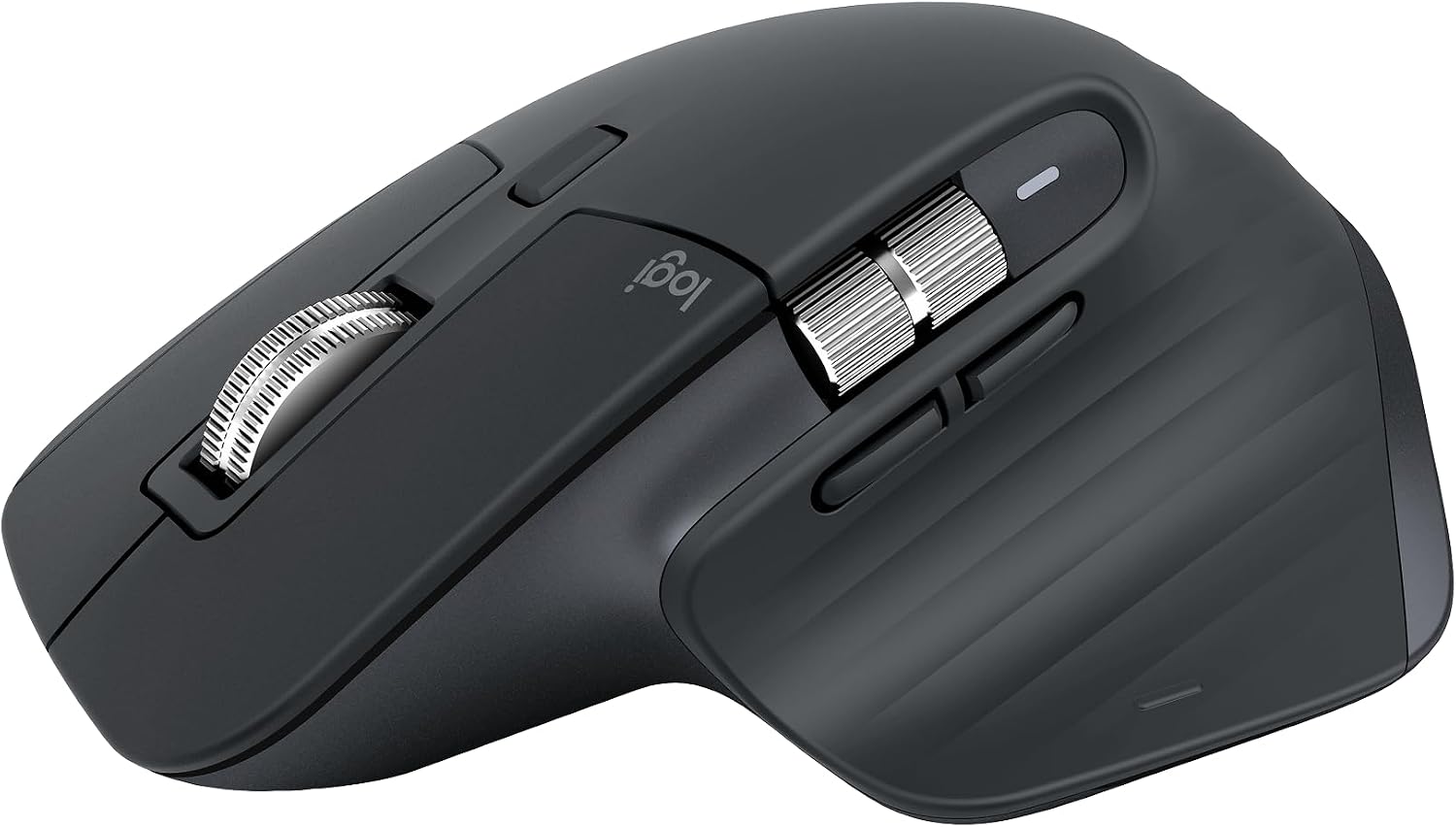
The Logitech MX Master 3S is a Bluetooth-only wireless mouse designed for multi-device workflows, with an 8000 DPI sensor and MagSpeed scrolling. It ships without a USB receiver or charging cable, emphasizing a clean setup for users who mostly rely on Bluetooth connections.
Who it’s for
If you juggle work across Windows, macOS, Chrome OS, or Linux and value a quiet, precise pointer, this model aims to fit. It’s particularly appealing for professionals who work on varied surfaces (even glass) and want a comfortable, ergonomic shape for long sessions. If your setup relies on a USB receiver, this is not the right pick since it’s Bluetooth-only.

How it performs
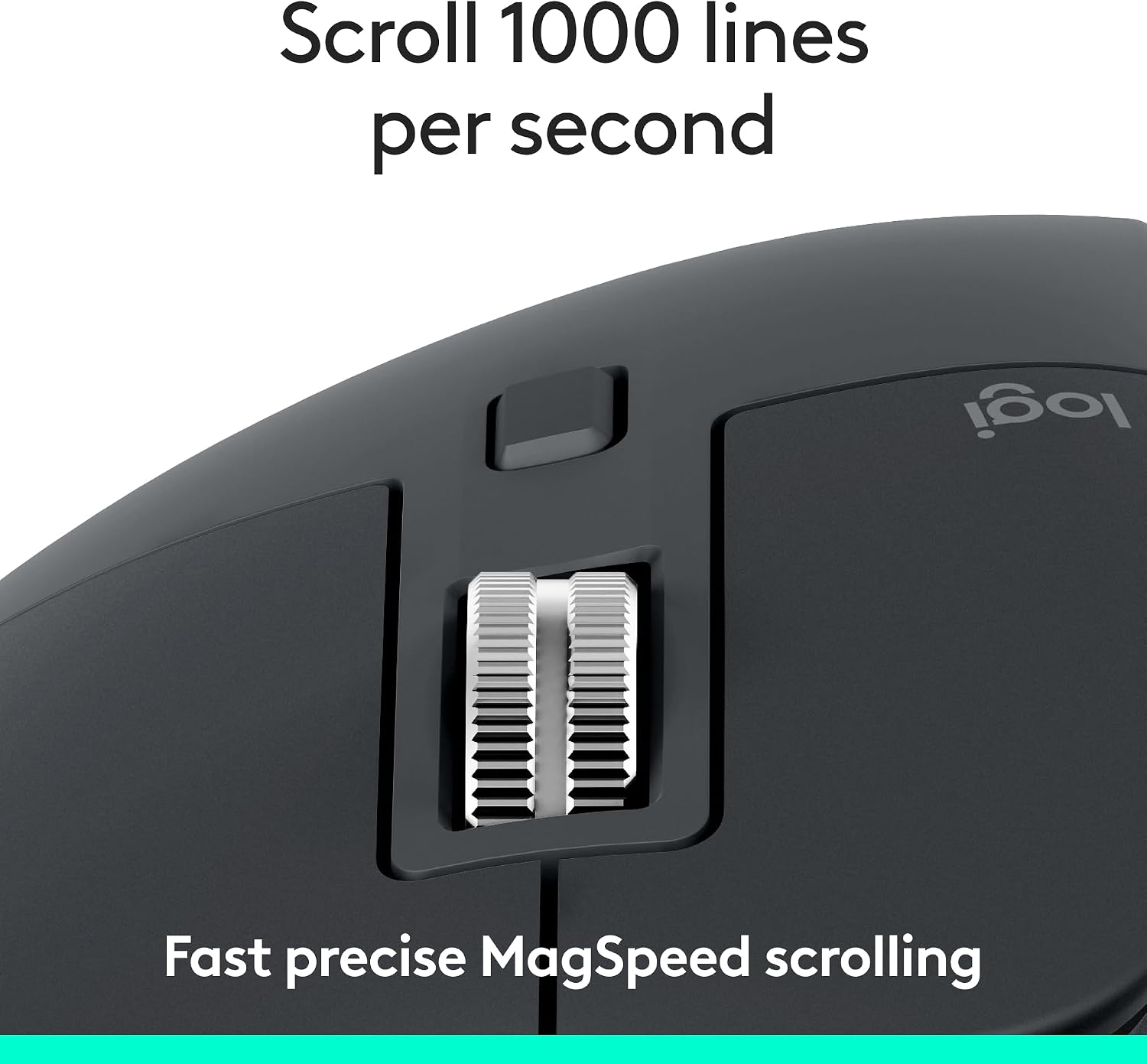
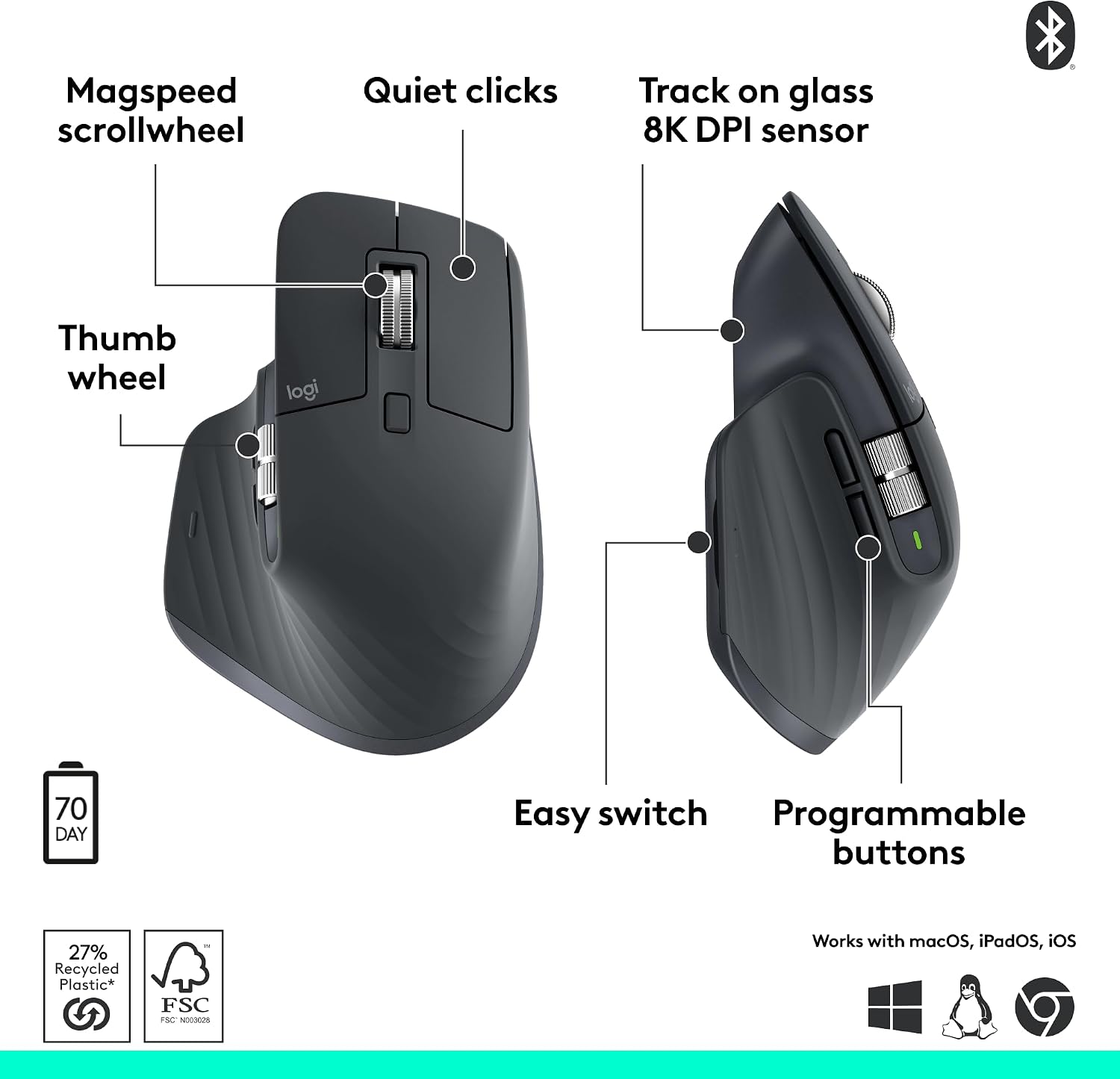
On paper, the MX Master 3S integrates a high-precision 8000 DPI sensor and MagSpeed scrolling that Logitech touts as faster and more precise than average, with near-silent clicks. The ergonomic silhouette is crafted to promote a natural wrist posture, and the thumb controls are positioned for easy reach. The mouse supports FLOW cross-computer control so you can copy and paste between devices, and you can customize buttons and profiles via the Logi Options+ app.
Pros and what to watch out for
What stands out is the multi-device Bluetooth workflow and the ability to fine-tune behavior with software profiles, which can streamline repetitive tasks. Quiet clicks are a nice touch if you work in shared spaces. On the flip side, the lack of a USB receiver means you’re dependent on Bluetooth stability and proper pairing across devices. Also, some users may expect a charging cable included, but this model omits it — you’ll need to source one separately.

How to decide if it fits your needs
Conviene tener en cuenta your typical workspace: if you regularly switch between computers or operating systems and value a tactile, low-noise experience, this mouse can be a strong companion. If you mostly work with a single PC or require wired reliability, consider whether Bluetooth setup and battery considerations align with your routine.
What to check before buying
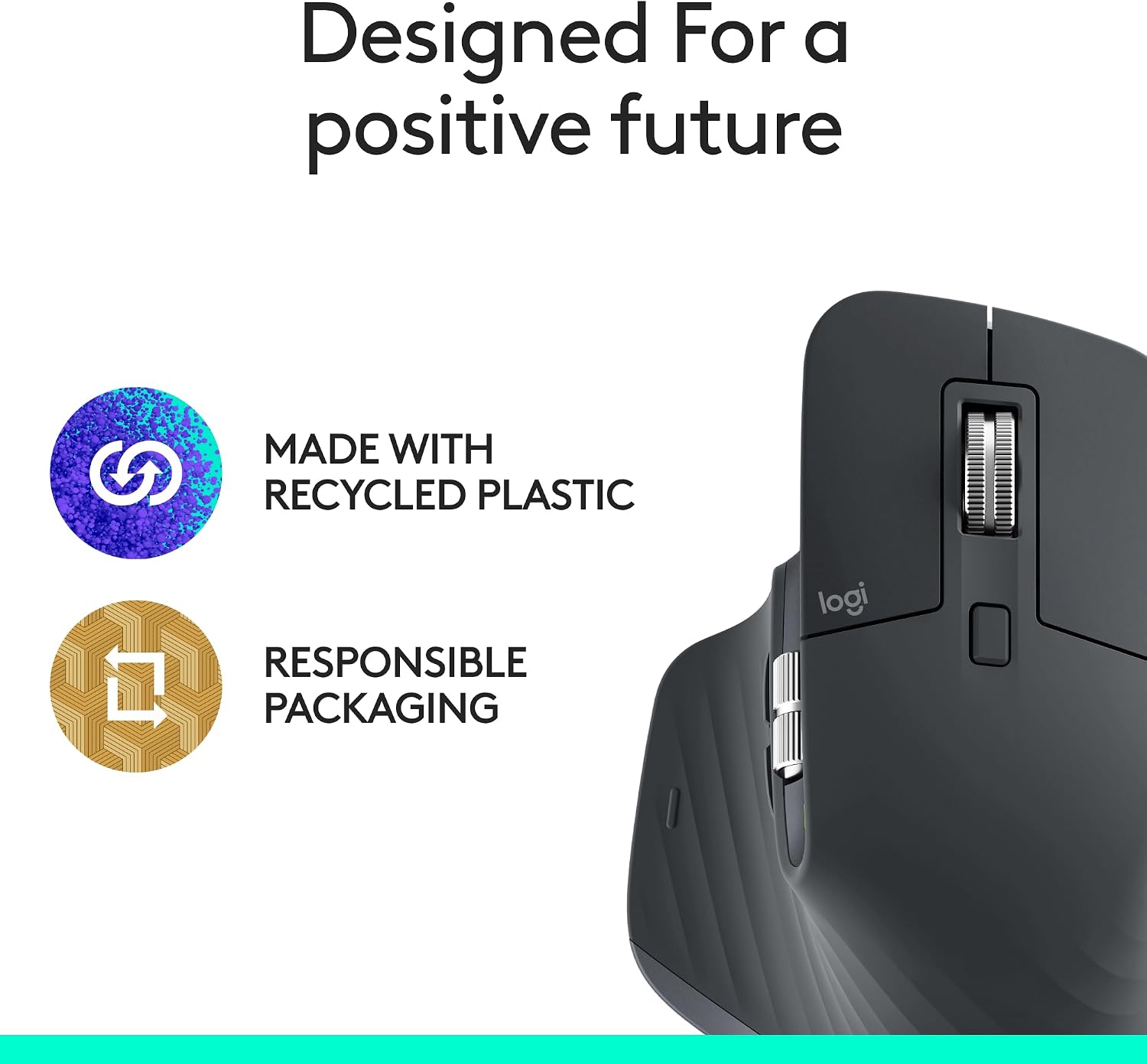
Confirm you’ll be using Bluetooth on all target devices and that they support a stable, multi-device connection. Evaluate whether you’ll benefit from MagSpeed scrolling for fast navigation. If you rely on a charging cable that’s standard across your gear, you’ll want to verify compatible charging options for ongoing use. Also, note that a portion of the plastic is post-consumer recycled material, which may matter if sustainability is a factor for you.
Practical use case
Imagine editing a long document on a PC, then switching to a Mac to review visuals. You can move text and images between devices with FLOW, adjust sensitivity on the fly with a high-DPI sensor, and keep micro-interactions quiet in a shared office or library.
FAQ (3–5 quick questions)
- Is this mouse suitable for glass surfaces? Yes, it claims 8K DPI tracking on any surface, including glass.
- Do I need to buy a USB receiver? No. It’s Bluetooth-only and does not include a receiver or charging cable.
- Can I use it with a single device or multiple devices? It supports multi-device Bluetooth connections, up to three devices.
- Is the click noise noticeable? It’s designed to be 90% quieter than typical clicks, though not entirely silent.
- Do I get customization options out of the box? Yes, via the Logi Options+ app with app-specific profiles.
Final verdict
Is it worth it? It makes sense if you value multi-device Bluetooth flexibility, a quiet click experience, and advanced customization in a single ergonomic package. It may not be the best pick if you need a wired option, rely on a USB receiver, or don’t plan to leverage cross-device workflows.