

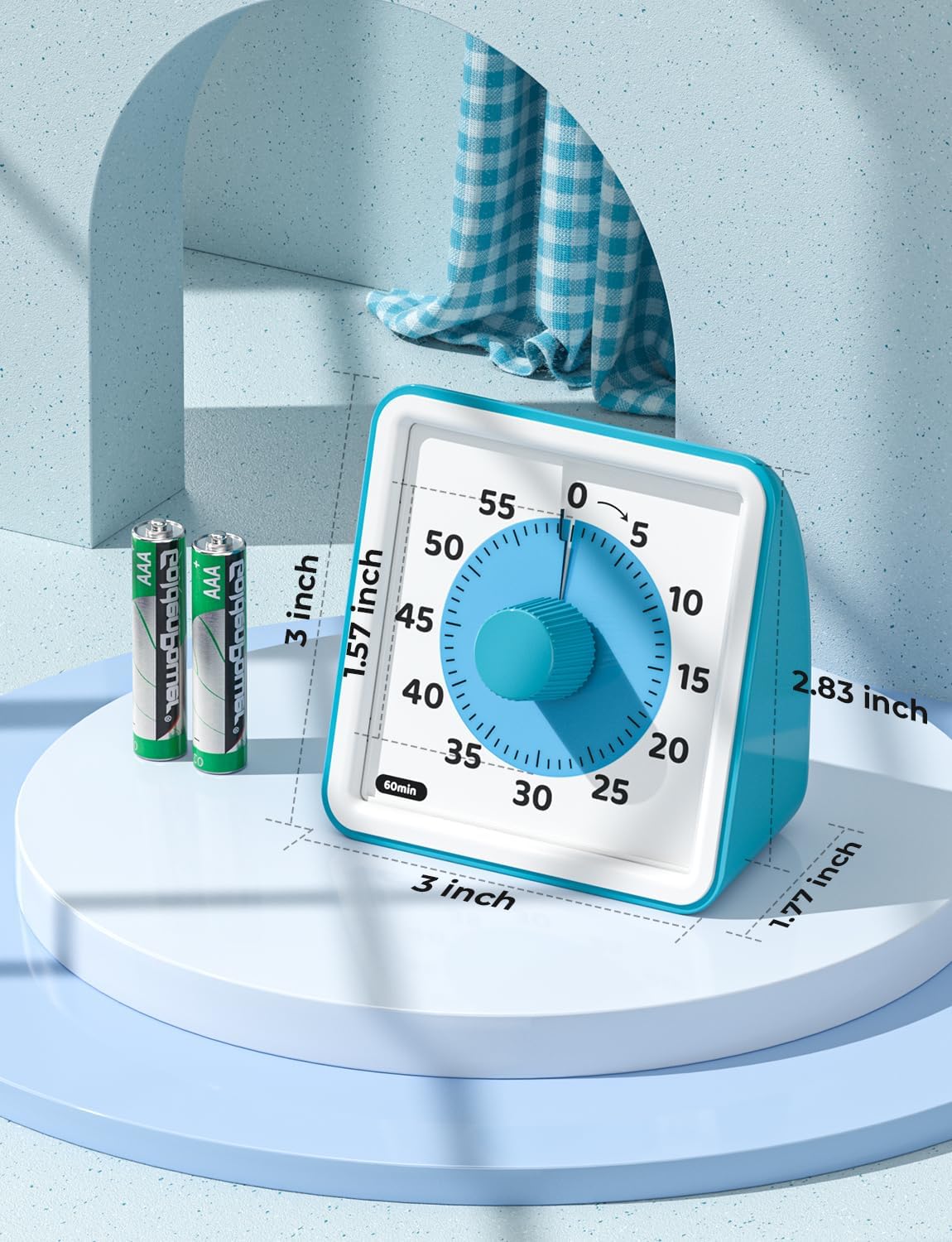
LIORQUE Visual Timer, 60-Minute Countdown
Product description
Quick overview
When a child or group keeps asking how much time is left, a regular clock can be hard to translate into a clear stopping point. This visual timer makes the countdown easier to see at a glance.
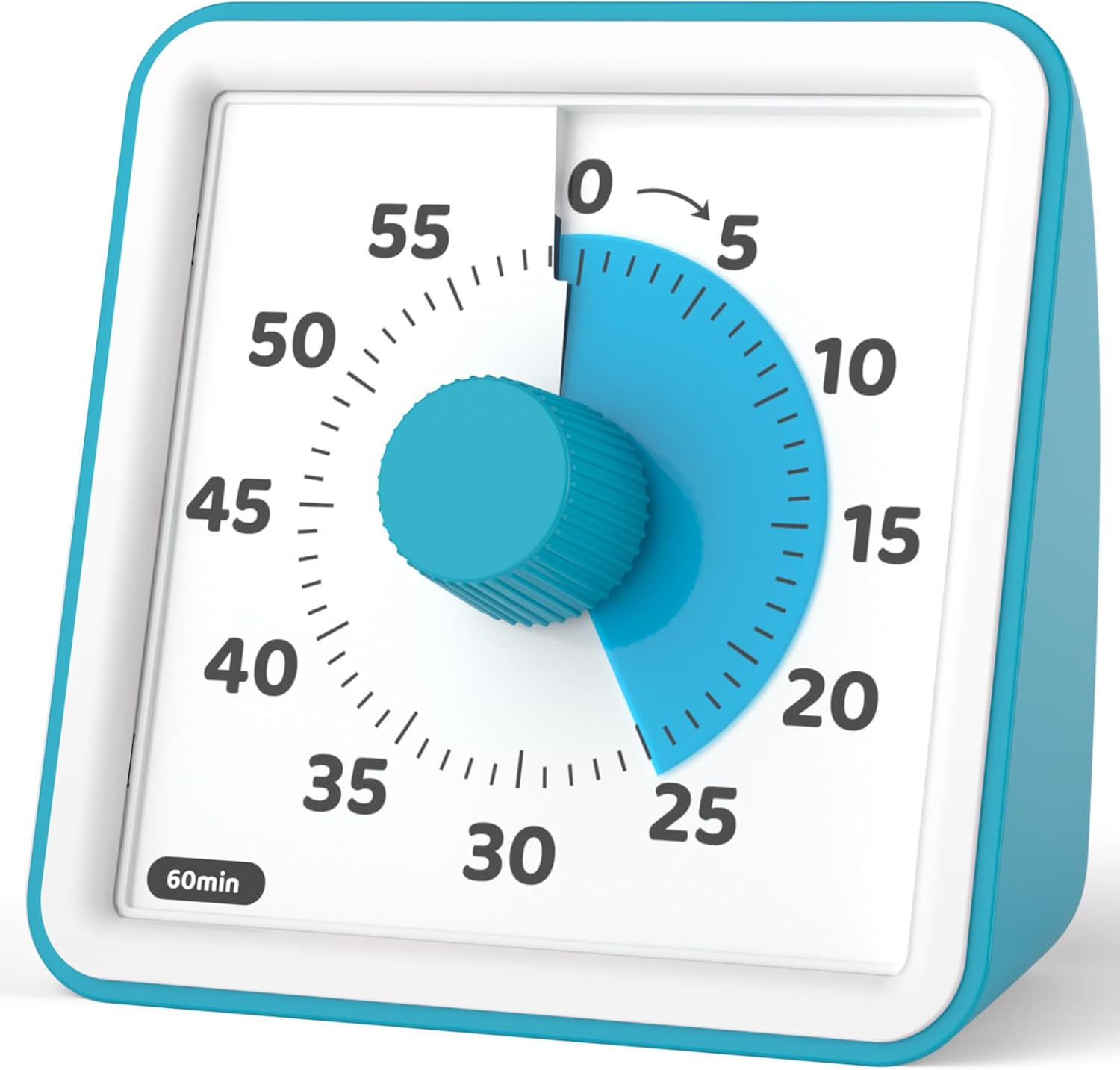
Turn the center dial to set up to 60 minutes. The colored visual display shows time passing, so there’s no need to keep checking changing numbers.
It’s designed for classrooms, cooking, and other timed activities. The timer is non-ticking, and its alarm has high, low, and mute settings.
Best use cases
This setup can help make a homework block, cleanup break, or classroom activity feel more concrete: set the timer, place it where everyone can see it, and let the shrinking visual area show that time is moving. It can also serve as a kitchen timer or for yoga, exercise, work, and group games.

Compared with a digital timer that emphasizes an exact numeric readout, this one prioritizes a quick visual cue. That can be useful for children or anyone who finds a visual countdown easier to follow. Keep in mind that it shows time passing visually rather than presenting a number to check, so it’s less suitable when you need a precise numeric readout without that measurement.
Tips for day-to-day use

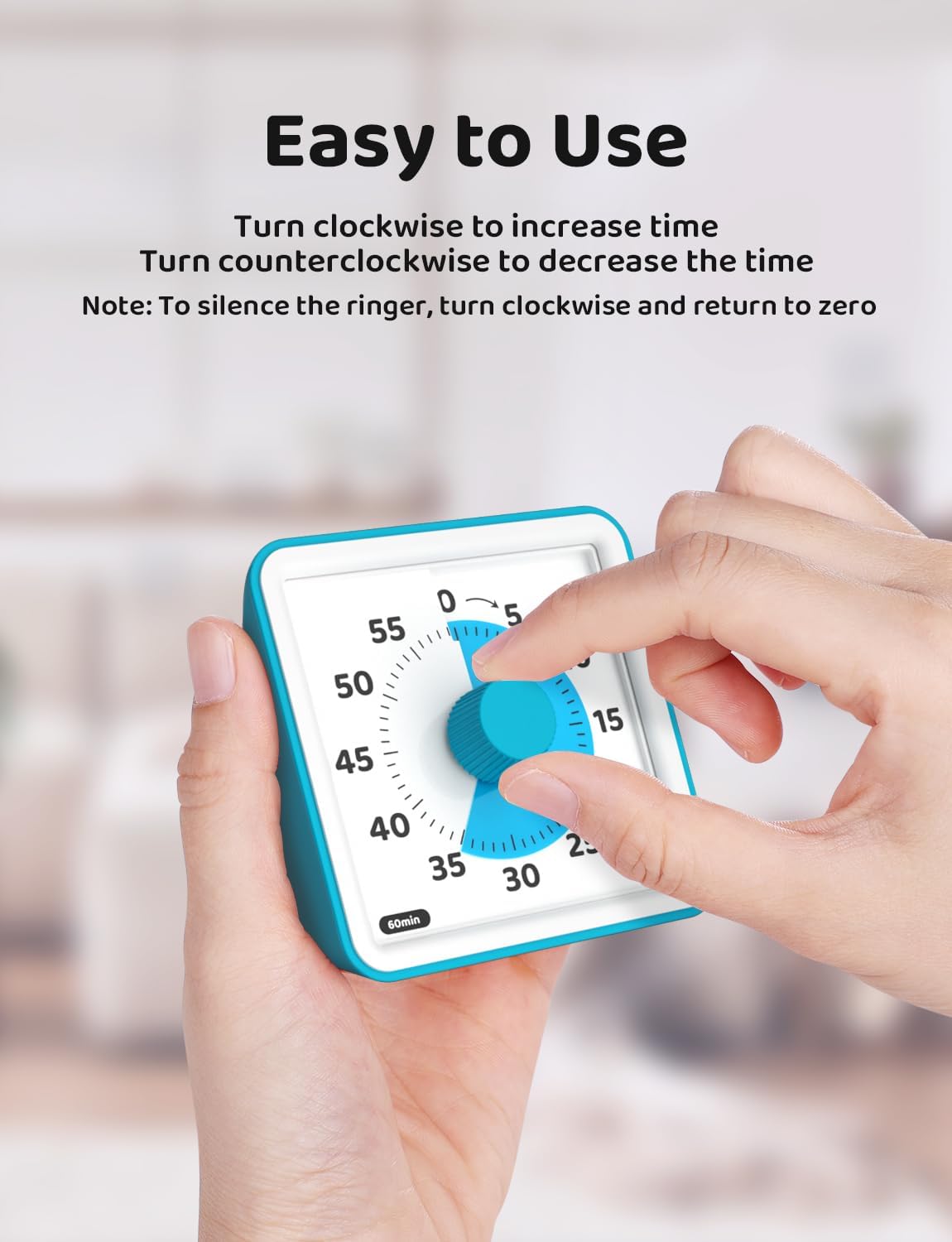
Turn the dial clockwise to add time and counterclockwise to reduce it. When the countdown ends, the alarm sounds unless you’ve selected mute. To stop the buzzer, turn the dial slightly clockwise, then return it to zero. That extra step is worth knowing before you use it in a quiet classroom or during a focused activity.
The alarm can be set to high, low, or mute, giving you options for a shared room or a quieter setting. The timer runs on two AAA batteries, which are included. Since the product information doesn’t specify its dimensions, think about where you plan to place it and whether the dial will be easy for the intended user to reach and see.

Practical doubts
Does it make a ticking sound while running? It’s described as non-ticking, with almost no internal sound while the timer is running. The alarm still sounds at the end unless muted.
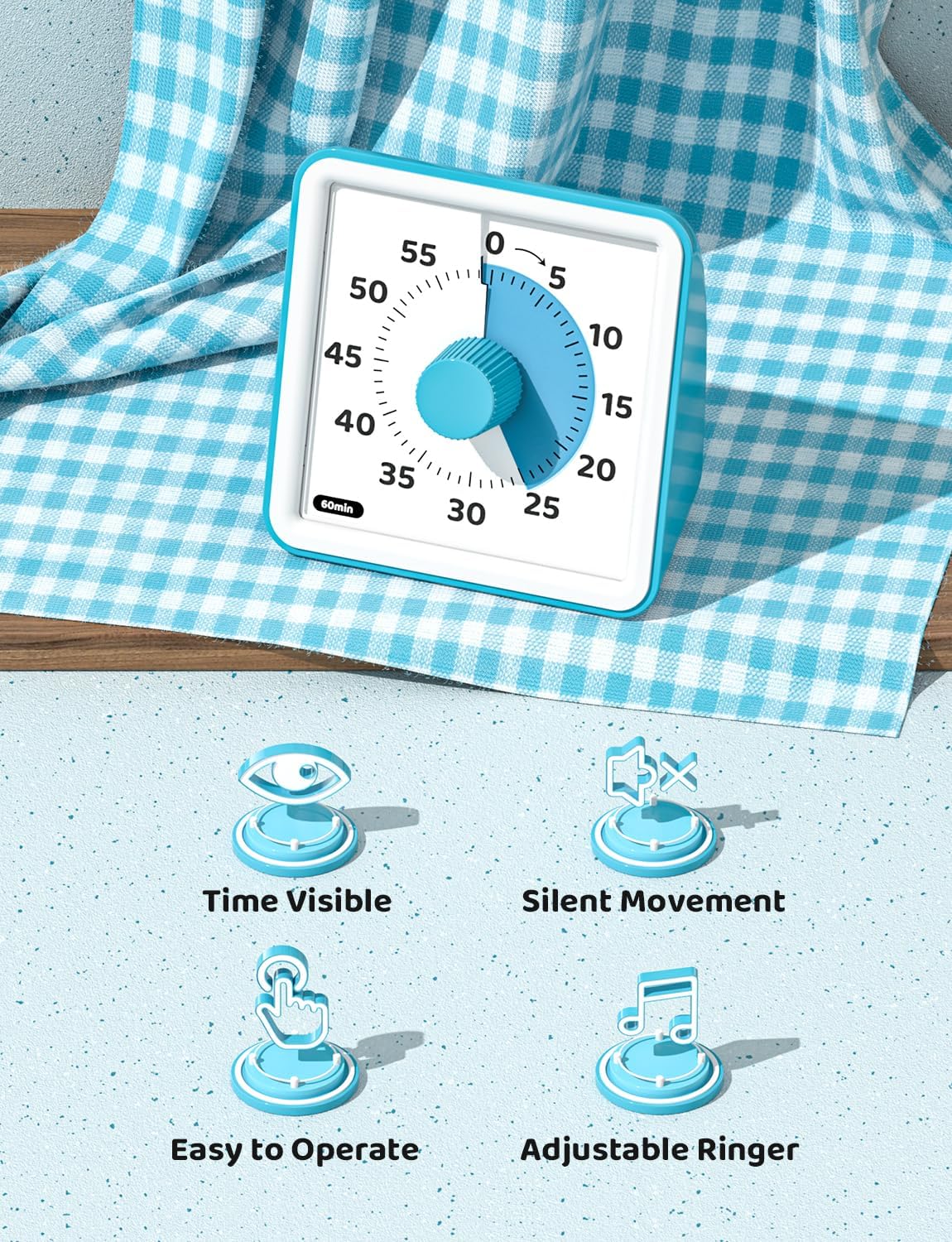
Can the alarm be silenced? Yes. Choose mute for a silent finish, or use high or low volume. If the buzzer has started, turn the dial slightly clockwise and then back to zero to switch it off.
Are batteries included? Yes. It requires two AAA batteries, and they’re included.
When it makes sense
It suits you if a visible countdown would make transitions, timed tasks, or shared activities easier to manage, and you don’t need to read the remaining time as a number. For example, a child can glance at the timer while finishing a classroom task instead of asking an adult for repeated reminders.
You may want to skip it if your routine depends on a precise digital display or you need product dimensions before choosing a place for it. For a simple visual cue with adjustable alarm volume and a mute option, its approach is straightforward, for exact numeric tracking, a conventional digital timer is the better fit.