

Lenovo Wireless Compact Mouse
Product description
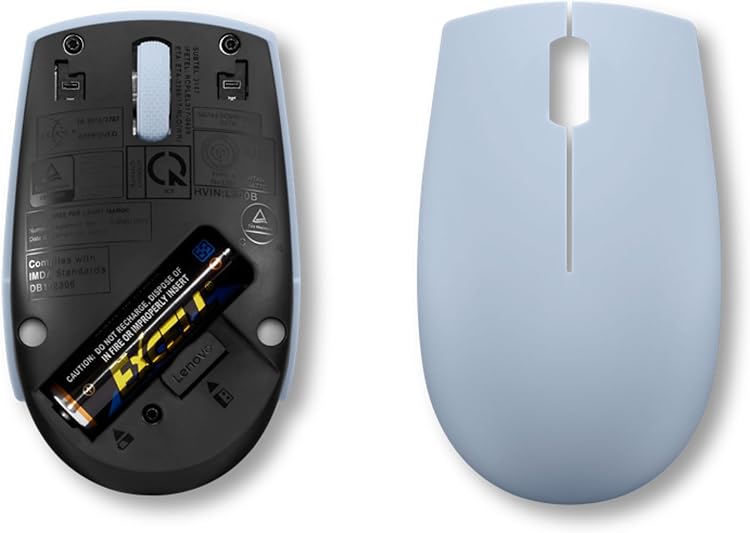
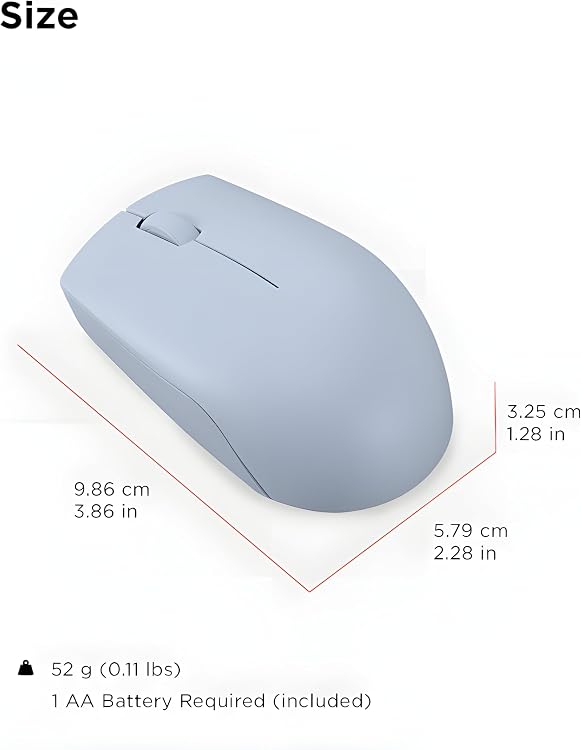
For a laptop setup that needs to stay light and simple, the Lenovo 300 Wireless Compact Mouse takes up less room than a full-size desktop mouse. Its compact shape is intended to slip into a pocket or laptop bag.
It uses a 2.4 GHz connection through a nano USB receiver, so there’s no cable to manage. Plug-and-play use is listed, with no software required.
The main trade-off is straightforward: the sensor is specified at 1000 DPI, and adjustable sensitivity is not listed. That matters if you want to fine-tune cursor speed for different tasks.
Key specifications
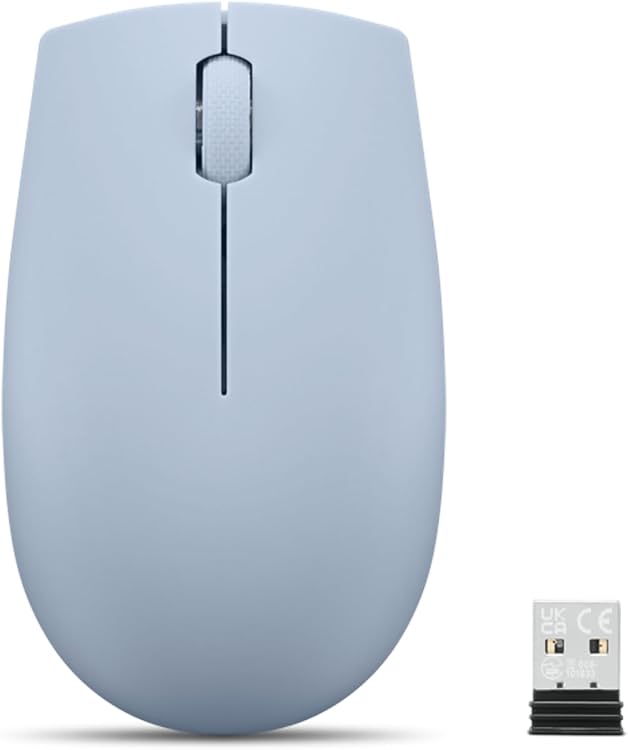
The Lenovo 300 is a wireless optical mouse with a 1000 DPI sensor and a 2.4 GHz connection. A nano USB receiver is included, and the listed battery life is up to 12 months with a single AA battery. The product name specifies use with PCs and laptops running Windows, it doesn’t establish compatibility with other operating systems.
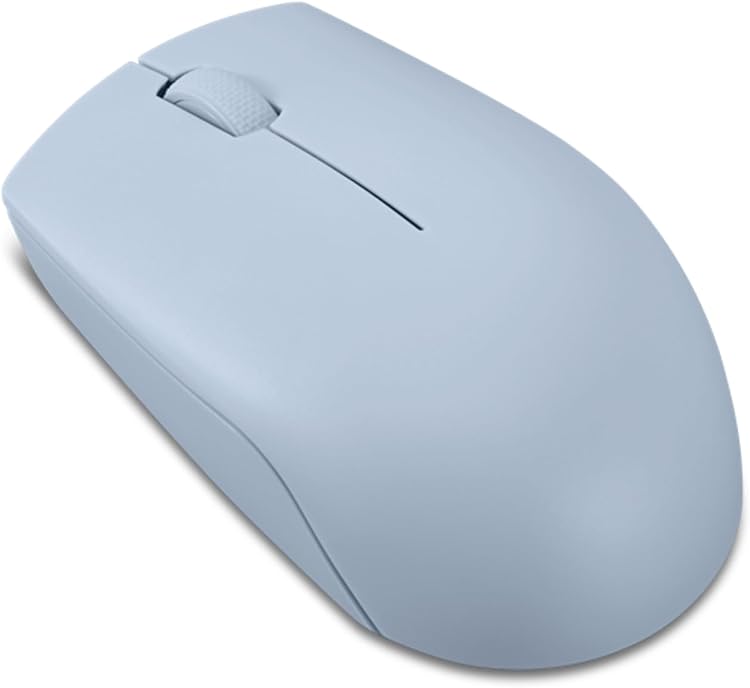
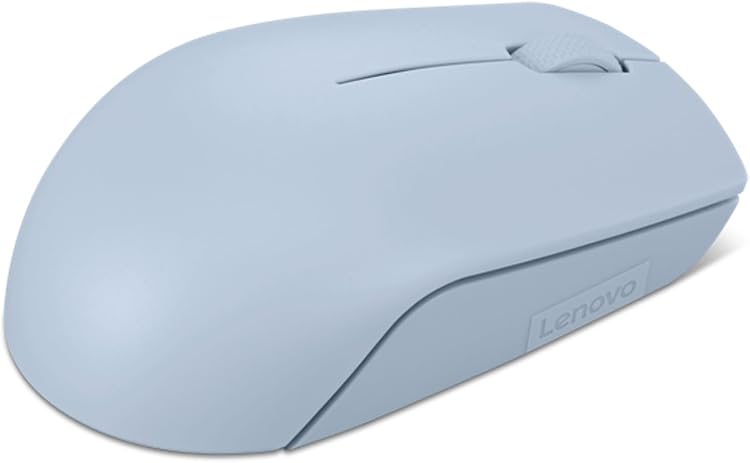
Its symmetrical design is intended for left- and right-handed users. That’s useful in a shared workspace, or if you switch hands, while the compact format favors portability over the more substantial feel some people prefer for long desktop sessions. On the spec sheet, this is a basic, cable-free setup rather than a mouse with listed customization options.
Who it’s for
A solid pick if you want a small mouse to keep with a Windows laptop for everyday tasks like editing a document, clicking through a presentation, or working at a café table. For example, you can take the mouse out of your bag, plug in its nano receiver, and get back to a spreadsheet without dealing with a cable or installing software.
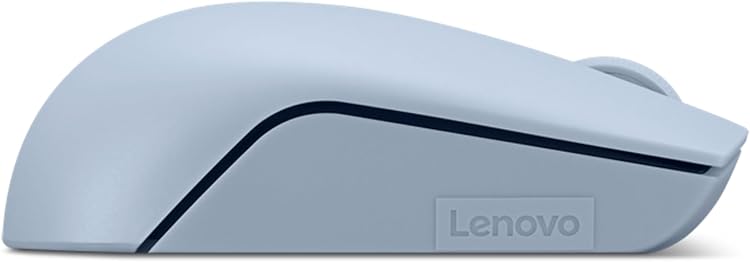
The ambidextrous shape also makes it easier to share between left- and right-handed users. It might not be a great match if you need adjustable DPI, a larger grip, or a mouse with features beyond basic cursor control, those needs aren’t addressed in the listed specifications.
Box contents
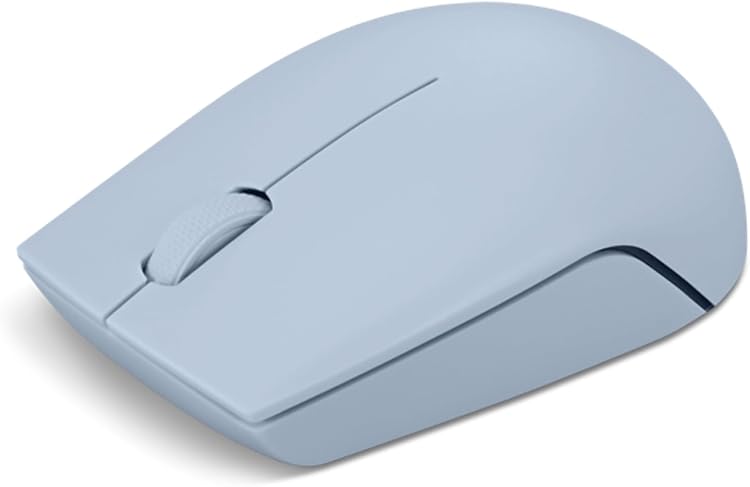
The product description identifies a nano USB receiver as included. It also says the mouse runs on a single AA battery and can last up to 12 months, but it doesn’t say whether that battery comes in the box. If you’re buying it for immediate use, that packaging detail is worth confirming before relying on a battery being included.
Before you decide
Does it need software? The description says the 2.4 GHz connection is plug-and-play and requires no software.
Can left-handed users use it? The design is described as symmetrical and intended for both left- and right-handed users.
How long does the battery last? Lenovo lists up to 12 months from a single AA battery. Actual use conditions aren’t specified, so treat that as a stated maximum rather than a guarantee for every setup.
Buying verdict
This mouse makes sense for basic Windows laptop or PC use when compact size, wireless operation, and a shared-handedness shape matter more than tuning options. Its 1000 DPI sensor and stated battery life cover the essentials, and the included receiver keeps setup simple. Choose a different style if you prefer a larger mouse for extended desk work or need sensitivity controls that aren’t listed here.