

Lenovo Legion H300 Stereo Gaming Headset
Product description
Overview
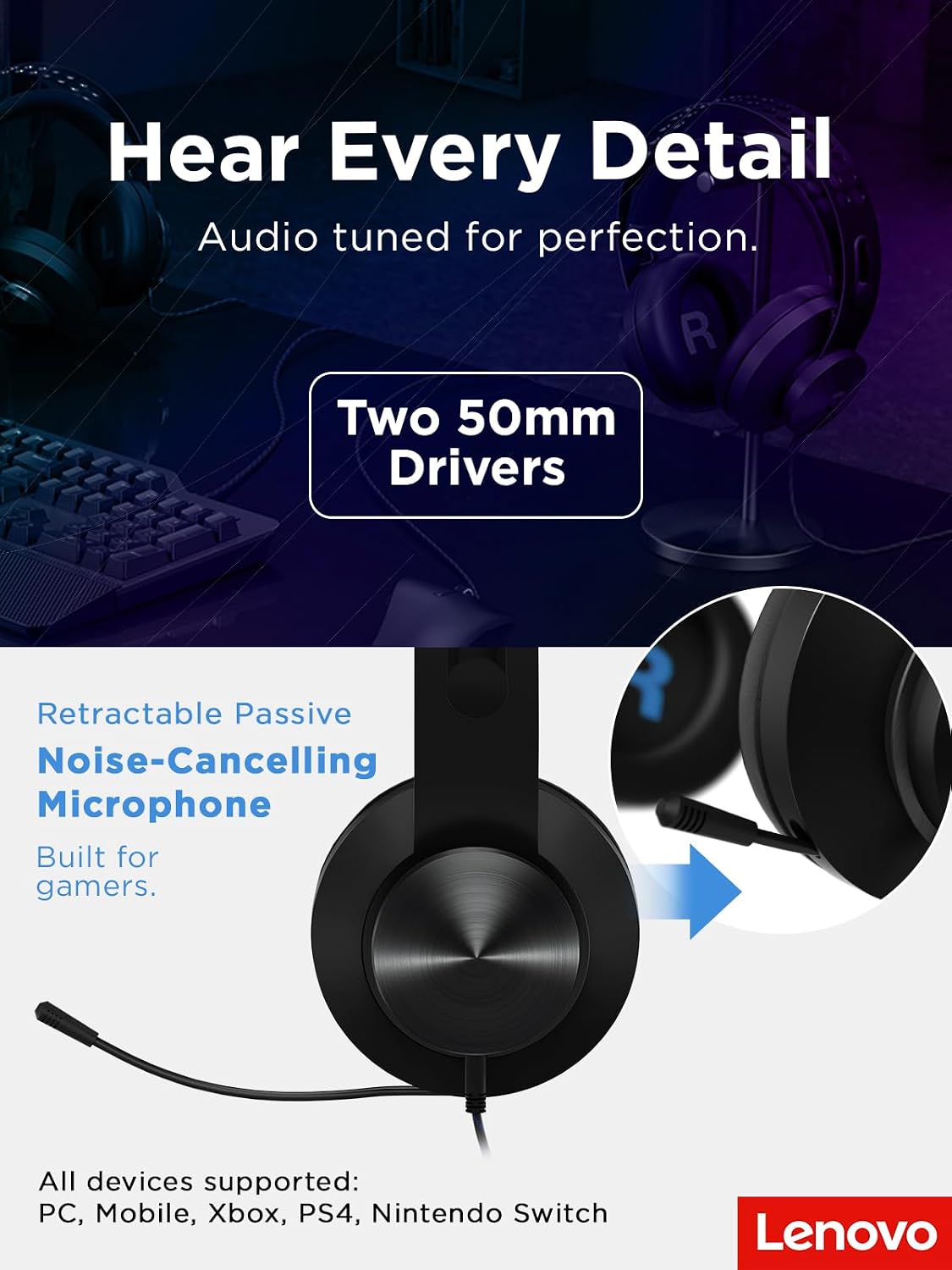
The Lenovo Legion H300 is a stereo gaming headset designed to deliver immersive sound without breaking the bank. With 50 mm audio drivers, it aims to provide solid, room-filling game audio and clear in-game cues that can matter in competitive or story-driven titles alike. On paper, it’s positioned as a budget-friendly option that doesn’t skimp on comfort or build quality.
How it sounds and feels
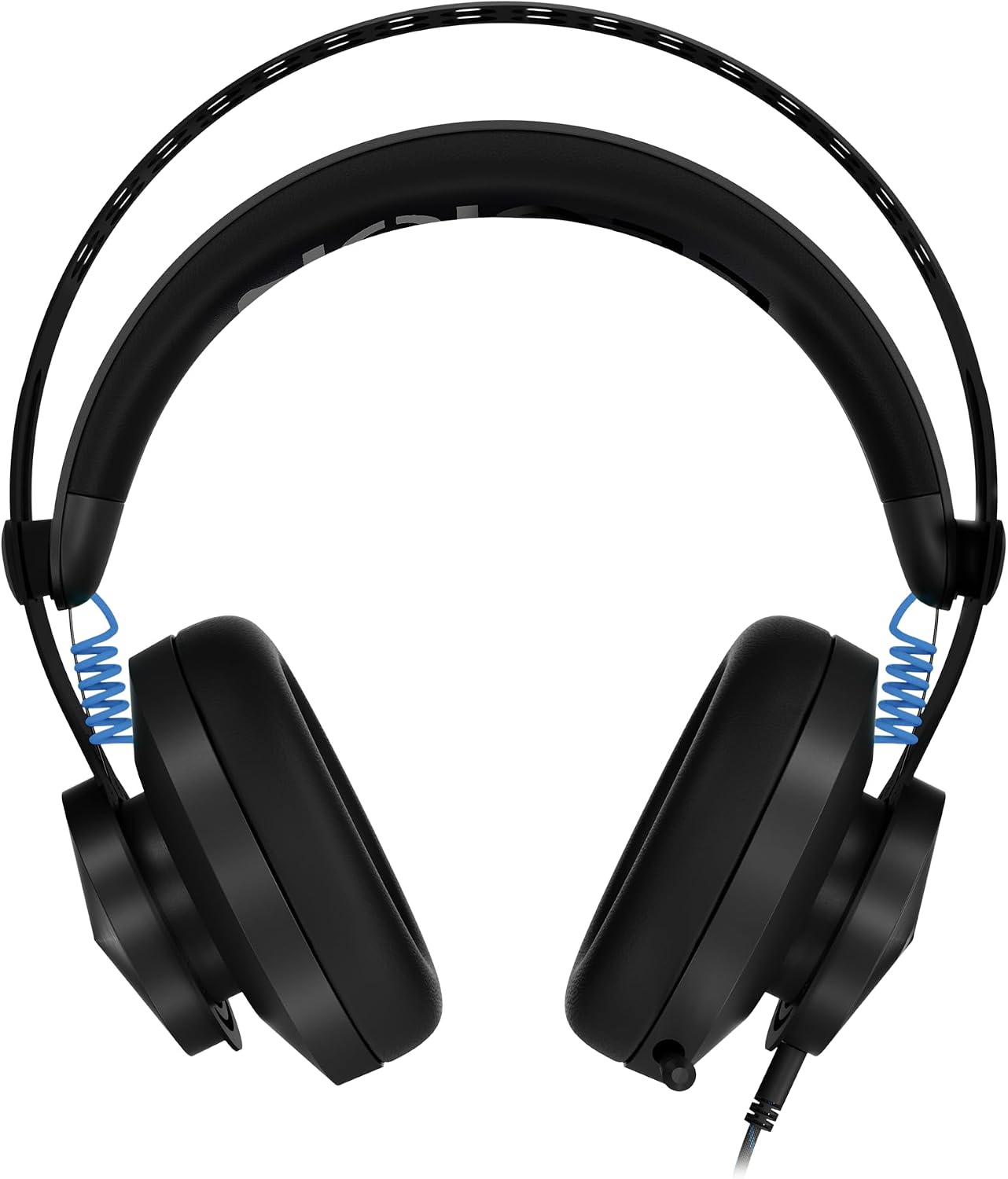
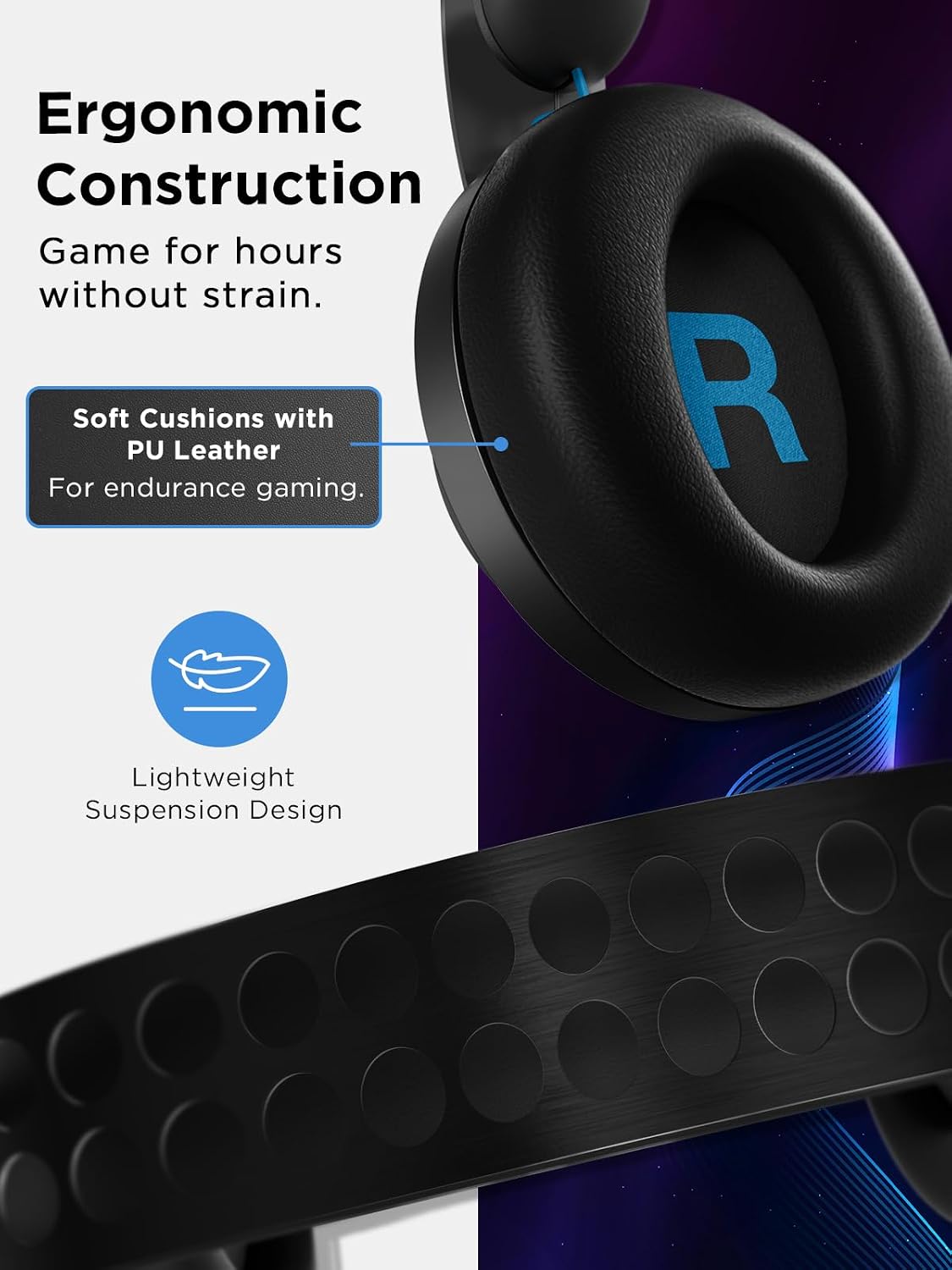
What you’ll notice first is the overall balance: decent bass presence, clear mids for dialogue, and a safe top end that avoids harsh sibilance. It’s not a high-end audiophile setup, but for gaming sessions it should feel engaging without becoming fatiguing after hours of use. The memory foam and PU leather earcups are designed for long sessions, and the rotatable cups along with a stainless steel headband suggest durability alongside comfort. If you’re used to lighter headsets, this one may feel sprightly thanks to a relatively minimal clamping force and a frame that’s built to last, even during fast movements in action-heavy games.
Microphone and clarity
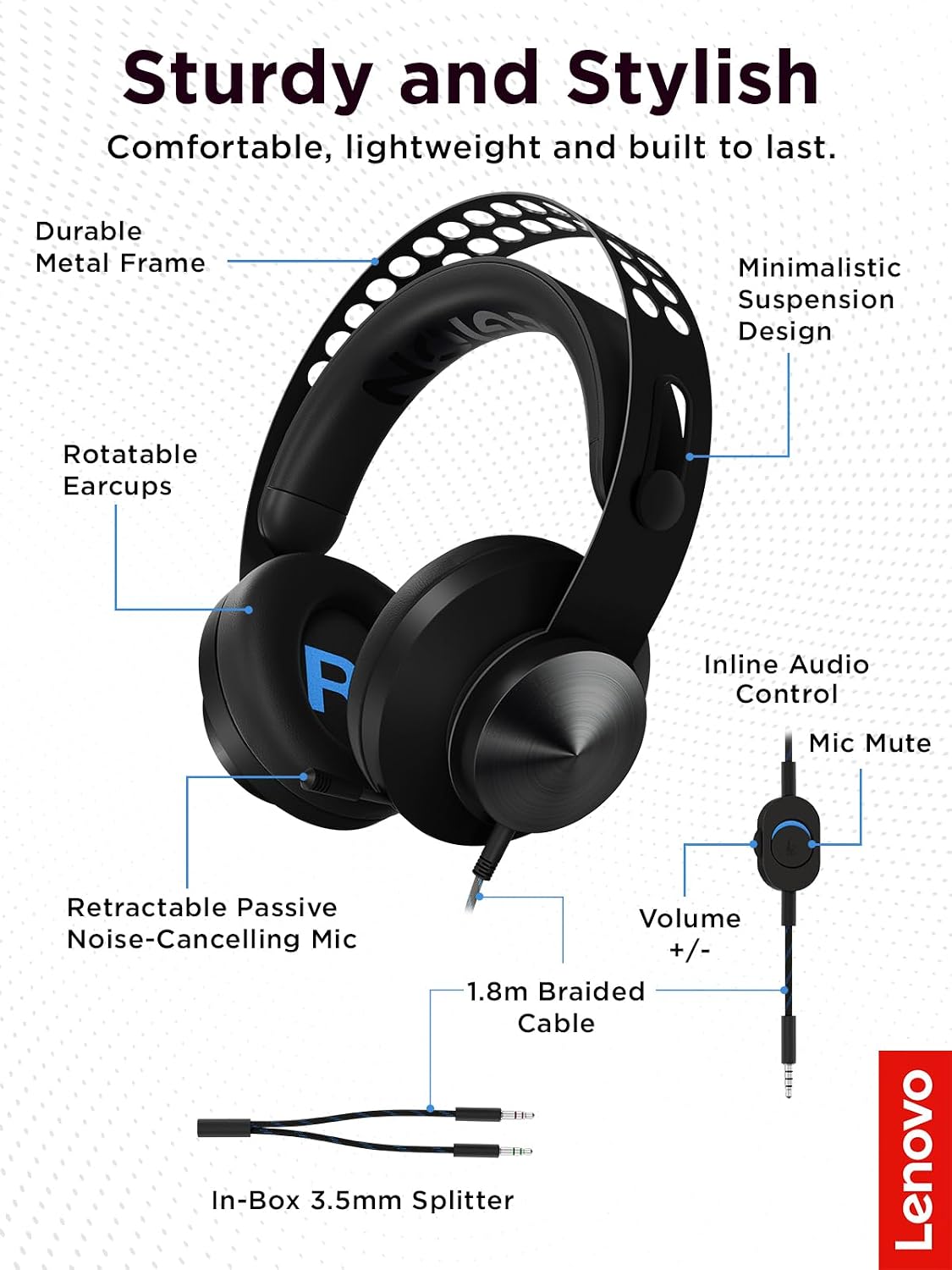
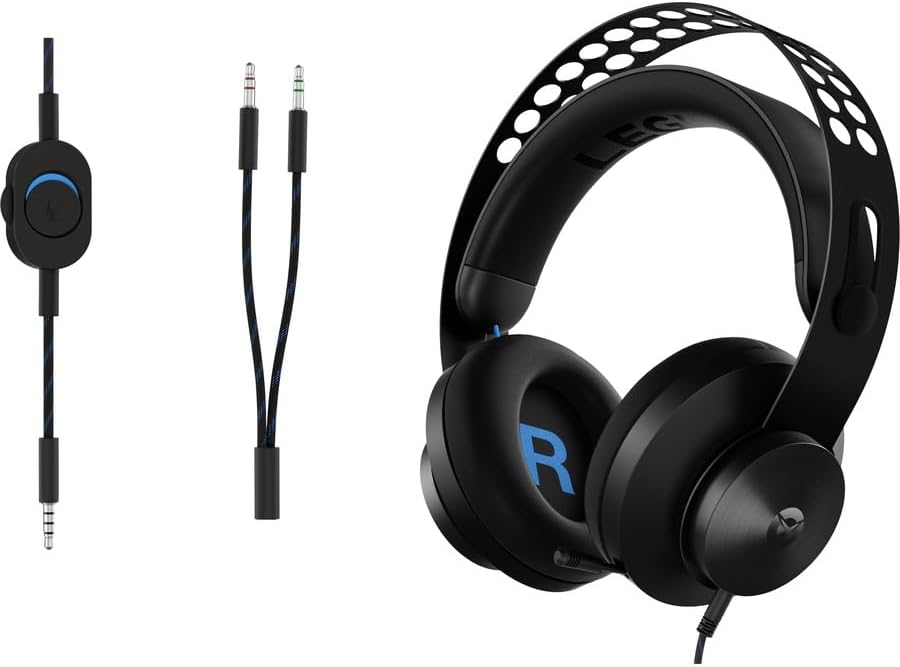
The built-in microphone is noise-canceling to help keep your voice clear in team chats and streams. The inline controls make quick adjustments to volume on the fly, which is convenient during gameplay. A common caveat with mics on budget headsets is occasional background noise or slight positioning sensitivity, with the H300 you may want to position the mic consistently for best results.
Comfort for long sessions
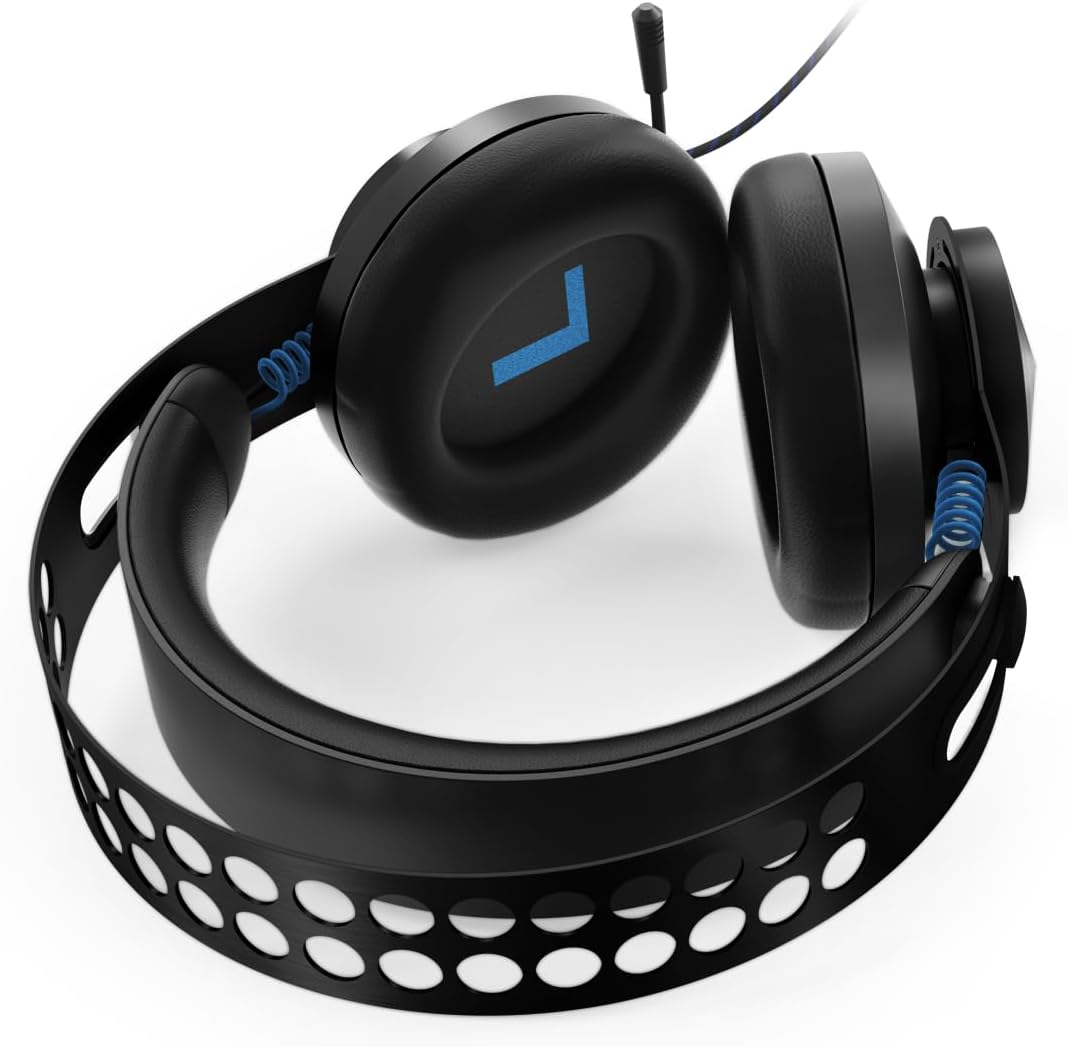
Comfort-wise, the H300 leans into lightweight materials and a design that aims to reduce pressure on the head and ears. Memory foam cushions help with passive isolation while keeping things breathable enough for long sessions. If you wear glasses or play for several hours, you’ll want to test how the padding and clamping feel after a couple of hours, since personal comfort can vary.
Build and design
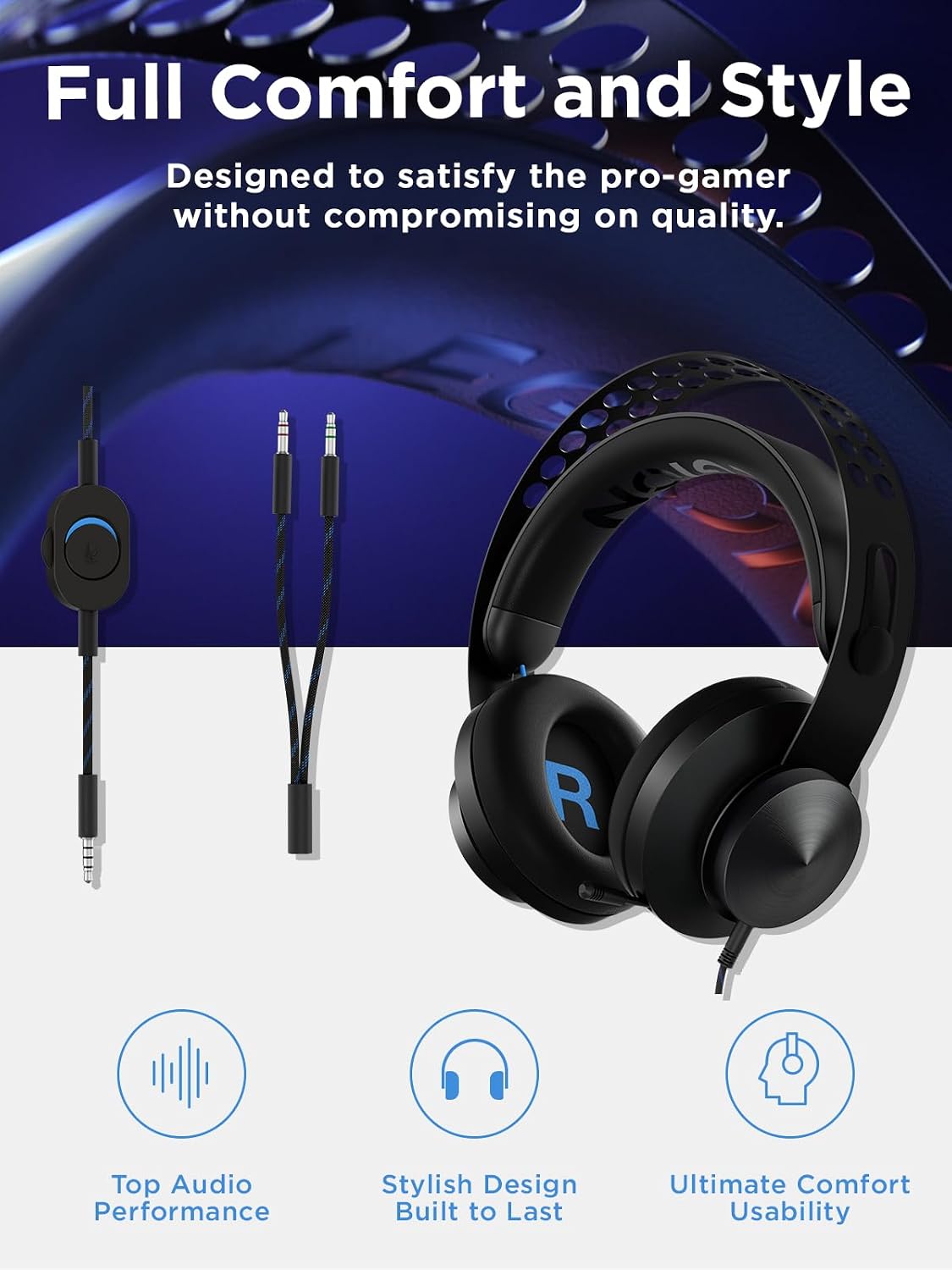
Durability is addressed with a metal frame and a distinctive Legion aesthetic. The headband suspension and the metal components are intended to hold up to daily wear and tear. The all-black, understated look is versatile for a range of setups—from PC gaming desks to living room hubs—and should fit well with other Legion gear if you own it.
Compatibility and setup
On the software side, this headset is broadly compatible across platforms: PC (Windows 7 through 10), Mac OS X 10.5 and later, Xbox One, PS4, Nintendo Switch. It’s noted that some Xbox One configurations may require an additional headset adapter sold separately. Practically, that means you can use it across different ecosystems, but you may occasionally need a simple add-on to maximize compatibility on certain controllers.
What to know before you buy
If you prioritize a blend of comfort, solid game audio, and a straightforward mic experience at a reasonable price, the H300 can be a sensible pick. It isn’t marketed as a premium audio device, and it lacks some high-end features like wireless connectivity or multi-driver configurations. If you’re chasing studio-grade sound or feature-rich software EQ options, you might feel the gap relative to pricier headsets. Also, check your primary gaming setup: if you game in a very loud room or rely on ultra-crisp voice chat, you may want to compare with headsets that emphasize mic isolation or microphone fidelity.
Practical usage scenarios
For a casual to mid-range gaming setup, you’ll likely appreciate the ready-to-use plug-and-play nature, the comfortable padding, and the sturdy build. It’s a good fit for multiplayer shooters, fantasy RPGs with rich soundscapes, and party-style party chat across console and PC. If you’re often streaming or recording with a high demand for voice clarity, test the mic in your usual environment to confirm it meets your standards.
Bottom line: who it’s for and who it isn’t
This headset is a practical choice for gamers who want a comfortable, durable headset with solid game audio and a clear microphone at a accessible price point. It works well for players who switch between PC and consoles and value a simple, in-line control scheme. It may not be the best pick if you need top-tier audio fidelity, wireless freedom, or advanced voice isolation in a particularly noisy setting.
What to review before purchasing
- Confirm platform compatibility notes, especially if you’re on Xbox One with a newer controller or peripheral setup.
- Consider your head size and eyeglasses: try the clamp feel and padding after a prolonged session to ensure comfort.
- Listen for mic clarity in your typical environment, adjust mic placement to minimize background noise.
- Compare value against other headsets with similar driver sizes and build quality to ensure you’re getting the features you care about.
Usage snapshot: a moment in use
Imagine loading into a favorite multiplayer map, where explosive audio cues and team chatter mingle with the ambient soundtrack. You slip the H300 on, adjust the inline volume, and focus on the game without constant mic fiddling. The cushions press gently, the steel frame feels robust, and you can retract the mic when you’re not talking. It’s not the most feature-rich option out there, but for a solid, all-purpose headset, it keeps things straightforward and reliable.
FAQ (based on available information)
- Is the microphone truly noise-canceling? The mic is described as noise-canceling, which should help with in-game comms, though real-world performance can vary by environment.
- Will it work with Nintendo Switch? Yes, it’s listed as compatible with Nintendo Switch, typically via the headphone jack on the console.
- Do I need an adapter for Xbox One? Some controllers may require a headset adapter sold separately.
Final verdict
Final verdict: If you’re after an affordable, comfortable headset that covers PC and console gaming with dependable mic clarity, Lenovo Legion H300 is worth considering. It won’t replace premium audio gear, but it offers a compelling balance of sound, comfort, and durability for mixed-use gaming setups. It may be a strong fit for newcomers or players who value reliability over feature bloat.