

Lenovo Bluetooth Mouse
Product description
What to know
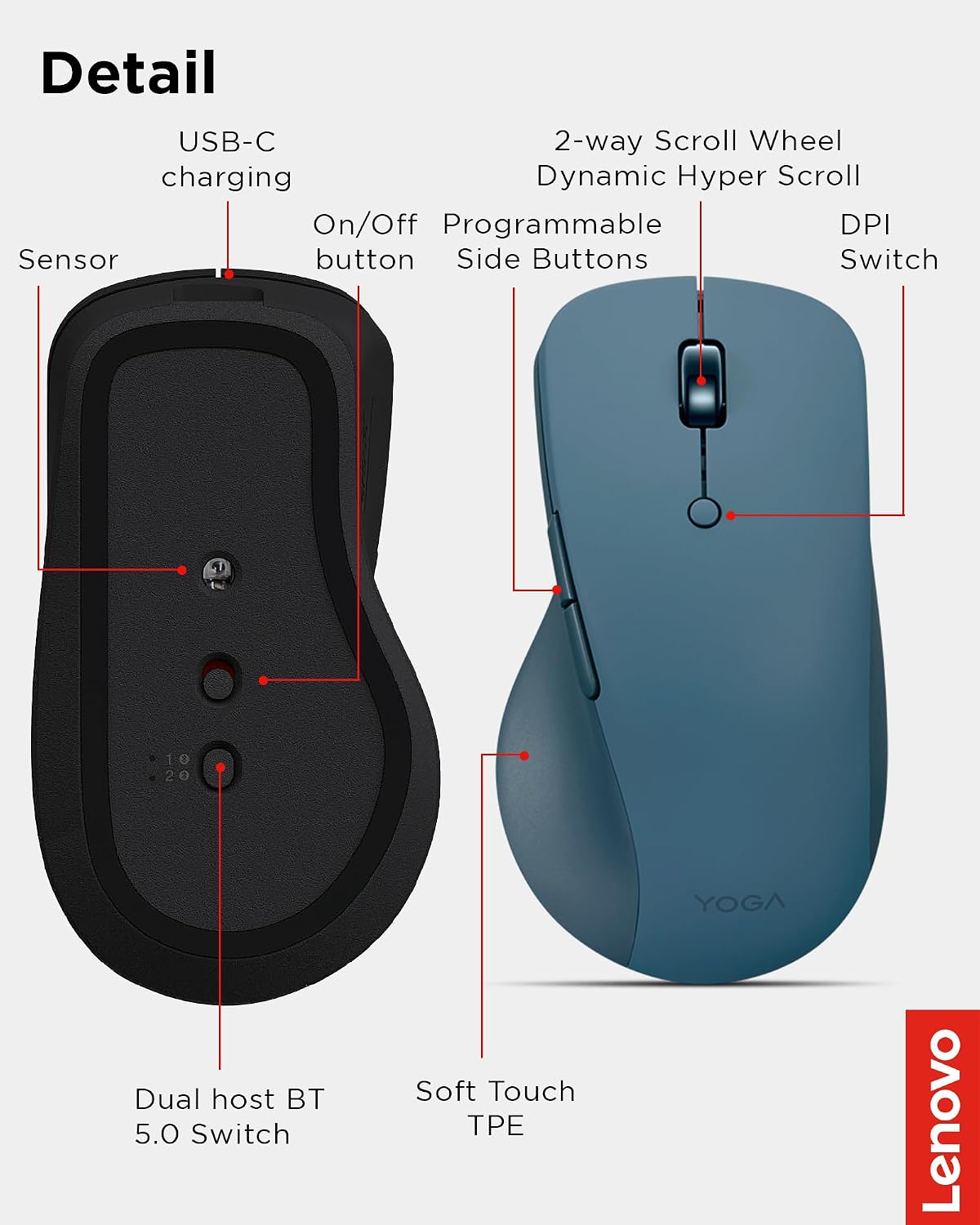
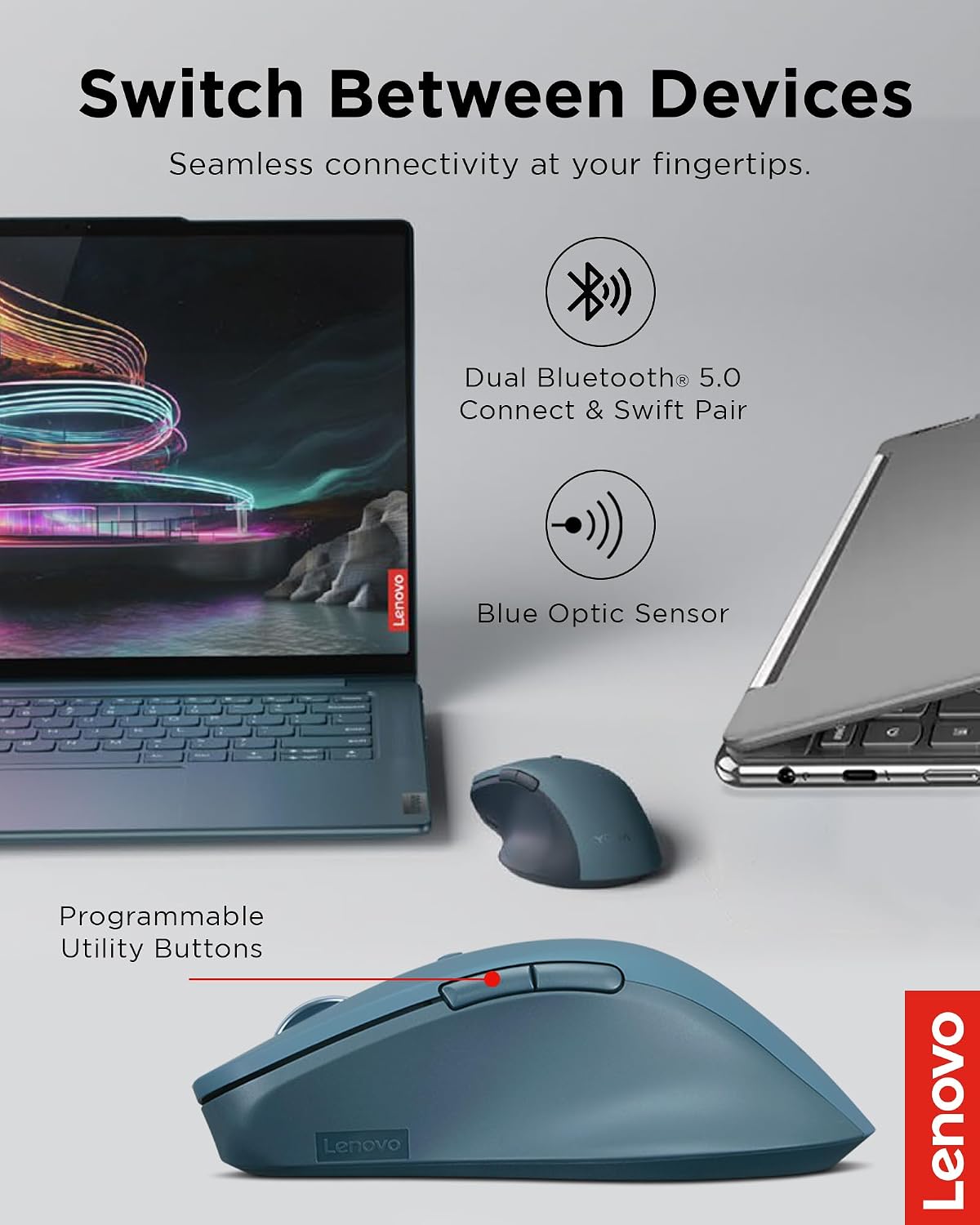
When your work moves between a laptop and another Bluetooth device, a mouse that can switch connections and tailor its controls can make the desk setup feel less fussy. The Lenovo Yoga Pro Mouse combines dual-device Bluetooth pairing with six buttons, a configurable scroll wheel, and an onboard button for switching devices.
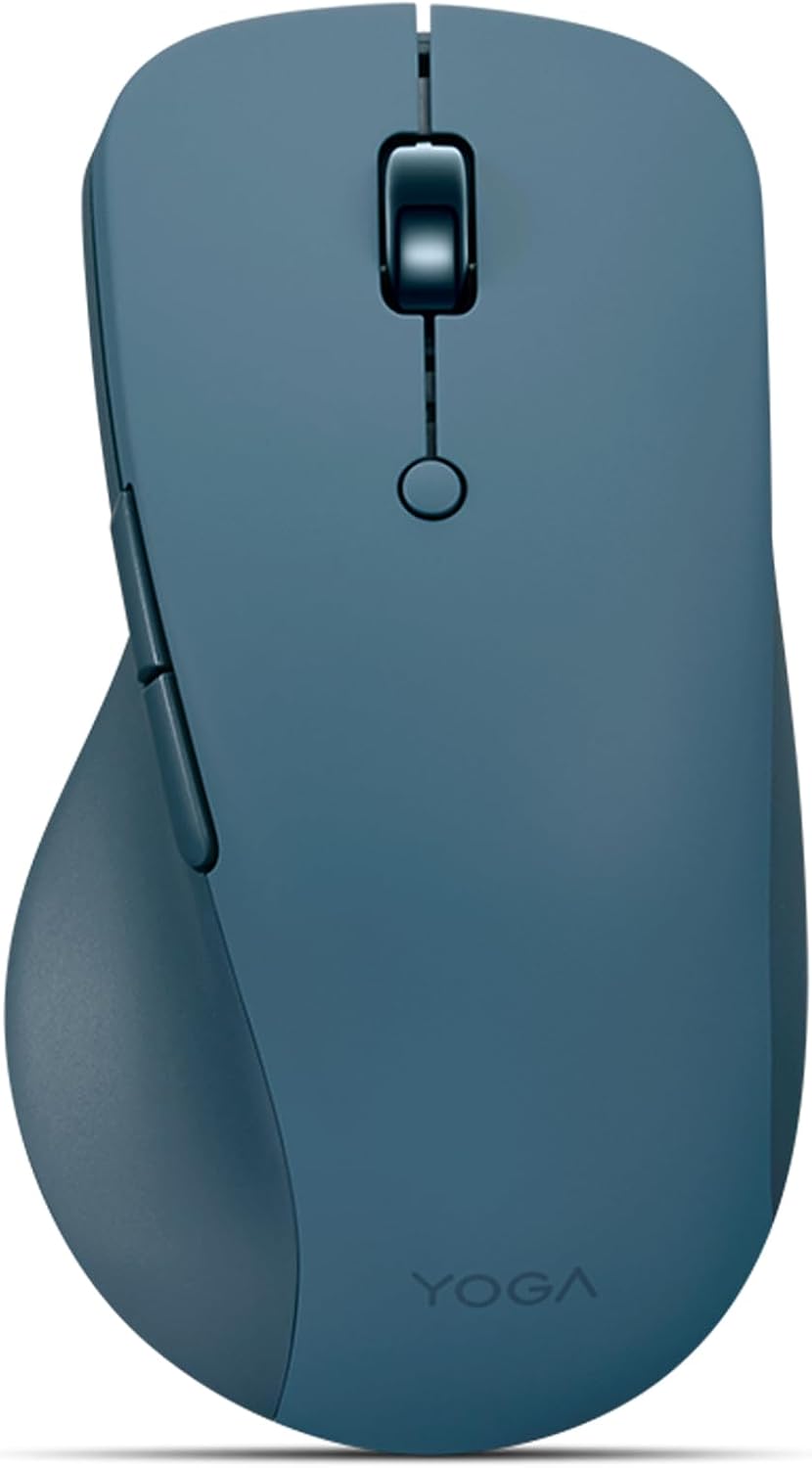
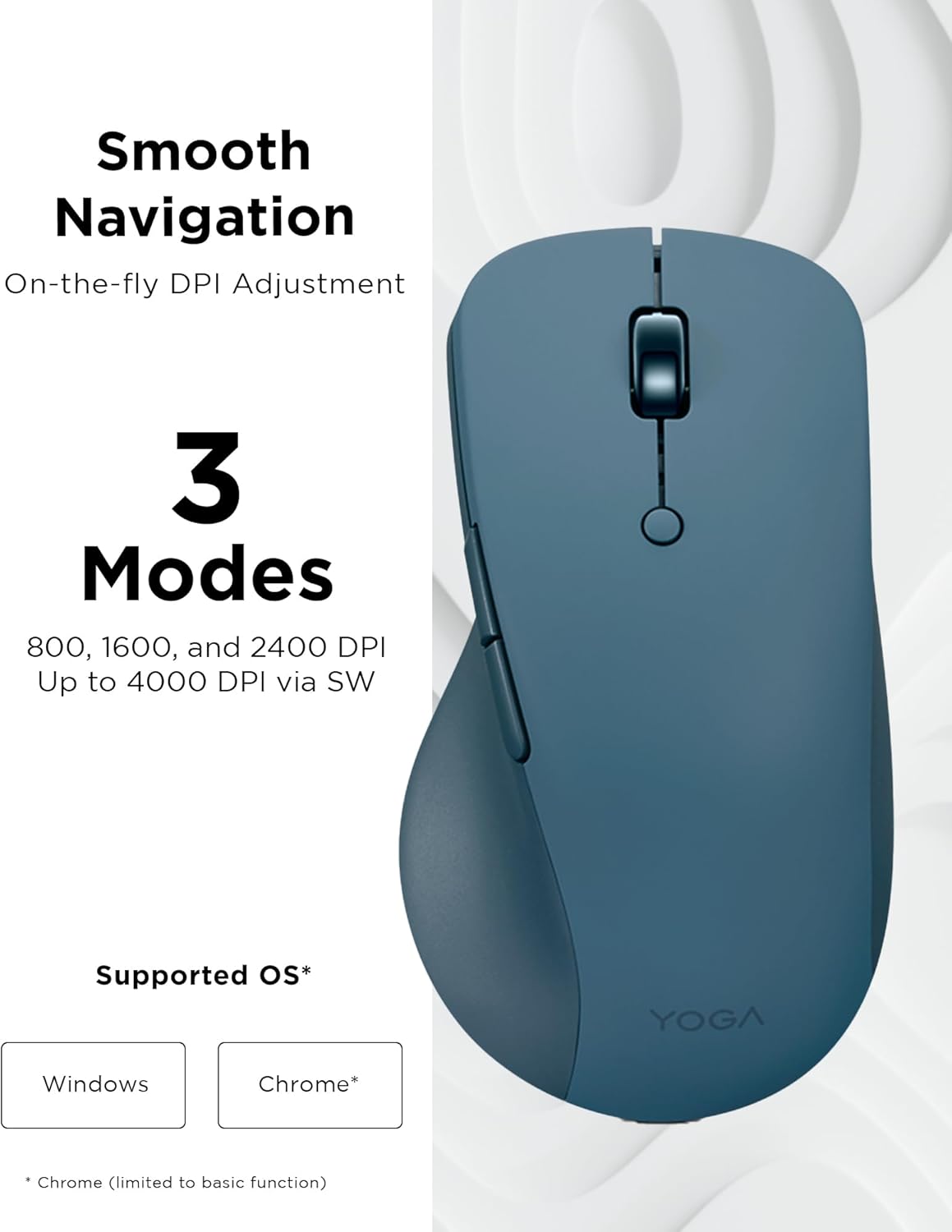
Its left and right buttons are described as silent, while side and top buttons can be programmed. The blue optical sensor tracks across almost any surface, according to the product details, and offers three on-the-fly DPI stages, with adjustment through software up to 4000 DPI. That gives you room to favor slower, more deliberate pointer movement or quicker movement across a screen.
On-body feel
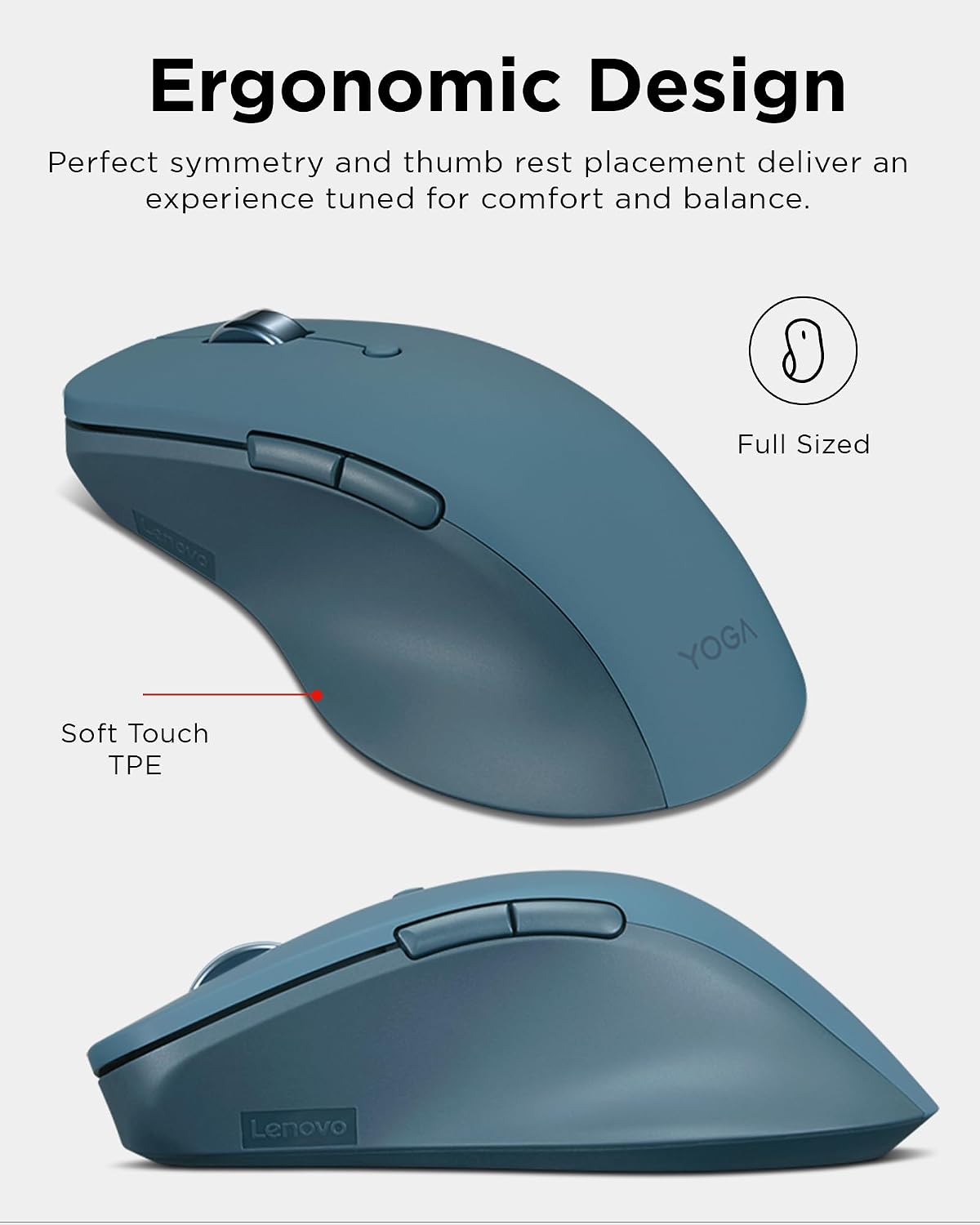
This is a full-sized mouse with a thumb rest and soft material on the sides, designed around a right-handed grip. The listing also describes its shape as symmetrical, but the thumb rest and right-handed positioning matter more when deciding whether its contours suit your hand. If you prefer a compact mouse or switch between hands, its stated design may not match your routine.
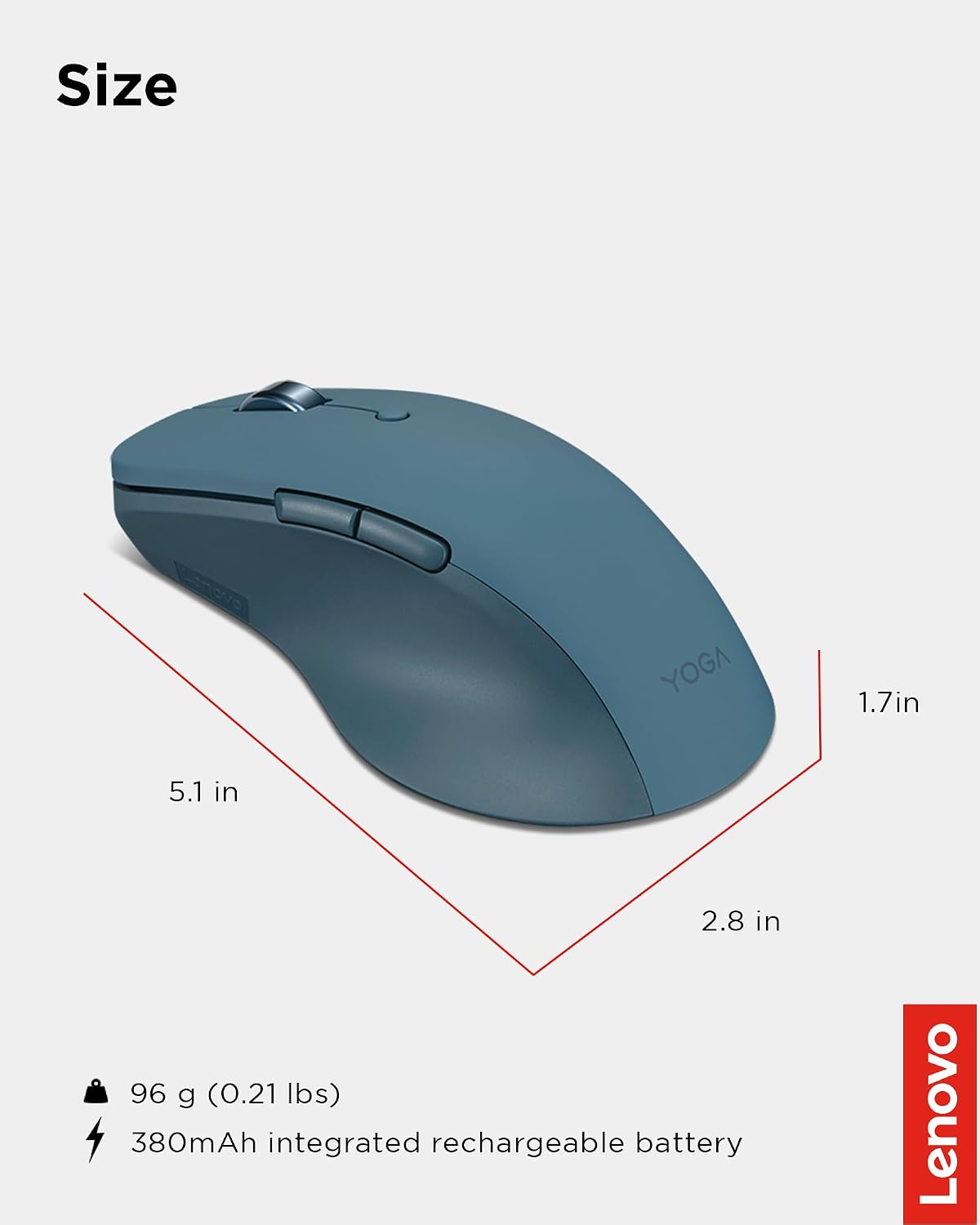
Keep in mind that the product details do not provide physical dimensions, so judging how it will fit a particular hand is harder without that measurement. If possible, compare its full-sized design with a mouse you already find comfortable rather than relying on the ergonomic label alone.
Tips for day-to-day use
For a typical desk session, pair it with your computer, set the pointer speed that feels manageable, then assign a frequently used action to a programmable button if that would simplify your workflow. The two-way metal scroll wheel is configurable, and the silent main buttons may suit shared or quiet workspaces. A less customizable basic mouse may be simpler to set up, this one makes more sense if you expect to use its shortcuts, scroll options, or device switching.
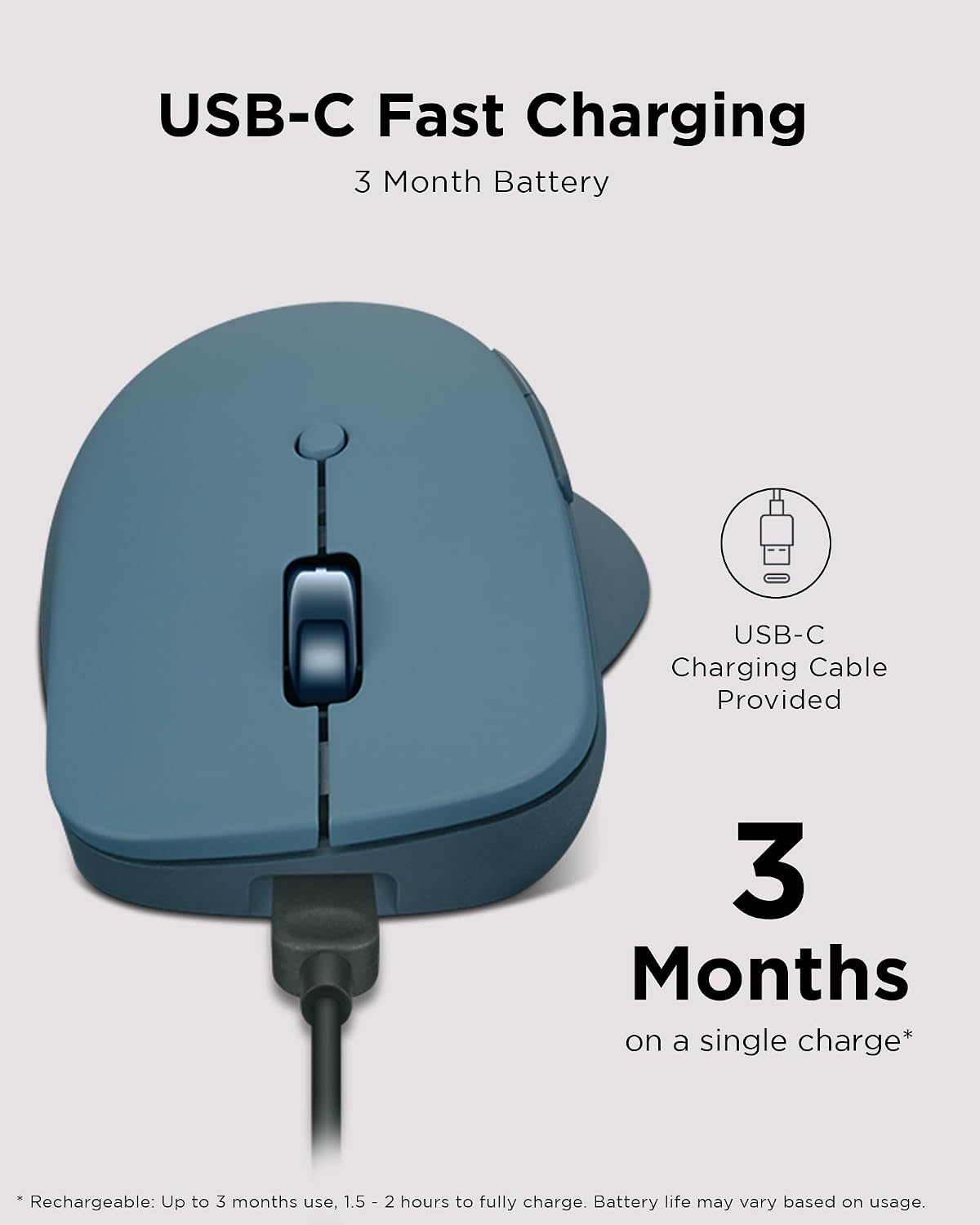
The rechargeable battery is listed as lasting two to three months before needing another charge, with a full charge taking less than two hours. Treat that as the stated estimate rather than a guarantee: actual use can vary, and the product information does not explain the conditions behind the battery figure. For a practical example, you could pair it with a laptop and a second Bluetooth device, then use the bottom pairing button to move between them instead of keeping two mice on the desk.
Questions before you buy
Can it connect to two devices? Yes. The listing describes dual-device Bluetooth pairing and a bottom button for switching between connected devices.
Can you change the pointer speed? Yes. It offers three DPI stages on the mouse, with software adjustment up to 4000 DPI.
Does it use replaceable batteries? The product is described as rechargeable, so its stated power setup is a rechargeable battery rather than replaceable batteries.
Is it worth it?
A solid pick if you want a full-sized, right-handed Bluetooth mouse with programmable controls and the option to switch between two paired devices. Its appeal is less about basic pointing and more about shaping the controls around everyday work. You may want to skip it if you need a compact shape, a left-handed design, or clearer fit details before buying. The lack of listed dimensions is the main practical unknown, if the shape works for you, the combination of customization, silent main buttons, and rechargeable power is the more compelling reason to choose it over a simpler mouse.