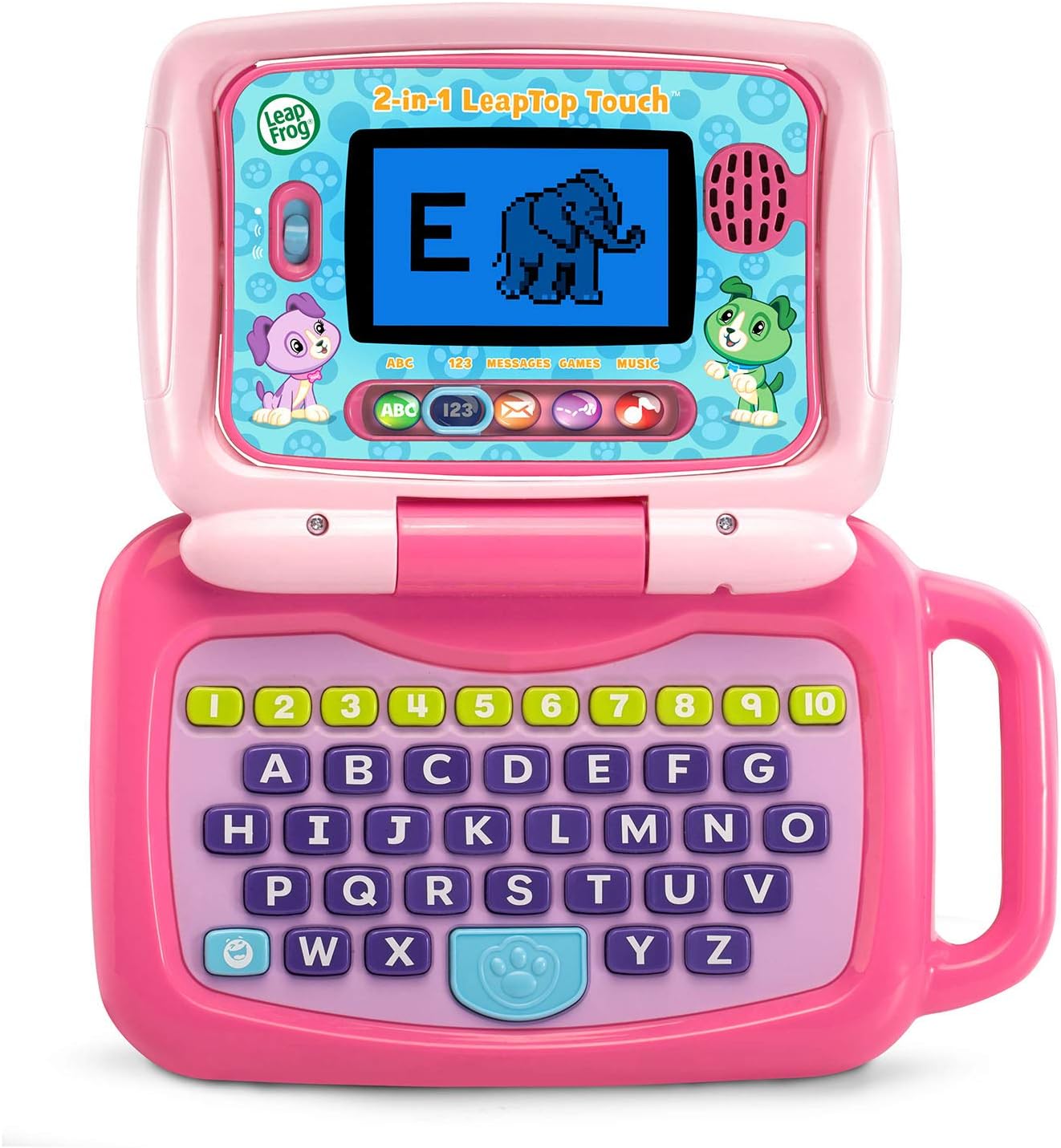
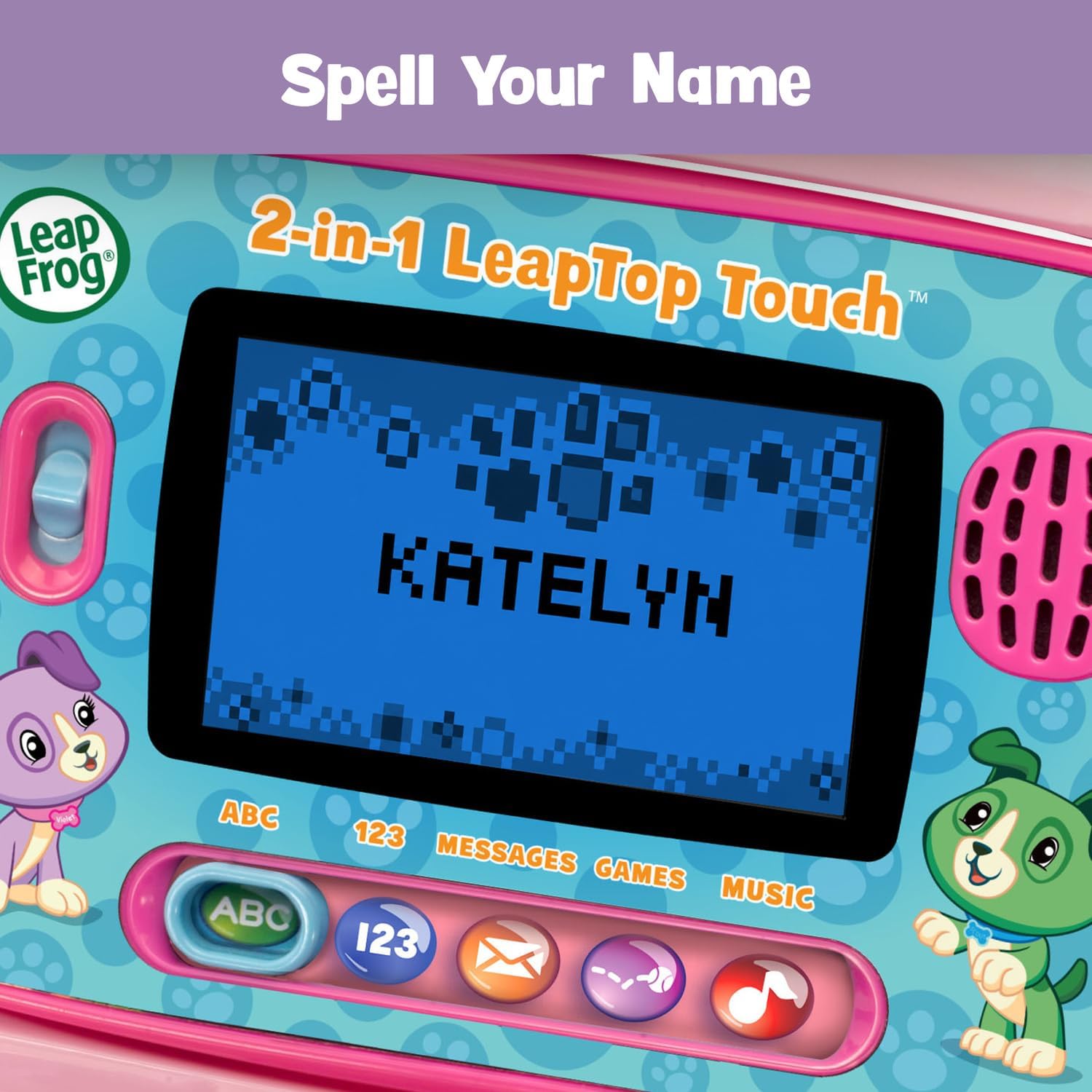
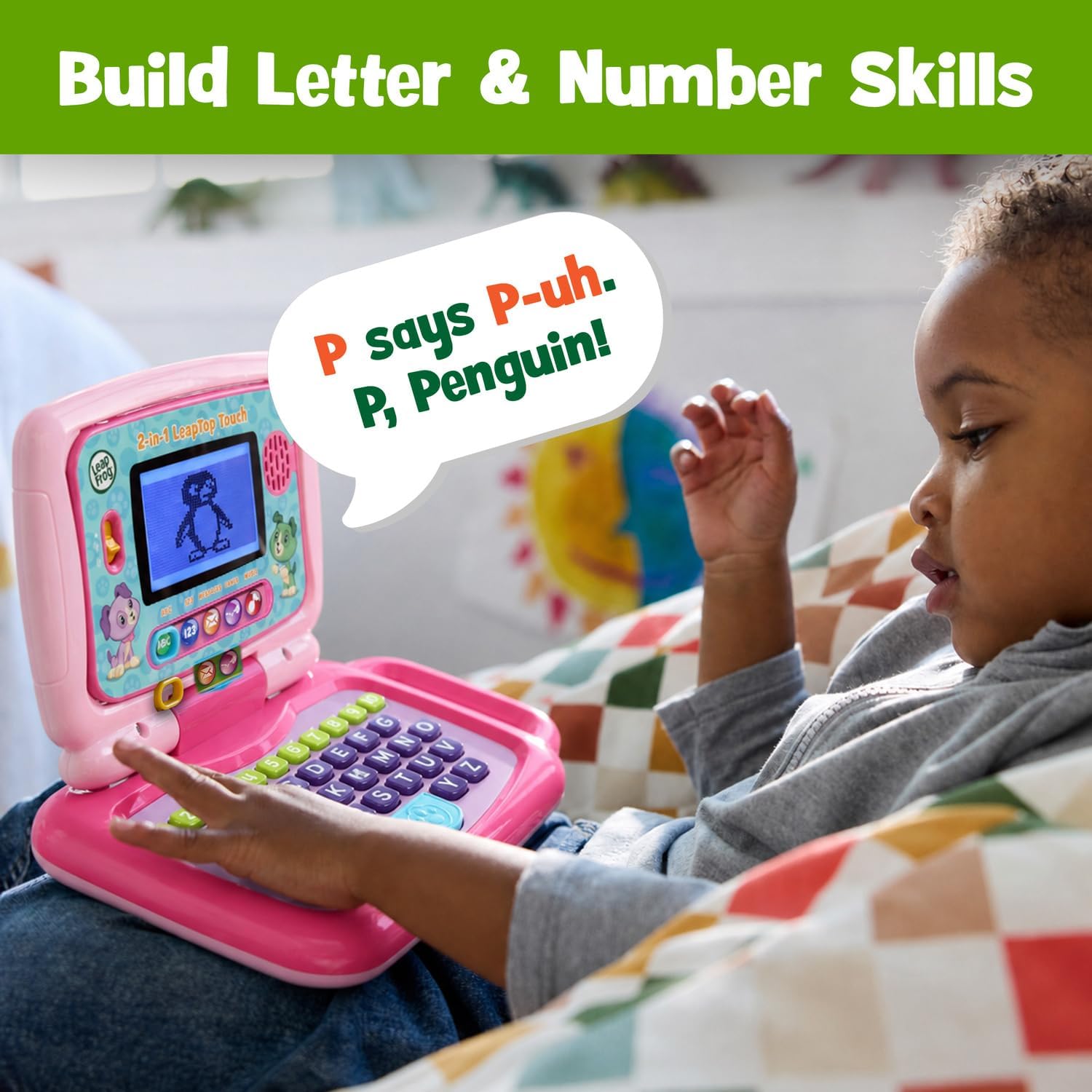
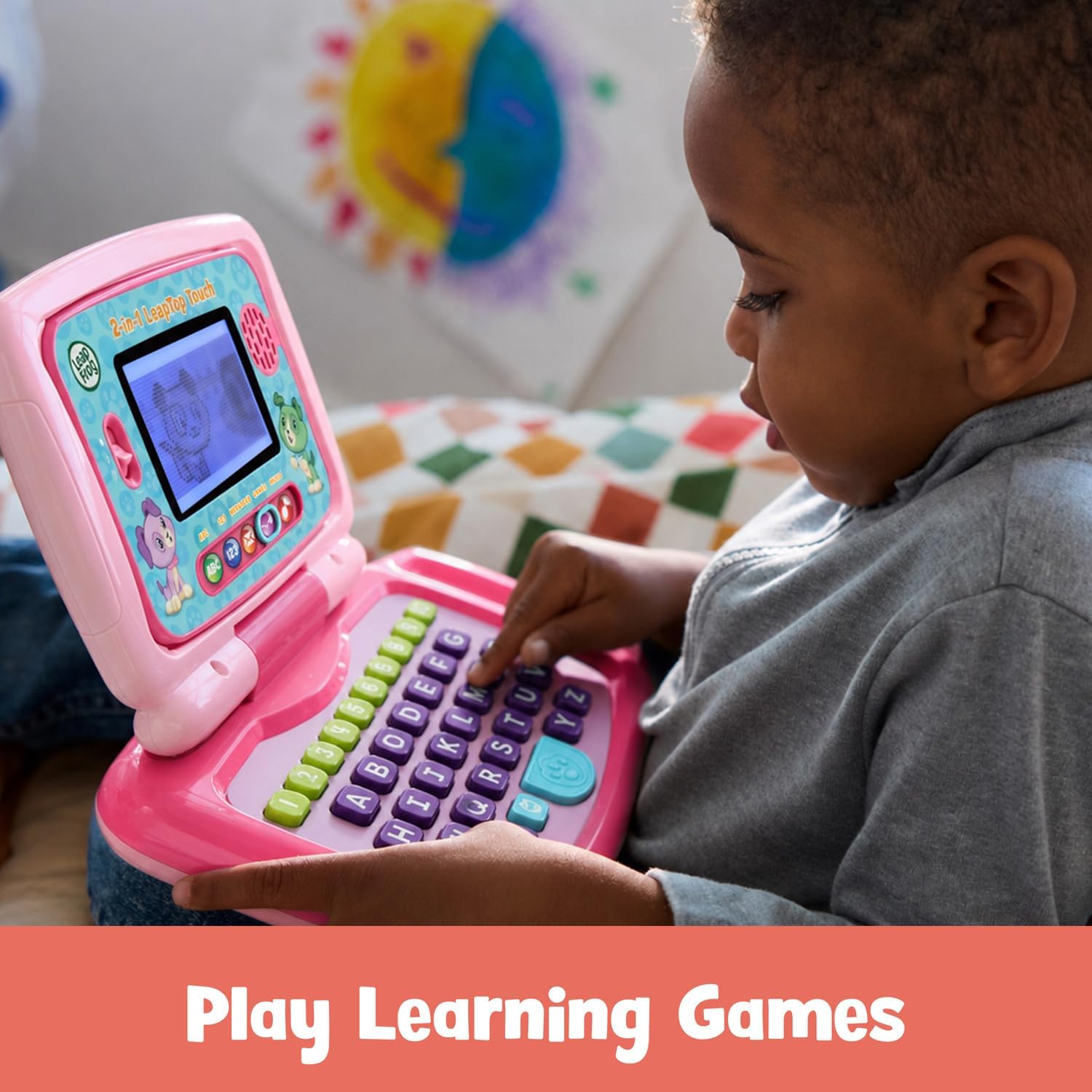
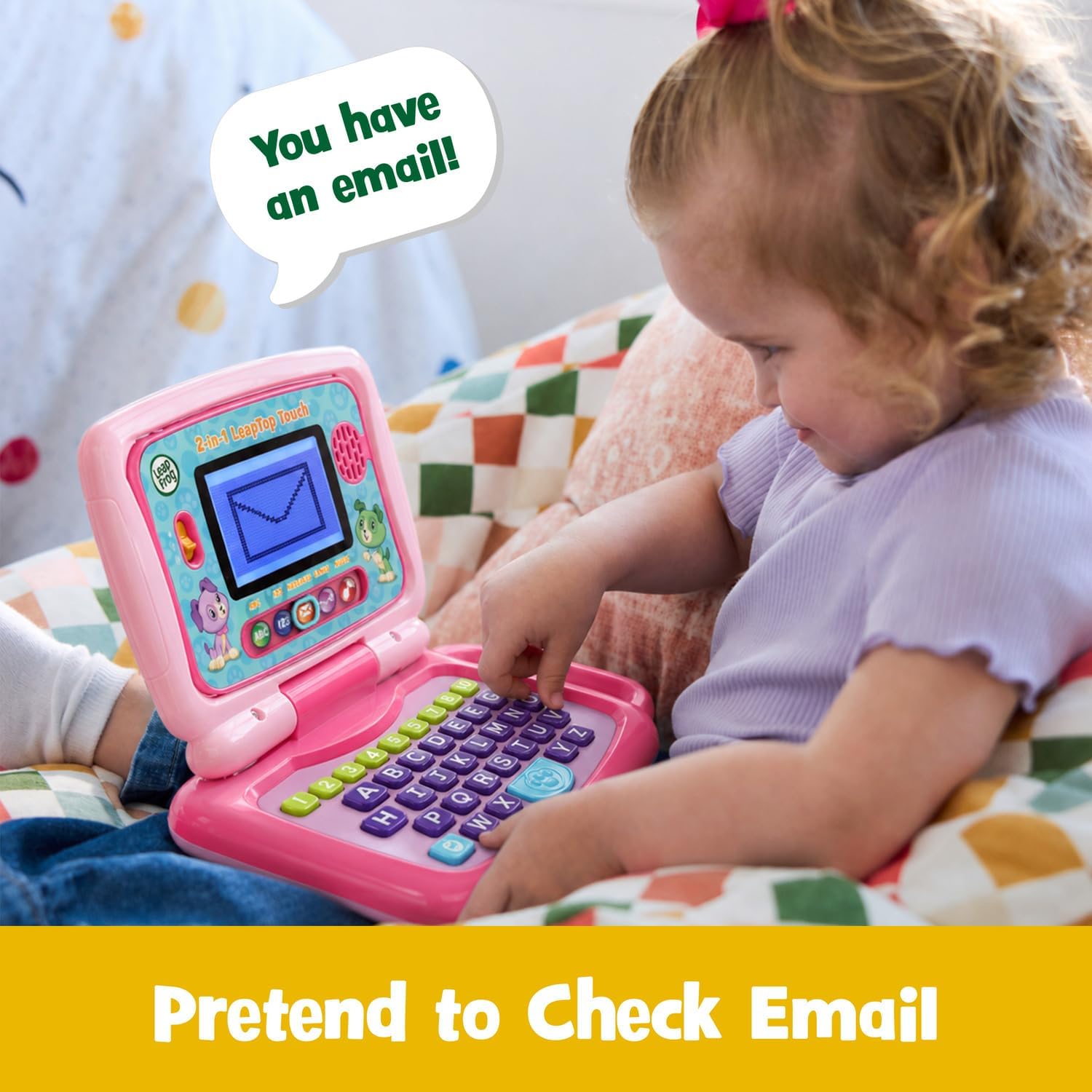
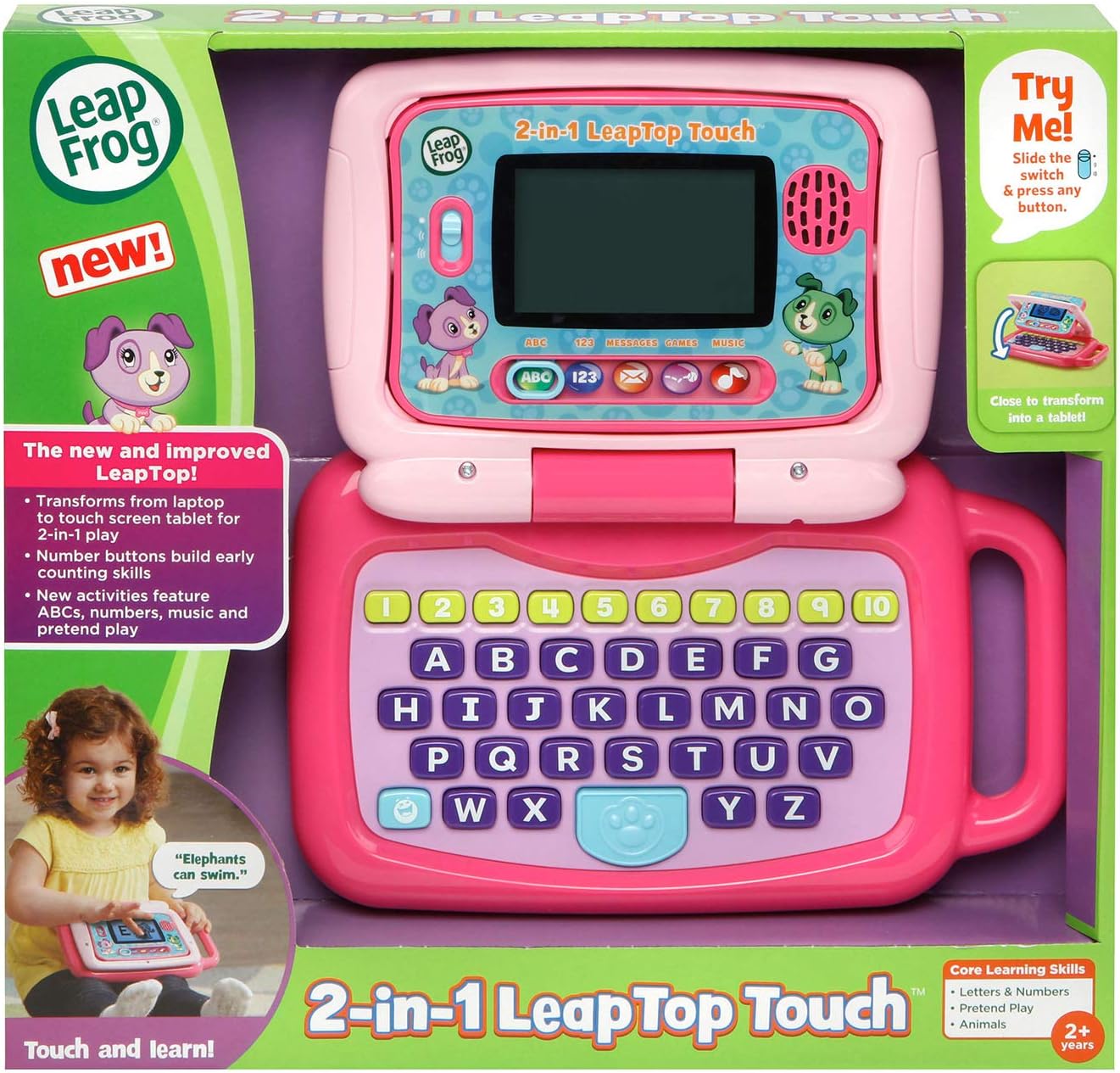
What it is and who it's for\nThe LeapFrog 2-in-1 LeapTop Touch in pink is a preschool-oriented learning laptop that doubles as a tablet. Its screen flips to transition from a keyboard setup to a tablet mode, offering a familiar feel for kids who are learning letters, numbers, and basic interactions. Designed for ages 2–5, it aims to combine screen time with hands-on play, supporting early literacy and numeracy in a playful, age-appropriate way.\n\n## How it works and what you get\nIn laptop form, you’ll find a keyboard labeled with letters A–Z and numbers 1–10, giving kids a tactile experience similar to a real computer. When the screen swivels, the device becomes a touch-enabled tablet, expanding how a child can interact with activities. Five learning modes—ABCs, numbers, games, music, and messages—provide a simple, guided path through foundational skills without overwhelming features. It runs on 3 AA batteries, with batteries included for demo purposes. For regular use, new batteries are recommended to ensure consistent performance.\n\n## What stands out on paper\n- Dual form factor: classic keyboard feel plus a touch tablet for varied interaction.\n- Repetition and reinforcement: five distinct learning modes help keep attention and build basic literacy and numeracy.\n- Age appropriateness: designed for early learners 2–5 years old, a window where hands-on exploration matters.\n- Practical balance: lightweight, kid-friendly, and easy to operate, which can encourage independent play.\n- Battery notice: includes demo batteries, plan for fresh cells if the device will see daily use.\n\n## Realistic look at the strengths\nOn the surface, the LeapTop Touch aligns with parents seeking a screen-based tool that wires play to learning. The flip-to-tablet design adds versatility, letting kids switch between keyboard-style engagement and touch-based exploration. The five modes provide a straightforward structure so children can progress from recognizing letters to basic number concepts and simple interactive activities. For quick wins, it’s convenient to switch modes and re-engage a curious child without a long setup.\n\n## Potential limitations and who might want to adjust expectations\n- It’s a learning toy, not a full-fledged tablet or laptop, content is age-appropriate but not expansive. If you’re looking for advanced reading curricula or heavy coding activities, this device won’t deliver.\n- Battery reliance means performance will dip if batteries aren’t fresh, which could interrupt play.\n- The on-screen activities are limited to the five modes, so some kids may crave more variety after a while.\n- Weight and form factor are geared toward preschool use, older children may outgrow it quickly.\n\n## Ideal use cases and best-fit scenarios\nThis toy works well for toddlers and preschoolers who are just starting with letters, numbers, and basic commands. It’s particularly suitable for parents who want a simple, structured learning toy that doesn’t require a connected app or a steep learning curve. It can be a helpful early introduction to screen-based learning, especially in households prioritizing interactive play over passive viewing.\n\n## When to consider alternatives or complementing tools\nIf your goal is richer reading material, more advanced mathematics, or connections to a broader app ecosystem, you may want to explore options that expand content beyond the five modes. Conversely, if you value a compact, kid-friendly device that mimics a real computer without overwhelming features, this LeapTop Touch can be a solid starter.\n\n## Practical example: what a typical session might look like\nA child flips the screen to tablet mode and taps through ABCs, tracing letters with guided prompts. In numbers mode, they tap 1–10 as you call them aloud. A quick round of a simple game tests recognition, followed by a short, upbeat music activity to reset attention before moving to messages that encourage basic greetings or simple choices. The flow mirrors a gentle learning routine that fits short attention spans.\n\n## Quick care and setup notes\n- Insert fresh batteries when performance slows or the device seems unresponsive.\n- Keep the screen clean with a soft, dry cloth to avoid scratches on the touch surface.\n- Store in a dry place and avoid exposure to moisture to extend lifespan.\n\n## Final decision: Is it worth it?\nIs it worth it? If you want a simple, versatile learning toy that supports early literacy and numeracy with a familiar laptop/tablet concept, this LeapFrog model offers approachable, age-appropriate activities in a compact package. It shines as a starter device for preschoolers who benefit from structured modes and immediate feedback. It may not be the best choice if you’re seeking a rich, app-driven library or content that scales with a child’s learning into elementary years. Consider this LeapTop Touch when you value straightforward usability and a gentle transition from pretend play to early digital learning.\n\n## Frequently asked questions (FAQ)\n- How many learning modes are included? Five: ABCs, numbers, games, music, and messages.\n- What ages is this appropriate for? Intended for ages 2–5 years.\n- Does it require internet access? No, it runs on batteries and does not require online connectivity.