

Kodak Slide N Scan Max RODFS70 7" LCD
Product description
Preserve faded slides and negatives with the Kodak Slide N Scan Max digital film scanner, a straightforward tool for turning old color and black and white film into usable digital files. Ideal for casual users and family archivists, it combines a large preview screen and easy-load inserts so you can scan batches without fuss. Get one-touch edits and save results directly to an SD card for fast sharing.
Key features
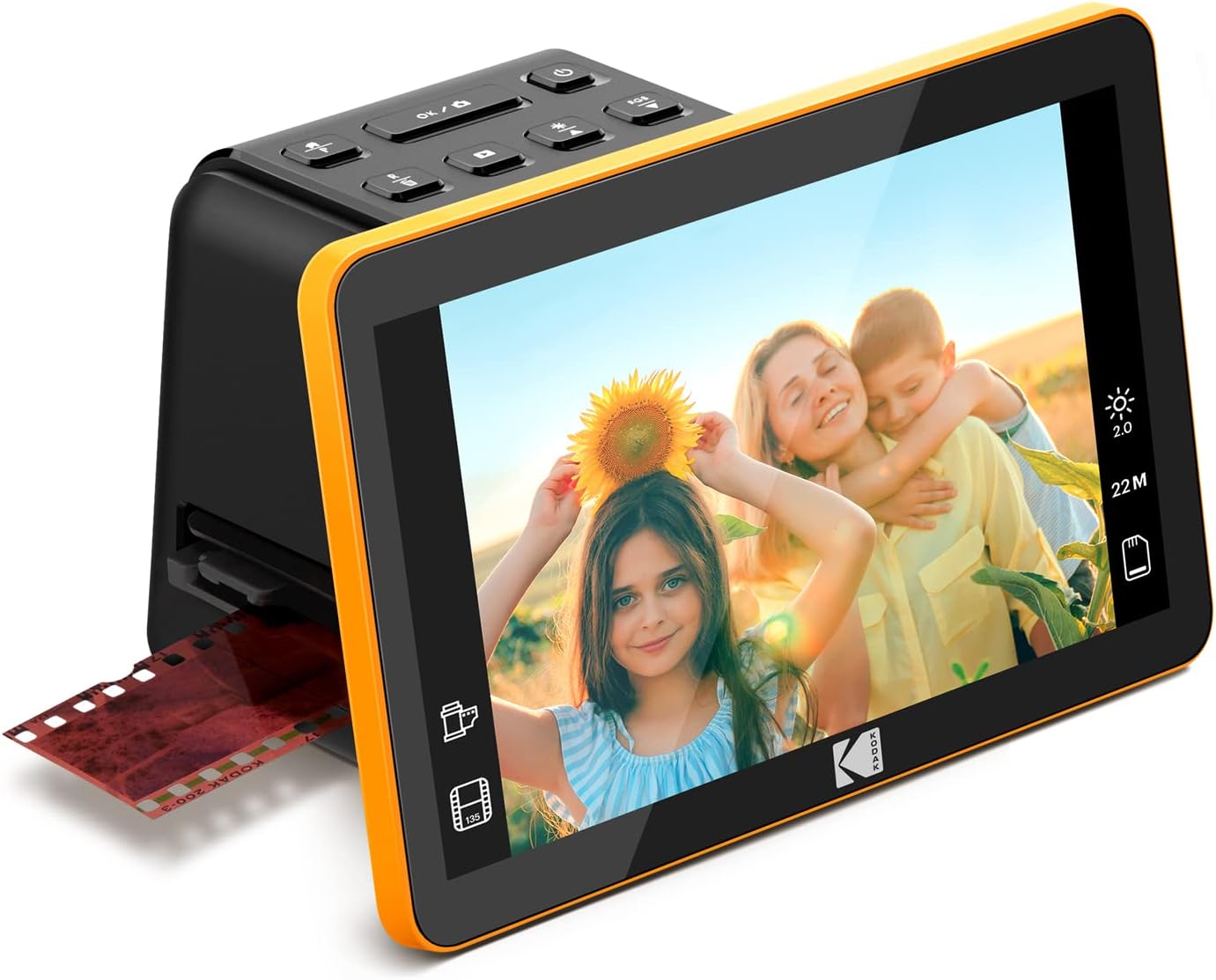
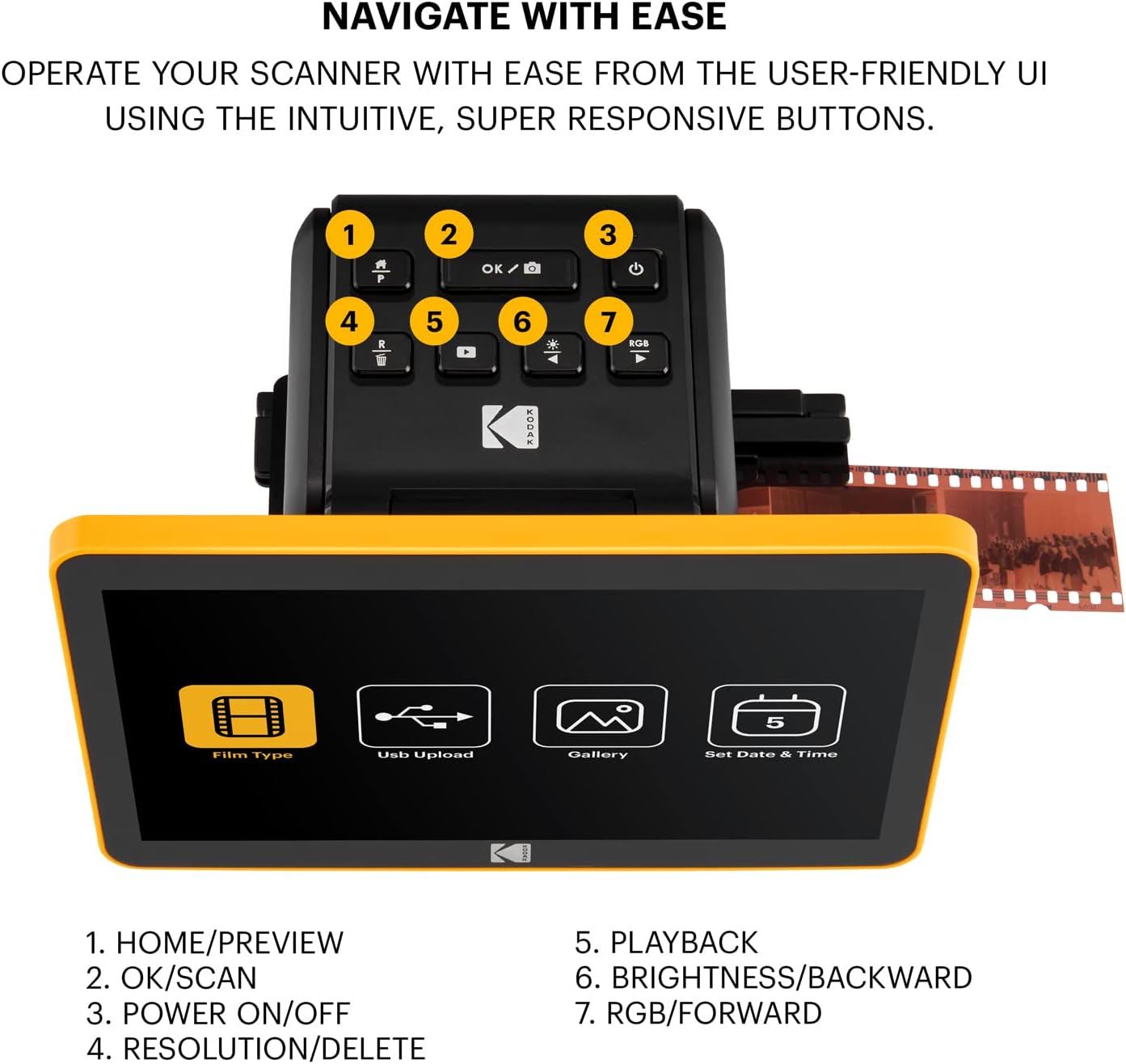
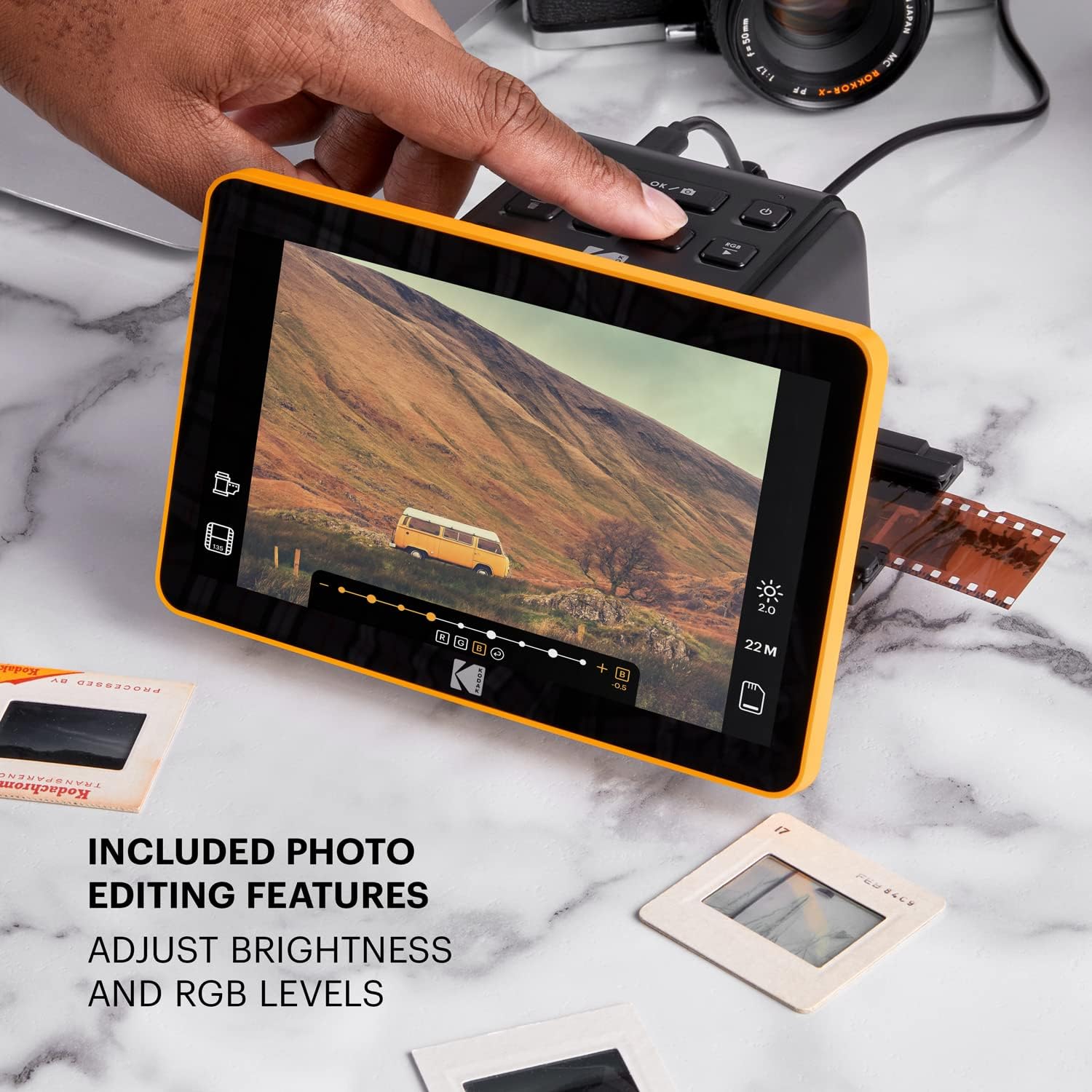
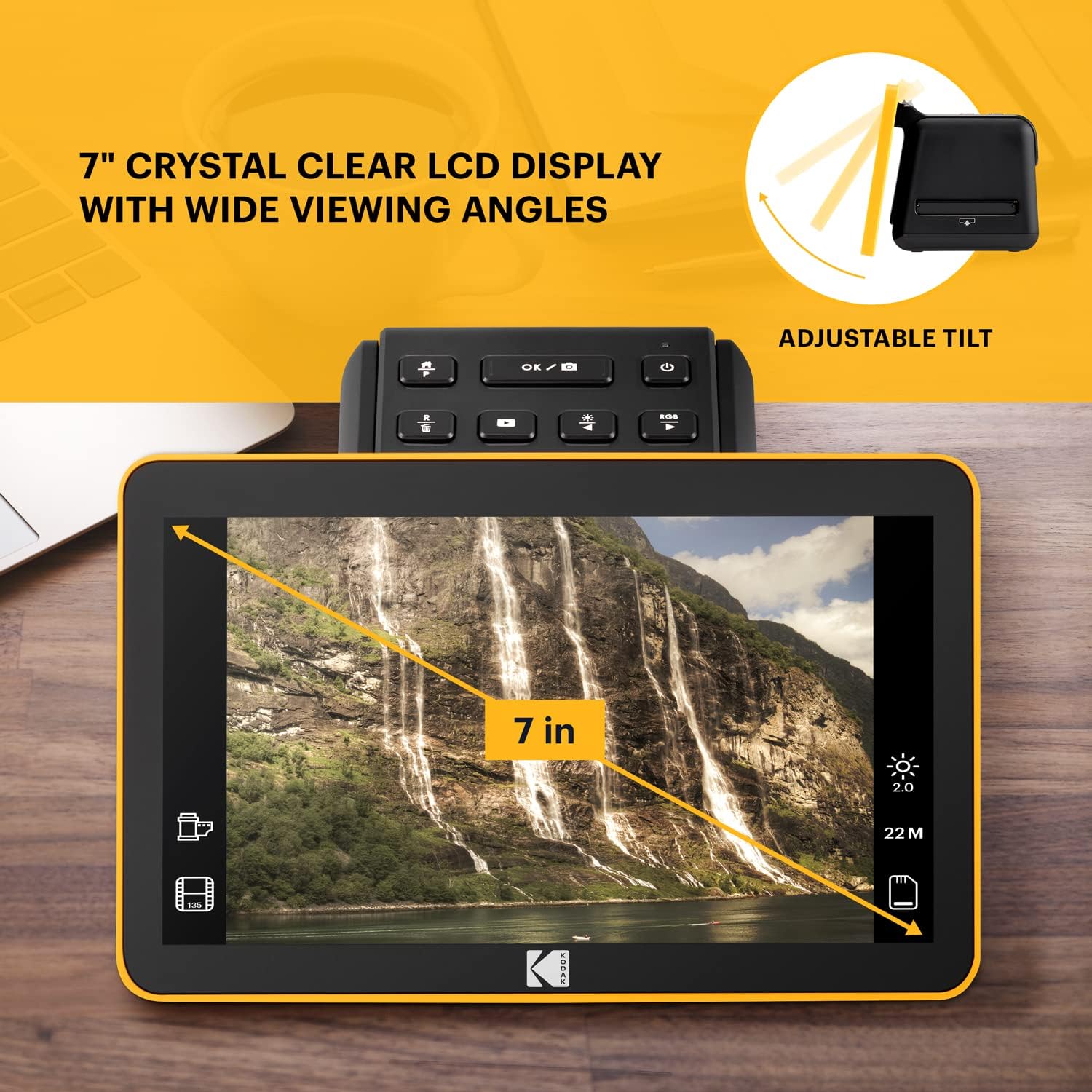
The Slide N Scan Max centers on speed and simplicity. A 7 inch LCD offers a wide viewing angle for instant previews and gallery browsing, making it easy to check scans before saving. One-touch capture and onboard editing let you adjust color and brightness, resize images, and assign date and time without needing a computer. According to the original specs, the scanner outputs up to 13 or 22 megapixels depending on settings, and accepts 50mm slides plus 135, 110 and 126 negatives using the included adapters. The unit supports SD and SDHC cards up to 32GB so you can store scans directly on removable media.
Specifications
- Name: Kodak Slide N Scan Max Digital Film Slide Scanner
- Display: 7" LCD
- Format: 50mm slides and 135 110 126 negatives
- Resolution: 13/22MP according to manufacturer
- Compatibility: SD SDHC up to 32GB
- Color: Black/Yellow
Usage tips
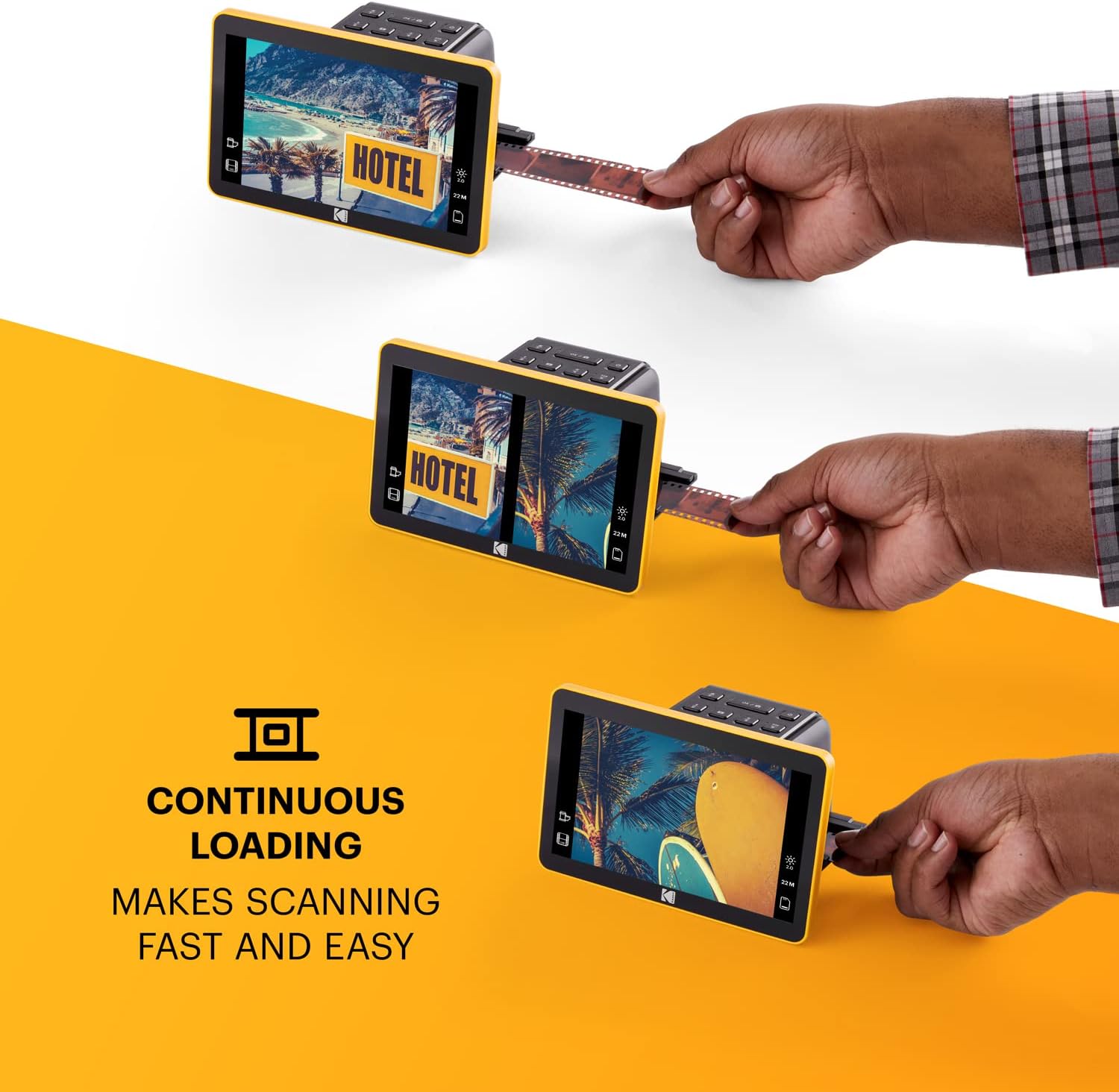
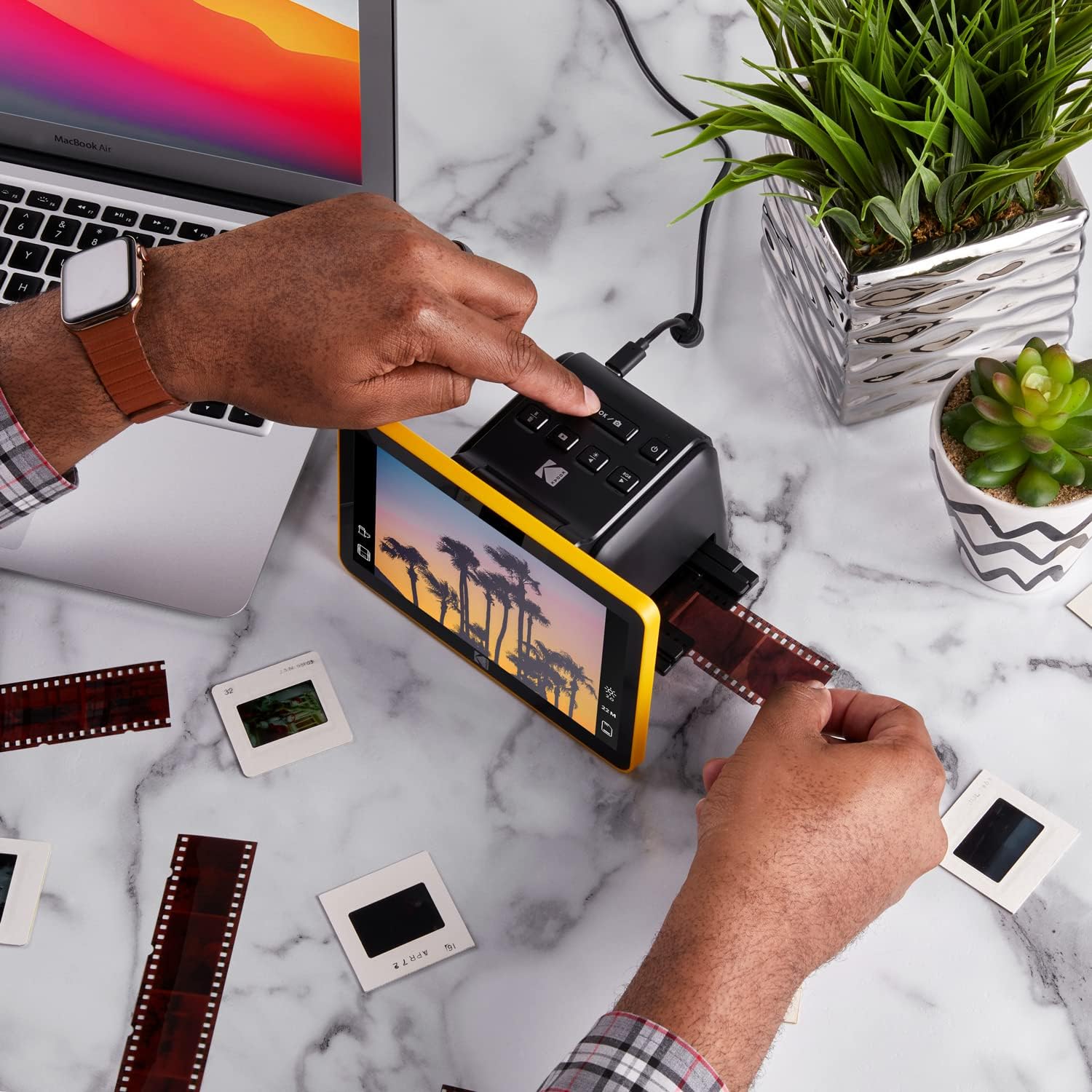
Start by cleaning film gently with the included brush to reduce dust before scanning. Use the quick-feeding tray to load multiple frames and preview each capture on the large screen, then apply the one-touch enhancements to correct faded tones. If you plan to archive large collections, back up the SD card to a computer via the Type-C USB connection for long term storage.
What’s included
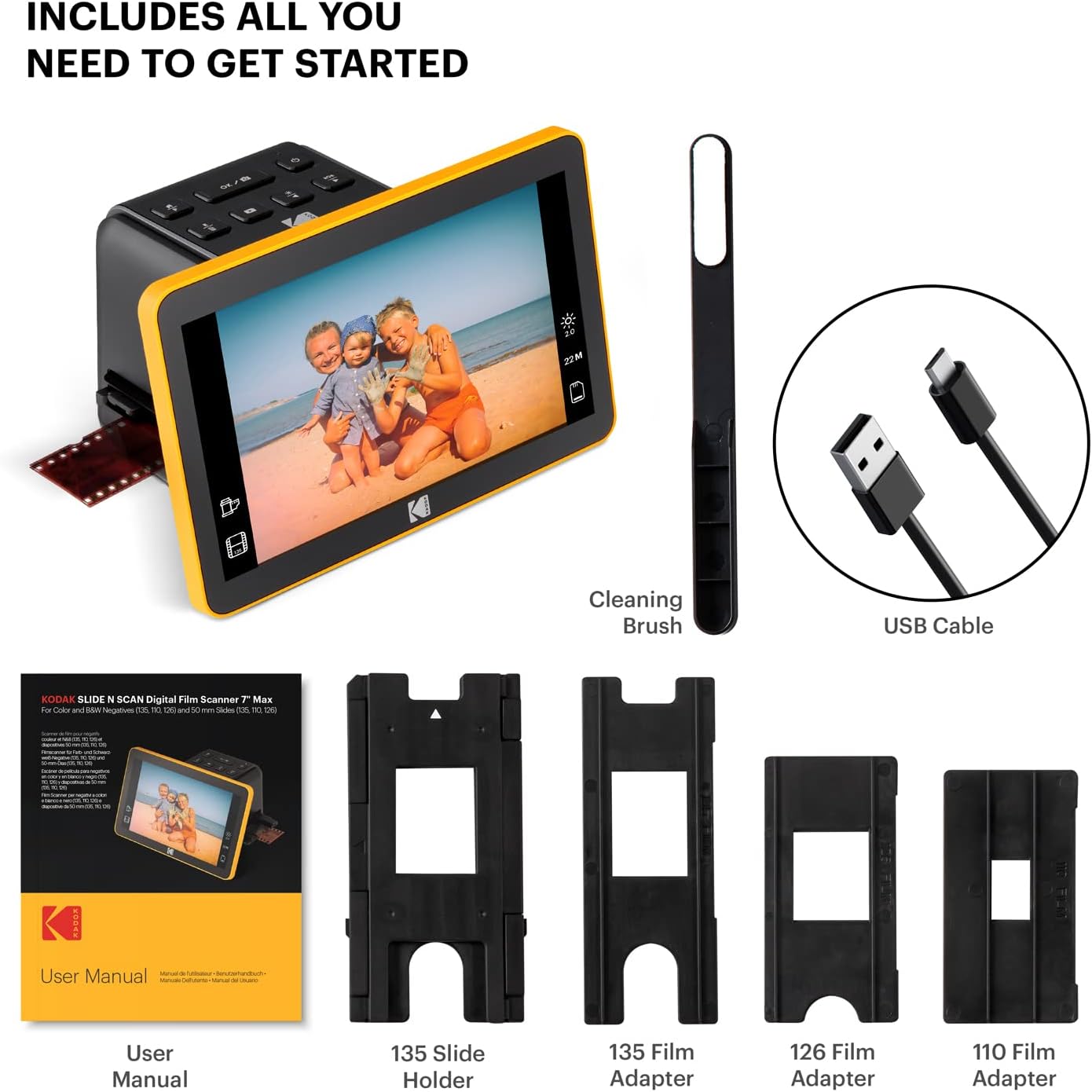
The package includes a 50mm slide holder, adapters for 135 110 and 126 films, a cleaning brush and USB cables. SD card and HDMI cable are not included, so budget for those if you need external playback or expanded storage.
It suits users who want straightforward digitization without complex software, though power users may notice limits in advanced editing options and maximum card capacity.