Download app on Google Play


Imagen de Kodak SCANZA film scanner 3.5" LCD ๐Ÿ“ท en OfertitasTOP
New offer
Thumbnail principal de Kodak SCANZA film scanner 3.5" LCD ๐Ÿ“ท
Thumbnail 1 de Kodak SCANZA film scanner 3.5" LCD ๐Ÿ“ท
Thumbnail 2 de Kodak SCANZA film scanner 3.5" LCD ๐Ÿ“ท
Thumbnail 3 de Kodak SCANZA film scanner 3.5" LCD ๐Ÿ“ท
Thumbnail 4 de Kodak SCANZA film scanner 3.5" LCD ๐Ÿ“ท
Thumbnail 5 de Kodak SCANZA film scanner 3.5" LCD ๐Ÿ“ท
Thumbnail 6 de Kodak SCANZA film scanner 3.5" LCD ๐Ÿ“ท

Kodak SCANZA film scanner 3.5" LCD ๐Ÿ“ท

amazon US
Reviews
4,2
+1.213

Reviews

4,2
+1.213 reviews

Price

$193.48$159.99-17%
View in store
amazon US
Price evolution ยท Historical minimum: $127.99

Product description

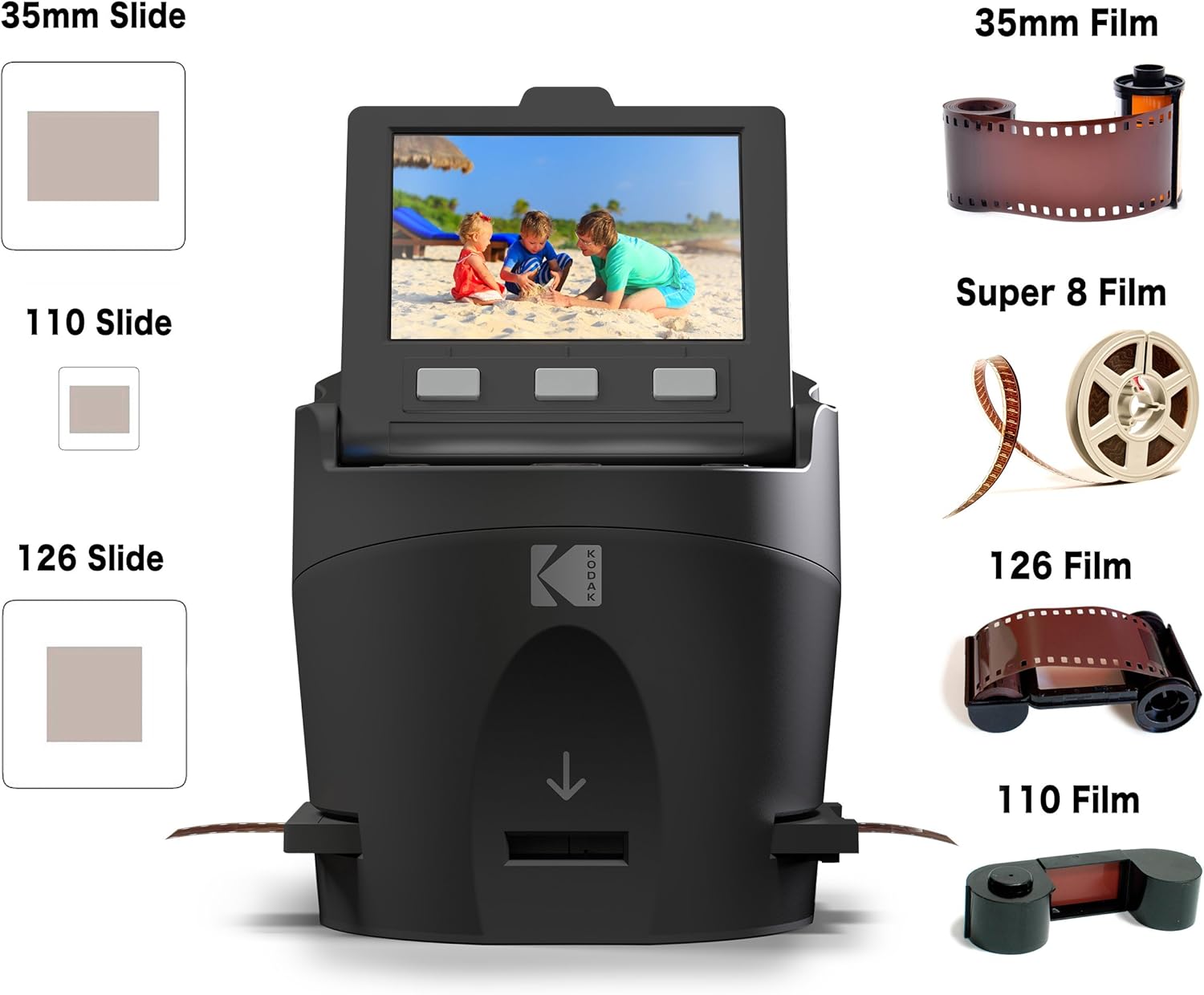
This film scanner turns decades of negatives and slides into useful digital files, letting you preserve family photos and home movies with minimal fuss. The Kodak SCANZA works with 35mm, 126, 110, Super 8 and 8mm formats and focuses on quick JPEG output so you can archive and share images fast. The main benefit is speed and simplicity for users who need a straightforward way to convert analog media into digital photos, with one-touch scanning and an on-device display for instant review.

Key features
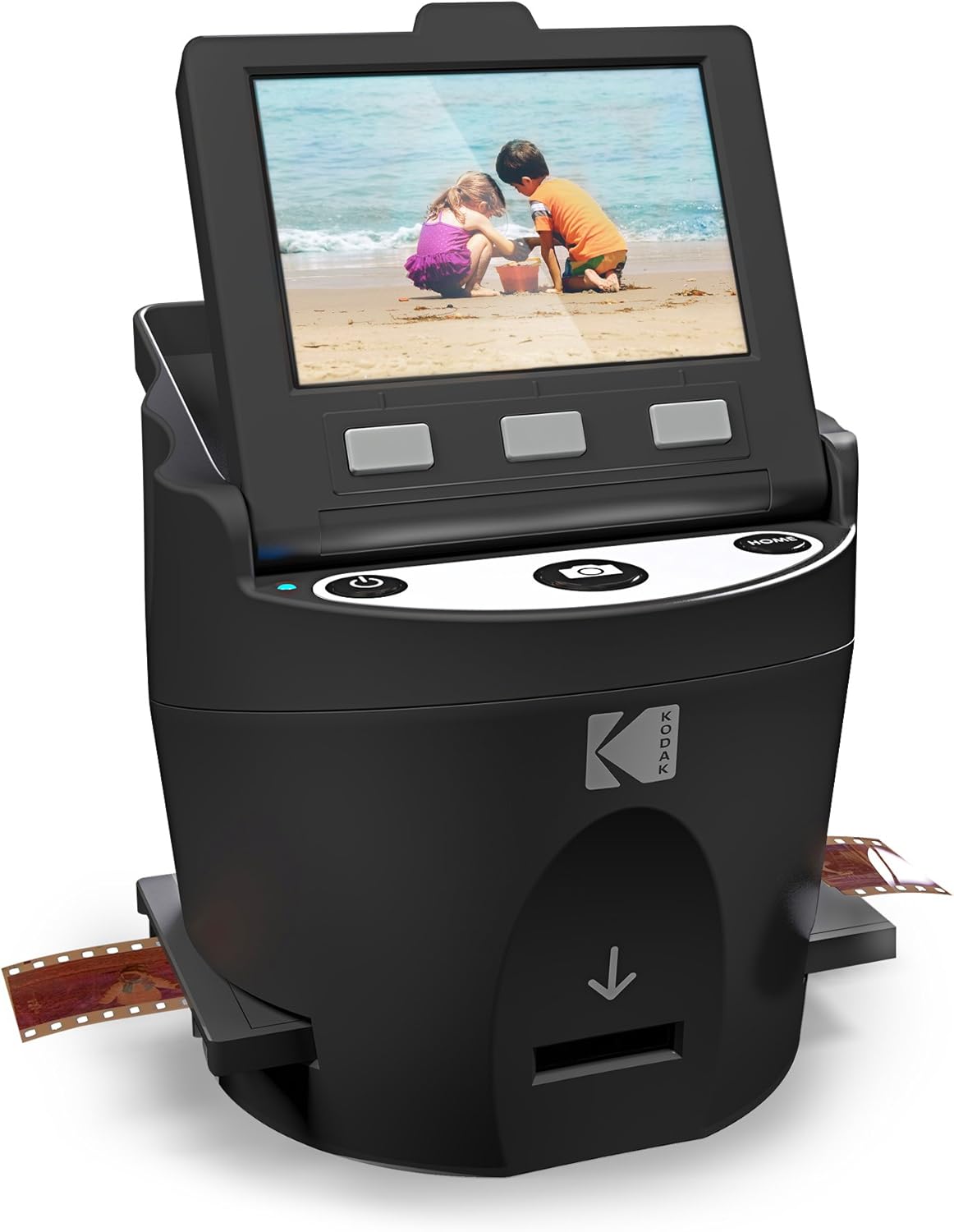
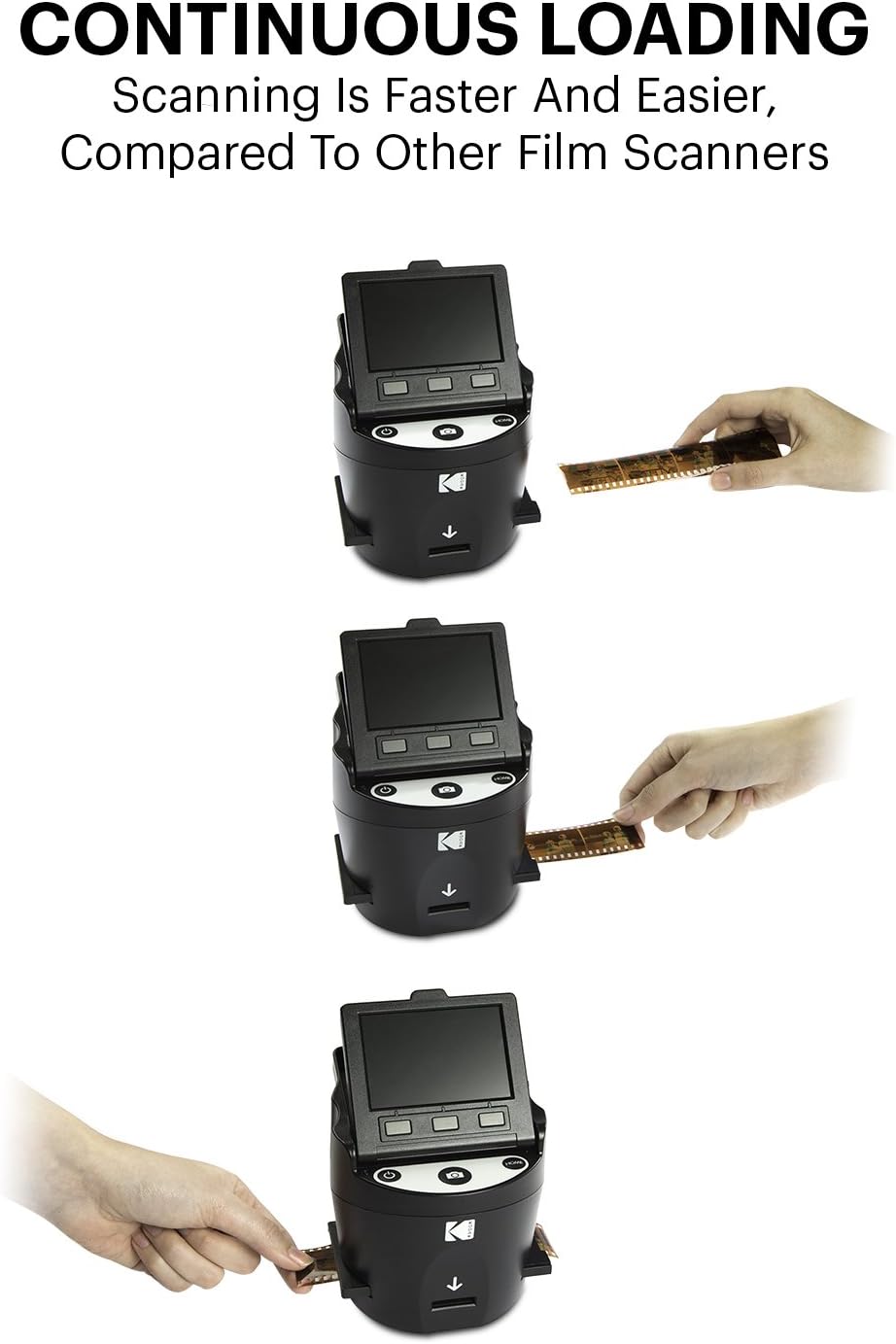
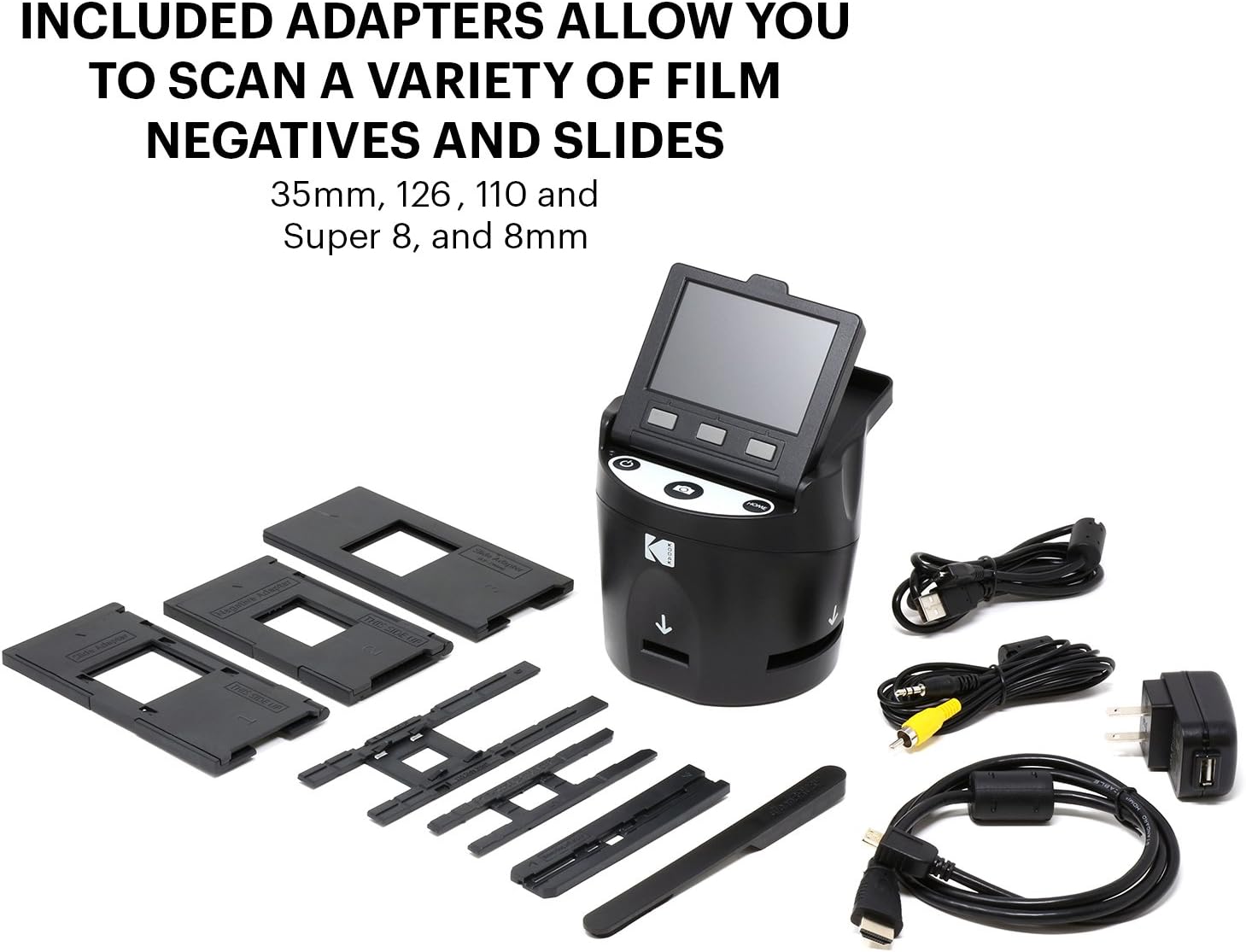
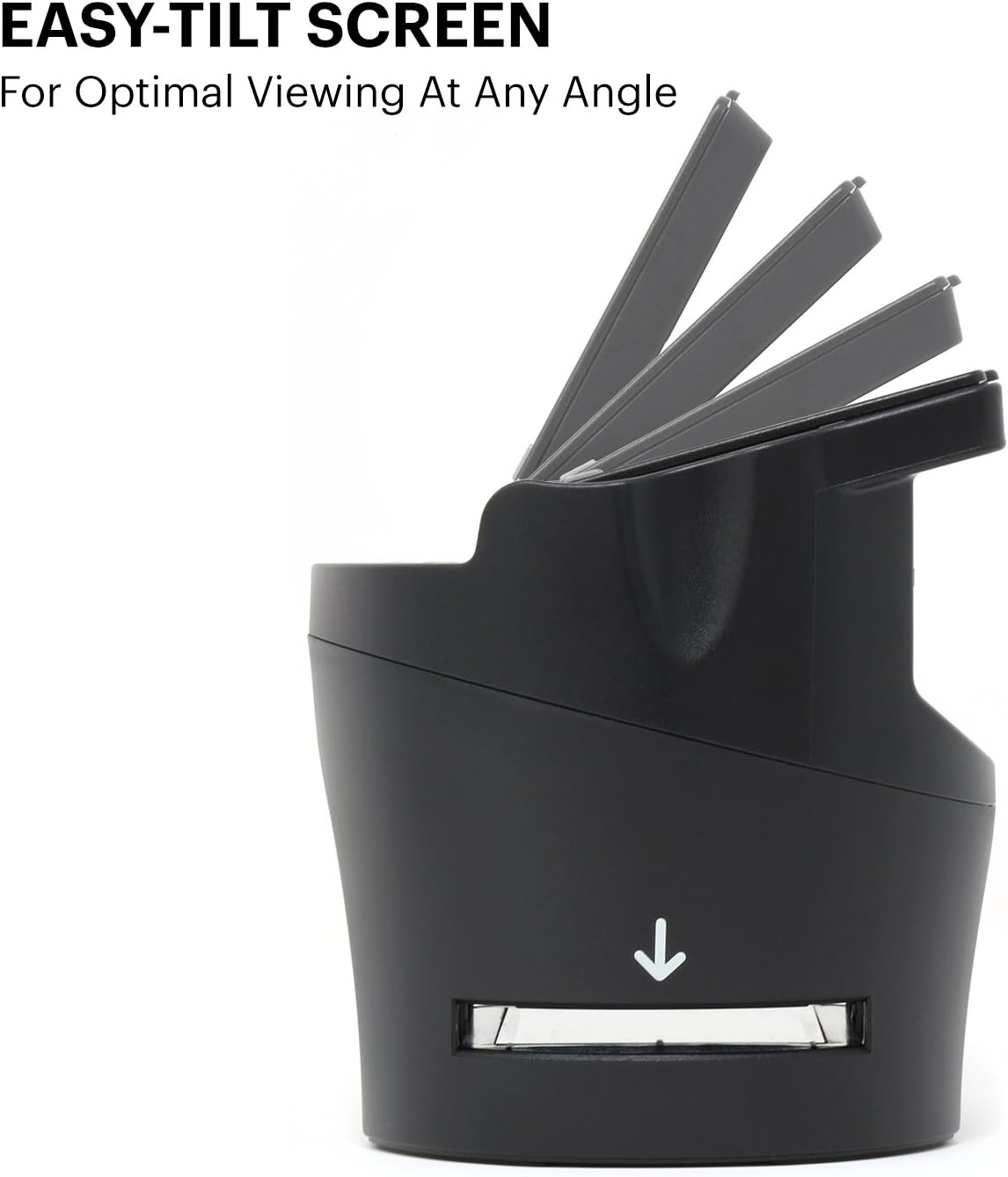
The SCANZA includes multiple easy-load inserts and adapters so you can switch between film types without guessing, and one-touch buttons help speed up repetitive scanning tasks. The built-in 3.5" TFT display offers adjustable brightness and tilt for accurate previewing while you scan, and basic on-unit editing tools let you tweak RGB and resolution before saving. It ships with a cleaning brush to reduce dust and speckles, which helps improve final image quality. ๐ŸŽž๏ธ

Tech specs

  • Name: Kodak SCANZA Digital Film & Slide Scanner
  • Supported formats: 35mm, 126, 110, Super 8, 8mm
  • Display: 3.5" TFT LCD
  • Output format: JPEG
  • Storage support: SD card up to 128GB

Usage tips
Load one insert at a time and use the preview screen to confirm framing before saving, this reduces rescans and speeds workflow. When scanning long film strips, keep the cleaning brush handy to clear the light box occasionally to avoid marks on images. For best results, adjust brightness on the display to match the scene, then use the RGB edit to correct color casts. ๐ŸŽš๏ธ

Benefits

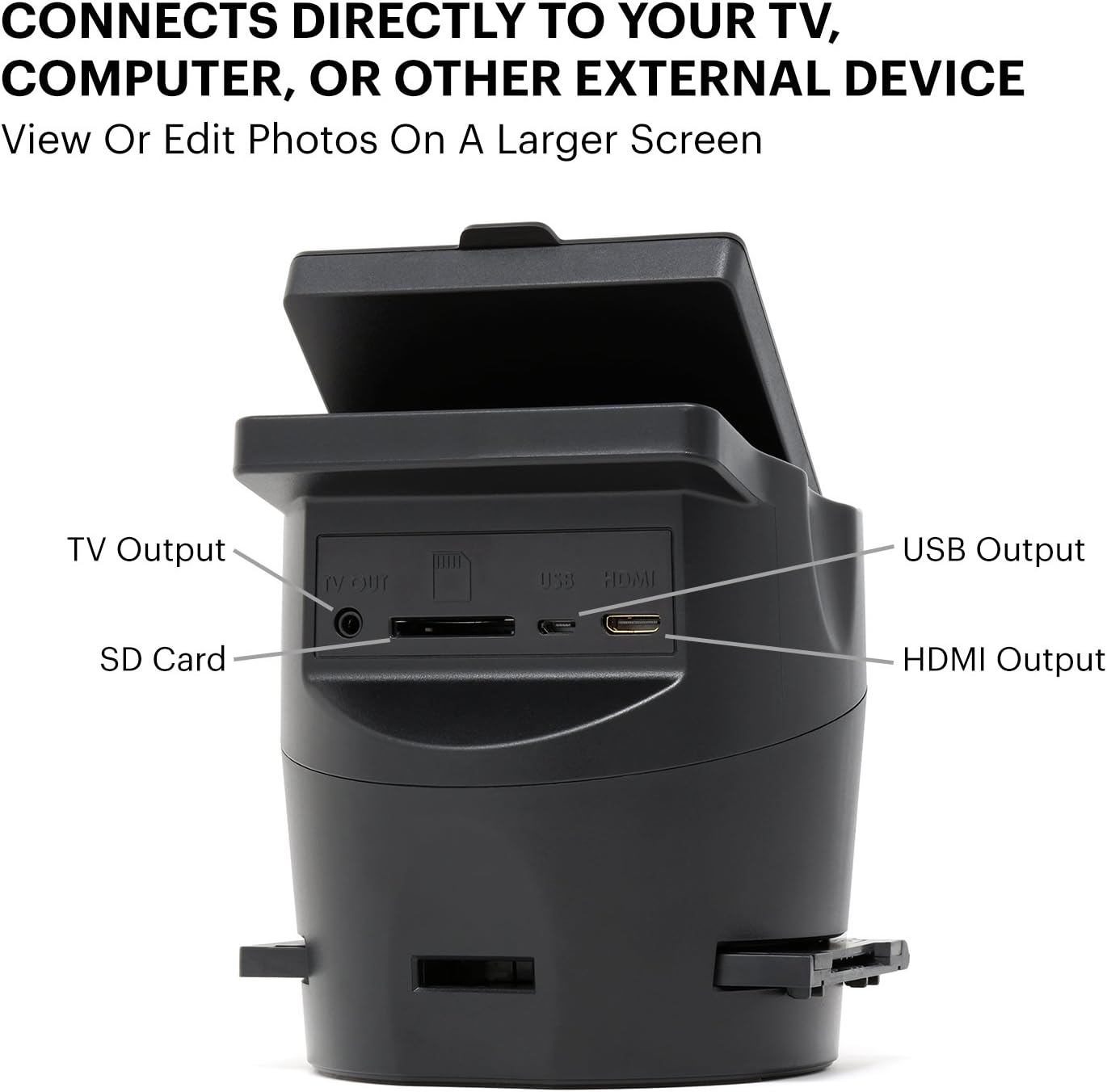
The main advantage is a low-effort workflow that requires no computer during capture, so you can digitize batches of film while checking results on the spot. It includes cables for Mac and PC compatibility and several adapters out of the box, which reduces the need for extra purchases. Note that it only converts the listed film sizes according to the manufacturer, so verify your media type before buying. ๐Ÿ“ท

View in store

Price evolution

Historical minimum: $127.99

Description:

This film scanner turns decades of negatives and slides into useful digital files, letting you preserve family photos and home movies with minimal fuss. The Kodak SCANZA works with 35mm, 126, 110, Super 8 and 8mm formats and focuses on quick JPEG output so you can archive and share images fast. The main benefit is speed and simplicity for users who need a straightforward way to convert analog media into digital photos, with one-touch scanning and an on-device display for instant review.

Key features

The SCANZA includes multiple easy-load inserts and adapters so you can switch between film types without guessing, and one-touch buttons help speed up repetitive scanning tasks. The built-in 3.5" TFT display offers adjustable brightness and tilt for accurate previewing while you scan, and basic on-unit editing tools let you tweak RGB and resolution before saving. It ships with a cleaning brush to reduce dust and speckles, which helps improve final image quality. ๐ŸŽž๏ธ

Tech specs

  • Name: Kodak SCANZA Digital Film & Slide Scanner
  • Supported formats: 35mm, 126, 110, Super 8, 8mm
  • Display: 3.5" TFT LCD
  • Output format: JPEG
  • Storage support: SD card up to 128GB

Usage tips
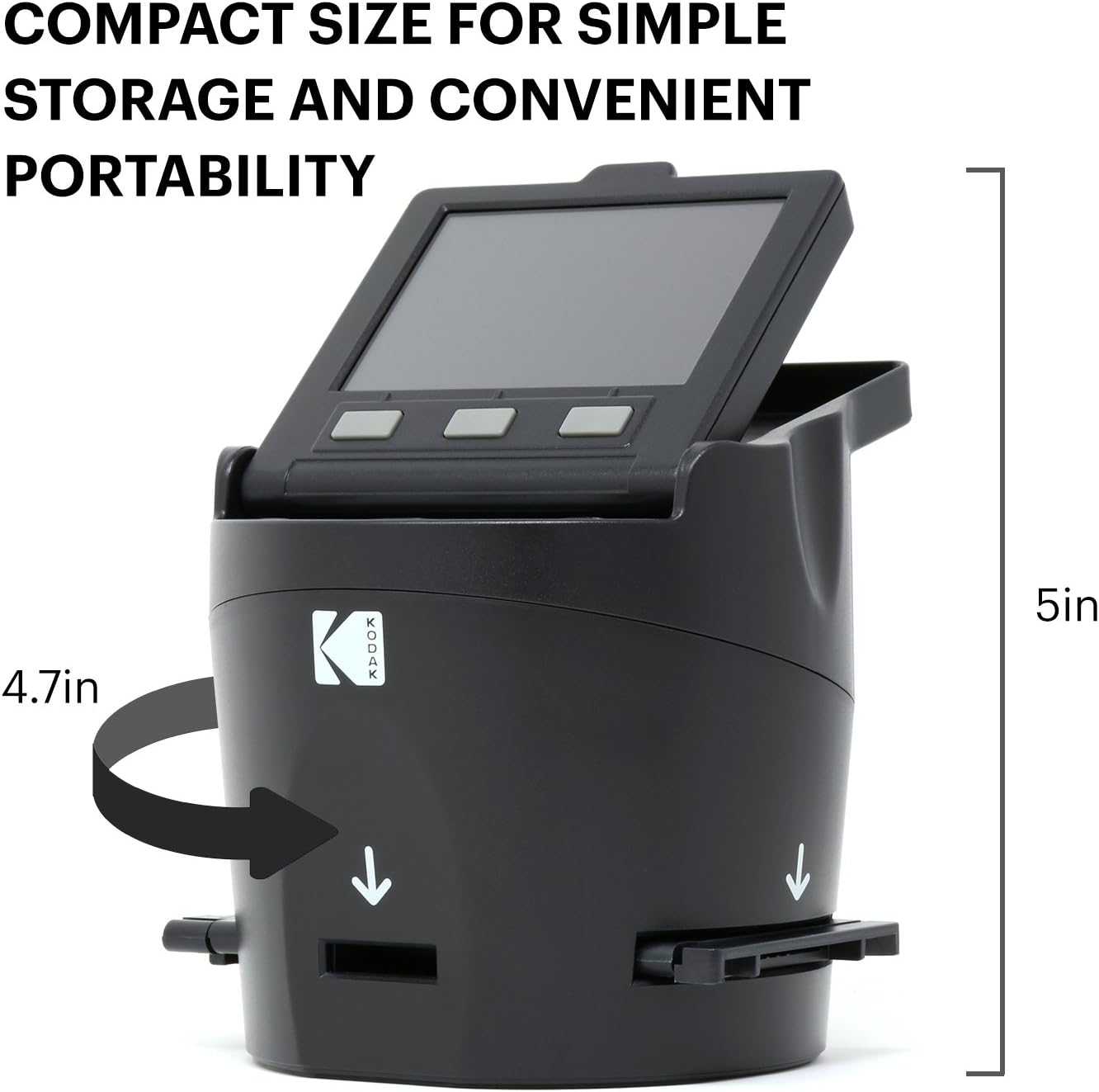
Load one insert at a time and use the preview screen to confirm framing before saving, this reduces rescans and speeds workflow. When scanning long film strips, keep the cleaning brush handy to clear the light box occasionally to avoid marks on images. For best results, adjust brightness on the display to match the scene, then use the RGB edit to correct color casts. ๐ŸŽš๏ธ

Benefits

The main advantage is a low-effort workflow that requires no computer during capture, so you can digitize batches of film while checking results on the spot. It includes cables for Mac and PC compatibility and several adapters out of the box, which reduces the need for extra purchases. Note that it only converts the listed film sizes according to the manufacturer, so verify your media type before buying. ๐Ÿ“ท