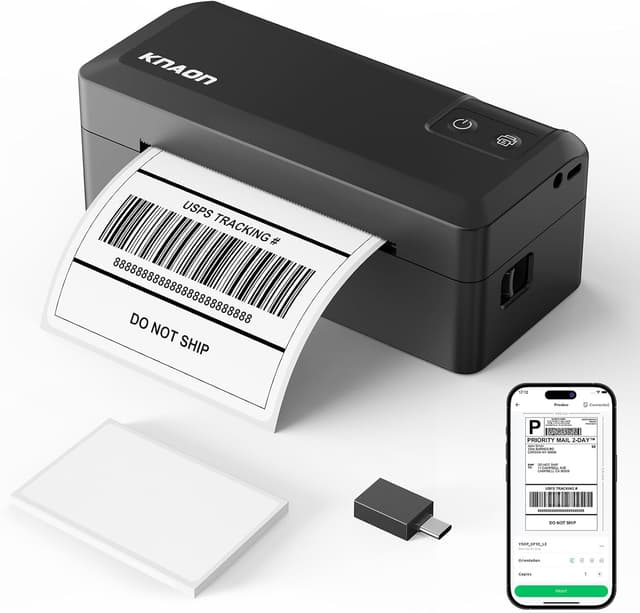
KNAON Y41BT 4x6 Shipping Label Printer 🖨

Price evolution
Product description
Key points
This Bluetooth shipping label printer brings fast, portable printing for small business shipping and home office tasks. It pairs wireless convenience with USB backup, so you can print labels from phones, tablets, laptops and Chromebooks. The main advantage is that it supports standard 4x6 shipping labels, giving a familiar workflow for marketplaces and carriers, and it comes with preloaded drivers and tutorial videos to simplify setup. If you print batches regularly, this model speeds the process and reduces handling time, according to the manufacturer.
Tech specs
- What’s included: 20 test printing papers
- Dimensions: 7.2 x 3.15 x 2.65 inches
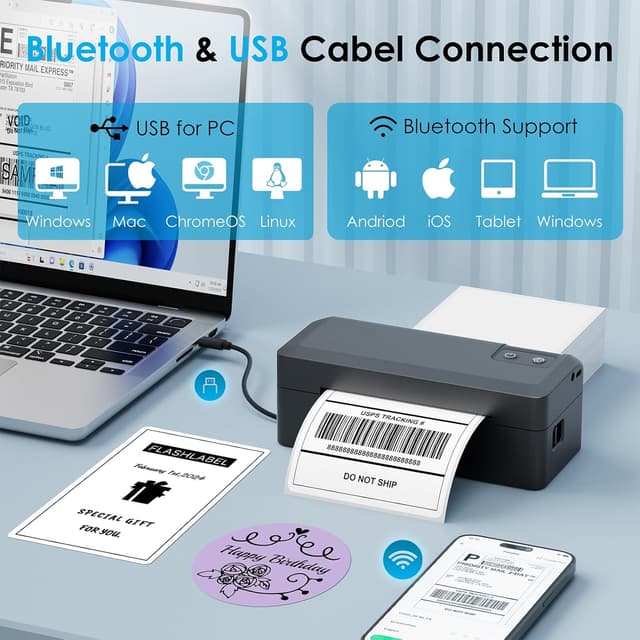
- Connectivity: Bluetooth and USB cable
- Compatibility: iPhone, Android, Windows 7 and later, macOS with M1/M2/M3/M4 via app
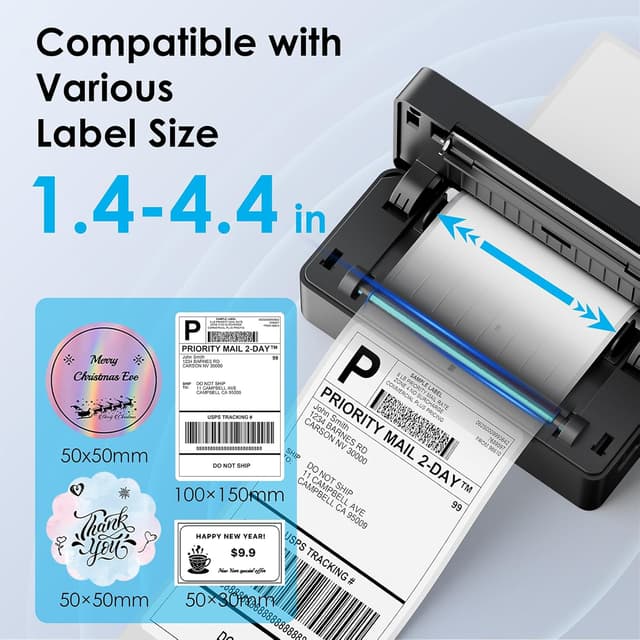
- Size: supports paper widths from 1.38 to 4.41 inches
Compatibility & requirements
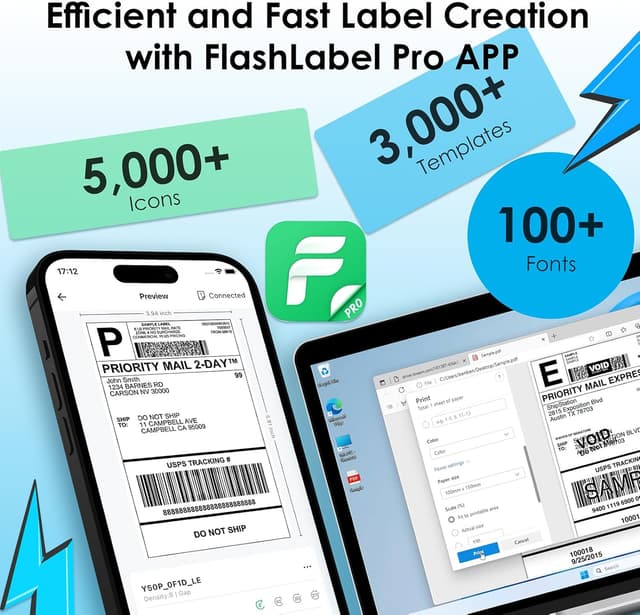
The printer works with major platforms like USPS, eBay, Shopify, amazon and Etsy when you export a label as a PDF and import it into the companion app. For iOS and Android you must use the FlashLabel Pro app to connect over Bluetooth, and ChromeOS requires the FlashLabel extension for Google Chrome. For Mac users with Apple silicon the app in the App Store handles pairing, and Windows machines can use the bundled drivers via USB. KNAON Y41BT is mentioned here to clarify the exact model supported by the provided drivers and app. 📲
What stands out
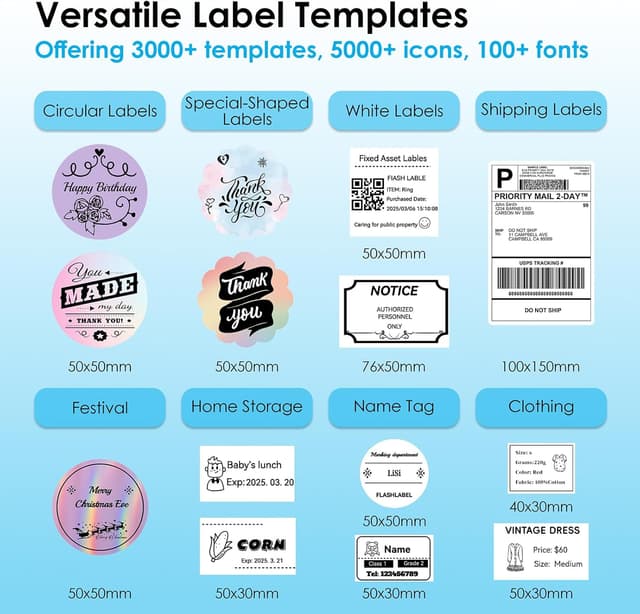
Its compact footprint and built-in USB drive with drivers make initial setup straightforward, and the portable design fits tight workspaces. The printer reaches a quoted top speed that suits moderate batch printing and supports common label sizes. You also get plenty of template and icon options in the app for custom shipping, barcode and thank-you labels, which helps maintain brand consistency. Need to print on the go or at a packing station? This unit makes that easier. Why juggle different tools when one device handles your shipping labels and small tags with the same workflow? 🤔
Everyday use
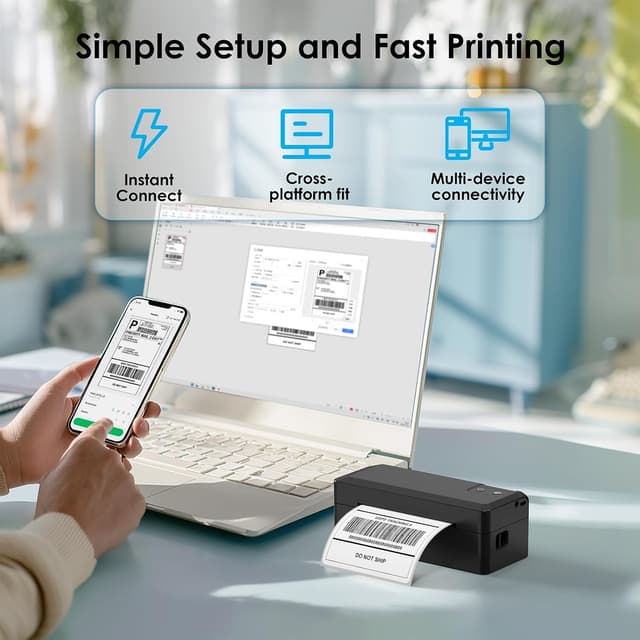
Start with the app to select a template, import a saved PDF label and print. The USB route is a reliable fallback when network pairing is not available, and the preloaded tutorials speed up the learning curve. Expect a practical mix of mobility and desktop compatibility for light to medium label volumes. 🧾