

Kids Android tablet, 10-inch
Product description
Quick overview
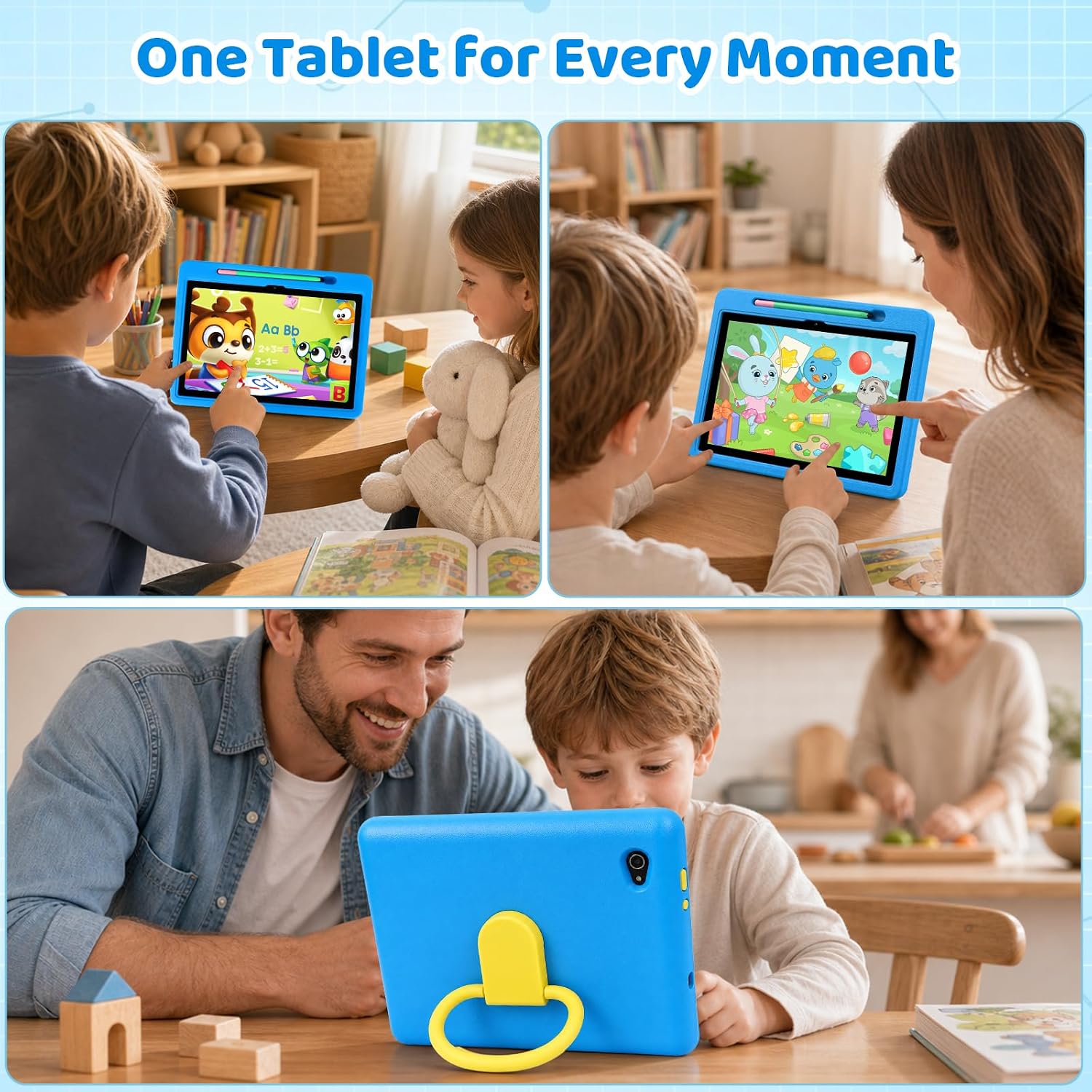
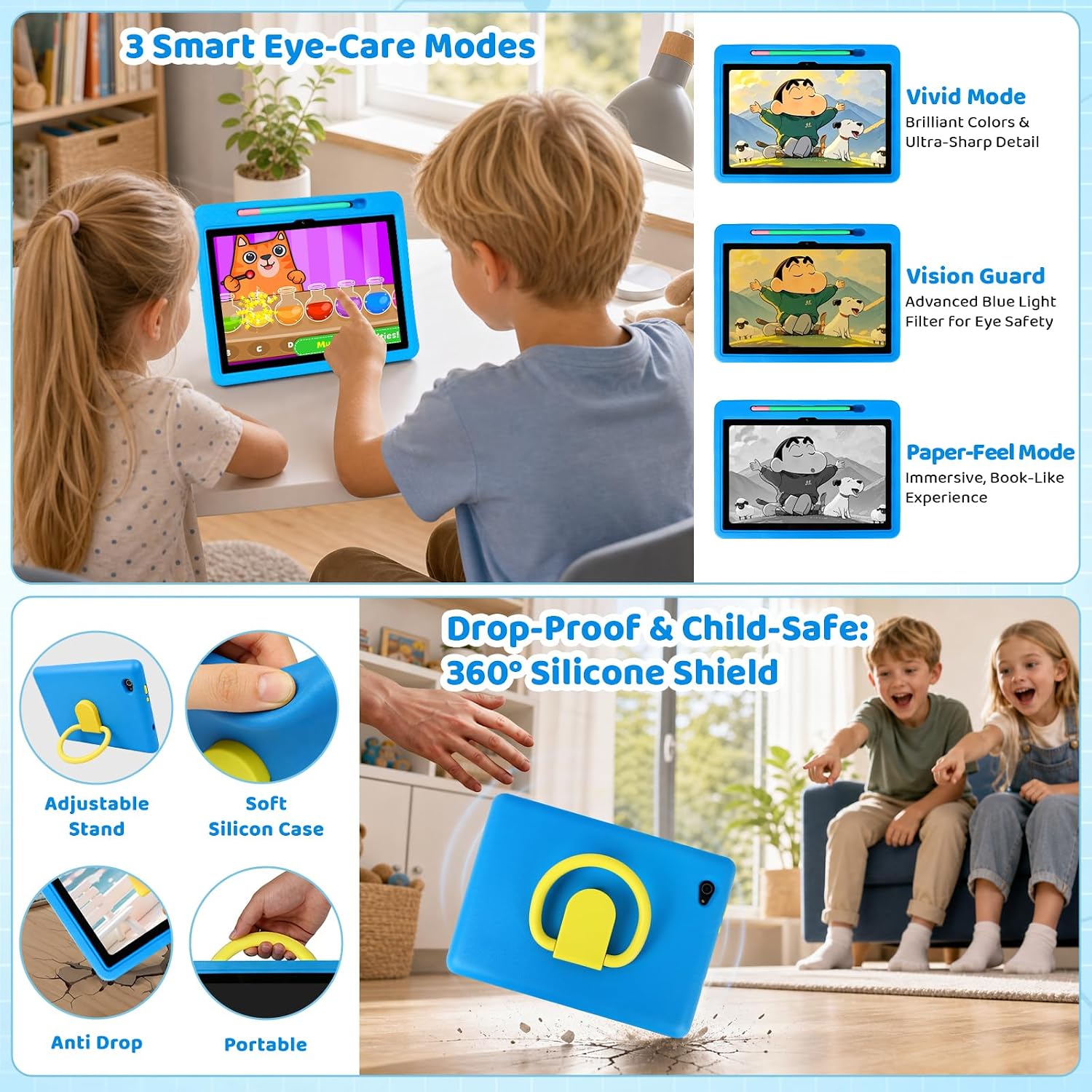
The included case has a 180° adjustable stand, so kids can prop the tablet up for a video, a reading app, or a drawing session instead of holding it the whole time.
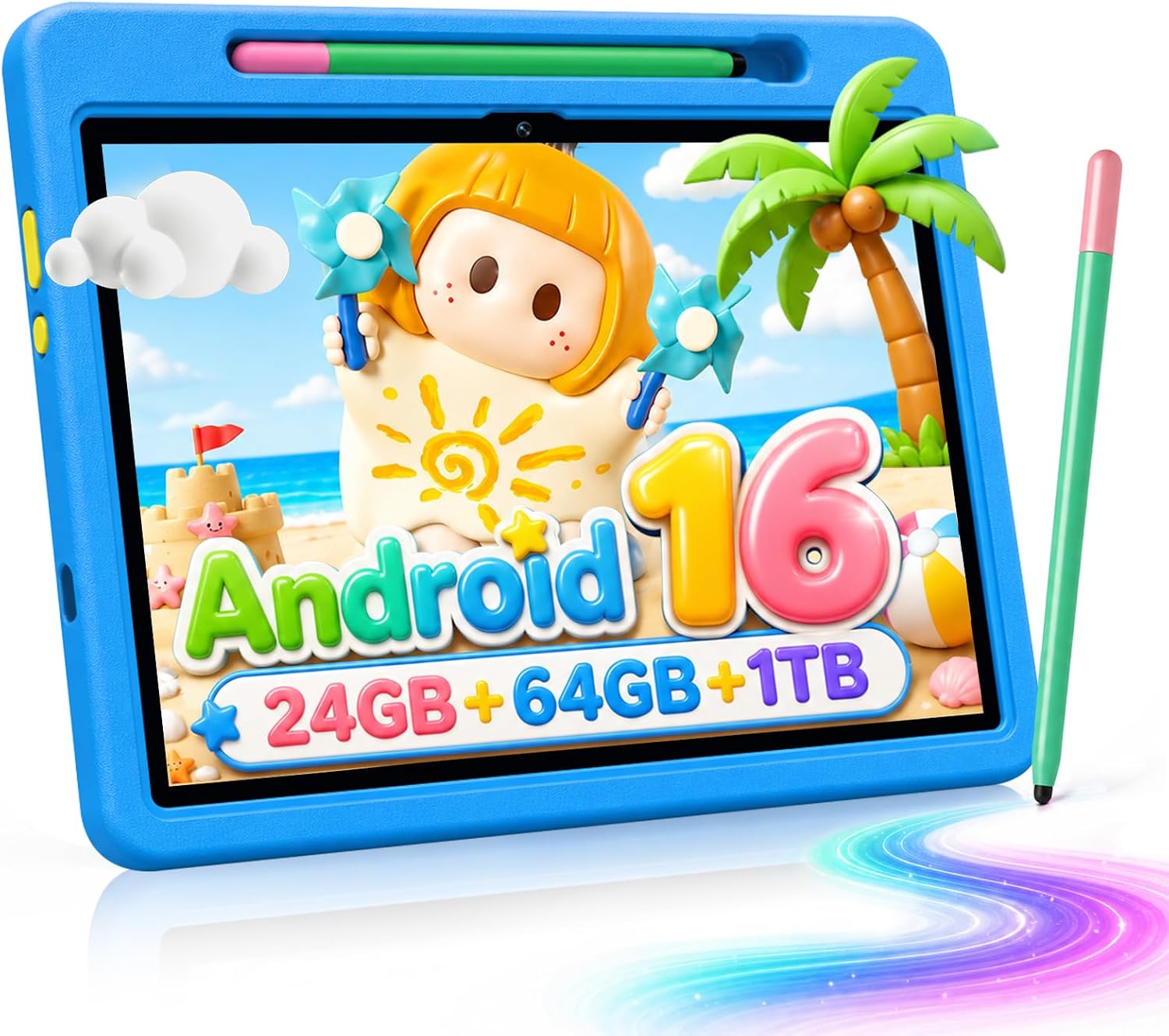
This 10-inch Android 16 tablet is aimed at children ages 3–12. It comes with a stylus, a protective case, and UKIDOZ Kids Space with educational content, games, and picture books.
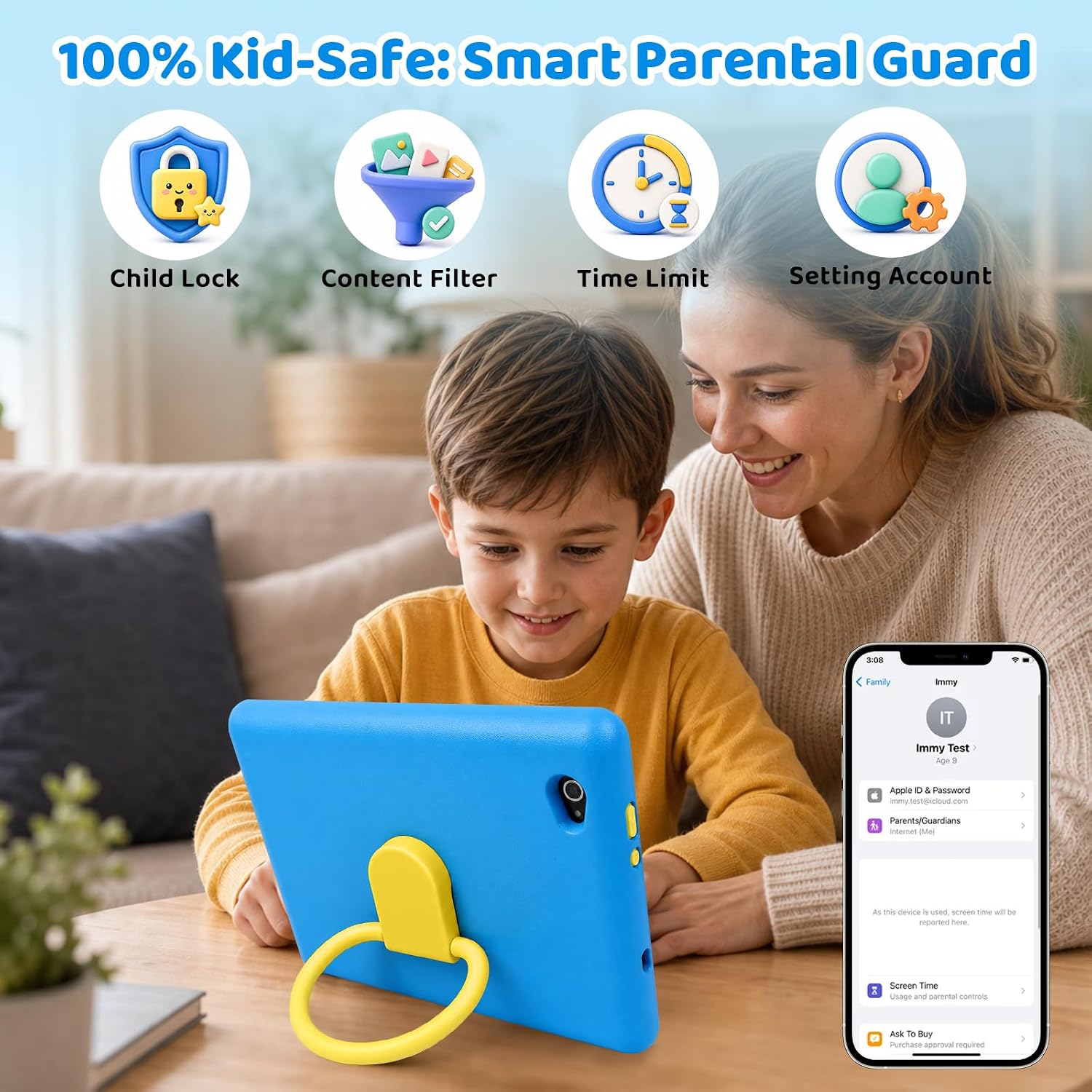
Parents can set screen-time limits, manage app permissions, and filter content. Those controls make the setup more adjustable for family routines, though they still require a parent to choose settings that suit the child.
How to use it
For a first tablet, the combination of Kids Space and parental controls gives caregivers a place to start: set limits, choose which apps are allowed, and let a child explore the available learning content. The stylus adds a hands-on option for drawing or writing, while the stand can keep the screen upright during a quiet activity at home or on a family trip.
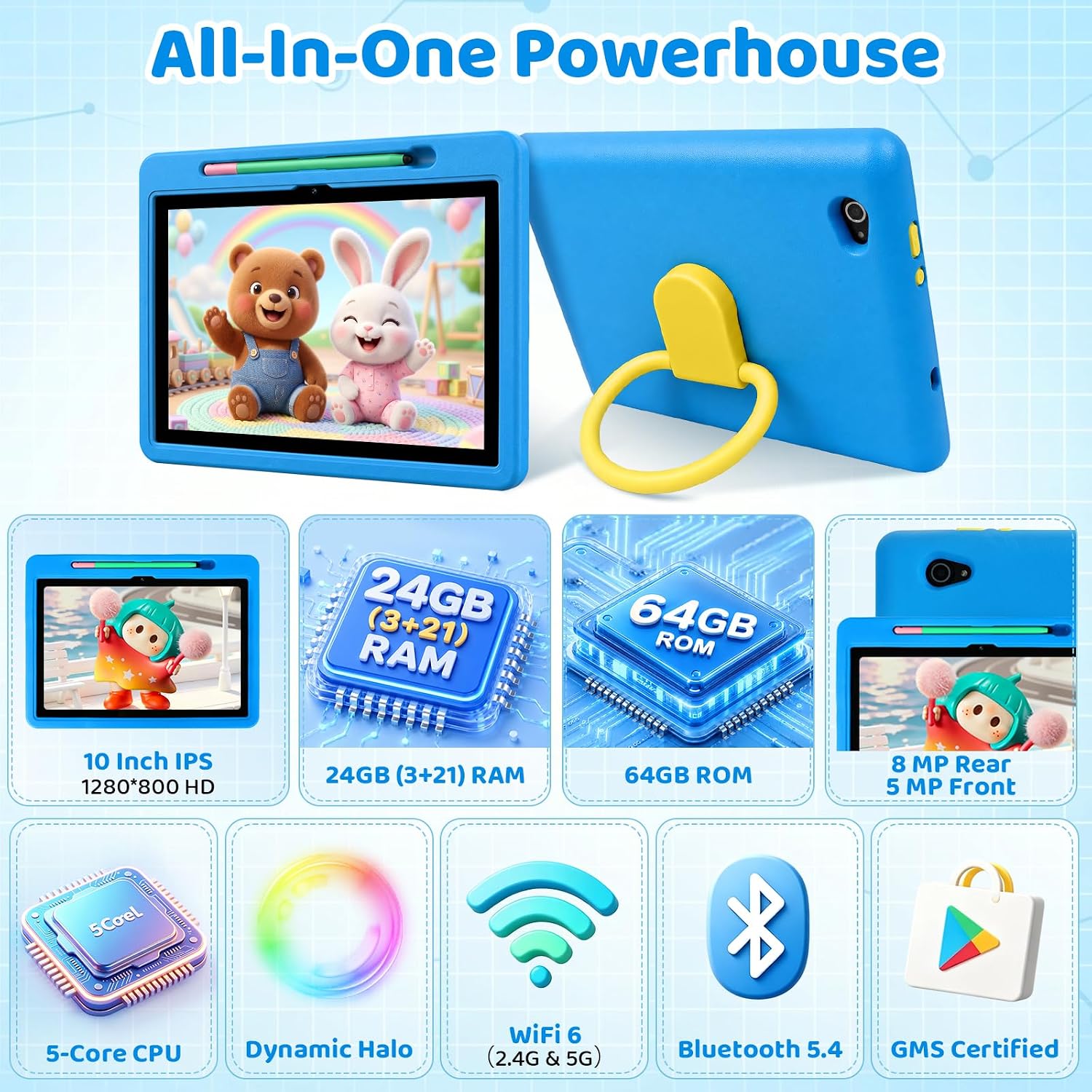
The listing describes 24GB RAM and 64GB of built-in storage, with expansion up to 1TB using a TF card. One practical catch: that card is not included, so extra storage means buying one separately. From the way it is set up, this tablet prioritizes kid-focused software and accessories over a bare tablet configuration.
Practical tips
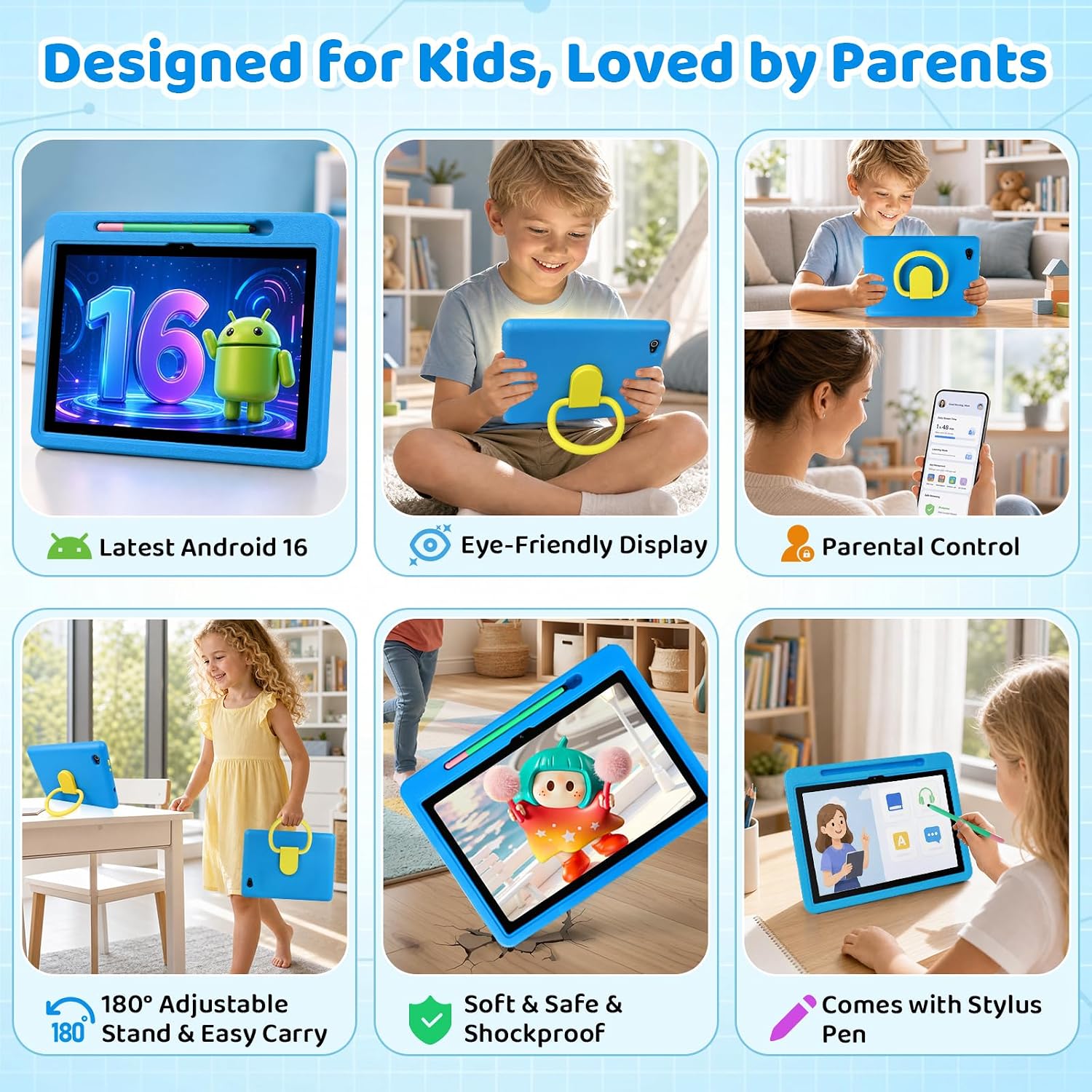
For a quick after-school activity, a child could set the tablet on its stand, open a picture book or learning game, and use the stylus for a drawing break. The 5MP front camera and 8MP rear autofocus camera also offer basic ways to take photos or make videos. Wi-Fi 6 and Bluetooth 5.4 are listed, but the product details don’t specify how well particular apps or accessories work with the tablet, so avoid assuming compatibility beyond what is stated.
The 6000mAh battery is described as supporting hours of reading, video, learning, and games, but no specific runtime is given. Its lightweight design is intended for small hands, and the case is described as anti-slip, anti-scratch, and drop-resistant. That can add everyday protection, but it does not make the tablet indestructible, younger children may still need help handling it.
Questions before you buy
Does it come with storage expansion? It has 64GB of built-in storage and supports expansion up to 1TB with a TF card. The card must be purchased separately.
Can a child draw or write on it? A stylus is included for doodling, writing, and drawing. The listing does not specify stylus pressure sensitivity or other advanced drawing features.
What can parents control? The listed controls include screen-time limits, app permissions, and content filtering. The tablet also comes with UKIDOZ Kids Space, which includes educational content, games, and picture books.
Is it worth it?
It makes sense if you want a child-focused Android tablet with a stand-equipped case, stylus, and built-in parental controls in one package. The setup is geared toward reading, casual learning activities, drawing, videos, and games for kids ages 3–12—not demanding work or a detailed art workflow. Compared with buying a basic tablet and adding accessories separately, this bundle already includes several kid-oriented extras. You may want to skip it if you need a stated screen resolution, a confirmed battery runtime, or expandable storage ready to use without buying a TF card.