

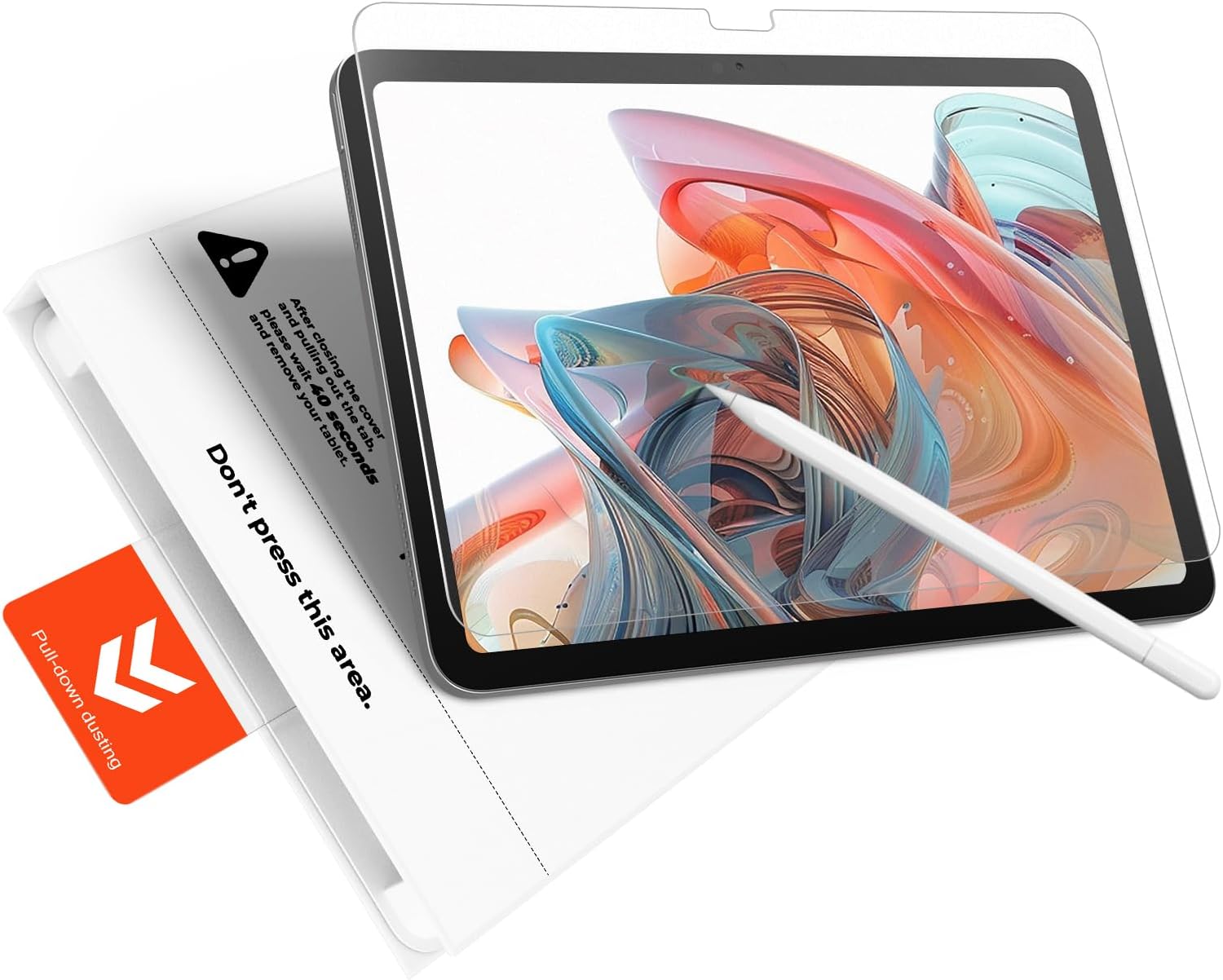
KCT 2-Pack Paperfeel Tempered Glass Screen Protector for iPad Air 11-inch (M4/M3/M2) with Bubble-Free Tray
Reviews
Price
Product description
Quick overview: what you’re really getting
If you want your iPad Air 11-inch screen to feel more like writing on paper—without giving up the protection of tempered glass—this KCT 2-pack is built around that idea. It’s a matte “paperfeel” style glass protector paired with a bubble-free installation approach (a tray system is included).
On paper, it’s designed for a precise, full-coverage fit for iPad Air 11-inch models listed in the description, including M4 (2026), M3 (2025), and M2 (2024). The big promise here is twofold: smoother, quieter note-taking and drawing thanks to the micro-textured matte surface, plus an installation process intended to reduce alignment headaches.
That said, it’s not perfect for every situation. Matte finishes can slightly change how the display looks compared with a bare screen, and no screen protector is a magic shield for every scenario.
Key features that matter day to day
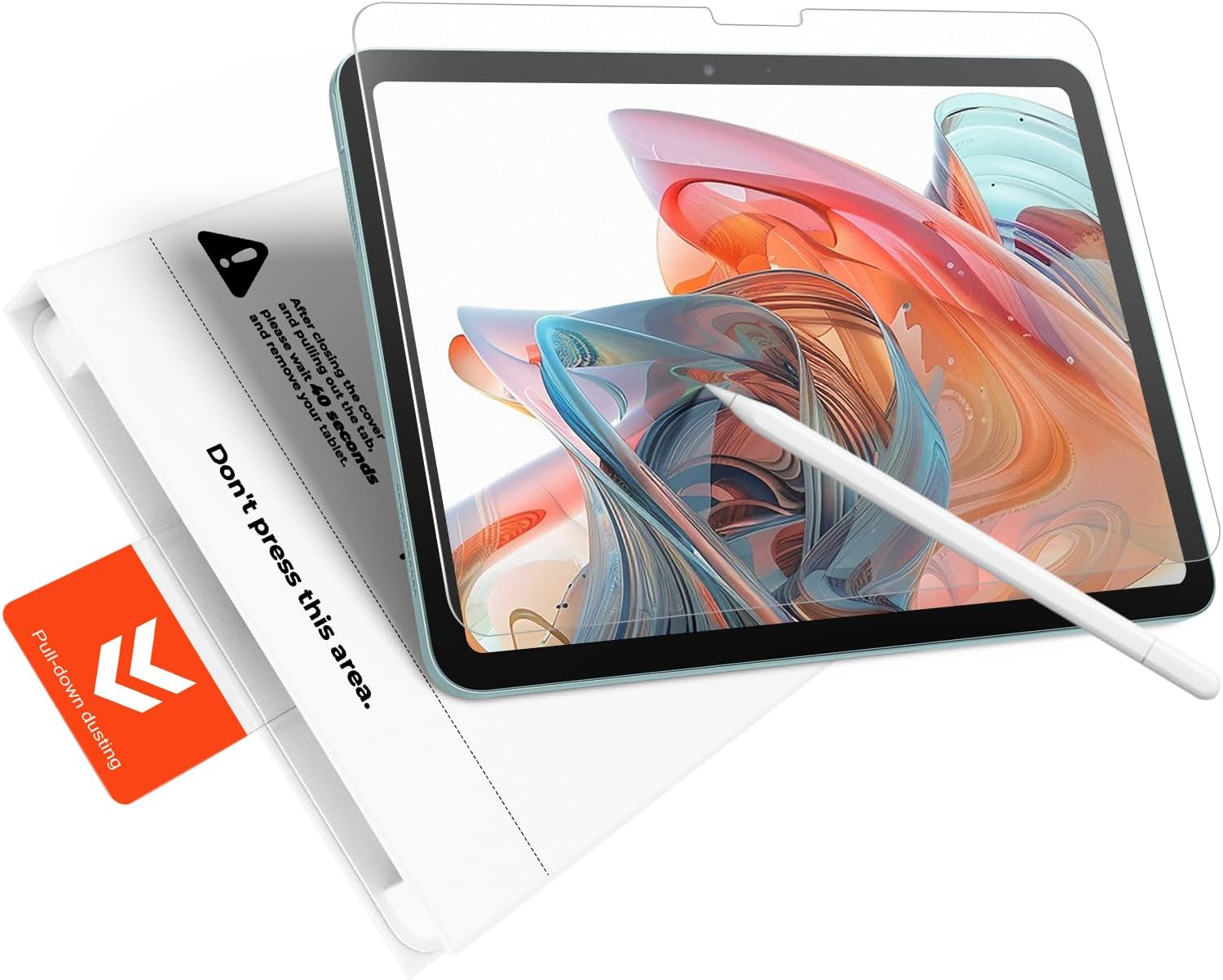
The matte “Paperfeel” layer is the headline. Instead of the slick, glass-on-glass feel (and the extra “clicking” you may get with a glossy surface), the micro-textured film is meant to add natural friction. In practical terms, that can make a difference if you sketch, write long notes, or annotate documents often—especially if you’re using an Apple Pencil.
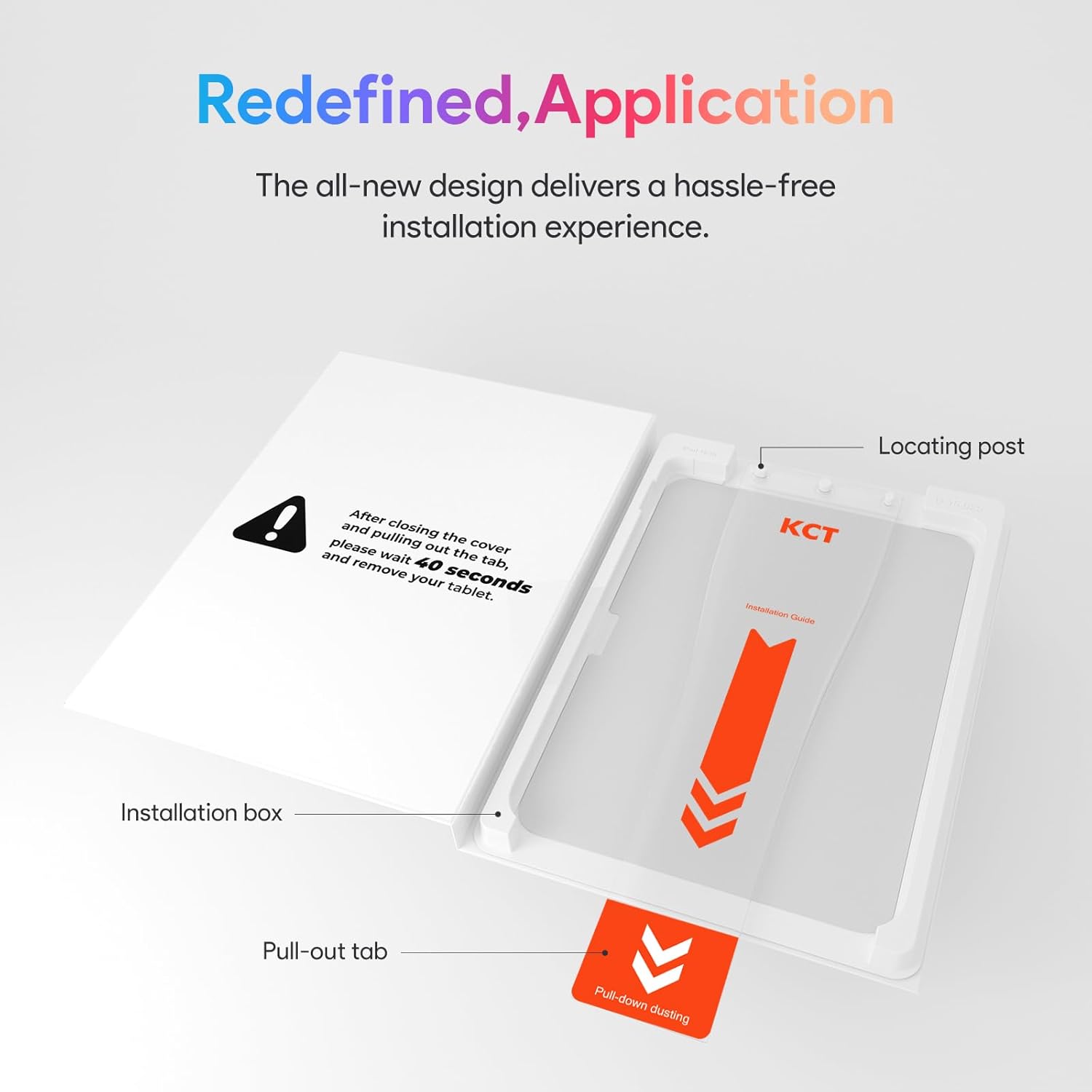
Installation is the other major focus. The description mentions a “Press & Pull” tab system that self-aligns as you apply the protector. The goal is a bubble-free finish fast—under a minute is what the listing claims—so you’re not stuck re-positioning or stressing about dust.
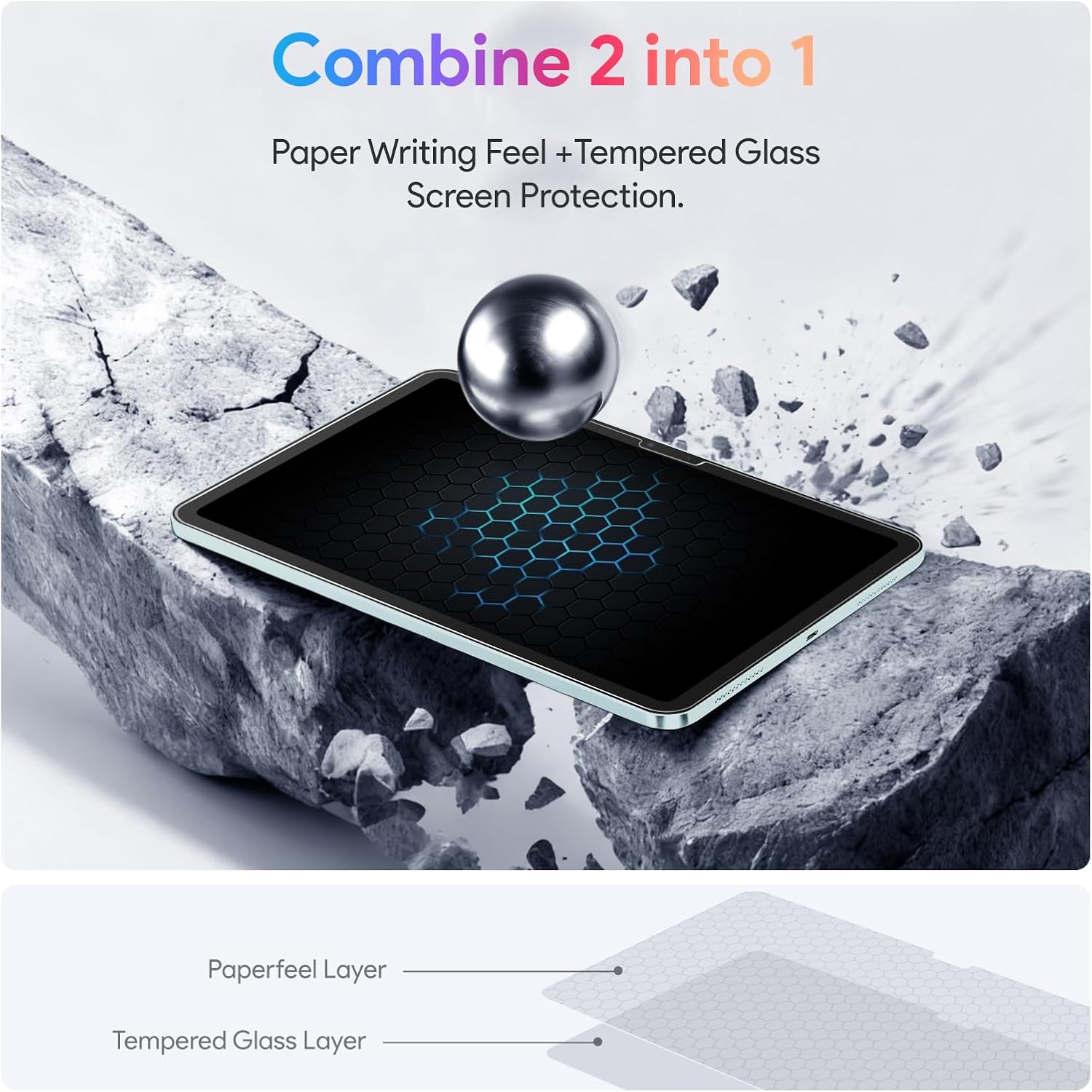
Finally, this is tempered glass meant to absorb impact from accidental drops. And if it cracks, the “shatterproof” approach is described as holding together in a tight pattern to help prevent sharp shards from scattering.
What stands out (and where it may fall short)
Where it shines: the combination of tempered glass + a paper-like matte experience. Most people don’t buy a matte screen protector just for looks—they want a more controlled writing feel, fewer distractions from glare/reflections, and a calmer surface when taking notes or drawing.
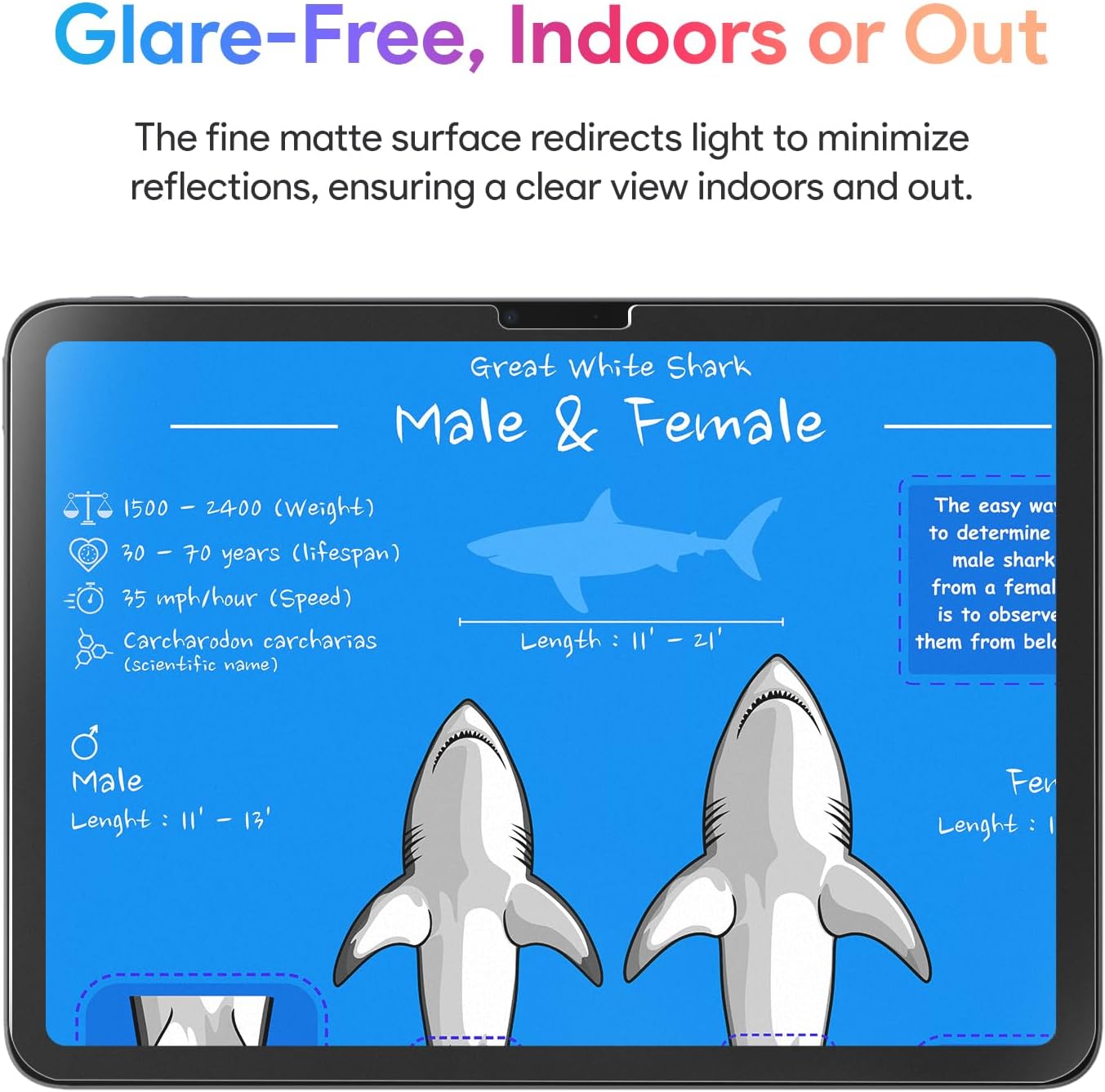
The glare control is also part of the pitch. The listing describes a micro-matte coating that scatters ambient light to reduce harsh reflections, which can be helpful near sunny windows or outdoors.
Where you should be a bit cautious: matte coatings don’t behave exactly the same as clear glass. Even with the “anti-glare” goal, the display may look slightly different in brightness/contrast compared to a bare screen or a clear protector. Also, while tempered glass adds protection, it’s still a screen layer—so if you drop the iPad hard enough, nothing is guaranteed.
Worth considering if you prioritize writing/drawing comfort and reduced reflections. You may want to skip it if you prefer the crisp, mirror-like clarity of a glossy surface.
Fit & compatibility: check before you install
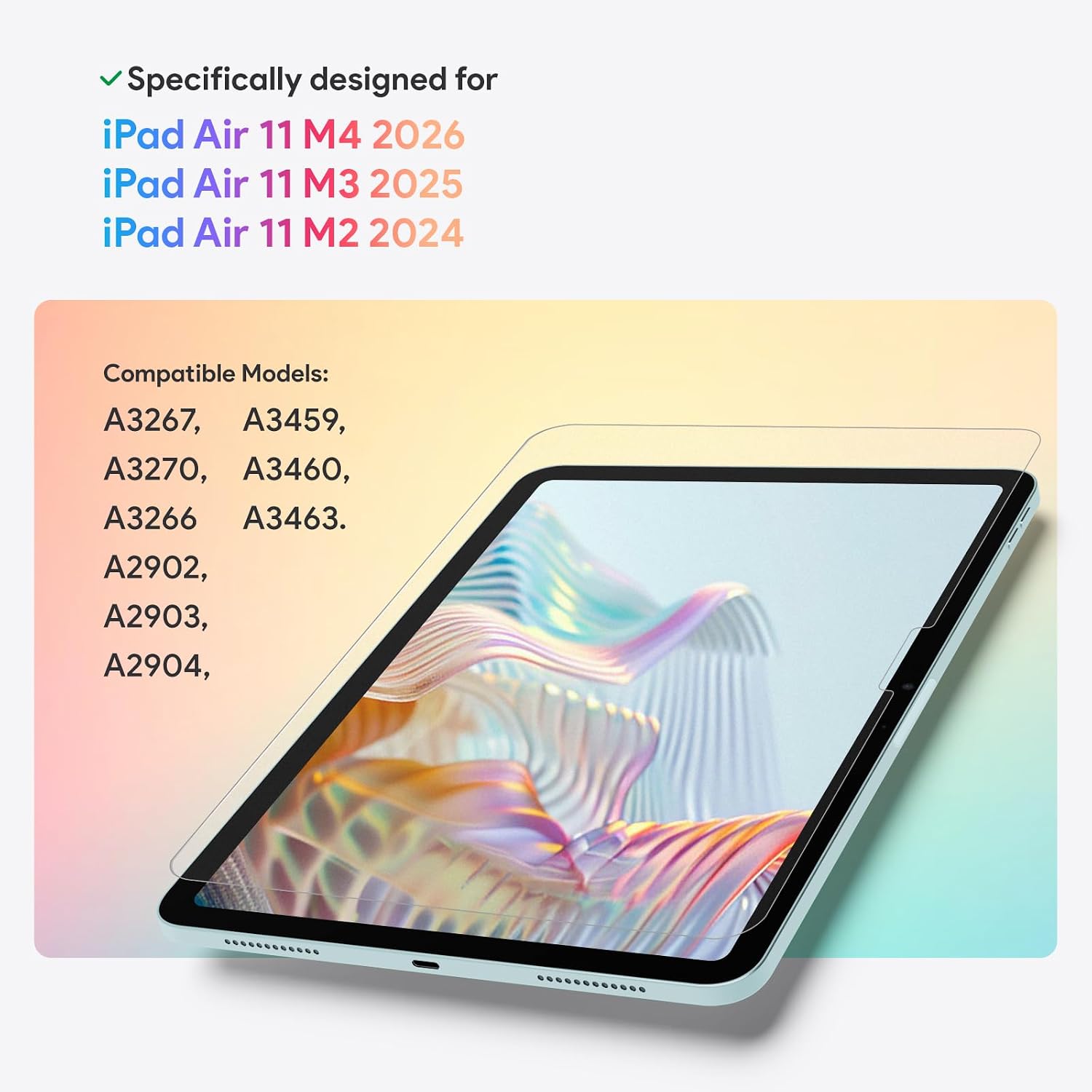
This protector is presented as a precision fit for iPad Air 11-inch models with specific model numbers. The description calls out iPad Air 11-inch (M3) models A3267/A3270/A3266 and iPad Air 11-inch (M2) models A2902/A2903/A2904, and it also references iPad Air 11-inch M4 (2026) compatibility.
If your iPad’s model number isn’t one of those listed, don’t assume it will line up. Screen protectors are unforgiving about cutouts and alignment, even when the product claims “perfect fit.” It’s a small step, but it can save you from a protector that doesn’t cover correctly.
Installation experience: the bubble-free tray approach
The listing specifically targets the annoyance factor—alignment and bubble anxiety. The included bubble-free installation tray and the “press, pull, done” method are meant to make the process straightforward.
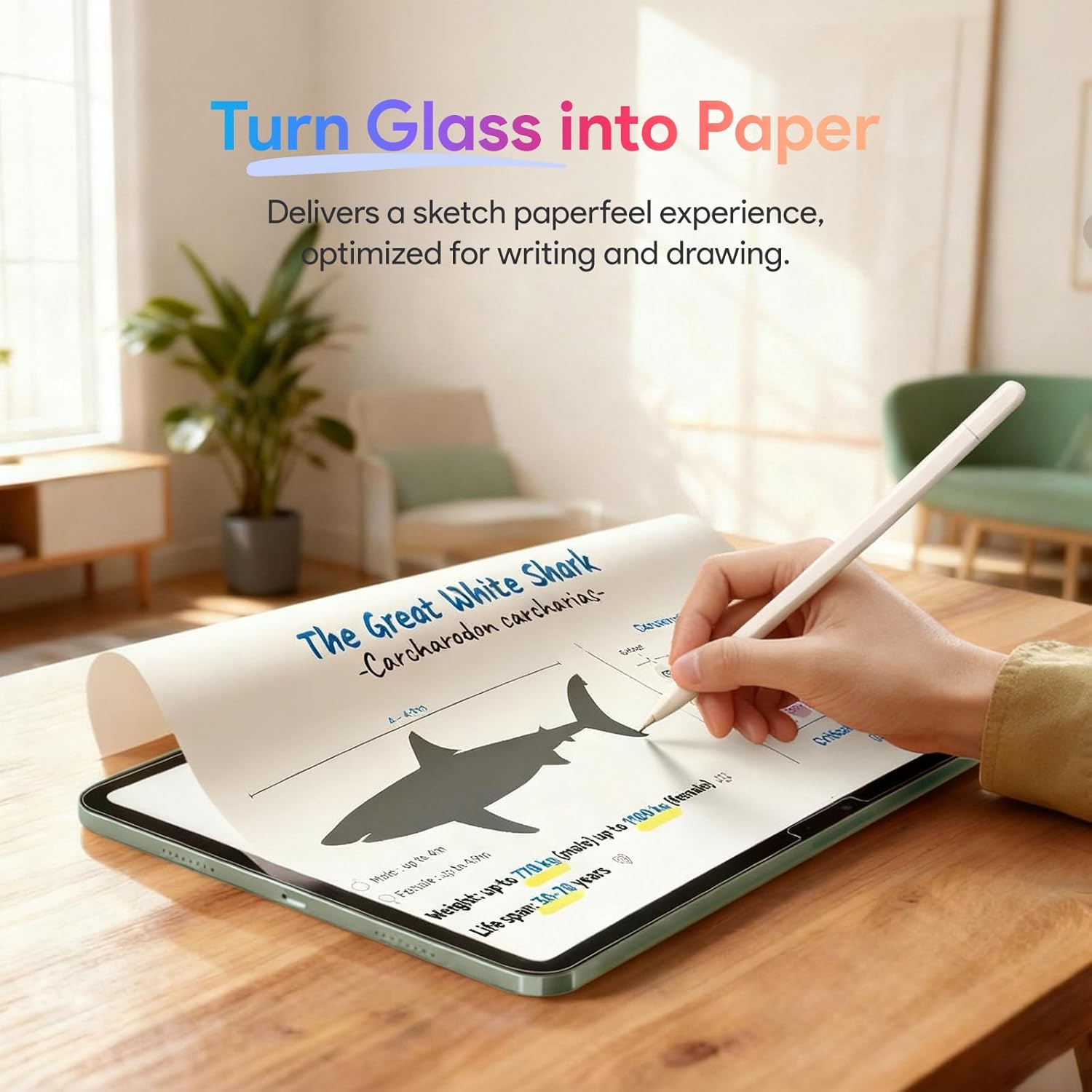
A realistic micro-scenario: you wipe the screen, place the protector using the tray setup, then pull the alignment tab so the protector self-aligns and adheres automatically. In the best case, you end up with a clean, smooth surface without needing repeated repositioning.
Still, keep expectations grounded: dust happens, fingerprints happen, and installation only works as well as your preparation. If you’re installing in a super-dusty room or you skip cleaning, you can end up fighting bubbles even with a good tray system.
Buying verdict
This KCT 2-pack is a strong fit if your top priorities are (1) a paper-like matte writing experience for notes and drawing, (2) reduced glare for everyday use, and (3) an easier installation flow aimed at bubble-free results.
It’s not the best choice if you want maximum display clarity with a glossy feel, or if your iPad Air 11-inch model number isn’t among the ones referenced in the description. Also, if you tend to be rough on accessories and expect a protector to replace a whole case + care strategy, tempered glass is helpful—but it’s not a substitute for protecting the iPad overall.
For most students, creators, and mobile workers who write or draw often, it makes sense to consider—especially since the pack includes two protectors, which is handy if you’re learning the install process or want a spare.
Final verdict
Is it worth it?
Worth it if you want tempered-glass protection with a matte “paperfeel” surface, plus a tray-based installation designed to reduce alignment hassle and bubbles. Skip it if you strongly prefer the glossy screen look, or if you can’t confirm your iPad Air 11-inch model number matches the compatibility list.
FAQ
Will this affect writing feel with Apple Pencil?
The matte micro-textured surface is designed to add friction and a more paper-like response, which is the point for note-taking, sketching, and drawing—so yes, it’s meant to change the feel compared with a glossy glass protector.
Does it come with an installation tray?
Yes. The description mentions a bubble-free installation tray included with the protector.
Is the glare reduction meant for outdoor use?
The listing positions it as suitable for both indoor and outdoor use where glare and reflections are an issue, like bright offices or around sunny windows.
What if the glass cracks?
The tempered glass “shatterproof” design is described as holding together in a web-like pattern to help prevent sharp shards from scattering.
Is it compatible with all iPad Air 11-inch models?
Not necessarily. Compatibility is stated for specific iPad Air 11-inch M3 and M2 model numbers in the description, plus a reference to M4—so you should verify your exact model number before buying.