

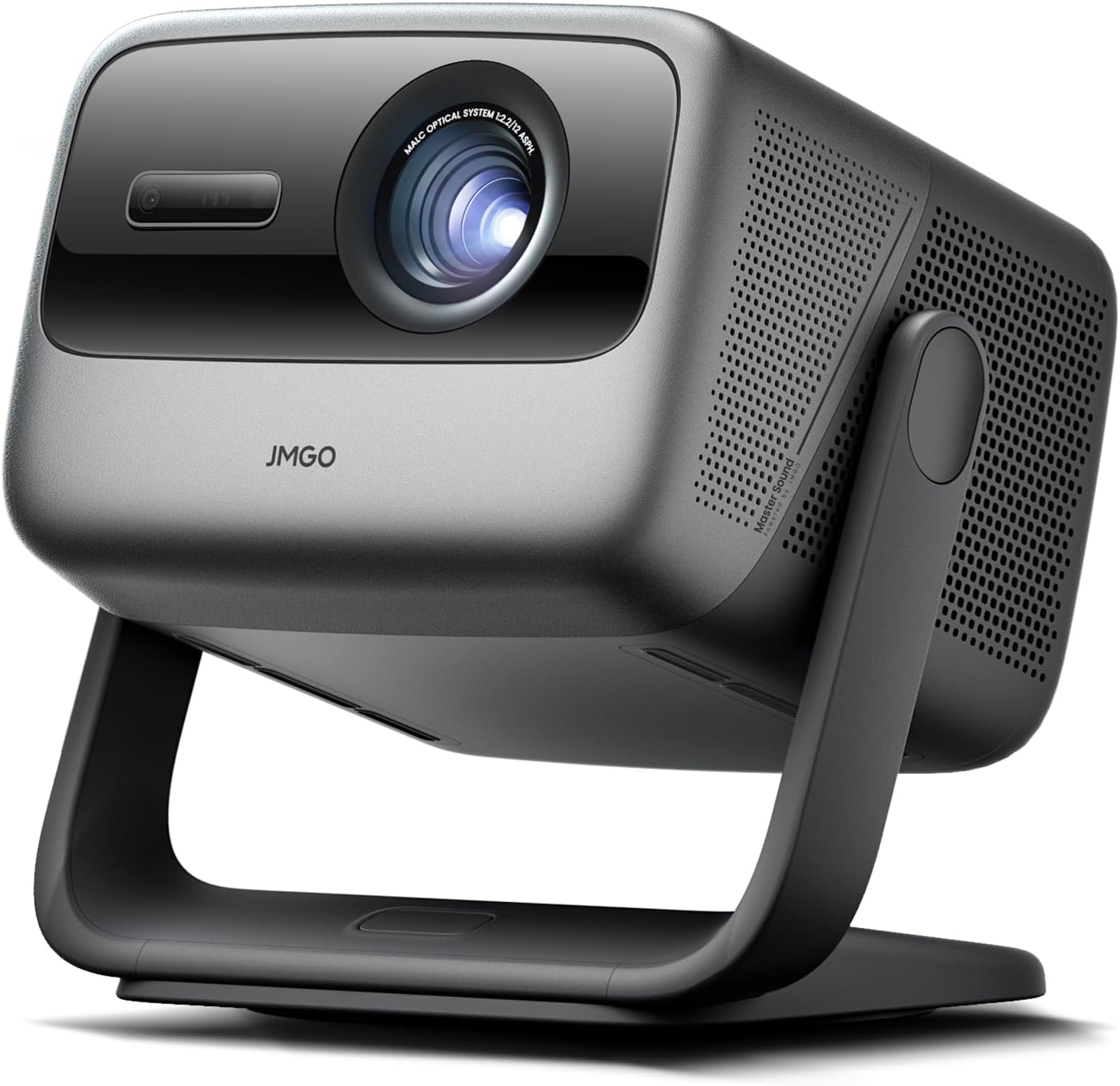
JMGO N1S Ultra 4K Triple Laser Projector with WiFi and Bluetooth (Google TV, 2800 ISO Lumens)
Product description
The essentials
If you’re shopping for a home projector that can handle more than a dim living room, the JMGO N1S Ultra is built around brightness and image correction. On paper, it targets “set it up once and keep enjoying it” with autofocus/keystone handling and an overall smarter adjustment approach, plus a streaming-first setup using Google TV.
You also get a triple-laser approach (the listing calls it tricolor laser optics) and an audio package that tries to cover the basics without forcing you into a separate sound system. It’s not perfect for everyone—if you care most about ultra-deep contrast in a fully blacked-out room, budget and expectations still matter—but for mixed lighting and everyday home viewing, it reads like a practical step up.
What you’ll notice day to day
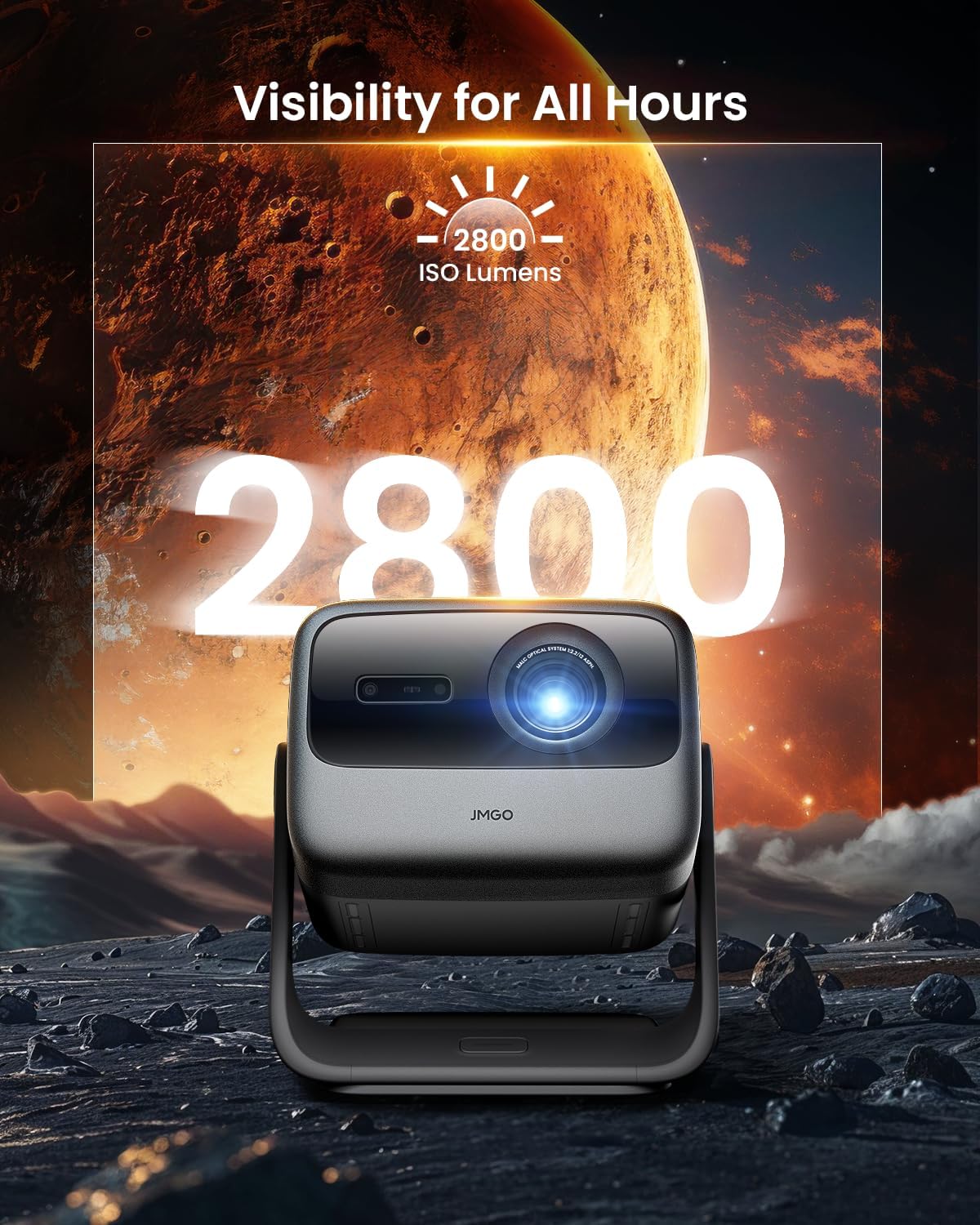
This projector is positioned for clear, vivid visuals and convenience. The standout number in the description is 2800 ISO lumens, which is meant to translate into visible, punchy images even when the room isn’t fully dark. That’s a big deal for real life: movies after dinner, sports in the evening, or weekend games where someone forgets to close every curtain.
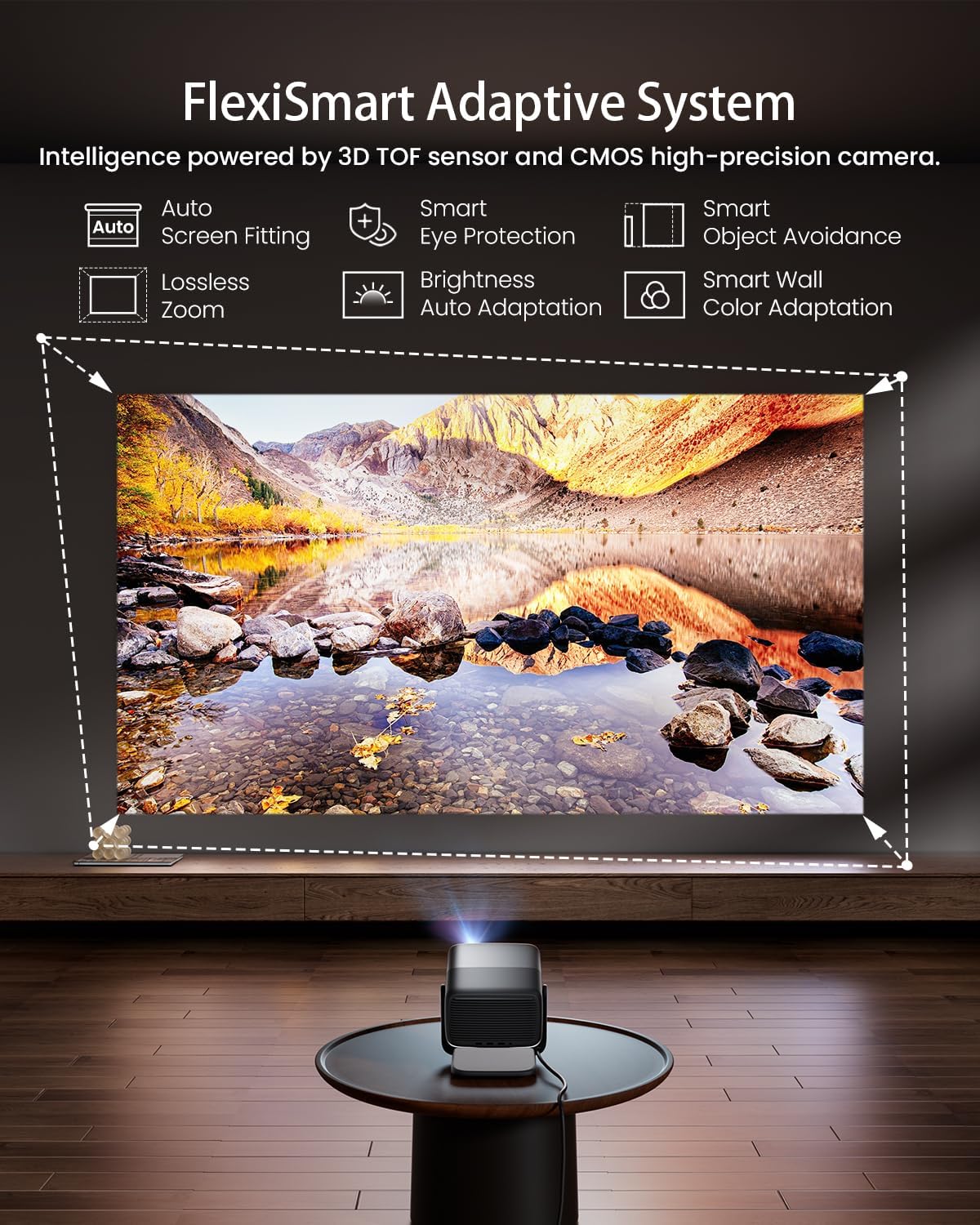
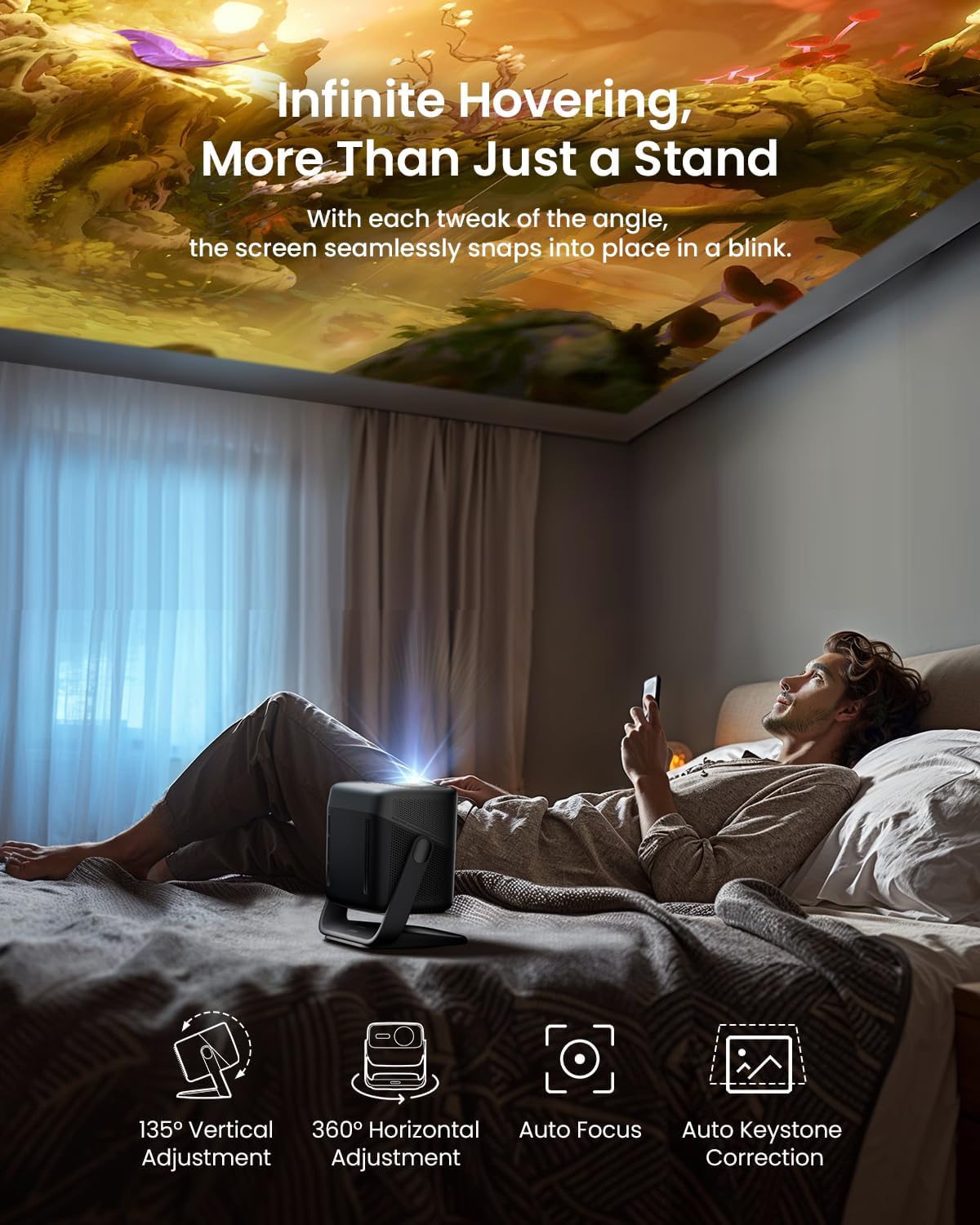
Setup comfort is a second theme. The listing references 360° sensorless picture correction and a system that includes a 3D TOF sensor and a high-precision camera for real-time autofocus and keystone correction. It also mentions that if you move the projector or adjust the screen, the picture stays aligned without a lot of manual tweaking. That can save time—and frustration—especially if your setup isn’t perfectly fixed.
Where the image and color claims fit in
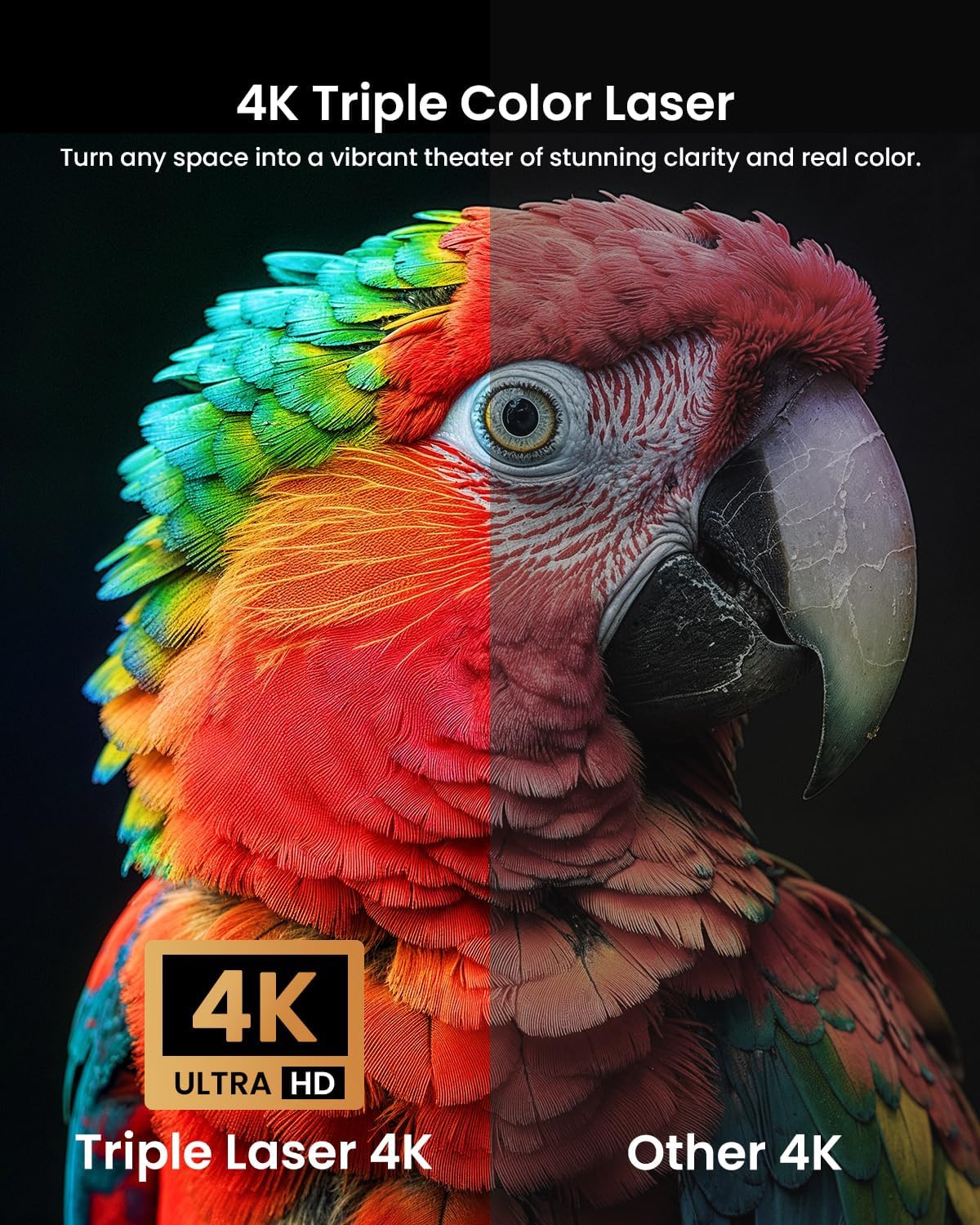
The description leans heavily on “4K RGB laser” and a wide color gamut, plus an emphasis on color accuracy (it mentions ΔE<1). It also claims 1600:1 FOFO contrast and HDR10 support with 3D-Active capability.
In practice, here’s the cautious take: color accuracy and laser output are the kind of advantages you can feel over time, but perceived contrast still depends a lot on your screen, ambient light, and how dark you can make the room. So if you’re building a dedicated theater with heavy light control, you’ll want to compare how your priorities match the specs. If you’re more in the “family room with some daylight” camp, the brightness + correction combo is the part that makes the most sense.
Streaming, connectivity, and audio—no limping needed
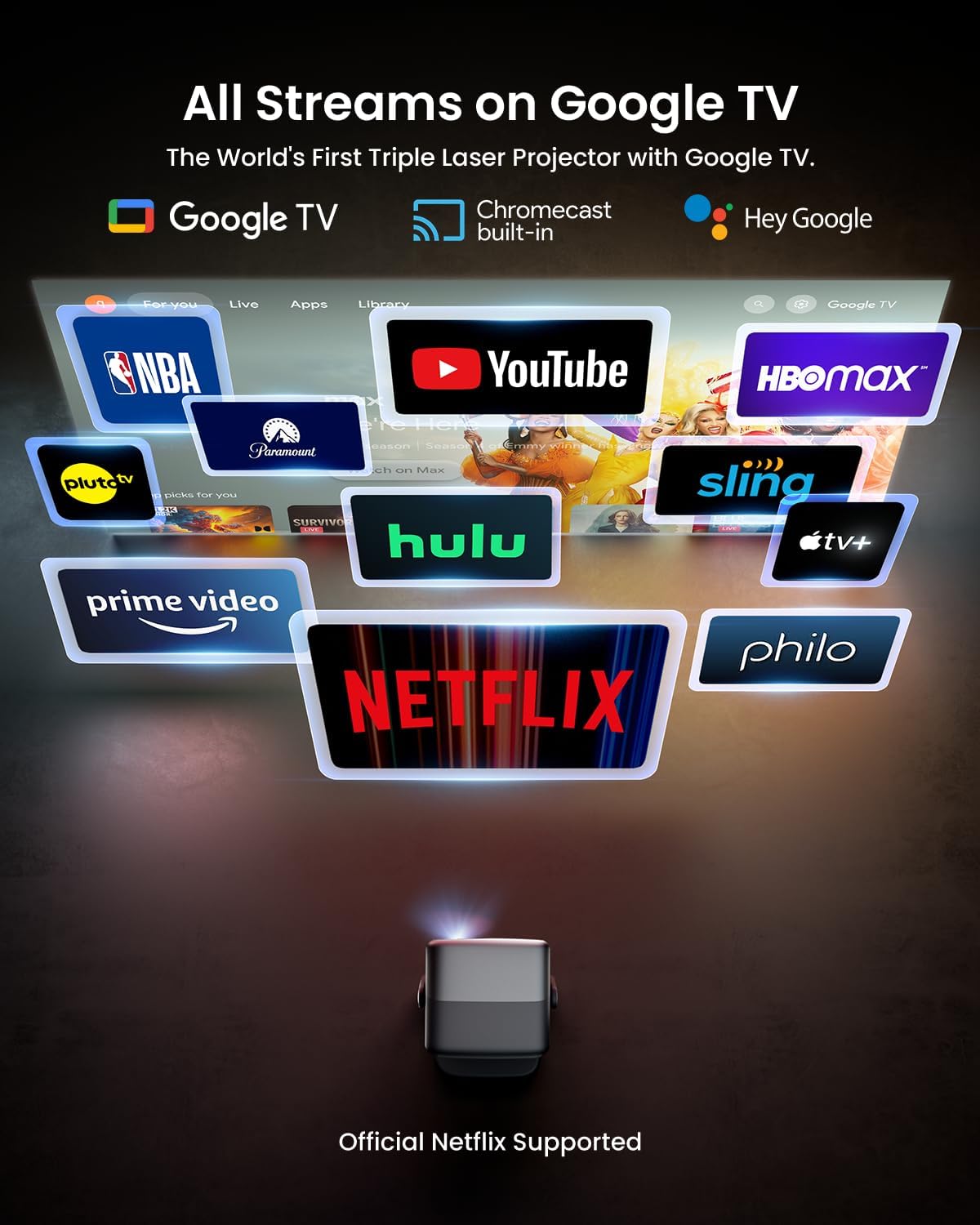
JMGO includes Google TV for app access and live channels. The listing mentions support for 10,000+ apps and 800+ free live channels, plus Google Assistant for hands-free control. It also references Chromecast integration for streaming from compatible devices.
On the audio side, the projector is described with dual 20W speakers and Dolby Digital Plus, including deep bass down to 45Hz. That suggests the sound aims to be “good enough to start,” rather than something you must immediately replace. Still, if you’re an audiophile or you already own a specific home theater setup, you’ll likely keep your external speakers in the loop. The good news is the connectivity includes HDMI 2.1 (eARC) and USB 2.0, so you have room to expand.
Tech specs (the parts that matter for buying)
- Type: Triple laser projector (4K)
- Brightness: 2800 ISO lumens
- Resolution: 4K
- HDR: HDR10
- Contrast (listed): 1600:1 FOFO
- Color accuracy (listed): ΔE<1
- Sensorless correction: 360° sensorless picture correction
- Autofocus/keystone: Real-time autofocus and keystone correction mentioned
- Screen size support (listed): Up to 300" (stated max)
- Audio: 20W dual speakers
- Audio format: Dolby Digital Plus
- Bass (listed): down to 45Hz
- 3D: 3D-Active support
- Smart platform: Google TV
- Wireless: WiFi and Bluetooth
- Interfaces (listed): HDMI 2.1 (eARC) and USB 2.0
Who it’s for (and who should think twice)
It makes sense if you want a smart, portable projector that’s meant to stay usable even when your room lighting isn’t ideal. The combination of higher brightness, autofocus/keystone correction, and Google TV is a strong match for casual movie nights, sports, and gaming sessions where you want less setup friction.
It may not be the best match if you’re extremely sensitive to viewing in a fully dark, high-end theater setup. The description points more toward practical brightness and convenience than to “perfect blackout” performance. Also, the listing doesn’t provide key details like throw ratio, native panel/LCOS/DLP specifics, or exact input lag behavior—so if those are your deciding factors, it’s worth double-checking before you buy.
Getting the most from it
A good first test is to think about your typical viewing conditions. If you usually watch with at least some overhead lights or evening ambient glow, the 2800 ISO lumens angle is the reason this model exists. Then, plan your mounting or placement so the built-in correction features can do their job without you pushing it into awkward angles.
For a micro “try it at home” flow: start with a normal seating distance, run a quick picture adjustment in the setup flow, and confirm the corners look clean after autofocus/keystone kicks in. If you frequently move the projector or adjust your screen position, the system described as sensorless correction and real-time autofocus is where you’re most likely to feel the benefit.
Mini FAQ
Does it support streaming without extra devices?
Yes. The listing says it includes Google TV and mentions an app library and live channels.
What audio does it have built in?
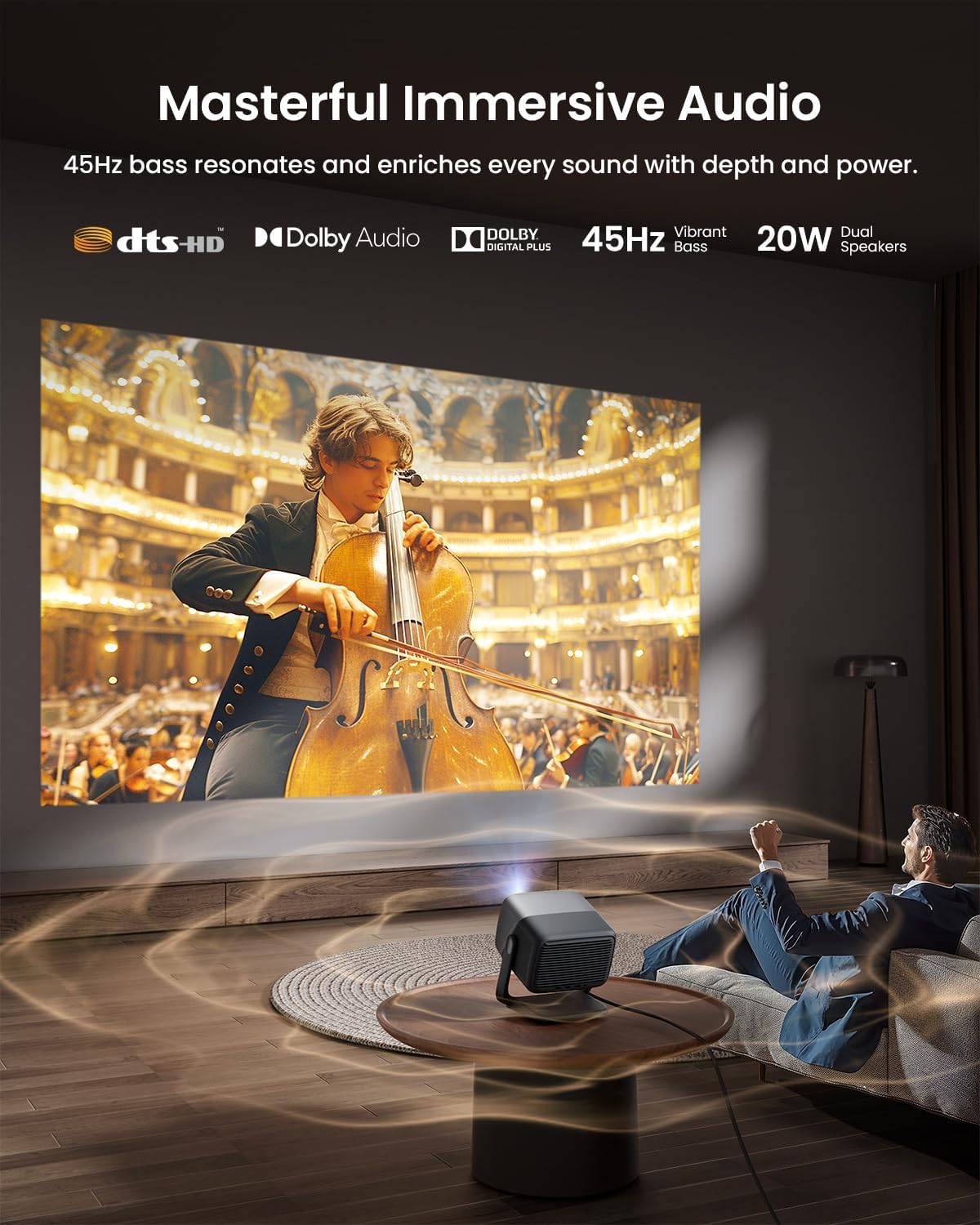
It’s described with dual 20W speakers and Dolby Digital Plus, plus bass down to 45Hz.
Can it handle some room lighting?
The description emphasizes 2800 ISO lumens, which is intended to keep images visible and clear even in well-lit environments.
Is it good if I need to reposition the projector?
The listing specifically mentions real-time autofocus and keystone correction, and it notes the picture remains aligned if the projector is moved or the screen is adjusted.
What connections are mentioned?
The description lists HDMI 2.1 (eARC) and USB 2.0 among other interfaces.
Is it worth it?
Worth considering if you want a 4K triple-laser projector that prioritizes brightness, smart streaming (Google TV/Chromecast integration), and automated picture correction so you spend less time adjusting and more time watching. It’s especially compelling for living rooms where lighting isn’t always controllable.
You may want to skip it if you’re building a dedicated, fully light-controlled theater and you need more clarity on advanced performance details not covered in the listing (like exact throw ratio or gaming latency behavior). In that case, you’d want to verify the specs that directly affect your setup and viewing priorities before committing.