

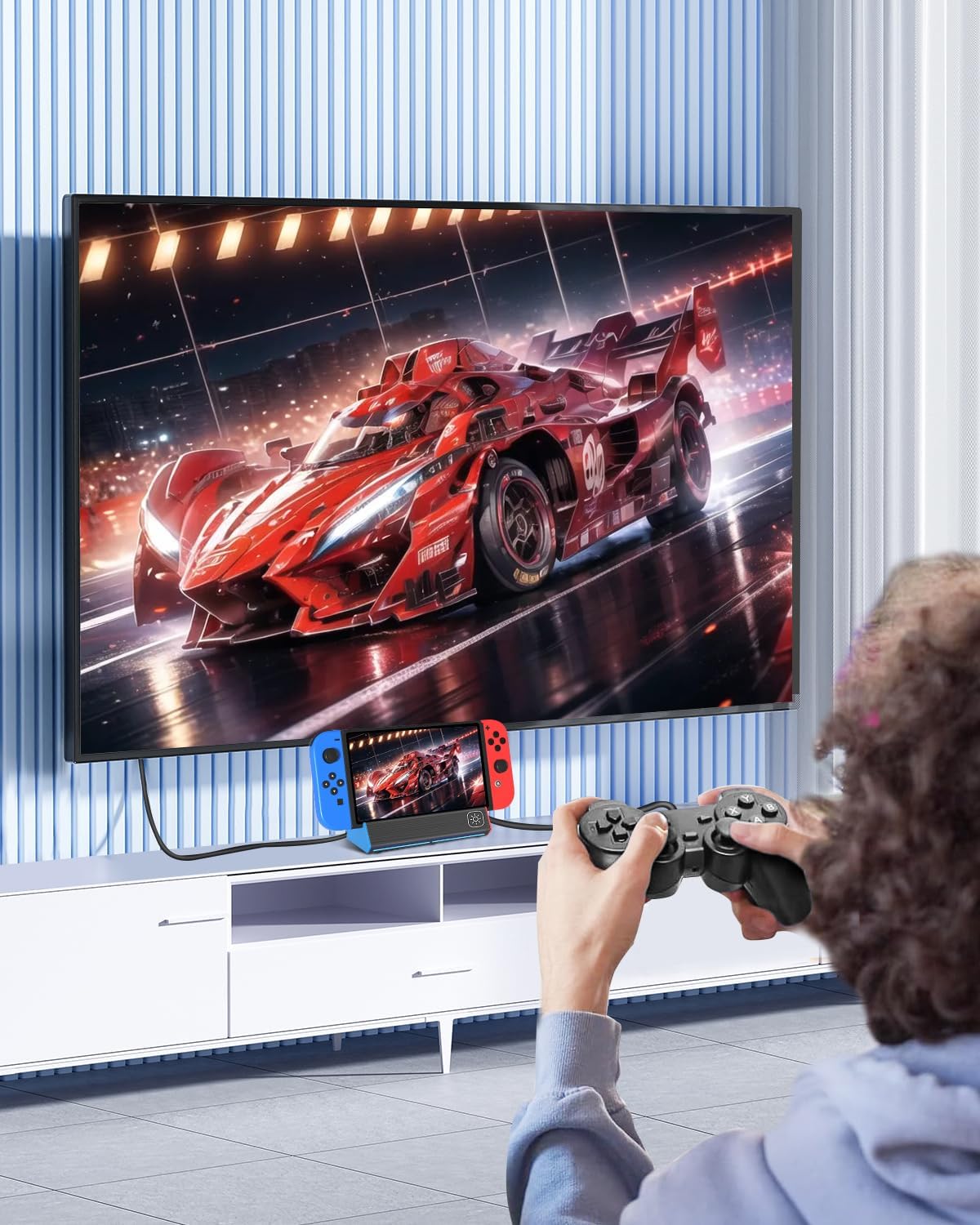
iPLYGAM Switch Dock for Nintendo Switch 1 & Switch OLED (Portable TV Dock, 4K HDMI + USB Ports)
Product description
The essentials
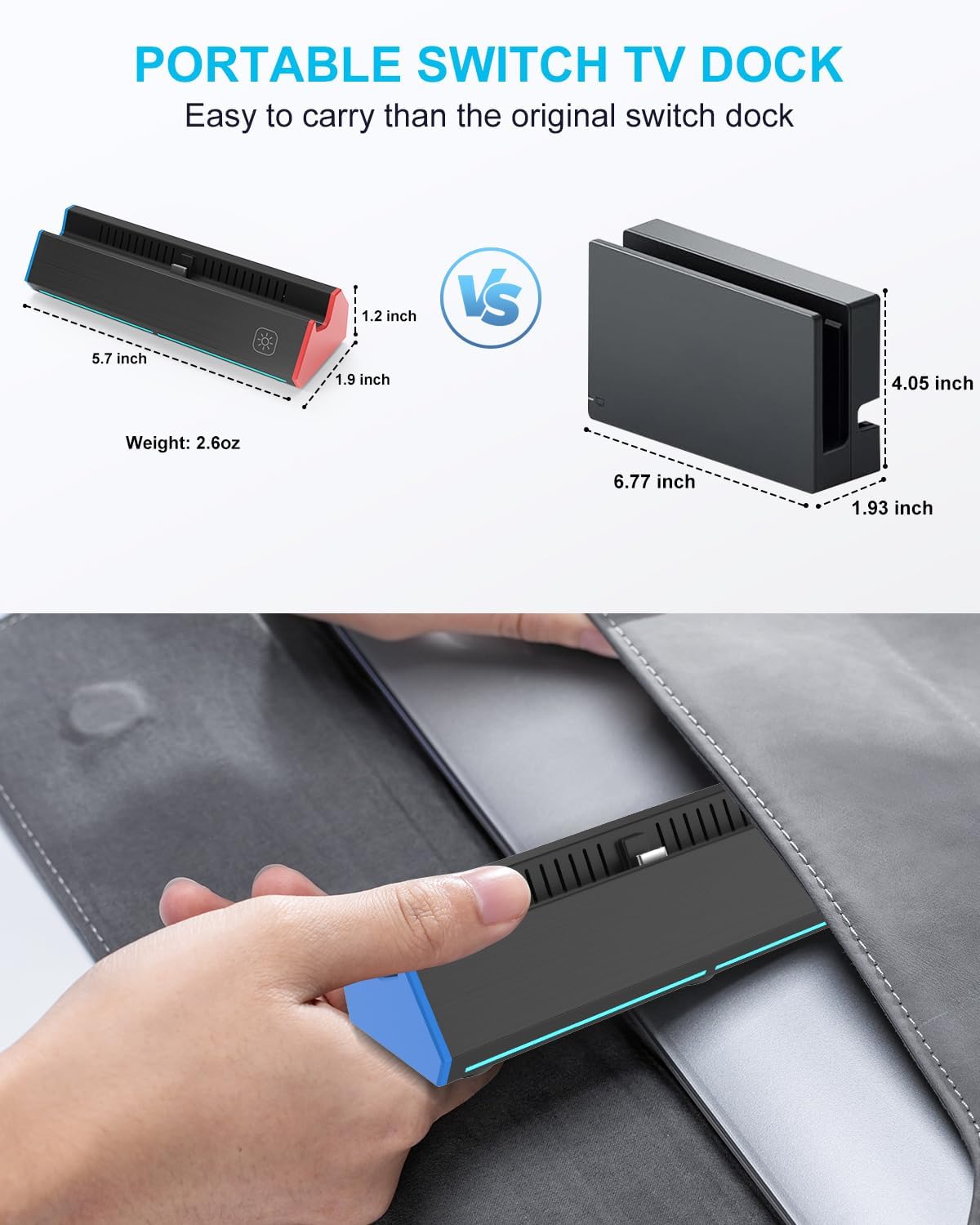
If you want a Nintendo Switch TV dock setup that’s easier to pack and swap in than the bulky original, this iPLYGAM Switch Dock is aimed at exactly that. It’s a portable docking station for Switch and Switch OLED, built around an HDMI output plus a handful of extra ports, and it’s designed to let you charge while you play.
On paper, it checks a lot of practical boxes for travel or a second “dock spot” at home. Still, there are a couple of things to keep expectations realistic about—mainly how your Switch outputs video and what accessories you still need to provide yourself.
Key features that matter in daily use
This dock’s main job is simple: connect your Switch to a TV or monitor for tabletop/TV mode gaming, and keep it powered. The unit includes a dedicated HDMI 2.0 port for video output and multiple USB ports for accessories.
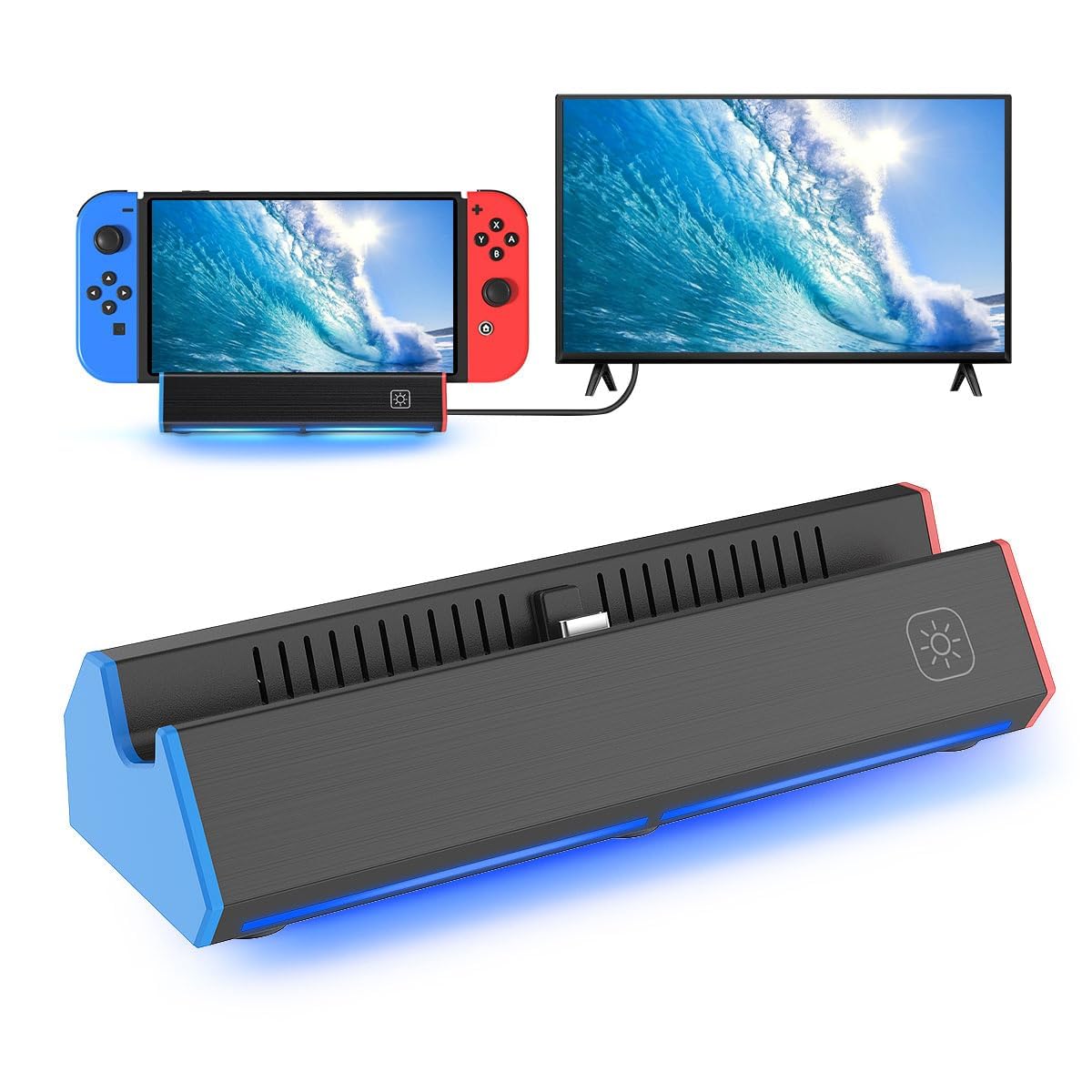
The “multi-port” angle can be genuinely handy if you routinely use controllers, a charging setup, or want extra connection points at your desk. It also has a built-in USB-C input (100W max) and a Type-C output port, which helps explain why it’s positioned as a portable replacement rather than just a basic HDMI adapter.
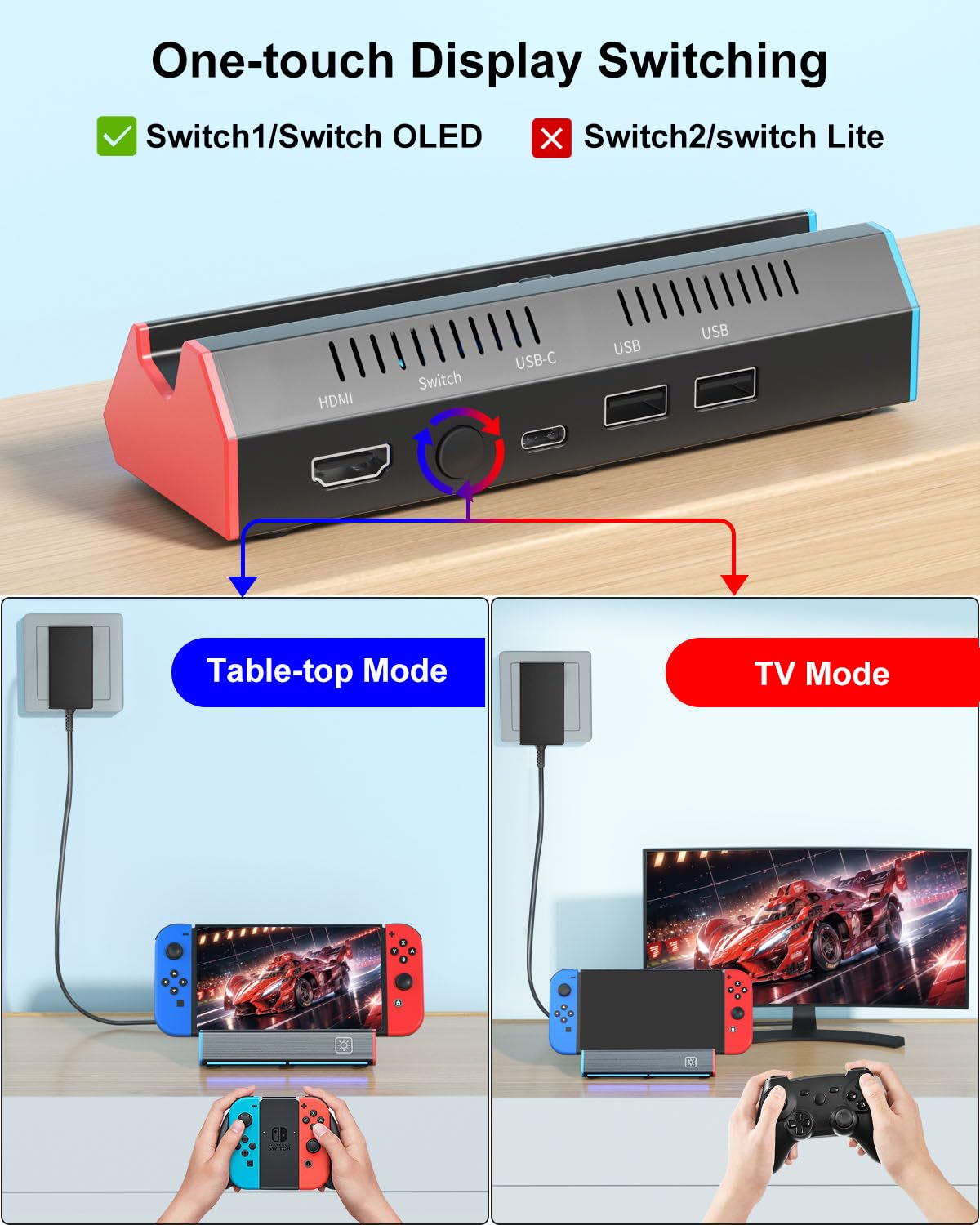
Where it becomes more than a gimmick is the TV mode control: there’s a Switch button on the dock’s back so you can move between TV output and tabletop mode without digging into cables every time.
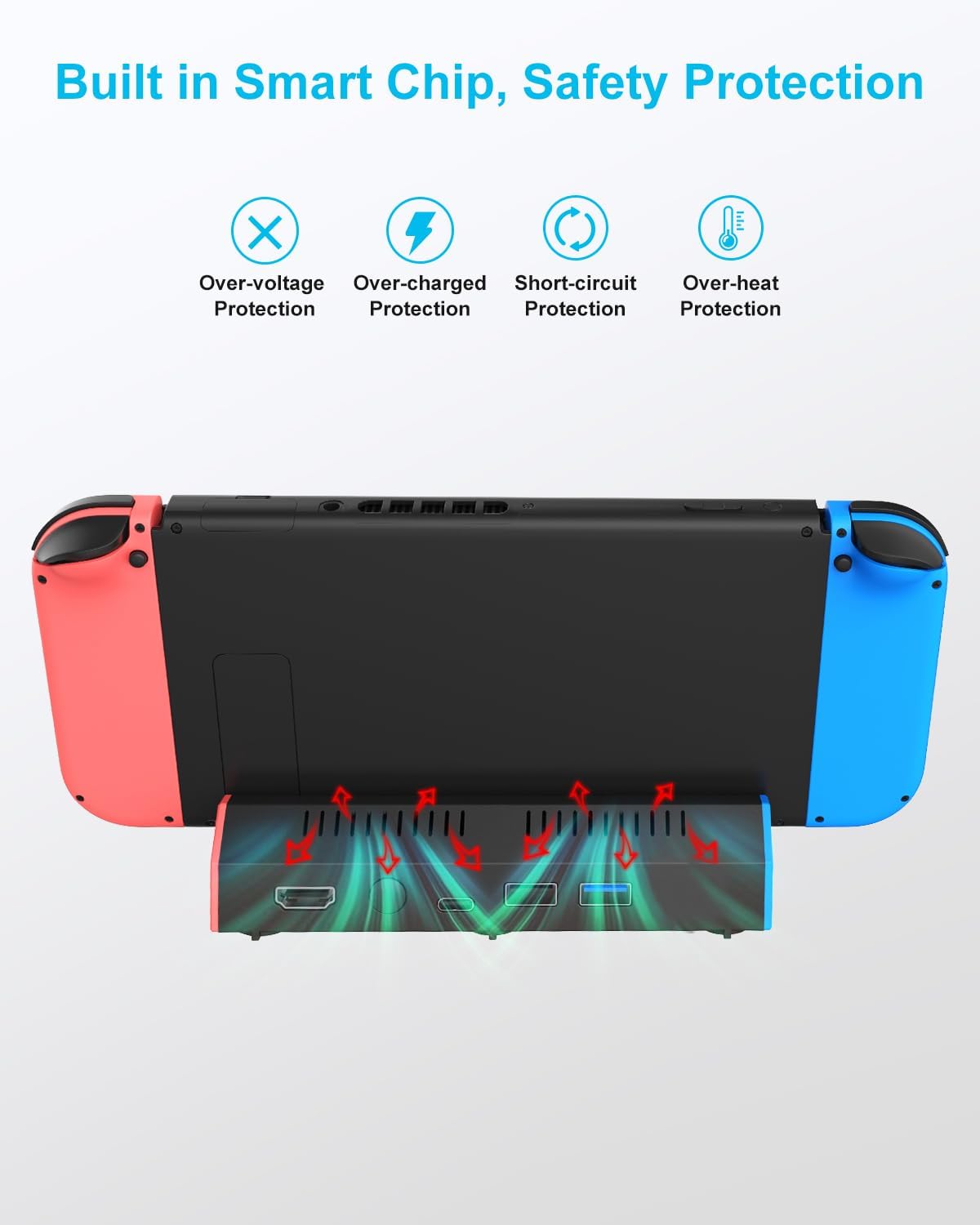
And it includes built-in protection features listed by the manufacturer—overcharge protection, overheat protection, short-circuit protection, and recovery protection. That’s the kind of boring safety detail you’re happy to have when you’re charging during long sessions.
Tech specs (what you should verify before buying)
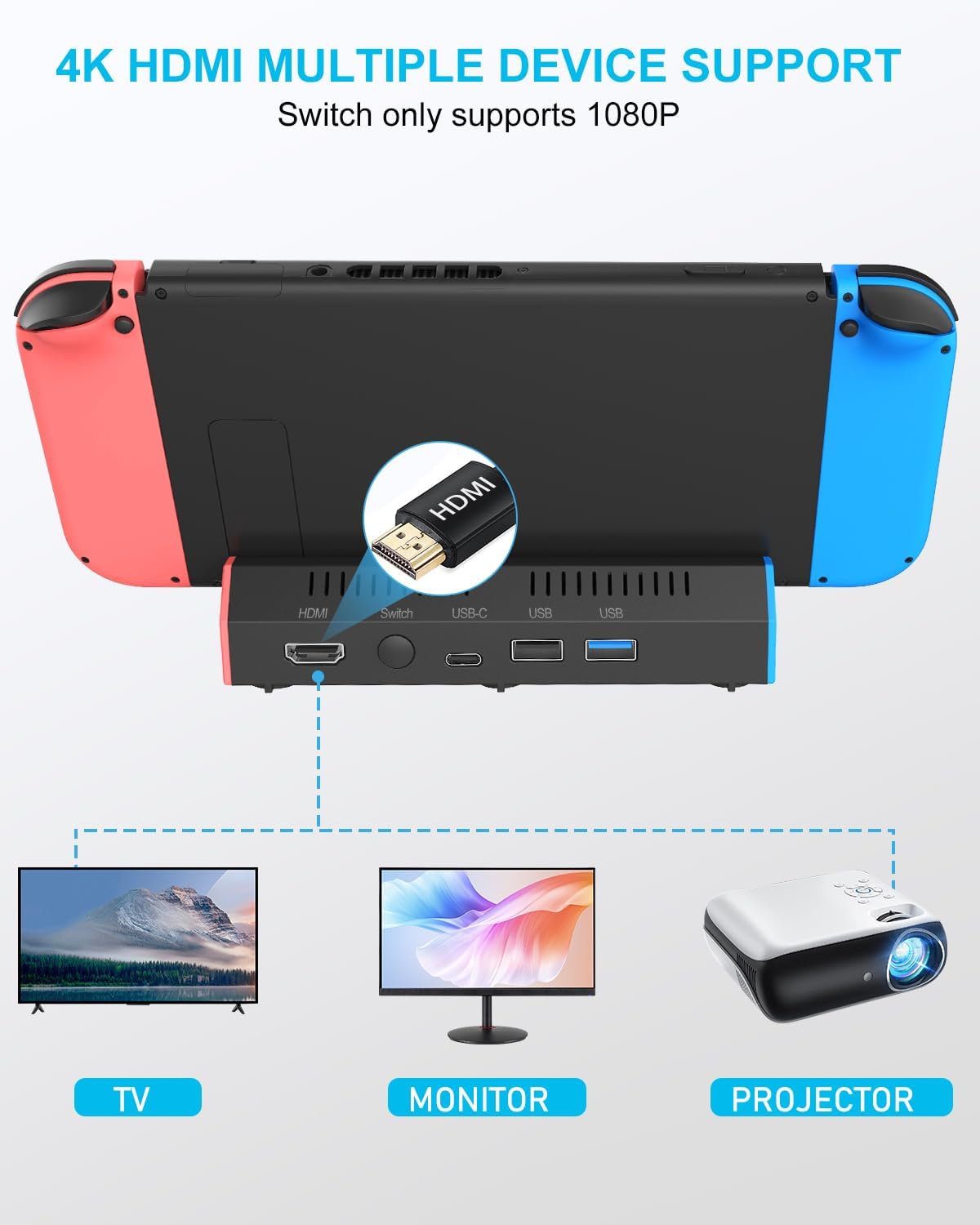
- HDMI video output: supports 4K and 1080P output to TV, computer monitor, laptop, and projector
- Console video support note: Switch console supports 1080P output to TV
- Ports and layout (built in): 1× HDMI 2.0 port, 2× USB 2.0 ports, 1× Switch button, 1× USB-C (100W max) input port, 1× Type-C output port
- Size/weight: about 2.6oz, about 5.7 in × 1.9 in × 1.2 in
- Mode control: one-key TV/Tabletop mode button on the back
- Power note: no charging cable is included, use the official Switch original power adapter
Where it shines vs. where it can fall short
This dock is a good fit if you want something more travel-friendly than the standard dock and you plan to set up TV mode in different rooms (or bring a dock for a friend’s place). The lightweight design and built-in mode button are the kind of “small conveniences” that add up.
It may not be the best choice if you’re expecting the same behavior as the official dock in every scenario. The listing specifically notes the Switch console supports 1080P output to TV, even though the dock mentions 4K support in the general output specs. So if your goal is a true 4K experience from the console itself, you may feel disappointed.
Also, it’s not perfect for a one-box solution: this listing clearly says the HDMI cable and charger are not included. You’ll need an official Switch power adapter, and you’ll need to bring your HDMI cable.
If you prioritize portability and a clean “dock-like” setup for TV/tabletop switching, it makes a lot more sense. If you prioritize maximum output expectations or want everything included in the box, you may want to look elsewhere.
Practical setup tips (so it works the first time)
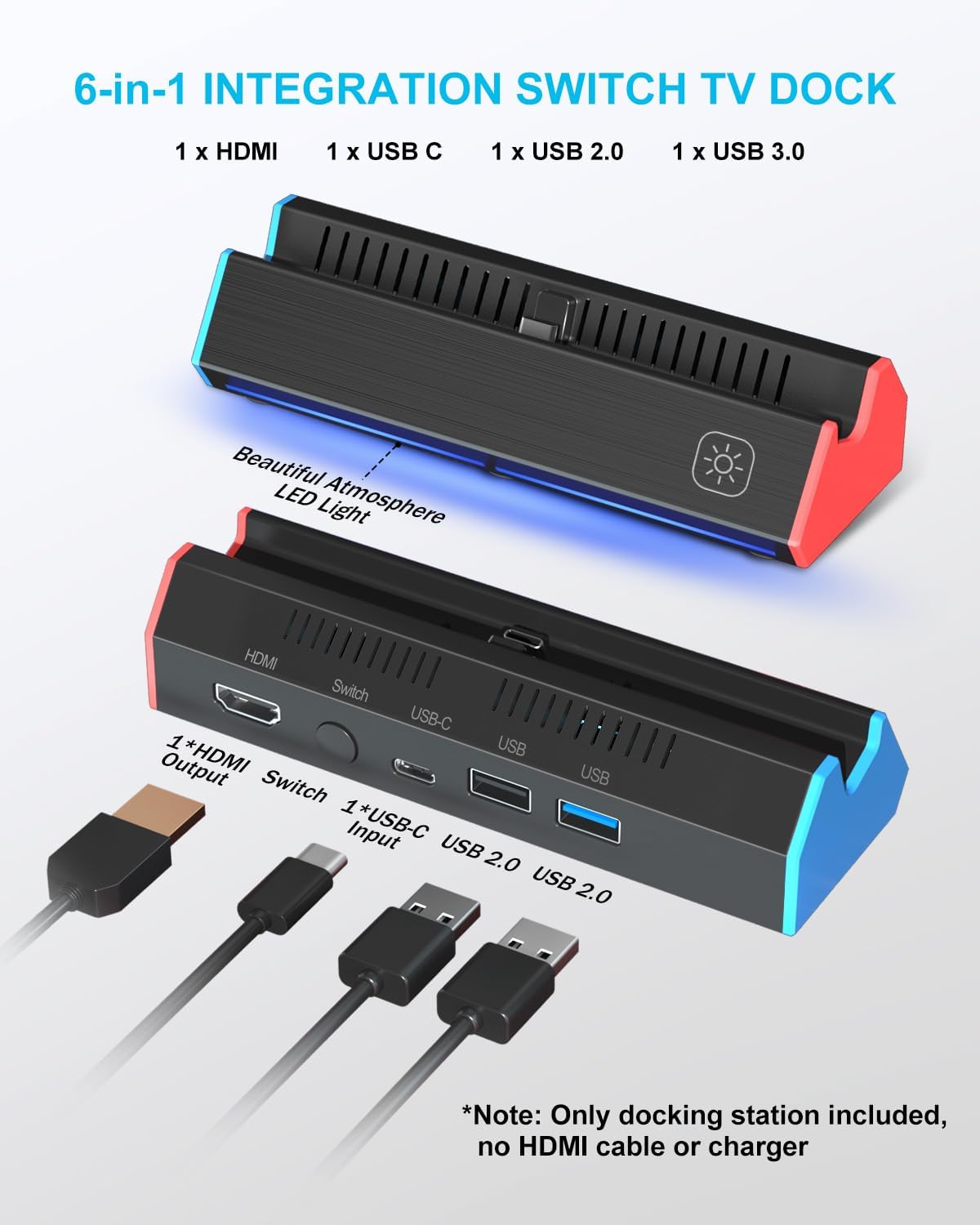
A common frustration with docks is missing one cable or forgetting a protective case. Here, the sequence is straightforward: plug in the official Nintendo Switch charger to the dock, connect HDMI to your TV/monitor, then use the dock’s USB-C interface with your Switch or Switch OLED.
One small detail that can save time: the listing mentions removing the protective case from your Switch before using the TV dock. If your Joy-Cons or console case makes contact where the dock needs to seat, expect trouble.
For a micro-example: if you’re hosting game night, you can set the dock near the TV, connect HDMI, plug in power, then switch between tabletop and TV mode with the back button. It’s basically “grab Switch, dock it, play,” without hunting for multiple adapters each time.
Should you buy it?
Final verdict
Worth considering if you want a portable Nintendo Switch TV docking station with HDMI output, extra USB ports, and a button for TV/tabletop switching—especially for travel or a secondary home setup.
You may want to skip it if you need 4K output from the Switch itself, or if you strongly prefer a kit that includes everything (this package does not include an HDMI cable or the charger).
It suits buyers who mainly game on a TV/monitor and want a lighter dock replacement. It’s less ideal if your priority is matching official-dock behavior down to every expectation, or if your current setup relies on a specific accessory bundle.
Mini FAQ
Does this dock include the charger or HDMI cable?
No. The listing explicitly notes that AC adapter and cables (including HDMI) are not included.
What resolution does the Switch output to the TV?
The listing states the Switch console supports 1080P output to TV.
Is it compatible with Switch and Switch OLED?
Yes, it’s described as compatible with Switch 1 and Switch OLED.
Can you charge while playing?
The listing says you can charge while the TV is playing, using the official Switch charger.
What should I remove before docking?
You should remove the protective case from the Switch before using the dock, per the instructions provided.