

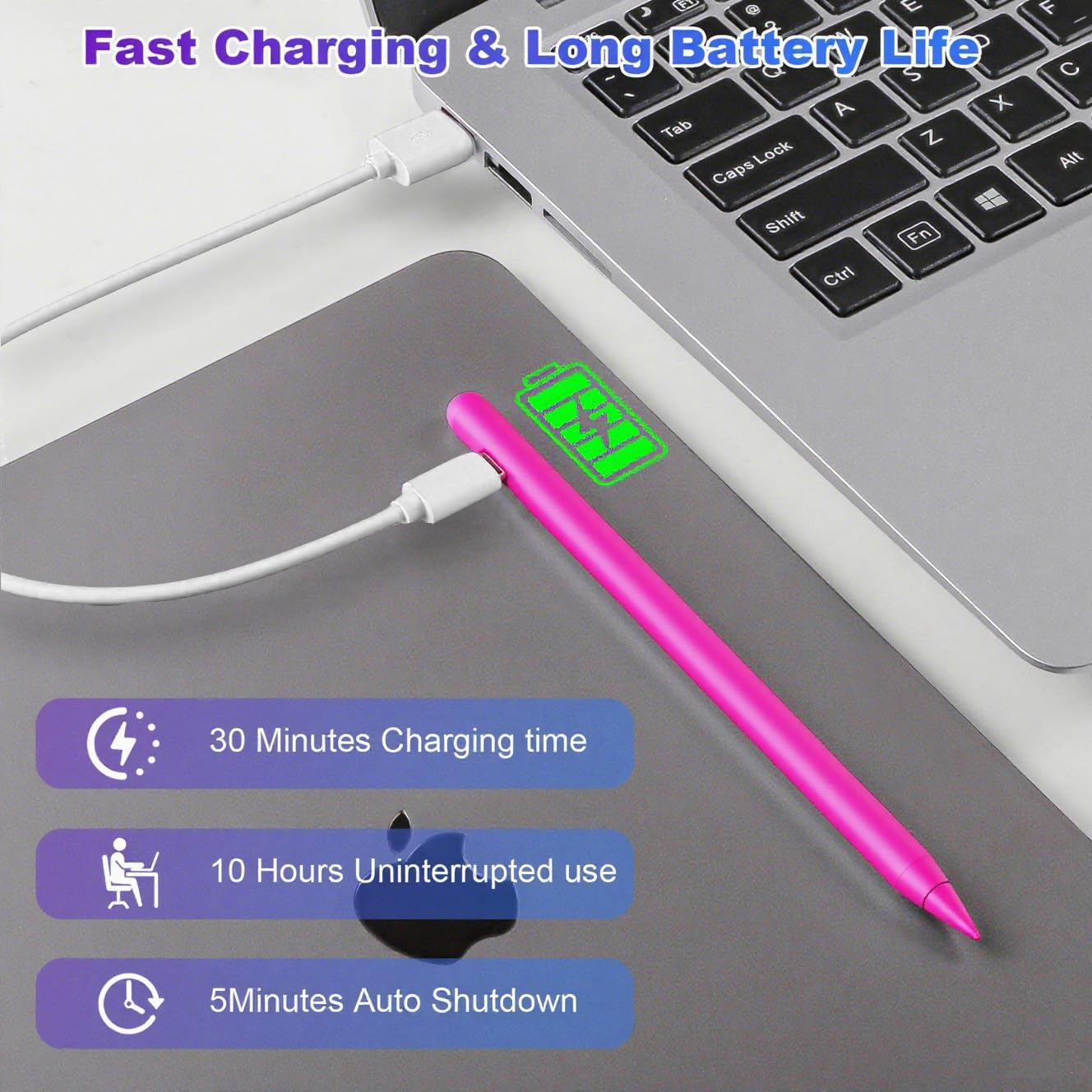
iPad Stylus Pen 60° tilt for notes
Product description
Turn your iPad into a smoother writing and drawing tool with this iPad stylus pen designed to support palm rejection and fast charging. It’s built for sketching, note taking, and everyday markup, with a 1.5 mm tip meant to handle finer details without interruption, skipping, or noticeable delay. If you use your iPad in classes, meetings, or at home, this kind of responsiveness can help you capture ideas with less friction. ✍️
Key points
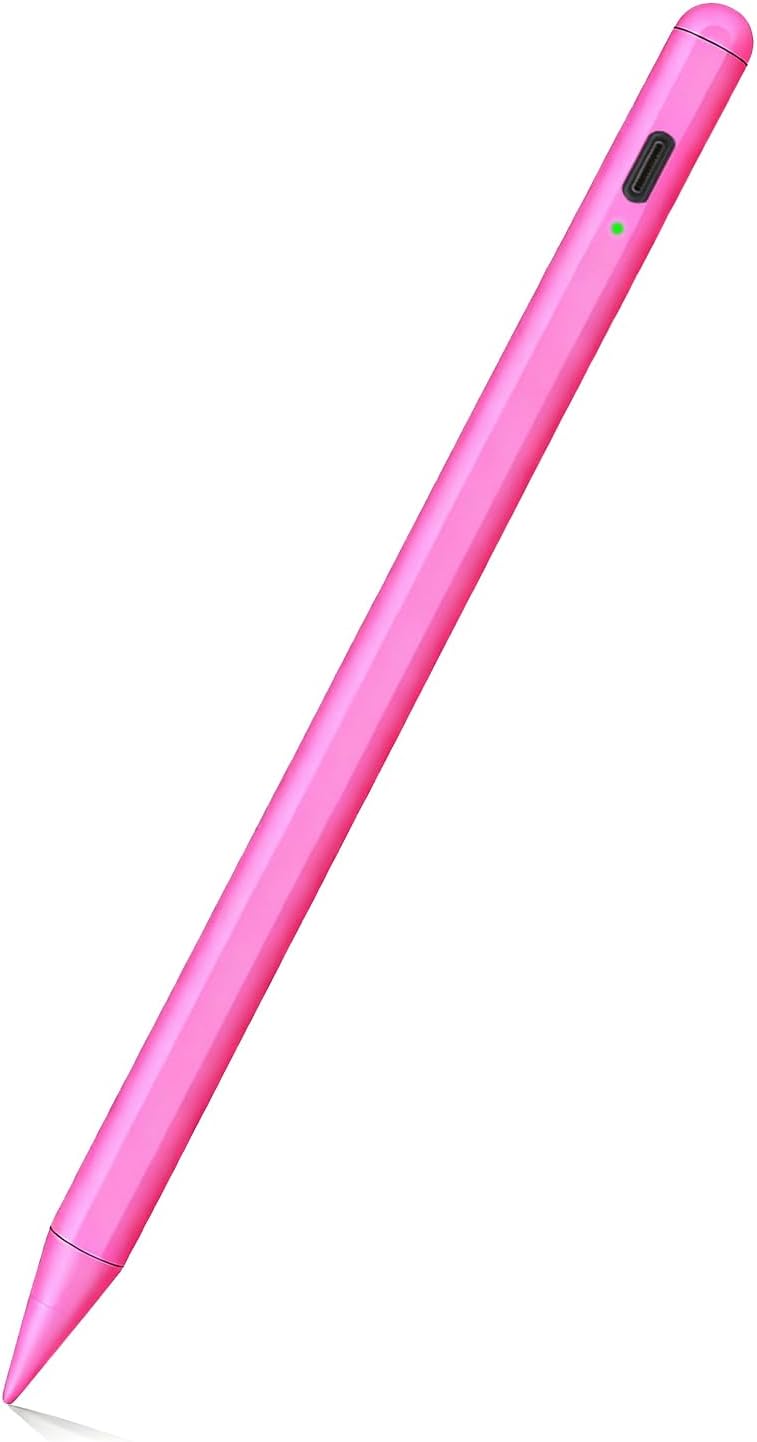
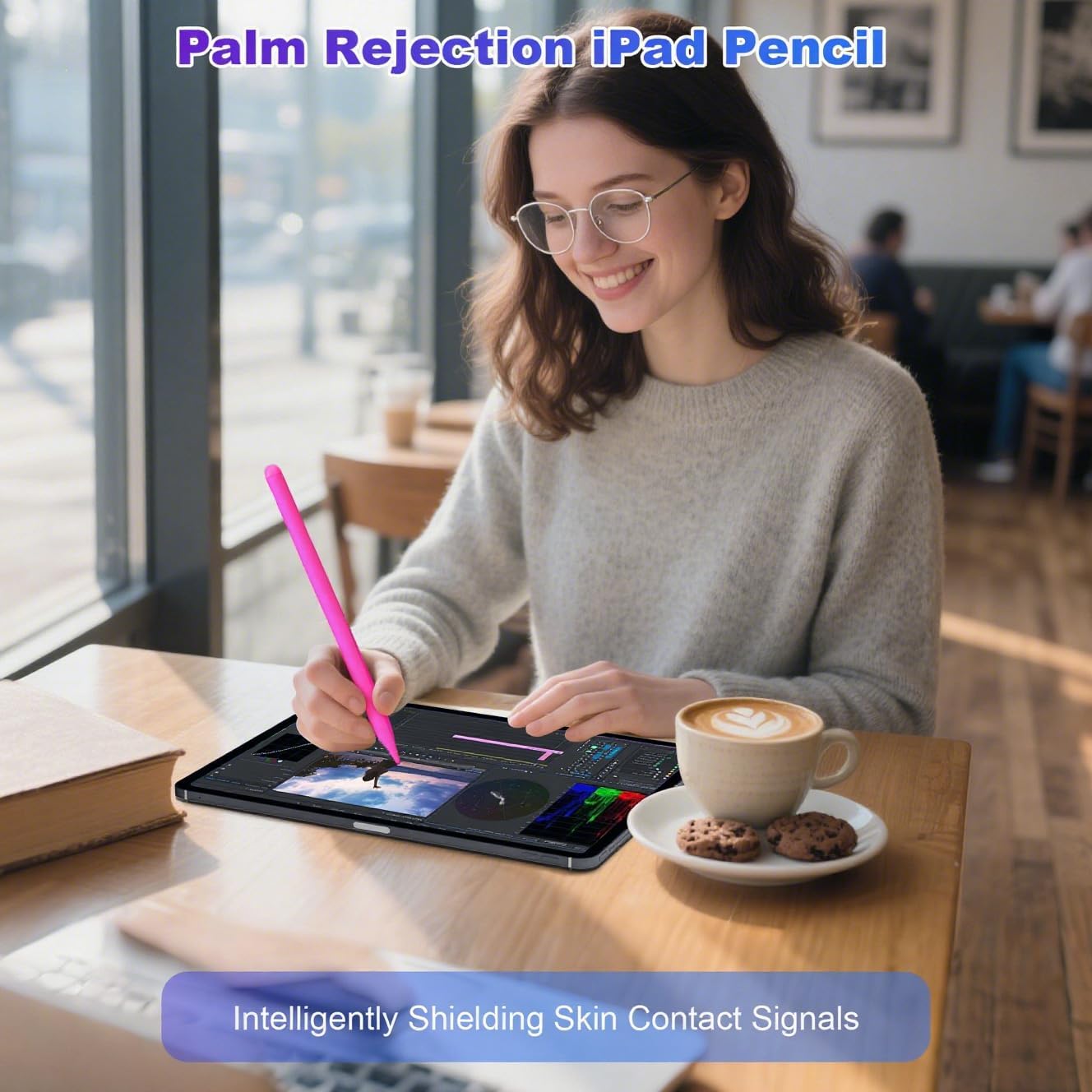
This stylus pen for iPad focuses on comfort and control. With palm rejection support, you can rest your hand on the screen while you write, which helps reduce accidental marks during long sessions. For creators and students, that means fewer interruptions when you switch between quick notes and more detailed sketches.
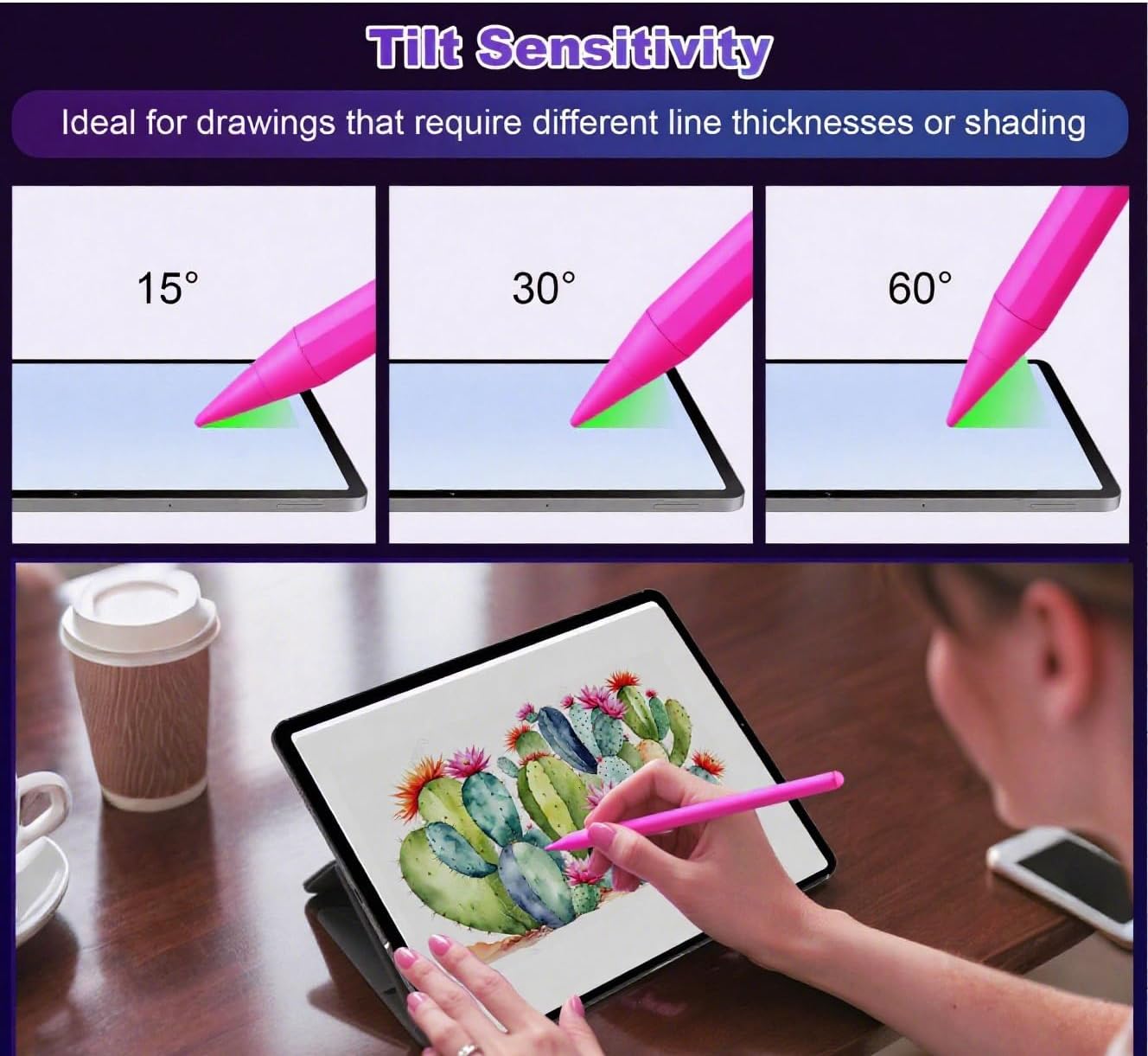
The pen also emphasizes line control through tilt sensing. When you change the angle of your hand, it can dynamically adjust line thickness and opacity in real-time apps. That makes it easier to produce expressive strokes and shading effects without having to stop and manually adjust settings.
Charging and power management are designed to keep you moving. The pen only needs 20 to 25 minutes to fully charge and can run for up to 8 hours continuously, according to the product description. It also enters sleep mode after five minutes of inactivity, and you can wake it by touching the top of the pen. 🔋
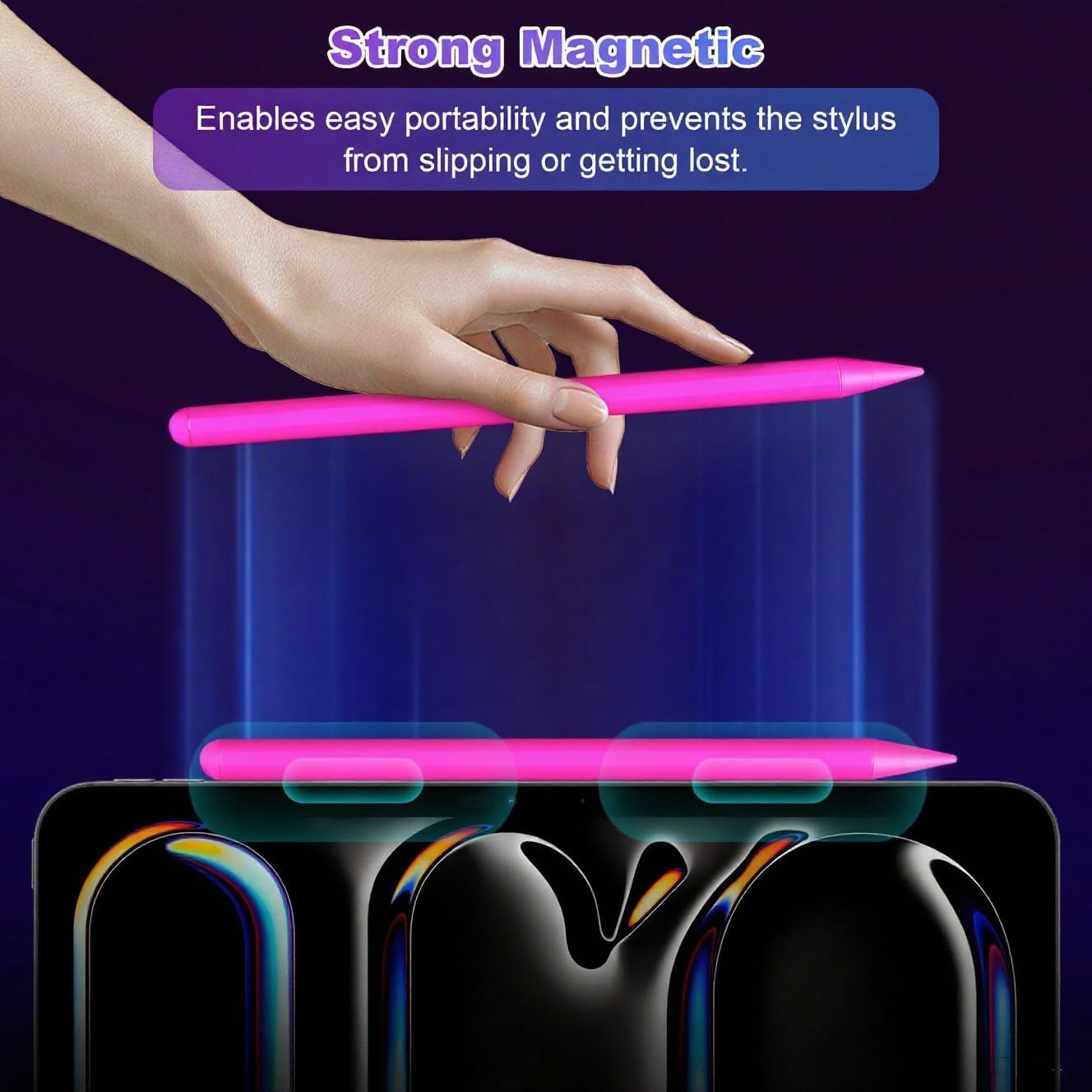
One more practical win is portability. The built-in magnet helps the stylus stay attached more securely, so it’s easier to carry with your iPad and less likely to slip or get lost in a bag. 🧲
Tech specs
- Palm rejection: supports resting your palm on the screen while writing
- Tip size: 1.5 mm
- Tilt sensing: detects angular shifts up to 60 degrees
- Charge time: 20 to 25 minutes for a full charge
- Continuous use: up to 8 hours continuously
- Auto sleep: enters sleep mode after five minutes of inactivity
- Wake method: touch the top of the pen to wake
What to know
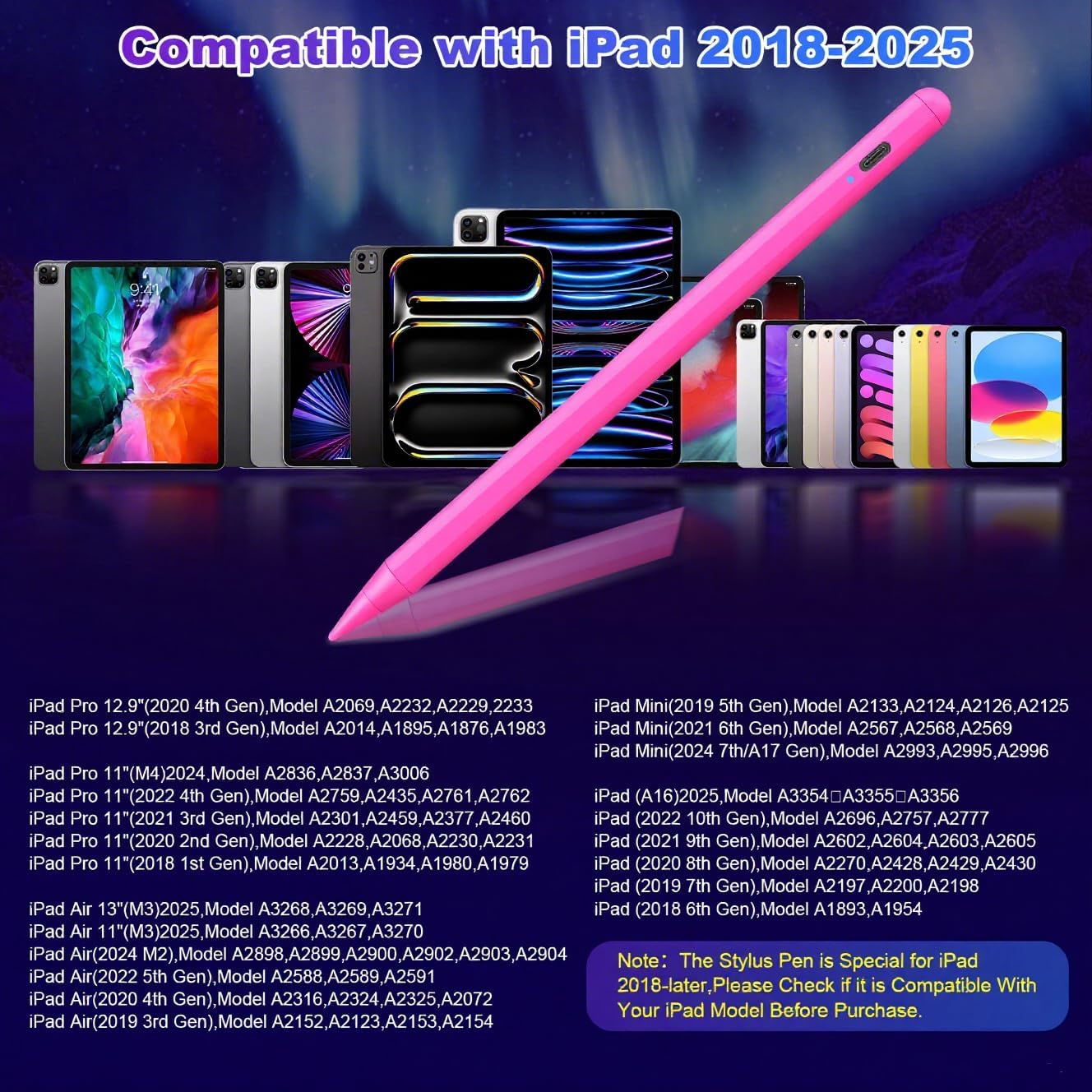
Compatibility matters with iPad stylus pens, and this one is limited to iPads released in 2018 or later. The provided compatible models include iPad 11th, 10th, 9th, 8th, 7th, and 6th Gen, as well as iPad Pro 11 inch and 12.9 inch configurations including M4, M2, and earlier listed versions. It also lists iPad Air 3rd, 4th, 5th, and M2 and M3 generations, plus iPad Mini A17, 6th, and 5th Gen. Before you order, check your iPad model under Settings, General, and About.
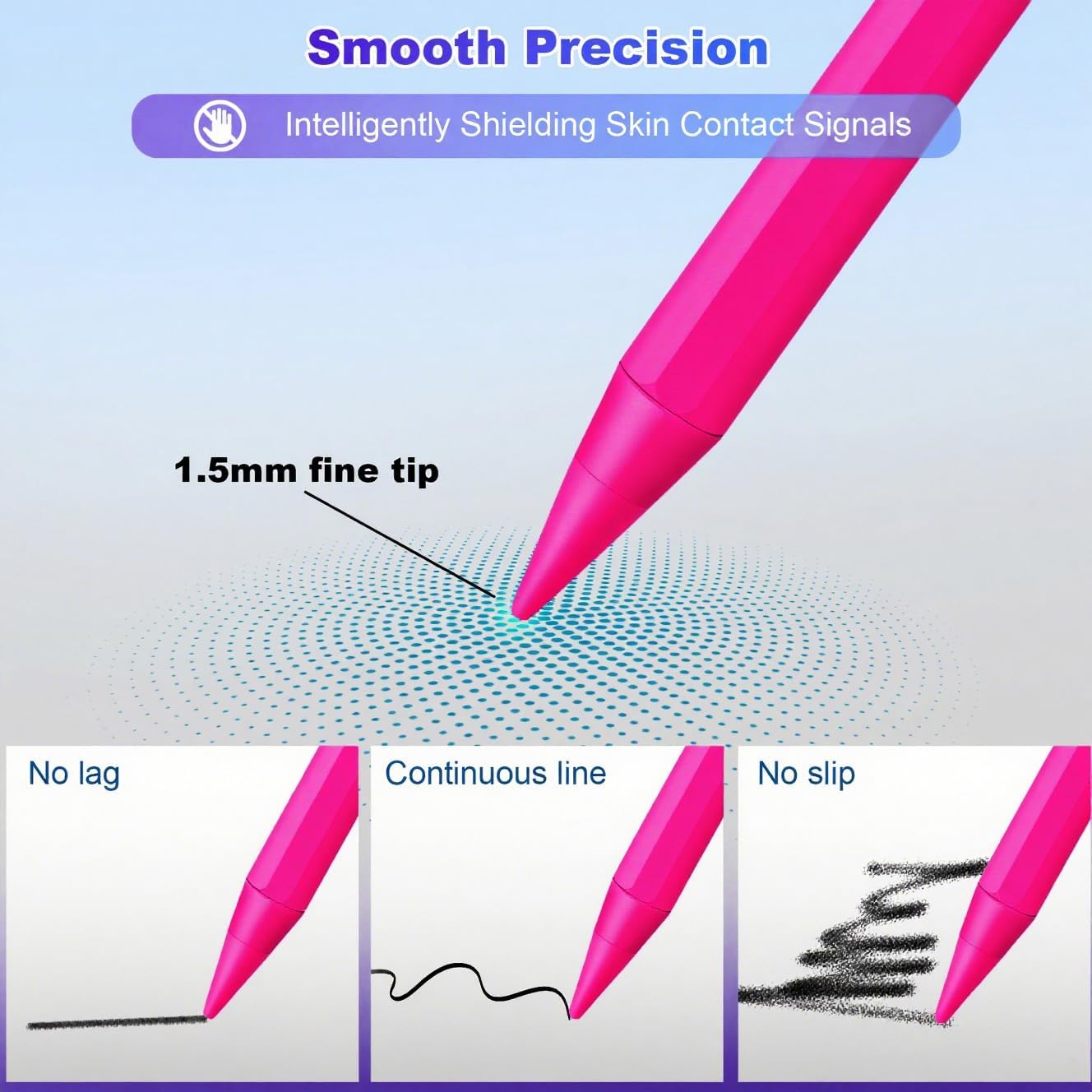
If you value smoother writing mechanics, the palm rejection function can be a meaningful improvement over pens that don’t handle hand contact well. The 1.5 mm tip is described as more sensitive than a passive stylus, which can help with finer details for drawing and note-taking. Since tilt sensing up to 60 degrees adjusts line thickness and opacity, it’s a good option if you often sketch and want more natural control over stroke character.
You’ll appreciate this pen if you want a pen that is ready quickly and won’t constantly drain your attention to battery reminders. Auto sleep after inactivity helps conserve power, and the wake gesture is simple. It’s also intended for a wide range of users, including artists, students, educators, business professionals, and everyday iPad users. 🙂
Usage tips
To get consistent results, start by using apps that respond well to tilt and pressure like drawing and annotation tools, then test a few angles of your wrist for your preferred line thickness. When you write, let your palm rest on the screen using the palm rejection support so you can focus on words and spacing rather than avoiding accidental touches. For sketching, try slow rotations to see how line opacity changes in real time, then gradually speed up as you get comfortable.
For daily routine, charge it when you have a short window of time, since the product description states a full charge can take 20 to 25 minutes. If you’re stepping away from your iPad, the pen will enter sleep after five minutes of inactivity, which can help preserve power for the next session. When you pick it back up, touch the top to wake it, then resume. If you want stronger portability, use the built-in magnet to keep it aligned with your iPad and reduce the chance of misplacing it.
In the box
The package contents listed for this stylus pen include 1 Type-C Cable and 1 User Manual.